
Mersive Connect
Share content wirelessly
Designed for iPhone, iPad, iPod touch
Free
- Age rating4+
- CategoryProductivity
- DeveloperMersive Technologies Inc.
- LanguagesEnglish
- Size35.0 MB
Links to the official App Store page
Download.org hosts no file of Mersive Connect. The button opens its official App Store page, published by Mersive Technologies Inc. Listing last checked on Nov 18, 2026.
Screenshots


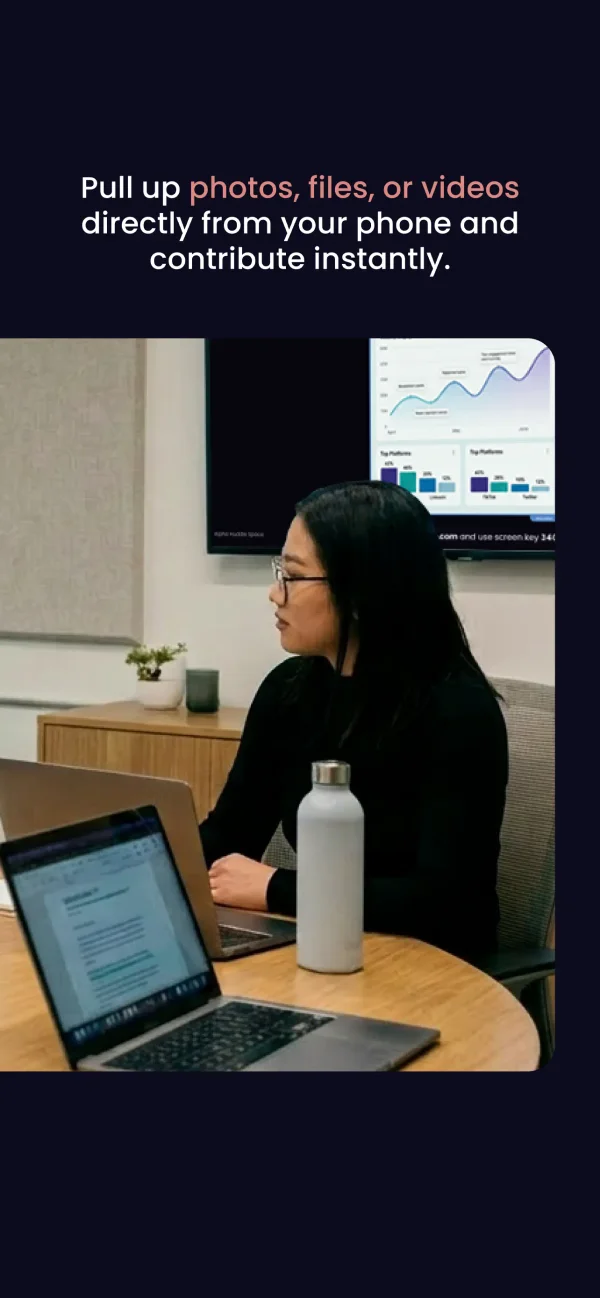

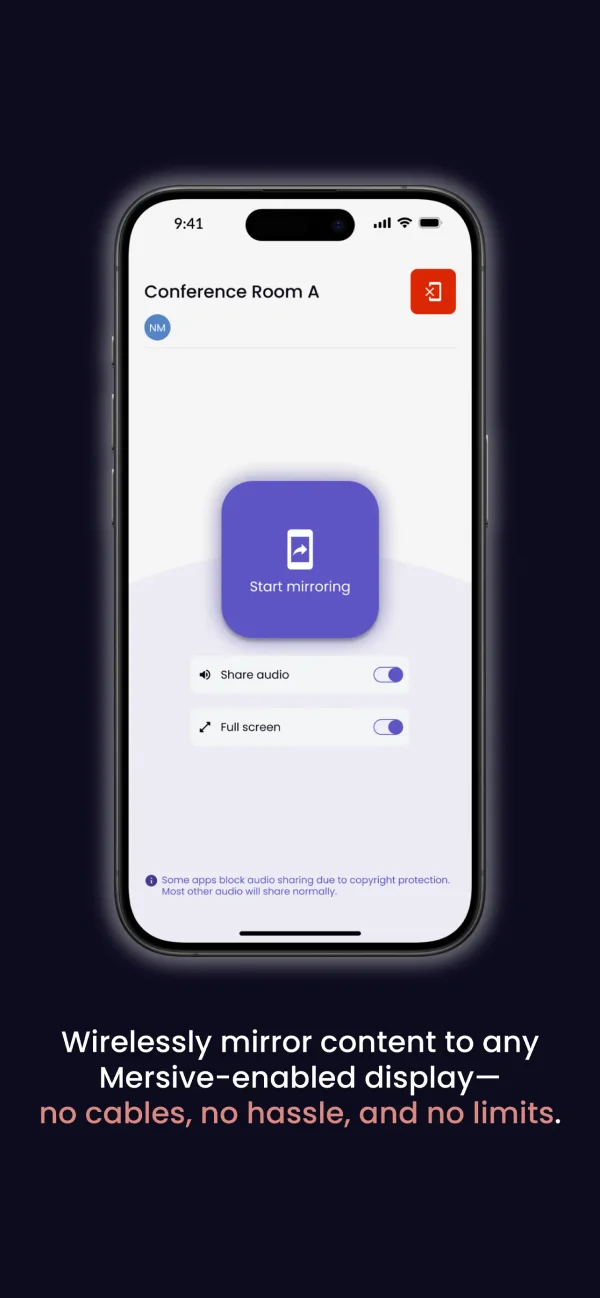
About
Mersive Connect: Wireless Screen Sharing
The Mersive Connect app enables wireless content sharing from your mobile device to a Mersive-enabled display.
Key Features:
- Multi-User Sharing: Allow multiple users to share content at the same time, fostering interactive and engaging collaboration.
- Secure Screen Sharing: Protect your data with encrypted connections and rotating screen keys.
- Ideal for SMB, Private practices, K-12 and Higher ed: Designed for various environments to enhance productivity and creativity.
Key Benefits:
- Effortless Collaboration: Mersive Connect makes screen sharing simple and effective with its intuitive interface and no cables or fiddling with the TV remote.
- Simply Secure: Mersive Connect provides robust security features, ensuring that your collaboration sessions are always safe and private. Our platform uses encrypted connections to protect your shared content from unauthorized access. With connection authentication through a rotating screen key, you can be confident that only authorized users—including guests—can share content. Designed to meet stringent security standards, Mersive Connect is suitable for sensitive environments like healthcare and education.
Why Choose Mersive Connect?
- Effortless Use: Quick, intuitive connection that everyone can follow.
- Secure Connectivity: Encrypted connections to ensure data privacy.
- Multi-User Sharing: Multiple users can share content simultaneously.
Download Mersive Connect for free and revolutionize your collaborative experience. Visit mersive.com to learn more about activating a Mersive-enabled display with Mersive Smart, Mersive Essentials, or Mersive Pro, and purchase the plan that’s right for you. The Mersive Connect mobile app cannot be leveraged with Mersive Solstice Pods. The Solstice Mirror mobile app can be downloaded and leveraged for Mersive Solstice-enabled displays.
Please Note: Mersive Connect is designed to complement Mersive-enabled spaces and a Mersive-enabled display is required. To learn more about enabling your spaces with Mersive technology, please visit www.mersive.com.
What’s new
Version 1.0.1 · Jul 8, 2026
Bug fixes and performance improvements
App privacy
What Mersive Technologies Inc. declares on the App Store about how this app handles data.
-
Data not linked to you
May be collected but is not linked to your identity.
- Location
- Contact info
- User content
Privacy practices may vary, for example with the features you use or your age.
Information
- Seller
- Mersive Technologies Inc.
- Category
- Productivity
- Version
- 1.0.1
- Updated
- Jul 8, 2026
- Released
- Jun 13, 2026
- Size
- 35.0 MB
- Requires
- iOS 15.1 or later
- Age rating
- 4+
- Price
- Free
- Languages
- English
- Copyright
- © 2013 - 2026 Mersive Technologies
You might also like
-
 Extron ControlProductivity
-
 Q-SYS UCI ViewerProductivity
-
 ShareLink ProProductivity
-
 Crestron AirMediaWireless Presentation
-
 ScrollGuard: Block ReelsHide feed, shorts, explore
-
 Pharos PrintProductivity
-
 Wepa PrintCloud Campus Printing Solution
-
 Meeting OwlHybrid Technology
-
 PaperCut Hive - Secure PrintSecure, easy, responsible
-
 OurHouseOrganization Management