
- Age rating4+
- CategoryEducation
- DeveloperChandarith Chea
- LanguagesEnglish
- Size85.5 MB
Links to the official App Store page
Download.org hosts no file of MES Mobile App. The button opens its official App Store page, published by Chandarith Chea. Listing last checked on Nov 13, 2026.
Screenshots


About
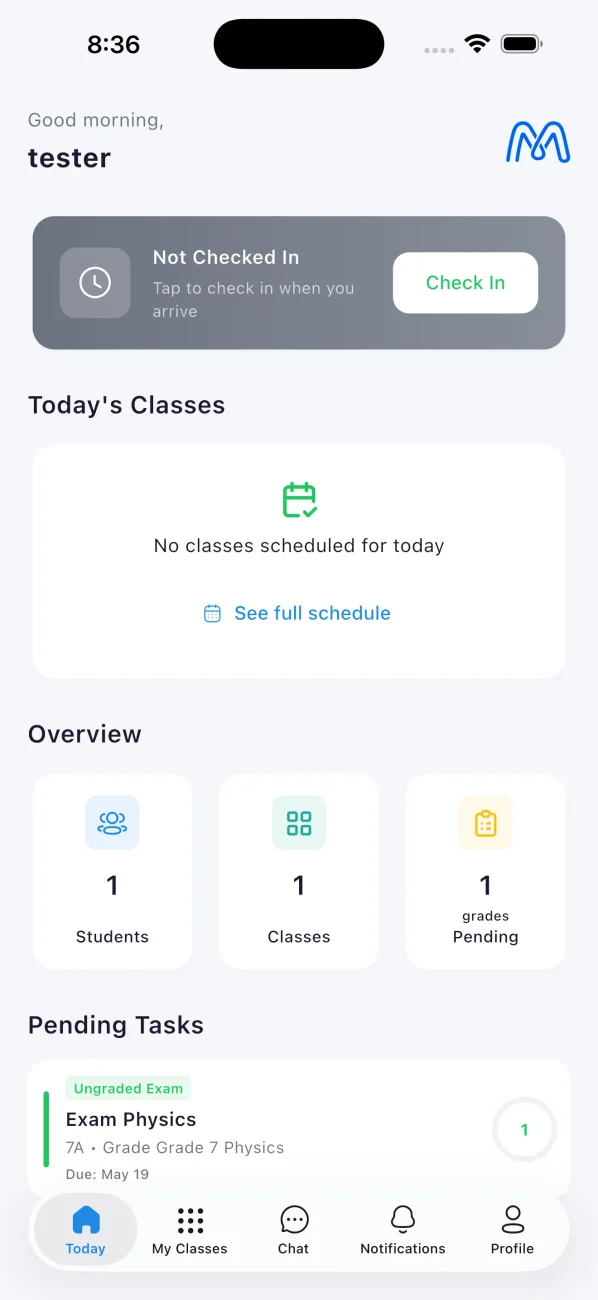
Modern Education System (MES) is a school management app designed for students, teachers, and parents.
FOR STUDENTS
• View your daily timetable and class schedule
• Check attendance records and scan QR codes for check-in
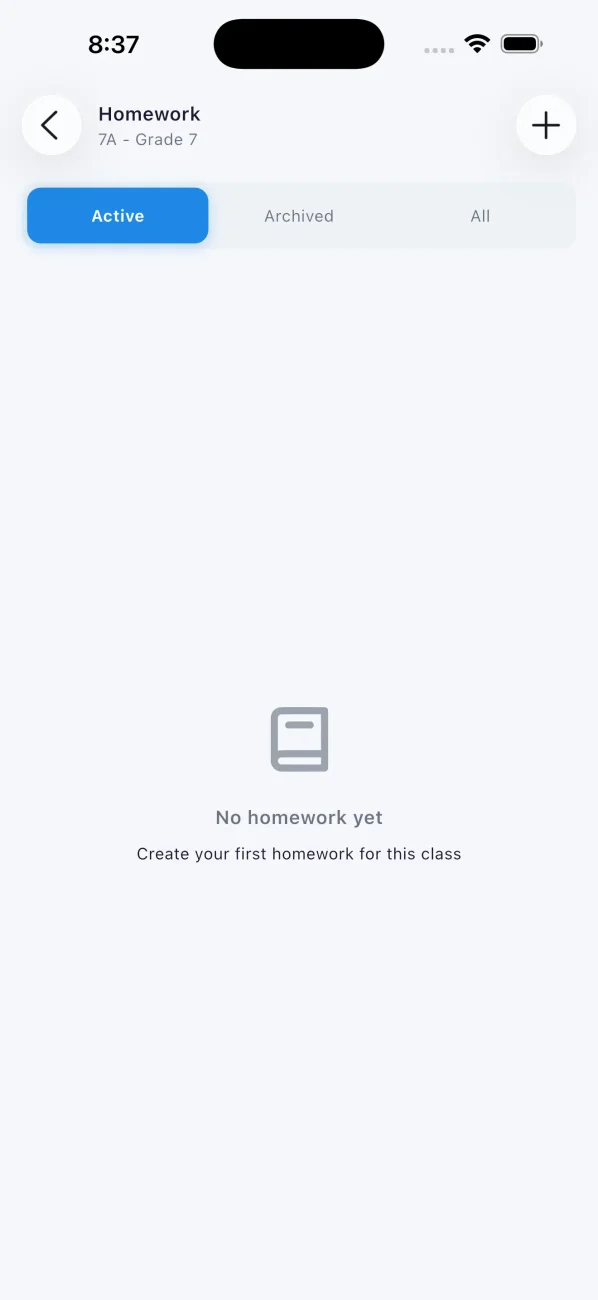
• Access homework assignments and submit completed work
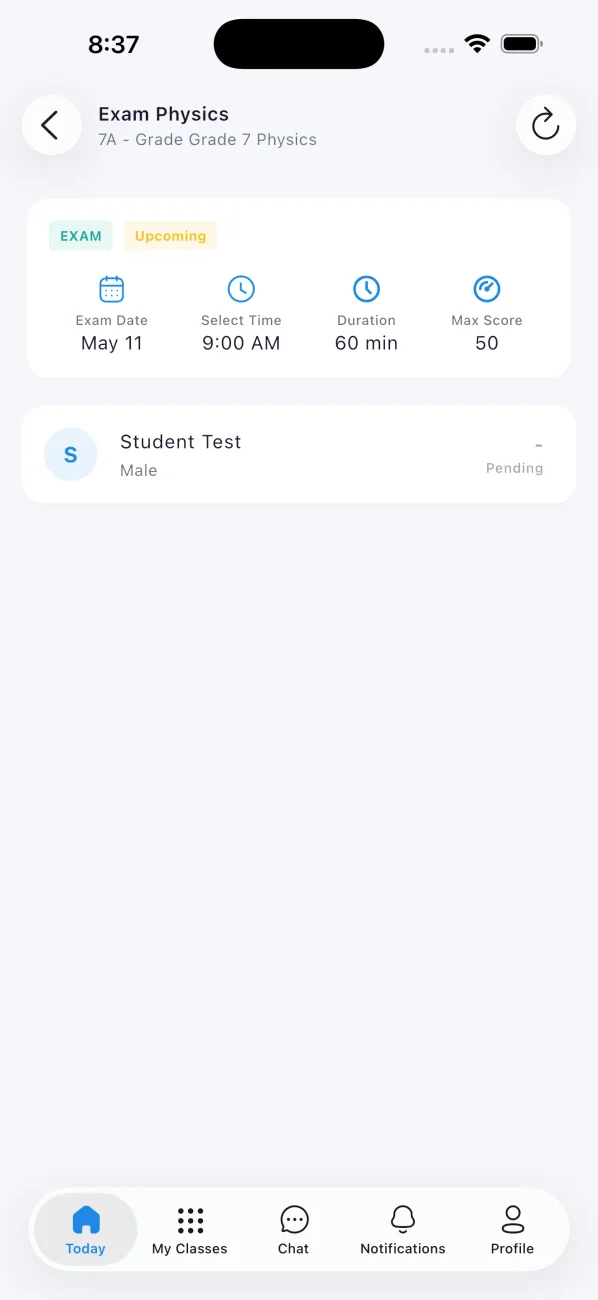
• View exam schedules and score results
FOR TEACHERS
• Mark student attendance with QR code generation
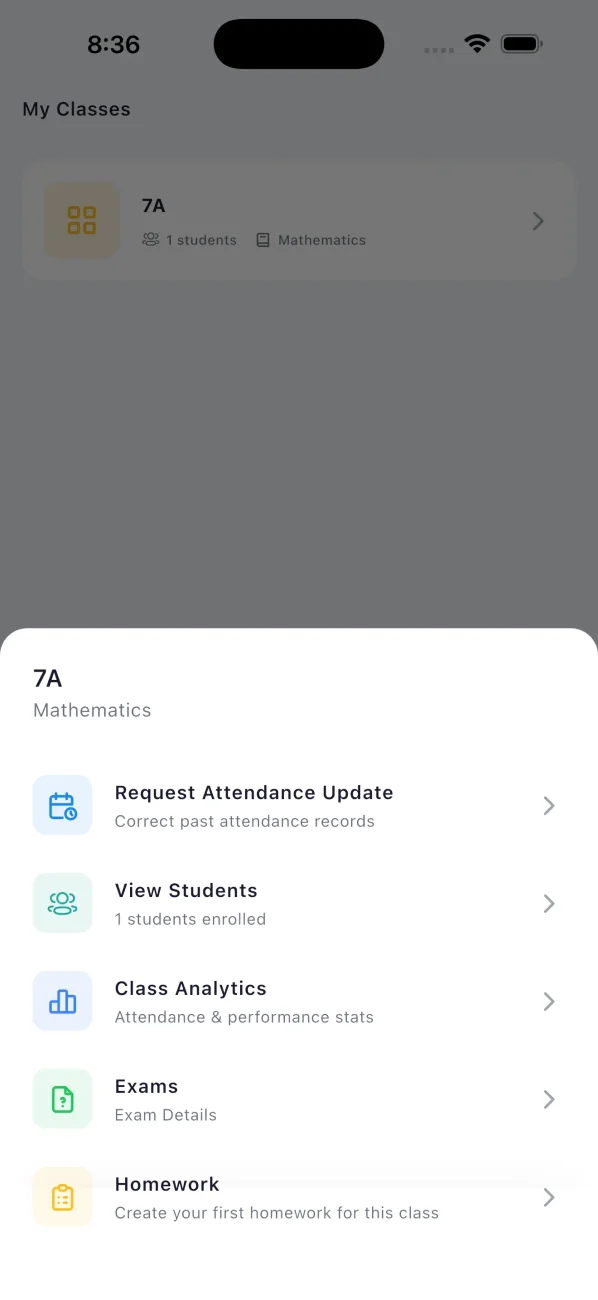
• Create and manage homework assignments and exams
• Enter and submit student grades
• View class analytics and student performance
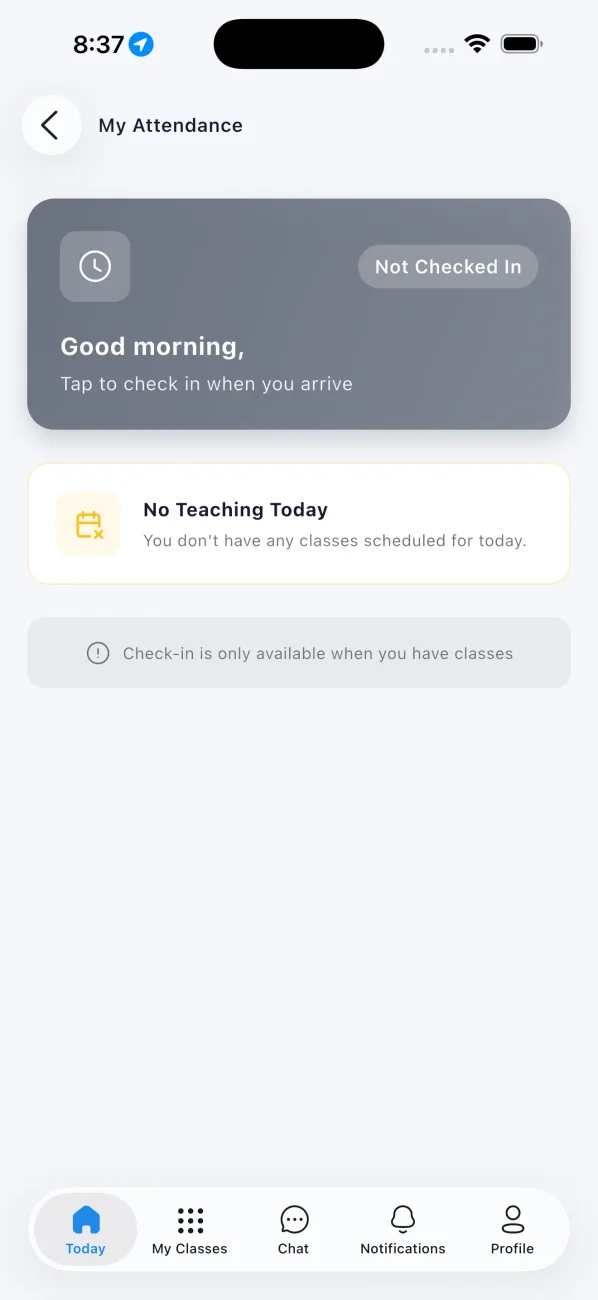
• Manage teacher check-in and availability
FOR PARENTS
• Monitor your child's attendance and homework
• View course details and academic progress
• Request permission and communicate with school staff
MES keeps everyone in your school community informed and connected, with real-time notifications and offline support.
What’s new
Version 26.11.1 · Nov 1, 2026
School services (new)
• Request school documents: enrollment letters, transcripts and certificates. Track each request, then view, save or share the PDF.
• Library: browse the catalog and see the books you have on loan.
• My equipment: see the school equipment assigned to you.
Safer student pickup
• Parents can show a live QR pickup pass from My Children in one tap.
• Teachers scan the pass to confirm the handover, with a photo and identity check.
For teachers
• Mark your preferred time windows when you submit availability.
• Student photos on class rosters and attendance.
• Attendance shows what is already marked, and you can filter to unmarked students.
• See all pending tasks on one screen.
• A new storage screen shows how much space you have used.
• A simpler profile update request screen that shows your pending changes.
For parents
• Redesigned My Children and transport service cards.
• Homework now lists only children with pending work.
Improvements
• New, clearer icons throughout the app.
• Single-choice options now open as bottom sheets.
Fixes
• Face ID and fingerprint login now work only for the account that set them up.
• Teachers now see only the exams for their own subject.
• Upcoming exam dates now show correctly.
• Empty reports no longer load forever.
• A child no longer appears twice on leave requests.
• The password eye icon now shows the correct state.
Some services depend on your school's plan.
App privacy
What Chandarith Chea declares on the App Store about how this app handles data.
-
Data linked to you
May be collected and linked to your identity.
- Location
- Contact info
- User content
- Identifiers
-
Data not linked to you
May be collected but is not linked to your identity.
- Identifiers
- Diagnostics
Privacy practices may vary, for example with the features you use or your age.
Information
- Seller
- Chandarith Chea
- Category
- Education
- Version
- 26.11.1
- Updated
- Nov 1, 2026
- Released
- Apr 30, 2026
- Size
- 85.5 MB
- Requires
- iOS 15.6 or later
- Age rating
- 4+
- Languages
- English
- Copyright
- © 2026 Tomnerb
You might also like
-
 Anklan PlusSmart Learning for Students
-
 Vocatee - Daily SpeakingEducation
-
 PAMA International SchoolPAMA School management System
-
 Khmer Physic 12Education
-
 Mangham Elementary SchoolEducation
-
 STTC TeacherEducation
-
 Bluewings StudentView attendance and diaries
-
 TTB Khmer: Bible TeachingKhmer Bible Teaching
-
 MES School QatarEducation
-
 AKDAEducation