
Message To Unknown Number
Quickly Message to Unsaved No.
Designed for iPhone, iPod touch
Free
- Age rating4+
- CategoryUtilities
- DeveloperShrishail Rana
- LanguagesEnglish
- Size17.8 MB
Links to the official App Store page
Download.org hosts no file of Message To Unknown Number. The button opens its official App Store page, published by Shrishail Rana. Listing last checked on Nov 15, 2026.
Screenshots

About
Compose & send messages to unknown and unsaved numbers on WhatsApp Messenger!
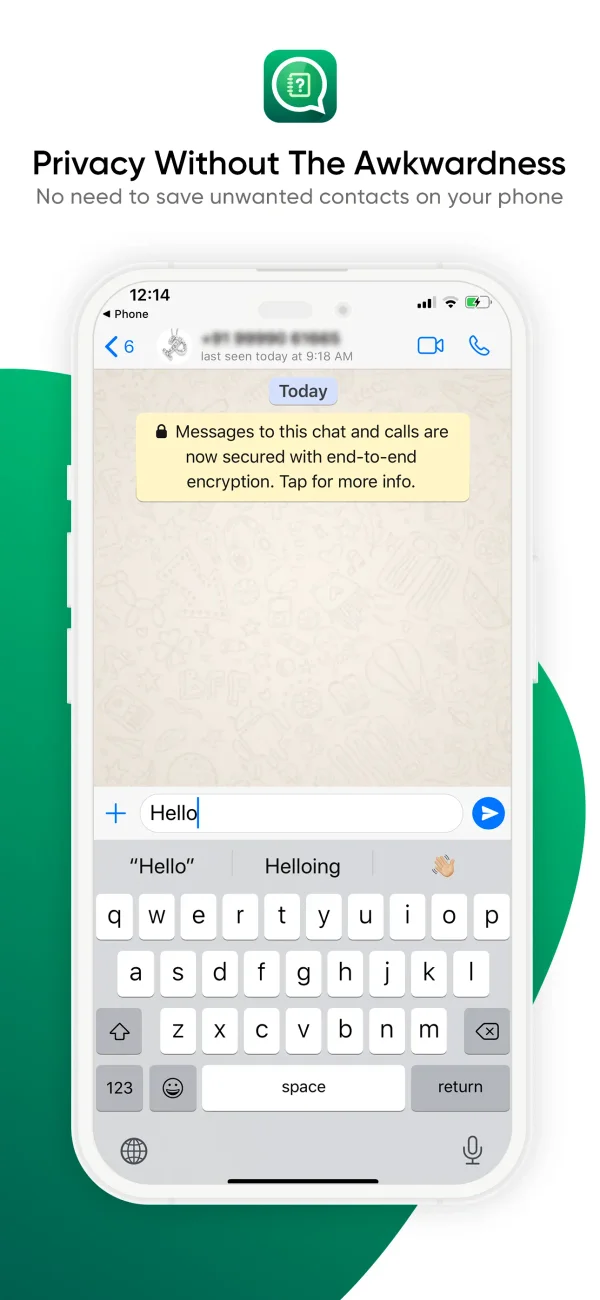
Message To Unknown Number App is a perfect app for users to initiate an instant conversation with
any random number, without saving their contact details in the Phonebook. Whether it is a local or
international number, users can get in touch with anyone globally with just a few taps. The iOS app
has a simple, user-friendly & intuitive interface that makes it effortless to use, even for those who
are not tech-savvy.
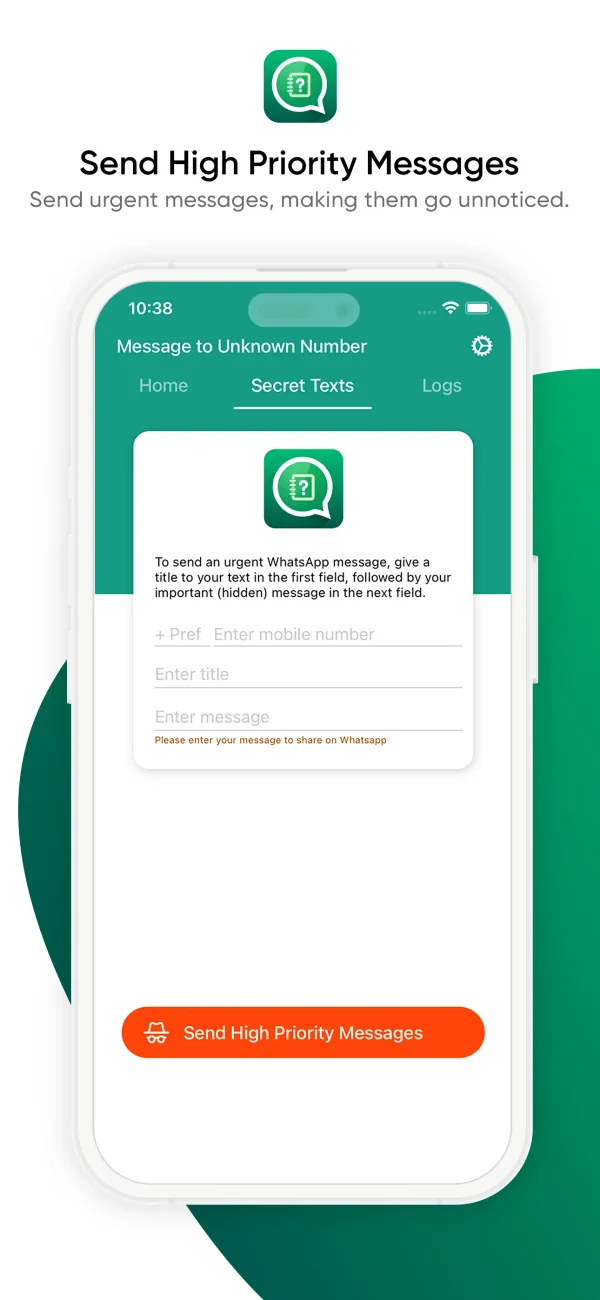
Not only this, the Message To Unknown Number application even allows users to send
urgent/secret/hidden texts to people, masked behind the “Read More” section, making it
unignorable for the recipient to read.
Let’s explore what the ‘Message To Unknown Number’ app has to offer:
● Interact with unsaved phone numbers safely & securely.
● Select the country code, enter the contact number, type a message & start chatting.
● Send high-priority messages, making them go unnoticed.
● Logs tab to check messages sent regularly & in an urgent way.
● Loaded with a tutorial to explain how the app works.
● Ensures your Phonebook is uncluttered & organized.
● Lightweight messaging app for WhatsApp users.
● Doesn’t affect battery life & performance.
● Keeps improving the compatibility with new iOS versions.
How To Use Message To Unknown Number App?
By following the steps below, you can use the app and start sending messages to random numbers:
STEP 1- Install and launch “Message To Unknown Number” on your iOS device.
STEP 2- Upon launch, you’ll see a quick tutorial showcasing how the app works. Skip it if you want!
STEP 3- To send a text to an unsaved number, select the country code & enter the phone number.
STEP 4- Type the message you wish to send & tap the “Send Message” button!
STEP 5- You’ll now be redirected to your favorite WhatsApp application.
This is how you can instantly send messages to an unknown number without saving their details in
your Phonebook. It’s a straightforward, intuitive, and ad-free application to use!
Message To Unknown Number gives a perfect opportunity to users to communicate with strangers
and later decide whether they want to save their phone number or not.
Disclaimer: The app is not related to or sponsored by WhatsApp
Your feedback matters and it helps us to serve you better. Write us at support@systweak.com
What’s new
Version 2.3 · Dec 20, 2023
Minor Fixes for a Better User Experience
App privacy
What Shrishail Rana declares on the App Store about how this app handles data.
-
Data not collected
The developer does not collect any data from this app.
Privacy practices may vary, for example with the features you use or your age.
Information
- Seller
- Shrishail Rana
- Category
- Utilities
- Version
- 2.3
- Updated
- Dec 20, 2023
- Released
- Jun 10, 2020
- Size
- 17.8 MB
- Requires
- iOS 10.0 or later
- Age rating
- 4+
- Price
- Free
- Languages
- English
- Copyright
- Copyright © Systweak Software, 1999-2023 All rights reserved.
You might also like
-
 TalkTT - Call/SMS/Numbers/eSIMPhone Numbers & eSIM Worldwide
-
 FreePhone.io: Temporary NumberTemporary Numbers to Get SMS.
-
 2ndphone-Private Calls & TextsUnlimited Private Phone Number
-
 Receive SMS PlusReceive SMS
-
 2nd Phone Number - Text&CallSecond Line, SMS Verification
-
 TPN - Temporary Phone NumberSMS receive online Temp number
-
 Textkiller - Spam Text BlockerBlock Unwanted Messages
-
 Second Phone Number 2nd TextPrivate 2nd line, texts, calls
-
 2Phon: Phone Call & TextingPrivate Line for Text & Calls
-
 Temp Number - SMS Second PhoneReceive SMS Online Virtual SIM