
Messay2
Eye-tracking communication app
Designed for iPhone, iPad, iPod touch
Free · In-app purchases
- Age rating4+
- CategoryUtilities
- DeveloperNDK dev
- LanguagesEnglish+ 1 more
- Size182.1 MB
Links to the official App Store page
Download.org hosts no file of Messay2. The button opens its official App Store page, published by NDK dev. Listing last checked on Nov 22, 2026.
Screenshots




About
Messay2 is an AAC (augmentative and alternative communication) app that allows you to communicate using your eyes. It is the second-generation, upgraded version of the original Messay app.
Designed for individuals who have difficulty operating a smartphone with their fingers due to conditions such as ALS (Amyotrophic Lateral Sclerosis), Muscular Dystrophy, or MND (Motor Neuron Disease). By simply moving your eyes and face, you can operate the app and have your intended messages read aloud to others.
Our goal is to make daily communication smoother and richer, even from the comfort of your bed.
■ 2 Communication Features
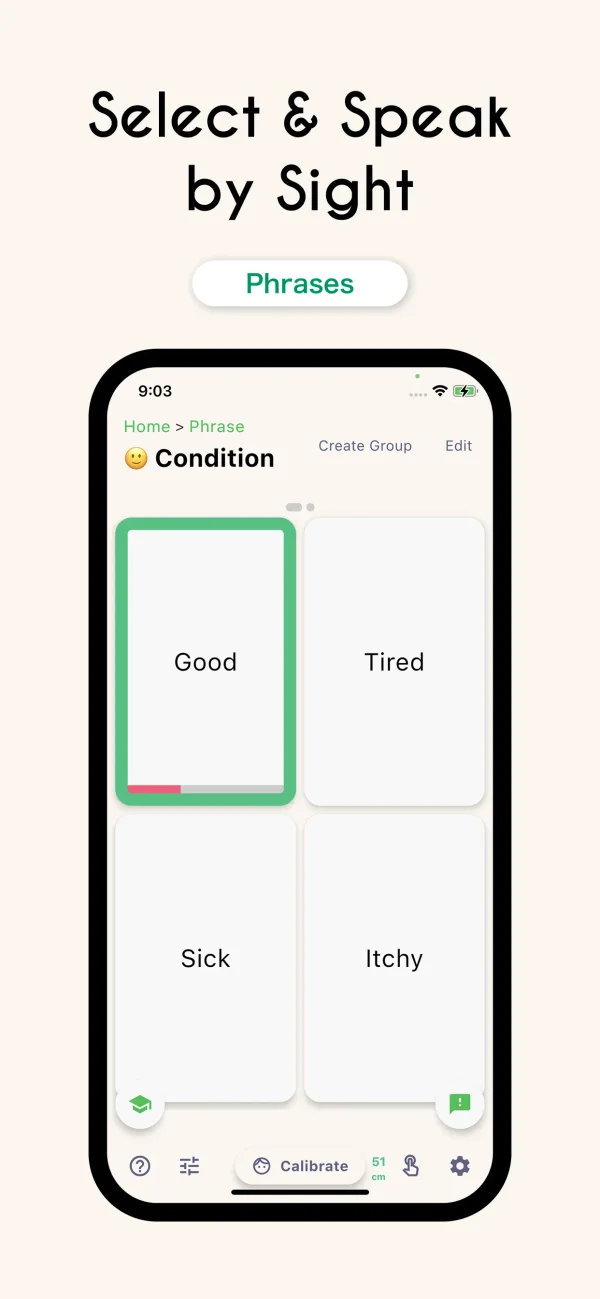
Phrases function:
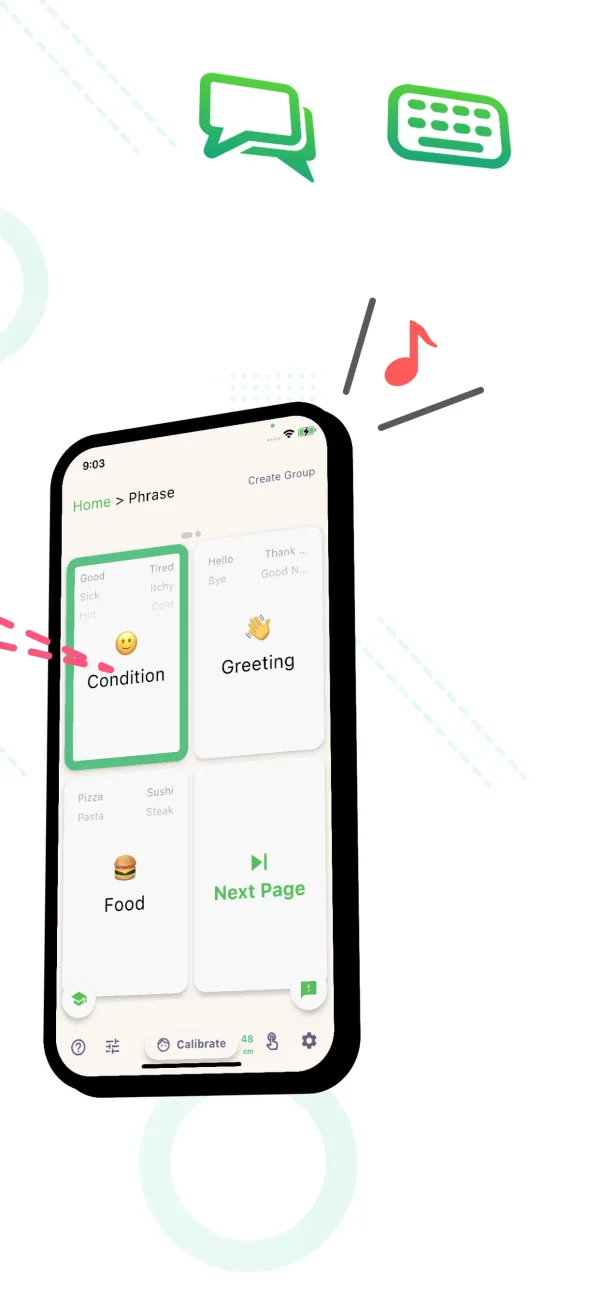
Pre-register frequently used messages like "Thank you" or "I'm hot." Simply select a card using eye or facial movements, and your smartphone will read it aloud for you.
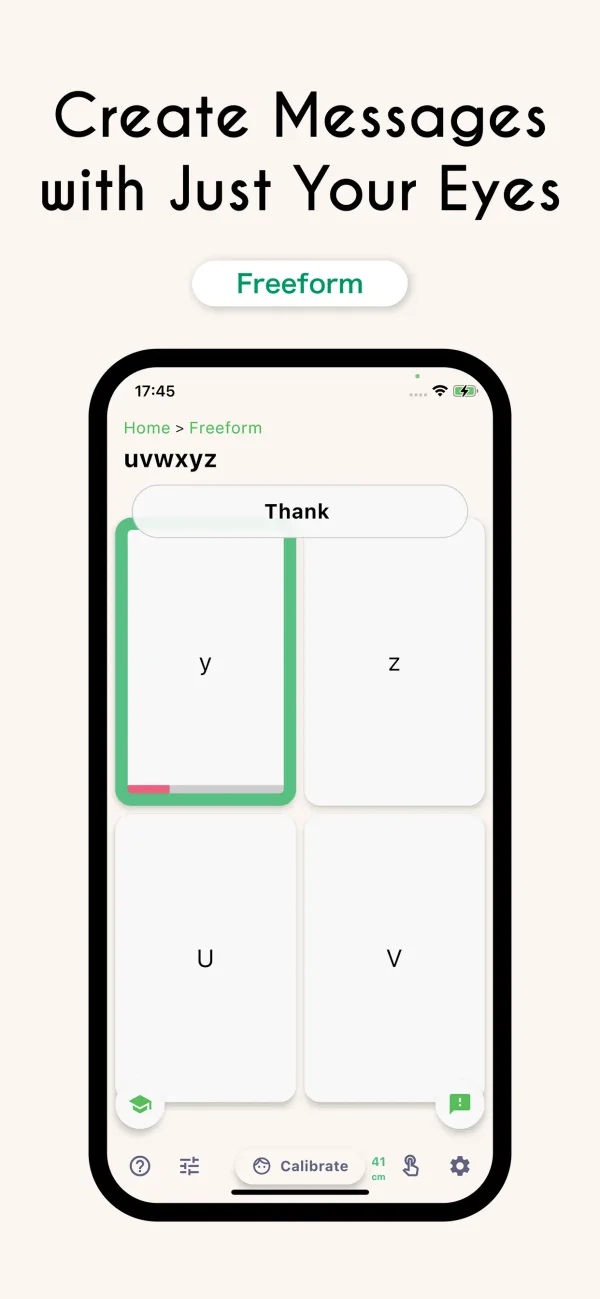
Freeform function (Experimental):
A feature that allows you to freely create and read aloud any sentence by selecting letters one by one from an on-screen keyboard.
■ Flexible Operation Methods Tailored to You
You can combine the most comfortable operation methods to suit your physical condition on any given day.
Cursor Movement:
Choose between moving the cursor with your "Gaze" or using "Auto-scan" (Time Movement), where the cursor moves automatically at set intervals.
Click Action:
Set your selection button to an action you can perform comfortably, choosing from three options: "Blink," "Stare (Dwell)," or "Look sideways."
Switch Control:
In addition to eye movements, the app supports operation via external keyboards, game controllers, and commercially available AAC switches.
■ Useful Features to Support Daily Life
Easy Calibration:
Easily readjust the degree of eye opening and the reference point for eye tracking at any time.
Call Bell feature:
Add a "Call Bell" card to your Phrases. When selected, it plays music instead of reading text, allowing you to call family members or caregivers in another room.
Sleep feature:
Dims the screen and stops responding to all but specific actions. This prevents accidental operation and is perfect for when you are resting.
Selectable Voice Output:
Choose your preferred voice from the synthesized voices built into your smartphone.
■ Pricing Plans and Free Trial
When you start using the app, a "7-Day Free Trial" automatically begins, allowing you to try all features, including unlimited text-to-speech.
These "7 days" are counted based on the days you actually launch the app. If you don't use the app every day, the days won't decrease, allowing you to try it out at your own pace and according to your physical condition.
Free Plan:
After the free trial ends (on the 8th day of launching the app), you will automatically be transitioned to the Free Plan (you will not be automatically charged). You can use the text-to-speech feature up to 5 times a day.
Premium Plan ($12.99/month or $129.00/year):
Enjoy "unlimited" text-to-speech usage.
Cloud backup for your registered Phrase data. Gives you peace of mind when changing devices or in case of device failure.
"Early Access" to try out upcoming new features, such as the Freeform feature, before anyone else.
■ Disclaimer
This app is designed to support daily communication and is not a medical device.
We cannot guarantee its complete reliability as a substitute for an emergency nurse call or for critical, life-threatening communication.
The accuracy of eye and face tracking using the camera may vary depending on your device's performance and environmental lighting (such as room lights or sunlight). Thank you for your understanding.
■ Supported Environment
iOS15 or later
■ Support & Contact
If you have any questions about how to set up the app, feature requests, or notice anything, please feel free to contact us.
Contact Page: https://messay.ndk-group.co.jp/en/feedback/
Email: support@messay.ndk-group.co.jp
What’s new
Version 1.7.0 · Nov 16, 2026
- Introducing a new guided tutorial for caregivers and patients, featuring click mode selection, camera calibration, and practice activities. Available anytime in Settings.
- Improved word prediction in English, French, Spanish, Russian, Portuguese, and Hindi.
- Improved symbols page UI/UX.
- Face calibration now persists across app sessions.
- Fixed incorrect "Switch detected" messages on some Xiaomi devices.
App privacy
What NDK dev declares on the App Store about how this app handles data.
-
Data used to track you
May be used to track you across apps and websites owned by other companies.
- Identifiers
- Usage data
- Diagnostics
-
Data linked to you
May be collected and linked to your identity.
- Identifiers
- Usage data
- Diagnostics
- Body
- Other data
-
Data not linked to you
May be collected but is not linked to your identity.
- Usage data
Privacy practices may vary, for example with the features you use or your age.
Information
- Seller
- NISSHIN DENKI KOSAKU K.K.
- Category
- Utilities
- Version
- 1.7.0
- Updated
- Nov 16, 2026
- Released
- Mar 26, 2026
- Size
- 182.1 MB
- Requires
- iOS 15.0 or later
- Age rating
- 4+
- Price
- Free
- In-app purchases
- Yes
- Languages
- English, Japanese
- Copyright
- © 2026 Nissin Denki Kohsaku Co., Ltd.
You might also like
-
 Talking EyeUtilities
-
 Eye Say - Eyes speak for youUtilities
-
 Yubidenwa Board 2Simple Whiteboard
-
 BlinkTalkerTalking by blinking
-
 話想Utilities
-
 こえサポート:AI合成音声で会話をサポートUtilities
-
 Skyle XSkyle eyetracker utility app
-
 Line of sight DetectionUtilities
-
 eyetuitiveCompanion app for eyetuitive
-
 yottey(ヨッティ):日めくりカレンダーUtilities