
Method - AI Prompt Manager
Save & reuse your AI prompts
Designed for iPhone, Mac
Free · In-app purchases
- Age rating4+
- CategoryProductivity
- DeveloperYuji Ishibashi
- LanguagesEnglish+ 43 more
- Size71.7 MB
Links to the official App Store page
Download.org hosts no file of Method - AI Prompt Manager. The button opens its official App Store page, published by Yuji Ishibashi. Listing last checked on Nov 23, 2026.
Screenshots
About
Do you find yourself making up AI prompts on the spot every single time?
Method is a native iOS prompt manager designed to help you organize prompts used in Generative AI into structured assets and maximize their potential. Now that AI has become an everyday tool, it's no exaggeration to say that the quality and management of your prompts directly impact your daily productivity. Rather than a simple notepad, Method delivers an IDE-like (Integrated Development Environment) experience engineered to accelerate your prompt engineering.
【What Method Resolves】
• Eliminates the wasted time of typing the same instructions over and over.
• Perfect for scenarios where you want to reuse a prompt but change just a small part (like targets or numbers).
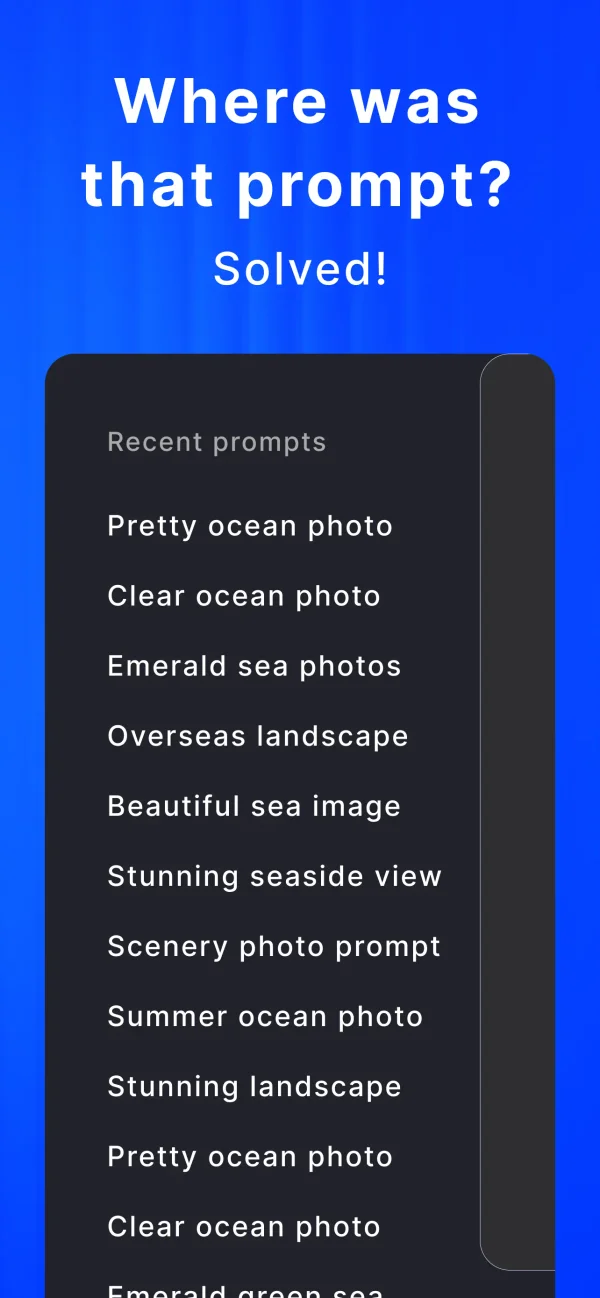
• No more digging through endless AI chat histories to find past prompts.
• Ideal for teams looking to share standardized, high-quality prompts.
【Key Use Cases】
Widely applicable across professional settings as well as personal life.
• Engineers: Template instructions for feature design, review requests, or test code generation.
• Writers: Centralize prompts for research, article drafting, and content proofreading.
• Marketers: Beautifully manage frameworks for ideation, strategy formulation, and data analysis.
• General Business: Access prompts for routine tasks—like meeting summaries, email replies, and translations—with just a single tap.
• Personal Use: Set up language learning roleplays, create travel itineraries, plan weekly meals, and more.
【Features】
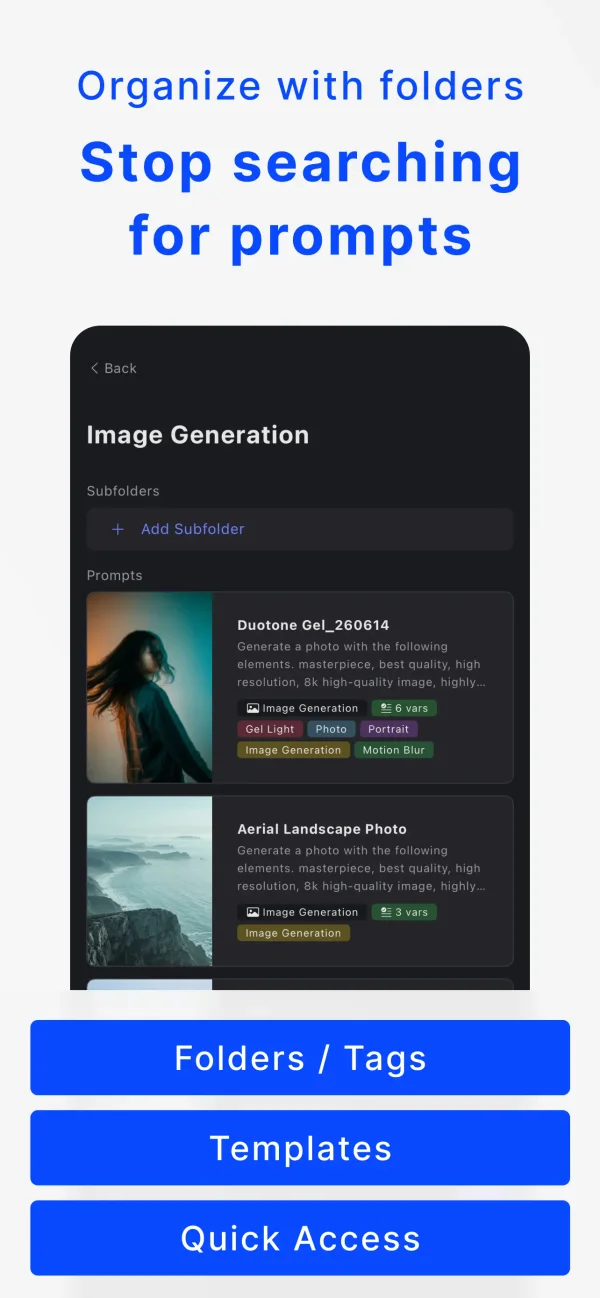
• Seamless Library Management: Flexibly organize your AI prompts using folders and tags.
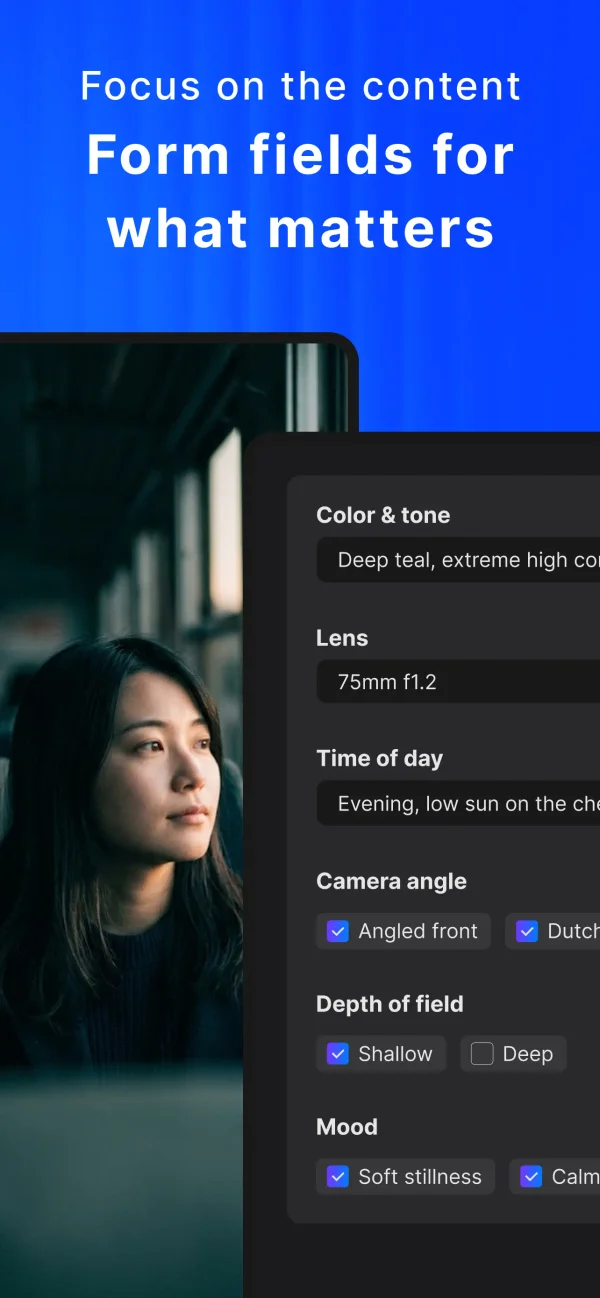
• Variables: Need to tweak a specific instruction per prompt? Use the variable feature to make portions of your prompt dynamic.
• Templates: Save prompts with multiple variables as templates. You won't have to rethink the required inputs every time—just pick from your options to complete the prompt.
• Image Attachments: Link reference images or output examples directly to your prompts for easy management.
• Version History: Automatically tracks edit history for each prompt. Since fine-tuning is key to great prompts, you can instantly revert to any past state.
• Prompt Gallery: Effortlessly replicate high-quality prompt templates available right out of the box.
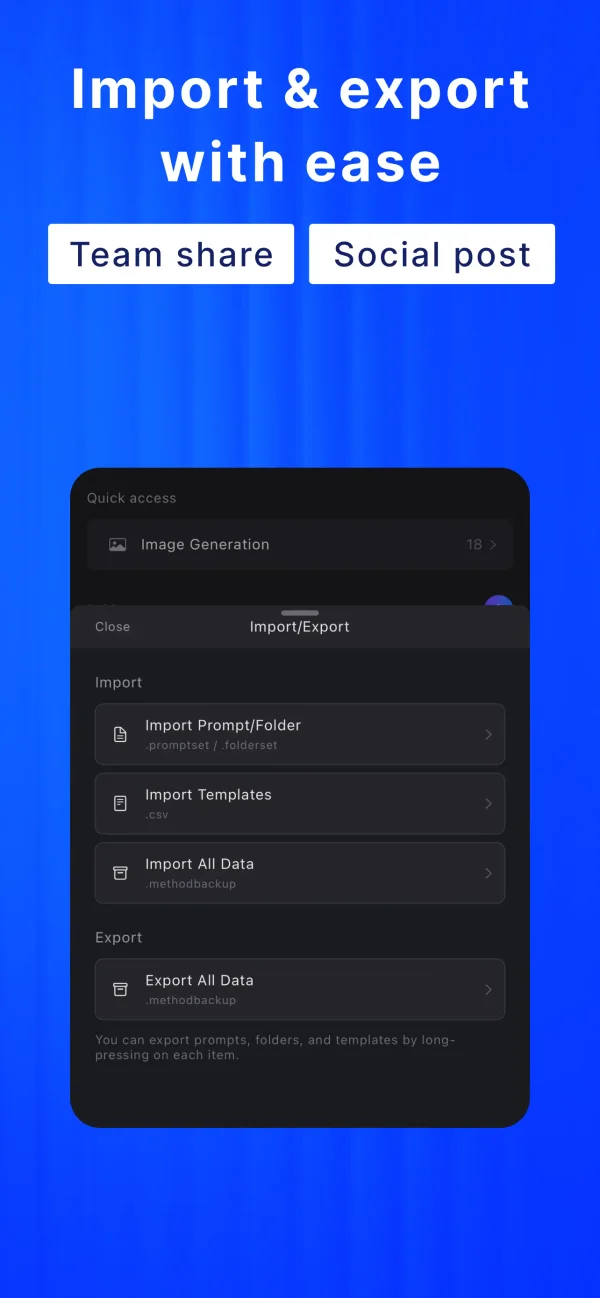
• Import/Export: Export your created "Methods" (prompt sets) as JSON files. Share them with team members to level up your entire organization's AI utilization.
• Instant Search: Quickly find the exact prompt you need by title or content.
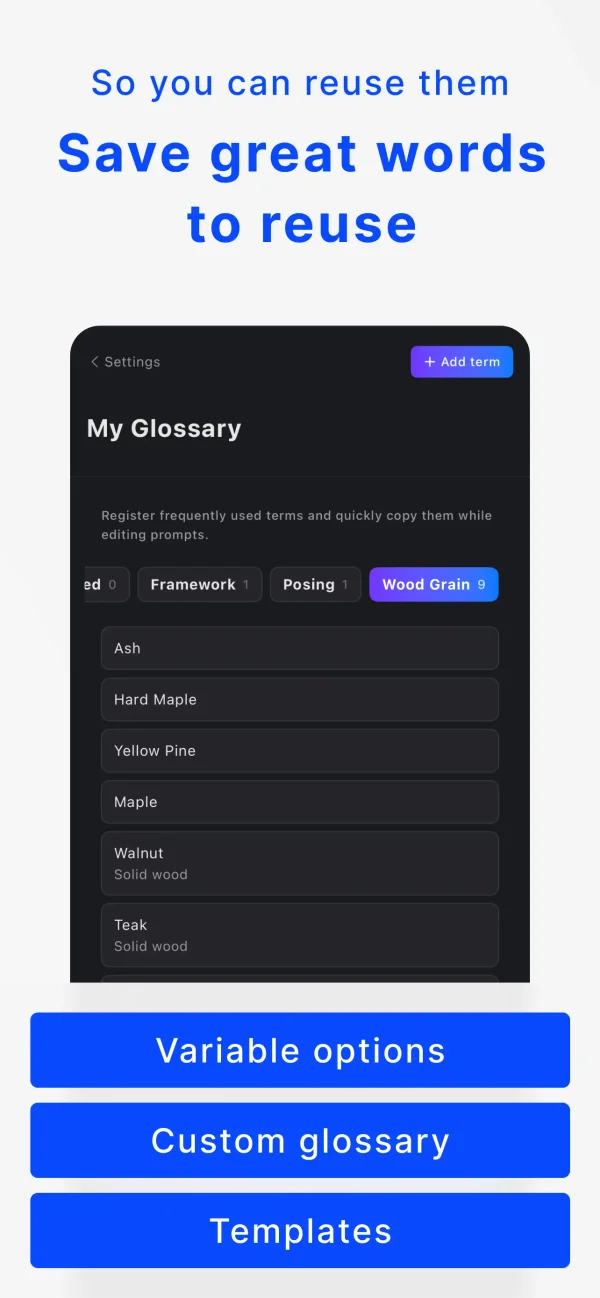
• My Glossary: Keep track of specialized terminology, technical jargon, or specific assets for image generation that are easily forgotten but crucial for prompt quality.
• Processes [Premium]: Register a set of prompts used in a specific workflow as a single "Process". Arrange them as steps and call them up in order to move through your workflow.
• Launcher (Favorite Prompts) [Mac Only]: Easily call up your most-used prompts via shortcut keys, even when the app is running in the background.
• iCloud Sync: Automatically sync your data across different devices using the same Apple account.
• Image Compression: Compress attached images to keep your export file sizes lightweight.
【Native Experience Optimized for iPhone / iPad】
• Intuitive Touch Controls: A mobile-optimized UI ensures a smooth workflow, from entering variables to copying the final prompt.
【Seamless Mac Integration】
Method is also available for macOS. By sharing your exported files, you can seamlessly transition from working on your Mac at your desk to your iPhone while on the go.
【Plans & Pricing】
Method is free to download.
• Free Plan: Create up to 20 prompts.
• Premium Plan: Unlimited prompt creation, full access to your entire version history, and the Processes feature.
Transform your AI interactions from "fleeting thoughts" into "reproducible methods" with Method.
Terms of Service: https://method.u-i-apps.com/terms-of-service.html
What’s new
Version 1.97 · Nov 19, 2026
・The default input mode is now Standard mode.
・After the 14-day free trial, adding or editing prompts and templates requires a Premium subscription or watching an ad (smartphone only).
※Existing users keep the rules that applied when they signed up.
・Made other minor UI fixes.
App privacy
What Yuji Ishibashi declares on the App Store about how this app handles data.
-
Data used to track you
May be used to track you across apps and websites owned by other companies.
- Identifiers
-
Data linked to you
May be collected and linked to your identity.
- Identifiers
- Diagnostics
-
Data not linked to you
May be collected but is not linked to your identity.
- Purchases
- Location
- Usage data
- Diagnostics
Privacy practices may vary, for example with the features you use or your age.
Information
- Seller
- Yuji Ishibashi
- Category
- Productivity
- Version
- 1.97
- Updated
- Nov 19, 2026
- Released
- Nov 27, 2025
- Size
- 71.7 MB
- Requires
- iOS 18.4 or later
- Age rating
- 4+
- Price
- Free
- In-app purchases
- Yes
- Languages
- English, Arabic, Bengali, Catalan, Croatian, Czech, Danish, Dutch, Finnish, French, German, Greek + 32 more
- Copyright
- © @u&i apps
You might also like
-
 PromptCraft(プロンプトクラフト)Productivity
-
 PromptMemo – AIAI Prompt Manager & Library
-
 PromptBuilder: AI PromptsImage Generator & Photo Editor
-
 AIPromptNotemakes the prompt easier to use
-
 Stacky: Clipboard & SnippetsClipboard history & snippets
-
 Promta: Prompt Manager & VaultAI Prompt Library, GPT & More
-
 Textミキサー パパッと文書作成Productivity
-
 ProPoke - AI Prompt ManagerProductivity
-
 PromptropolisYour AI Prompt Library
-
 PrompileSave & Organize AI Prompts