MFA Authenticator ‒ Secure 2FA
2 Factor Auth: OTP & Verify
Designed for iPhone, iPod touch
Free · In-app purchases
- Age rating4+
- CategoryUtilities
- DeveloperUka Osim
- LanguagesEnglish
- Size17.1 MB
Links to the official App Store page
Download.org hosts no file of MFA Authenticator ‒ Secure 2FA. The button opens its official App Store page, published by Uka Osim. Listing last checked on Nov 12, 2026.
Screenshots

About
Introducing 2FA Authenticator: Auth Verify, the ultimate solution for managing all your online accounts' security with efficiency and ease! Our robust and user-friendly app enhances your digital life by adding an extra layer of protection to your accounts while minimizing the hassle of remembering complex passwords.
To get started, simply sign up for a 2FA-enabled account with a supported service or enable 2FA on an existing account. You will then receive a unique QR code, which you can scan with our Authenticator app to link your account and begin generating secure, temporary codes.
Key Features
One-Tap Authentication: Confirm or deny login requests with a single tap.
Multi-Factor Security: Strengthen account access by combining your password with your mobile device.
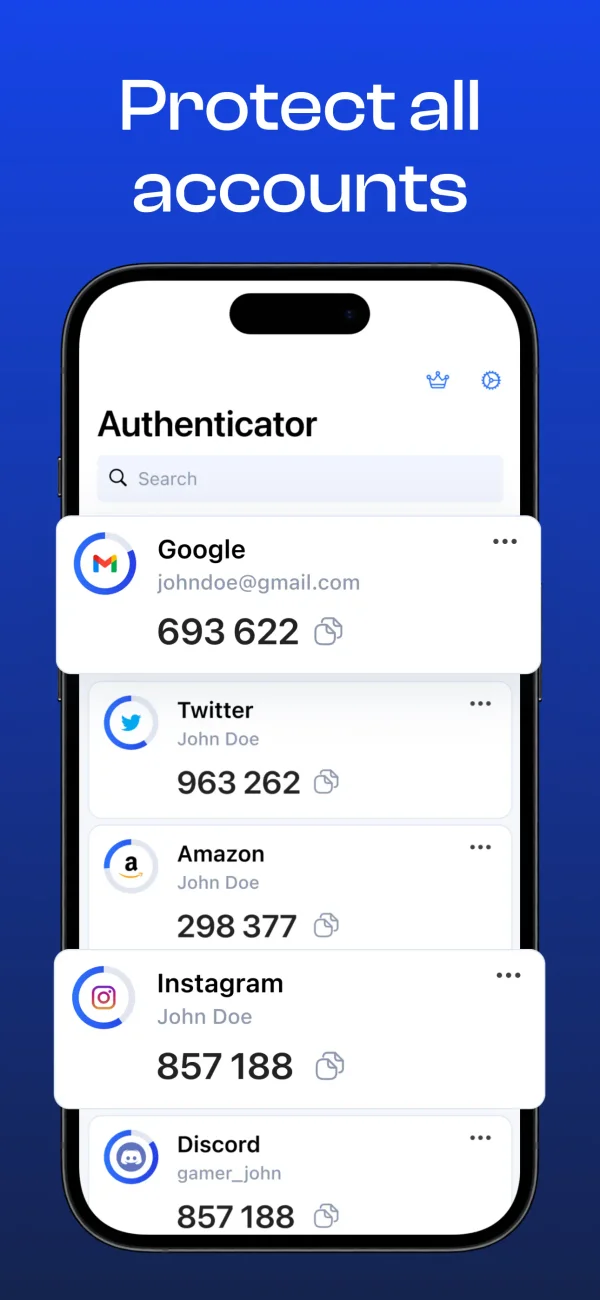
Time-Based One-Time Passwords (TOTP): Generate codes that refresh every 30 seconds for maximum protection.
Secure Backup & Recovery: Store your authentication keys safely with encrypted cloud storage.
Flexible Account Management: Add, edit, and organize accounts with custom names and icons.
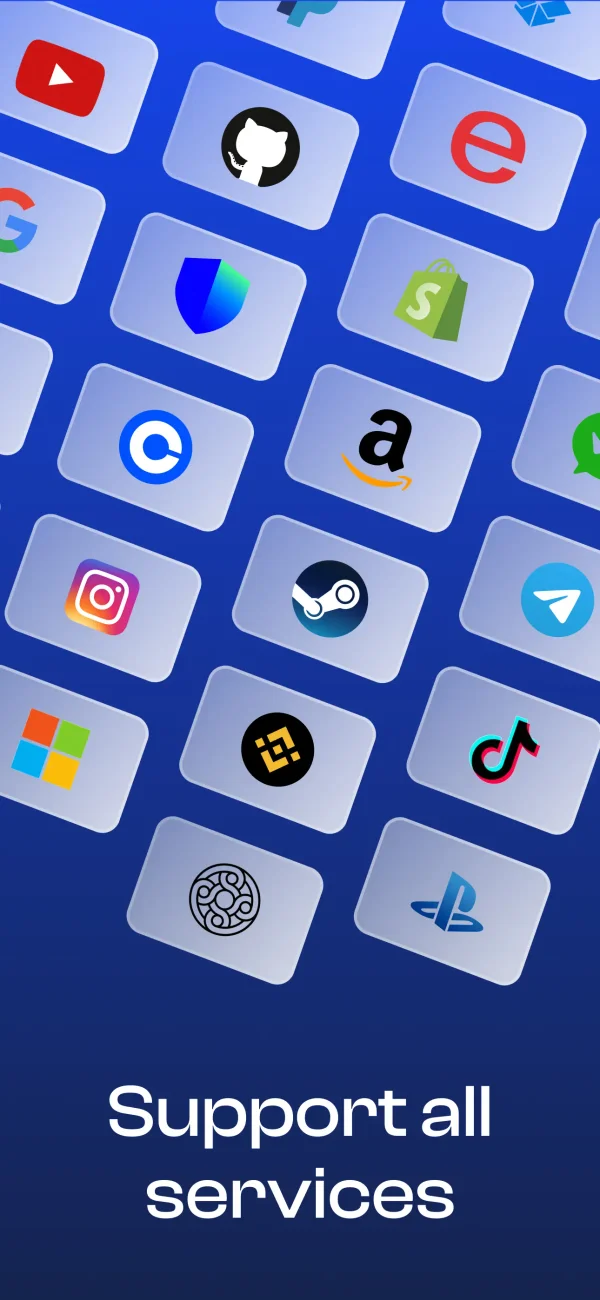
Cross-Platform Compatibility: Works seamlessly with services supporting standard 2FA protocols.
Proactive Security: Includes auto-lock, biometric authentication, and login notifications.
Stay ahead of online threats and enjoy seamless access to your accounts with SecureKey Authenticator! Boost your security and simplify your life with our convenient and reliable app.
Subscription Plans
SecureKey Authenticator offers flexible subscription options:
Weekly Plan – 1 week access with a 3-day free trial
Monthly Plan – 1 month access
Yearly Plan – 1 year access
Subscriptions automatically renew unless auto-renew is turned off at least 24 hours before the end of the current period. Payment will be charged to your iTunes account at confirmation of purchase.
Privacy Policy: https://4onstudios.com/privacy-policy/
Terms of Use: https://4onstudios.com/terms-of-service/
What’s new
Version 2.5.0 · Aug 6, 2026
iCloud sync for 2FA codes.
New sync status + last-sync details in Settings.
Stronger privacy/security for token storage.
App privacy
What Uka Osim declares on the App Store about how this app handles data.
-
Data not collected
The developer does not collect any data from this app.
Privacy practices may vary, for example with the features you use or your age.
Information
- Seller
- Uka Osim
- Category
- Utilities
- Version
- 2.5.0
- Updated
- Aug 6, 2026
- Released
- Apr 8, 2023
- Size
- 17.1 MB
- Requires
- iOS 14.0 or later
- Age rating
- 4+
- Price
- Free
- In-app purchases
- Yes
- Languages
- English
- Copyright
- © 4onstudios LTD
You might also like
-
 Authenticator: Secure 2FA AppMFA, TOTP Password Auth - 2FAs
-
 Copy my data - Easy TransferMove Contacts and Content Fast
-
 Find My: Air Headphone PhoneTracker bluetooth tag finder
-
 Meow FM - White Noiserelax sleep and focus
-
 Find Lost Pods - My TrackerDevice Finder: BLE air Scanner
-
 Measuring Tape RulerEasy Length Measure Tool
-
 MixNoise - Baby White NoiseSleep,Calm,Meditation,Focus
-
 NFC Read & ScanSmart RFID and Tag Writer
-
 Device Detector Tracking BugSecurity cam spy Hidden Camera
-
 Device Tracker - Bug DetectorHidden Camera security cam spy