Mic Test: Microphone Checker
Earbuds, headset & dB checker
Designed for iPhone, iPad
Free · In-app purchases
- Age rating4+
- CategoryUtilities
- DeveloperYunus Gunduz
- LanguagesEnglish+ 9 more
- Size7.0 MB
Links to the official App Store page
Download.org hosts no file of Mic Test: Microphone Checker. The button opens its official App Store page, published by Yunus Gunduz. Listing last checked on Nov 12, 2026.
Screenshots
About
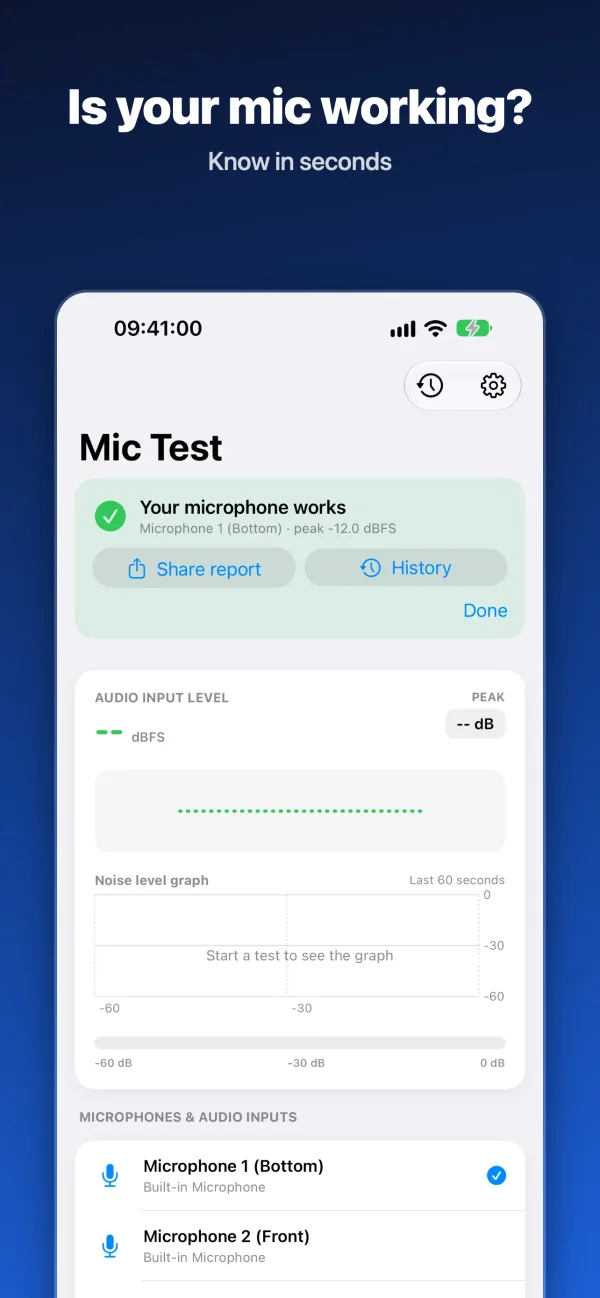
Is your microphone working? Find out in seconds. Mic Test shows your mic level live in dBFS and warns you when no sound reaches it.
Buying a used or new iPhone or iPad? Calls cutting out, voice messages sounding muffled, or people can't hear you on video calls? Run a quick mic test before you trust the device or your headset.
Free features:
• Live level readout in dBFS
• Silence warning when no sound reaches the mic
• "Your microphone works" result after a quick test
• Tests the built-in microphone
Premium (one-time lifetime purchase, no subscription):
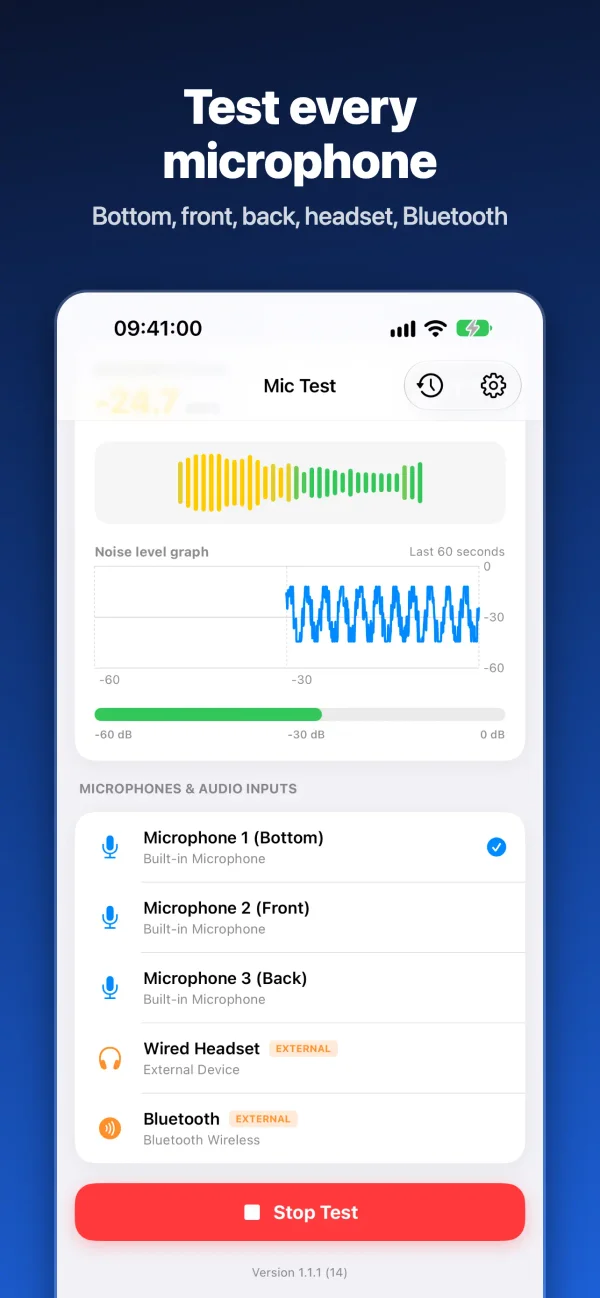
• Test every mic: bottom, front, back, headset, Bluetooth and USB
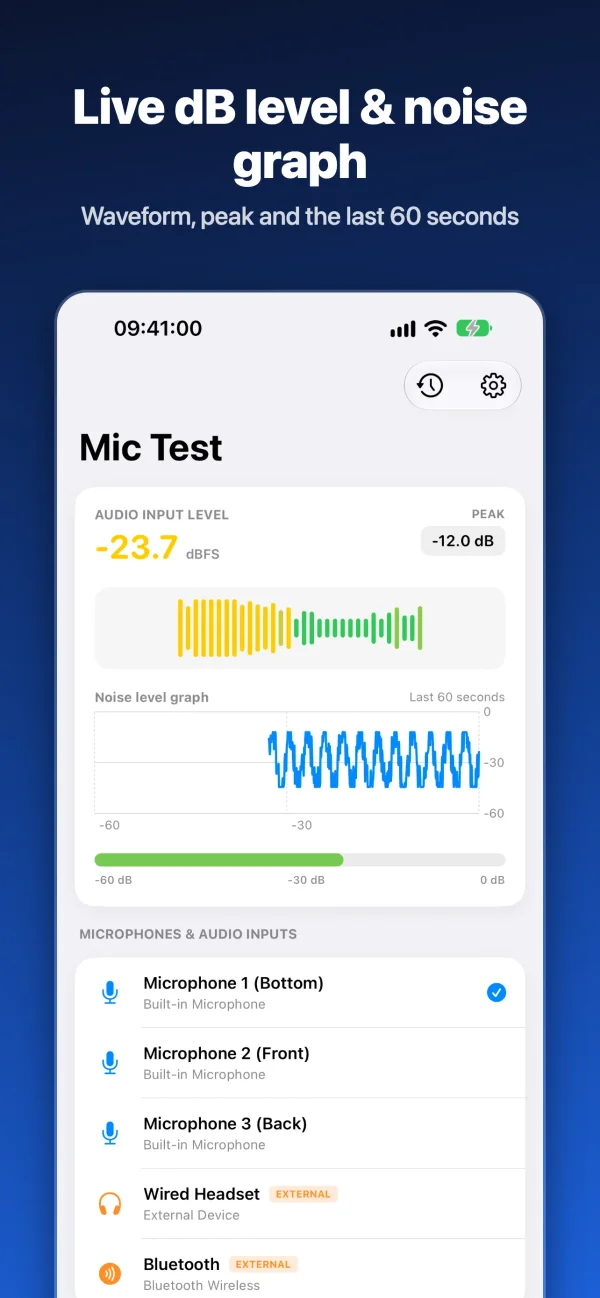
• Live waveform and peak level
• dB noise graph: the last 60 seconds of your mic level
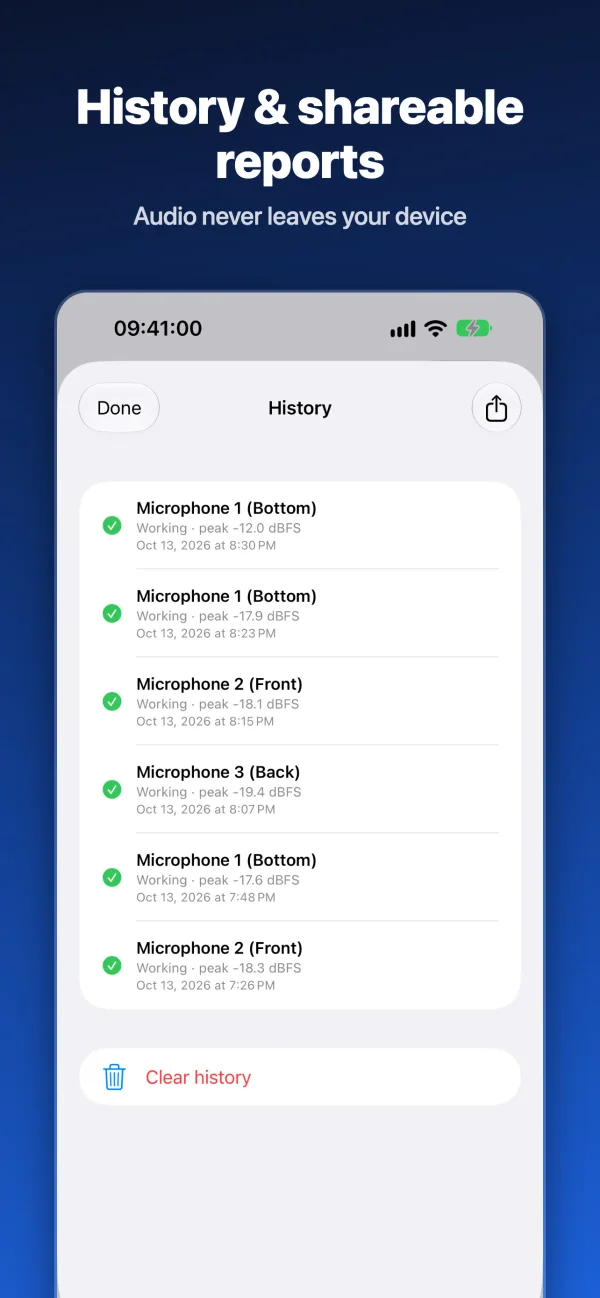
• Test history: your last 20 tests, stored on your device only
• Share a text test report with your device details and levels
• No ads
Who it is for:
• Checking a used or new iPhone or iPad before you buy it
• Troubleshooting calls, voice messages and video calls
• Testing a wired headset or Bluetooth earbuds before you rely on them
• Repair shops checking mics before and after a repair
How to run a test:
1. Open the app and start a test.
2. Speak normally, then tap or speak close to the mic opening.
3. Watch the live level and read the result.
Languages: English, Turkish, German, Spanish, Portuguese, Japanese, French, Arabic, Ukrainian and Russian. To change the language, open iOS Settings, scroll to Mic Test and choose Language.
Privacy: Audio never leaves your device. Mic Test does not record, save or upload your voice. It only measures the sound level while the test is running.
Good to know: Mic Test measures the sound your iPhone or iPad receives. It does not test speakers or the camera. Results depend on your device and its mics. The free version shows ads; Premium removes them. You can restore a previous purchase from the app's Settings.
Questions or feedback? Visit https://yunusgunduz.com/contact.php?lang=en
What’s new
Version 1.1.3 · Oct 21, 2026
New: watch a short video to try a Premium feature once (up to 3 a day). Premium is still a one-time purchase: every microphone, live waveform and peak level, dB noise graph, test history, report sharing and no ads.
App privacy
What Yunus Gunduz declares on the App Store about how this app handles data.
-
Data used to track you
May be used to track you across apps and websites owned by other companies.
- Identifiers
- Usage data
-
Data not linked to you
May be collected but is not linked to your identity.
- Purchases
- Identifiers
- Usage data
- Diagnostics
Privacy practices may vary, for example with the features you use or your age.
Information
- Seller
- Yunus Gunduz
- Category
- Utilities
- Version
- 1.1.3
- Updated
- Oct 21, 2026
- Released
- Jan 26, 2026
- Size
- 7.0 MB
- Requires
- iOS 16.0 or later
- Age rating
- 4+
- Price
- Free
- In-app purchases
- Yes
- Languages
- English, Arabic, French, German, Japanese, Portuguese, Russian, Spanish, Turkish, Ukrainian
- Copyright
- © 2026 Yunus Gündüz
You might also like
-
 Mic Test Studio: Audio CheckMicrophone Sound & Noise Level
-
 MicCheck - Mic&Speaker TesterAirPods, Mic & Speaker Test
-
 Earbud Checker: Latency & L/RBluetooth lag, L/R & mic test
-
 Speaker & Mic Test + CleanerWater Eject & Microphone Check
-
 Headphone Sound CheckAudio & Mic Testing
-
 iDiagnosticHardware Diagnostic Tool
-
 HandsFreeCheckLive microphone & speaker test
-
 DeviceTestAppUtilities
-
 Microphone Amplifier - LiveSound Booster & Wireless Mic
-
 dBLevel – Decibel MeterSound Level Logger & Tracker