
- Age rating4+
- CategoryEducation
- DeveloperAssistiveWare
- LanguagesEnglish
- Size482.4 MB
Links to the official App Store page
Download.org hosts no file of Micalo. The button opens its official App Store page, published by AssistiveWare. Listing last checked on Nov 17, 2026.
Screenshots

About
Micalo provides educators with a quick and flexible way to teach with consistent visuals. It can help students understand and explore new ideas, build vocabulary, and practice early writing skills.
VISUALIZE IDEAS INSTANTLY WITH THINKING SPACE
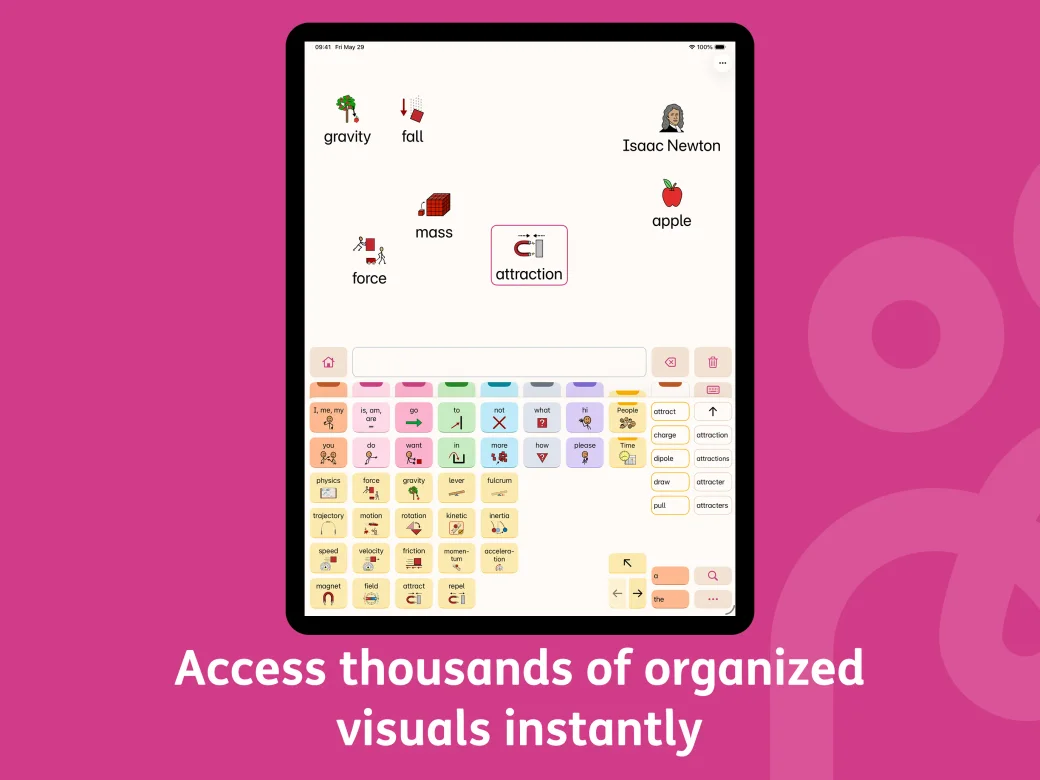
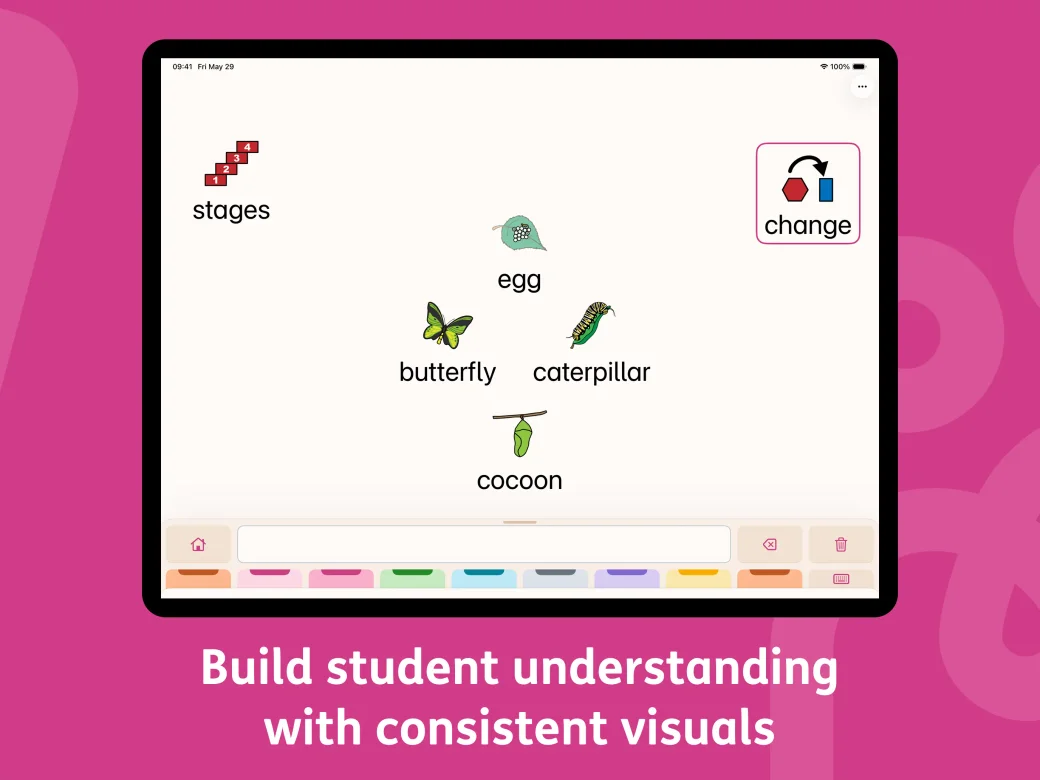
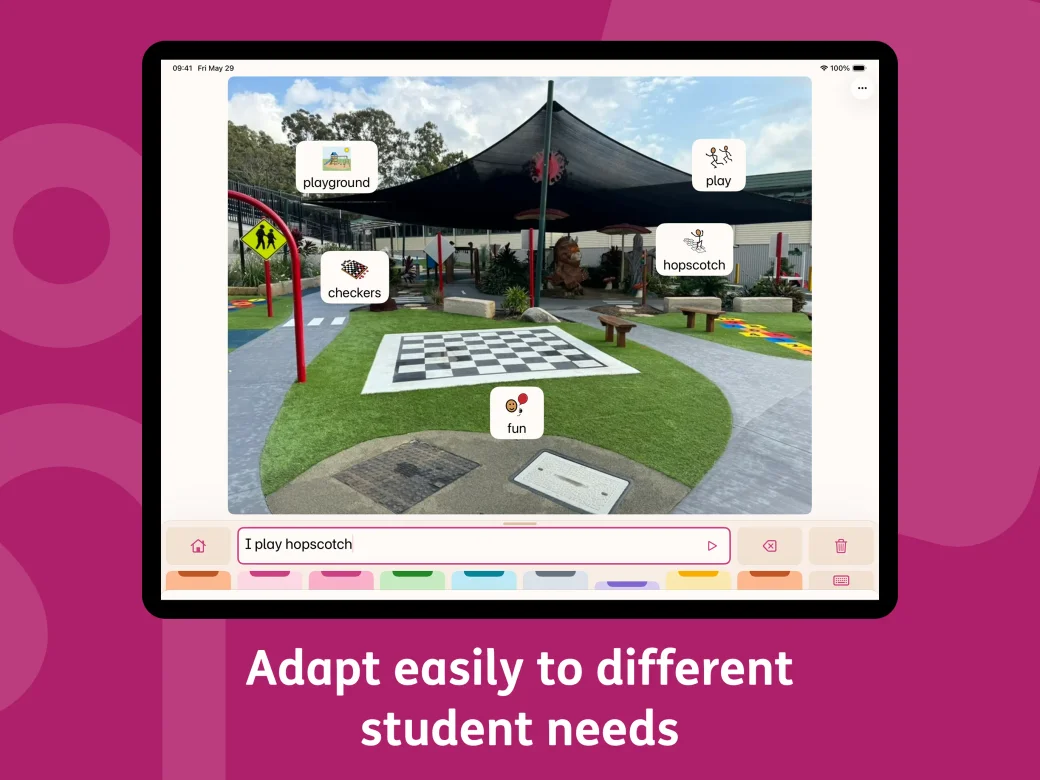
Thinking Space™ in Micalo is the fastest way for educators to teach with visuals. Micalo's visuals are consistent and carefully organized. They can be used to explain concepts, show comparisons, or organize information clearly on any board or screen. A background image can be used to anchor lessons to a story or topic and connect learning to visual aids. Users can select from built-in graphic organizers, such as a Venn diagram and a T-chart, to help students visually connect concepts. By pairing spoken language with clear, consistent visuals, Thinking Space enables students to explore, understand, and retain what they are learning.
TEACH ANY SUBJECT WITH PRE-LOADED ACADEMIC VOCABULARY
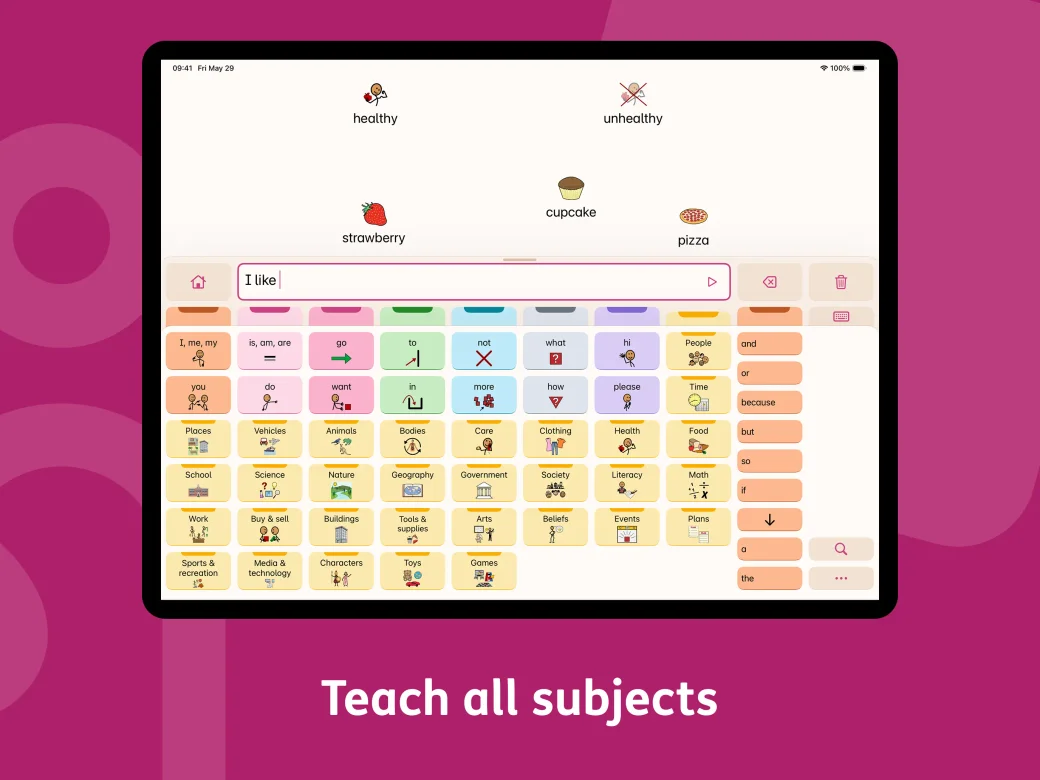
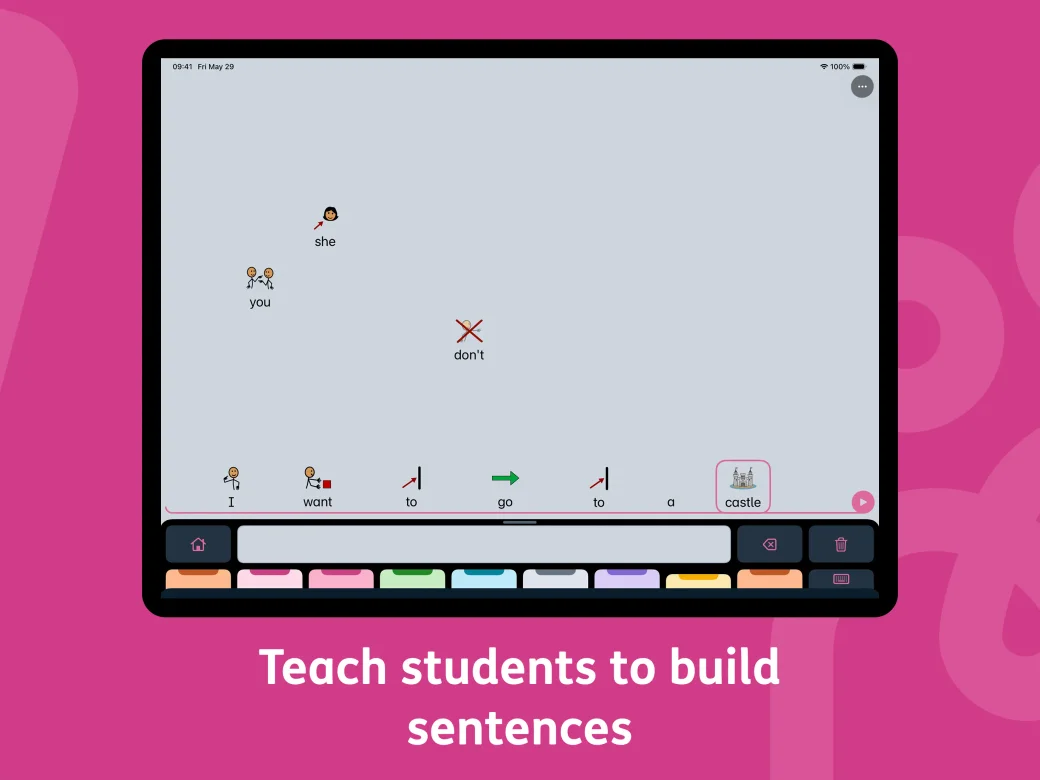
Micalo provides visuals for a large set of academic and general vocabulary. That vocabulary is organized into meaningful categories that reflect how concepts are taught in school. Educators can quickly access visuals for teaching reading, science, math, and more. This makes it easier to introduce new ideas, respond to student questions, and explain concepts in the moment. Students can then organize visuals to restate or summarize their own learning. Shared visuals support comprehension for all students and provide consistent language models during instruction.
SUPPORT EARLY WRITING WITH A TEXT-ONLY WRITING PAD
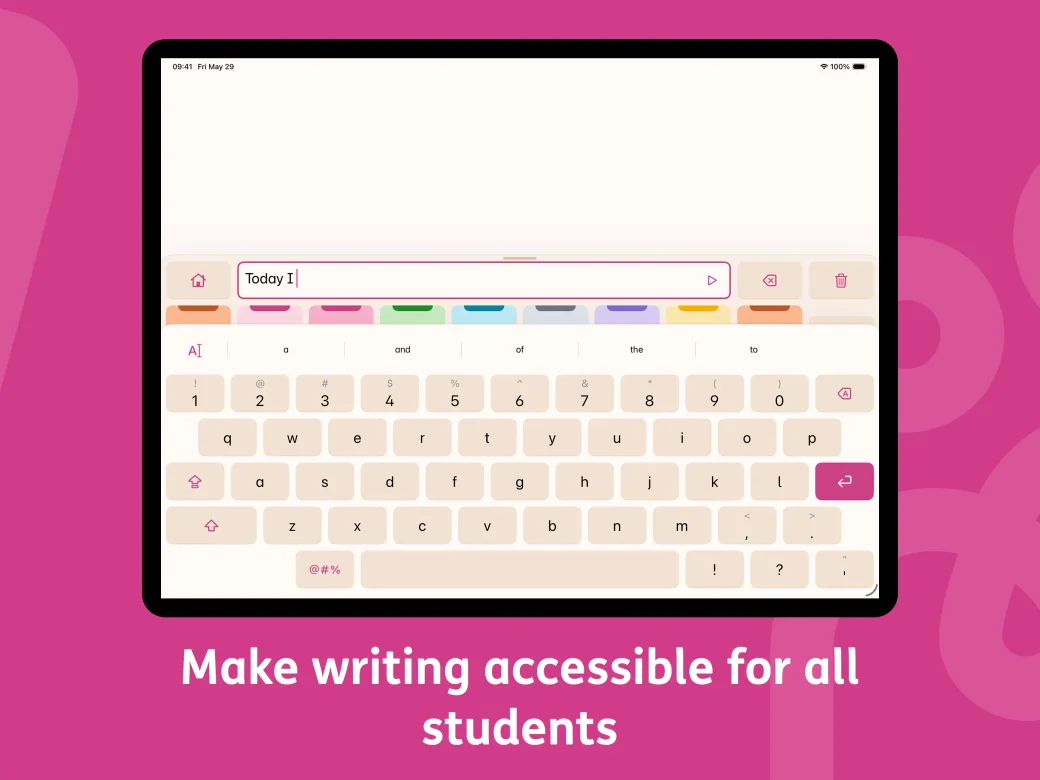
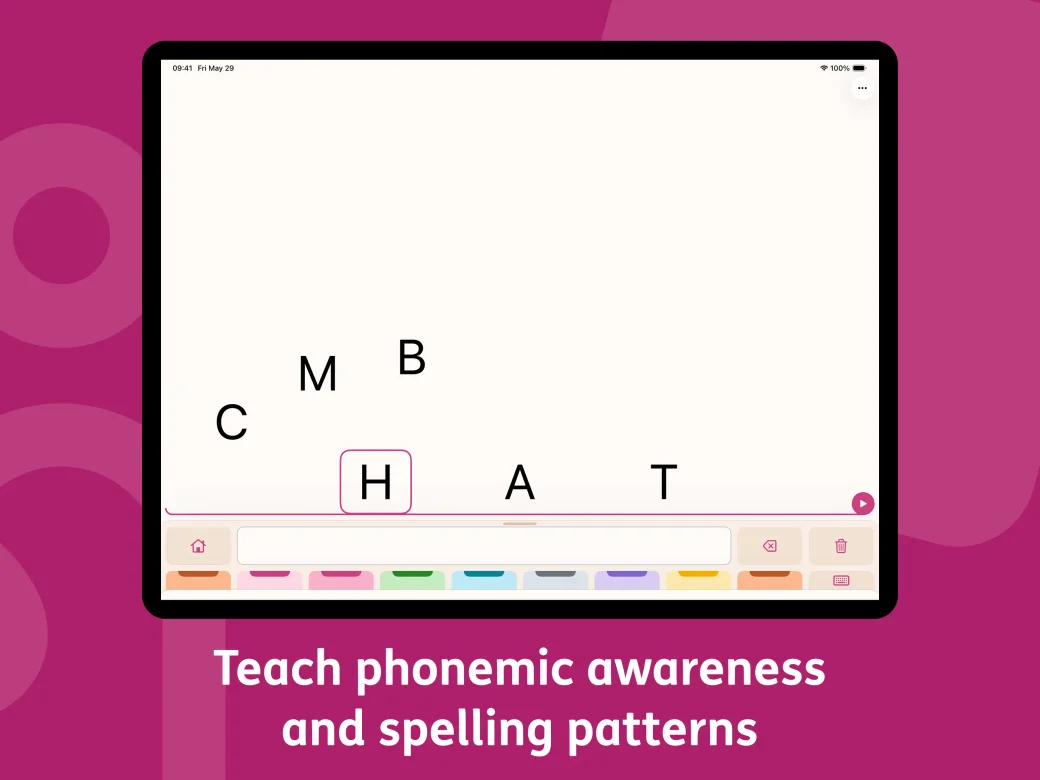
Educators and students can write with letters, type responses, or add words from the vocabulary grid. They can engage with visuals in Thinking Space, then use text in the Writing Pad™. This process supports phonics, spelling, syntax, and the development of writing skills.
BUILD WORDS AND SENTENCES WITH SMART PLAYER
Smart Player™ lets educators and students hear the sentences and words they construct. Educators and students place letters or words into Smart Player. The tool then plays them aloud as a word or sentence, supporting assisted reading. With Smart Player, students can check if words or sentences sound right, revise their work, or explore how small changes affect meaning. It supports phonics routines, sentence building, and early grammar lessons.
ONE TOOL FOR ALL LEVELS AND NEEDS
Micalo allows educators to differentiate instruction within one tool. Together, Micalo's features make it easy for educators to adapt their teaching to meet the diverse needs of students. While some students may use visuals to show understanding, others could use the keyboard for detailed responses.
Try Micalo free for two months!
This app is part of AssistiveWare Learning Service. A subscription includes access to Micalo, Estello, and Pictello.
How payment works
• After your trial ends, payment will be charged to your Apple Account.
• Subscriptions renew automatically. Payment is charged 24 hours before the current subscription period ends.
• Don’t want to renew? Cancel more than 24 hours before the end of the current subscription period.
• Want to cancel or change your subscription? Manage it in your account settings on the App Store.
The standard Apple Terms of Use apply to this app:
https://www.apple.com/legal/internet-services/itunes/dev/stdeula/
What’s new
Version 1.4 · Sep 7, 2026
This version includes bug fixes and some performance improvements. Thank you for using and updating Micalo.
App privacy
What AssistiveWare declares on the App Store about how this app handles data.
-
Data linked to you
May be collected and linked to your identity.
- Purchases
- Contact info
- Identifiers
-
Data not linked to you
May be collected but is not linked to your identity.
- Location
- Usage data
Privacy practices may vary, for example with the features you use or your age.
Information
- Seller
- AssistiveWare B.V.
- Category
- Education
- Version
- 1.4
- Updated
- Sep 7, 2026
- Released
- Jan 12, 2026
- Size
- 482.4 MB
- Requires
- iOS 18.0 or later
- Age rating
- 4+
- Price
- Free
- In-app purchases
- Yes
- Languages
- English
- Copyright
- © 2026 AssistiveWare B.V.
You might also like
-
 Flexspeak AACMultilingual & easy-to-use AAC
-
 PictoTalk: AAC App for AutismPictogram Communication Boards
-
 PixWriter LiteEducation
-
 SpeakAnyWay AACModern AAC for Everyone
-
 Unity DiscoverTrial the power of Unity
-
 QVoice - AAC communication appFor SLPs & emerging users
-
 Scene & Heard ProVisual Scene Display AAC
-
 Isaac AACAugmentative and Alternative
-
 Flexspeak AAC (VPP)Multilingual & easy-to-use AAC
-
 Gably AACYour Words, Our Voice