- Age rating4+
- CategoryEducation
- DeveloperAtsushi Yamada
- LanguagesEnglish
- Size1.6 MB
Links to the official App Store page
Download.org hosts no file of microbitBLE. The button opens its official App Store page, published by Atsushi Yamada. Listing last checked on Nov 17, 2026.
Screenshots
About
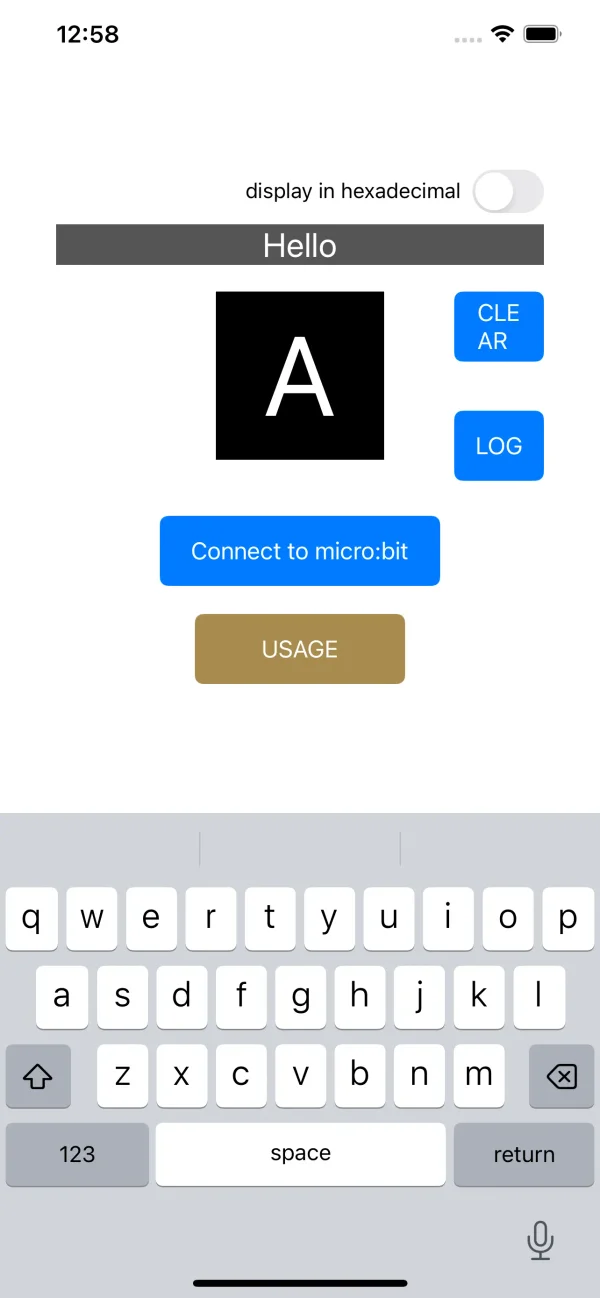
It is an application that allows you to connect the micro:bit Bluetooth UART.
When you hit the keyboard of your smartphone, characters will be displayed on the LED of the micro:bit.
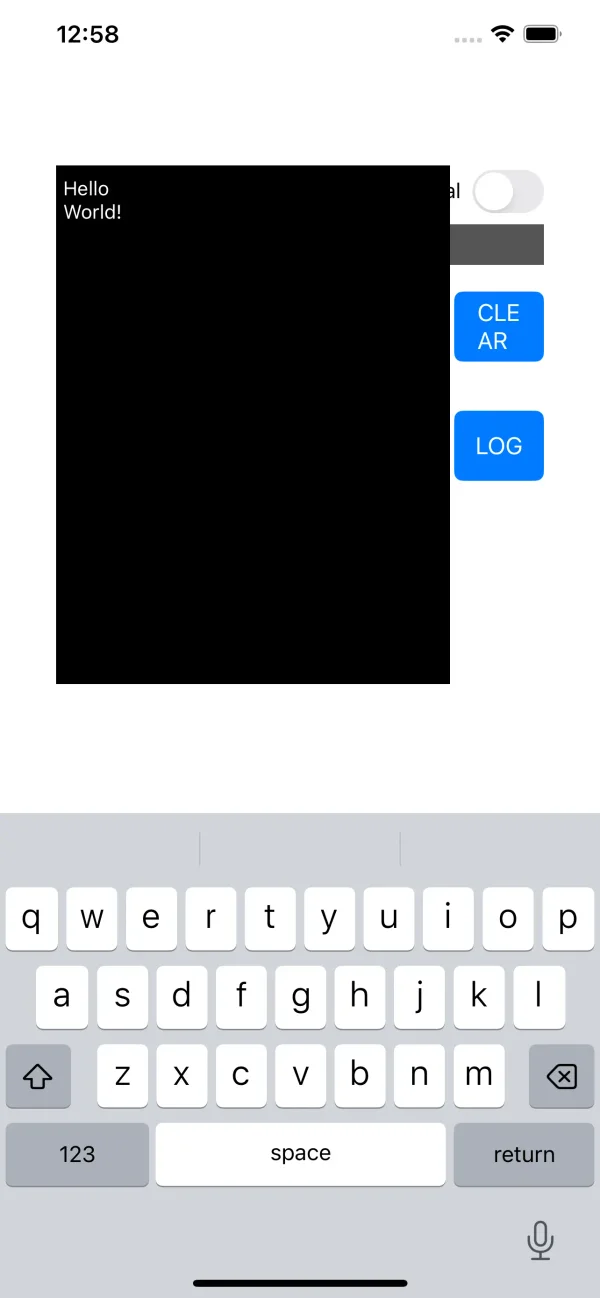
Displays the characters sent from the micro:bit.
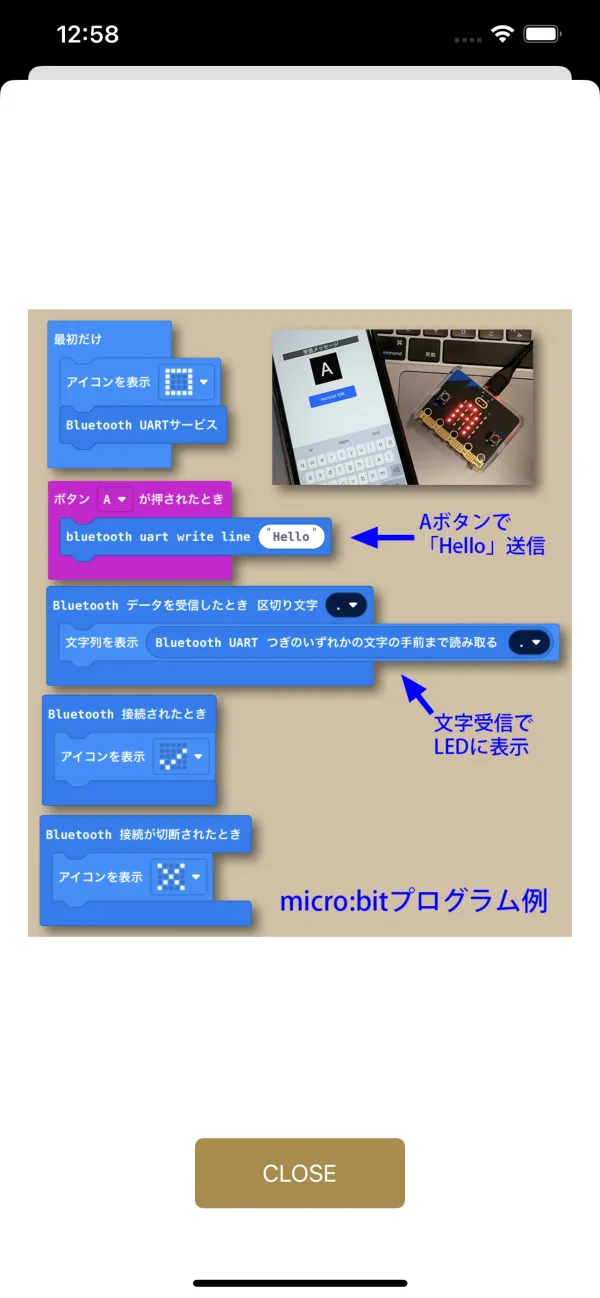
In the sample, when the A button is pressed, Hello is sent and displayed on the smartphone.
Usage
1. program the micro:bit
2. The micro:bit start and wait for Bluetooth connection (in the sample, a square mark is displayed)
3. Press the "connect to micro:bit" button in the app
4. When the connection is complete, the square display in the middle (transmission character display) will turn black and a check mark will appear on the micro:bit.
5. Hit the keyboard and the character will be displayed on the micro:bit
6. When you press the A button on the micro:bit, "Hello" is displayed in the "received message" part of the app
7. Press the "disconnect from micro:bit" button to disconnect Bluetooth and display a cross mark on the micro:bit
What’s new
Version 1.5 · Jun 5, 2026
Security Update
App privacy
What Atsushi Yamada declares on the App Store about how this app handles data.
-
Data not collected
The developer does not collect any data from this app.
Privacy practices may vary, for example with the features you use or your age.
Information
- Seller
- Atsushi Yamada
- Category
- Education
- Version
- 1.5
- Updated
- Jun 5, 2026
- Released
- Jul 18, 2022
- Size
- 1.6 MB
- Requires
- iOS 15.5 or later
- Age rating
- 4+
- Price
- Free
- Languages
- English
- Copyright
- © 2022-2026 ayama
You might also like
-
 Pulpo Bar PrepEducation
-
 Sengoku - Japan's Clan MapJapan's Warring States map
-
 Learn Raspberry Pi Pico ProRP2040 Pico board programming
-
 MagikidRoboticsLabEducation
-
 Bocian - Learn Polish for babyLearn words & play fun games
-
 SAT Math LearnerYour path to SAT Math success
-
 Bird Watch IdentifierIdentify birds from your wrist
-
 Practical BuddhaThe School for Happiness
-
 Buddhi BoosterBuddhi booster abacus
-
 Artibo ManagerAI robot companion for class