
Microsoft Authenticator
Protects your online identity
Designed for iPhone, iPad
Free
- Age rating4+
- CategoryProductivity
- DeveloperMicrosoft Corporation
- LanguagesEnglish+ 41 more
- Size229.8 MB
Links to the official App Store page
Download.org hosts no file of Microsoft Authenticator. The button opens its official App Store page, published by Microsoft Corporation. Listing last checked on Nov 23, 2026.
Screenshots
About
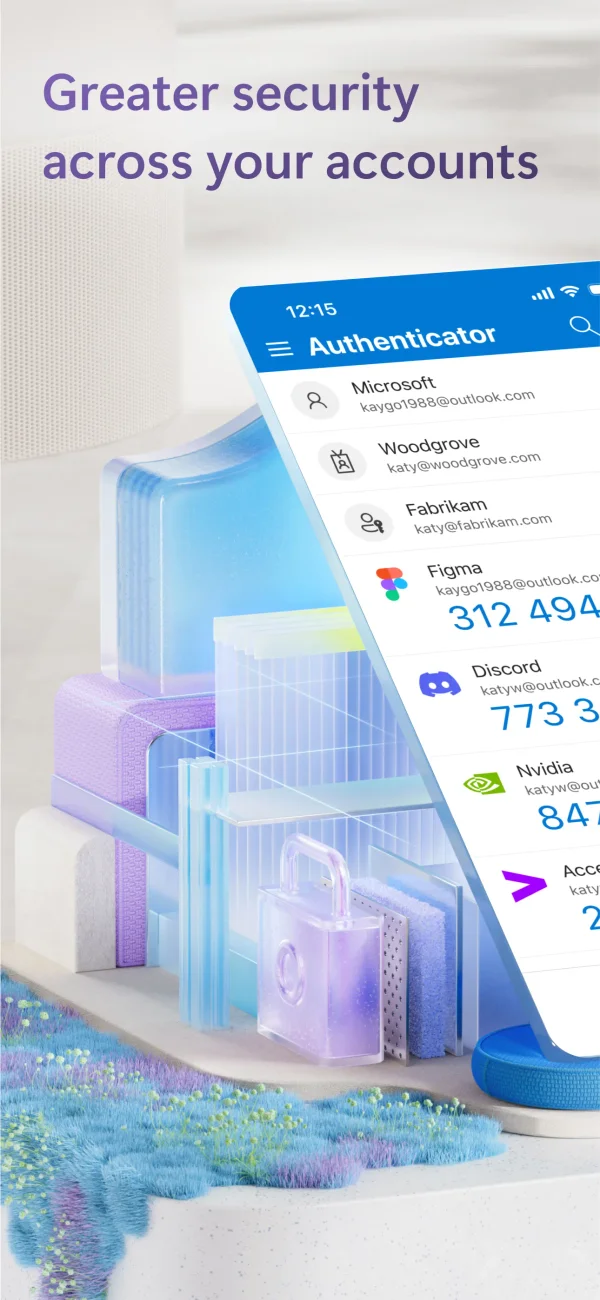
Use Microsoft Authenticator for easy, secure sign-ins for all your online accounts using multi-factor authentication, passwordless, or password autofill. You also have additional account management options for your Microsoft personal, work or school accounts.
Getting started with multi-factor authentication
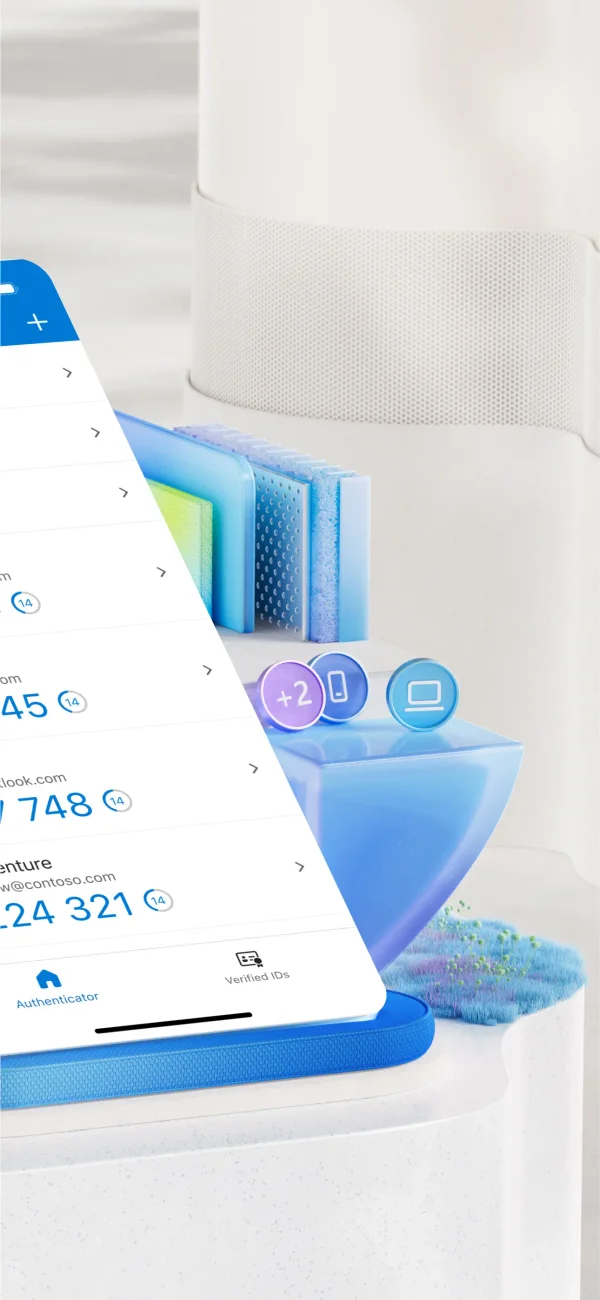
Multi factor authentication (MFA)provides a second layer of security. When enabled, during login after entering your password, you’ll be asked for an additional way to prove it’s really you. Either approve the notification sent to the Microsoft Authenticator, or enter the one-time password (OTP) generated by the app. The OTP codes have a 30 second timer counting down. This timer is so you never have to use the same time-based one-time password (TOTP) twice and you don’t have to remember the number. The OTP doesn’t require you to be connected to a network, and it won’t drain your battery. You can add multiple accounts to your app, including non-Microsoft accounts like Facebook, Amazon, Dropbox, Google, LinkedIn, GitHub, and more.
Getting started with passwordless
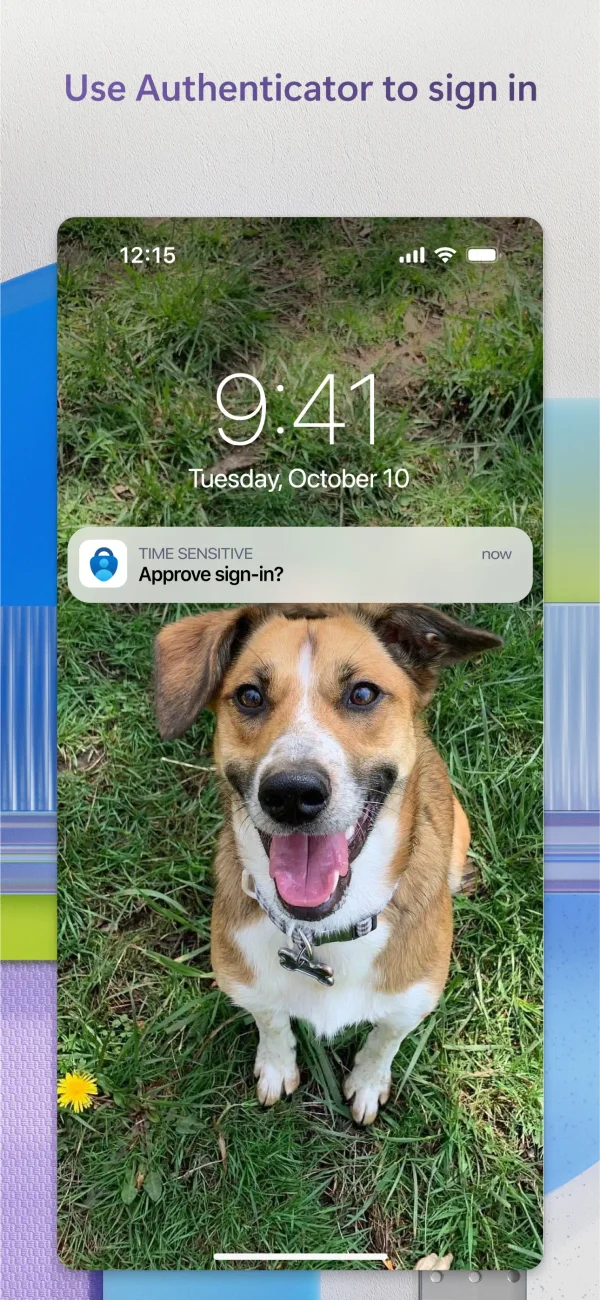
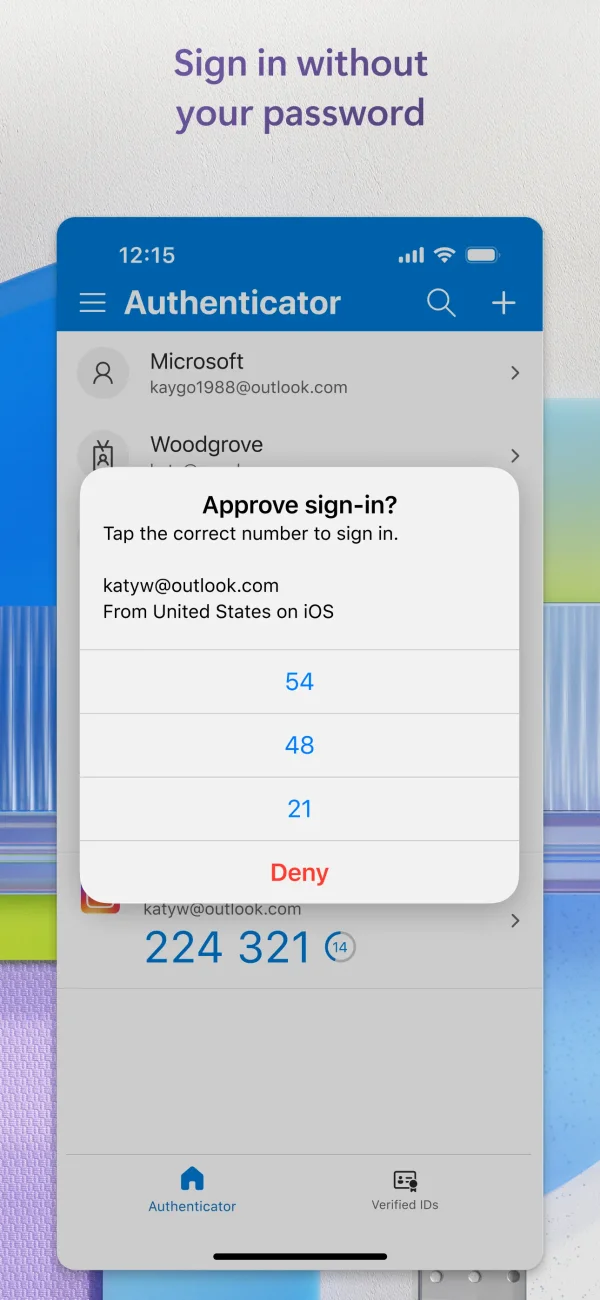
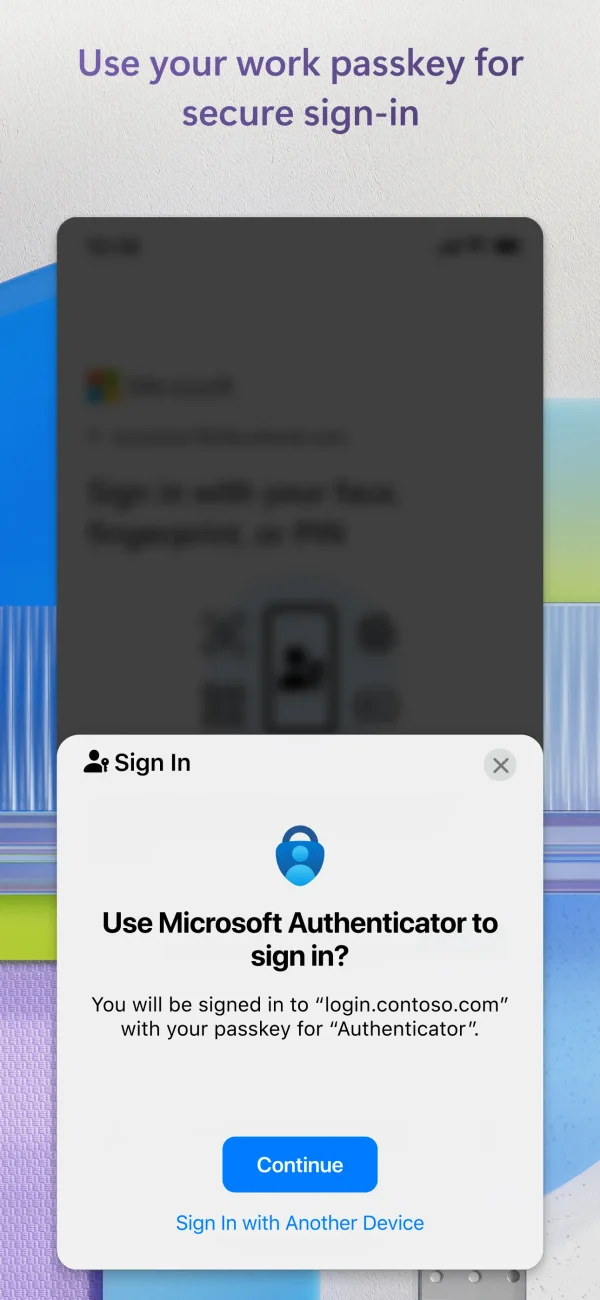
Use your phone, not your password, to log into your Microsoft account. Just enter your username, then approve the notification sent to your phone. Your fingerprint, face ID, or PIN will provide a second layer of security in this two-step verification process. After you’ve signed in with two factor authentication (2FA), you’ll have access to all your Microsoft products and services, such as Outlook, OneDrive, Office, and more.
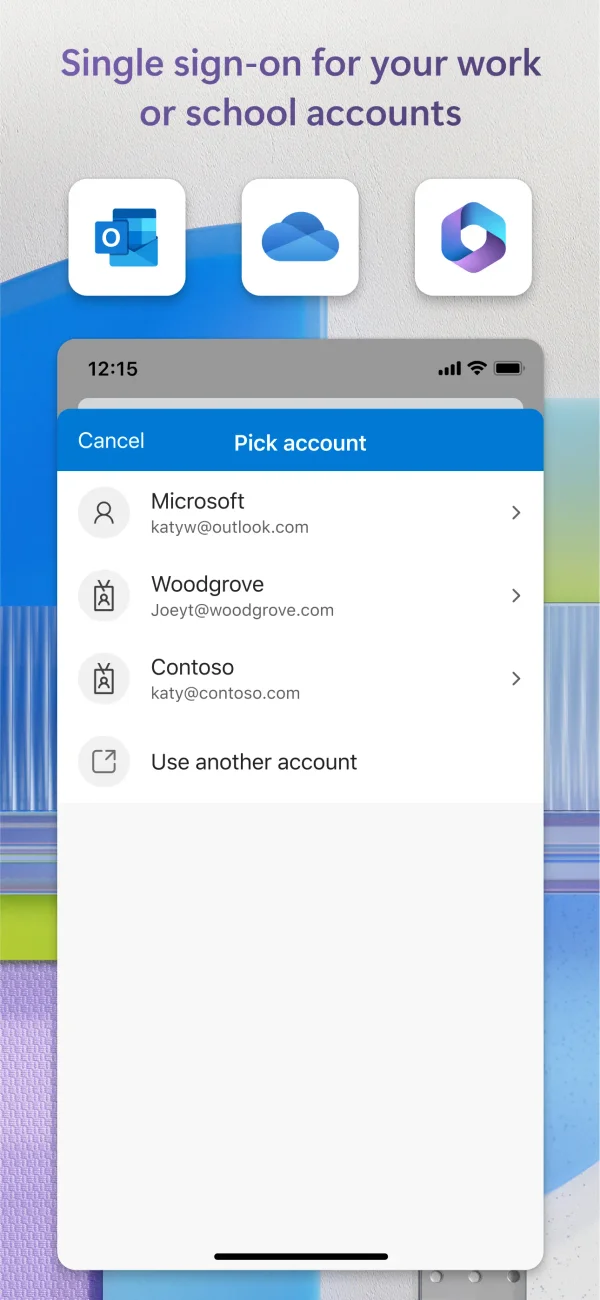
Microsoft personal, work or school accounts
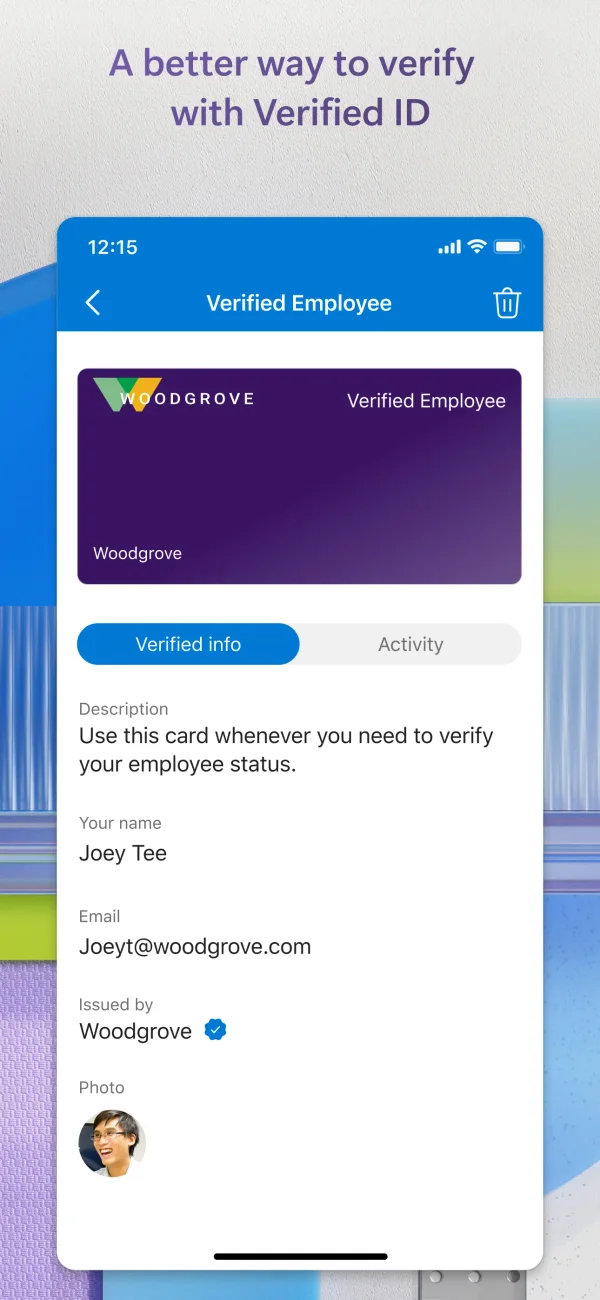
Sometimes your work or school might ask you to install the Microsoft Authenticator when accessing certain organization resources. You will need to register your device to your organization through the app and add your work or school account. Microsoft Authenticator supports cert-based authentication by issuing a certificate on your device. This will let your organization know that the sign-in request is coming from a trusted device and help you seamlessly and securely access additional Microsoft apps and services without needing to log into each.
Microsoft Authenticator may request the following optional permissions, which require your consent. You can continue to use Microsoft Authenticator without granting these permissions. However, some features may be limited or unavailable. For more information, please see below:
- Face ID: To enable app lock and help protect your accounts
- Camera: To scan QR codes when adding accounts to Microsoft Authenticator.
What’s new
Version 6.8.58 · Nov 11, 2026
We're always working on new features, bug fixes, and performance improvements. Make sure you stay updated with the latest version for the best authentication experience.
App privacy
What Microsoft Corporation declares on the App Store about how this app handles data.
-
Data linked to you
May be collected and linked to your identity.
- Location
- Contact info
- User content
- Identifiers
- Usage data
- Diagnostics
-
Data not linked to you
May be collected but is not linked to your identity.
- Diagnostics
Privacy practices may vary, for example with the features you use or your age.
Information
- Seller
- Microsoft Corporation
- Category
- Productivity
- Version
- 6.8.58
- Updated
- Nov 11, 2026
- Released
- May 30, 2015
- Size
- 229.8 MB
- Requires
- iOS 17.0 or later
- Age rating
- 4+
- Price
- Free
- Languages
- English, Arabic, Basque, Bulgarian, Catalan, Croatian, Czech, Danish, Dutch, Estonian, Finnish, French + 30 more
- Copyright
- © 2026 Microsoft Corporation. All rights reserved.
You might also like
-
 Authenticator App ©2FA: Two-Factor Authentication
-
 Authenticator App2FA Authentication MFA & OTP
-
 Authenticator App+2FA Two Factor Authentication
-
 Authenticator ® App2FA Two Factor Authentication
-
 Authenticator App ‧2FA Two Factor Authentication
-
 2FA Authenticator (2FAS)#1 Rated 2FA Authenticator
-
 LastPass AuthenticatorProductivity
-
 Wepa PrintCloud Campus Printing Solution
-
 PingIDProductivity
-
 IDMe AuthenticatorProductivity