
Midify
Intuitive AI MIDI Editor
Designed for iPhone, iPad, Mac
Free · In-app purchases
- Age rating4+
- CategoryMusic
- DeveloperSHERWYN LEANDER DSOUZA
- LanguagesEnglish
- Size202.3 MB
Links to the official App Store page
Download.org hosts no file of Midify. The button opens its official App Store page, published by SHERWYN LEANDER DSOUZA. Listing last checked on Nov 12, 2026.
Screenshots


About
Compose music anywhere with the help of AI. Midify is a cross-platform AI MIDI editor and music composition app that makes it easy to turn ideas into music on the go. Whether you’re a hobbyist songwriter, learning music theory, or a pro needing a quick scratchpad, Midify helps you sketch melodies and rhythms quickly and refine them with an intelligent assistant. Simply tap notes on a piano roll or type them in using simple ABC notation, and watch your composition come to life in real-time. Need inspiration or fixes? Just ask Midify’s built-in chat assistant – it understands your MIDI/ABC notation context and offers suggestions to improve your rhythm, expand your melody, or tweak your chords in a natural conversational way.
Features:
Integrated AI Assistant: Get creative tips and instant edits via a chat-based AI. Ask for a harmony, rhythm fix, or new melody – the AI analyzes your current piece and makes context-aware suggestions right in the app.
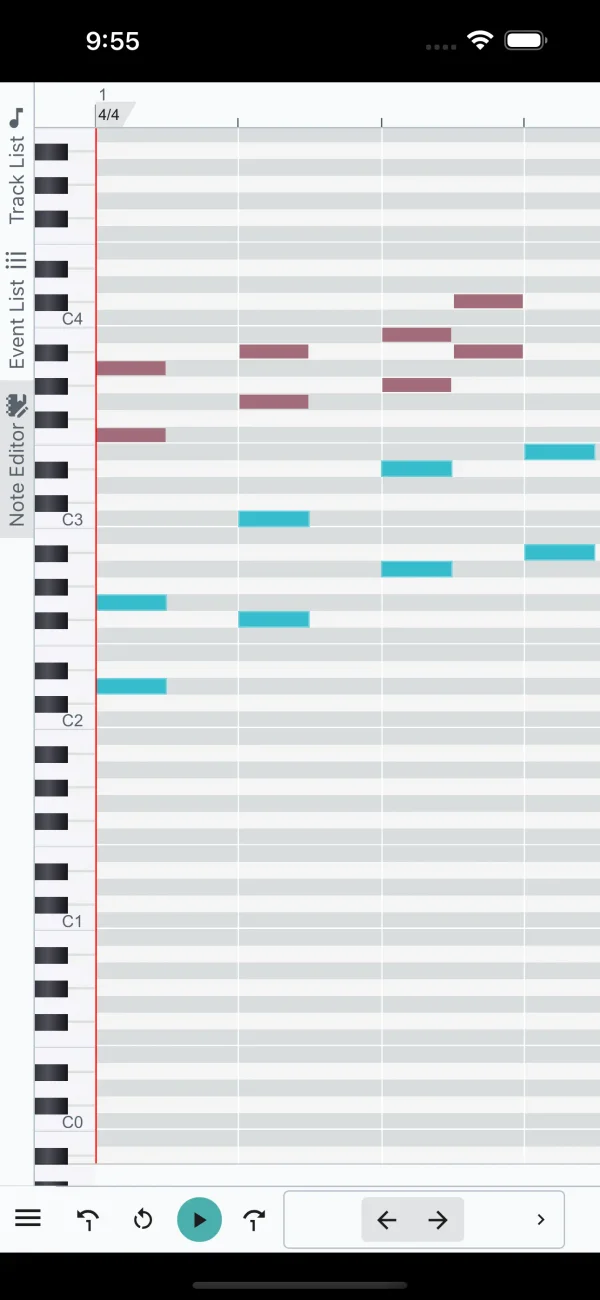
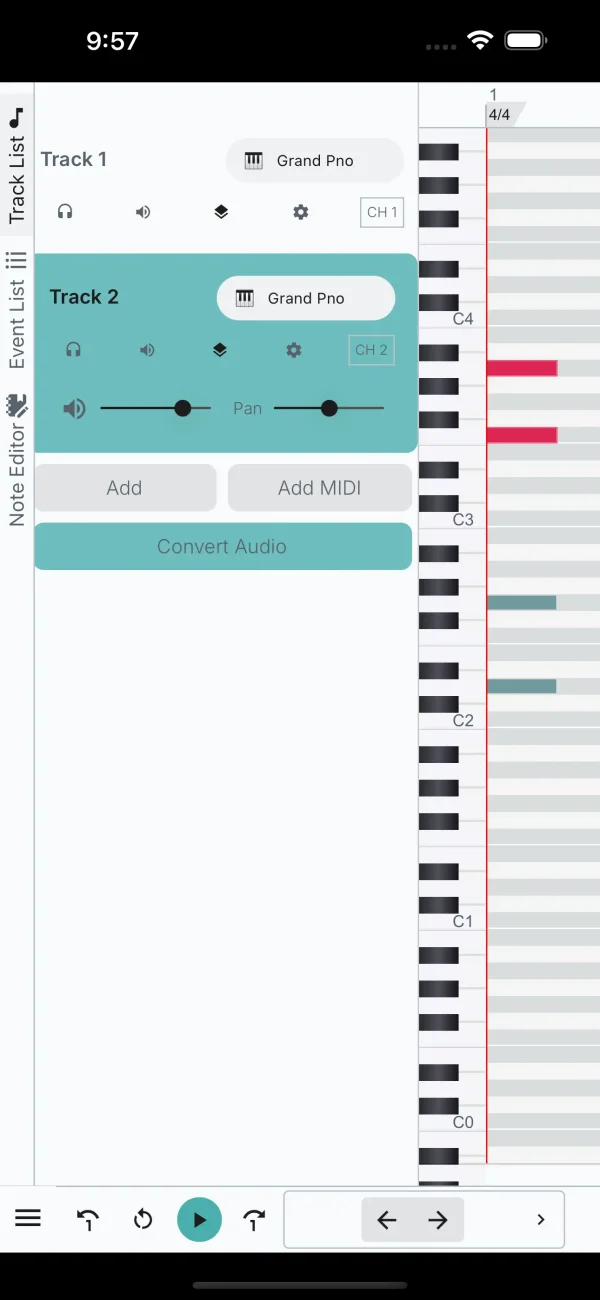
Piano Roll & ABC Notation Editing: Input music the way you prefer. Use the intuitive piano roll to draw notes, or type using ABC notation (A–G) for quick edits. Every change updates instantly in the MIDI playback and sheet music view.
Real-time Sheet Music Display: See traditional sheet music as you compose. Midify converts your MIDI and ABC inputs into standard notation on the fly, helping you learn and fine-tune compositions visually.
Audio-to-MIDI Conversion: Have a tune in your head or a recorded riff? Import a WAV audio file and Midify will convert it to MIDI notes. Instantly edit the generated MIDI to perfect your idea using the piano roll and AI suggestions.
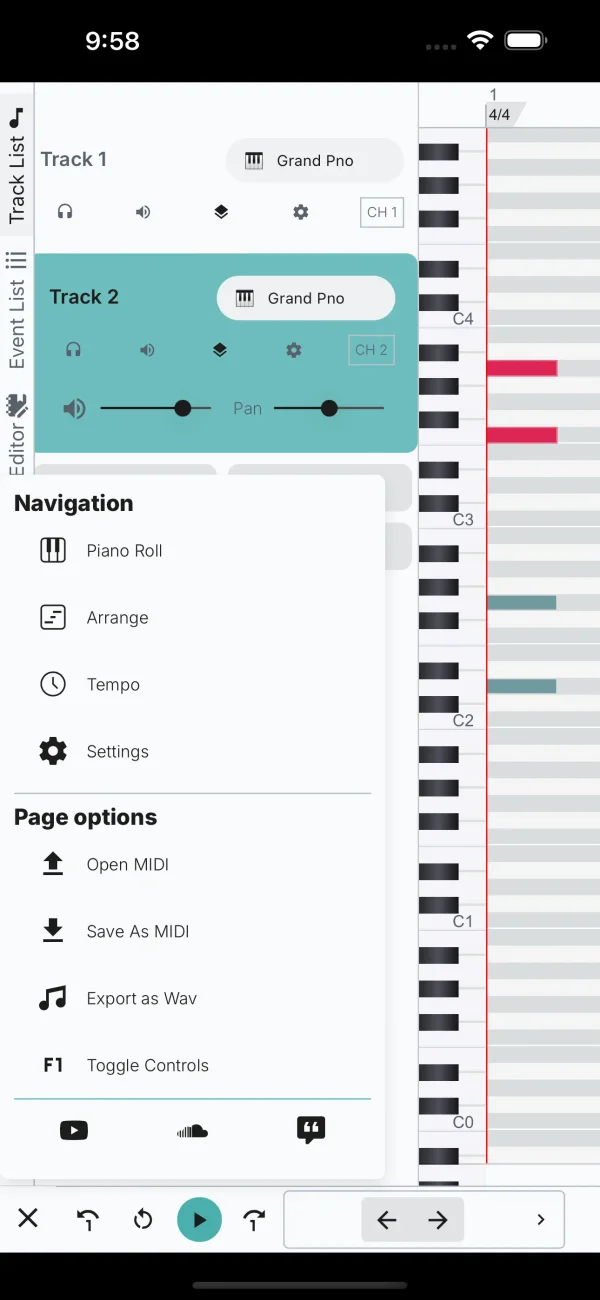
Full MIDI Editing Suite: Import existing MIDI files to edit or build new songs from scratch. Copy, paste, and adjust notes, velocities, and tempos with ease in a lightweight interface (not a full DAW, but focused on quick creation).
Have you recorded a live instrument track that you'd like to edit as MIDI? Now you can—simply upload your recording and let the tool work its magic.
Whether you're refining melodies or composing new pieces from scratch, this tool makes it effortless to transform your musical ideas into reality.
What’s new
Version 3.8.1 · Nov 2, 2026
Bug fixes and improvements.
App privacy
What SHERWYN LEANDER DSOUZA declares on the App Store about how this app handles data.
-
Data linked to you
May be collected and linked to your identity.
- User content
- Identifiers
- Usage data
- Diagnostics
Privacy practices may vary, for example with the features you use or your age.
Information
- Seller
- SHERWYN LEANDER DSOUZA
- Category
- Music
- Version
- 3.8.1
- Updated
- Nov 2, 2026
- Released
- Sep 27, 2024
- Size
- 202.3 MB
- Requires
- iOS 16.4 or later
- Age rating
- 4+
- Price
- Free
- In-app purchases
- Yes
- Languages
- English
- Copyright
- Copyright © 2024 SD ailmind
You might also like
-
 NS MIDI PlayerSimple MIDI player
-
 Sweet MIDI PlayerMusic
-
 MIDI Player with MixerRich & Easy Control
-
 Music Memos - Chords & LyricsSeparate stems, midify & more
-
 MIDITrail3D MIDI visualizer
-
 ChordButter: Easy SongwritingChord Progressions & Melody
-
 KODAI - Audio to midiRecord music, share & collab
-
 Dubnote: Music RecorderSong writing app & Songbook
-
 Sing2NotesConvert Vocal Music to Notes
-
 Piano2NotesConvert Piano Music to Notes