Mighty Dice
D&D Dice Rolling Simulator
Designed for iPhone, iPad, iPod touch
Free · In-app purchases
- Age rating4+
- CategorySimulation
- DeveloperCaleb Jacob
- LanguagesEnglish
- Size276.5 MB
Links to the official App Store page
Download.org hosts no file of Mighty Dice. The button opens its official App Store page, published by Caleb Jacob. Listing last checked on Nov 17, 2026.
Screenshots

About
Simulate a D20, D12, D10, D8, D6, D4, or D2 dice roll at any moments notice. After making a roll, add or subtract a modifier and quickly share a screenshot of the result with a single tap - perfect for texting your D&D group. Pick out your favorite dice skin and get rolling!
Features:
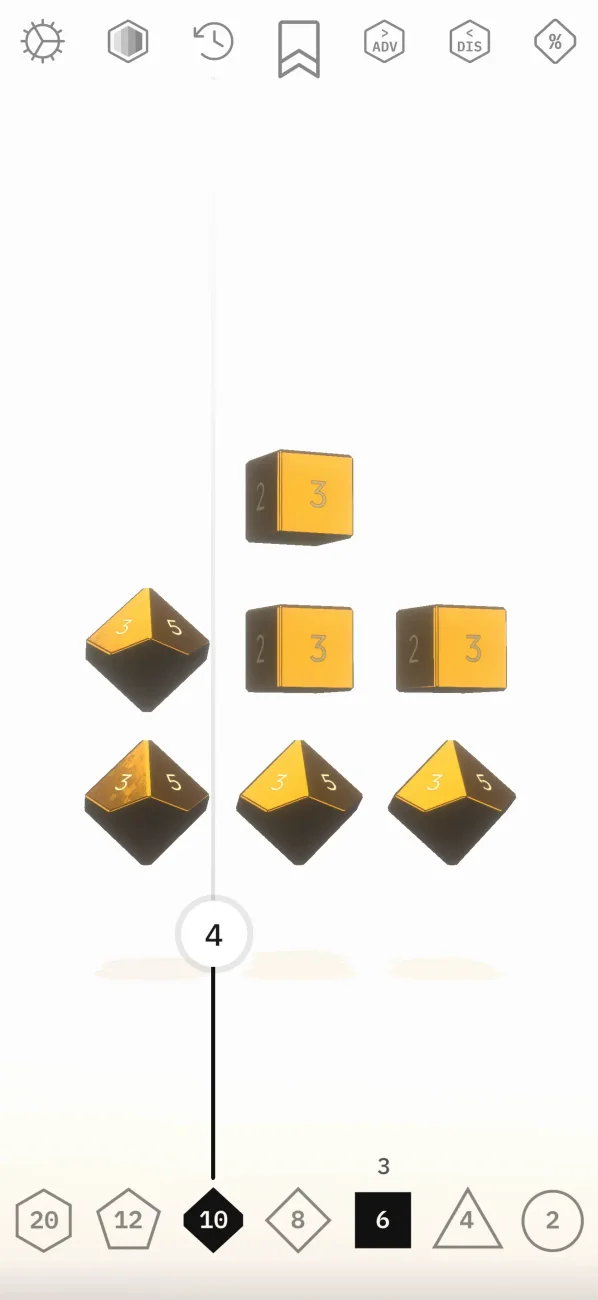
- Throw a single dice or multiple dice of any combination. Roll up to 150 of any dice type!
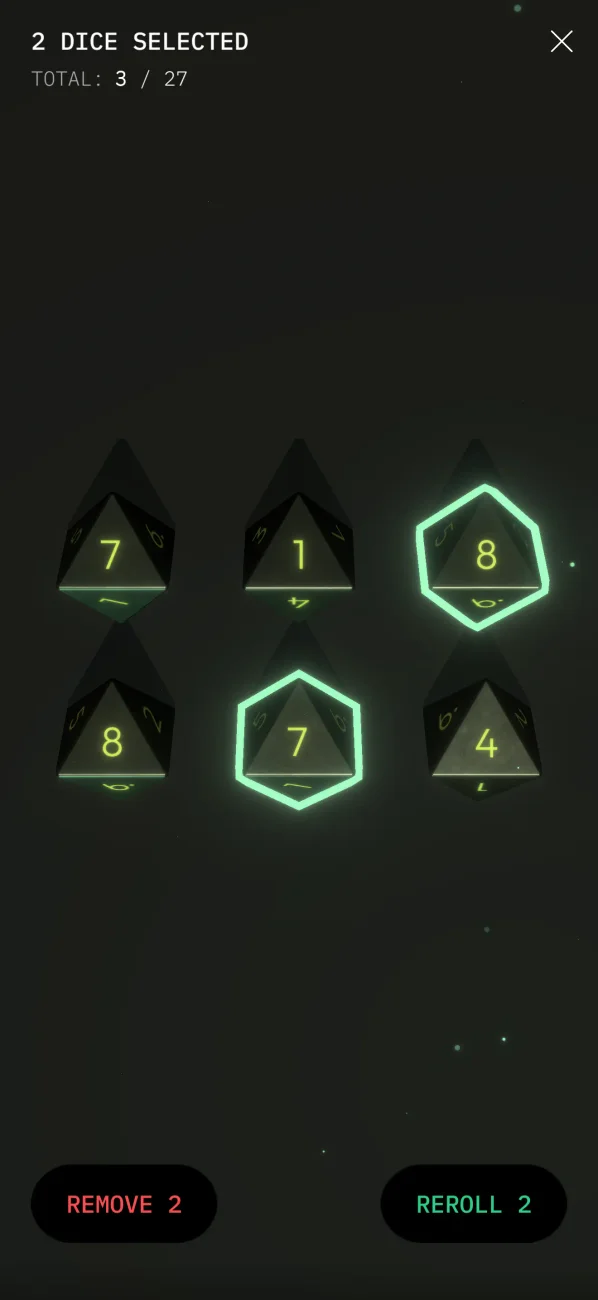
- Remove or reroll specific dice after any roll.
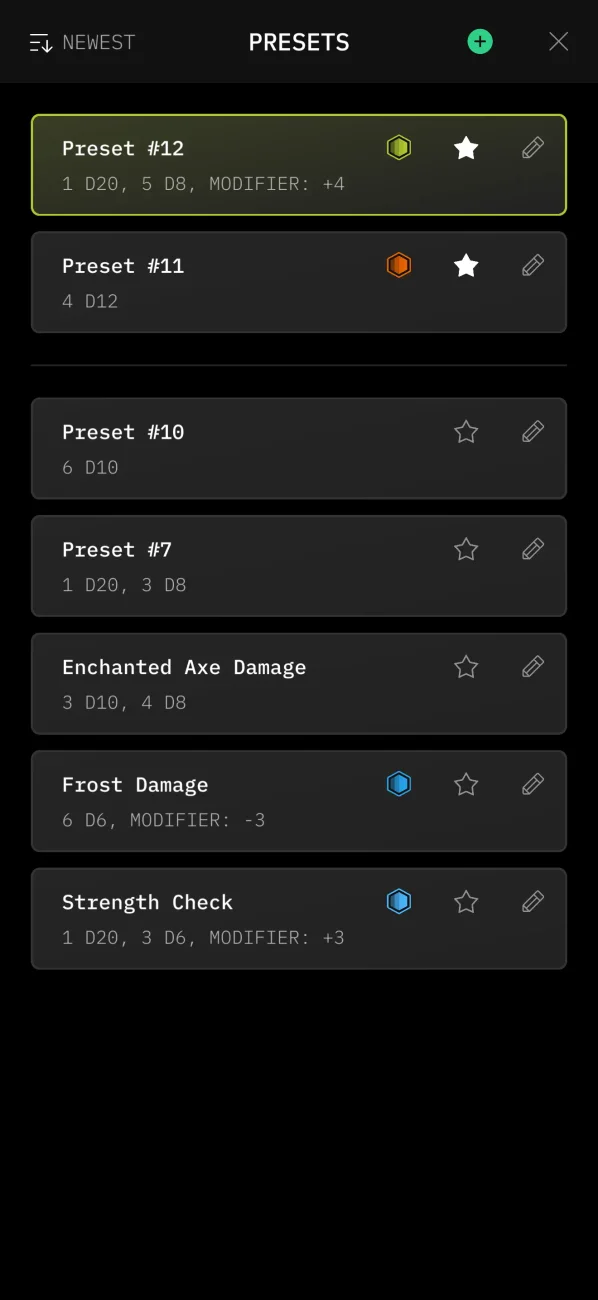
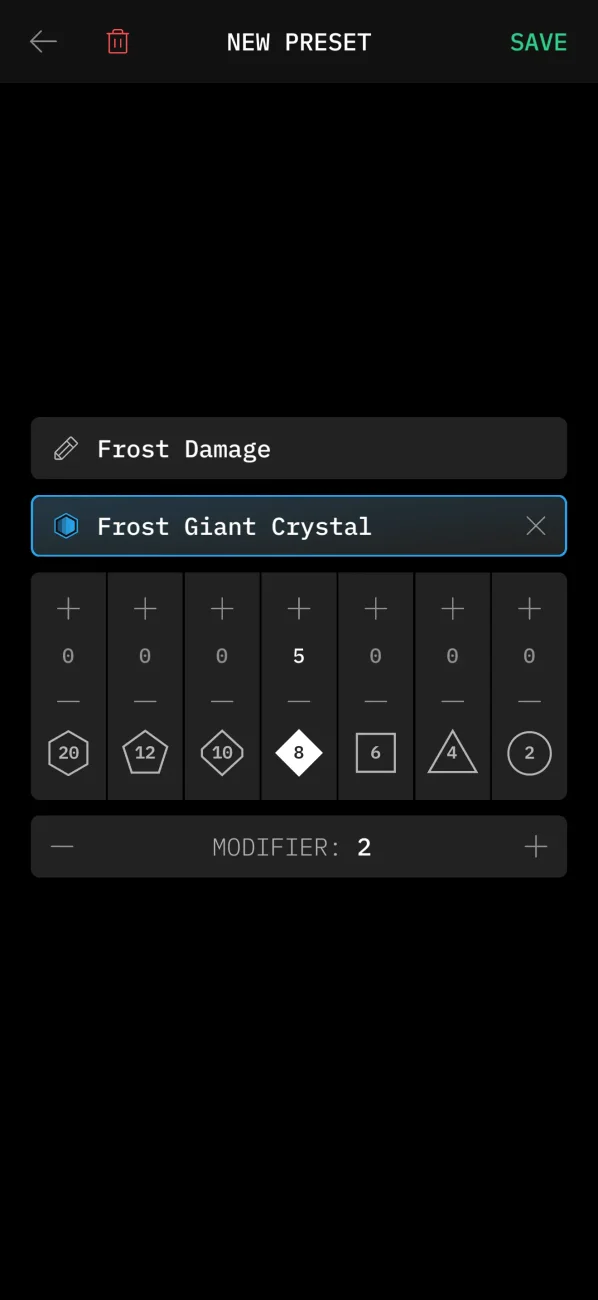
- Save and sort dice presets for your most frequently rolled dice. A preset can include any number of dice, modifier, or specific dice skin.
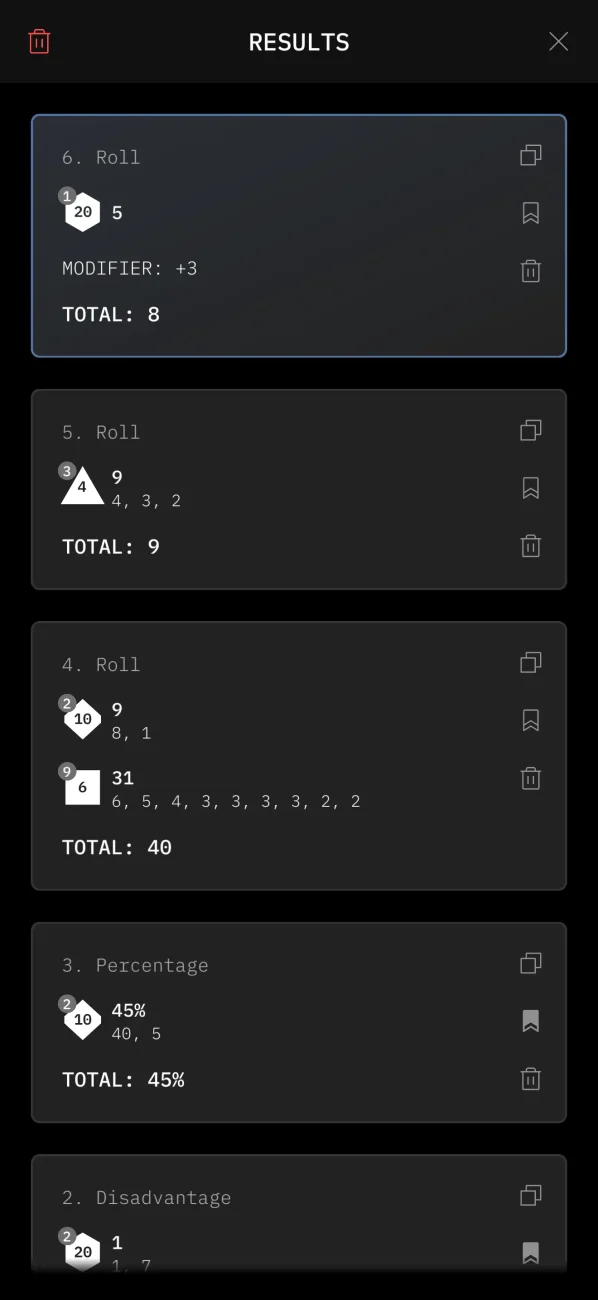
- View a breakdown of all previous rolls made during your current session. Each roll in your history can be quickly rerolled, saved as a preset, or copied in a text based format.
- Share a screenshot of your results with a single tap. Copy it to your clipboard or upload it directly to another app like Messages, Slack, or Discord.
- Enable "Auto Copy Result" in the settings panel to automatically copy each result to your clipboard in a text based format - great for texting your D&D group!
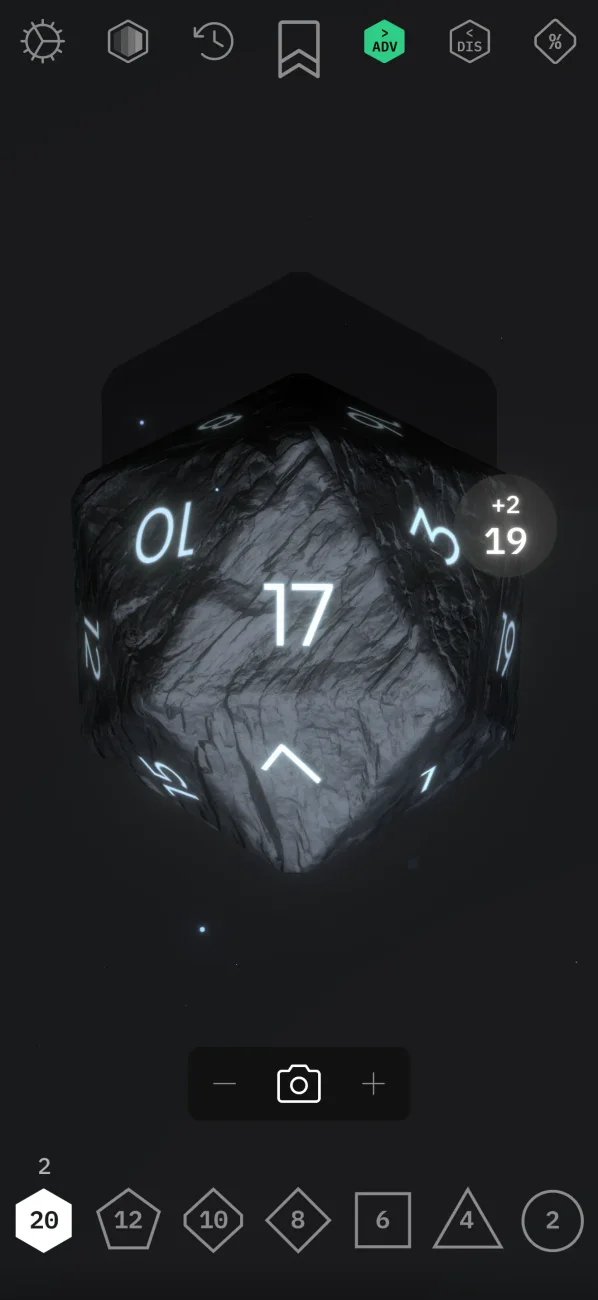
- Supports advantage, disadvantage, and percentage rolls.
- Add a skill modifier +/- after each roll.
- Choose between a dark or light UI.
- Enable "Quick Roll" mode in the settings panel to skip throw physics if you're in a hurry.
- Option to disable sounds and/or haptic feedback.
- Choose from 45 dice skins.
- Choose between 3 graphic quality settings.
Advertisements:
After choosing a new dice skin, a video ad will automatically play, which you can immediately skip. This is the only time you will be presented with an ad inside the app. You can also pay a small, one-time fee to remove all ads. This allows us to keep supporting and creating cool new features for the app. Thank you!
What’s new
Version 3.7.14 · Nov 8, 2025
Various bug fixes
App privacy
What Caleb Jacob declares on the App Store about how this app handles data.
-
Data used to track you
May be used to track you across apps and websites owned by other companies.
- Purchases
- Location
- Identifiers
- Usage data
- Other data
-
Data linked to you
May be collected and linked to your identity.
- Purchases
- Location
- Identifiers
- Usage data
- Other data
-
Data not linked to you
May be collected but is not linked to your identity.
- User content
- Diagnostics
Privacy practices may vary, for example with the features you use or your age.
Information
- Seller
- Caleb Jacob
- Category
- Simulation
- Version
- 3.7.14
- Updated
- Nov 8, 2025
- Released
- May 12, 2018
- Size
- 276.5 MB
- Requires
- iOS 13.0 or later
- Age rating
- 4+
- Price
- Free
- In-app purchases
- Yes
- Languages
- English
- Copyright
- © 2025 Caleb Jacob
You might also like
-
 AI Dungeon: RPG & Story MakerInfinite AI-driven RPG stories
-
 Idle Championsof the Forgotten Realms
-
 NecroMerger - Idle Merge GameMerge monsters, feed your pet
-
 The Elder Scrolls: CastlesBUILD YOUR DYNASTY
-
 Realm GrinderSimulation
-
 TownsFolkExplore, Build, Survive
-
 Crush Crush - Idle Dating SimMeet and Date Anime Girls
-
 Life in AdventureRoleplaying
-
 After Inc.What happens after Plague Inc?
-
 ONE PIECE CARDGAME TeachingGames