Mileage Tracker by Driversnote
Auto-Track Miles & Log Trips
Designed for iPhone
Free · In-app purchases
- Age rating4+
- CategoryFinance
- DeveloperDriversnote ApS
- LanguagesEnglish+ 10 more
- Size112.9 MB
Links to the official App Store page
Download.org hosts no file of Mileage Tracker by Driversnote. The button opens its official App Store page, published by Driversnote ApS. Listing last checked on Nov 25, 2026.
Screenshots

About
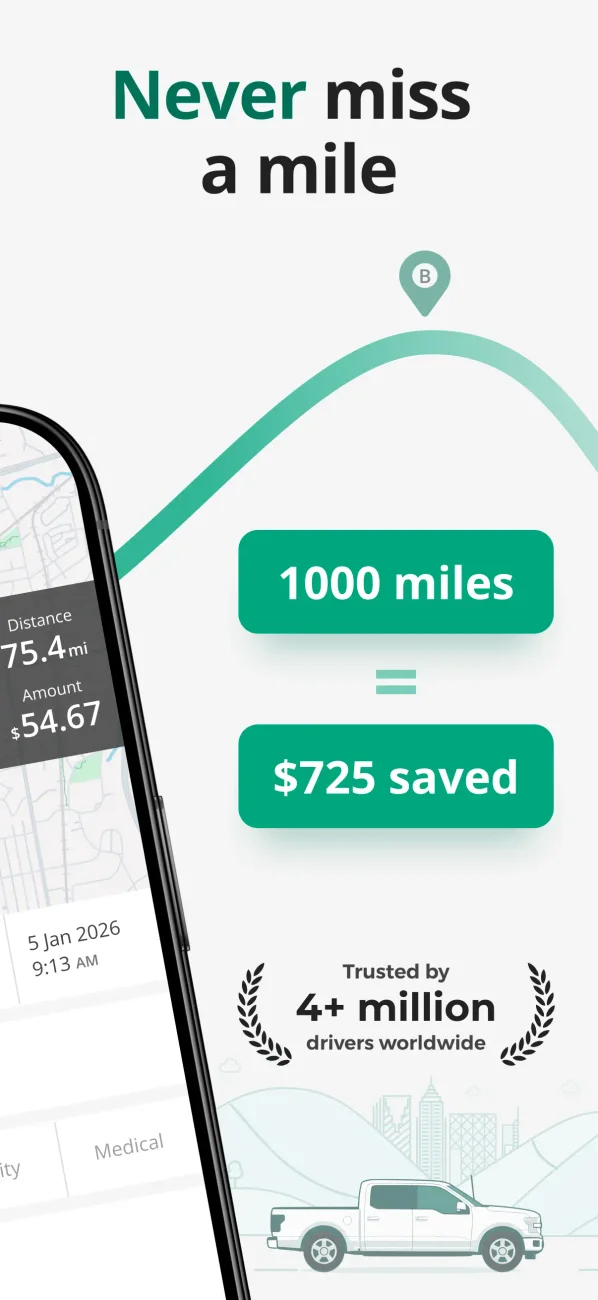
Say goodbye to tedious paper mileage logs with the most accurate automatic mileage tracker. Track mileage effortlessly and create IRS-compliant logs for tax deductions or mileage reimbursements.
◉ IF YOU DRIVE FOR WORK DRIVERSNOTE IS FOR YOU
Driversnote is built for employees, self-employed professionals, and businesses who need accurate mileage tracking. Whether you're a healthcare worker, salesperson, real estate agent, construction professional, plumber, carpenter, delivery driver, small business owner, or part of a fleet, Driversnote helps you log every mile and maximize your reimbursement or tax deductions.
◉ STAY IRS-COMPLIANT & AUDIT-READY
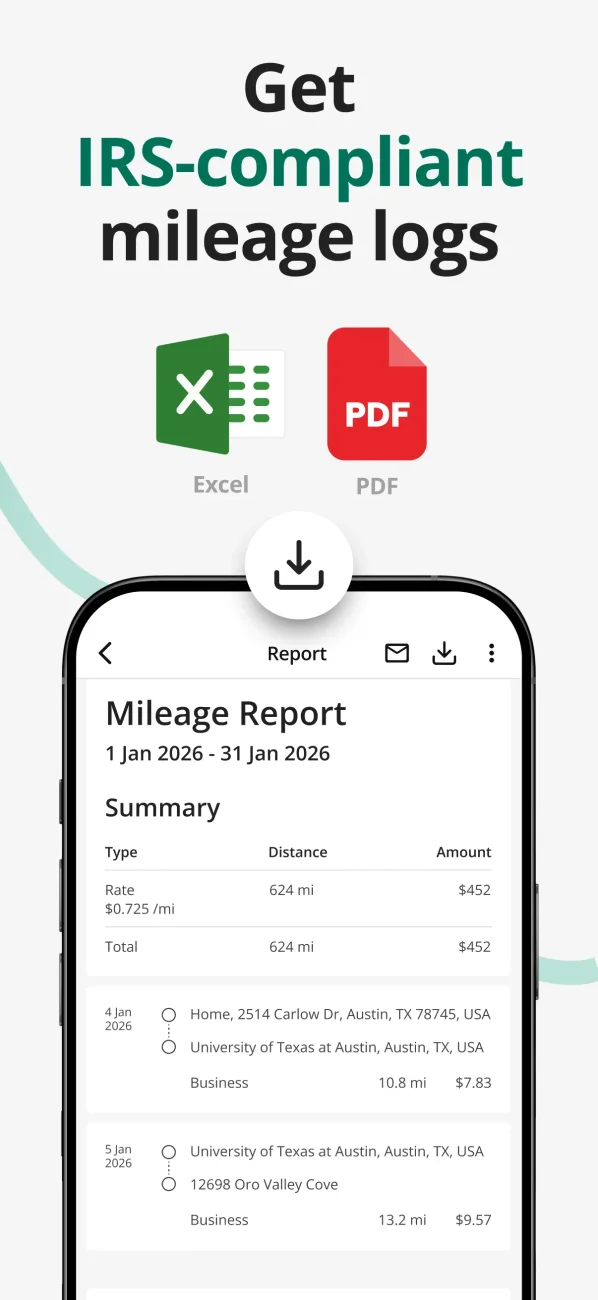
Generate tax-compliant mileage logbooks with one tap. Your records are securely stored and accessible anytime, so you're always prepared in case of an audit.
◉ CLAIM YOUR TIME BACK
Our mile tracker saves you hours of manual logging. The app records all the information you need in real time, whether you're driving between clients, job sites, patients, or properties.
All in just 3 simple steps: Track, Categorize, and Report.
► TRACK
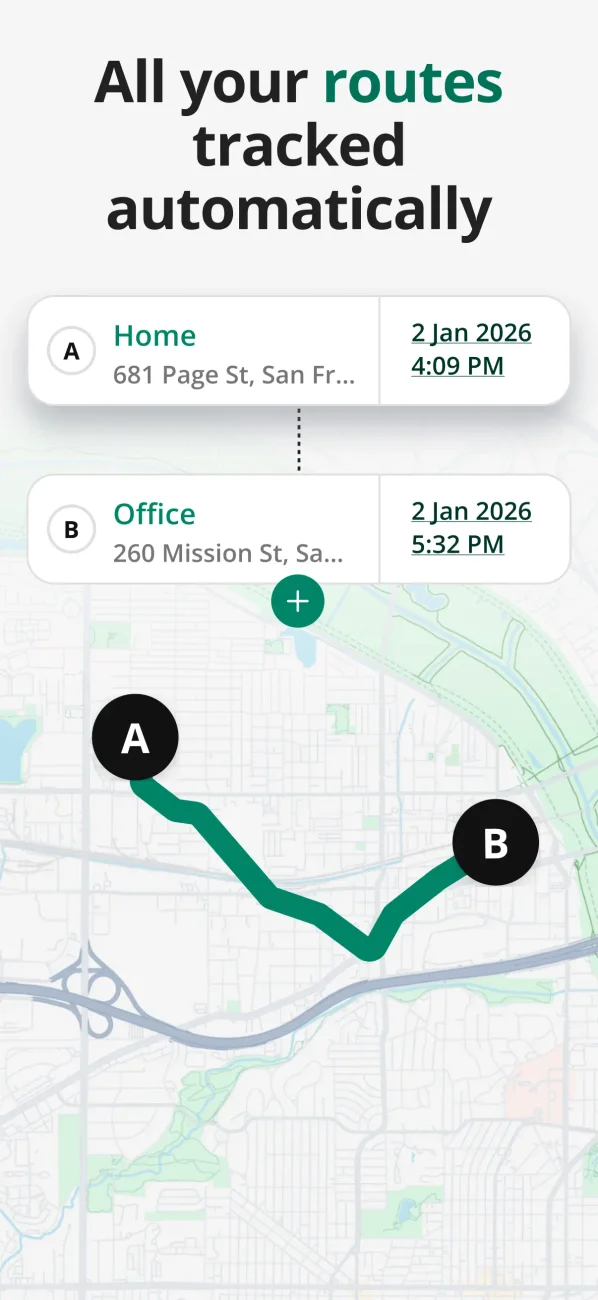
※ Track trips completely automatically - the simple mileage tracker starts tracking once you reach a certain speed.
※ Want to record an individual trip? Just tap START and STOP, and let our automatic GPS mile tracker handle the rest.
※ Easily log odometer readings for full mileage accuracy
※ Track miles for multiple vehicles and workplaces, clients and jobs
► CATEGORIZE
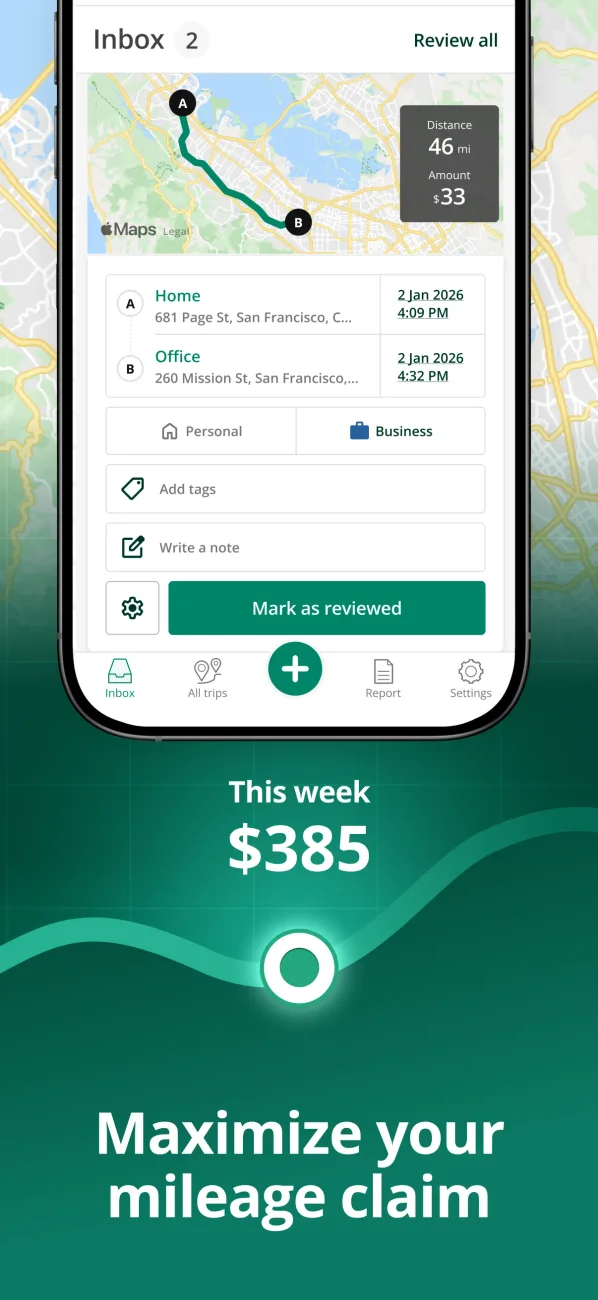
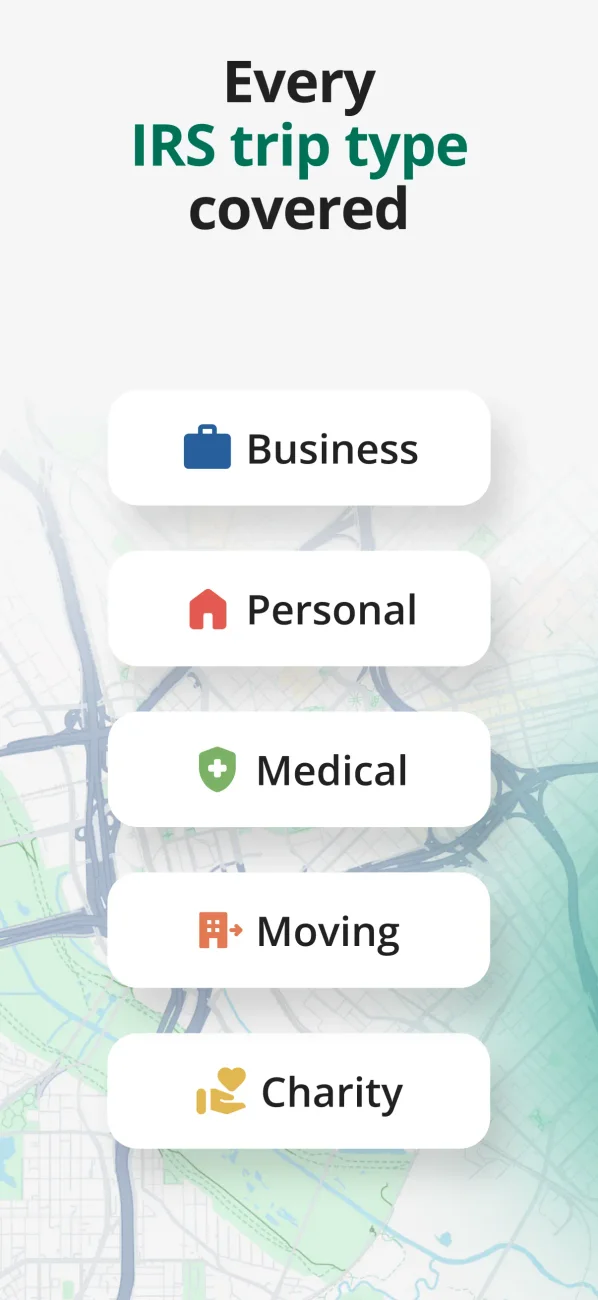
※ Categorize each trip as Business, Personal, Medical or Charity for a complete mileage log
※ Set working hours for automatic classification of business and personal trips
※ Add notes and tags to your recorded journeys for better documentation
► REPORT
※ Generate IRS-compliant mileage reports for reimbursement or tax deductions
※ Use the percentage split to report work vs personal driving when using the actual expenses method
※ Create separate mileage logs for multiple vehicles and workplaces
※ Export your vehicle logbooks as PDF or Excel, or send them directly
► FEATURES THAT MAKE KEEPING A LOG A BREEZE
※ Customize your reimbursement rate if it differs from the IRS rate
※ Set reporting reminders so you never forget to log or report mileage
※ Save frequently visited addresses for faster trip creation
※ Holiday mode: Pause the auto-tracker feature anytime
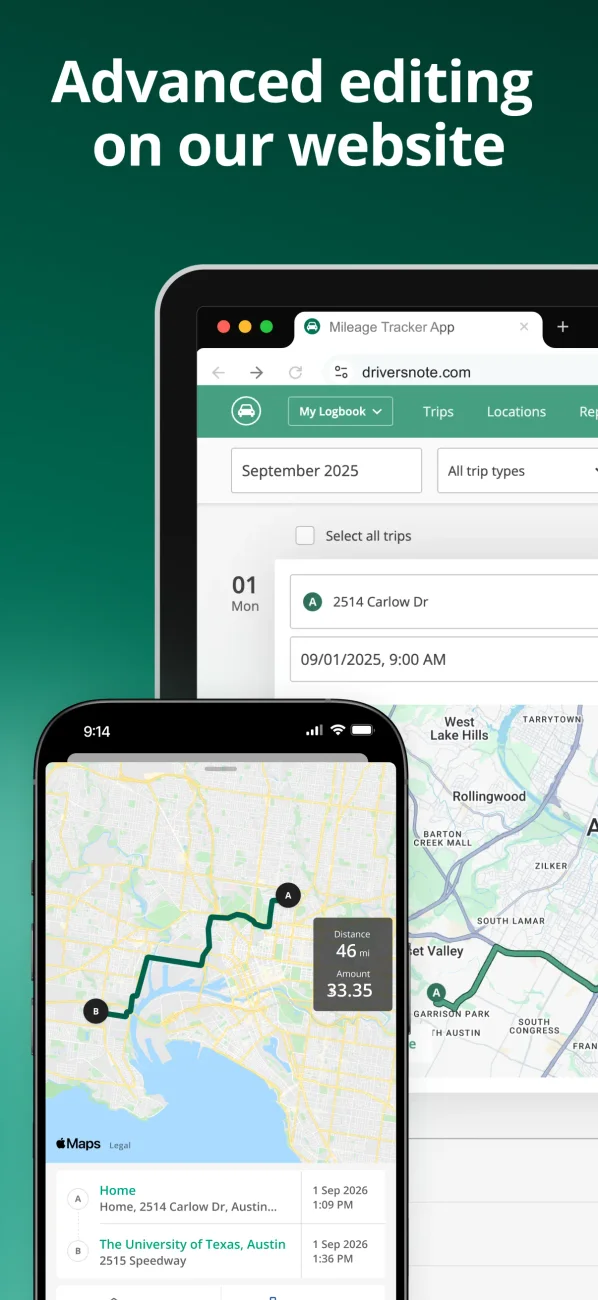
► DRIVERSNOTE FOR WEB: Faster Trip Management
※ Advanced filtering for location, time period, and vehicle
※ Split trips, change details and add notes to multiple drives in seconds
※ Redraw routes directly on the map
► DRIVERSNOTE FOR TEAMS: Perfect for Business Reimbursement Programs
※ Invite and remove users as you need
※ Employees track mileage automatically
※ Employees create and share consistent mileage reports with managers
※ Managers review and approve reimbursement claims in one simple overview
※ Privacy-first design — managers only see reported trips
► IBEACON: Further Improve Automatic Miles Tracking
Place an iBeacon in your car, and Driversnote will track only your preferred vehicle's miles every time you enter or leave your car. Get a free iBeacon when you sign up for the annual Pro subscription on our website.
► PRIVACY BY DESIGN
※ We never sell your data
※ Your information is never shared with third parties for marketing
► SUPPORT
※ Looking for a quick answer to your question? Visit our comprehensive Help Center straight from the app.
※ Our support team is ready to assist you at any time at support@driversnote.com
What’s new
Version 4.31.3 · Nov 24, 2026
- Starting a trip in a parking basement? Your iBeacon won't miss it anymore, even without GPS reception
- Your sign-in details are now stored securely on your phone
- Editing a manual trip offline? Your start and end stay put, no more "Unknown location"
- Plus fixes for home screen shortcuts, notification buttons and signing in
Questions? Reach out to support@driversnote.com
App privacy
What Driversnote ApS declares on the App Store about how this app handles data.
-
Data linked to you
May be collected and linked to your identity.
- Health and fitness
- Location
- Contact info
- Identifiers
- Usage data
- Diagnostics
-
Data not linked to you
May be collected but is not linked to your identity.
- Diagnostics
Privacy practices may vary, for example with the features you use or your age.
Information
- Seller
- Driversnote ApS
- Category
- Finance
- Version
- 4.31.3
- Updated
- Nov 24, 2026
- Released
- Nov 18, 2014
- Size
- 112.9 MB
- Requires
- iOS 16.4 or later
- Age rating
- 4+
- Price
- Free
- In-app purchases
- Yes
- Languages
- English, Czech, Danish, Dutch, Finnish, French, German, Italian, Norwegian Bokmål, Polish, Swedish
- Copyright
- © 2026 Driversnote ApS
You might also like
-
 MileIQ: Mileage Tracker & LogTrack Driving Miles & Expenses
-
 Mileage Tracker by EverlanceMile, Expense & Tax Deductions
-
 Stride: Mileage & Tax TrackerExpense & income tracking
-
 Mileage Tracker App by TripLogMileage & expense tracking
-
 Mile Logger - Mileage trackerUnlimited trip / drive tracker
-
 Hurdlr Mileage, Expenses & TaxBusiness Expense Tracker
-
 Gridwise: Gig Driver AssistantBoost Rideshare & Delivery Pay
-
 SimplyWise: Receipts, ExpensesBusiness Tax Report & Tracker
-
 Fuelly: MPG & Service TrackerMPG, Mileage & Fuel Economy
-
 Drivers notetriplog mileage tracker log