Mimic: Voice Clone & Changer
Live AI Voice Studio On-Device
Designed for iPhone
Free · In-app purchases
- Age rating4+
- CategoryEntertainment
- DeveloperGreg Wolny
- LanguagesEnglish
- Size150.4 MB
Links to the official App Store page
Download.org hosts no file of Mimic: Voice Clone & Changer. The button opens its official App Store page, published by Greg Wolny. Listing last checked on Nov 25, 2026.
Screenshots



About
Mimic is a voice studio for your iPhone. Turn your voice into a character in real time, record studio-quality takes and share them as videos, make a voice of your own, and share it with the Mimic community.
TRANSFORM YOUR VOICE LIVE
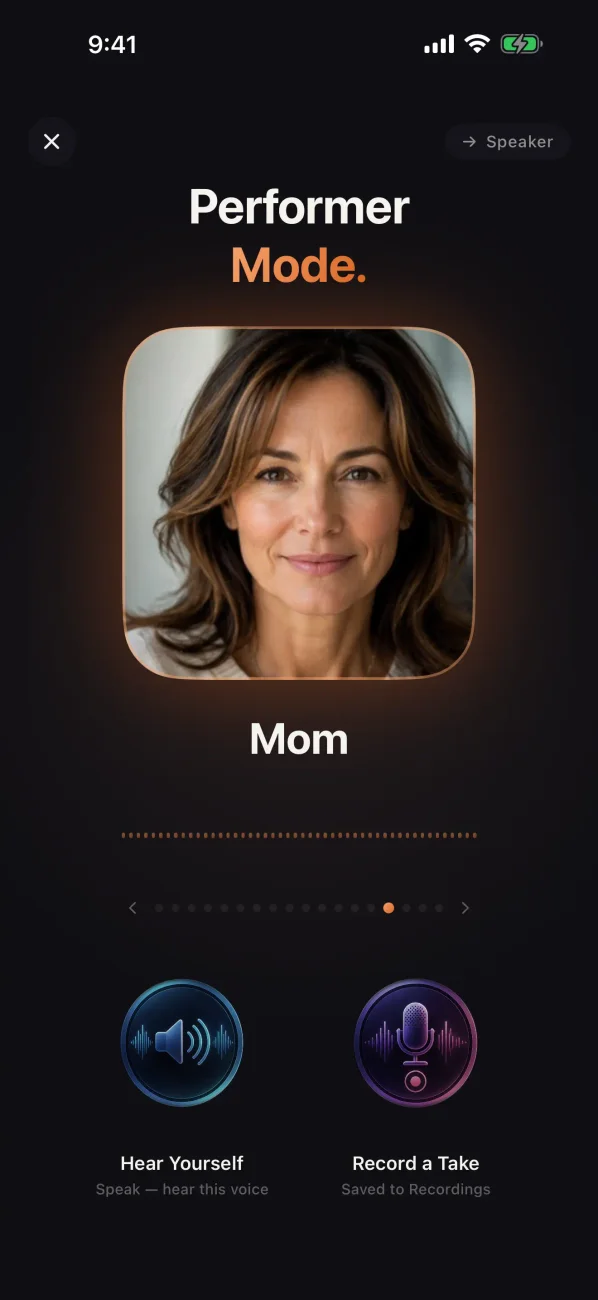
Speak and hear yourself as another voice instantly — through your speaker, AirPods, or any Bluetooth output. Great for videos, characters, storytelling, gaming, and creative play.
WHAT YOU GET FREE
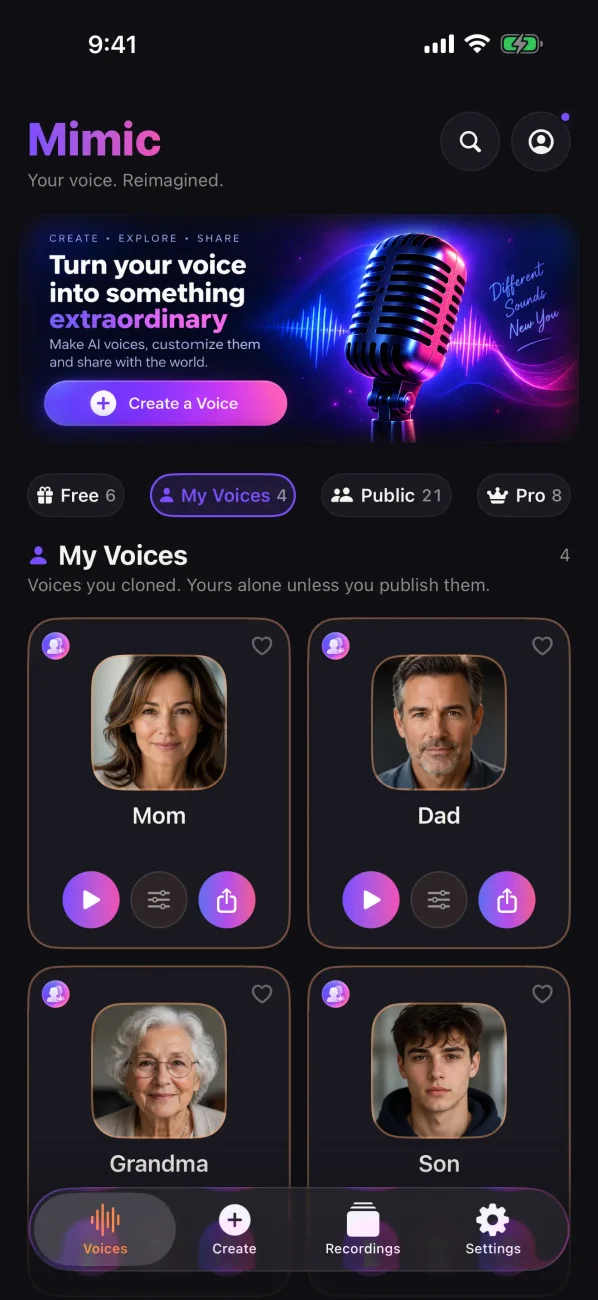
Six voice effects — Robot, Helium, Demon, Underwater, Whisper and Echo — with no limits and no subscription. Browse and preview the whole community library. Make a voice of your own, and share it with the library to keep it yours to use as much as you like. Try the designer voices and take one from the library before you decide anything.
A COMMUNITY VOICE LIBRARY
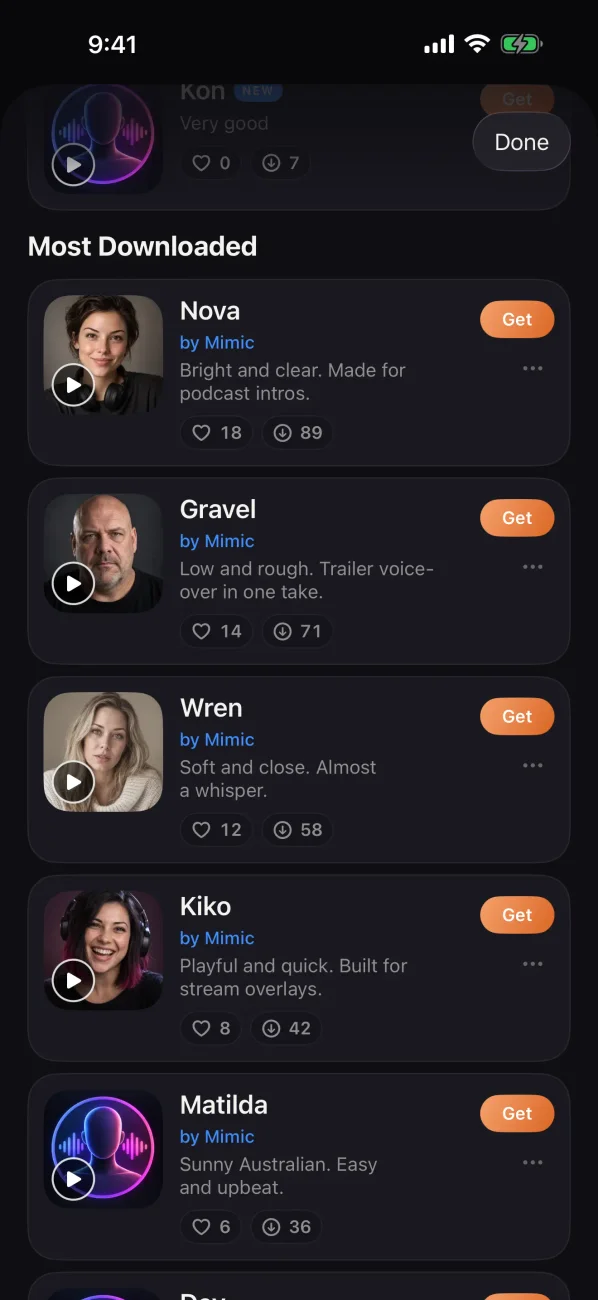
Browse voices other people have made and shared, hear a preview of each one, like the ones you love, and add them to your own grid. New voices appear without waiting for an app update. Publish a voice you made — tagged by how it sounds, so people can find it — see how many people take it, and remove it again whenever you want. Every voice is reviewed before it appears, and anything can be reported from inside the app.
RANKS AND MEDALS
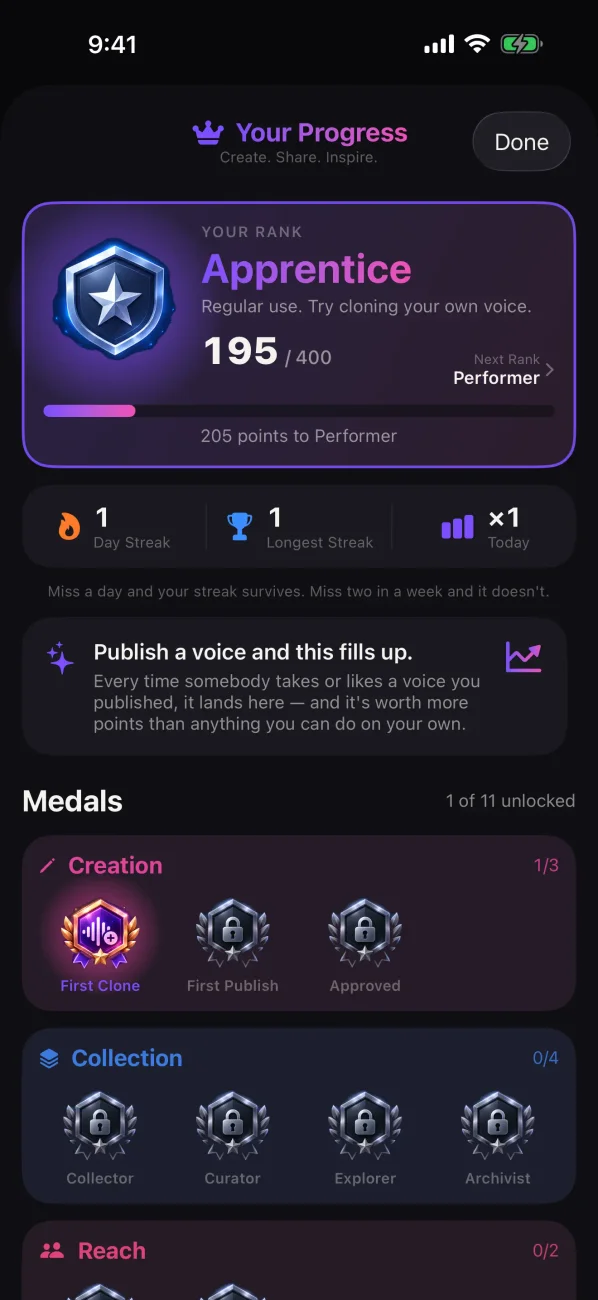
Everything you do in Mimic earns points — making a voice, taking one, saving a take, publishing to the library. Climb ten ranks from Newcomer to Immortal, unlock eleven medals, and keep a daily streak that survives a missed day. Free for everyone, with no account and nothing to sign up for.
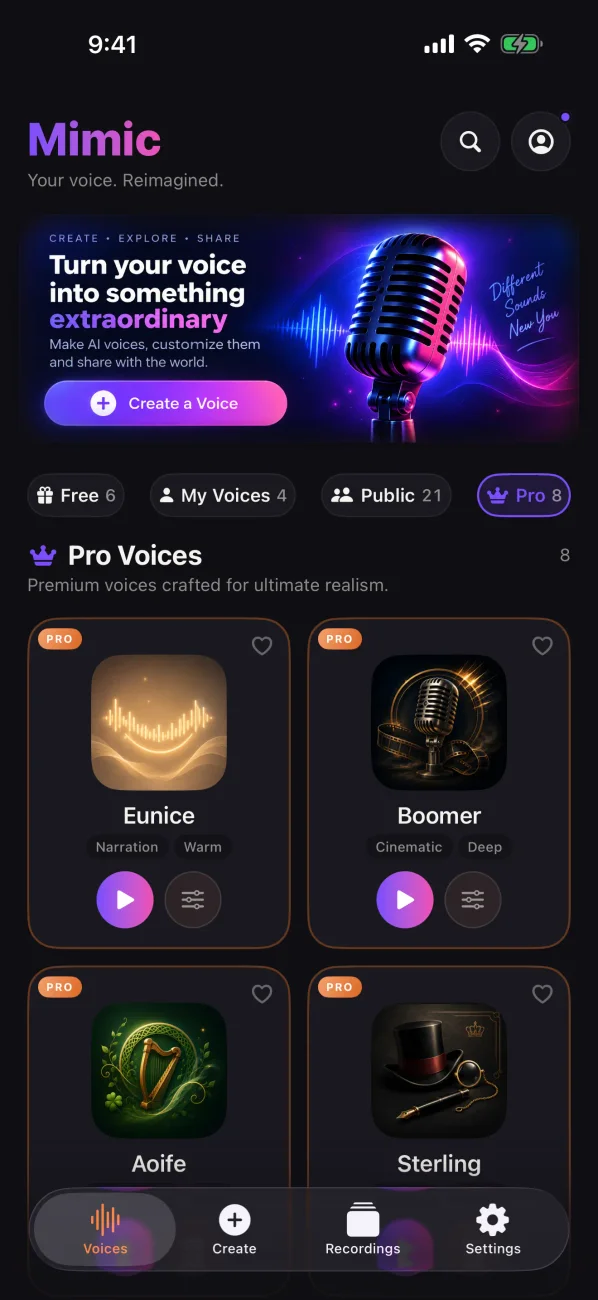
EIGHT DESIGNER VOICES
Eunice, Boomer, Aoife, Sterling, Rex, Marshal, Princess, and Super Hero — distinct voices tuned by the Mimic team.
MAKE A VOICE OF YOUR OWN
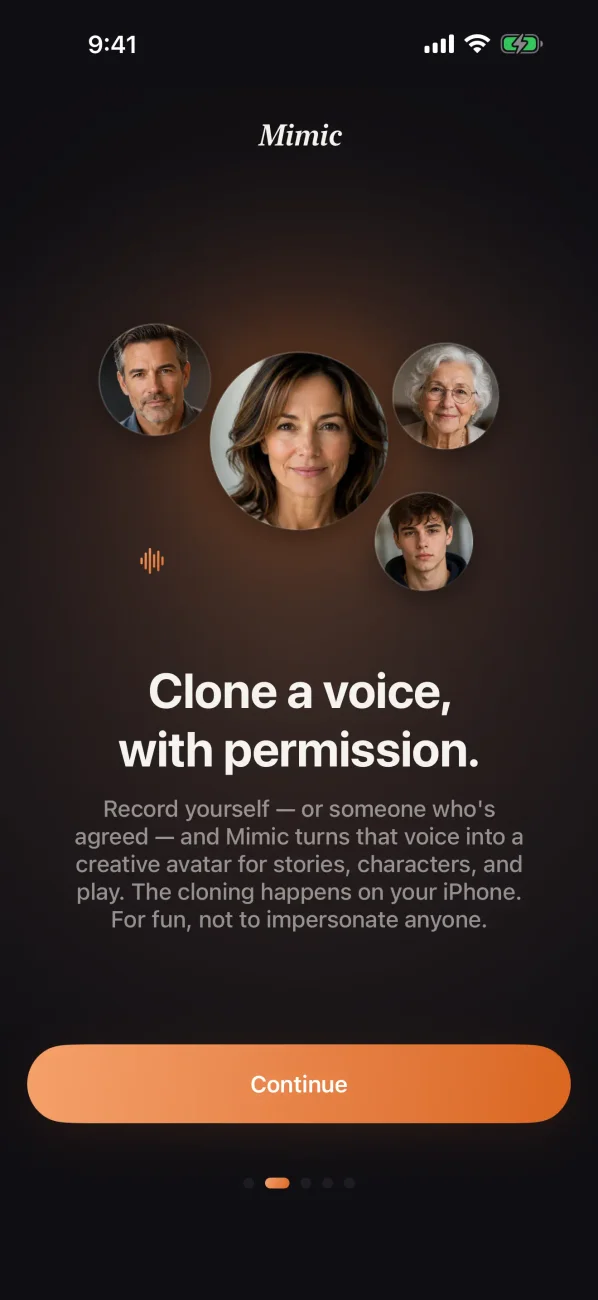
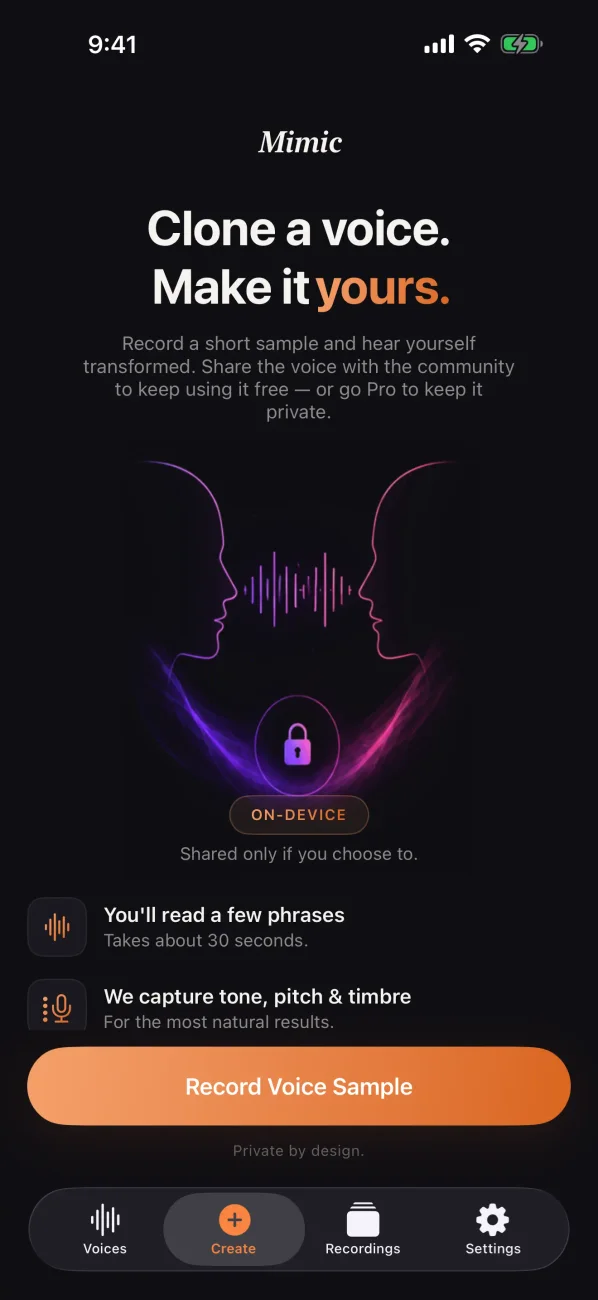
Record about 20 seconds of your own voice — or someone who has given permission — and Mimic builds a voice avatar on the Apple Neural Engine. Mimic is for creative and entertainment use: only clone voices you have permission to use, and don't use Mimic to impersonate or deceive anyone.
STUDIO-QUALITY RECORDINGS
Save takes that process through a higher-fidelity model for clean, shareable audio.
SHARE A TAKE AS A VIDEO
Turn a saved take into a vertical video: rings and bars that move with your voice, over a photo you choose — from your library or your camera — or Mimic's own picture. Send it to any app, save it to Photos, or share the sound on its own.
YOUR RECORDINGS STAY ON YOUR IPHONE
Recording, cloning and playback all run on-device, and there is no account to create. Your audio is never uploaded. Videos are made on your iPhone too — nothing is uploaded to make one. If you choose to publish a voice to the community library, Mimic sends only its voice print — a small mathematical signature of the voice — and never your recordings.
LIGHT OR DARK
Mimic follows your iPhone's appearance, or you can pin it to light or dark in Settings.
MIMIC PRO
Unlock unlimited use of all eight designer voices, the whole community library, your own voices, and studio recordings:
• $3.99/month, or
• $19.99 one-time (lifetime)
Includes a 3-day free trial. Family Sharing supported.
Making your own voice, the designer voices and the community voices all need iPhone 15 Pro or newer — you can still browse the library on any iPhone. The six free voice effects work on all supported iPhones.
Terms of Use (EULA): https://www.apple.com/legal/internet-services/itunes/dev/stdeula/
What’s new
Version 1.4 · Nov 24, 2026
Share a take as a video.
• New: turn any saved take into a vertical video — rings and bars that move with your voice, over a photo you choose or Mimic's own picture. Send it anywhere, save it to Photos, or share the sound on its own.
• Designer voices you haven't tried yet now carry a FREE TRY badge, and Mimic suggests one to try.
• If the microphone is turned off for Mimic, an Open Settings button now takes you straight there.
App privacy
What Greg Wolny declares on the App Store about how this app handles data.
-
Data not linked to you
May be collected but is not linked to your identity.
- User content
- Identifiers
- Usage data
Privacy practices may vary, for example with the features you use or your age.
Information
- Seller
- Greg Wolny
- Category
- Entertainment
- Version
- 1.4
- Updated
- Nov 24, 2026
- Released
- Jun 30, 2026
- Size
- 150.4 MB
- Requires
- iOS 18.0 or later
- Age rating
- 4+
- Price
- Free
- In-app purchases
- Yes
- Languages
- English
- Copyright
- © Greg Wolny 2026
You might also like
-
 VocalShift: Voice ChangerClone your voice & sing
-
 VoxFun: Video Voice ChangerOffline Cloning & Audio Editor
-
 AI Voice Changer: OfflinePrivate on-device voice fx
-
 VoiceTwin AI: Voice CloningText to Speech & Voice Changer
-
 VoiceMix : Voice ChangerVoice Effects & Audio Recorder
-
 Voxi: Voice Changer & RecorderMale to female, 30+ effects
-
 Voice Changer LiveSound Effects
-
 Phone Voice Changer AIFunny live prank phone calls
-
 Vox: AI Voice CloningText to Speech & Voiceovers
-
 VoiceNPC: AI Voice Clone & TTS300+ Voices, Offline, Private