
Mimo AI Clinical Notes
AI Notes, Scribe & Compliance
Designed for iPhone, iPad
Free
- Age rating12+
- CategoryMedical
- DeveloperMimo Medical LLC
- LanguagesEnglish
- Size59.1 MB
Links to the official App Store page
Download.org hosts no file of Mimo AI Clinical Notes. The button opens its official App Store page, published by Mimo Medical LLC. Listing last checked on Nov 15, 2026.
Screenshots

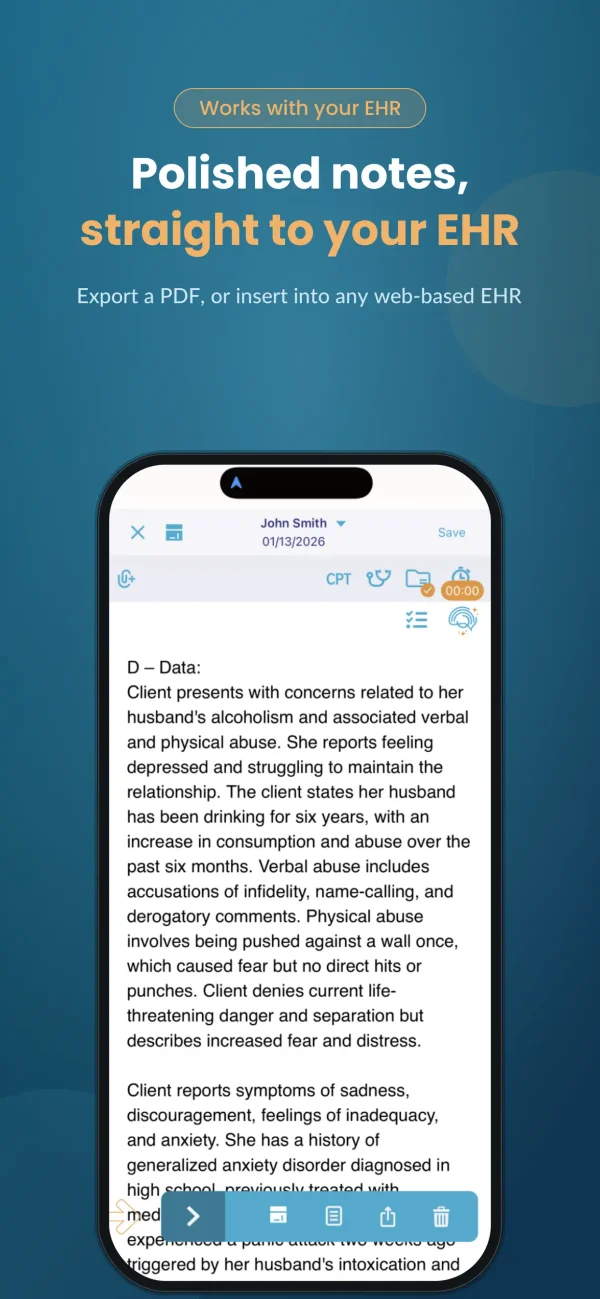
About
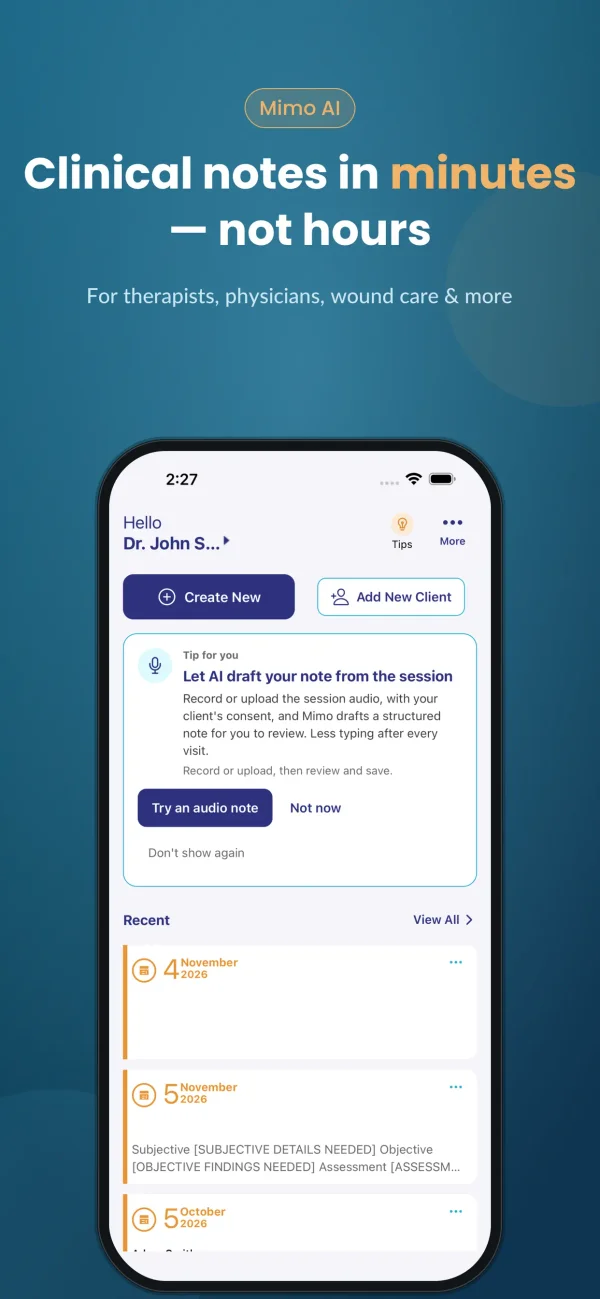
Mimo AI Clinical Notes — finish your documentation in minutes, not hours.
Mimo is the AI documentation assistant for clinicians: therapists and counselors, physicians, nurse practitioners, wound care specialists, and the teams who support them. Record a visit, type, fill in a form, or import a paper note — Mimo turns it into a structured, complete clinical note that you review before it's saved, exported, or shared.
WORKS WITH YOUR EHR
The Mimo Extension inserts your finished notes into any web-based EHR or practice platform — no API integration project required. Write in Mimo on your phone or iPad, then send it to the chart from your browser.
WHY CLINICIANS CHOOSE MIMO
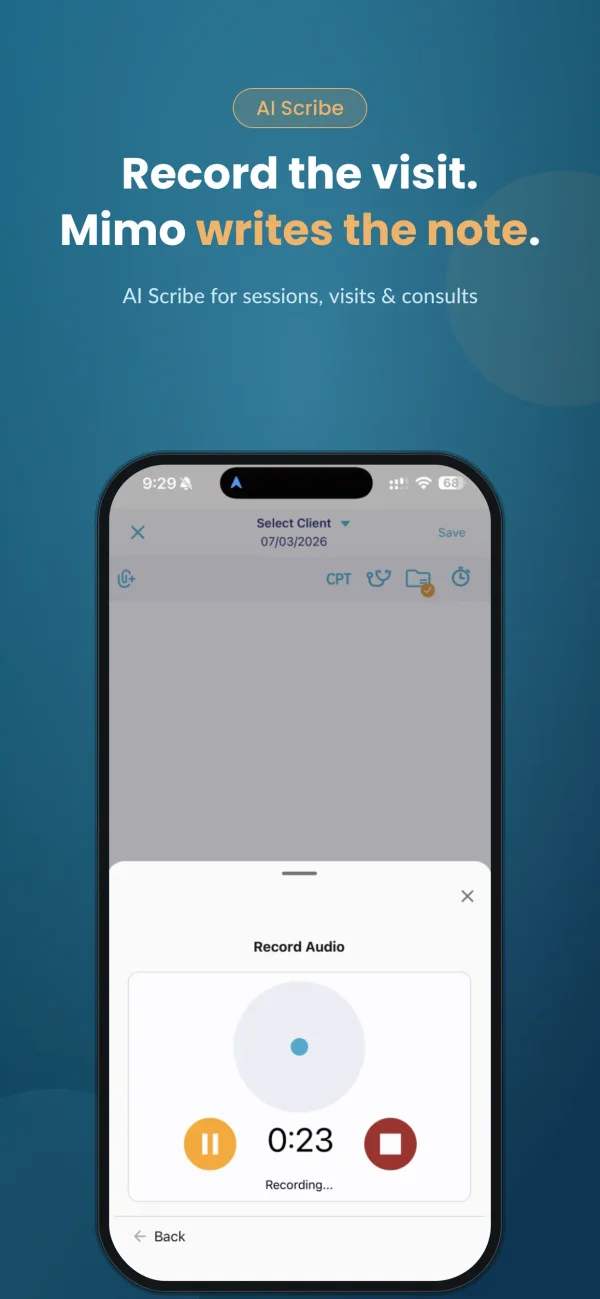
AI Scribe — Record or upload audio from a session or visit and get a finished SOAP, DAP, BIRP, or progress note in minutes.
You stay in control — Start with Audio, Text, or Form. Mimo drafts with AI only when you ask, and every draft is yours to review and edit.
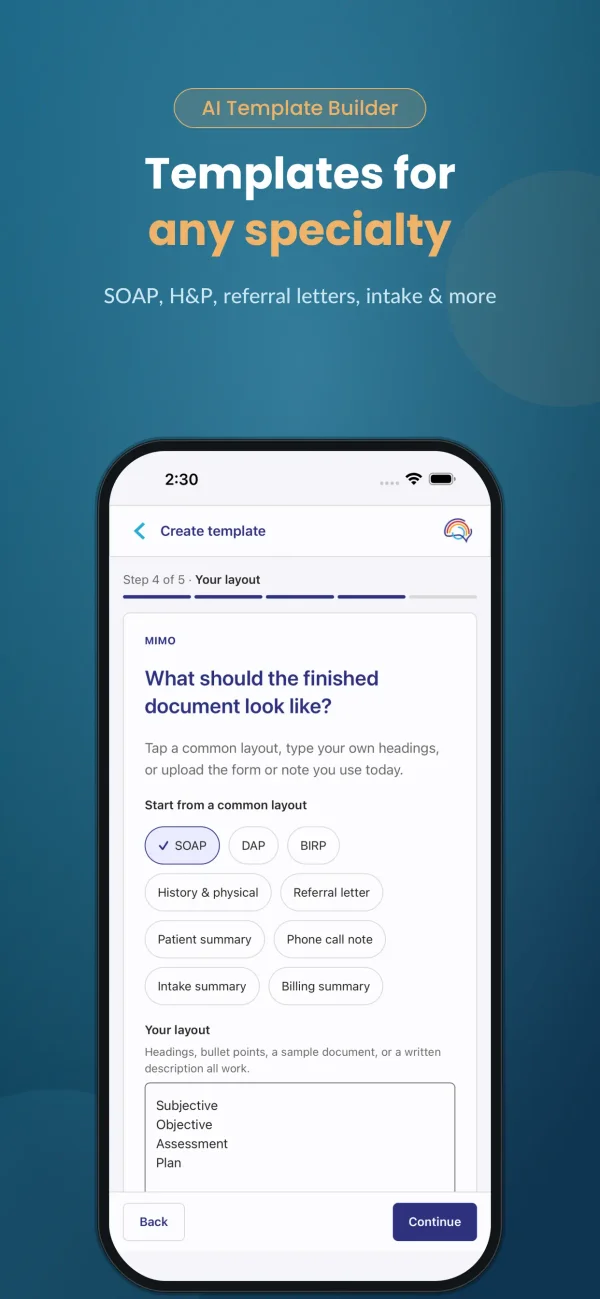
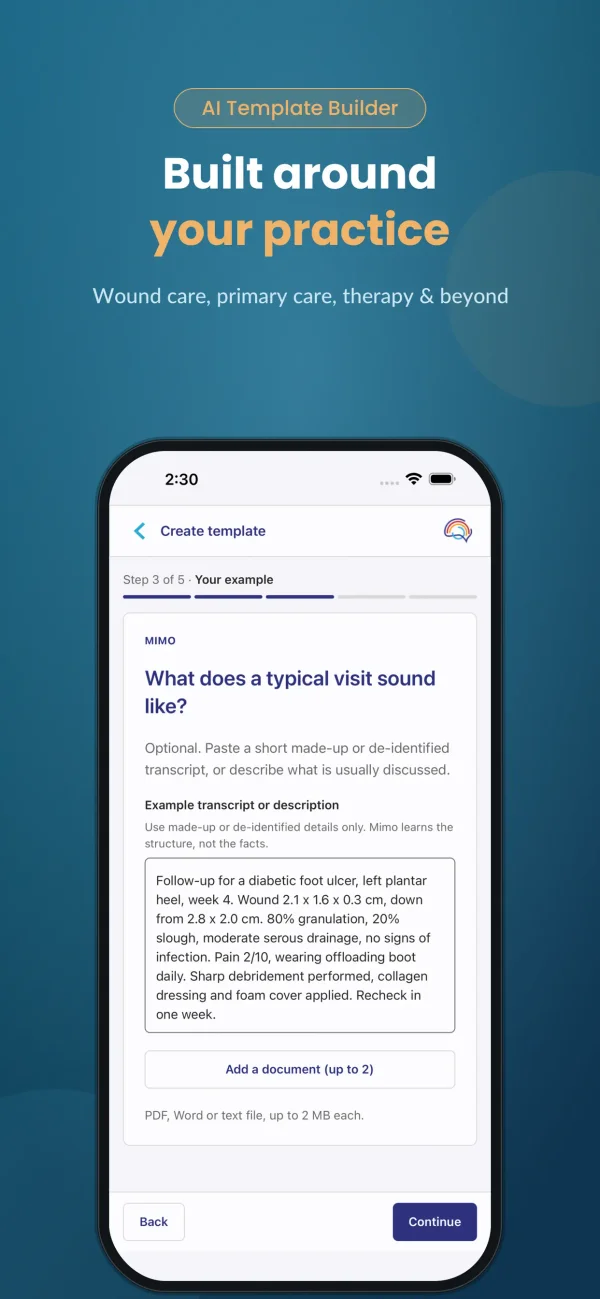
Templates for any specialty — Built-in SOAP, DAP, and BIRP, plus custom templates for behavioral health, primary care, wound care, and more.
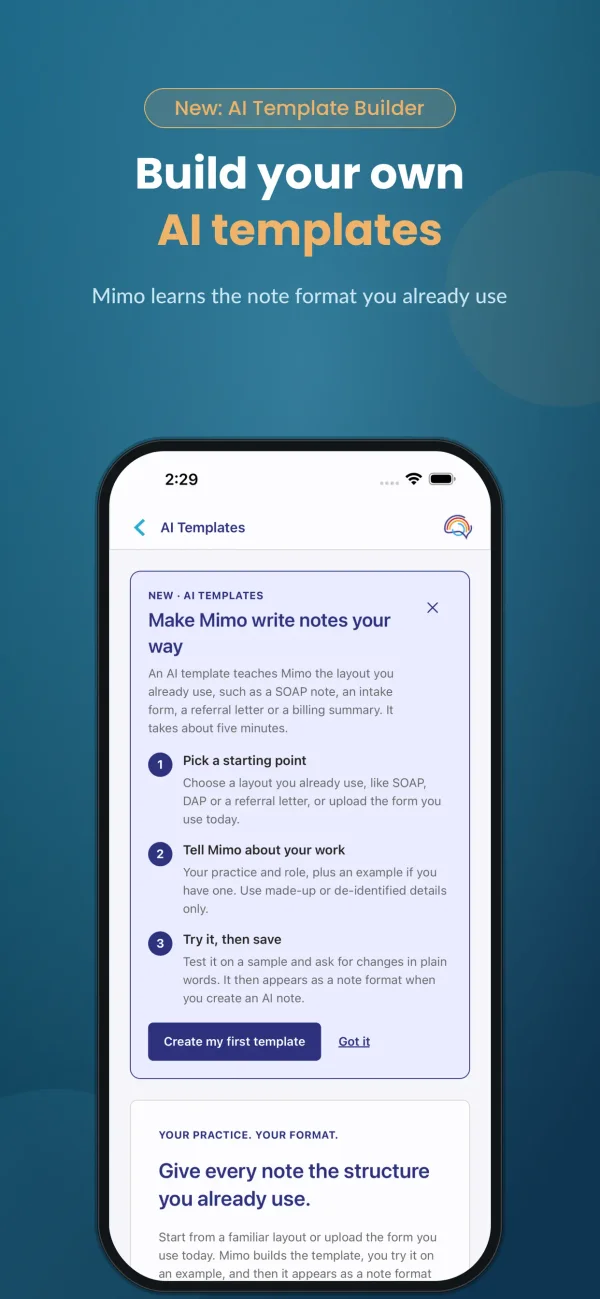
NEW — AI Template Builder: Generate a custom template for any specialty or practice. Describe the note you need, preview it in plain language, and refine it over time.
NEW — Import paper notes: Upload a scanned or photographed note and add its text straight into your note.
Clinical photos and attachments — Add images, audio, and PDFs to a note, such as wound photos or outside records, and tailor forms to your practice.
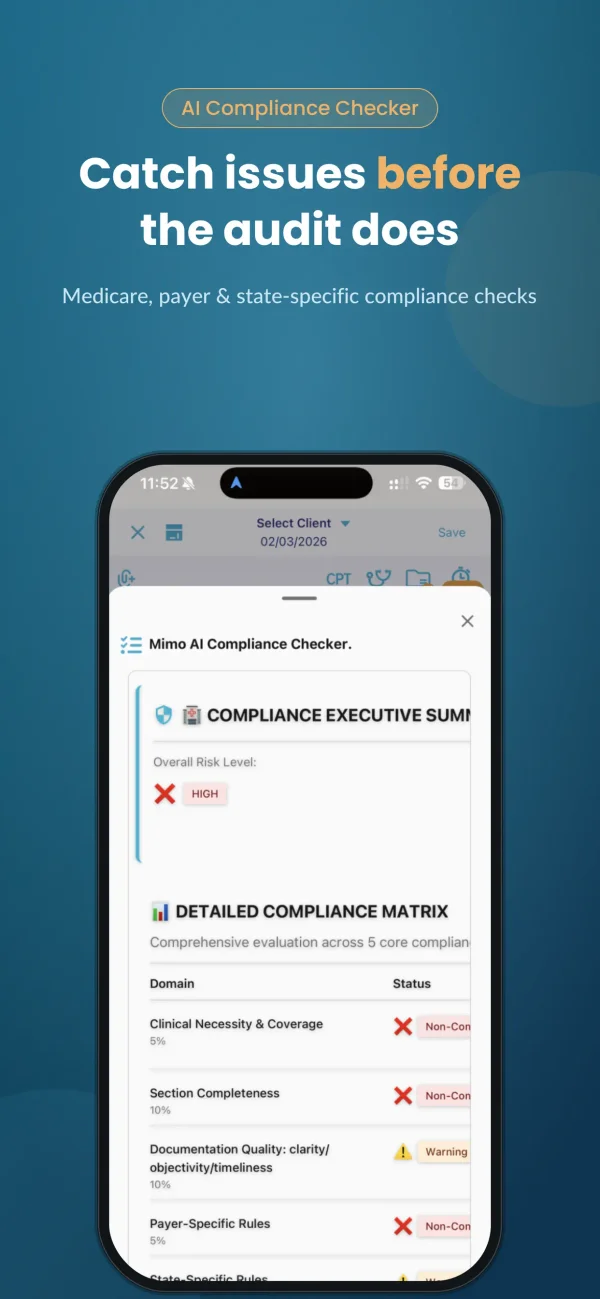
AI Compliance Checker — Check any note against Medicare, payer, and state-specific requirements and get a compliance matrix with an executive summary and risk levels.
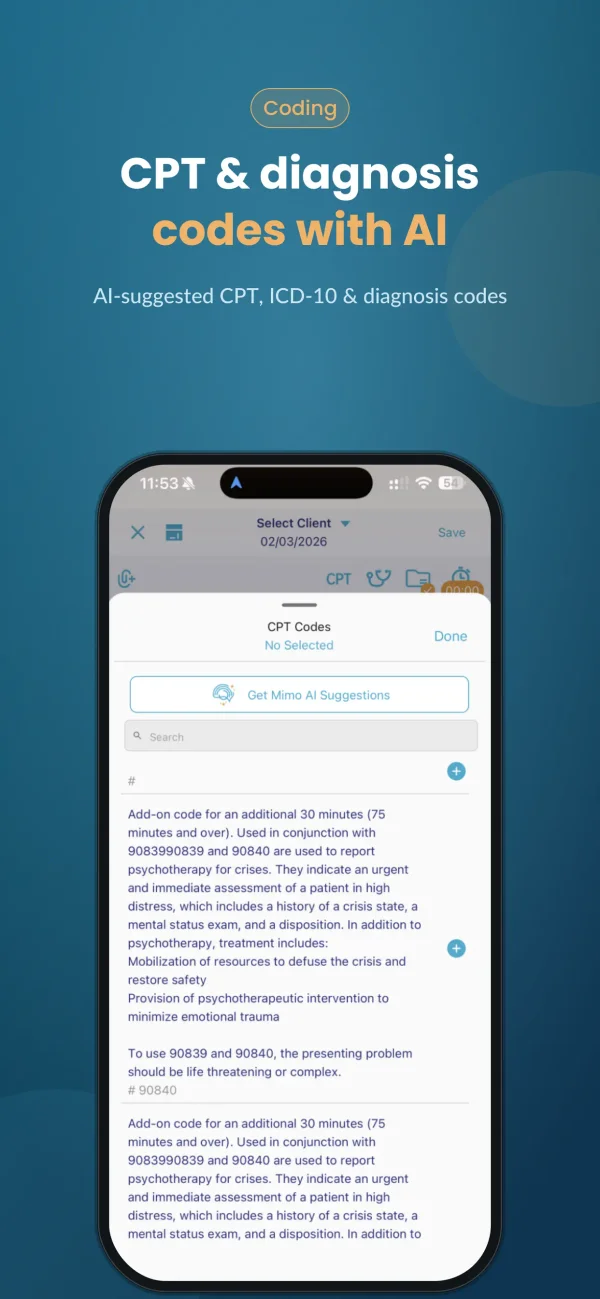
Streamlined coding — Add CPT, ICD-10, and diagnosis codes with AI suggestions.
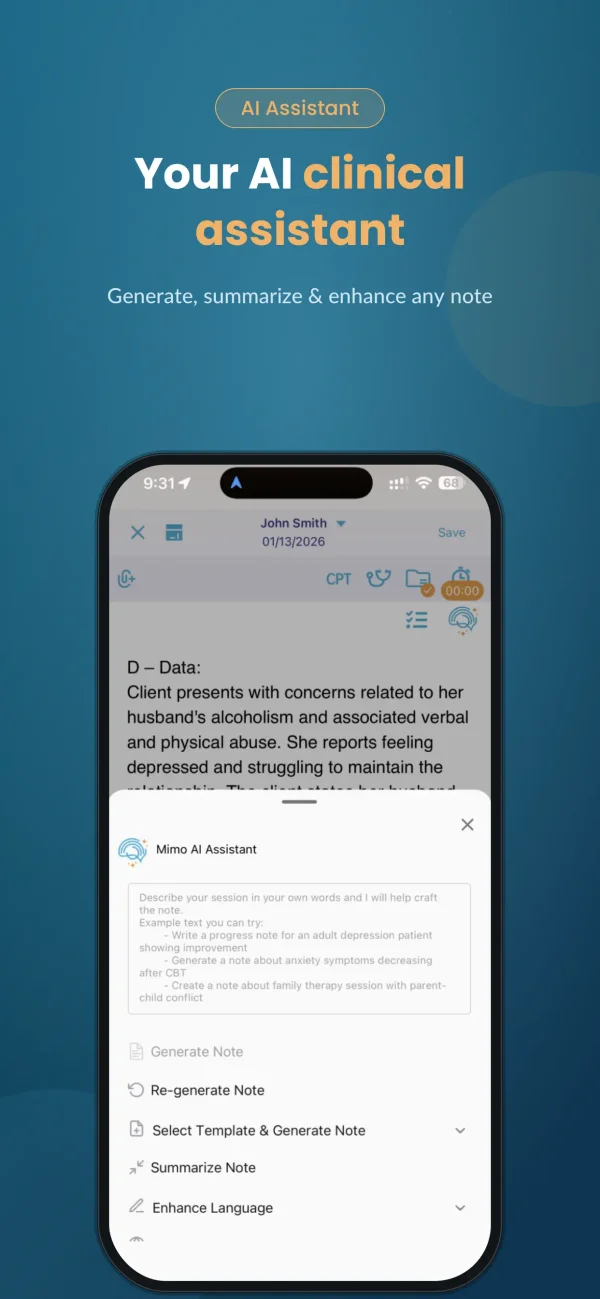
AI Clinical Assistant — Generate, summarize, enhance, and translate notes. Thousands of prewritten clinical sentences help you chart faster.
Wiley Resources — Wiley Treatment Plans, Progress Notes, and Homework side by side with your note, laid out for iPad.
Handwriting and dictation — Type, dictate, or write with a stylus.
Export and share — One-tap PDF export, print, or email.
BUILT FOR PRIVACY AND SECURITY
HIPAA-compliant. Sign in with Apple or Google, add two-step verification with an authenticator app, and unlock with Face ID or Touch ID. Drafts save as you work, so a dropped connection won't cost you a note.
WORK ANYWHERE
Sync across iPhone, iPad, and the web, with layouts that adapt to your screen.
THE RESULT
Cut your documentation time by up to 70% — and spend your evenings with people, not paperwork.
Questions or need help? Email Support@mimonote.com.
Download Mimo and get your hours back — one note at a time.
What’s new
Version 9.1.1 · Nov 6, 2026
What's new in Mimo 9.1
• Build your own AI templates: a guided builder helps you create templates in your own style, with easy-to-read previews.
• Import paper notes: upload a scanned or photographed note and add its text straight into your note.
• Simpler note creation: start with Audio, Text, or Form. AI drafts only when you ask, and you always review before saving.
• More secure sign-in: sign in with Apple or Google, add two-step verification with an authenticator app, and unlock with Face ID or Touch ID.
• Redesigned Manage Account page.
• Your work is protected: drafts save as you go, and unsaved notes survive a dropped connection.
• Better on iPhone and iPad: layouts adapt to your screen, and the editor stays visible above the keyboard.
• Faster, more reliable notes list, filters, attachment previews, and export.
• Compliance Checker now lets you choose your state, and code suggestions show clearer results.
• Plus many bug fixes and performance improvements.
App privacy
What Mimo Medical LLC declares on the App Store about how this app handles data.
-
Data used to track you
May be used to track you across apps and websites owned by other companies.
- Identifiers
-
Data linked to you
May be collected and linked to your identity.
- Identifiers
- Usage data
- Diagnostics
-
Data not linked to you
May be collected but is not linked to your identity.
- Usage data
Privacy practices may vary, for example with the features you use or your age.
Information
- Seller
- Mimo Medical LLC
- Category
- Medical
- Version
- 9.1.1
- Updated
- Nov 6, 2026
- Released
- Dec 31, 2017
- Size
- 59.1 MB
- Requires
- iOS 16.4 or later
- Age rating
- 12+
- Price
- Free
- Languages
- English
- Copyright
- © 2026 Mimo AI LLC
You might also like
-
 Medical ScribeAI Clinical Notes Instantly
-
 Chartnote: AI Medical ScribeAI Notes, Dictation & Copilot
-
 OrbVoice: Medical AI ScribeAI Dictation for Healthcare
-
 Moments for TherapistsAI-powered. HIPAA-compliant
-
 ScribeMD - AI Medical ScribeTranscribe and Summarize
-
 S10.ai #1 Medical ScribeYour #1 AI Scribe Alternative
-
 Bells – Assisted DocumentationEasy, accurate documentation
-
 Mobile Healthcare EHRMedical
-
 PsychNotes: Clinical Pkt GuideDSM-5 disorders and treatments
-
 Soaper AI Medical ScribeMedical Notes Made Easy