
Mind Map: Brainstorm & Notes
Offline Idea Organizer Outline
Designed for iPhone, iPad, iPod touch
Free · In-app purchases
- Age rating4+
- CategoryProductivity
- DeveloperGunawan Santoso
- LanguagesEnglish+ 6 more
- Size69.8 MB
Links to the official App Store page
Download.org hosts no file of Mind Map: Brainstorm & Notes. The button opens its official App Store page, published by Gunawan Santoso. Listing last checked on Nov 13, 2026.
Screenshots


About
Some ideas only make sense once you can see them.
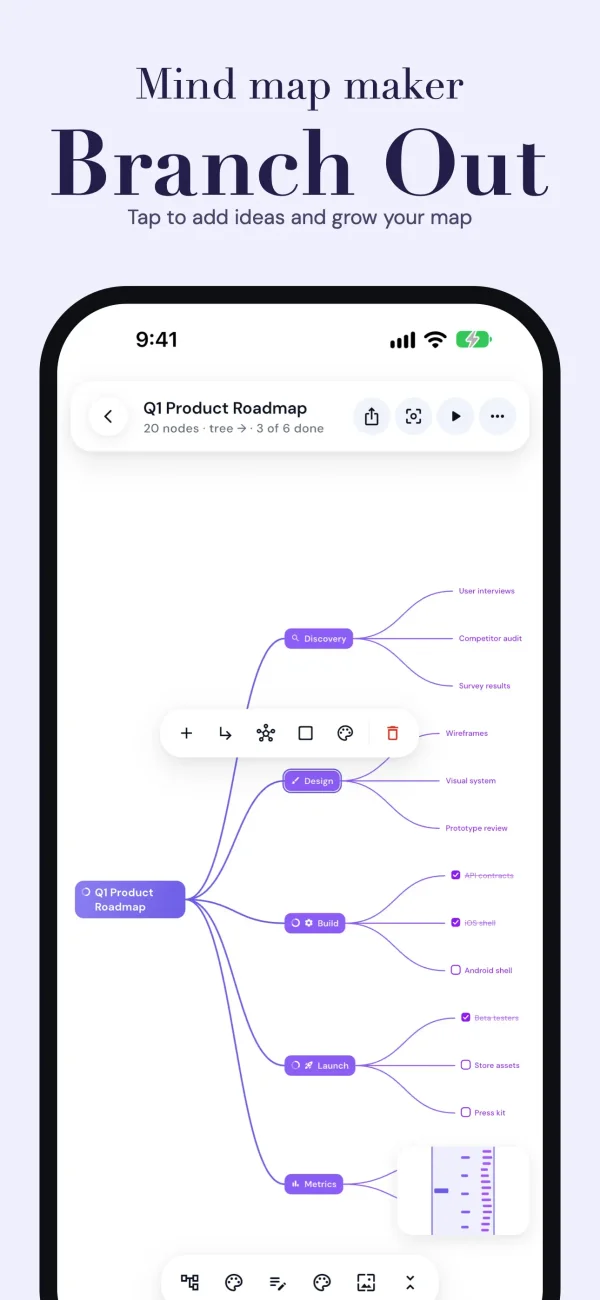
MindFlow gives you an infinite canvas and gets out of the way. Type your central idea, branch it out, and watch the shape of your thinking appear.
WHAT MAKES IT DIFFERENT
Works offline. There is no account, no sign-up, and no sync. Your maps live on your device and nowhere else — which means MindFlow works on a plane, on the subway, and in an exam hall.
No subscription. The whole core app is free.
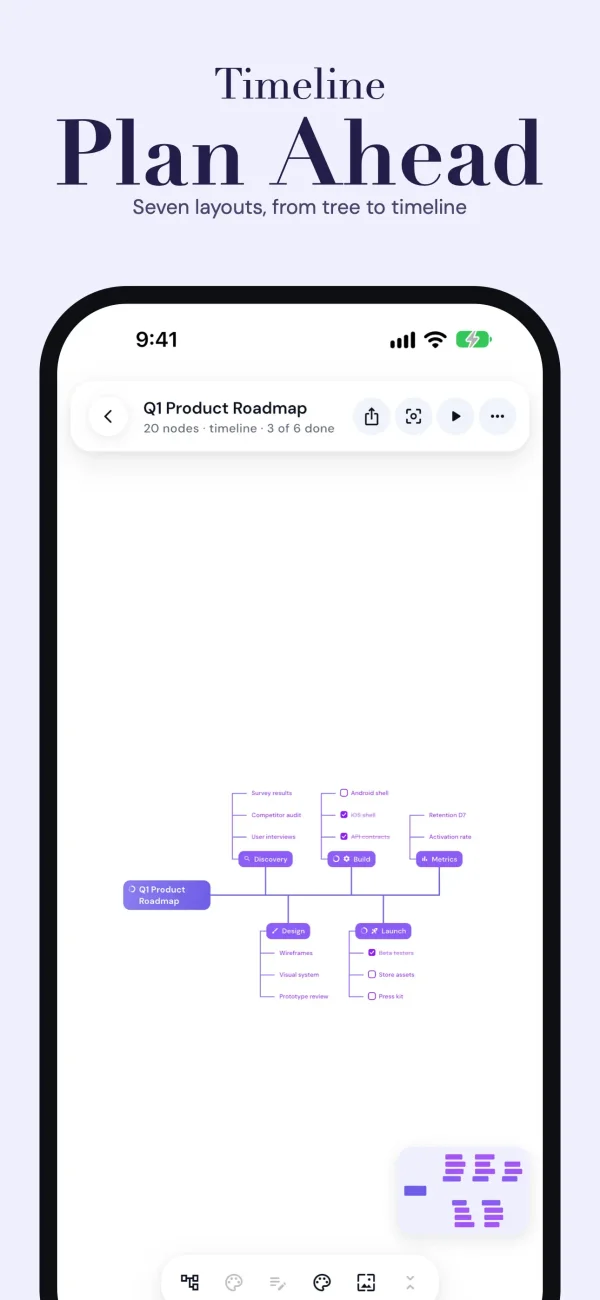
Six ways to see the same idea. Free-form, radial, tree right, tree down, org chart, and fishbone (unlock the last two for good inside the app, or get them with MindFlow Pro). Switch and every node glides into its new arrangement — the same thoughts, a completely different perspective.
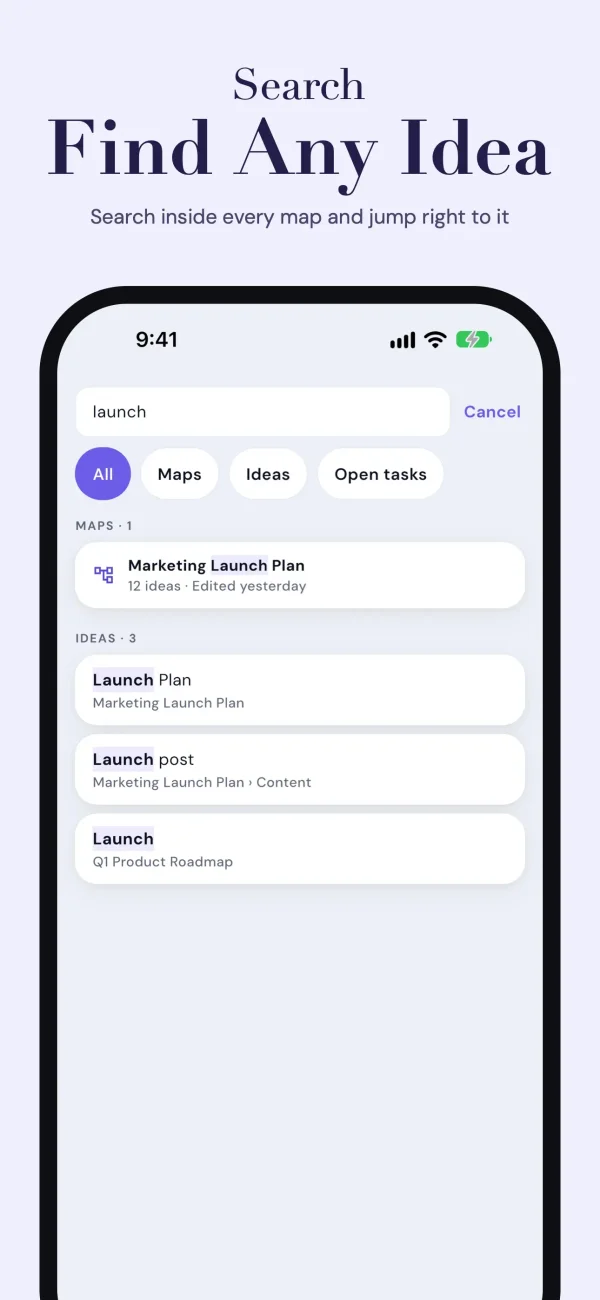
Find anything. Search looks inside every map, not just the titles, and opens the map right on the idea you were looking for.
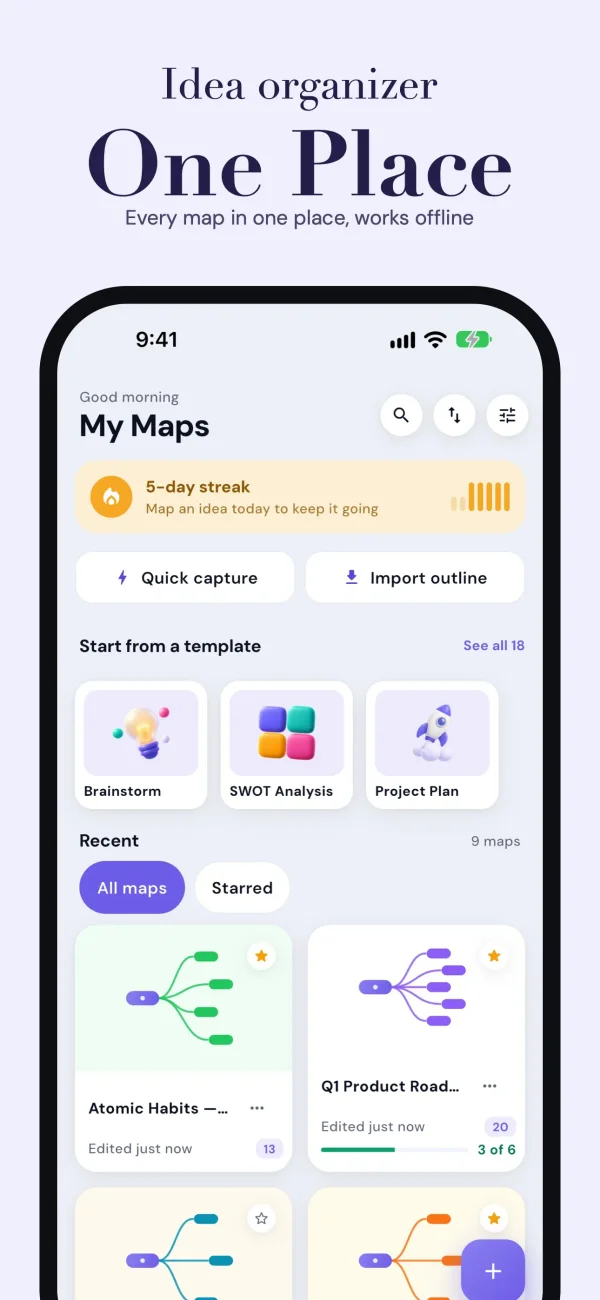
Quick capture. Jot an idea from the home screen without opening a map. It lands under the central idea of the map you pick, or starts a new map of its own.
Focus mode. Spotlight one branch, dim everything else, and think about one thing at a time.
Present mode. Step through your map branch by branch, with zoom and highlight. Your brainstorm becomes a walkthrough without any extra work.
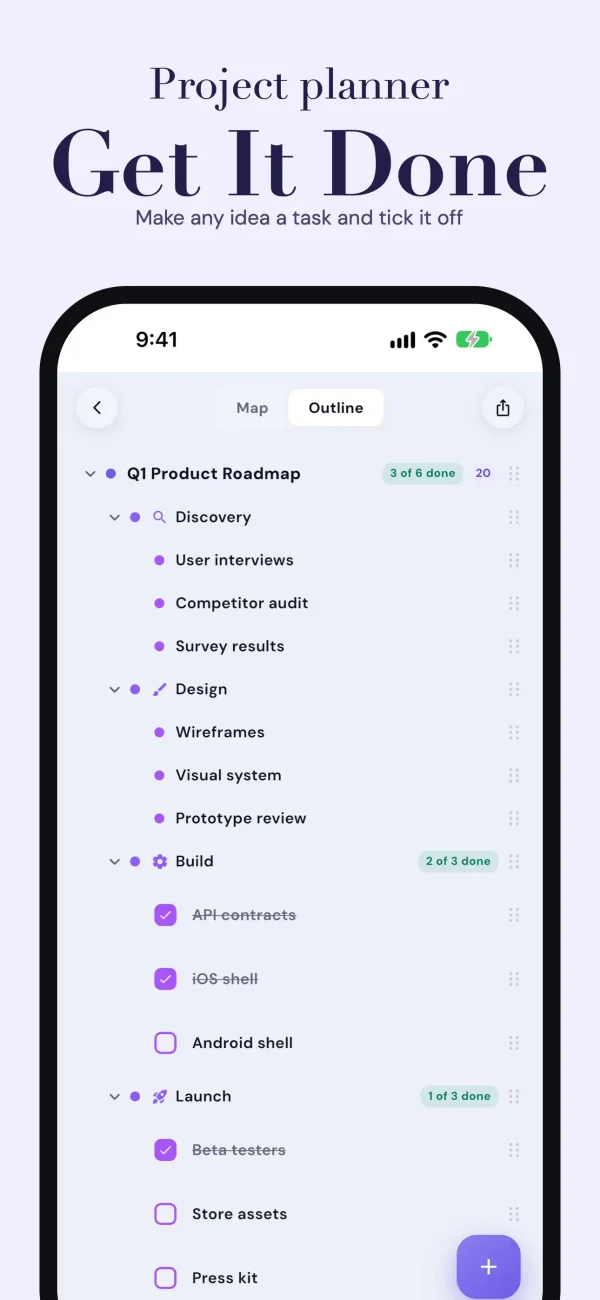
Outline view. Every visual map is also a clean indented outline. Edit either side; both stay in sync. It is the fastest route from a messy brainstorm to a structured first draft.
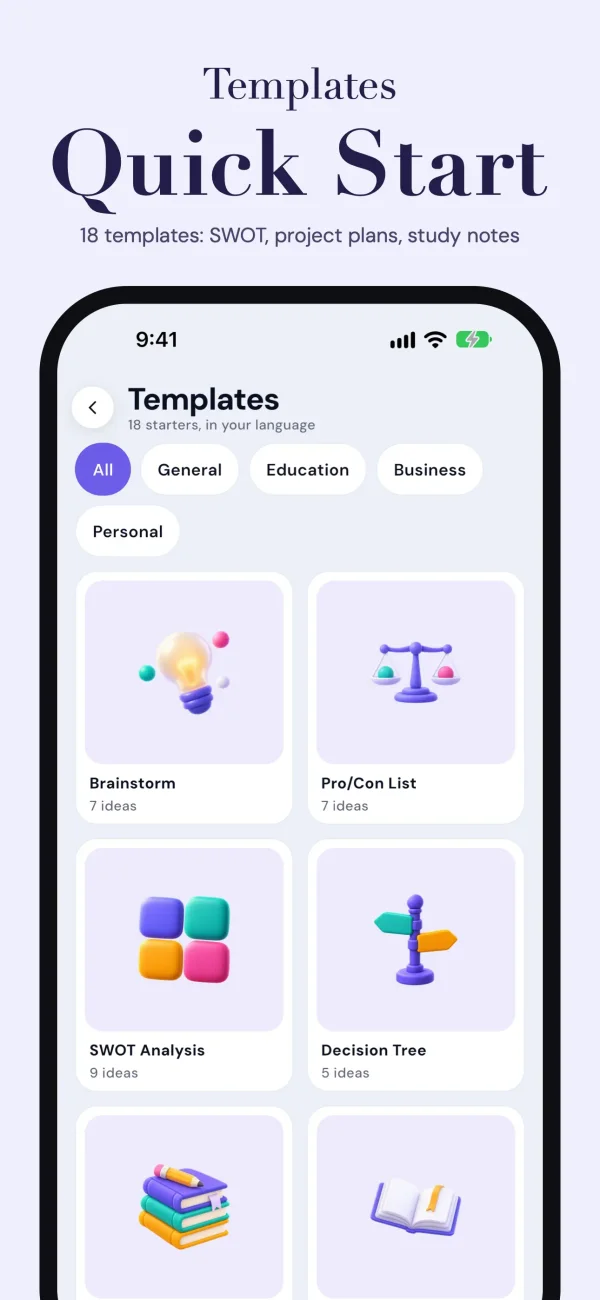
Fifteen templates. SWOT, decision tree, study notes, project plan, essay outline, meeting agenda, weekly planner and more — each one a real starting structure, not an empty page. Seven of them unlock one by one inside the app, or all of them with MindFlow Pro.
Export it anywhere. PNG, a print-ready PDF, Markdown for your notes app, a plain-text outline, or OPML for other tools. PDF and OPML each unlock inside the app, or with MindFlow Pro.
Make it yours. Twelve colors, five shapes, sixty icons, a note on any node and cross-links between any two. Ten map themes (five included, five more to unlock), a minimap and a real dark mode. Five plain canvas backgrounds plus five patterns — graph paper, blueprint, notebook, isometric and kraft — each yours for good once unlocked inside the app, or all of them with MindFlow Pro.
Your defaults, every time. Choose a theme, a layout and a background in Settings, and every new map starts that way.
BUILT FOR THE WAY PHONES ARE ACTUALLY HELD
A canvas that stays smooth under your thumb. Auto-save every five seconds, so you never think about saving. Unlimited maps, with stars and sorting. Works on iPad too, in 7 languages.
PRIVACY
No account. No sign-up. Your maps stay on your device unless you share or export them.
MINDFLOW PRO
One payment, not a subscription: every template, theme, layout and canvas pattern, and PDF and OPML export. Everything else works without it.
MindFlow is for the moment when you have too many thoughts and not enough shape. Give them one.
What’s new
Version 1.8.0 · Nov 4, 2026
MindFlow 1.8: a fresh new look and sharper text.
• A new design across the app
• Sharper text, with true bold and semi-bold weights
• Minor improvements and fixes
App privacy
What Gunawan Santoso declares on the App Store about how this app handles data.
-
Data not collected
The developer does not collect any data from this app.
Privacy practices may vary, for example with the features you use or your age.
Information
- Seller
- Gunawan Santoso
- Category
- Productivity
- Version
- 1.8.0
- Updated
- Nov 4, 2026
- Released
- Jun 11, 2026
- Size
- 69.8 MB
- Requires
- iOS 15.0 or later
- Age rating
- 4+
- Price
- Free
- In-app purchases
- Yes
- Languages
- English, French, German, Japanese, Korean, Portuguese, Spanish
- Copyright
- © 2026 Micro App Digital
You might also like
-
 Klippy - Clipboard ManagerClipboard history, synced
-
 Texty Copy: Fields & OCRCapture fields, not just text
-
 Resurface: Forget NothingSave anything. Forget nothing.
-
 SageMind AIOn-device AI chat & skills
-
 Caffeinate AIMaster AGI for every project
-
 Canvo: AI Mind MapsBrainstorm, Learn and Create
-
 AgendaWorksAgenda, notes, PDFs in one
-
 MindThreadeasy-to-use mind map editor
-
 Privli: Nearby File ShareOffline cross-device sharing
-
 PDF Scanner: Jetrise SnapPDFScan, Sign, Compress & Convert