
- Age rating4+
- CategoryUtilities
- Developer开若图科技(上海)有限公司
- LanguagesEnglish+ 2 more
- Size432.1 MB
Links to the official App Store page
Download.org hosts no file of MindBack. The button opens its official App Store page, published by 开若图科技(上海)有限公司. Listing last checked on Nov 18, 2026.
Screenshots




About
Where do you keep the fleeting moments, random ideas, and content that don't fit anywhere else? Welcome to MindBack.
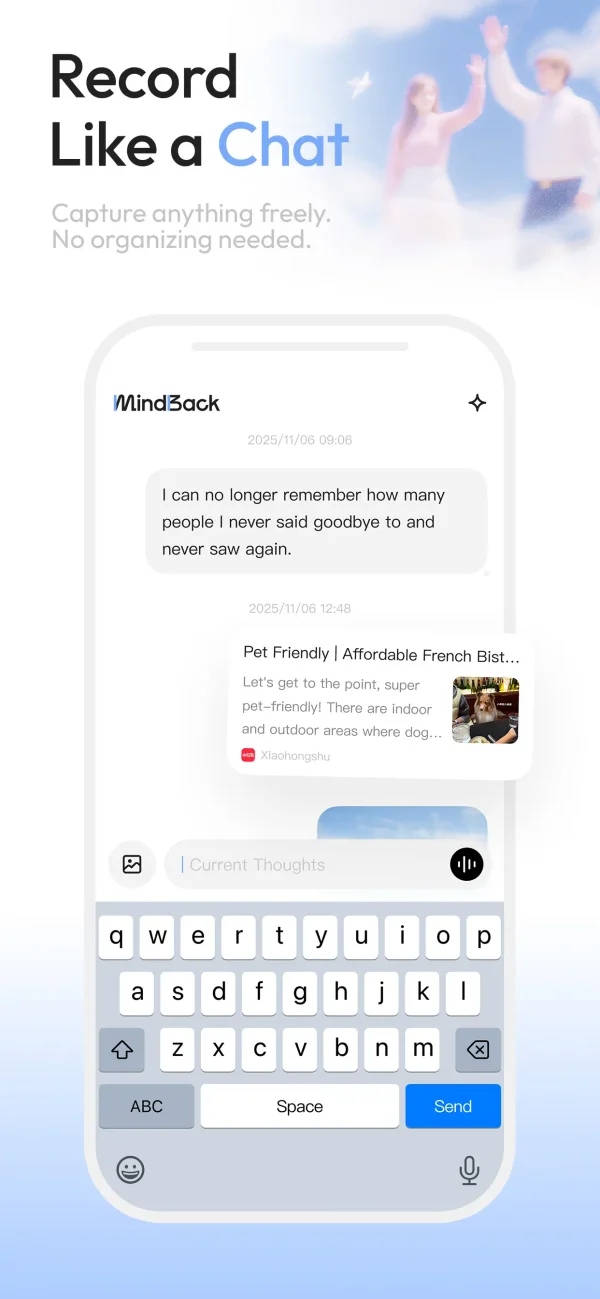
MindBack is designed for pure, pressure-free recording. There are no complex folders, no tags to manage, and no anxiety about organization. You simply record life as if you were messaging yourself, and leave the rest to us.
We believe the best recording is effortless, and the best reflection is serendipitous.
Key Features:
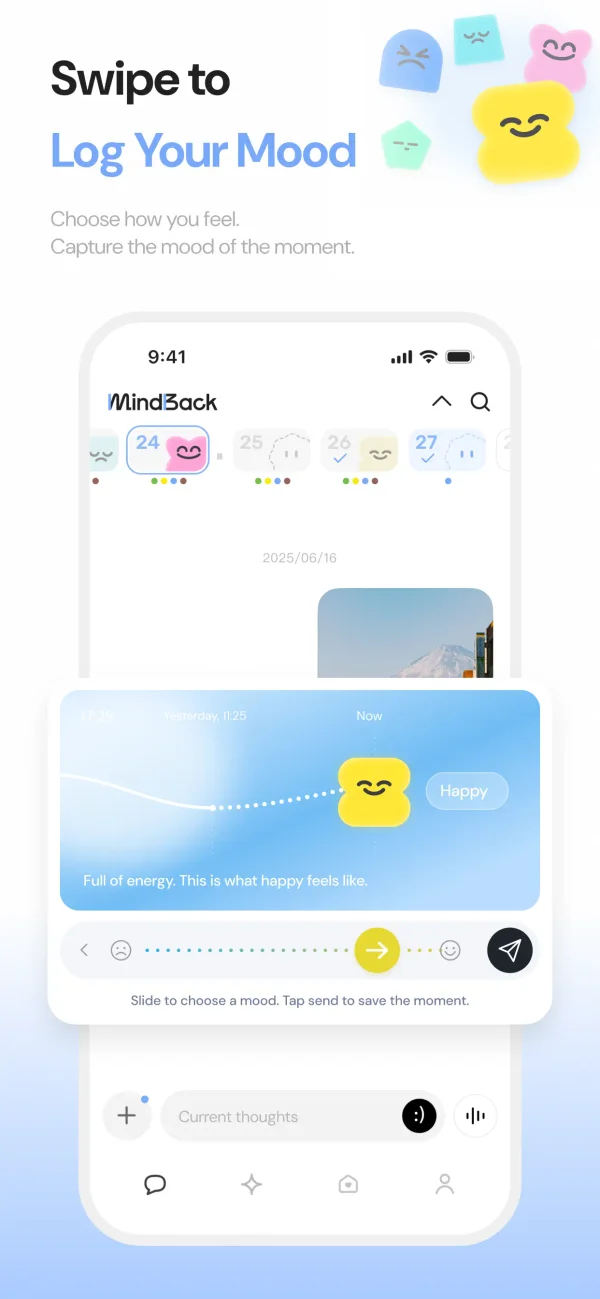
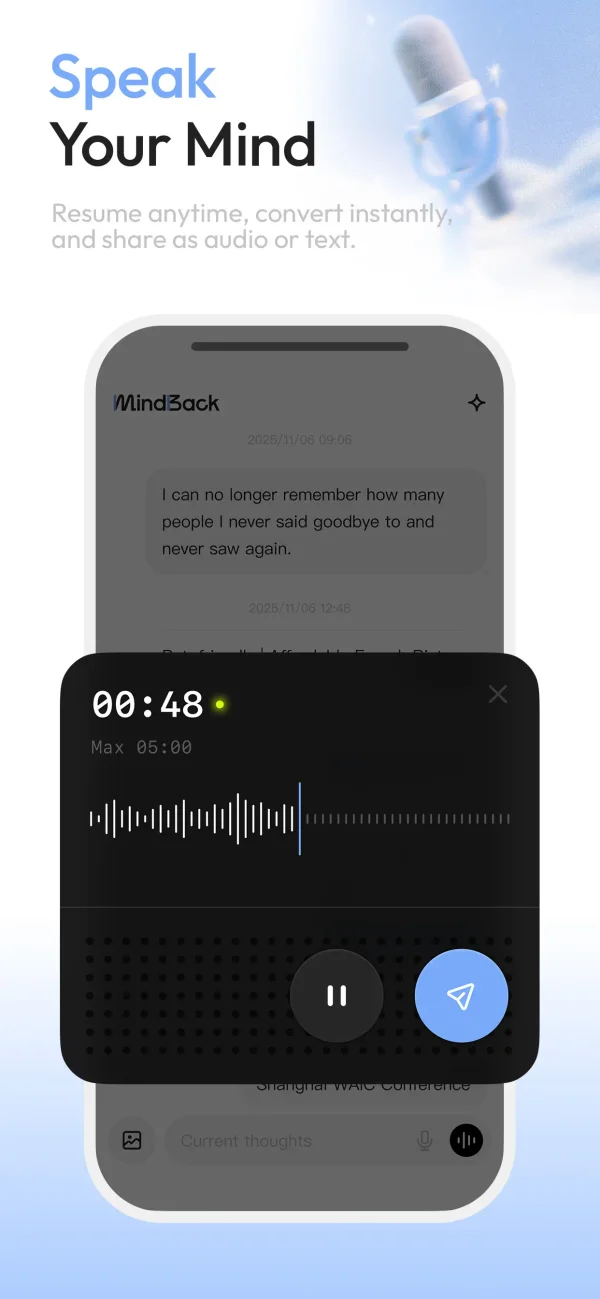
· Flow State Recording Just type, speak, or upload. Whether it's a sudden inspiration, a voice note, a photo, or a file—capture it as easily as chatting. Let your recording return to its simplest form.
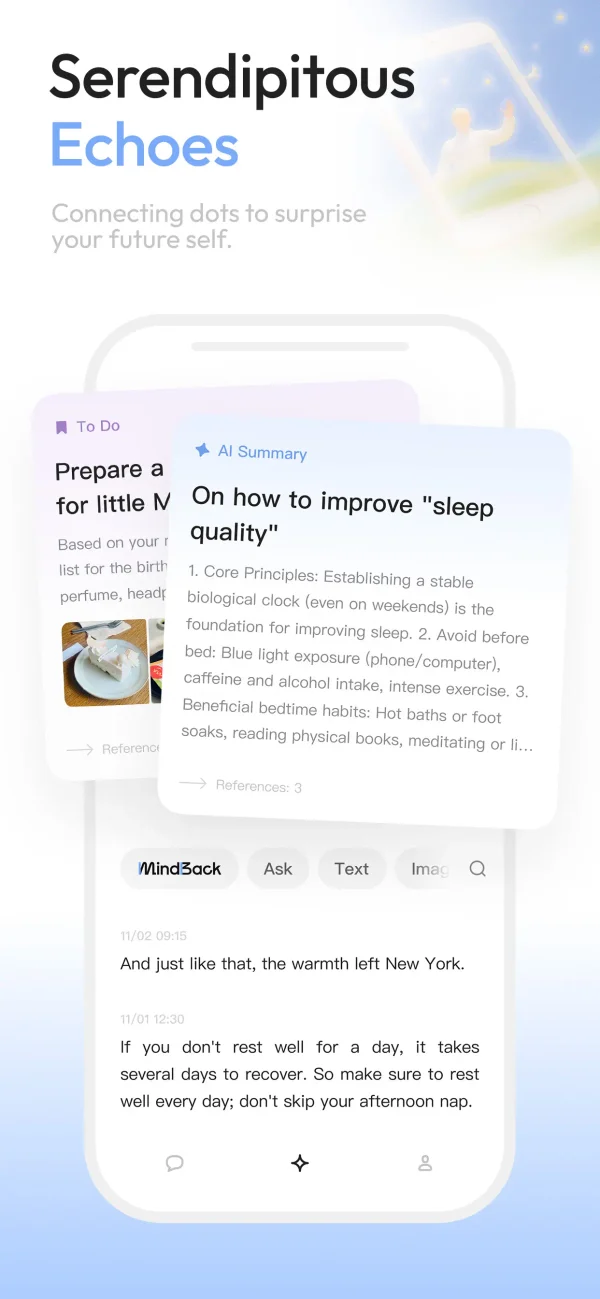
· Await the Echoes No manual organizing required. MindBack quietly connects your scattered thoughts behind the scenes. It might weave your travel photos into a "Memory Movie" or turn saved links into a "Reading List." Expect unexpected insights and serendipitous moments.
· Ask MindBack Anything Your personal AI memory assistant is always ready. Ask "What was that movie I wanted to watch last year?" or "Summarize this article for me." MindBack retrieves answers based on your exclusive history.
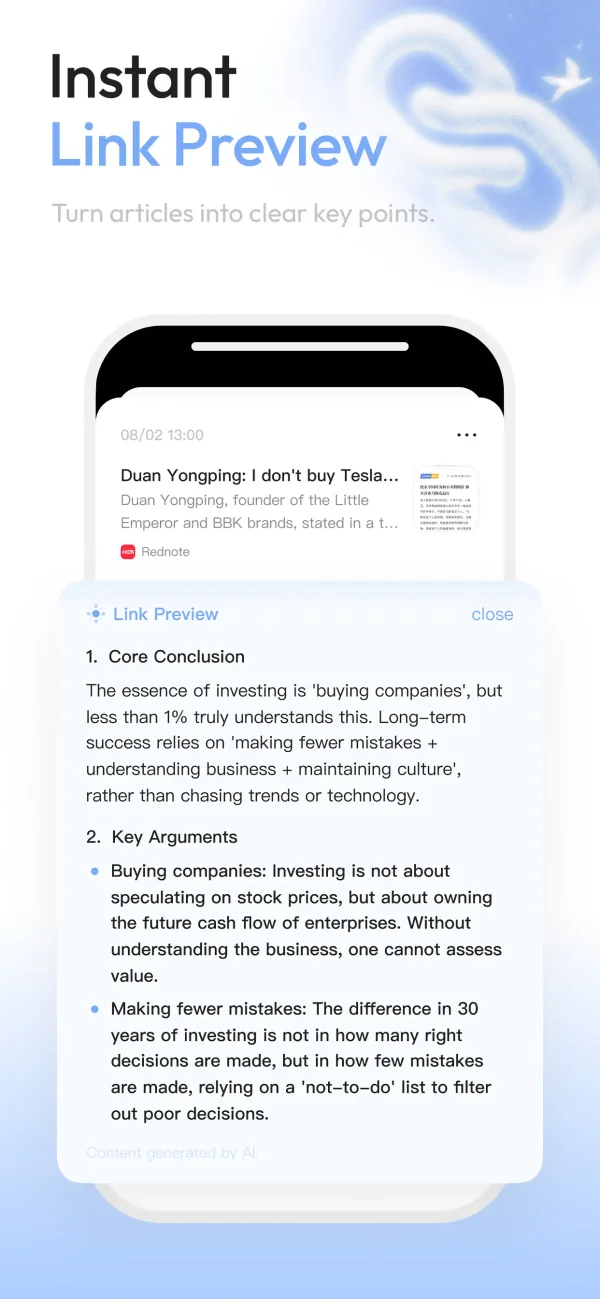
· Instant Clarity Paste any article or web link directly into the chat. MindBack automatically generates a content summary, helping you grasp the essence of your "Read Later" list instantly.
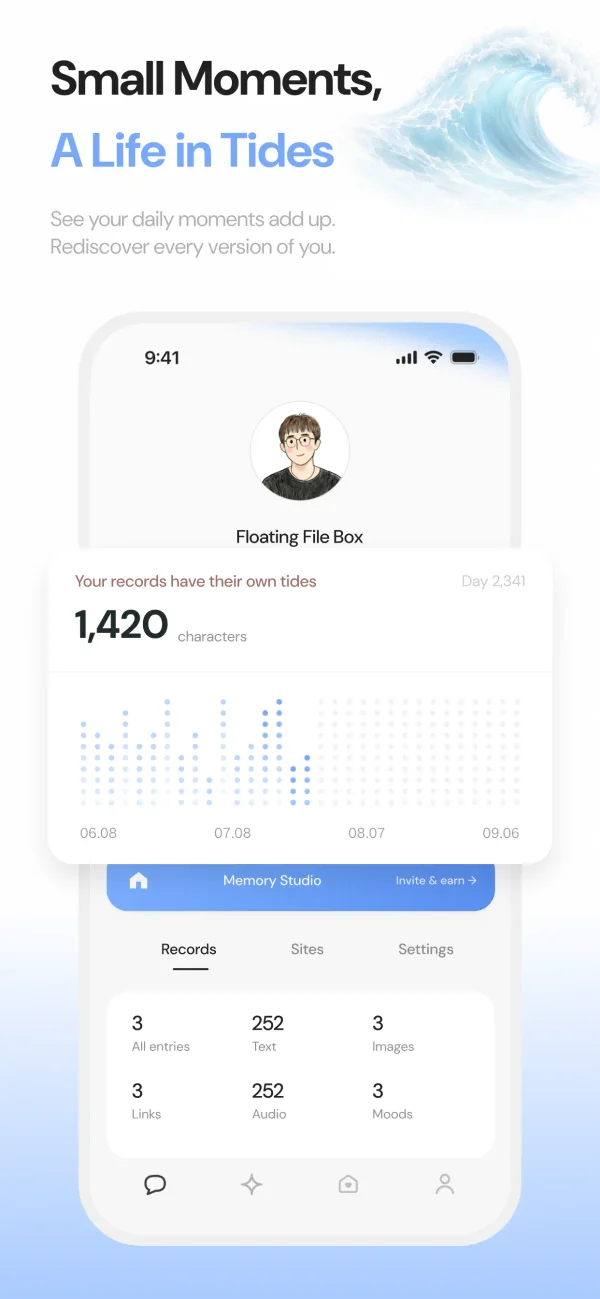
· Trace Your Journey All your records and AI echoes are automatically organized by time. View your life's rhythm through the activity heatmap and rediscover every image and link in your personal archive.
What’s new
Version 2.1.0 · Nov 13, 2026
What’s New:
- Improved the Daily Photo widget’s appearance and added new display styles.
- Comment on and annotate your entries.
- Custom albums: Set your own inclusion rules. Your albums, your way.
- Manage entries in bulk: Add multiple entries to favorites or albums at once.
- Leave comments on your own entries.
- Swipe right on an entry or tap it to open its details.
- Quickly capture entries on Apple Watch.
App privacy
What 开若图科技(上海)有限公司 declares on the App Store about how this app handles data.
-
Data used to track you
May be used to track you across apps and websites owned by other companies.
- Identifiers
-
Data linked to you
May be collected and linked to your identity.
- Contact info
-
Data not linked to you
May be collected but is not linked to your identity.
- Location
- User content
- Identifiers
- Usage data
- Diagnostics
Privacy practices may vary, for example with the features you use or your age.
Information
- Seller
- Kairutu Technology (Shanghai) Co., Ltd.
- Category
- Utilities
- Version
- 2.1.0
- Updated
- Nov 13, 2026
- Released
- Dec 9, 2025
- Size
- 432.1 MB
- Requires
- iOS 15.0 or later
- Age rating
- 4+
- Price
- Free
- Languages
- English, Simplified Chinese, Traditional Chinese
- Copyright
- © 2025 Kairutu Technology (Shanghai) Inc.
You might also like
-
 PlanCoach - Task SplittingHelp for procrastination &ADHD
-
 Snowballing - Start smallBreak tasks into 1-min steps
-
 起点集-多功能实用工具箱Utilities
-
 新枝:信息收藏·订阅·稍后读·高亮批注 All in OneUtilities
-
 Awareness - Time VisualizationSEE time your way
-
 DoBuff-Time ManagementReminders/Calendar Enhancement
-
 hi(原REDcity)Utilities
-
 Tidify: Photo Library CleanerPhoto Swipe, Delete, Organizer
-
 Scrolla: Screenshot StitcherScroll capture & long images
-
 ByePhotos - Free Up StoragePhoto Clean, Delete Duplicates