
MindBackyard - Thought Space
Move thoughts around
Designed for iPhone, iPad
In-app purchases
- Age rating4+
- CategoryHealth & Fitness
- DeveloperKentaro Yamauchi
- LanguagesEnglish+ 6 more
- Size4.2 MB
Links to the official App Store page
Download.org hosts no file of MindBackyard - Thought Space. The button opens its official App Store page, published by Kentaro Yamauchi. Listing last checked on Nov 15, 2026.
Screenshots

About
MindBackyard is a space to move through and move thoughts around. It is part of Mental Background OS.
Wander. Explore. Give thoughts places. Change your perspective. Or spend time somewhere with less asking for your attention.
No task to finish. No score to improve. No outcome required.
THOUGHT SPACE
Thought Space is Spatial Mental Shelving.
Sometimes a thought doesn't need to become a task or something to solve. It may simply need a place.
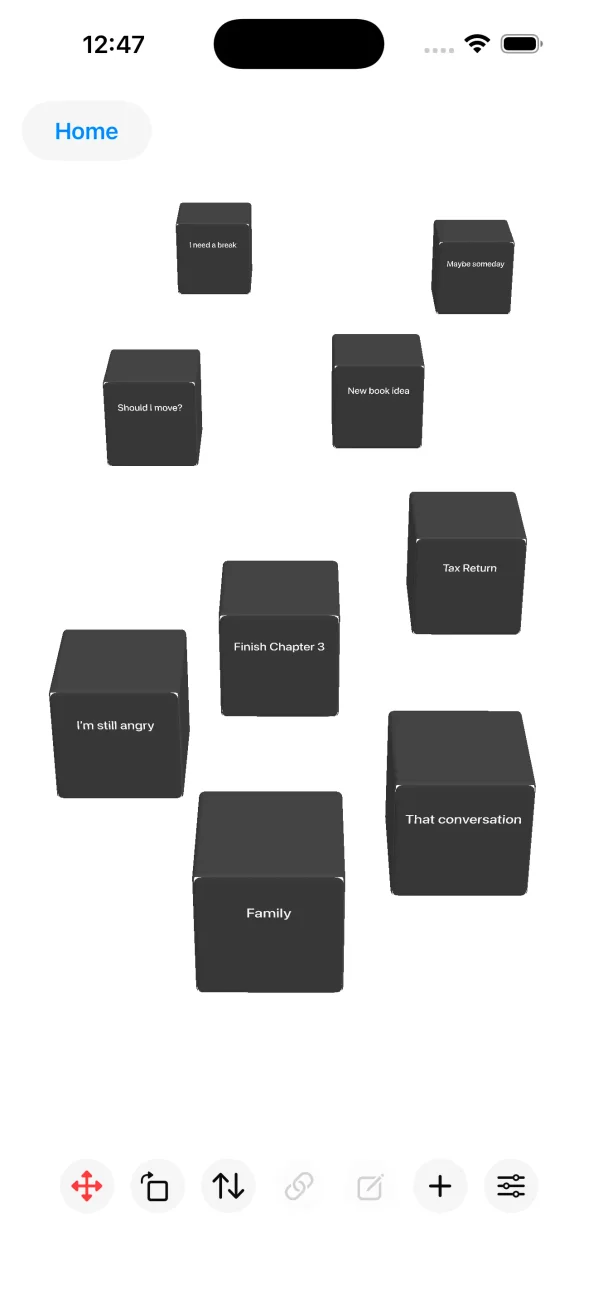
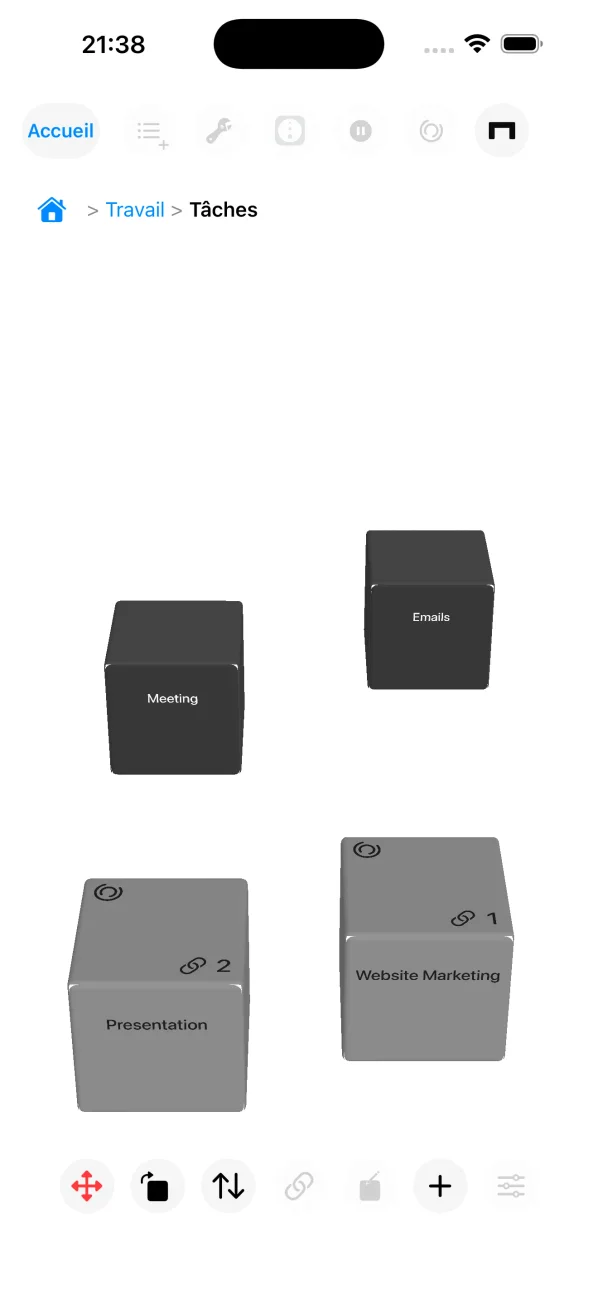
Bring thoughts into a spatial environment as Thought Blocks and place them visually around you.
Move a thought closer.
Move it farther away.
Change its orientation.
Resize it.
Move it again when your relationship with it changes.
There is no correct arrangement. You decide what a thought's placement means.
New sample Thought Blocks help you get started exploring Thought Space.
THOUGHT BLOCKS
Thought Blocks have position, orientation, and adjustable size.
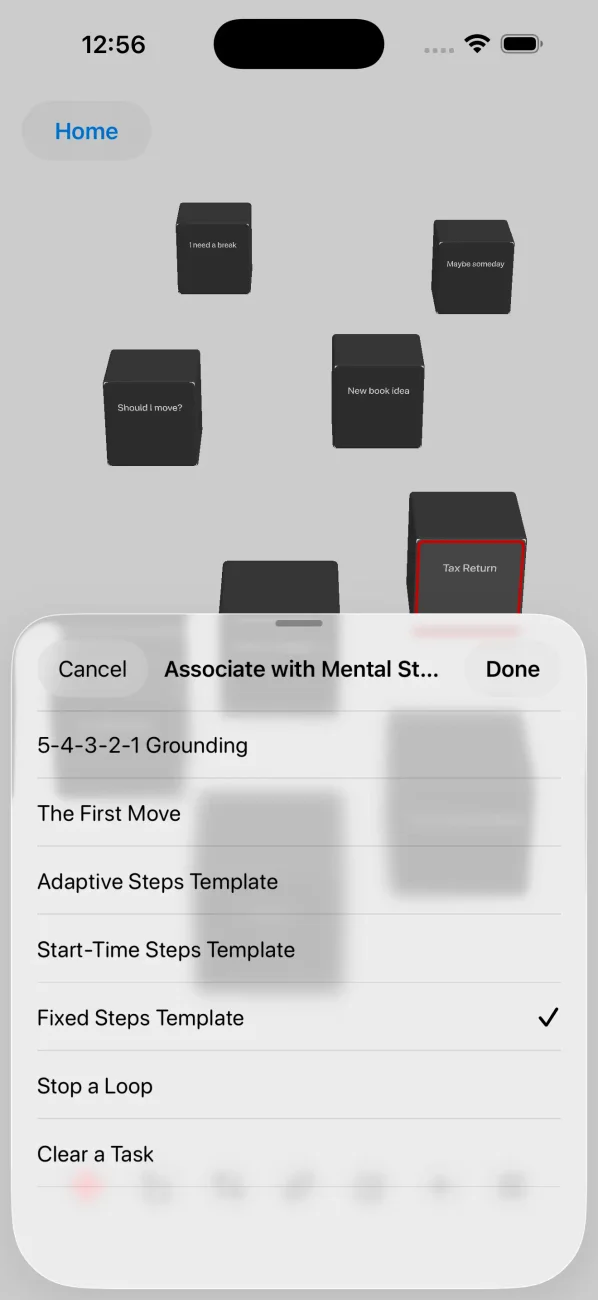
Turn a Thought Block into a new set of Mental Steps, or connect one or multiple saved sets to keep possible paths available.
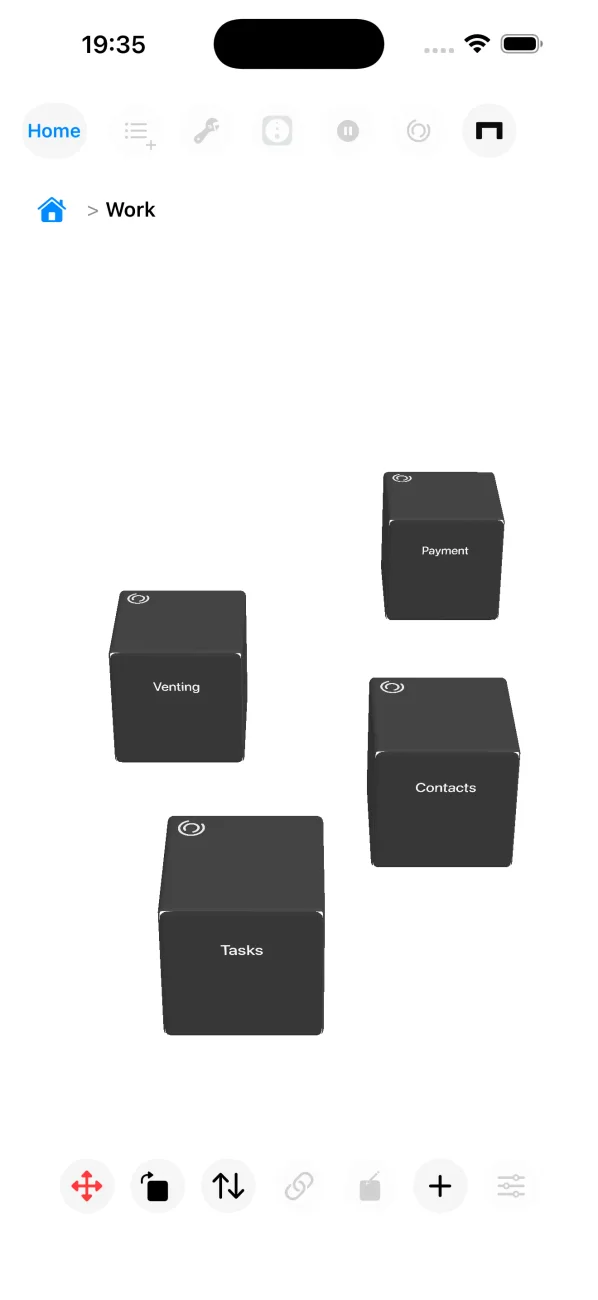
Create Nested Thought Spaces inside Thought Blocks to organize categories. Each can hold more Thought Blocks and Thought Furniture. Use breadcrumbs to navigate.
Inactivate a Thought Block to suspend most interactions while keeping it visible and in place. Reactivate it when you're ready.
Use the built-in MindEaseOut experience to release a Thought Block when you no longer want to keep it.
Send a Thought Block's name directly to MindFlipOut, MindShoutOut, or MindZoneOut to continue with that thought in another MINDBEBOP app.
THOUGHT FURNITURE
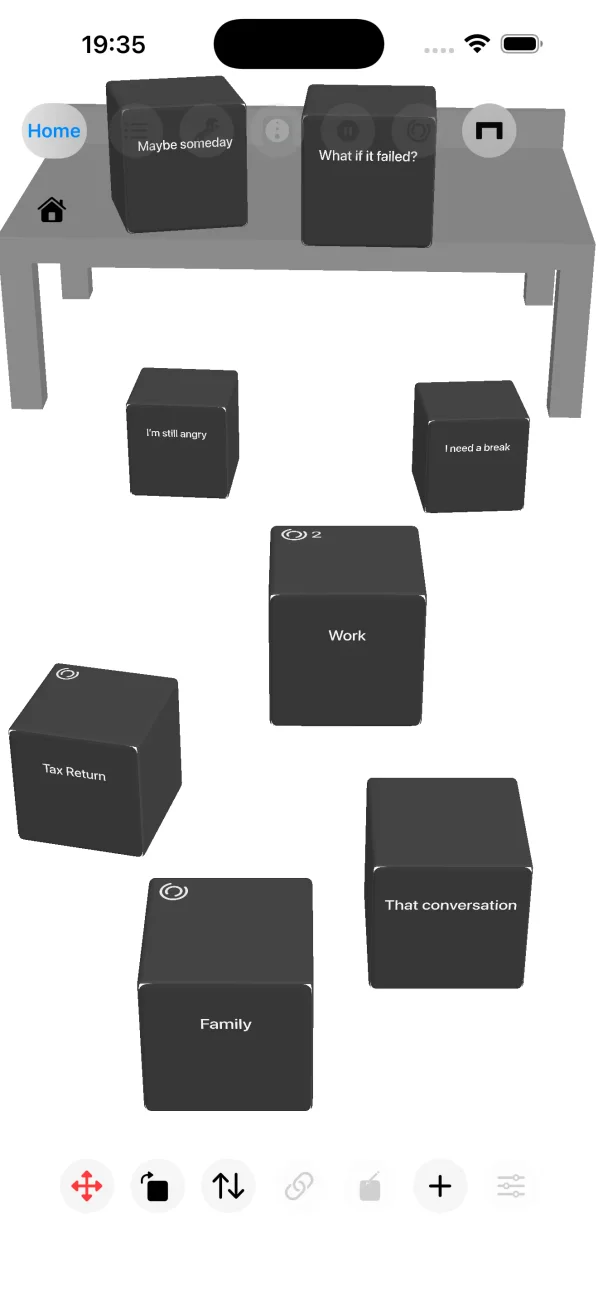
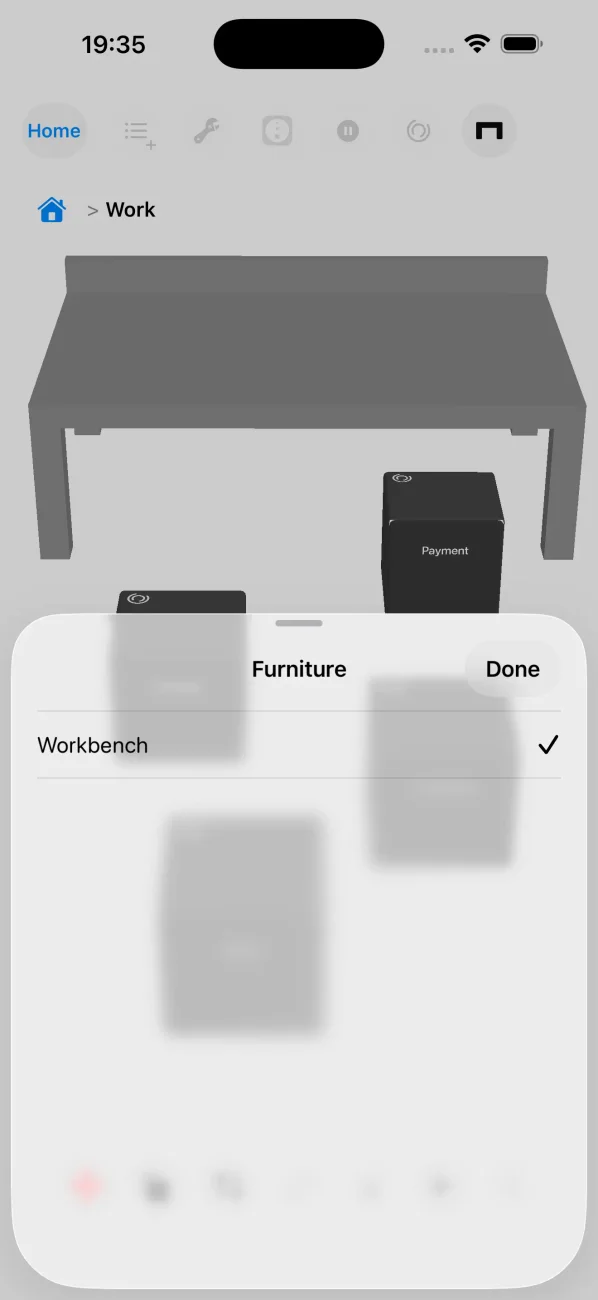
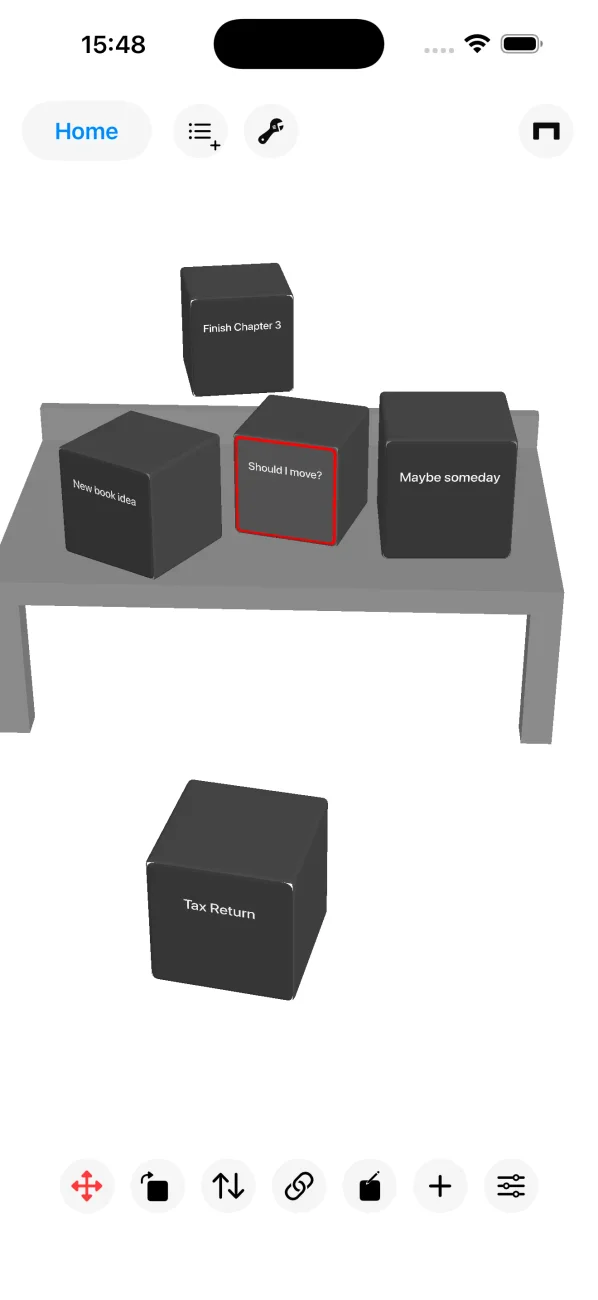
Thought Furniture adds objects to Thought Space. The first is Workbench.
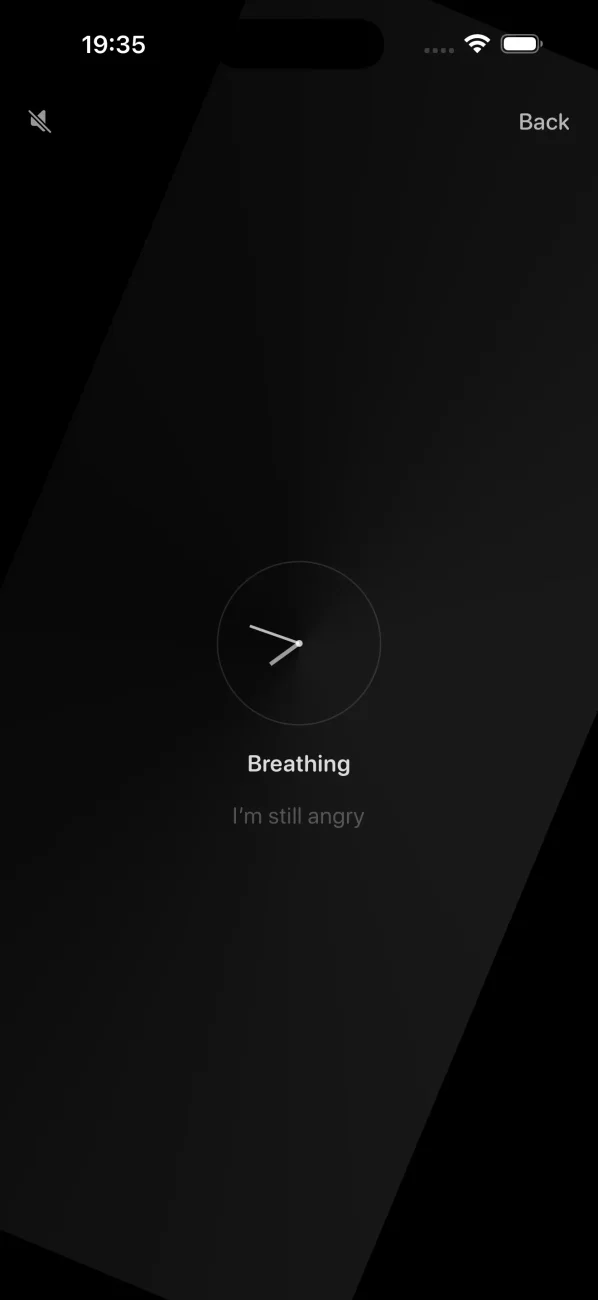
Place a Thought Block on the Workbench and choose when to work with it. Explore possible actions, create Mental Steps, review past Expected Blocks and outcomes, or pause in MindZoneOut.
The Workbench is optional. Placing a Thought Block on it doesn't automatically change the thought.
Move, rotate, or resize the Workbench. Thought Blocks placed on it move with it.
CHANGE YOUR PERSPECTIVE
Pinch to zoom in or out in Thought Space. The thoughts don't have to change. Sometimes you can simply change where you're looking from.
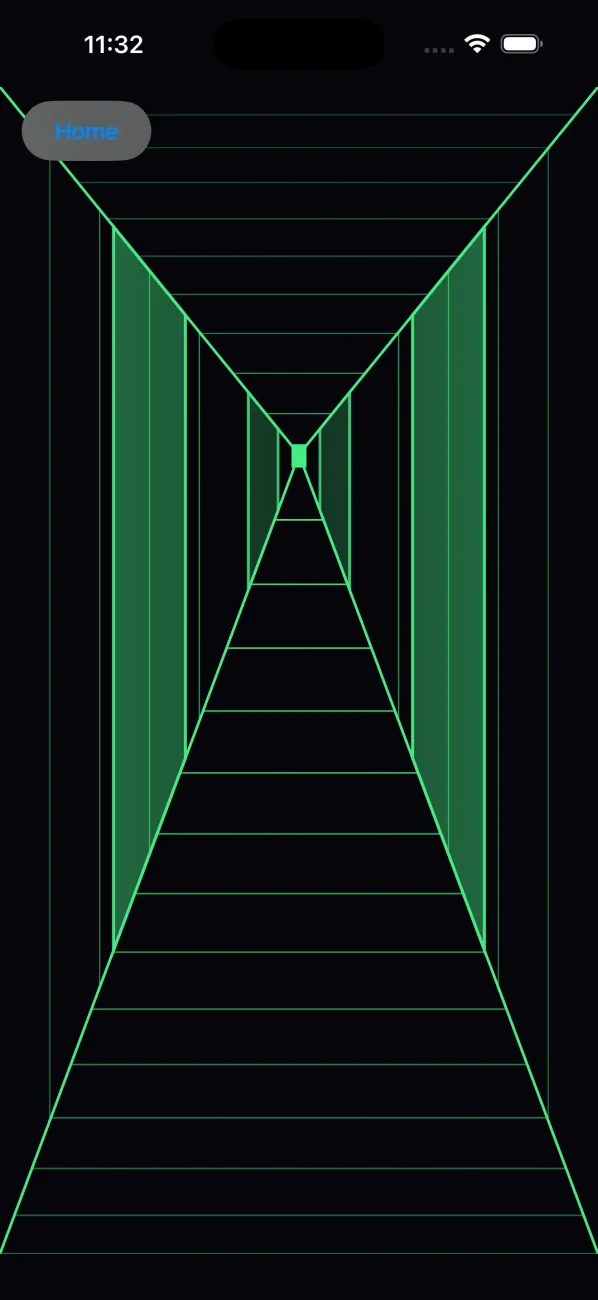
INFINITE HALLWAY
Give your attention somewhere to wander.
Walk through an infinite hallway.
Open low-stakes doors.
Visit rooms and chambers.
Return to places you've visited before.
Or just keep walking.
There is nowhere you need to be. Attention can simply move.
MENTAL STEPS
Create Mental Steps from a selected Thought Block, or connect saved sets from MindEntry. Select a connected set to open it in MindEntry.
Creating or connecting Mental Steps doesn't start them. They can remain available until you want one.
MindBackyard can also be used within Mental Steps in MindEntry, before returning to the same active step.
USE IT HOW YOU WANT
Thought Space doesn't require a particular purpose.
A thought can become something to act on.
It can connect to Mental Steps.
It can be explored with Thought Furniture.
It can be arranged because changing its place feels useful.
Or it can remain where it is without becoming anything else.
MindBackyard can support action, a new perspective, or simply spending time in the space.
You decide what the space is for.
PART OF MINDBEBOP
MINDBEBOP is a modular system designed to reduce Thought Noise, support Mental Navigation, and anchor successful mental states.
MindBackyard provides Spatial Mental Shelving — a place for thoughts and attention to move without requiring a destination.
DESIGNED TO STAY LIGHTWEIGHT
• 100% free
• No subscriptions
• No account required
• No tracking
• No analytics
• No cloud storage
• Everything stays on your device
• Optional tips are available if you'd like to support a solo developer
Sometimes you want to do something with a thought.
Sometimes you don't.
MindBackyard gives both somewhere to happen.
Terms of Use (EULA):
https://www.apple.com/legal/internet-services/itunes/dev/stdeula/
What’s new
Version 2.4 · Oct 26, 2026
• Send Thought Block names directly to MindFlipOut, MindShoutOut, or MindZoneOut to continue working with a thought in another MINDBEBOP app.
• Added sample Thought Blocks to help new users get started with Thought Space.
• Stability improvements and fixes.
App privacy
What Kentaro Yamauchi declares on the App Store about how this app handles data.
-
Data not collected
The developer does not collect any data from this app.
Privacy practices may vary, for example with the features you use or your age.
Information
- Seller
- Kentaro Yamauchi
- Category
- Health & Fitness
- Version
- 2.4
- Updated
- Oct 26, 2026
- Released
- May 14, 2026
- Size
- 4.2 MB
- Requires
- iOS 17.0 or later
- Age rating
- 4+
- In-app purchases
- Yes
- Languages
- English, French, German, Japanese, Korean, Portuguese, Spanish
- Copyright
- © 2026 MINDBEBOP
You might also like
-
 Calorie AIFood Tracker, Macro Counter
-
 OTM TrainingHealth & Fitness
-
 Galloway 360Running | Wellness | Community
-
 HiAlertCommunicate your needs
-
 Psyfy: Self-care CompanionChat, Habit Tracker, Cozy
-
 Unguided Meditation TimerSimple Meditation Timer
-
 Spooner PTHealth & Fitness
-
 ModernSam: The Self-Care RPGGamify ADHD Tasks & Life Goals
-
 Ascended: Fitness RPGWorkout Game for Real Life