MindFit: Memory & Focus
Brain Training & Reaction Time
Designed for iPhone, iPad, iPod touch
$0.99
- Age rating9+
- CategoryUtilities
- Developer晶 吴
- LanguagesEnglish
- Size23.0 MB
Links to the official App Store page
Download.org hosts no file of MindFit: Memory & Focus. The button opens its official App Store page, published by 晶 吴. Listing last checked on Nov 17, 2026.
Screenshots


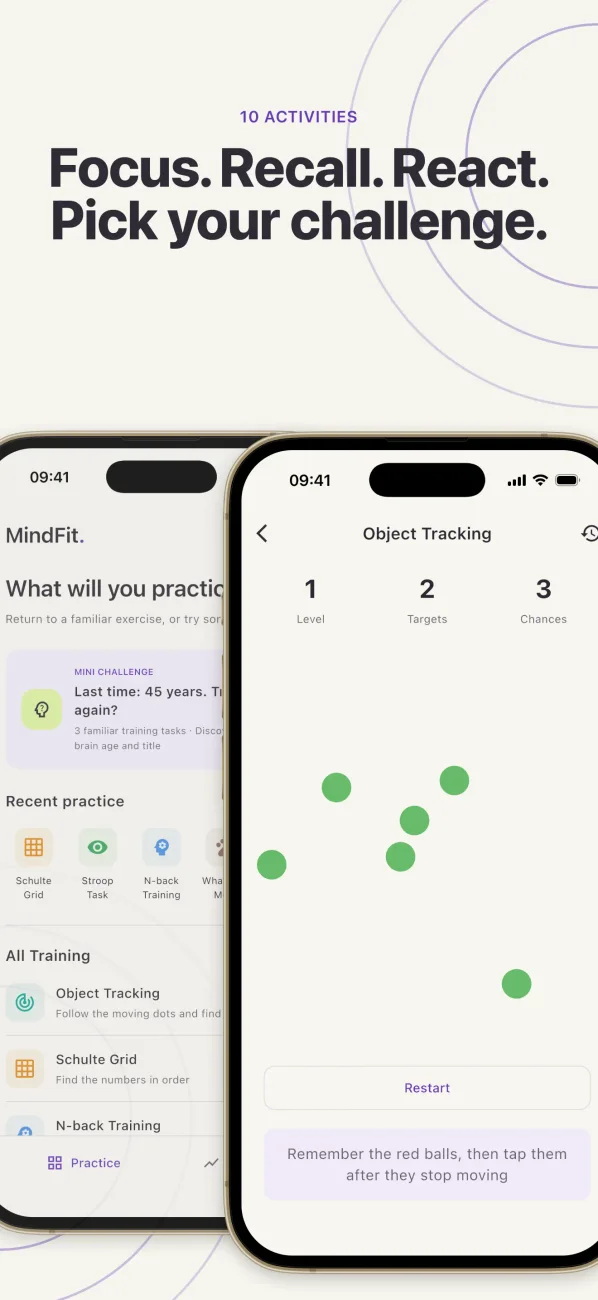
About
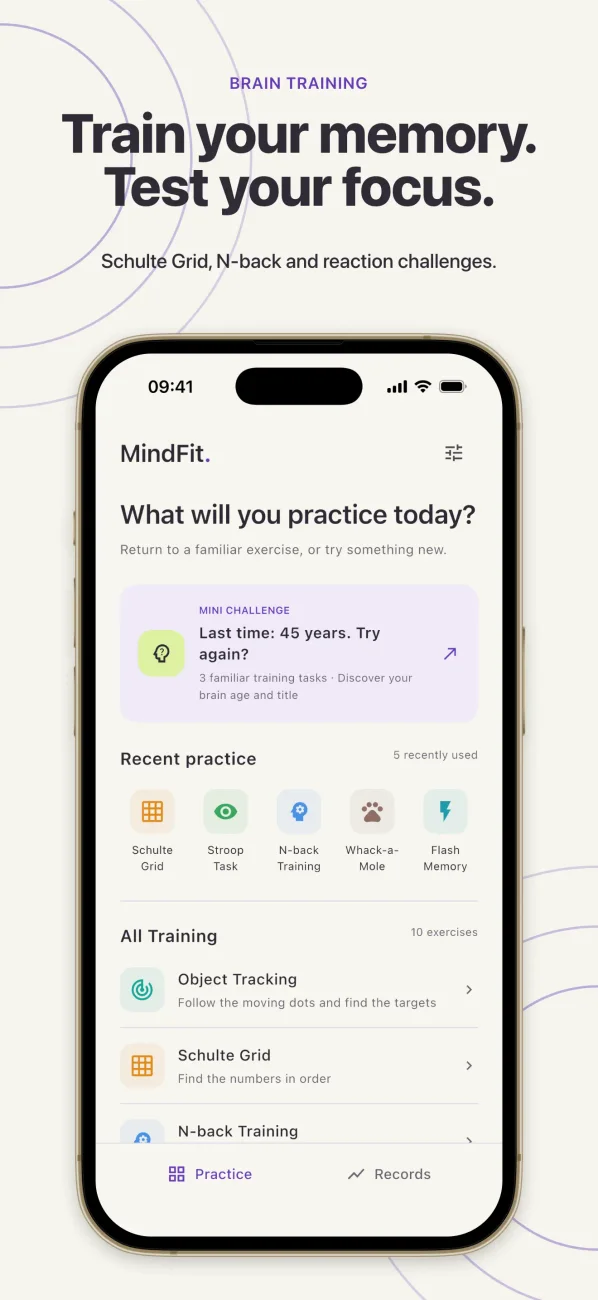
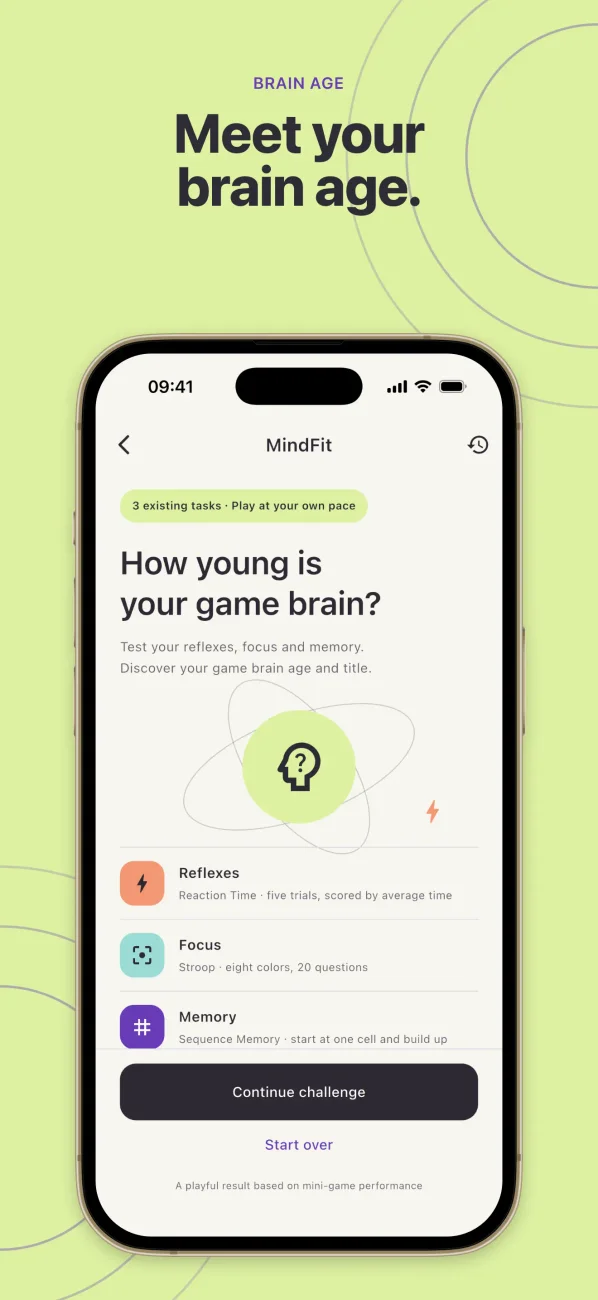
Practice memory, focus and reaction time with MindFit. Choose a challenge, check your score and compare your performance with earlier sessions.
START WITH ONE CHALLENGE
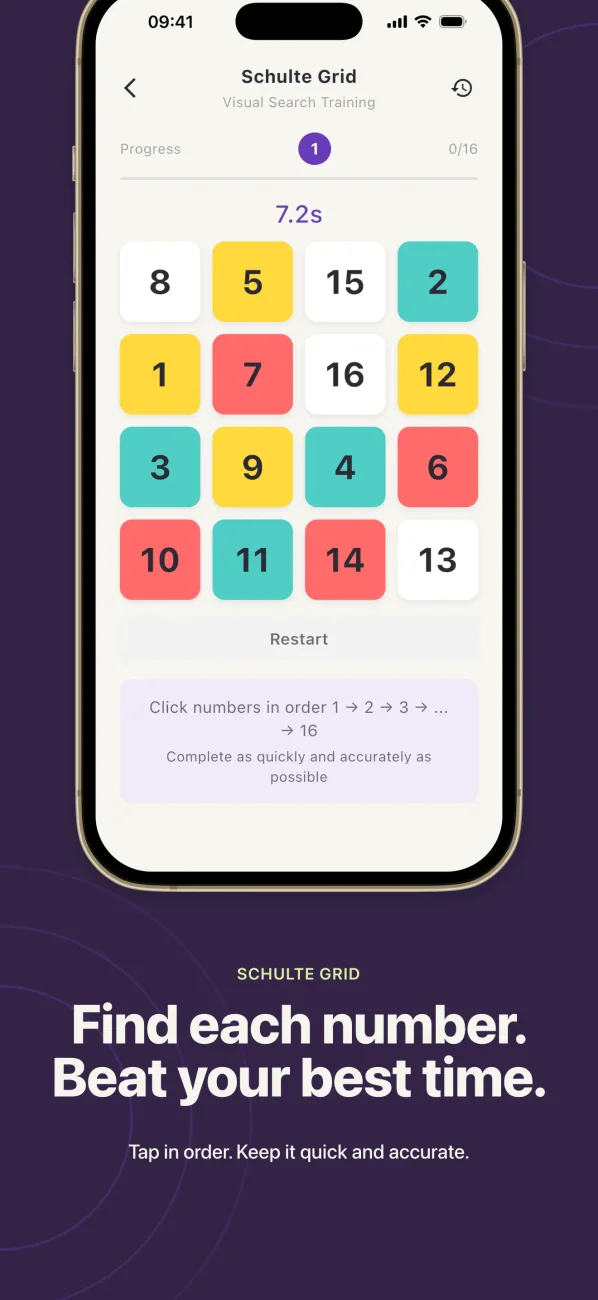
• Schulte Table / Grid: Find and tap numbers in order. Challenge your time and accuracy.
• N-back: Decide whether the highlighted position matches the one shown N steps earlier. Practice working memory with a visual task.
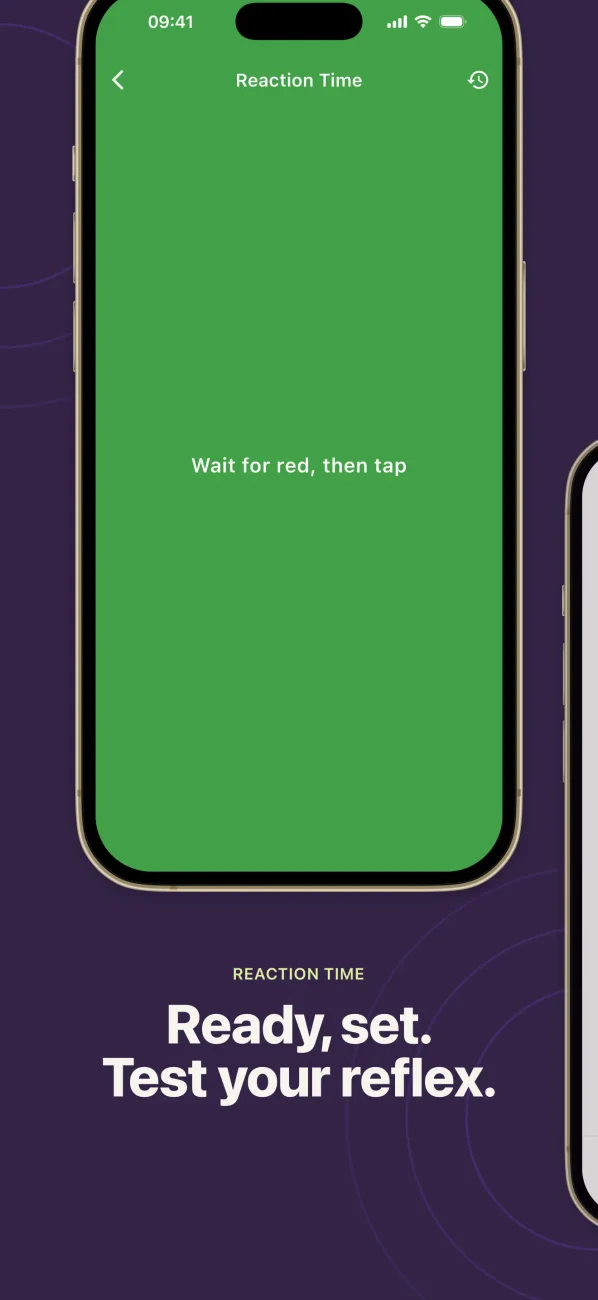
• Reaction Time Test: Wait for the signal, then tap to see your reaction time.
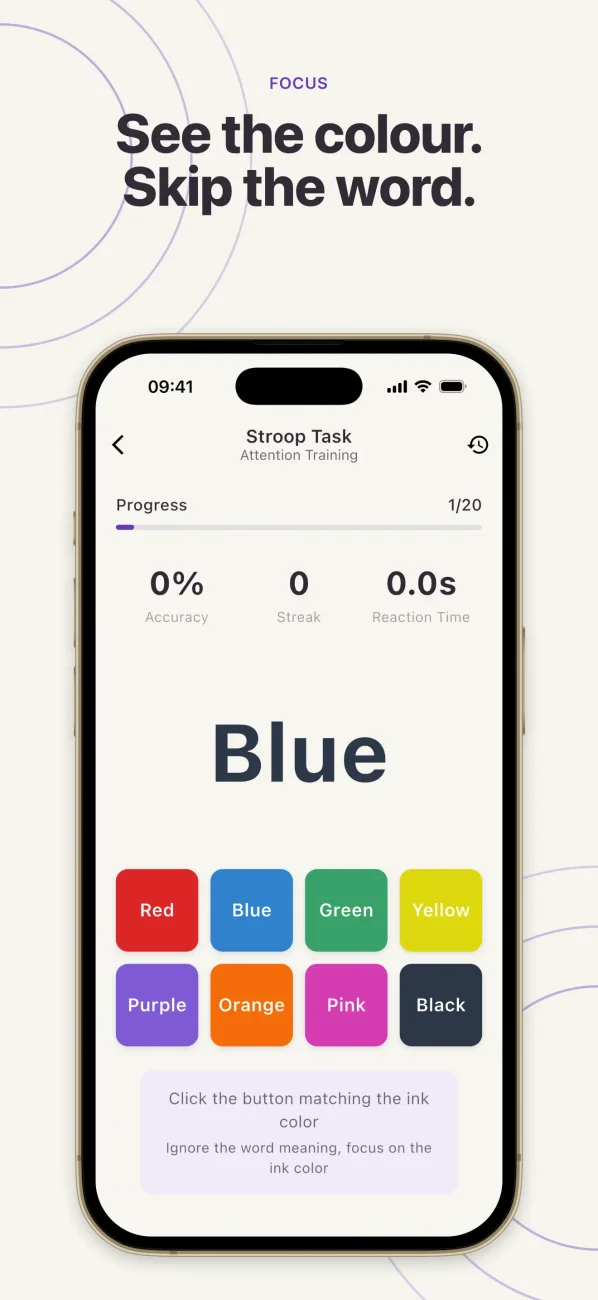
• Stroop: Follow different rules for words and colors.
EXPLORE MEMORY GAMES
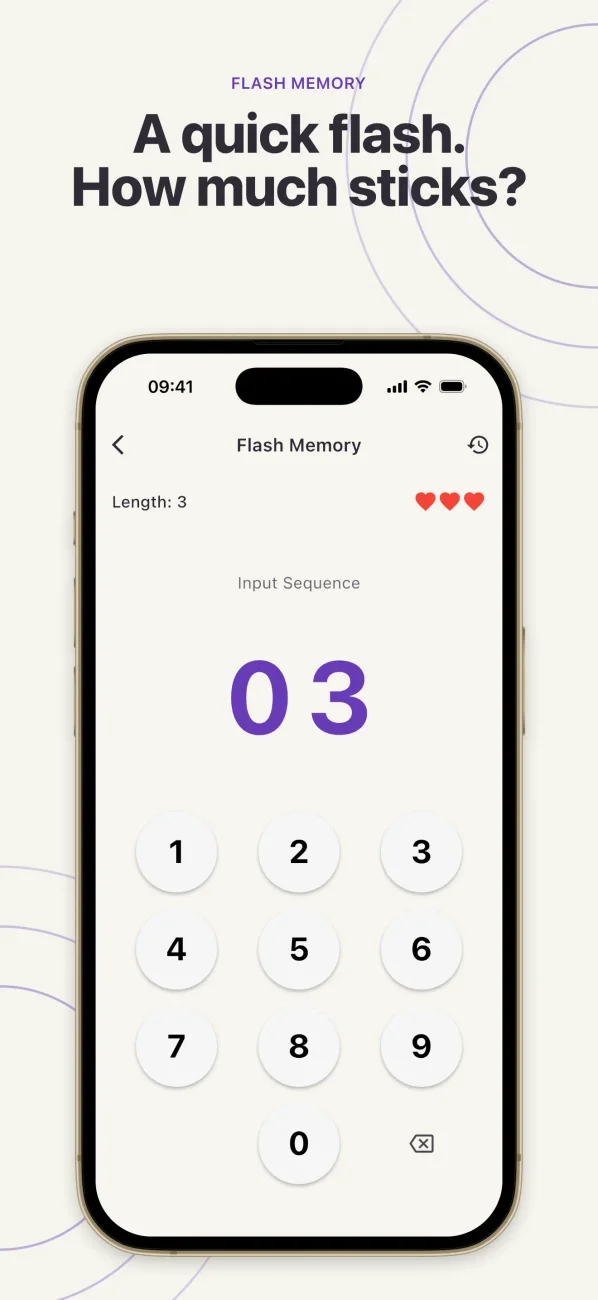
• Flash Memory and Memory Grid: Recall briefly displayed numbers or positions.
• Sequence Memory: Remember an order and repeat it.
• Pattern Recall: Remember shapes and positions, then rebuild the board.
TRY DIFFERENT RULES AND RHYTHMS
Multiple Object Tracking, Task Switching and Whack-a-Mole offer more ways to challenge your attention and reactions.
TAKE ON WEEKLY CHALLENGES
Join rotating Schulte Grid and Pattern Recall events with shared rules each week. Try as often as you like, keep your weekly best and review your progress, standings and past results. Weekly events require an internet connection and use an automatically generated anonymous identity; no account registration is required.
LOOK BACK AT YOUR SCORES
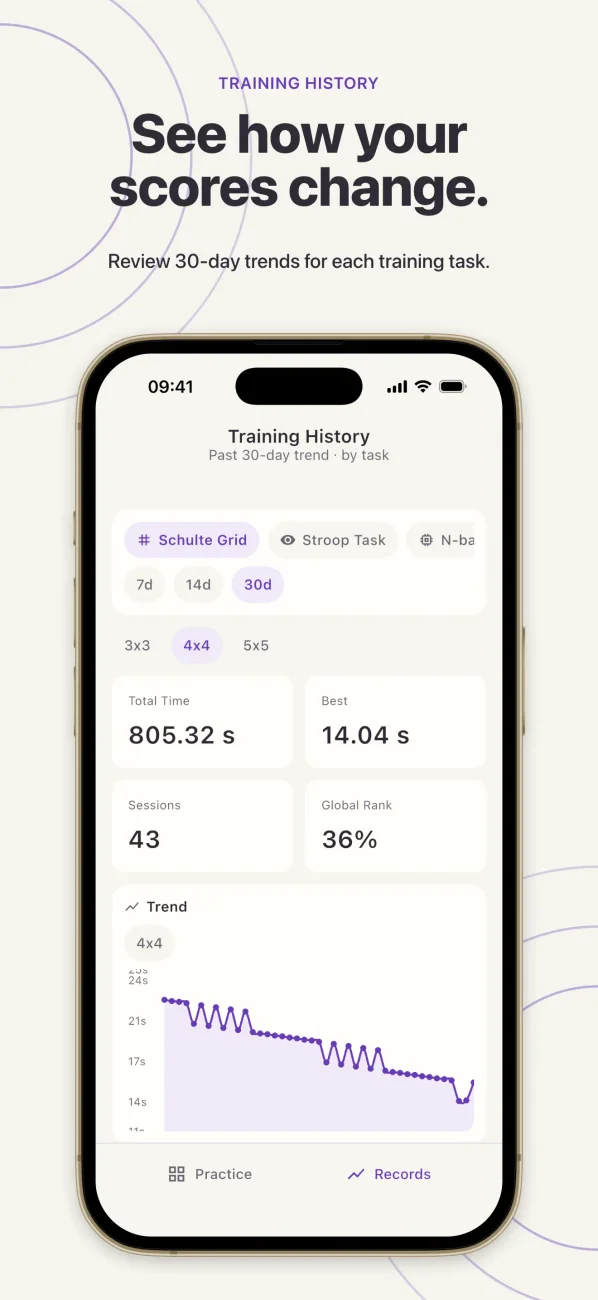
Review your history by training task, compare supported tasks by difficulty and explore 30-day trends. Track in-game time, accuracy and personal bests to give each session a point of comparison.
Available on iPhone and iPad, with English and Simplified Chinese interfaces. Pick a task during a study break or a pause in your workday, and practice at your own pace.
MindFit is a practice and self-tracking tool. Game scores and Game Brain Age are for entertainment and reviewing task performance; they do not measure IQ, provide medical diagnoses or measure everyday cognitive ability.
What’s new
Version 2.1.0 · Nov 5, 2026
• Weekly Challenge standings are easier to scan, with the top ten, ranks near you, and your own result highlighted.
• Start or retry a challenge from the button at the bottom of the leaderboard.
• Home shows the last active challenge card while it refreshes in the background, keeping the layout steadier on launch.
App privacy
What 晶 吴 declares on the App Store about how this app handles data.
-
Data linked to you
May be collected and linked to your identity.
- User content
- Identifiers
- Usage data
Privacy practices may vary, for example with the features you use or your age.
Information
- Seller
- 晶 吴
- Category
- Utilities
- Version
- 2.1.0
- Updated
- Nov 5, 2026
- Released
- Nov 10, 2025
- Size
- 23.0 MB
- Requires
- iOS 13.0 or later
- Age rating
- 9+
- Price
- $0.99
- Languages
- English
- Copyright
- © 2026 Jing Wu
You might also like
-
 JianYi: AI FlashcardsSpaced Repetition, Made Simple
-
 iHabit: Habit Tracker & GoalsMorning Streaks & Rewards
-
 SpinCube: Cube Solver+TimerSpeedcube timer, trainer & PB
-
 Royal Poker Timer PROGreat Look. Savage Commentary.
-
 Lucky Day · Chinese AlmanacGood dates, countdowns, no ads
-
 MiruMado Focus BrowserPrivate focus web browser
-
 Calcula KeyboardScientific Math Keyboard
-
 Simple Tracker AppTrack Values FAST!
-
 多能记-一目了然 记的多Utilities
-
 EliozzRecord stories, scan & listen