
MindLogic: AI Workflow Engine
Logic Maps & AI Workflows
Designed for iPhone, iPad, Mac
Free · In-app purchases
- Age rating4+
- CategoryProductivity
- Developer晓宇 刘
- LanguagesEnglish+ 1 more
- Size44.6 MB
Links to the official App Store page
Download.org hosts no file of MindLogic: AI Workflow Engine. The button opens its official App Store page, published by 晓宇 刘. Listing last checked on Nov 18, 2026.
Screenshots

About
MindLogic - The causal logic and decision analysis tool built natively for Apple ecosystem.
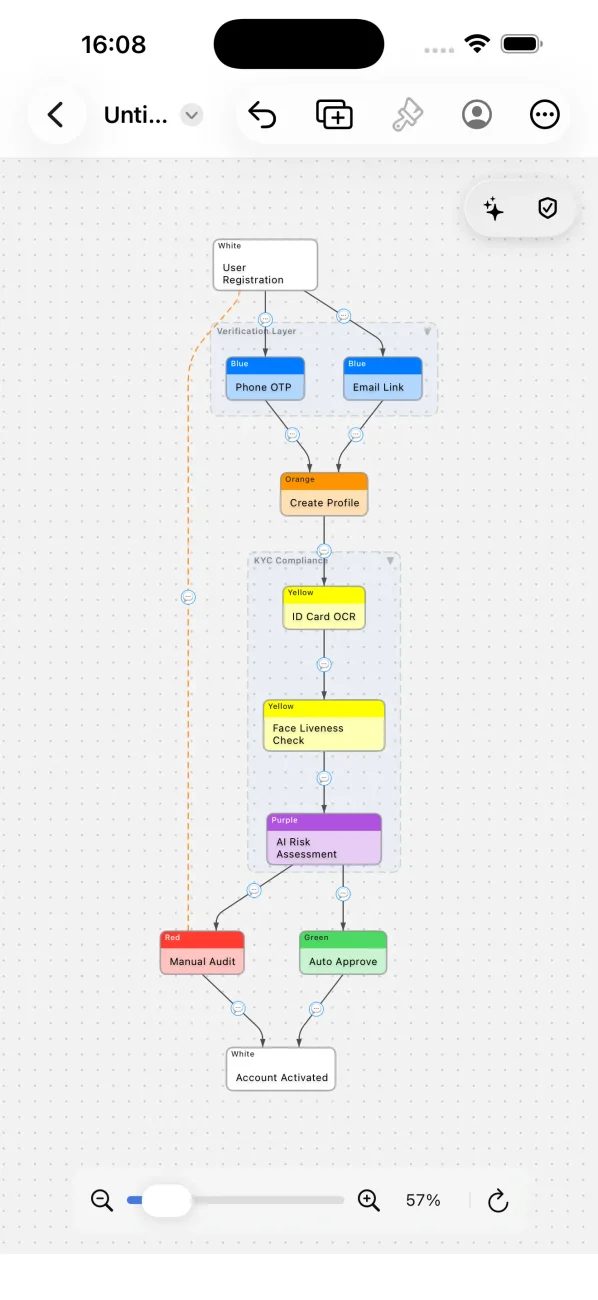
Unlike traditional mind maps, MindLogic organizes complex information through causal reasoning. Every connection represents a clear logical relationship, making your analysis rigorous and insightful.
• Smart Import [NEW] Instantly generate nodes from images via smart recognition, or use 1-click import for Outline and Markdown text formats to rapidly build structured maps.
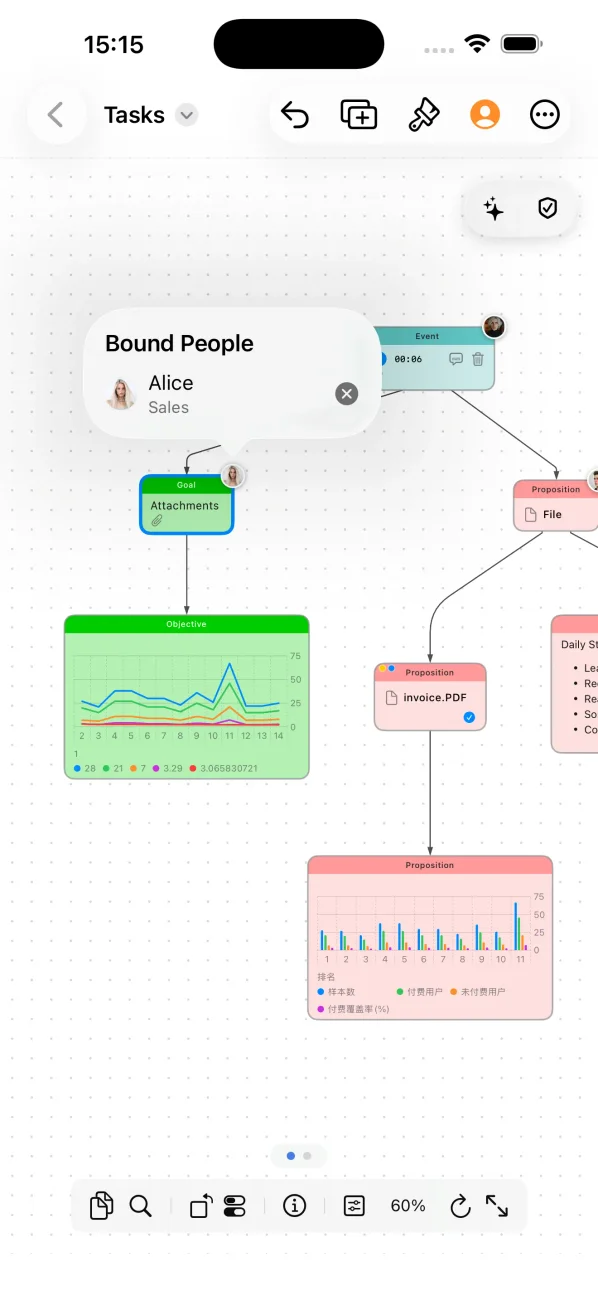
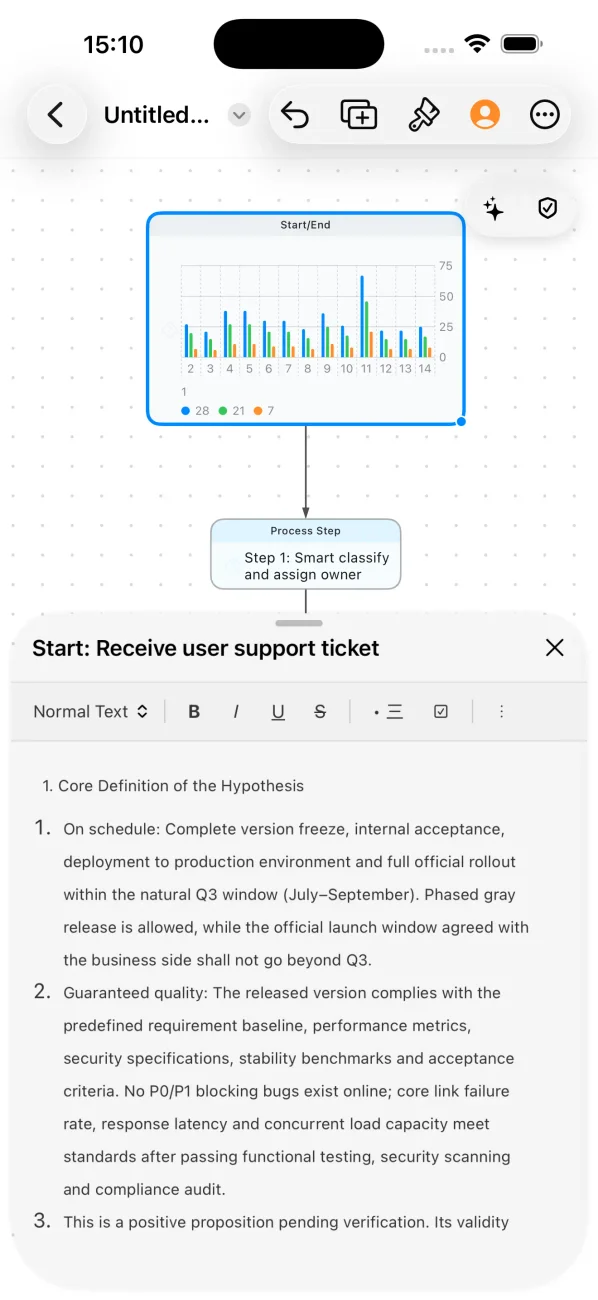
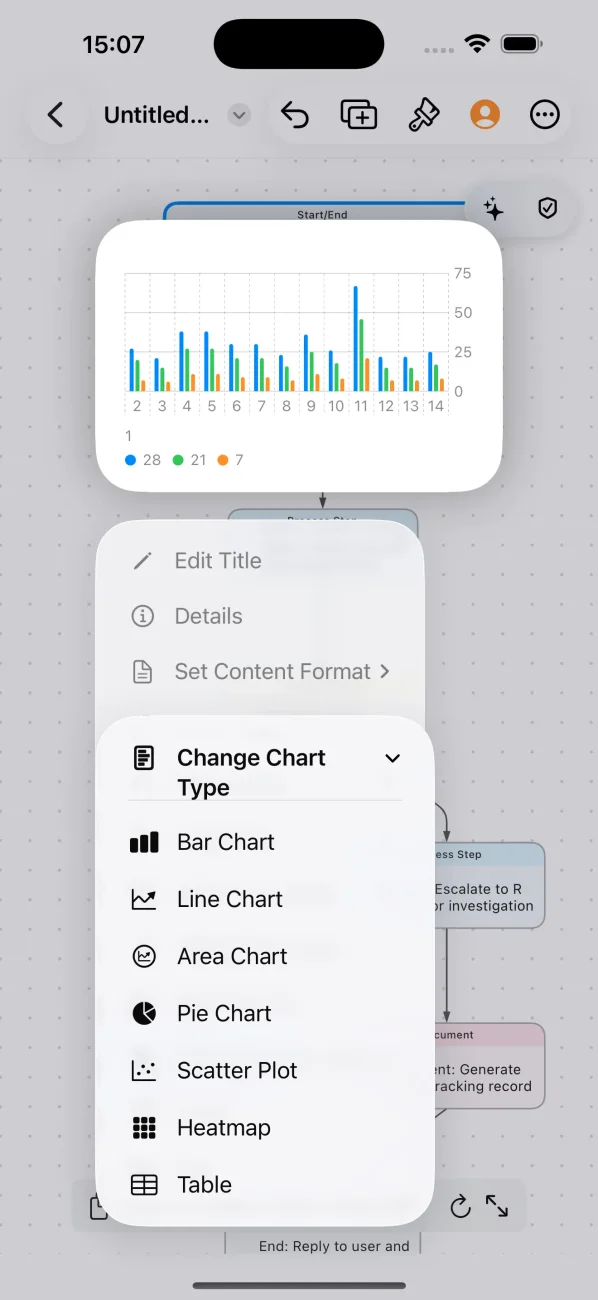
• Native Charts Engine & Table View [IMPROVED] Render professional data visualizations - bar, line, and pie charts - directly within canvas nodes. Now supports dynamic type switching, a brand-new Table View, and direct clipboard table data import!
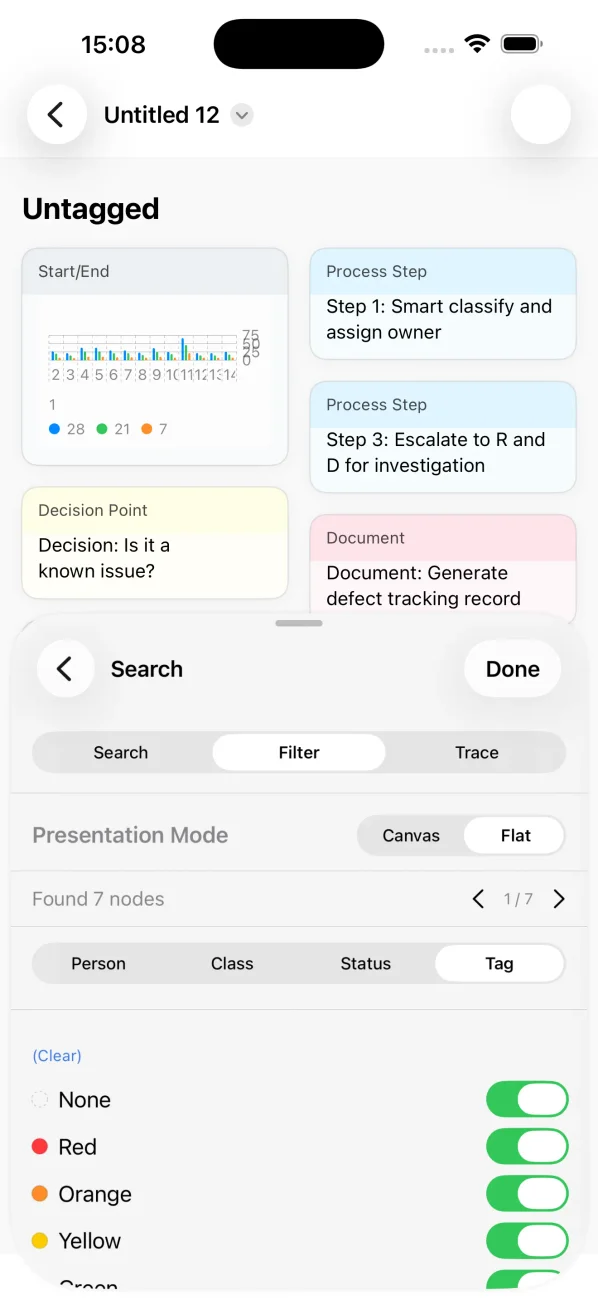
• Unified Search & Focus Panel [NEW] Quickly isolate and track tasks! The seamlessly merged search and focus panel now supports filtering nodes by specific 'Person' or 'Category' (Class).
• Flexible Groups & Global Edge Notes [IMPROVED] Dynamically add or remove nodes from existing groups. Manage edge note visibility globally, now fully supported across all layout modes including Mind Maps.
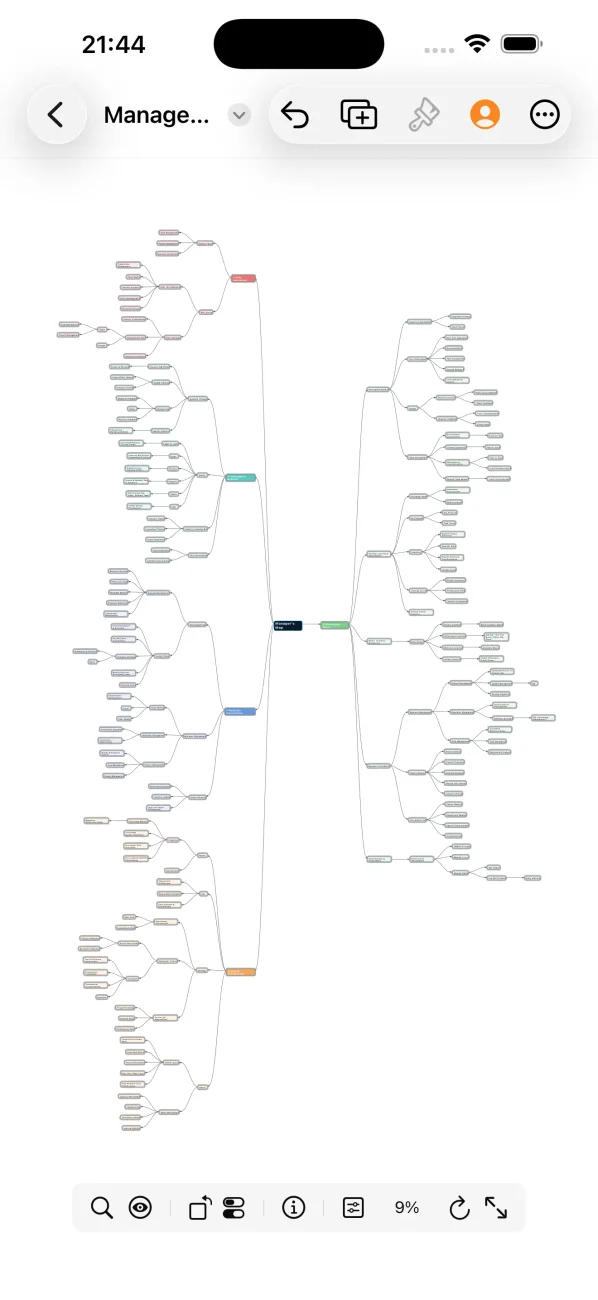
• Proxy Nodes for Clean Architecture Keep massive logic maps clean! Create proxy nodes for distant concepts to avoid long, crossing lines. Proxies look identical to the original node and allow instant double-click navigation.
• Personnel Binding & Resource Manager Attach any file format and assign team members directly to your logic nodes. Simply drag and drop media or documents to create nodes, and track all your files and task assignments globally in the Resource Manager.
• Multi-Page Canvas & Node Linking Break free from single-page limits. Manage multiple canvases within a single document and create cross-page node links to seamlessly build highly interconnected, massive knowledge networks.
• AI Audio & Transcriptions Record meetings and lectures directly within nodes. Built-in speech-to-text and AI summarization make it the ultimate productivity tool for capturing and digesting information.
• Smart Layout + Free Positioning Auto-arrange logic tree structures while supporting fully free node dragging. Rigorous yet unrestricted.
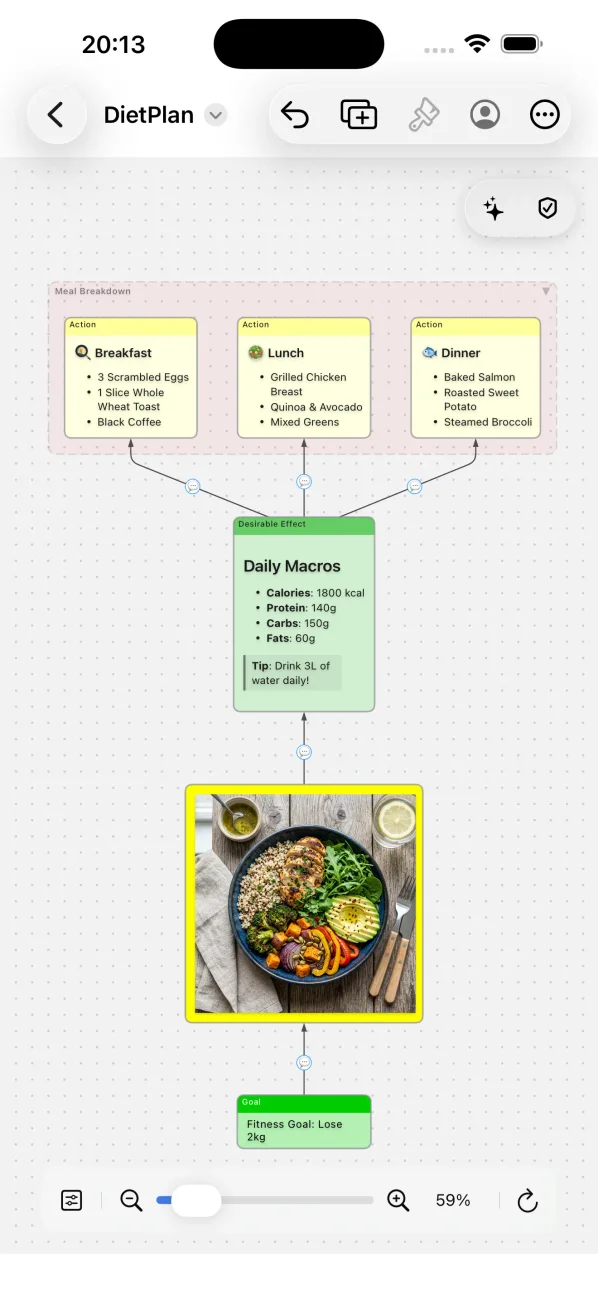
• Expressive Rich Media Nodes Uniquely supports plain text, Markdown rendering, HD images, and native data charts. With diverse polygon borders and focus mode, your logic maps are vivid and distinct.
• Domain Manager Globally manage entity classifications (domains). Add custom domains, toggle visibility with one tap, drag to reorder, keeping large project logic maps clean and organized.
• Visual AI Workflows More than a thinking tool! Use built-in LLM nodes, HTTP plugins, and custom JS scripts to easily build automated logic flows on the canvas.
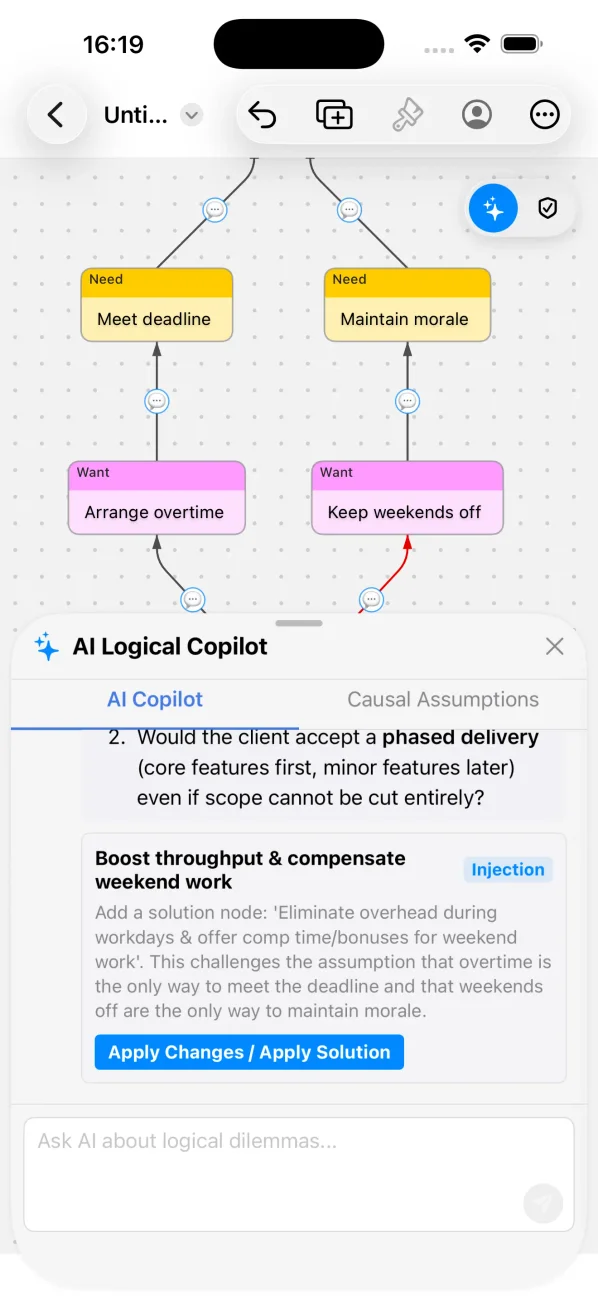
• AI Logic Copilot Automatically mine premises, detect loopholes, and diagnose global topology based on context, offering strategy suggestions like a pro consultant.
• Variable Formulas and Calculation Engine Bind numerical values and logic formulas to nodes for auto-calculation, integrating math into your logical deductions.
• Native 3-Platform Sync Natively supports iPhone, iPad, and Mac with real-time iCloud sync. Capture ideas on your phone and experience ultimate layout efficiency on Mac.
• Professional Export Export entire multi-page documents to PDF or high-resolution PNG with custom watermarks for easy sharing and reporting (with optimized rendering for Mind Maps and Card Outlines).
Use Cases: Project management, product analysis, risk assessment, academic research, strategic planning, troubleshooting, causal reasoning, meeting minutes.
Terms of Use (EULA): https://www.apple.com/legal/internet-services/itunes/dev/stdeula/
What’s new
Version 3.6 · Aug 11, 2026
New: We've introduced a Monthly Subscription plan for MindLogic Pro! Enjoy more flexibility in how you unlock our premium features.
General performance improvements and paywall optimizations.
App privacy
What 晓宇 刘 declares on the App Store about how this app handles data.
-
Data linked to you
May be collected and linked to your identity.
- Contact info
Privacy practices may vary, for example with the features you use or your age.
Information
- Seller
- 晓宇 刘
- Category
- Productivity
- Version
- 3.6
- Updated
- Aug 11, 2026
- Released
- Jun 10, 2026
- Size
- 44.6 MB
- Requires
- iOS 17.0 or later
- Age rating
- 4+
- Price
- Free
- In-app purchases
- Yes
- Languages
- English, Simplified Chinese
- Copyright
- © @mindlogic 2026
You might also like
-
 MinndMindMindMap
-
 MindFly: MindMap & Study NotesSimple Brainstorming, Cloze
-
 HeftySendWe transfer large files fast.
-
 要事四象限Productivity
-
 Node Memo & ToDo AppProductivity
-
 StaffSuite AdminEmployee Management System
-
 ConceptMap - Mind MapperVisual Mind Maps & Ideas
-
 念落笔记Productivity
-
 DocSignKitProductivity
-
 ArchFlowyProductivity