
MindMap AI: AI Mind Map Maker
Summarizer, Diagrams, Notes
Designed for iPhone, iPad, iPod touch
Free
- Age rating4+
- CategoryProductivity
- LanguagesEnglish
- Size46.5 MB
Links to the official App Store page
Download.org hosts no file of MindMap AI: AI Mind Map Maker. The button opens its official App Store page, published by . Listing last checked on Nov 12, 2026.
Screenshots
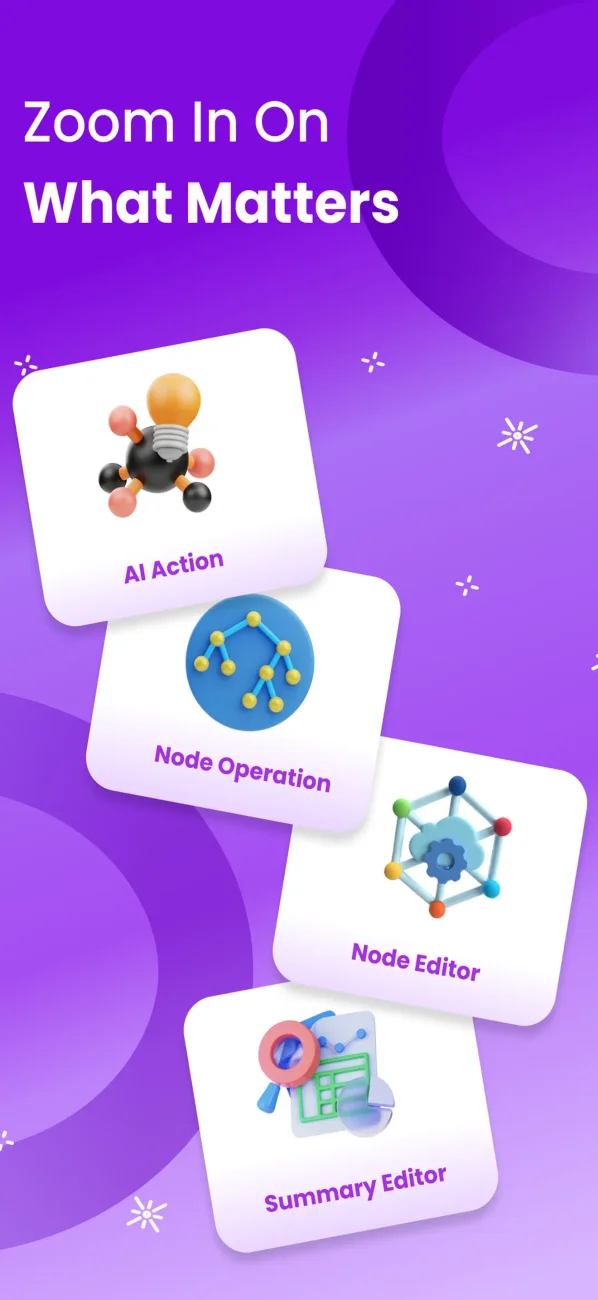
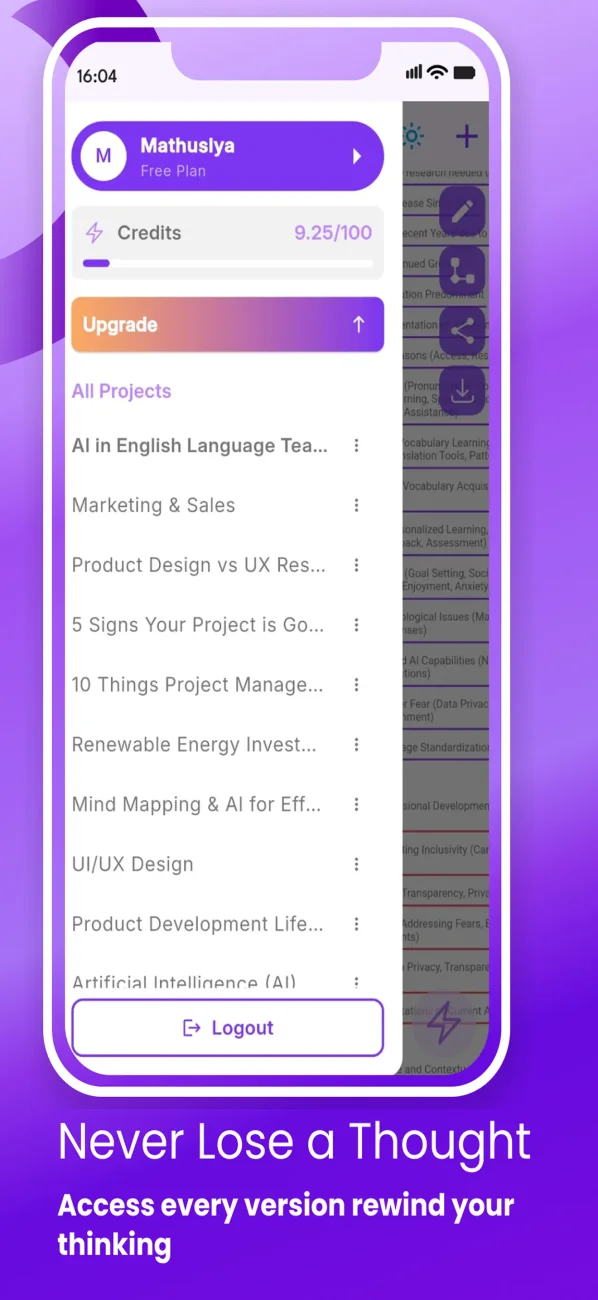
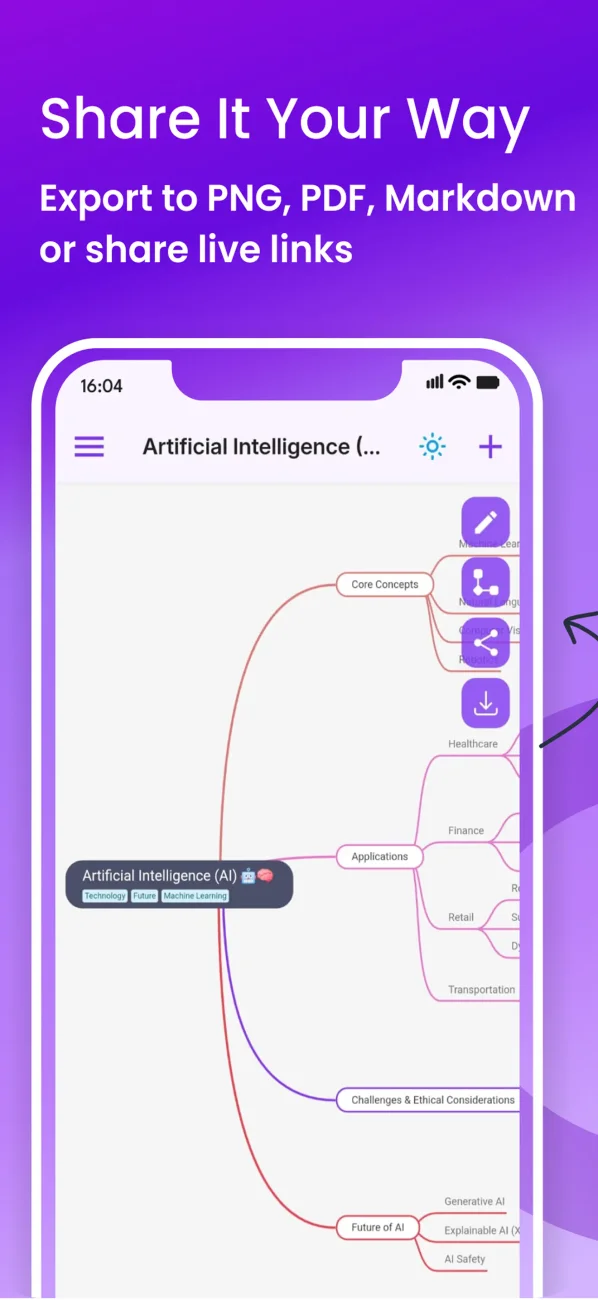
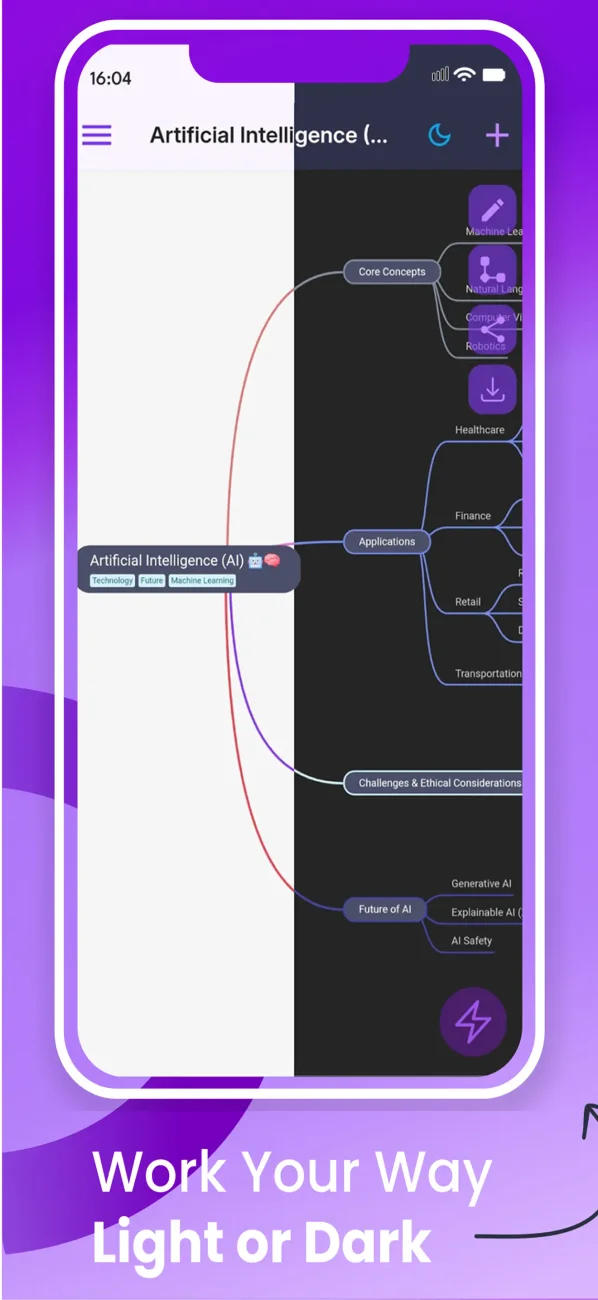
About
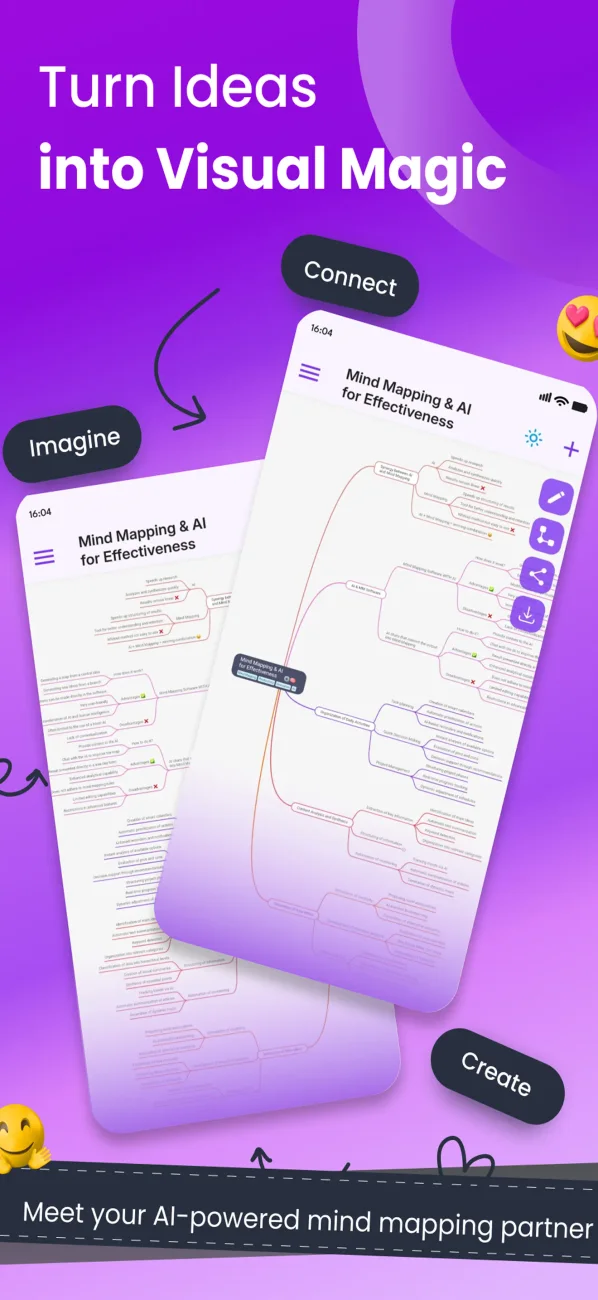
MindMap AI is an AI mind map maker that turns PDFs, notes, videos, documents, and ideas into clear mind maps in seconds. Trusted by 1M+ users worldwide.
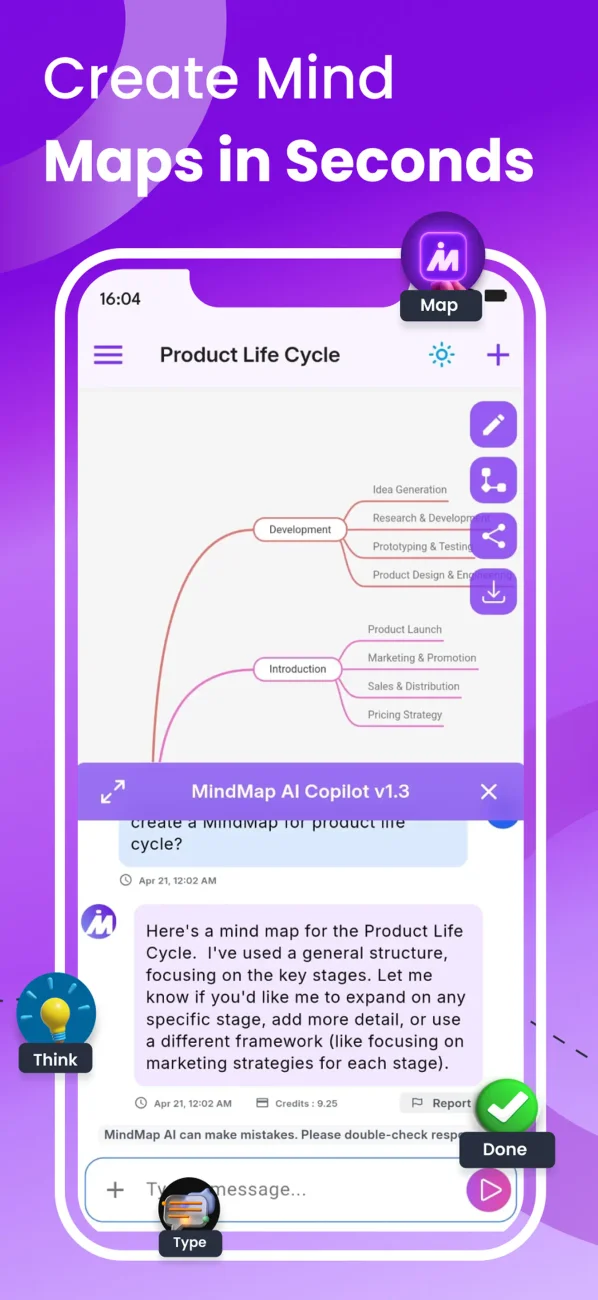
Type a topic, paste text, or upload a file. MindMap AI creates a structured visual map, then hands you full control to edit, move, rename, expand, summarize, and organize every branch.
- Free to start
Manual mind mapping is always free, so you can build and edit your maps without paying. Every account also gets 50 AI credits a month to try AI generation, summaries, and the Copilot, with more available when you upgrade.
- An AI mind map generator that keeps working with you
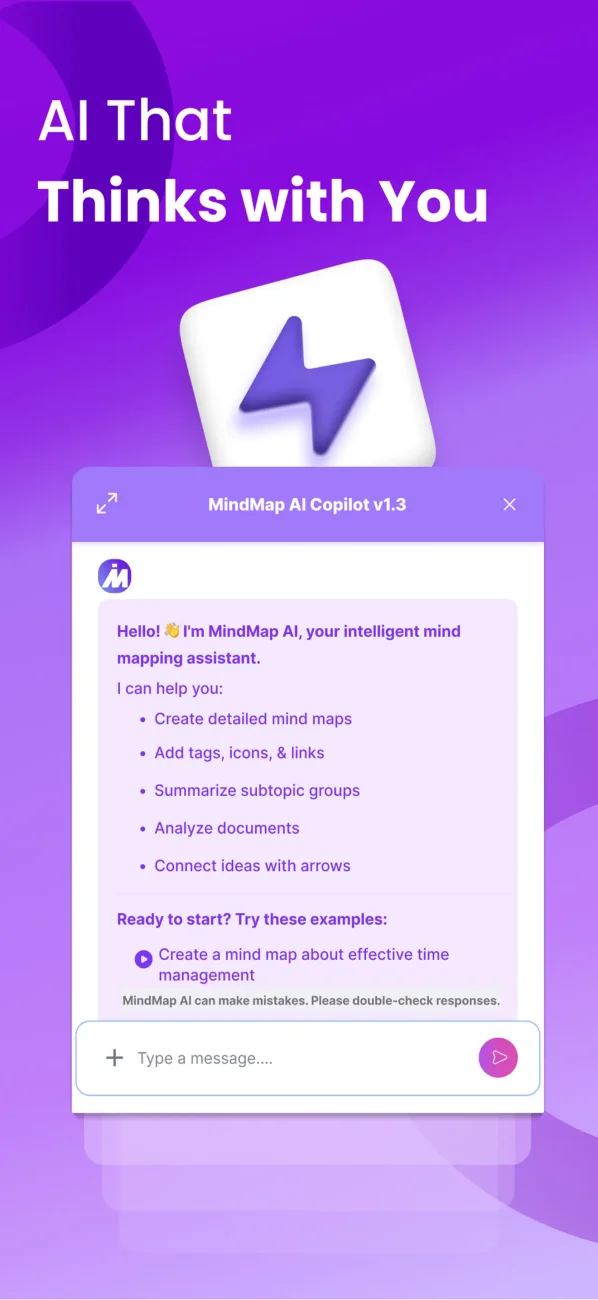
With Thinking Mode, context awareness, and continuous chat, the AI Copilot reasons step by step to brainstorm ideas, expand a branch, or reshape your map, while your manual edits stay exactly where you put them. You can even chat with an uploaded PDF and ask questions about it, not just map it.
- Create a mind map from PDFs, text, and more
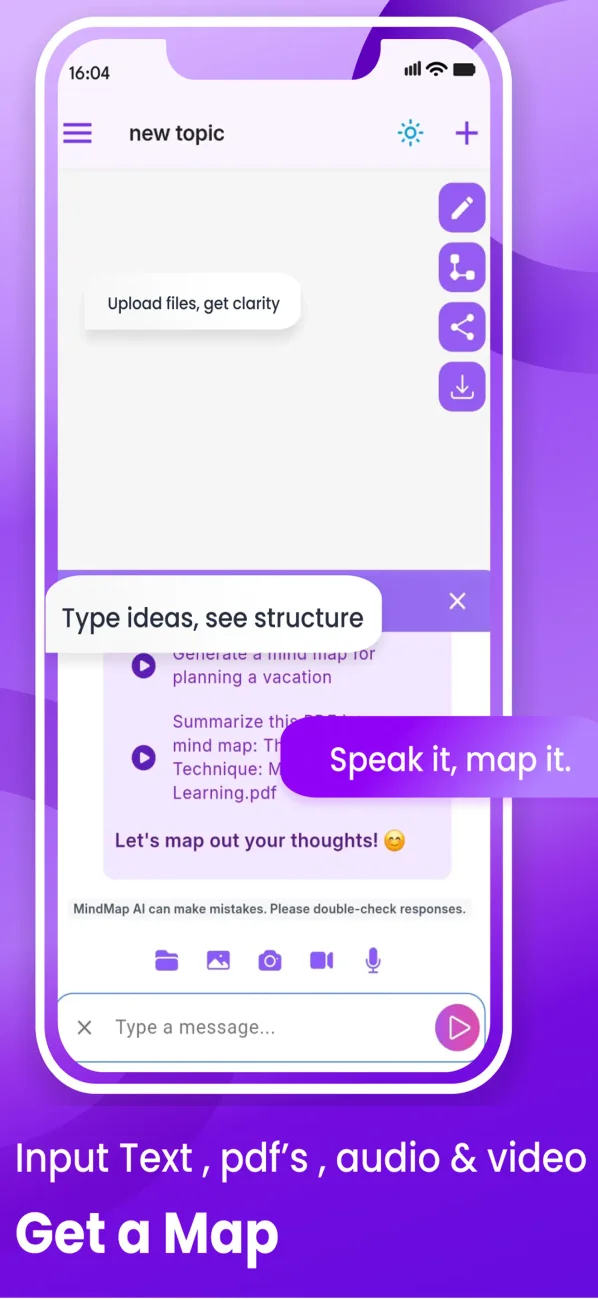
Upload PDFs, documents, images, audio, video, Markdown, or CSV files and turn them into editable mind maps. Advanced document analysis lets you work through long files and compare multiple sources in one map.
- Summarize long content into a map
The built-in AI summarizer pulls the key points out of dense material, the PDF summarizer condenses reports and research papers, and the text summarizer turns long notes and articles into clear takeaways, each one laid out as a map you can expand, focus, or edit.
- A study and note-taking app, made visual
Turn class notes, readings, and lectures into a visual study map. Focus on a single topic or expand one node into a detailed explanation, so complex material is easier to review and remember.
- Brainstorm ideas faster
Start with one idea and let the AI help you branch out. Organize thoughts, connect related ideas, and turn rough notes into a structured plan.
- Mind maps, concept maps, logic charts, and org charts
Create branching mind maps, use the concept map generator for study notes, or build top-down logic charts and organization charts. Switch to outline view to think in text and watch the map update. Choose the structure that fits your thinking.
- Edit everything manually
Add, delete, drag, reorder, and rename nodes anytime. You stay in control of the canvas. MindMap AI builds around your edits instead of overwriting them.
- Style your map with simple prompts
Change themes, colors, fonts, shapes, arrows, and branches using natural language. Add your own images or royalty-free visuals from Pixabay to make maps easy to scan.
- Plan and track work inside your map
Add priorities, task status, dates, times, icons, links, and relationships. Turn a brainstorm into a project plan, study plan, or personal goal map.
- Import, export, and share
Import maps from Xmind, MindManager, SimpleMind, Freeplane, Mapify, Coggle, and FreeMind. Export as PNG, SVG, PDF, CSV, or Markdown. Share by email or public or private link, so others can view your map without an account.
- Team workspaces for organizations
On a team plan, your organization gets a shared workspace to collaborate in one place. Pay for members centrally, add or remove people, and keep the whole team's maps together.
- Works across devices and languages
Use MindMap AI on the web and on iPhone, iPad, and Android. Create and edit mind maps in 29+ languages and sync your work across devices.
Great for:
- Students creating study notes, revision maps, and concept maps
- Professionals brainstorming projects, workflows, meetings, and strategy
- Researchers summarizing PDFs, papers, and long text
- Creators planning content, outlines, scripts, and ideas
- Anyone who wants a clearer way to think and take notes visually
Download MindMap AI and turn PDFs, notes, videos, and ideas into editable mind maps you actually control.
What’s new
Version 2.10.1 · Oct 6, 2026
We’ve made MindMap AI faster, smoother, and more powerful to improve your overall mapping experience.
• Added notes support to capture more details in your nodes
• Added branch style customisation to personalise your mind maps
• Added LaTeX support for mathematical expressions and equations
• Improved the UI for a cleaner, smoother experience
• Included bug fixes and performance improvements
Thank you for using MindMap AI. Your feedback helps us continue improving the app.
App privacy
What declares on the App Store about how this app handles data.
-
Data linked to you
May be collected and linked to your identity.
- Contact info
- User content
- Identifiers
-
Data not linked to you
May be collected but is not linked to your identity.
- Usage data
- Diagnostics
Privacy practices may vary, for example with the features you use or your age.
Information
- Seller
- 3axislabs, Inc.
- Category
- Productivity
- Version
- 2.10.1
- Updated
- Oct 6, 2026
- Released
- May 2, 2025
- Size
- 46.5 MB
- Requires
- iOS 13.0 or later
- Age rating
- 4+
- Price
- Free
- Languages
- English
- Copyright
- © 3axislabs, Inc.
You might also like
-
 Mindz - Mind Map & OutlineVisual Concept & Brainstorm
-
 Parcae: Mind Map AI GeneratorPlan & achieve with mind maps
-
 MindThreadeasy-to-use mind map editor
-
 Mind Map: FlowCreative planning via mindmap
-
 VisuallyMind: Mind Mappingvisual anything with AI
-
 MindFlow: AI Mind Map MakerPDF, YouTube & Web to MindMaps
-
 GraphMind: Mind MappingAI Maps with Flexible Layouts
-
 MindMap - MindMapperMind mapping for organizing...
-
 VisualGPT: AI Mind Map ChatBotMind Mapping, Xmind,Brainstorm
-
 Mind Map - MultiformCreativity extends infinitely