
Mindomax AI: Flashcards, Notes
Study Planner & Pomodoro
Designed for iPhone, iPad, Mac, iPod touch
Free
- Age rating4+
- CategoryEducation
- DeveloperAshkan Sadri Ghamshi
- LanguagesEnglish+ 15 more
- Size97.9 MB
Links to the official App Store page
Download.org hosts no file of Mindomax AI: Flashcards, Notes. The button opens its official App Store page, published by Ashkan Sadri Ghamshi. Listing last checked on Nov 29, 2026.
Screenshots

About
Mindomax turns your notes, PDFs, photos, and recordings into flashcards, then uses spaced repetition to bring each card back right before you'd have forgotten it. You study what your class actually covers, not somebody else's summary.
AI flashcards from your own material
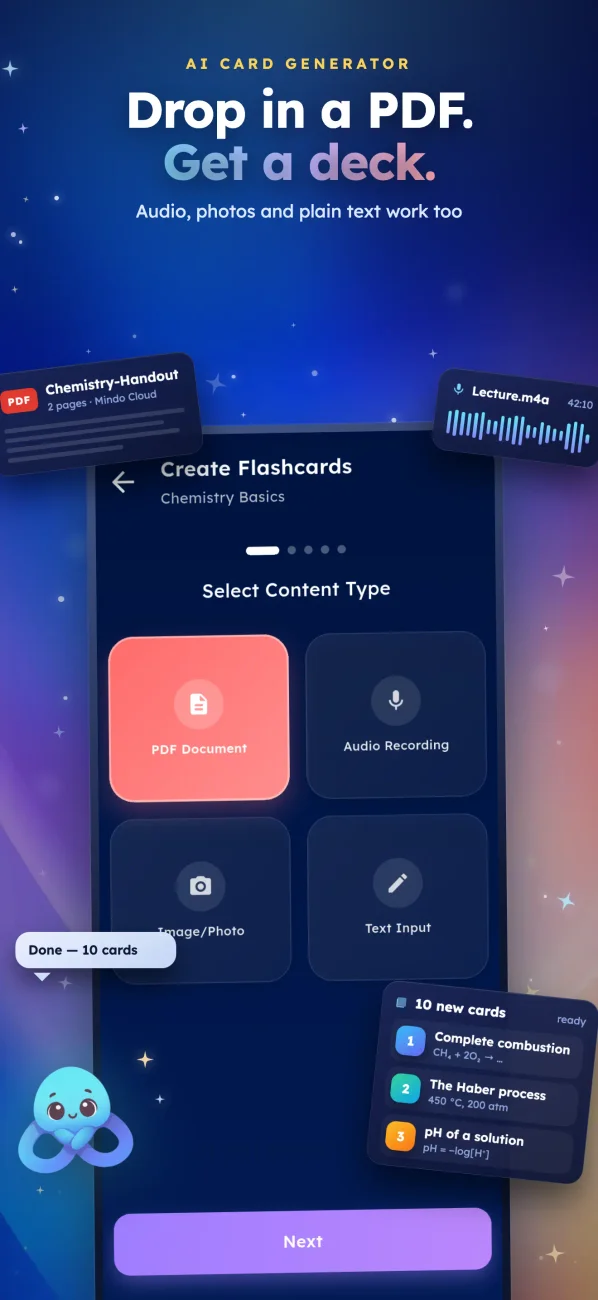
• Drop in a PDF and go from PDF to flashcards in one step — or type or paste notes, snap a photo of a page, or record a few minutes of audio, and the AI Card Generator builds the deck for you.
• You pick the language and how many cards you want.
• Card answers support math formulas (LaTeX) and AI-generated images, so a chemistry structure or an anatomy diagram sits right on the card instead of plain text.
• Spaced repetition schedules every review, card by card, so the hard ones come back more often.
Notebooks
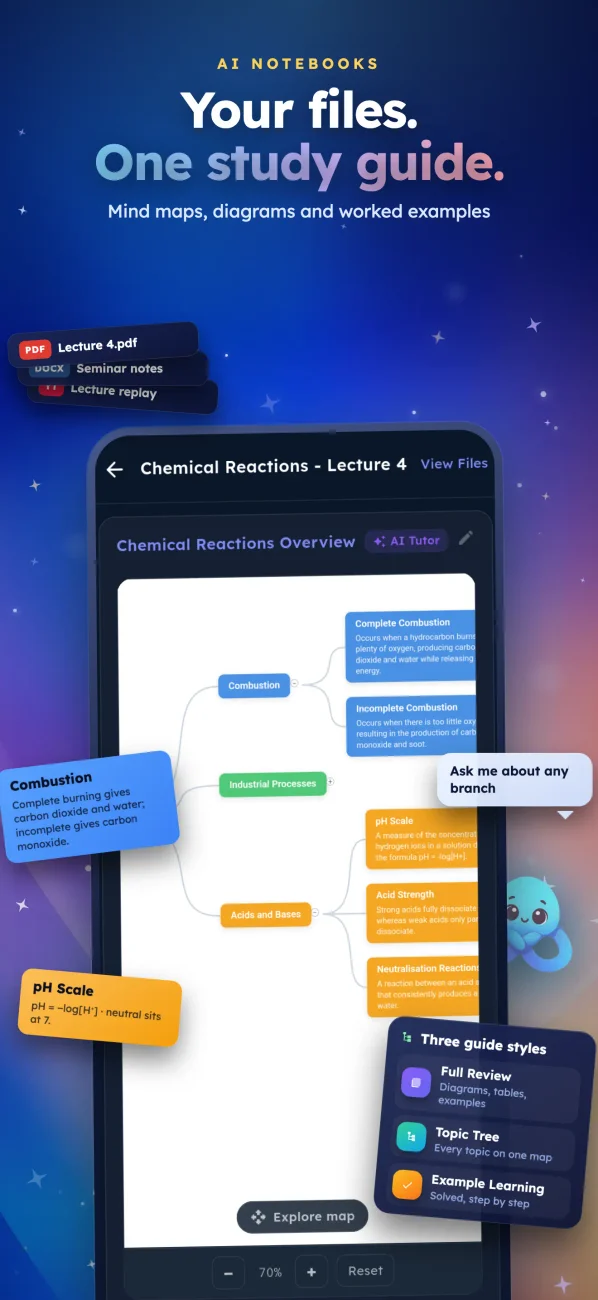
Point Mindomax at your files and get a single study guide back: a Topic Tree mind map, diagrams, and worked examples you can follow step by step.
A PDF reader with the AI Tutor on the page
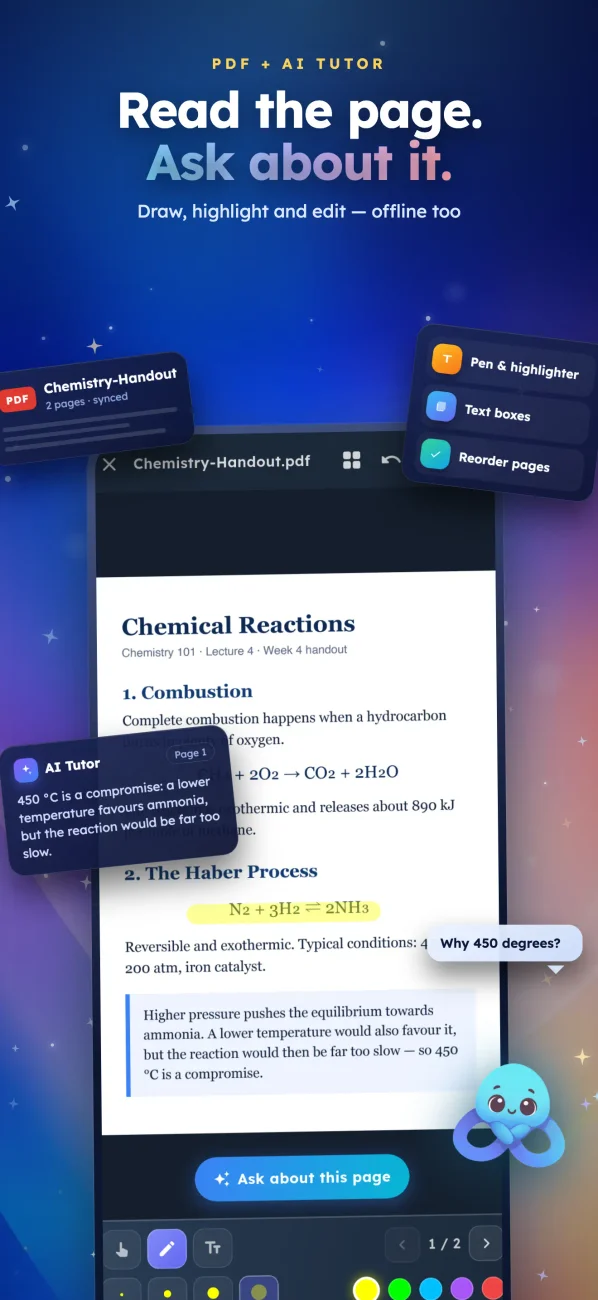
Read a page, then ask the AI Tutor about it. It answers from what's actually on that page and tells you which page it came from. Highlight, draw on, and annotate the PDF, or reorder and delete pages — all of it works offline.
Start from a ready-made library
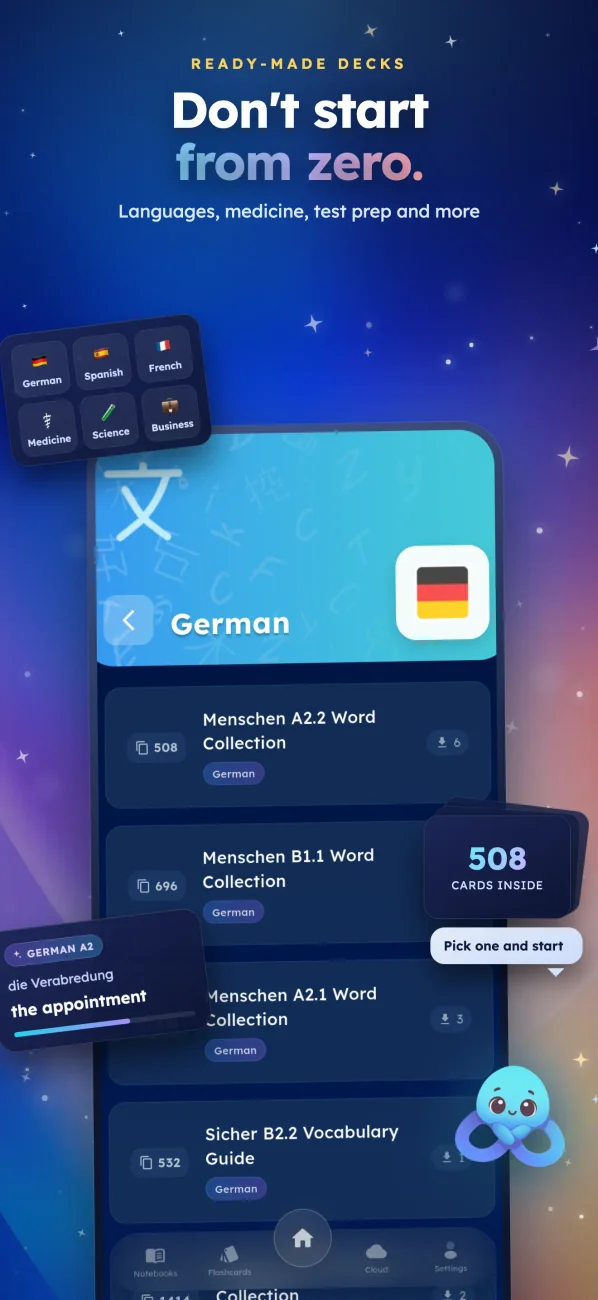
Millions of ready-made flashcards, already sorted by subject: languages, medicine, test prep, science, and business. Preview any deck and add it to your own decks.
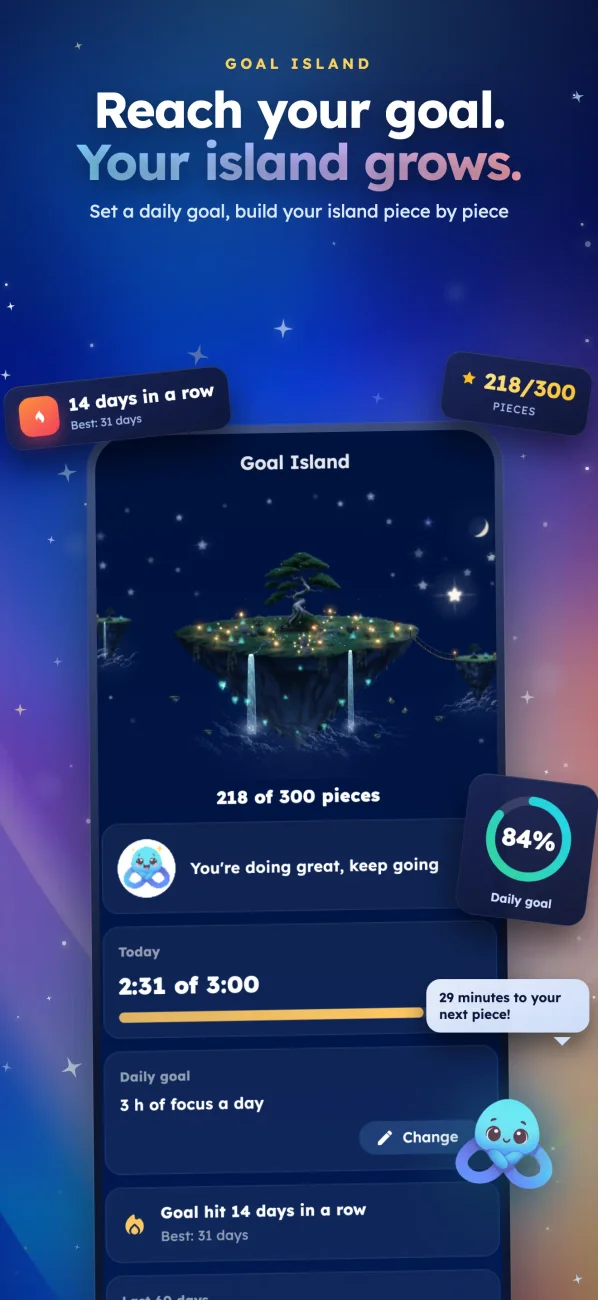
Streaks, stars, and medals
Every study day fills in a square on your activity heatmap. Keep the streak going, earn stars, and collect medals. Stay away too long and Mindomax's reminders start taking it personally.
Themes you unlock
Spend the stars you earn on a whole new look for the app: Papercraft, Fantasy, or Anime.
Learning analytics
Your Performance Radar and Personal Learning Curve show when in the day you learn best and which topics you keep forgetting.
Study planner and focus
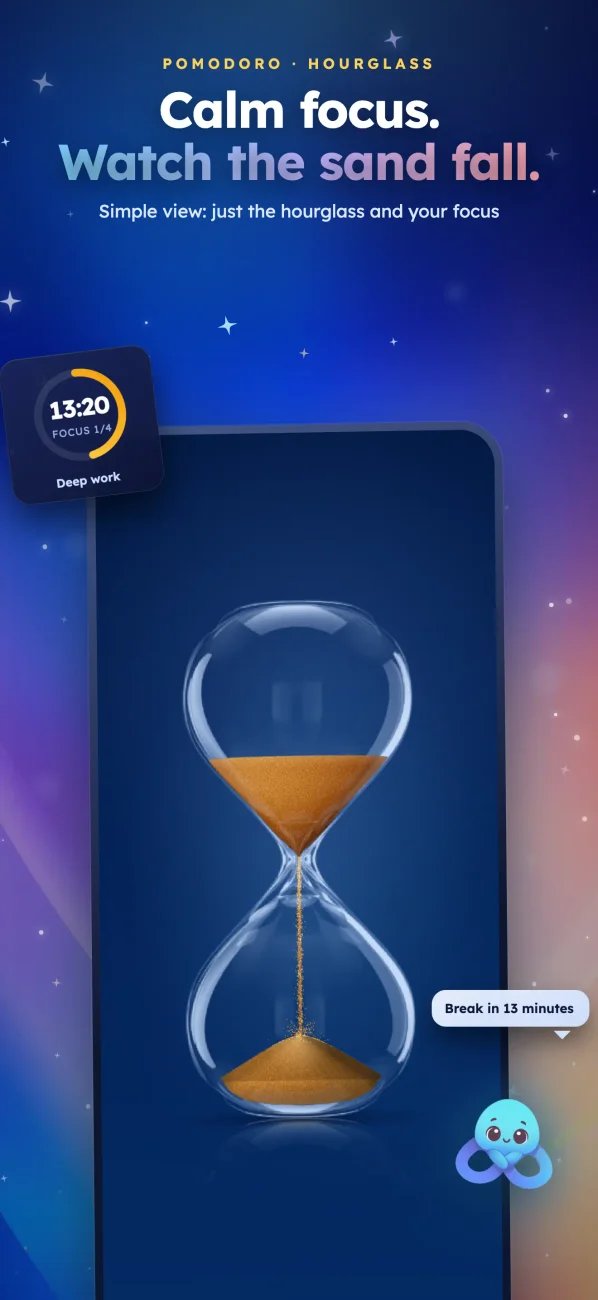
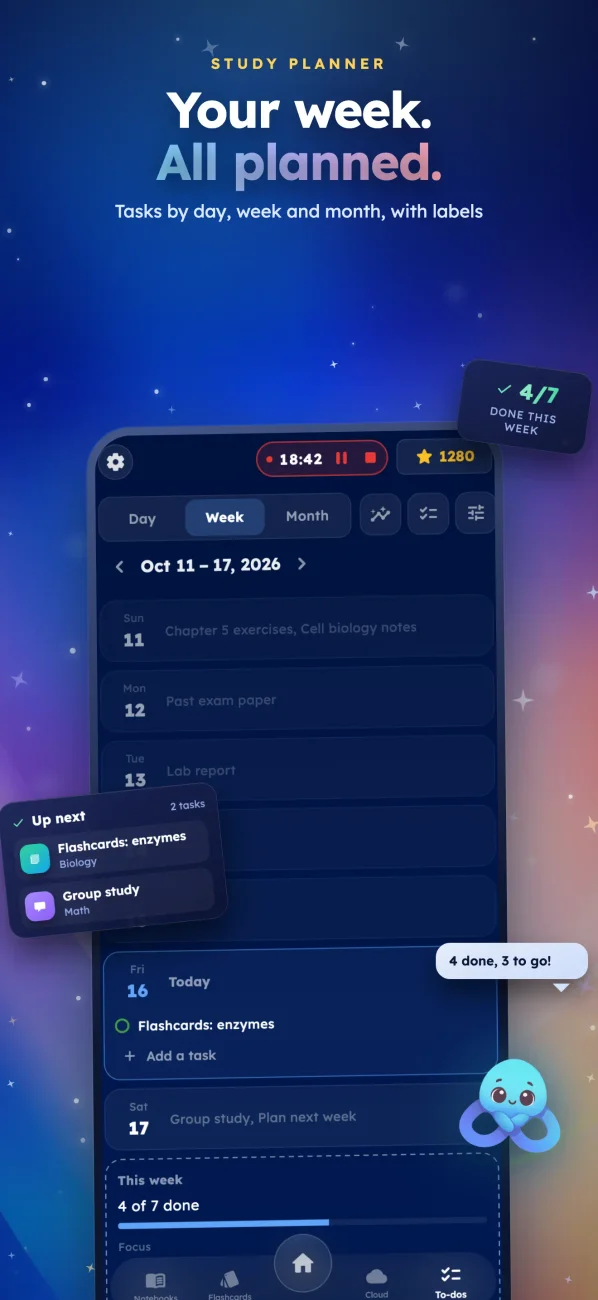
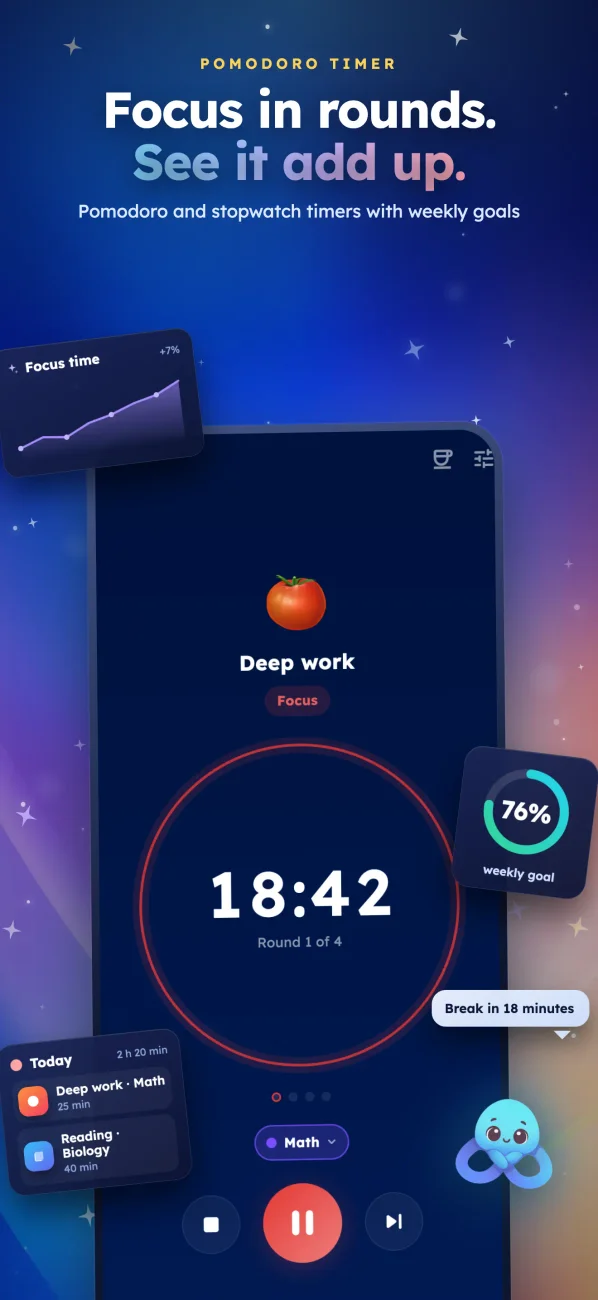
Plan tasks by day, week or month, with labels. Time your study with Pomodoro or a stopwatch, set weekly goals, and see where your time goes in Reports. Each week, look back and get tips from your AI coach. It all syncs across your devices.
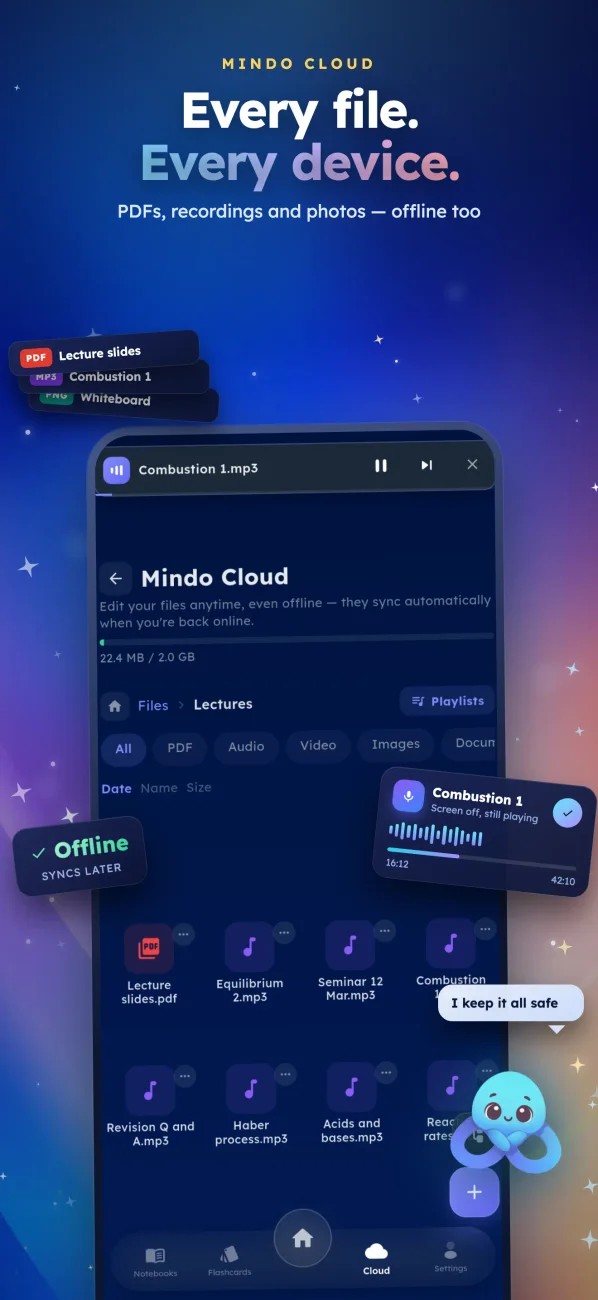
Mindo Cloud
Your PDFs, recordings, and photos are there on every device you use. Study offline, and everything syncs as soon as you're back online.
Wherever you study
Study on your iPhone, iPad, Mac, or the web, in 16 languages. Sign in with Google or Apple and pick up where you left off.
Mindomax is free: there's nothing to buy and no subscription.
Built for medical and nursing students revising pharmacology before a shift, law students working through case after case, language learners building vocabulary a few minutes at a time, and anyone with an exam coming up and a lot of facts to keep straight.
Add your first PDF and you can have a deck ready before your next class.
What’s new
Version 1.9.58 · Nov 28, 2026
• Smart Review can now show your cards in random order: turn on “Shuffle in Review Mode”.
• New: get a notification when new library decks for your level arrive. Only if you want it – you can turn it off any time in Settings.
• New 3D medals in ten categories, and your own level that grows with your stars and medals.
• Library: new decks that fit your level are announced in the app, with a button that opens them. You can also comment on library decks.
• Card management no longer gets stuck after you delete a card.
• No more false “offline” notices on a slow connection.
• Cloud storage: select several files to delete or move them at once, drag in many files together, and use folders inside folders.
• Audio files play reliably, also offline.
• AI answers and card pictures match your language and the card's meaning better, and pictures come faster.
• New, softer Pomodoro sounds and a fresh reminder every day.
Small fixes and improvements.
App privacy
What Ashkan Sadri Ghamshi declares on the App Store about how this app handles data.
-
Data linked to you
May be collected and linked to your identity.
- Purchases
- Contact info
- User content
- Identifiers
- Usage data
-
Data not linked to you
May be collected but is not linked to your identity.
- User content
- Diagnostics
Privacy practices may vary, for example with the features you use or your age.
Information
- Seller
- Ashkan Sadri Ghamshi
- Category
- Education
- Version
- 1.9.58
- Updated
- Nov 28, 2026
- Released
- Nov 17, 2025
- Size
- 97.9 MB
- Requires
- iOS 15.0 or later
- Age rating
- 4+
- Price
- Free
- Languages
- English, Arabic, Dutch, French, German, Greek, Italian, Japanese, Korean, Norwegian Bokmål, Persian, Russian + 4 more
- Copyright
- © 2026 Ashkan Sadri Ghamshi
You might also like
-
 BeDict – Visual English MemoryImage Dictionary For Learners
-
 Leitner Mind: Learn FastSmart Repetition App
-
 LeitnerAI - Simple AnkiLearn vocabulary faster
-
 ختمة aiEducation
-
 Talksy: Go Learn English WordsFlash Cards, Talk Vocabulary
-
 FluentryRishiC
-
 Vocabia: AI-Powered DictionaryEducation
-
 Lugha AIYour Arabic Learning Assistant
-
 Leitner Box FlashcardsMemorize data with flashcards
-
 Koala AI TranslateText & Voice AI Translator