
- Age rating4+
- CategoryProductivity
- Developer晓钧 黄
- LanguagesEnglish+ 10 more
- Size5.8 MB
Links to the official App Store page
Download.org hosts no file of MindPage. The button opens its official App Store page, published by 晓钧 黄. Listing last checked on Nov 12, 2026.
Screenshots
About
MindPage is an exquisite mind mapping application. You can use it to record ideas, write notes, and summarize knowledge.
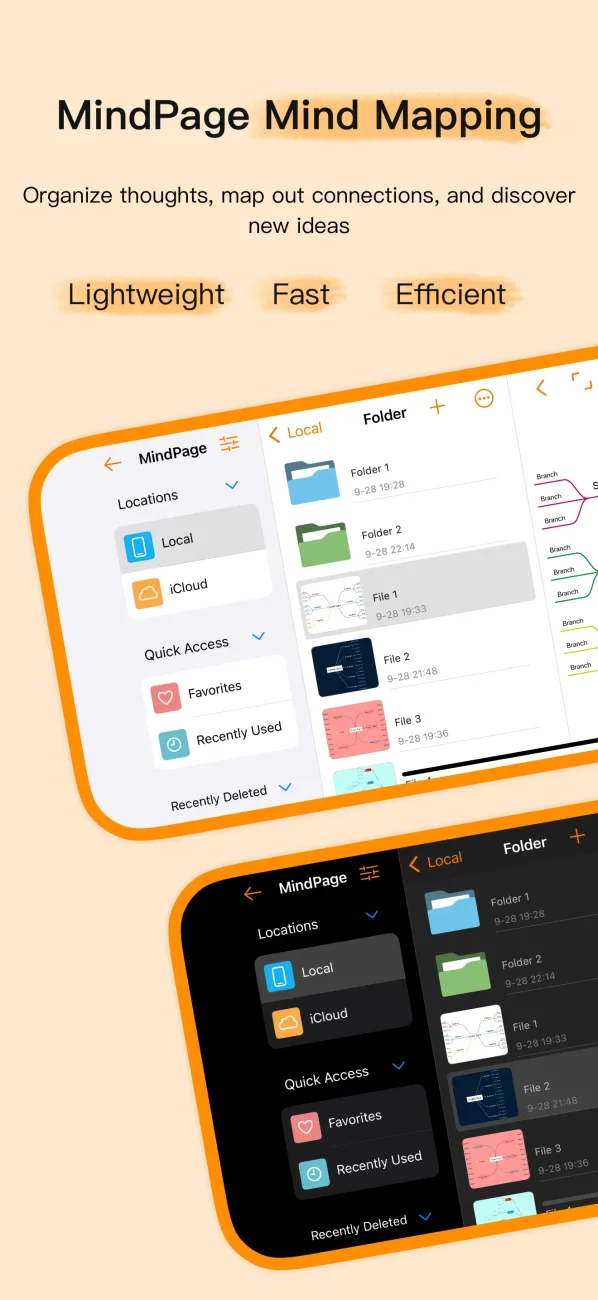
MindPage now supports dark mode, and supports split screen, drag and drop and other features on the iPad.
~~~~~~~~~~~~~~~~~~~~
Lightweight, Fast and Simple
∙ Minimal footprint
∙ Quickly launch and load files
∙ Efficient and simple operation and interface
Quickly build mind maps
∙ Add nodes and branches quickly
∙ Supports inserting pictures, shooting with camera or selecting pictures from album
∙ Add symbol
∙ Add connections between nodes
∙ Drag nodes and branches to change their position
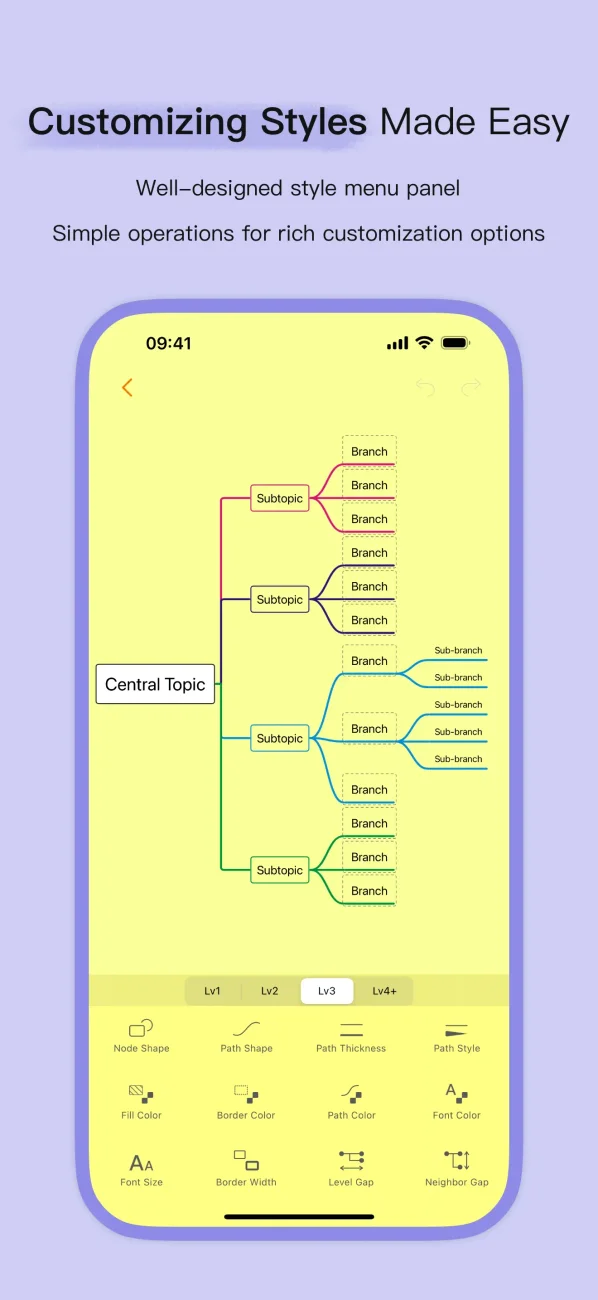
Powerful Theme Attributes
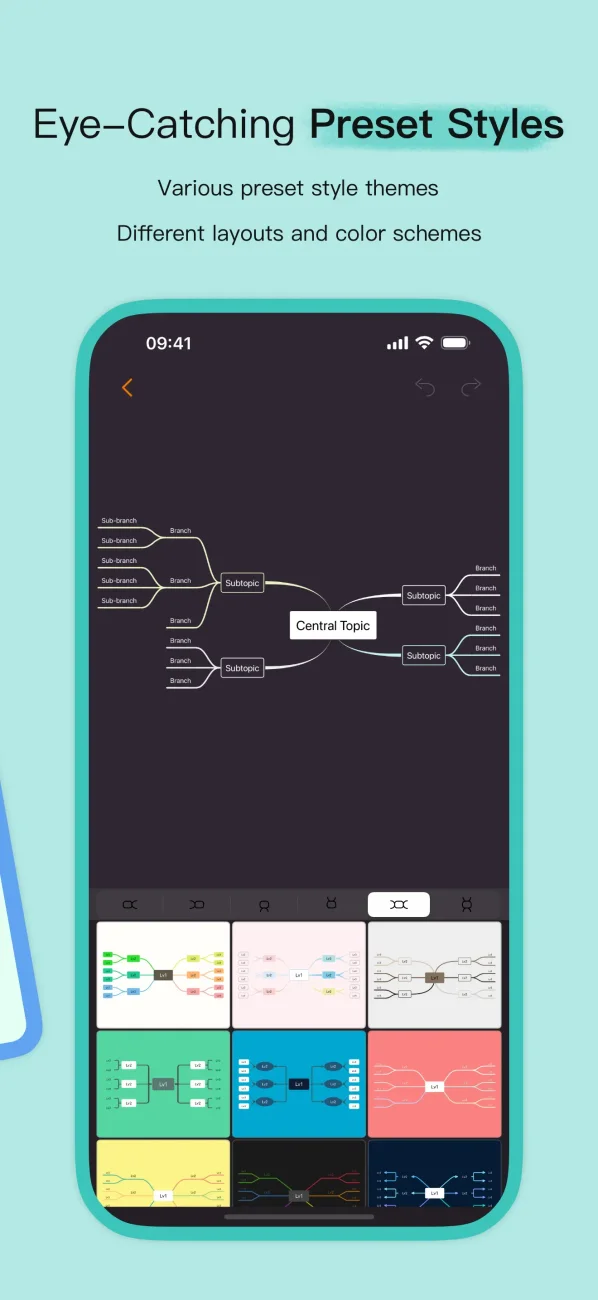
∙ Global theme style:
∙ Preset multiple themes
∙ Preset multiple color schemes
∙ Support multiple layouts
∙ Quickly adjust background color
∙ Node and branch styles:
∙ Modify the style attributes of a single node
∙ Batch modify style attributes of specified level nodes
∙ Adjustable style attributes:
∙ Node shape
∙ Node color
∙ Border color
∙ Border width
∙ Line shape
∙ Line width
∙ Line style
∙ Line color
∙ Text size
∙ Text color
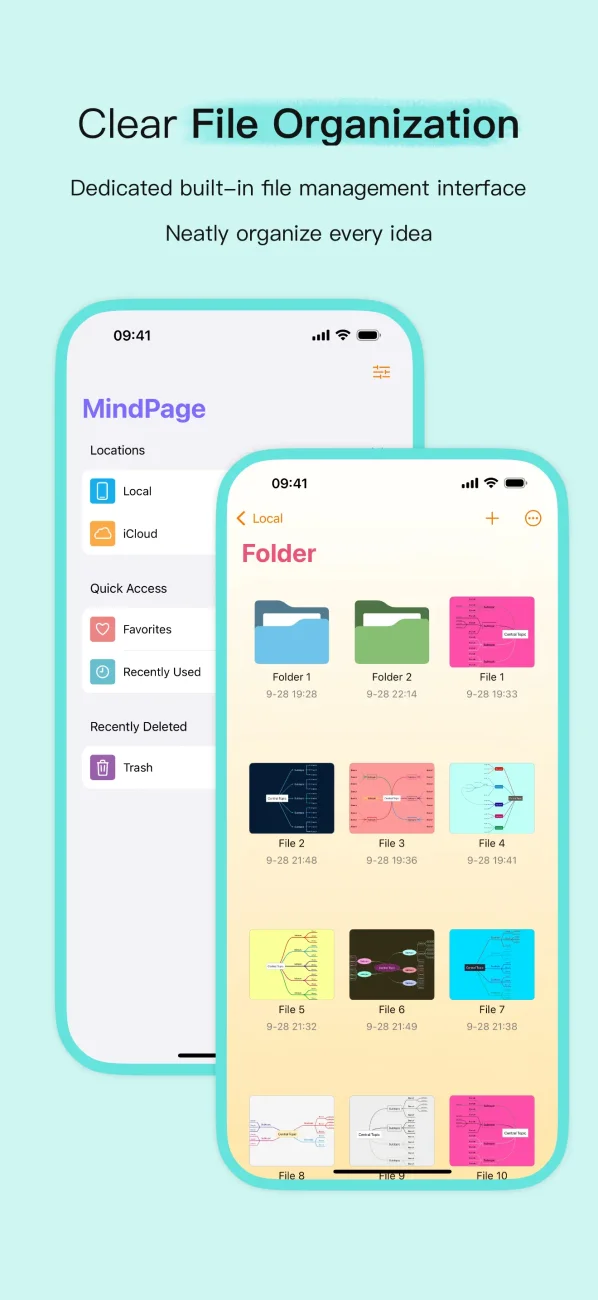
Innovative document organization and management:
∙ Tile display in grid format
∙ Click to preview content
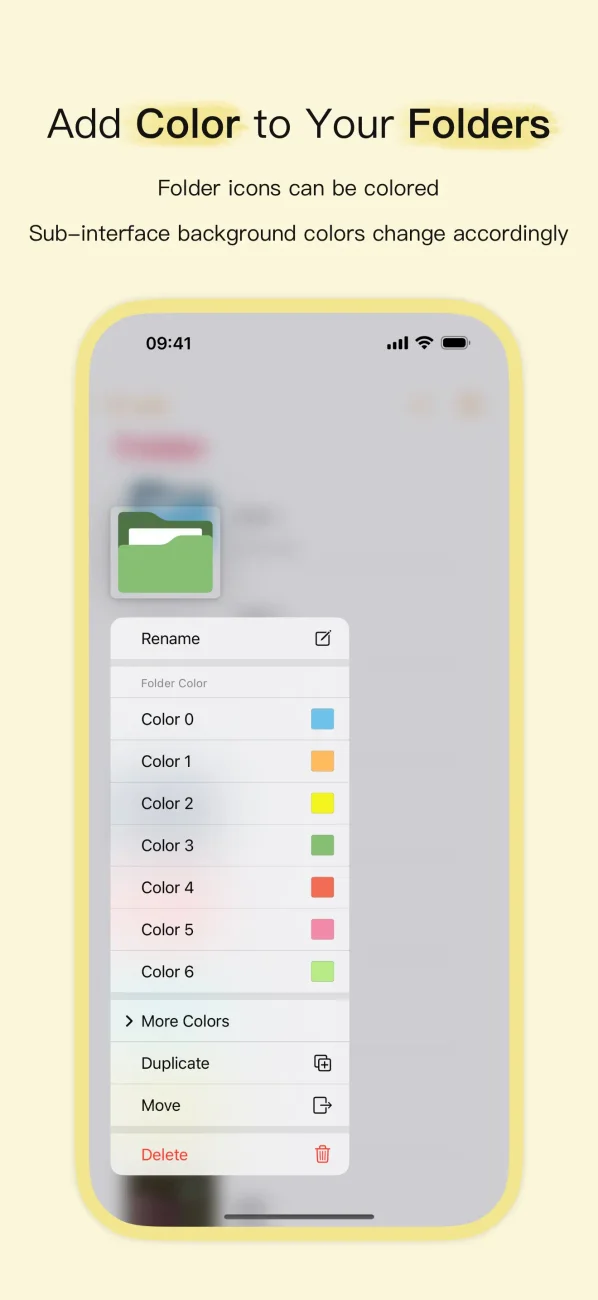
∙ Color folder
∙ Drag to change sort
∙ Folder content preview
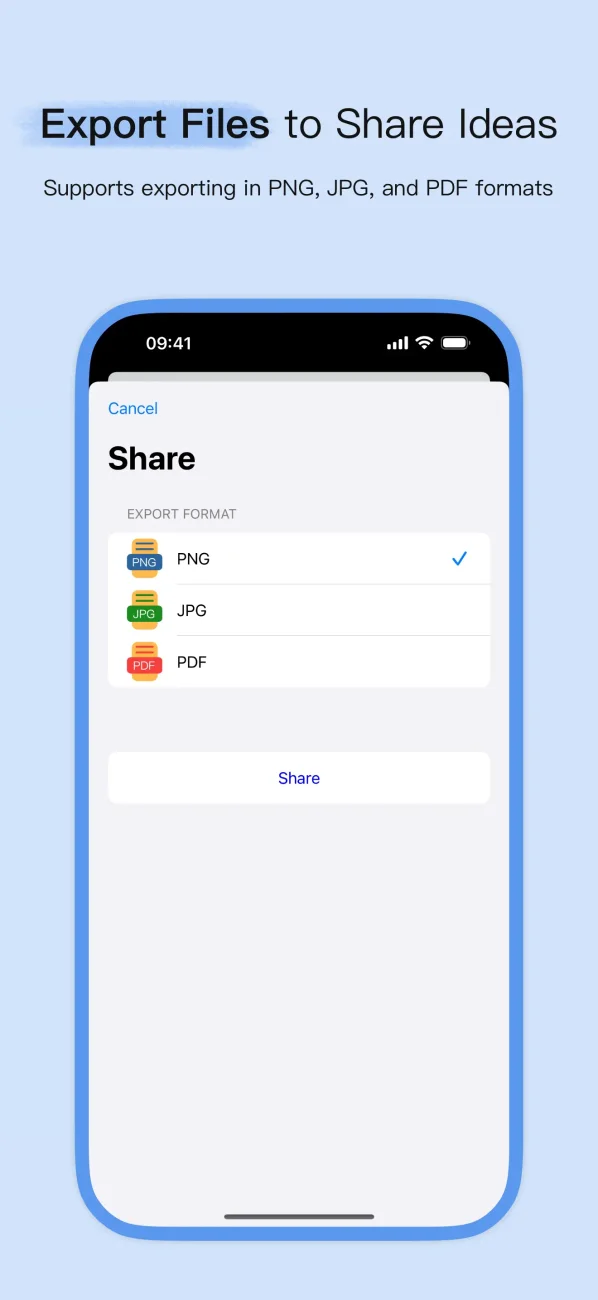
Export and share:
∙ PDF document
∙ PNG image
∙ JPG image
~~~~~~~~~~~~~~~~~~~~
Contact
If you have any questions, suggestions or comments, please contact us at mindpage@outlook.com.
What’s new
Version 1.2.0 · Oct 5, 2024
This Update: Redesigned File Management Interface with New Features and Improvements:
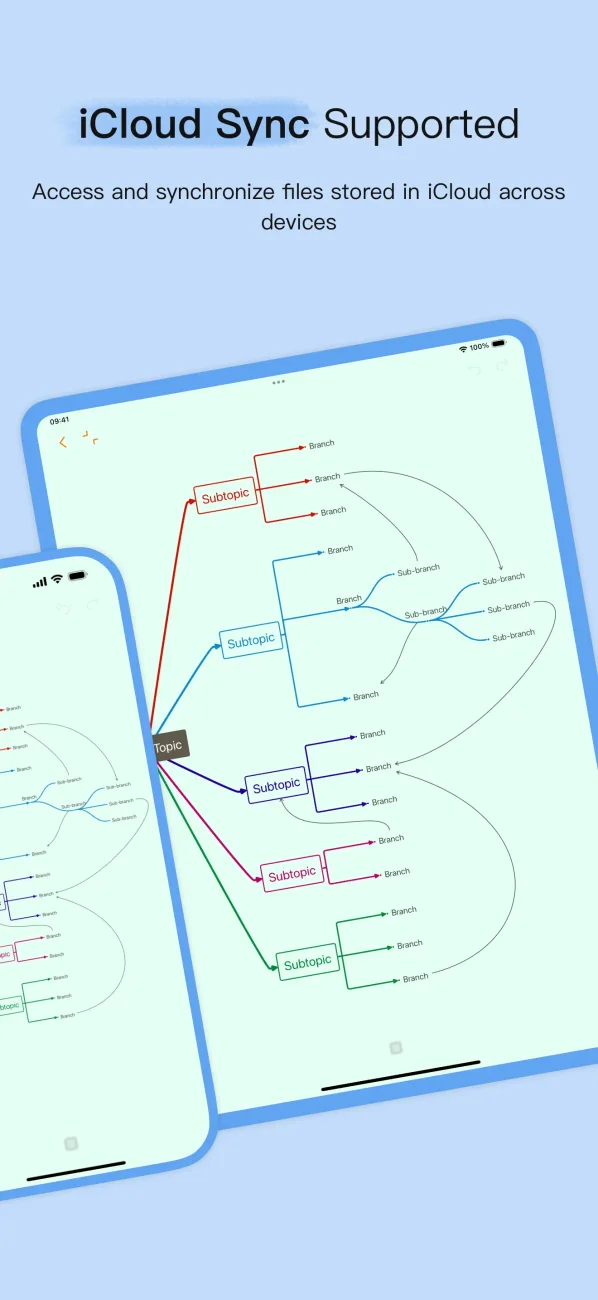
iCloud File Sync - Access and sync files stored in iCloud across devices, with support for local storage as well
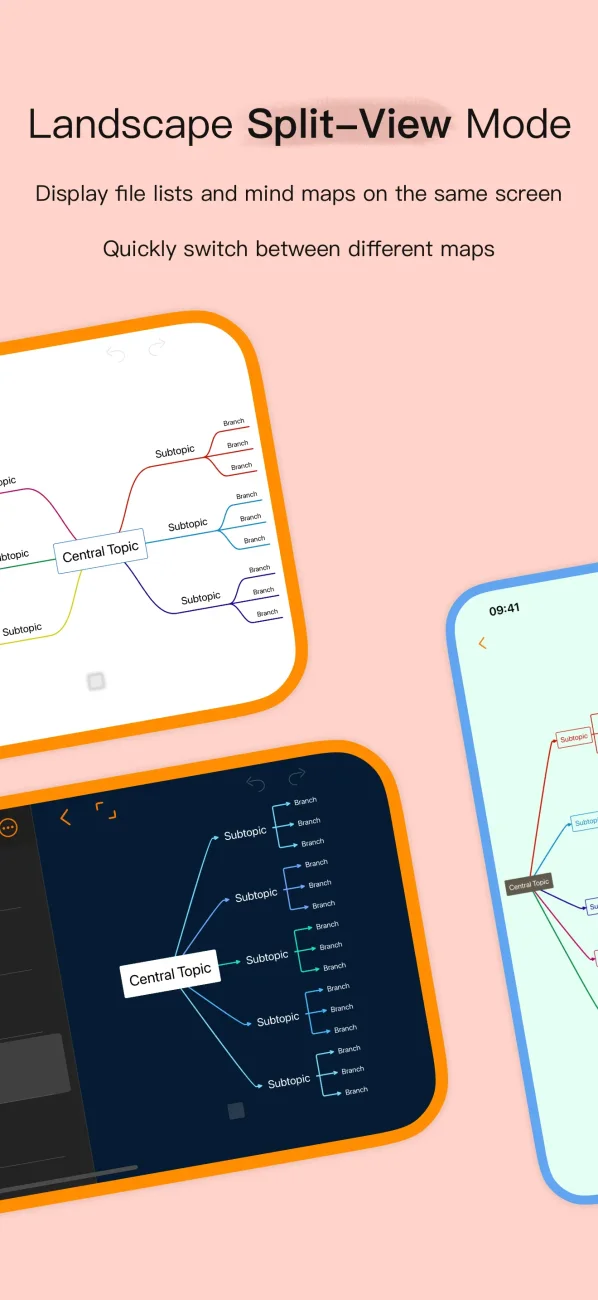
Split View Mode - A brand-new layout mode for the iPad interface or iPhone landscape mode
Quick File Switching - Quickly switch between files for browsing or editing via Split View Mode
Multi-level Folders - Supports creating subfolders within folders
Recycle Bin - Deleted files will first be moved to the Recycle Bin, where they can be permanently deleted or restored
Favorite Files - Mark files as favorites to easily find them
Recently Used Files - Quickly view recently used files
Automatic File Sorting - Replaces the manual sorting mode, offering various automatic sorting options
Open File System - Files and folders you create within the app can be viewed and managed through the system "Files" app, making it easy to back up or transfer them
Other - Supports iOS 18
App privacy
What 晓钧 黄 declares on the App Store about how this app handles data.
-
Data not collected
The developer does not collect any data from this app.
Privacy practices may vary, for example with the features you use or your age.
Information
- Seller
- 晓钧 黄
- Category
- Productivity
- Version
- 1.2.0
- Updated
- Oct 5, 2024
- Released
- Feb 14, 2020
- Size
- 5.8 MB
- Requires
- iOS 14.0 or later
- Age rating
- 4+
- Price
- $0.99
- Languages
- English, Arabic, French, German, Japanese, Korean, Portuguese, Russian, Simplified Chinese, Spanish, Traditional Chinese
- Copyright
- © 2024 HXJ
You might also like
-
 MindMap - Mind Mapping ToolsMind Maps, Files & Transfer
-
 TroutMind Mapping
-
 MindThreadeasy-to-use mind map editor
-
 YouMind - Mind Map BrainstormMind Mapping, Brainstorming
-
 Mindz - Mind Map & OutlineVisual Concept & Brainstorm
-
 SuperMind: Mind Mappingcapture your ideas and notes
-
 Mind Map - MultiformCreativity extends infinitely
-
 TouchMind-handwritten mind mapBrainstorm,Organize idea
-
 SimpleMind Pro - Mind MappingCapture your ideas and notes
-
 BigPaper -Mind Map, PDF MarkupVisualThinking infinite canvas