- Age rating4+
- CategoryLifestyle
- DeveloperThi Phuong Ngan Huynh
- LanguagesEnglish
- Size23.7 MB
Links to the official App Store page
Download.org hosts no file of Mini Calendar Notes. The button opens its official App Store page, published by Thi Phuong Ngan Huynh. Listing last checked on Nov 15, 2026.
Screenshots
About
**Mini Calendar Notes – Your Beautiful Personal Journal**
Transform the way you organize your thoughts with Mini Calendar Notes - a stunning, intuitive note-taking app that combines the power of a calendar with the simplicity of quick notes. Everything stays private on your device, works completely offline, and looks absolutely gorgeous.
**KEY FEATURES:**
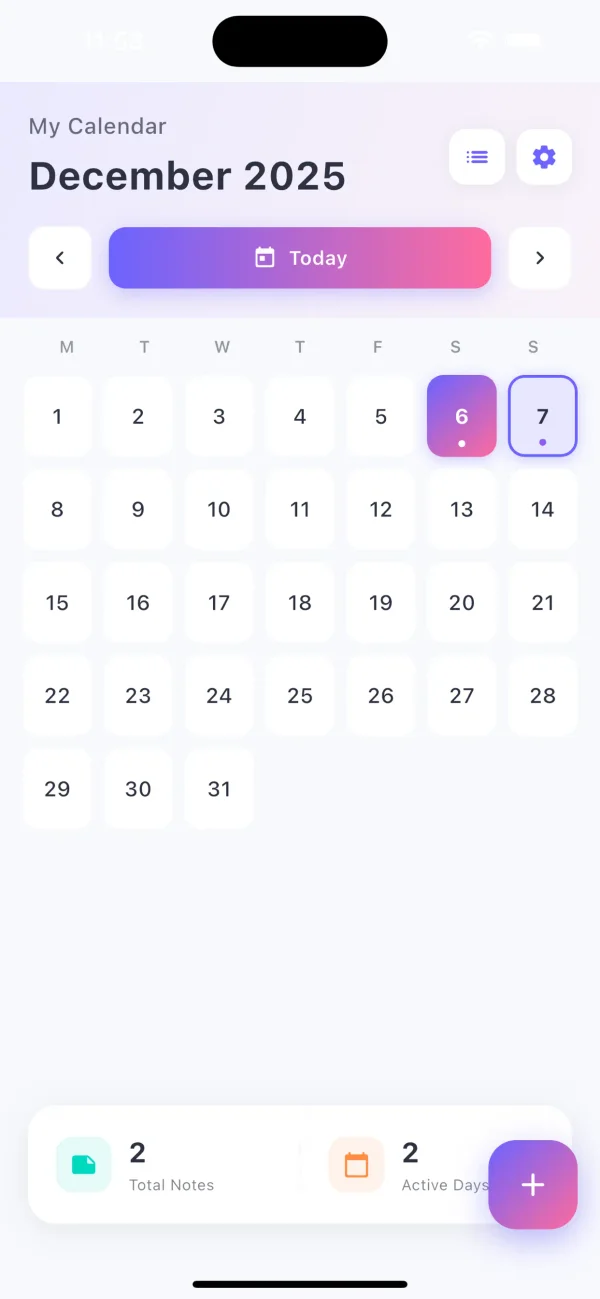
**Beautiful Calendar View**
- Modern monthly calendar with vibrant purple-pink gradient design
- See all your notes at a glance with colorful dot indicators
- Multiple colored dots per day showing up to 3 notes
- Smooth month navigation with swipe gestures
- Quick "Today" button to jump to current date
- Long-press any day to preview notes instantly
**Effortless Note Taking**
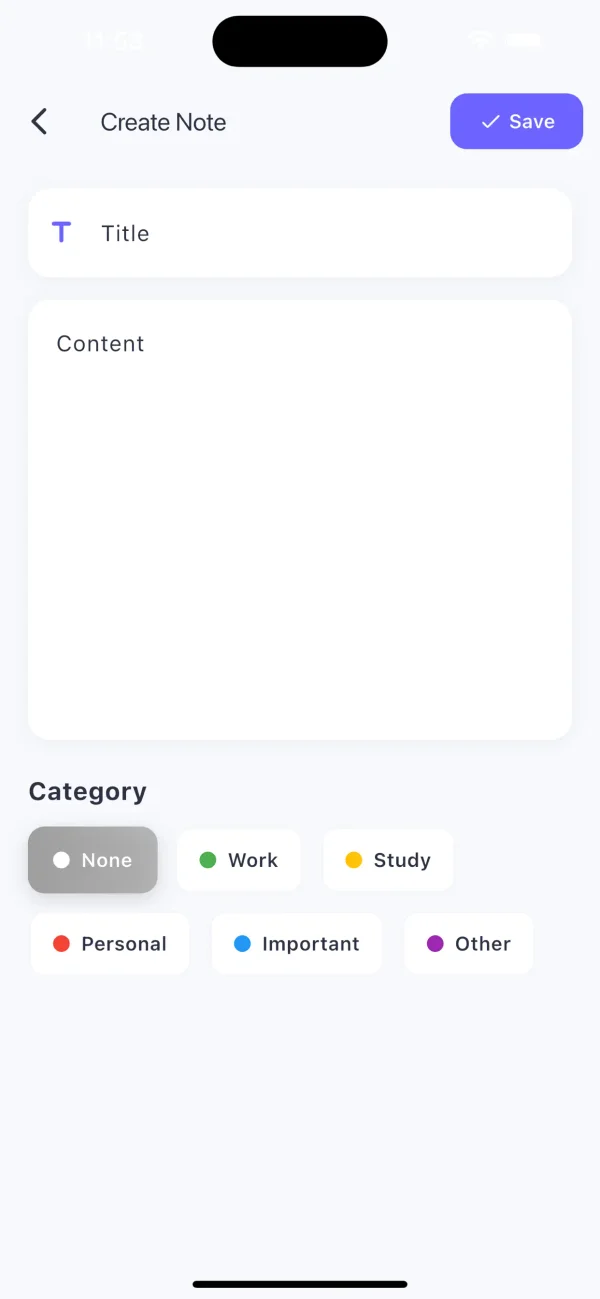
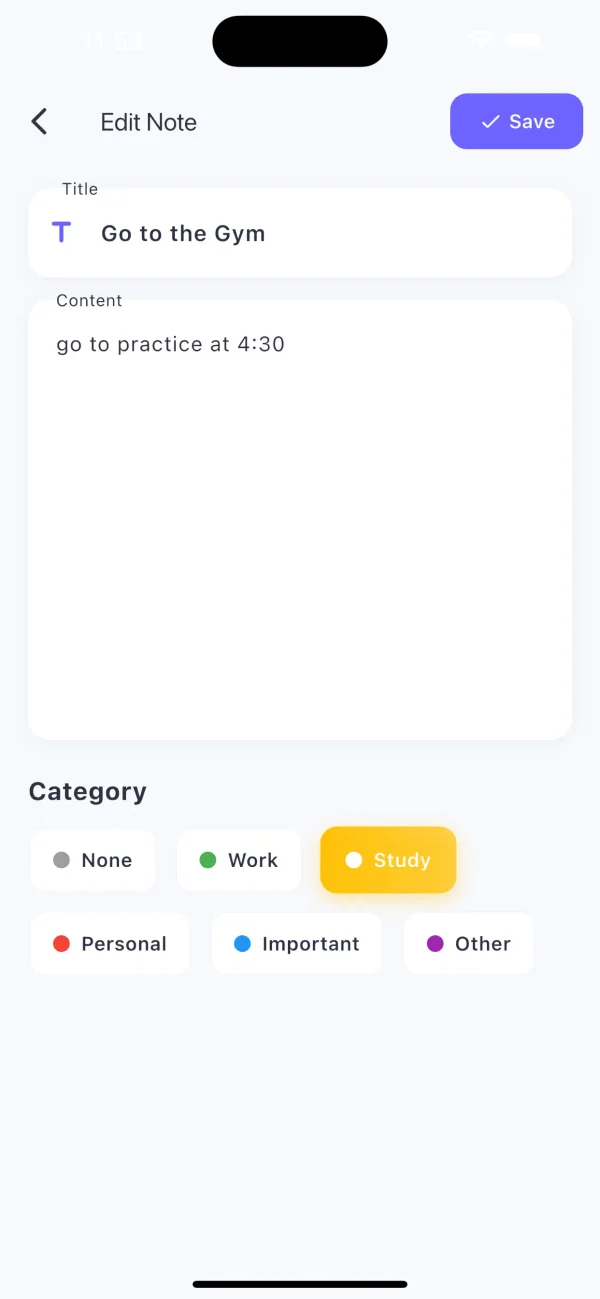
- Quick note creation with title and content
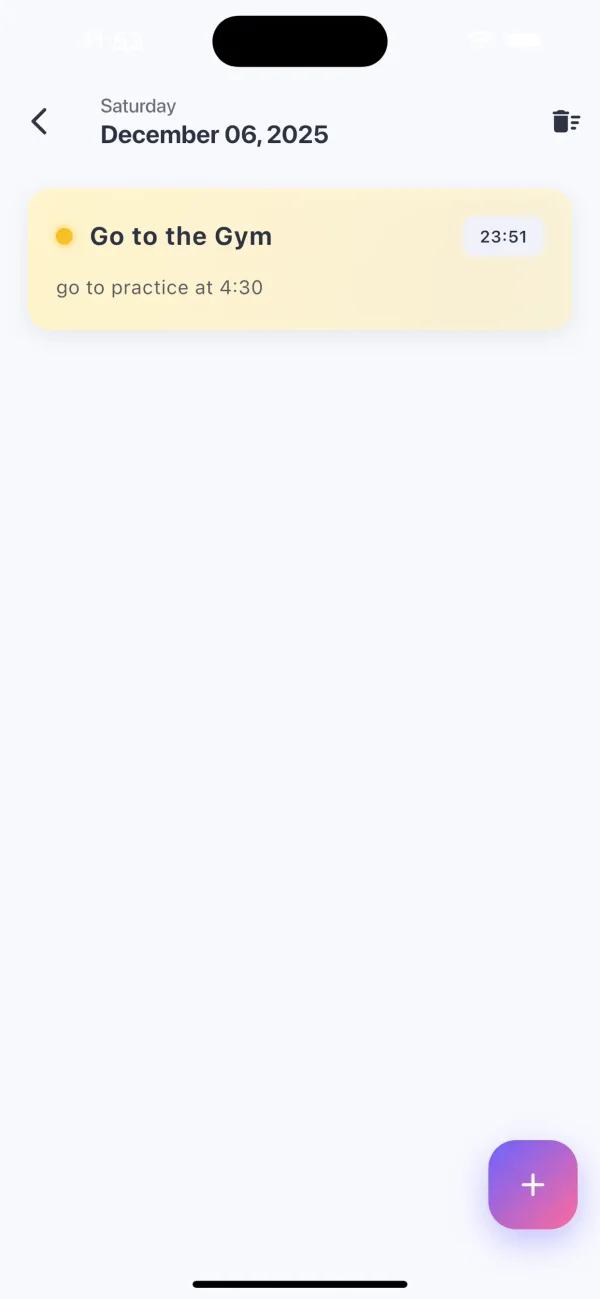
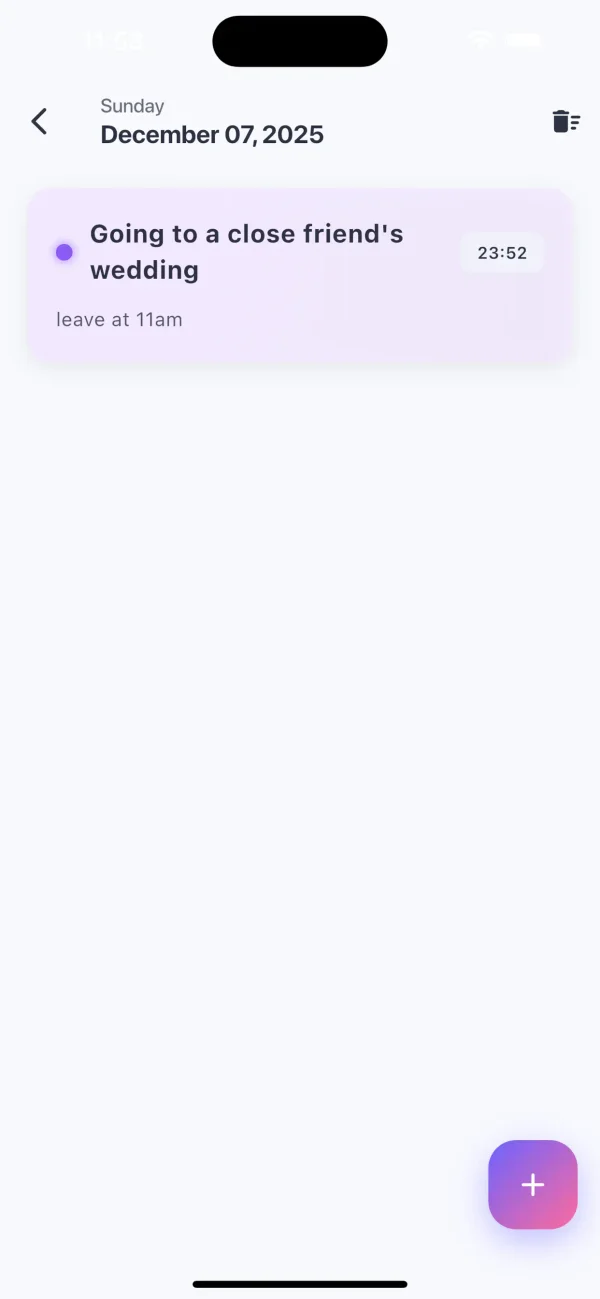
- Color-coded categories: Work (Green), Study (Yellow), Personal (Red), Important (Blue), Other (Purple)
- Beautiful gradient note cards that stand out
- Rich text support with proper formatting
- Edit or delete notes anytime
- Timestamps on every note
**Stunning Visual Design**
- Vibrant purple-pink gradient theme throughout
- Smooth animations and transitions
- Rounded corners and floating cards with shadows
- Modern icon badges and visual hierarchy
- Beautiful empty states with encouraging messages
- Professional iOS design that feels native
**Powerful Search**
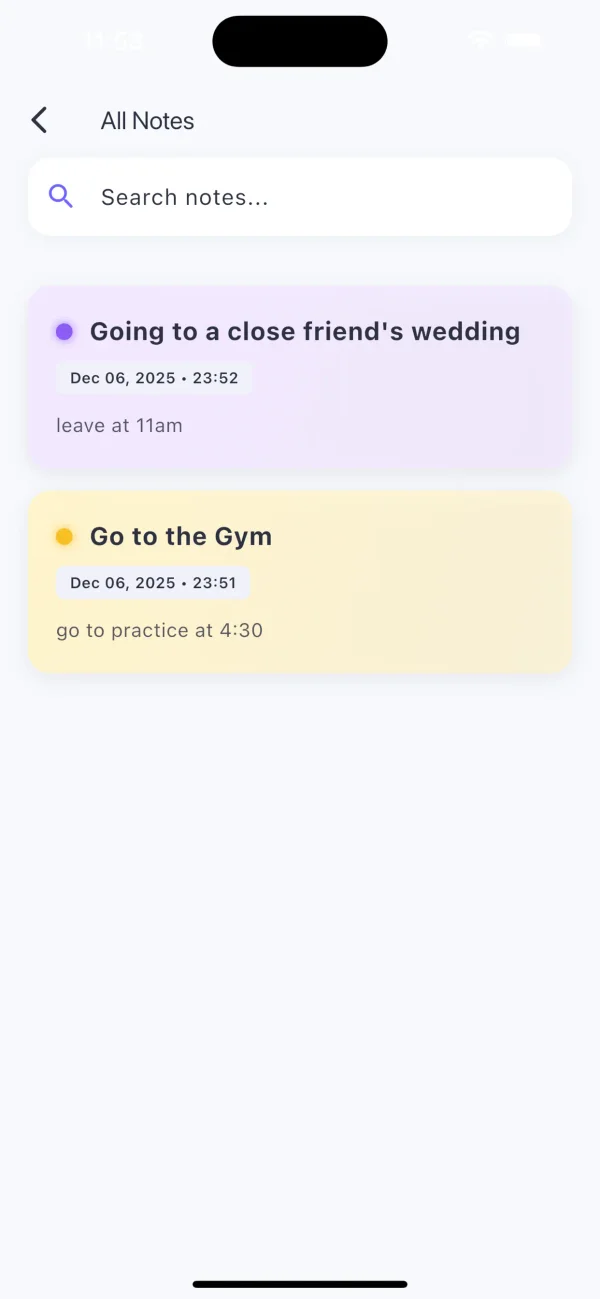
- Instantly search all notes by title or content
- Filter results as you type
- View all notes across all dates in one place
- Quick access to any note from search results
**Smart Statistics**
- Track total notes created
- See active days with notes
- Beautiful stats card on calendar screen
- Monitor your note-taking habits
**Category System**
- Color-code notes by purpose
- Work notes in green
- Study notes in yellow
- Personal notes in red
- Important items in blue
- Other notes in purple
- Visual dots on calendar for quick identification
**Customization Options**
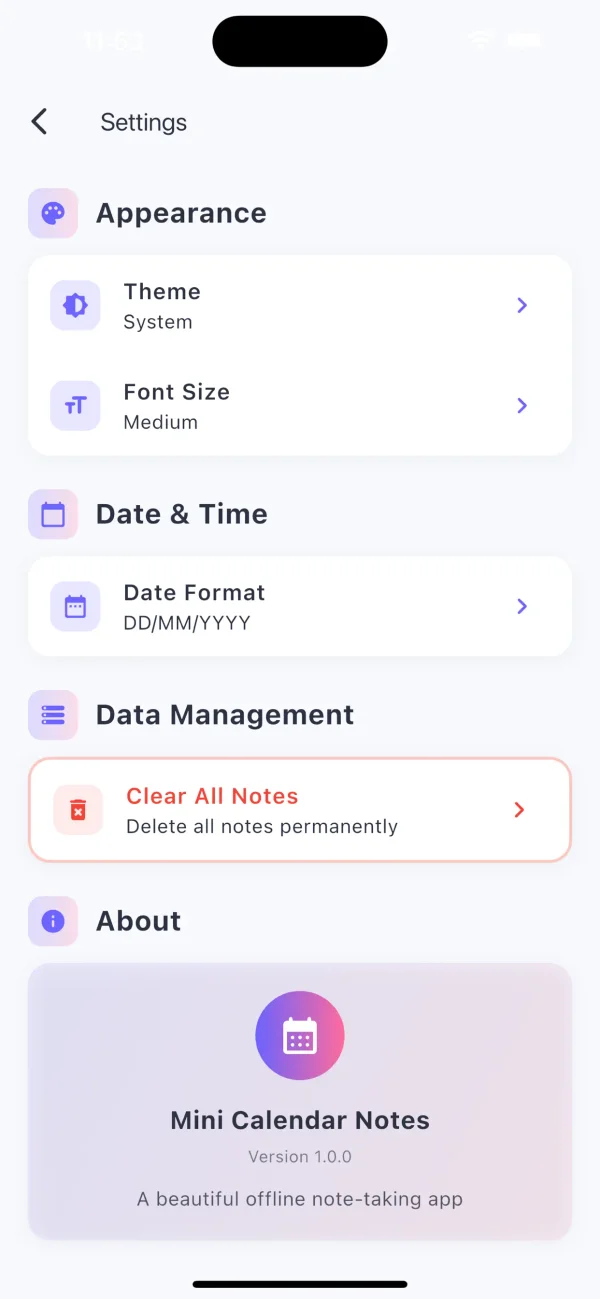
- Three theme modes: Light, Dark, or System
- Three font sizes: Small, Medium, Large
- Two date formats: DD/MM/YYYY or MM/DD/YYYY
- Personalize your experience
**Complete Privacy**
- 100% offline - no internet required
- All data stored locally on your device
- No accounts, no sign-ups, no cloud sync
- Your notes stay completely private
- No tracking or analytics
**Delightful Experience**
- Smooth fade-in animations
- Gradient buttons with glow effects
- Hover/long-press preview popups
- Intuitive gestures throughout
- Fast and responsive interface
**Perfect for:**
- Daily journaling and personal notes
- Work meeting notes and reminders
- Study notes and learning logs
- Personal thoughts and ideas
- Project planning and tracking
- Quick memos and to-dos
- Anyone who loves beautiful design
What’s new
Version 3.0.0 · Dec 12, 2025
UI/UX fixes
App privacy
What Thi Phuong Ngan Huynh declares on the App Store about how this app handles data.
-
Data not collected
The developer does not collect any data from this app.
Privacy practices may vary, for example with the features you use or your age.
Information
- Seller
- Thi Phuong Ngan Huynh
- Category
- Lifestyle
- Version
- 3.0.0
- Updated
- Dec 12, 2025
- Released
- Dec 9, 2025
- Size
- 23.7 MB
- Requires
- iOS 15.6 or later
- Age rating
- 4+
- Price
- Free
- Languages
- English
- Copyright
- © MIT
You might also like
-
 Dream Logger 4.0Record and analyze your dreams
-
 LightShiftTrack Light & Mood
-
 Bad Habit Tracker - CraveBaneOvercome Addiction, Break Free
-
 Everline Daily JournalOne line a day, kept forever
-
 Time Capsule MasterFuture Letters Capsules
-
 ImpulseGuard ProDelay urges, choose wisely
-
 Journal EasyLifestyle
-
 AItheaOSDeep Personality & Mood Guide
-
 Just One Thing JournalOne meaningful line a day.
-
 Quietly: Private JournalDiary & notes, fully offline