Mini Clock - Focus & Pomodoro
Widget · White Noise · To-Do
Designed for iPhone, iPad, iPod touch
Free · In-app purchases
- Age rating4+
- CategoryUtilities
- Developer细清 陈
- LanguagesEnglish+ 1 more
- Size16.7 MB
Links to the official App Store page
Download.org hosts no file of Mini Clock - Focus & Pomodoro. The button opens its official App Store page, published by 细清 陈. Listing last checked on Nov 12, 2026.
Screenshots

About
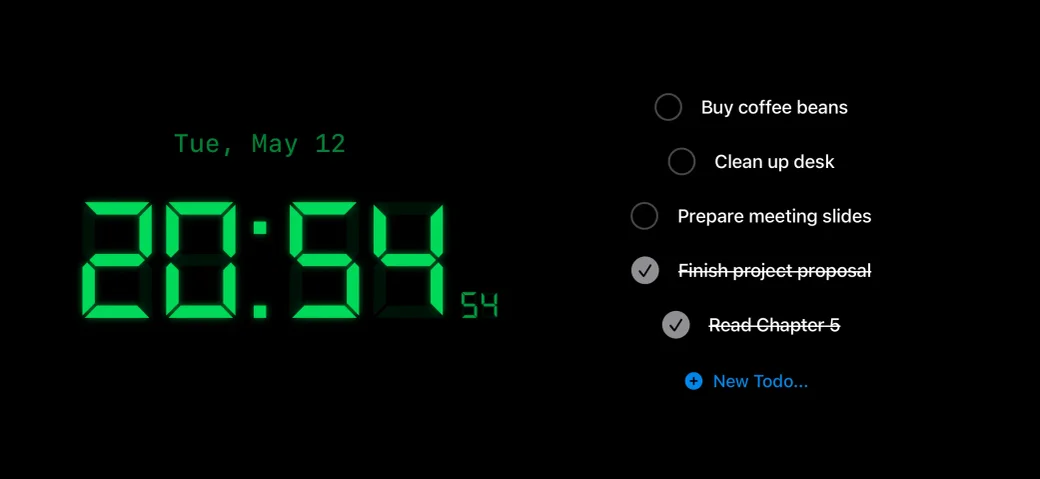
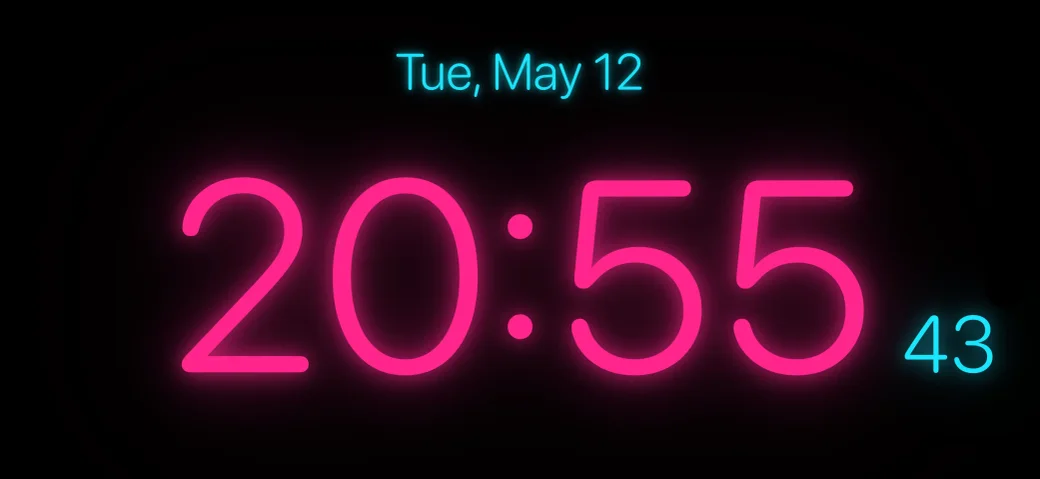
Turn your iPhone or iPad into a clean desk clock and focus space. Mini Clock combines 10 clock faces, a Pomodoro timer, to-dos, widgets, and white noise for study, work, and desk setups.
◆ 10 Clock Styles
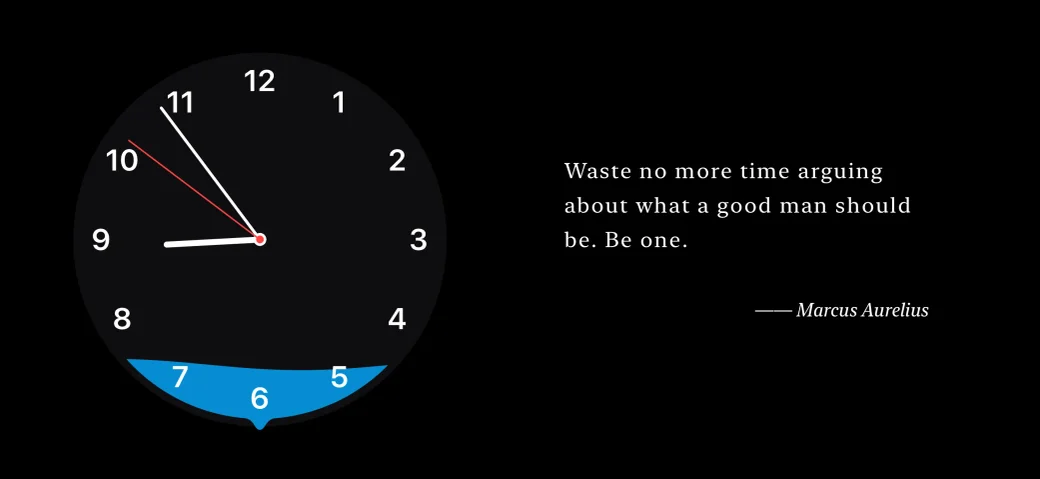
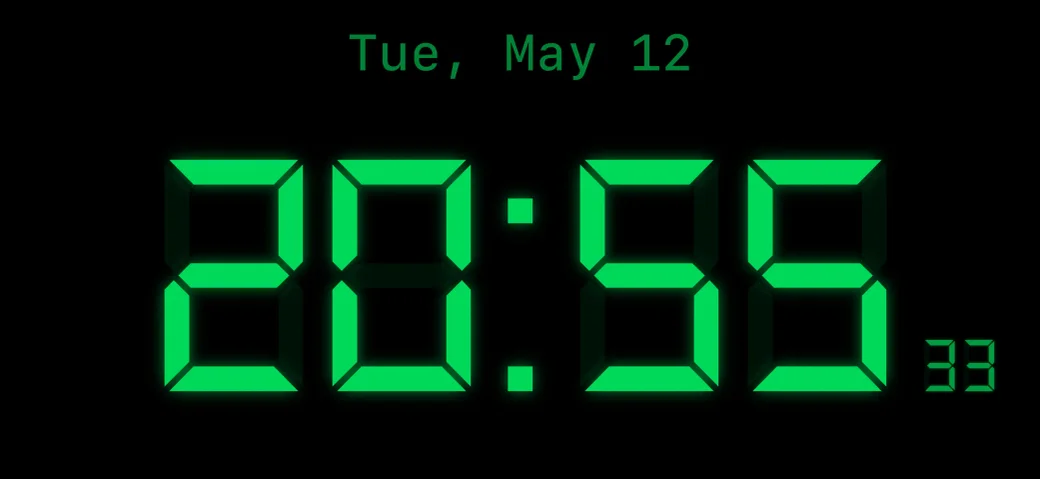
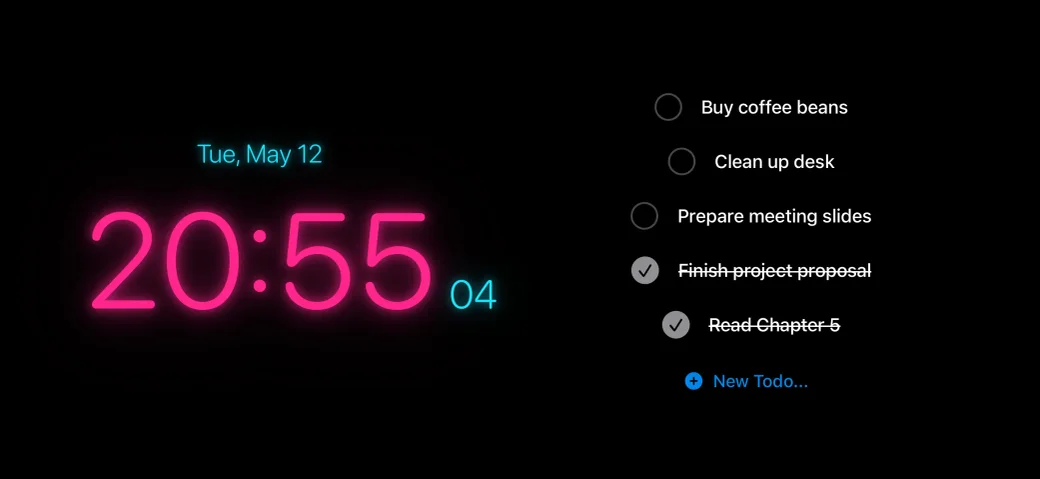
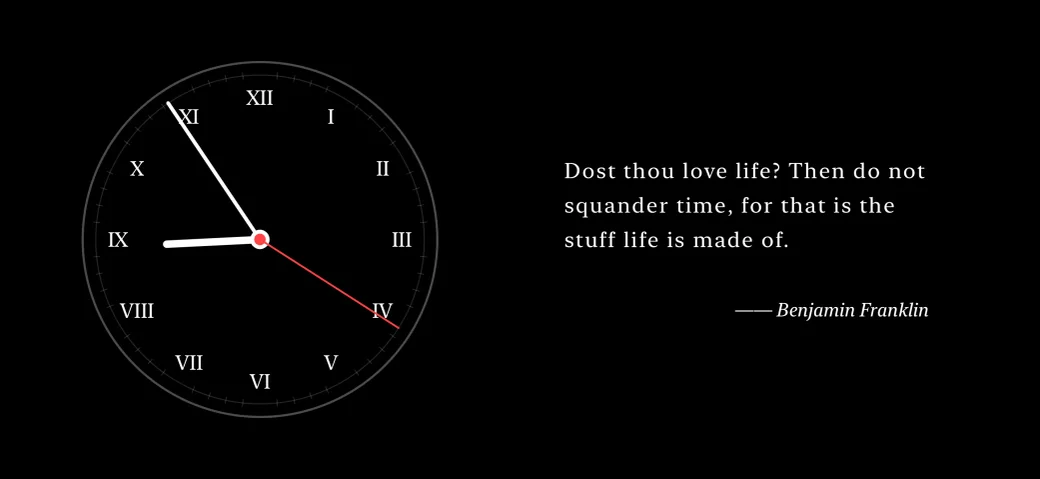
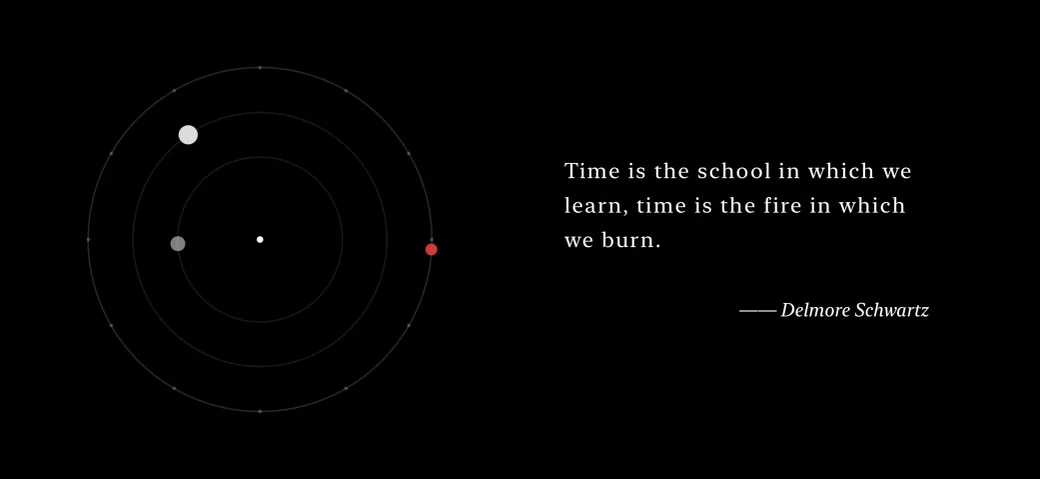
Wave pointer, digital, flip, LED, minimal, classic, retro, orbit, solar, and neon — each carefully designed for different moods and settings. Reverse clock mode lets time flow backward.
◆ Pomodoro Focus Timer
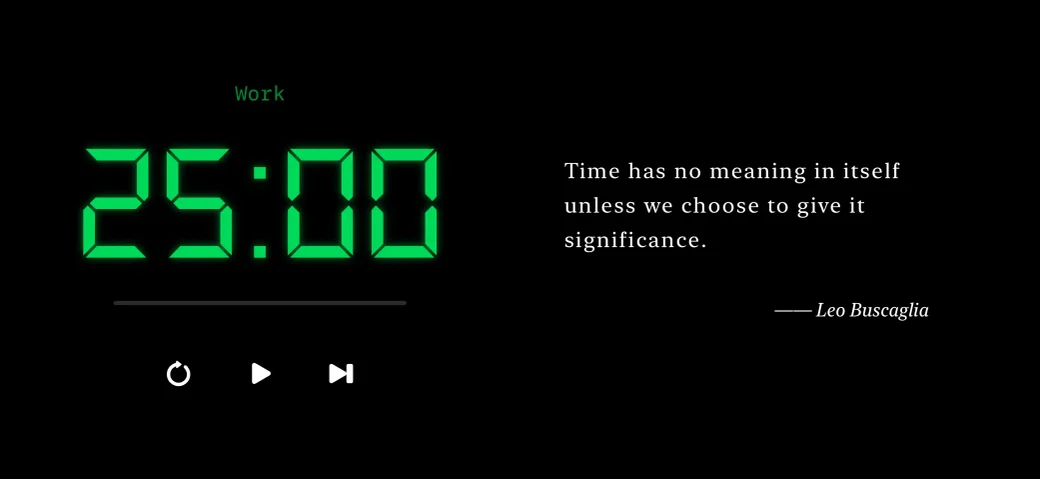
Built-in Pomodoro timer with customizable work and break intervals. Get notified when each session ends to keep your rhythm going.
◆ To-Do Integration
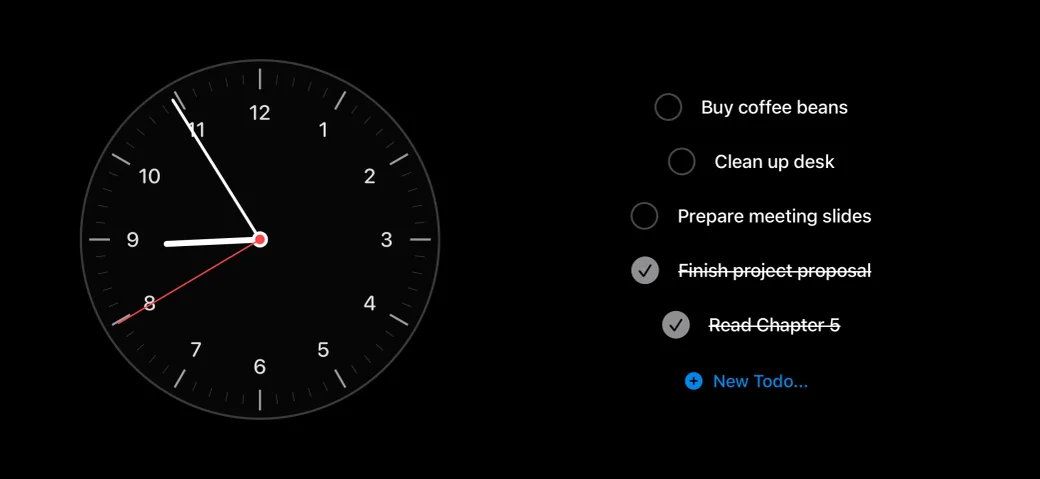
Reads directly from iOS Reminders. View and manage your tasks right on the clock face — no app switching, no interruptions.
◆ Ambient Sounds & Quotes
Rain, white noise, and fireplace sounds create an immersive atmosphere. Enjoy typewriter-style quote displays in English and Chinese, or add your own custom quotes.
◆ Home Screen Widgets
Multiple widget sizes automatically sync with your chosen clock style. See time and quotes at a glance on your Home Screen.
◆ Landscape & iPad Support
Improved landscape and iPad layouts make the clock, to-dos, and quotes feel better on larger screens and desk setups.
◆ Three Theme Modes
Default, to-do, and minimal themes — switch between them to match your workflow.
◆ Privacy First
No account required. Your core data stays on your device. Reminders access is used only to display and manage your to-dos.
◆ One-Time Purchase
Free to use with basic features. Remove ads or unlock all themes with a single purchase — no subscriptions, no hidden fees.
What’s new
Version 1.1.1 · May 26, 2026
• Added Flip and Solar clock faces, bringing the total to 10 styles
• Widgets now support more synced clock styles
• Improved landscape and iPad layouts
• Refined Focus Mode, to-do, and quote display experience
• Fixed crashes on some devices
• Improved permission prompts, ad loading, and overall stability
App privacy
What 细清 陈 declares on the App Store about how this app handles data.
-
Data used to track you
May be used to track you across apps and websites owned by other companies.
- Usage data
-
Data linked to you
May be collected and linked to your identity.
- Usage data
-
Data not linked to you
May be collected but is not linked to your identity.
- Identifiers
- Diagnostics
Privacy practices may vary, for example with the features you use or your age.
Information
- Seller
- 细清 陈
- Category
- Utilities
- Version
- 1.1.1
- Updated
- May 26, 2026
- Released
- Dec 9, 2020
- Size
- 16.7 MB
- Requires
- iOS 15.0 or later
- Age rating
- 4+
- Price
- Free
- In-app purchases
- Yes
- Languages
- English, Simplified Chinese
- Copyright
- © 2026 Mini Clock.
You might also like
-
 Wonder beauty ClockFull screen desktop clock
-
 Small Clock - Beautiful ClockFull screen desktop clock
-
 Amaze ClockWonder Clock
-
 Premium Clock CollectionBeautiful Premium Clock
-
 Minimum ClockSimple Digital Clock
-
 Analog Clock & TimerFull screen desktop mechanical
-
 Super Clock: Desk & FocusAnalog Faces & Pomodoro Timer
-
 Easy Wake Alarm - Today ClockHeavy sleepers, Stop snoozing
-
 eClock!Essential for study and life.
-
 Clock Widget - Ultra HD TimeFlip Clock & Countdown Widgets