
MiniTime
Minimal timer for routines
Designed for iPhone, iPad
Free · In-app purchases
- Age rating4+
- CategoryProductivity
- DeveloperStannum
- LanguagesEnglish+ 3 more
- Size1.2 MB
Links to the official App Store page
Download.org hosts no file of MiniTime. The button opens its official App Store page, published by Stannum. Listing last checked on Nov 17, 2026.
Screenshots


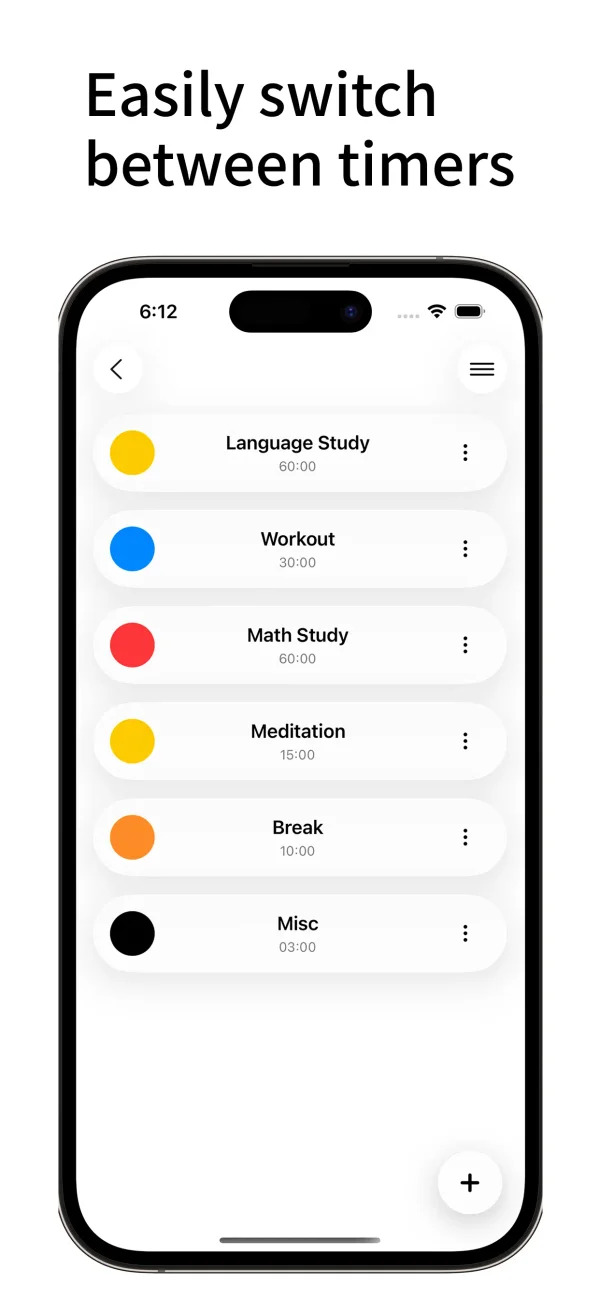
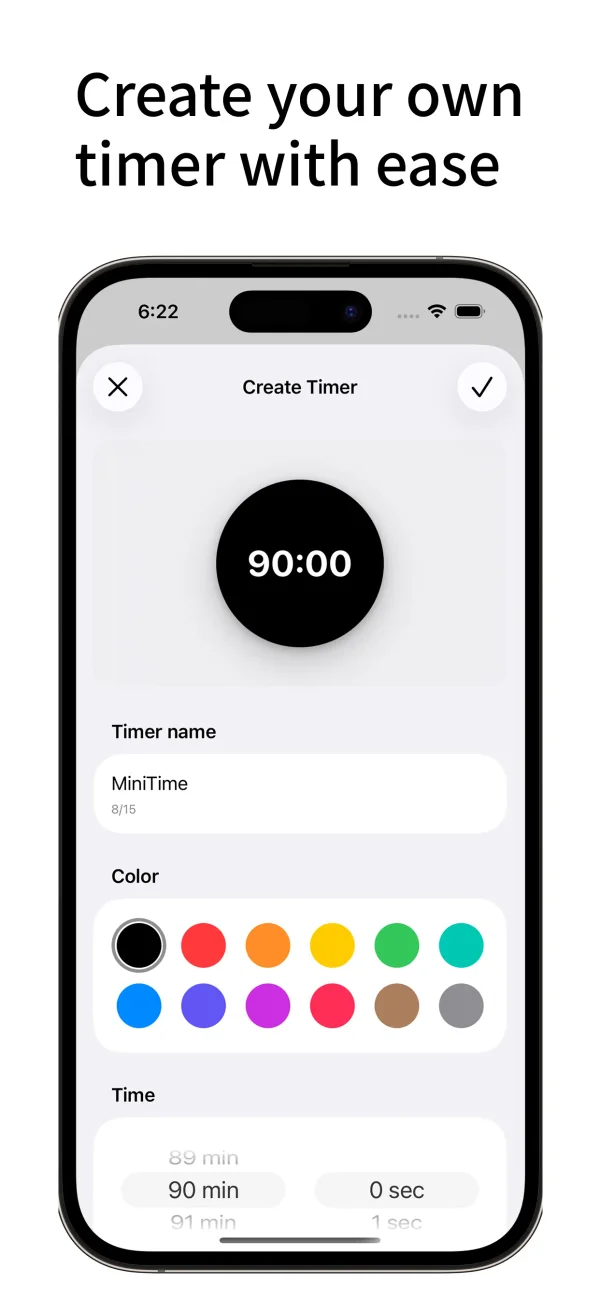
About
MiniTime is a minimal timer app with only the essentials.
• Clean and intuitive circular timer UI
• Fast and simple gesture controls
• Create custom timers for different routines
Stay focused without clutter or distractions.
Study, workout, cooking, meditation, breaks —
Simplify your daily routine with MiniTime.
MiniTime — The most minimal timer
What’s new
Version 1.1.0 · Jul 17, 2026
- Landscape Mode Support: You can now comfortably use the timer in landscape orientation.
- Smoother Timer: Animations and overall performance are now much smoother.
- Enhanced Minimalism: The bottom-right list button is now hidden while the timer is running to keep the screen distraction-free.
App privacy
What Stannum declares on the App Store about how this app handles data.
-
Data not collected
The developer does not collect any data from this app.
Privacy practices may vary, for example with the features you use or your age.
Information
- Seller
- Stannum
- Category
- Productivity
- Version
- 1.1.0
- Updated
- Jul 17, 2026
- Released
- Nov 11, 2025
- Size
- 1.2 MB
- Requires
- iOS 26.0 or later
- Age rating
- 4+
- Price
- Free
- In-app purchases
- Yes
- Languages
- English, Japanese, Korean, Simplified Chinese
- Copyright
- © 2025 Stannum
You might also like
-
 芽豆笔记Productivity
-
 UpcomingTodoProductivity
-
 Focus Flow - Peaceful PomodoroStudy, Work & Habit Tracker
-
 Kantan TodayMinimalist daily planner
-
 SlotIn: CalendarProductivity
-
 Selah NotesThe notes app made for sermons
-
 TimerBar: Presentation TimerSpeech, meeting & stage clock
-
 Todolog: To-dos to RecordsWrite your todo and log days
-
 FiveNotes MobileYour five notes in your pocket
-
 ClipTap: AI Prompts & SnippetsSave text. Reuse as you type.