
- Age rating4+
- CategoryEducation
- DeveloperArchil Abuladze
- LanguagesEnglish
- Size18.4 MB
Links to the official App Store page
Download.org hosts no file of Minoo: Earn Screen Time. The button opens its official App Store page, published by Archil Abuladze. Listing last checked on Nov 20, 2026.
Screenshots
About
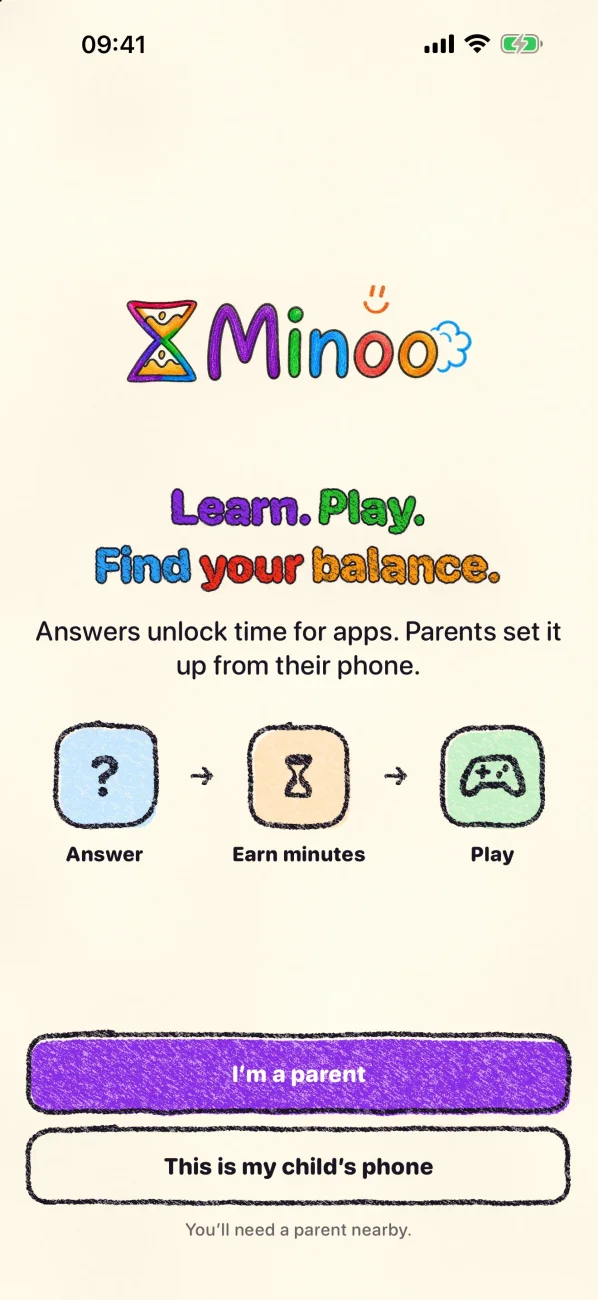
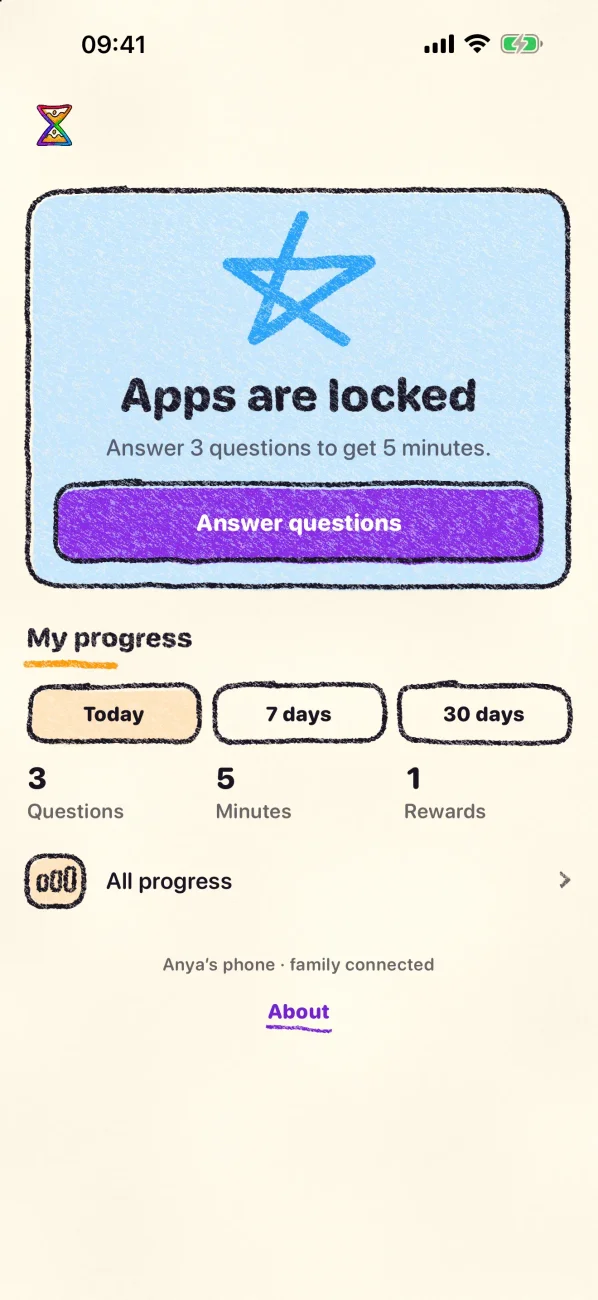
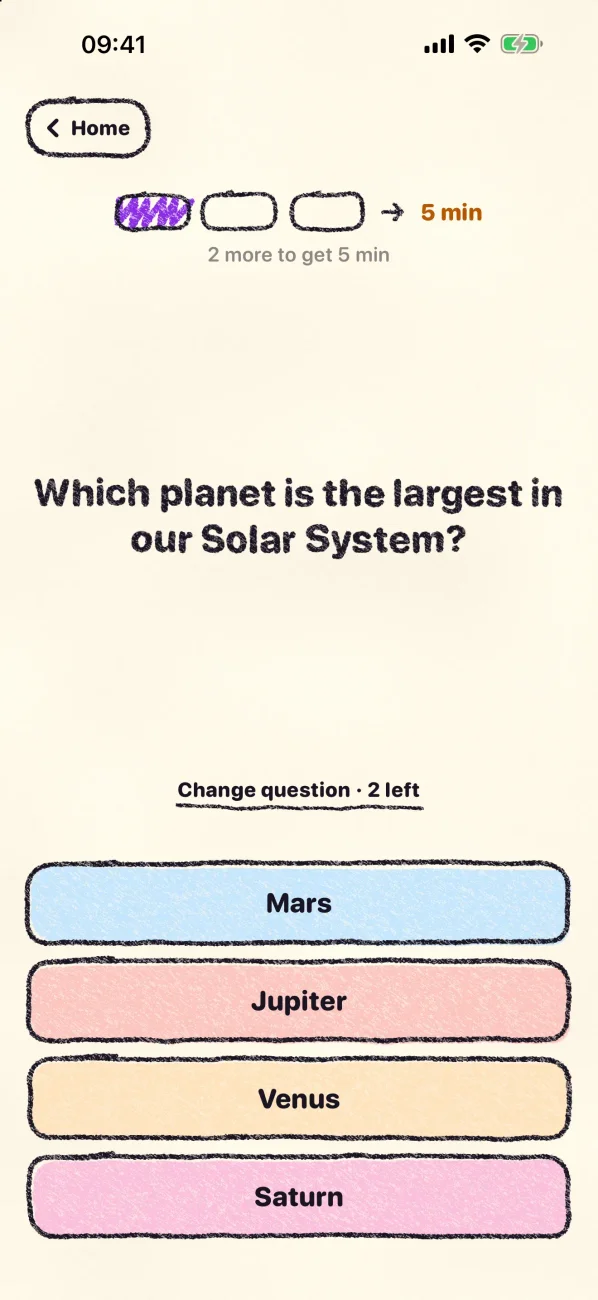
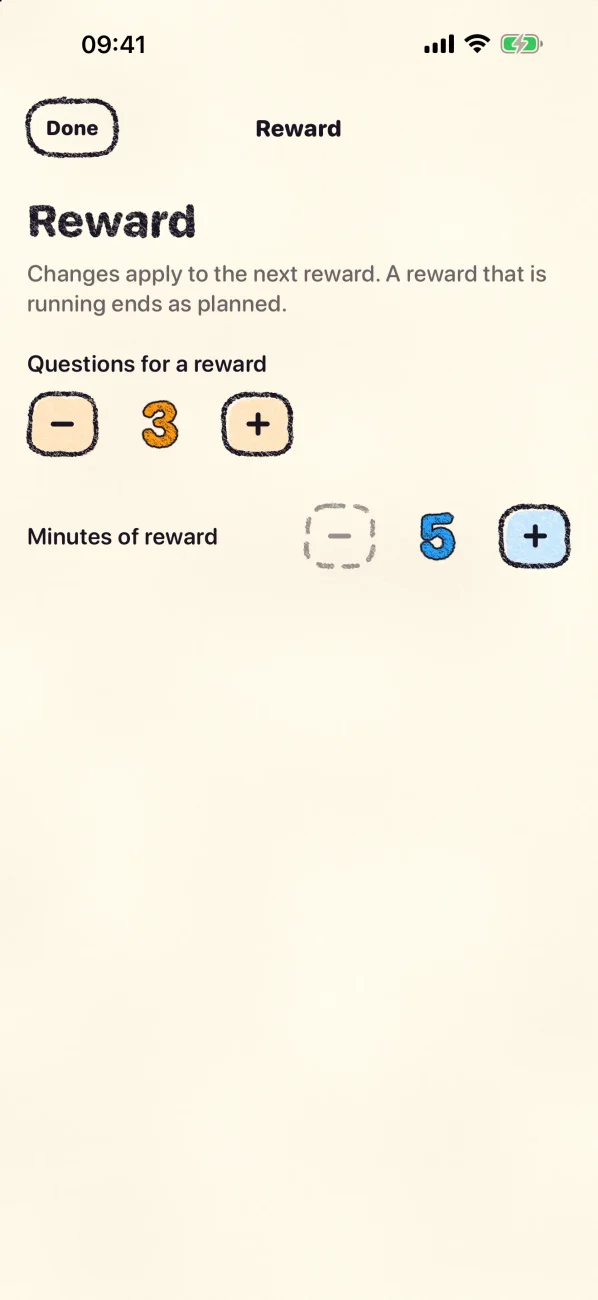
Minoo connects screen time with short learning activities. A parent manages everything from their own iPhone. On the child's iPhone or iPad, apps stay locked until the child answers a few questions and earns minutes of access.
• Questions matched to the child's age and interests.
• Everything is locked except apps the parent marks as always available.
• The parent sets the deal: how many questions earn how many minutes.
• Settings reach the child's phone automatically within seconds.
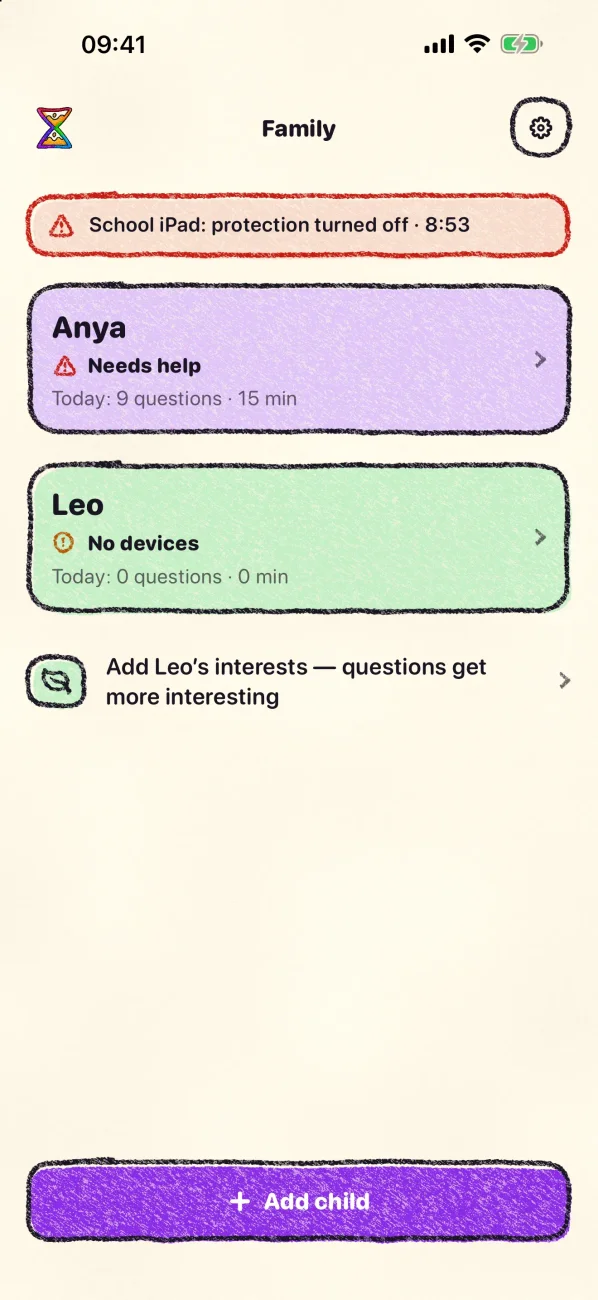
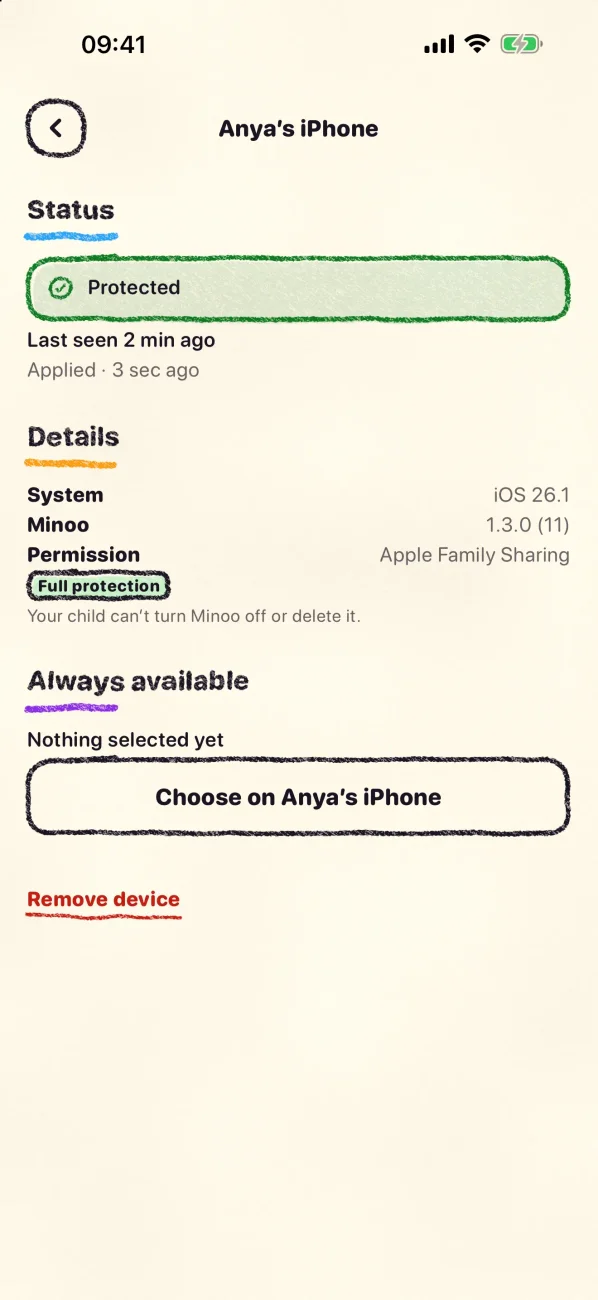
• Alerts when protection is turned off or a phone stops checking in.
• Daily progress for each child and each phone.
• Locks and rewards keep working on the child's phone without internet.
How it works: on the parent's iPhone, sign in with Apple and add your children. On the child's iPhone or iPad, choose "This is my child's phone", allow Screen Time and scan the code with the parent's phone.
With a child Apple Account in Family Sharing, Minoo cannot be turned off or deleted on the child's phone, and the parent chooses always available apps from their own phone. Without Family Sharing, Minoo still locks apps, and the parent is told if protection is turned off.
AI questions are optional. A parent separately consents to sending the child's age in years, country, language and interests to OpenAI to generate questions, and separately again before text from book pages they scan is used. Photos and voice input are processed on the parent's iPhone.
Minoo is free, with no subscriptions, in-app purchases or ads.
What’s new
Version 1.3.1 · Nov 17, 2026
• Interests: the parent can speak a child's interests or scan a book page; Minoo then asks questions on that topic. Photos and audio stay on the parent's iPhone; only the text the parent approves is used.
• Interests now have a Save button and are saved reliably.
• Questions follow the language set for the child, and repeat less often.
• Tapping "Open Minoo" on a locked app now leads to Minoo.
• The parent sees why stronger protection isn't available (for example, the child's Apple Account isn't a child account in Family Sharing).
• Fixed a red Family Controls warning on the question screen.
App privacy
What Archil Abuladze declares on the App Store about how this app handles data.
-
Data linked to you
May be collected and linked to your identity.
- Contact info
- User content
- Identifiers
- Usage data
- Other data
-
Data not linked to you
May be collected but is not linked to your identity.
- Diagnostics
Privacy practices may vary, for example with the features you use or your age.
Information
- Seller
- Archil Abuladze
- Category
- Education
- Version
- 1.3.1
- Updated
- Nov 17, 2026
- Released
- Sep 9, 2026
- Size
- 18.4 MB
- Requires
- iOS 17.0 or later
- Age rating
- 4+
- Languages
- English
- Copyright
- © 2026 Archil Abuladze
You might also like
-
 ChatMind - Brain BoostGrow and succeed on the go!
-
 Earn Screen Time: Kids ChoresParental Control & Rewards
-
 PreFlop GTO Poker TrainerPush Fold Charts & Nash Ranges
-
 LSQ V2Education
-
 Scholastic Literacy ProMake Reading Joyful & Powerful
-
 FG Crypto | Community & GuidesCommunity and Education App
-
 Cutie Care - Sweet NannyBabysit a cute girl & skate!
-
 Brush teeth: all clean?Toddler education game 3,4,5
-
 Zuzu LandWish Big, Explore the World!
-
 My Animal Hair Salon WorldStyle, create & experiment!