
Minor AI - Space
Mind maps, slides & AI chat
Designed for iPhone
Free · In-app purchases
- Age rating12+
- CategoryProductivity
- DeveloperRegina Danilova
- LanguagesEnglish+ 1 more
- Size18.7 MB
Links to the official App Store page
Download.org hosts no file of Minor AI - Space. The button opens its official App Store page, published by Regina Danilova. Listing last checked on Nov 15, 2026.
Screenshots


About
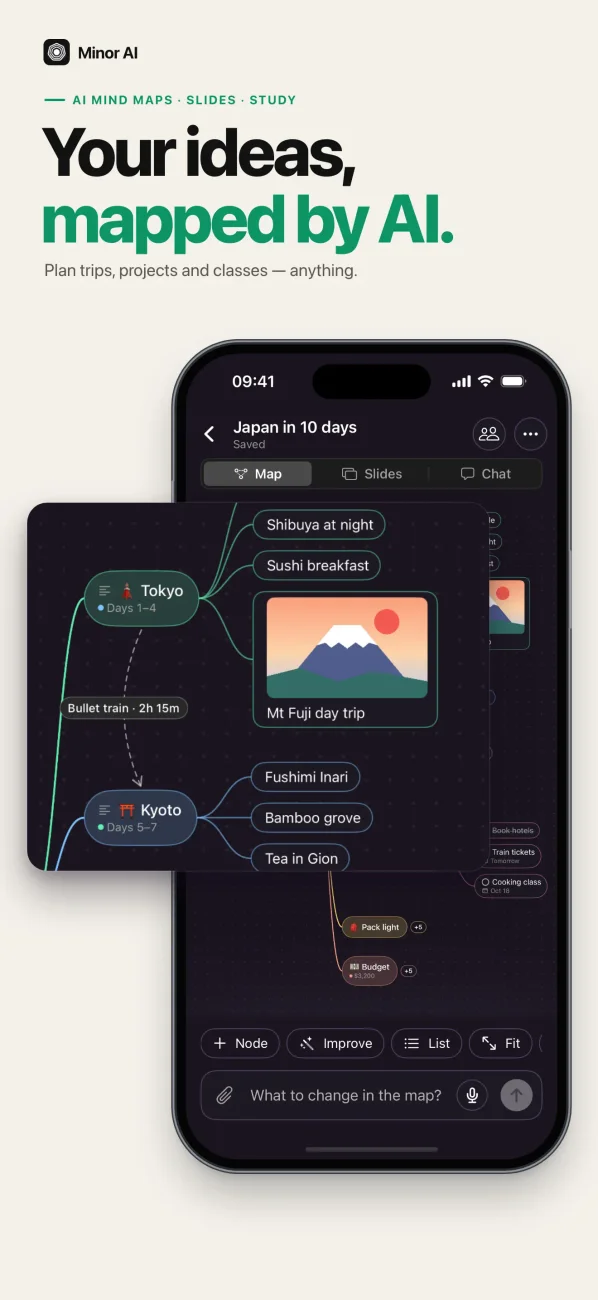
Turn a lecture, a PDF or a rough idea into a mind map you can keep working on. Minor AI helps you sort out a topic, plan a project and prepare something to share.
Start with what you have
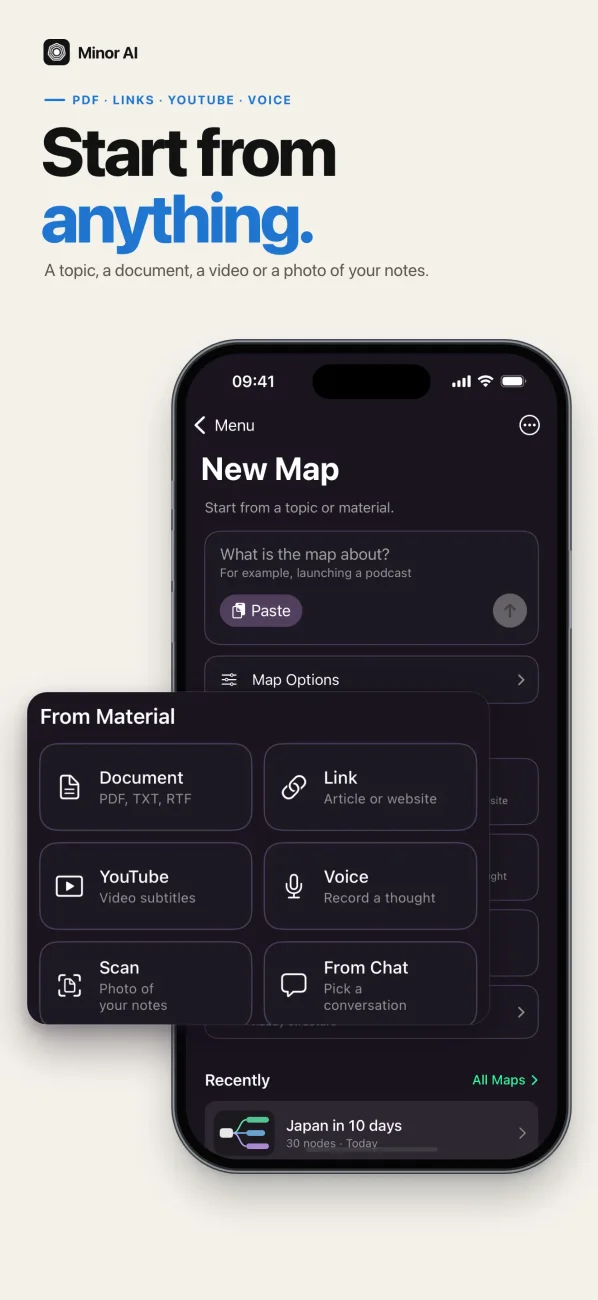
Type a topic, paste a link, add a document or use a YouTube video. You can also record a voice note or scan your notes. Minor organizes the material into a map, and you can edit every part of it.
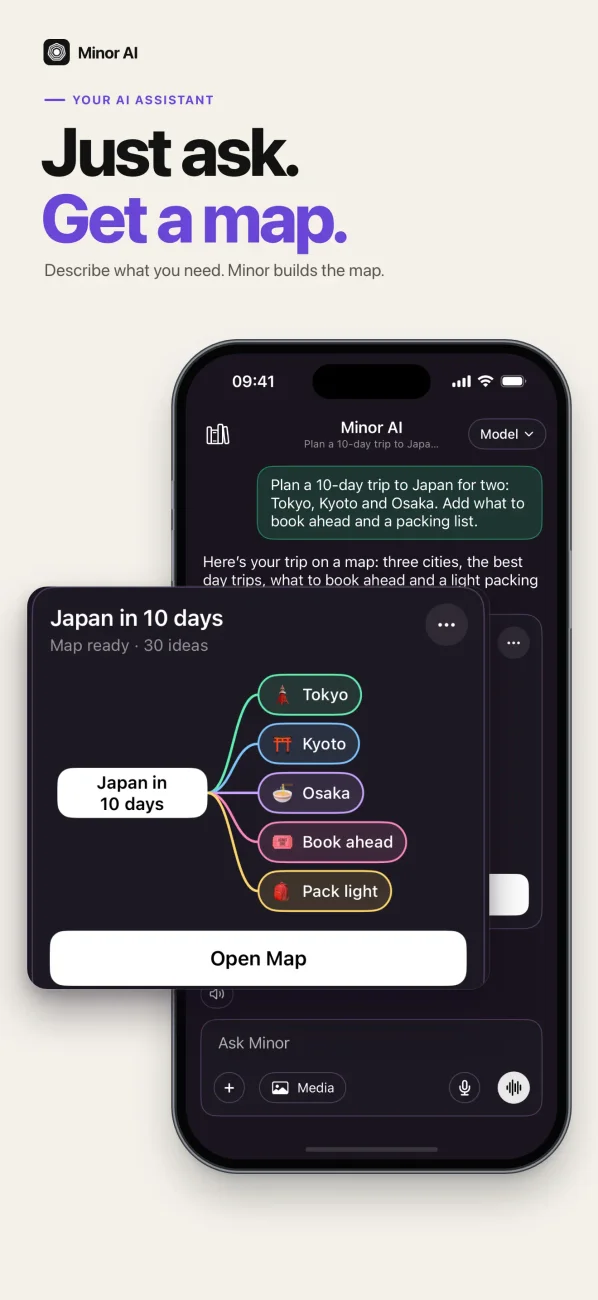
Work through it with an assistant
Ask about a branch, get an example or tell the assistant what to change. Attach a map to the chat so you can discuss it without copying everything into a message.
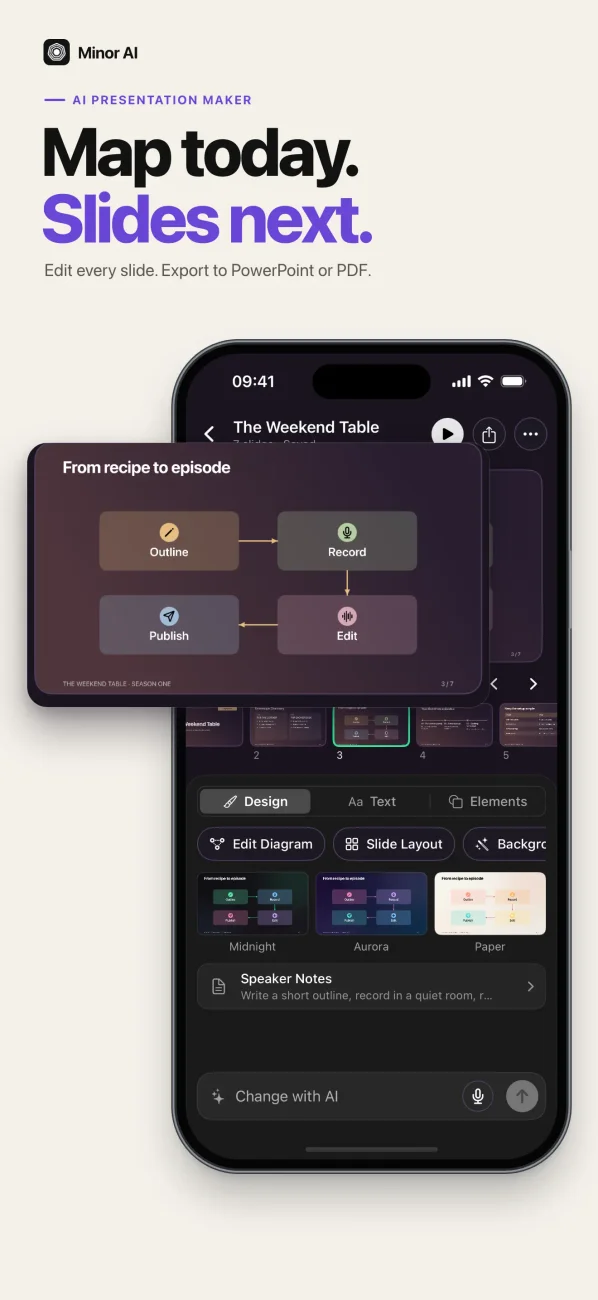
Make slides from your map
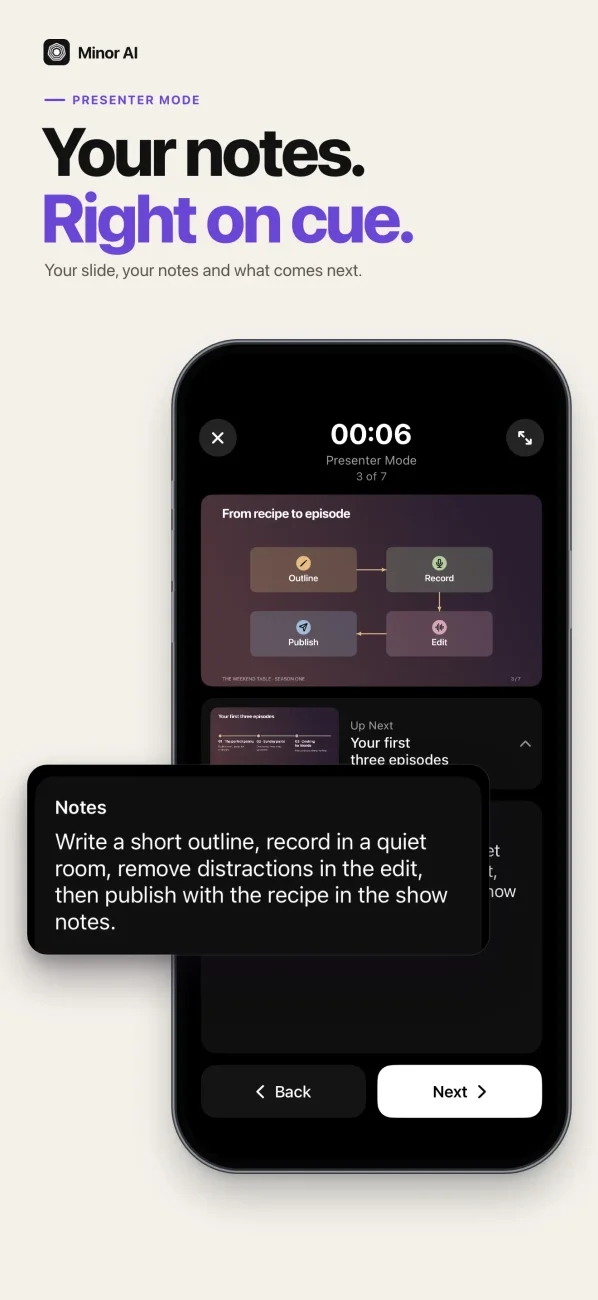
Turn an outline into a presentation. Edit the slides, choose a design, add speaker notes and export to PowerPoint when you're ready.
Keep track of what needs doing
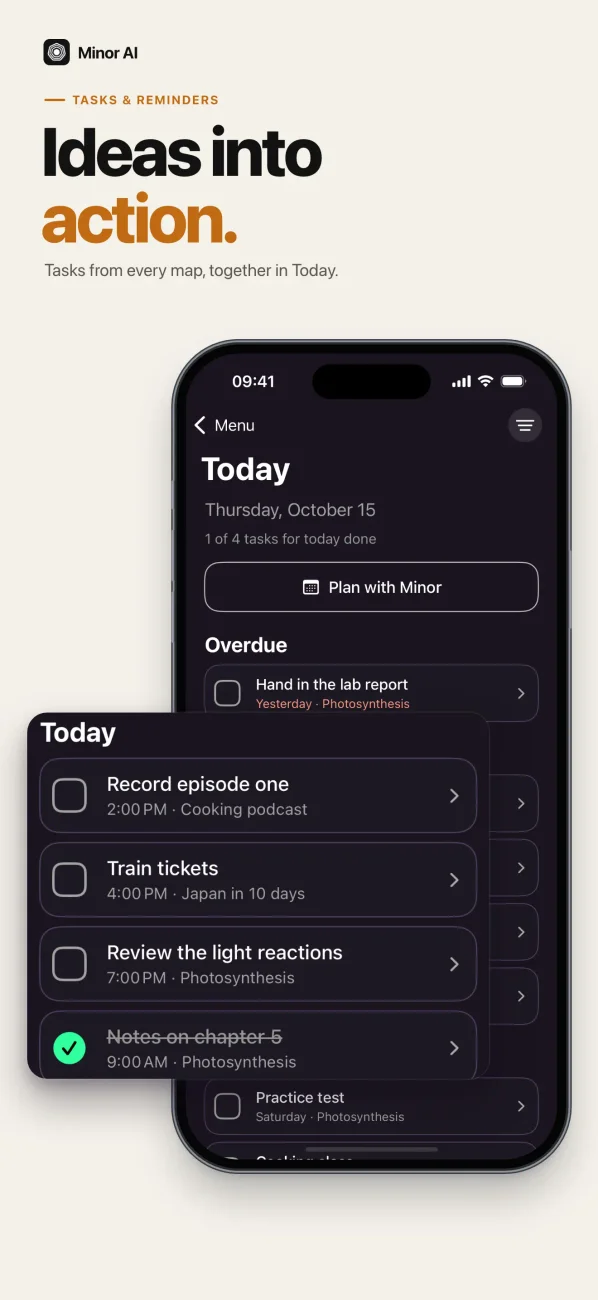
Give an idea a due date and turn it into a task. The Today screen brings tasks and reminders from your maps into one place.
Study from your own material
Review a map with flashcards and spaced repetition, then check what you remember with an AI-generated quiz.
Work on a map together
Invite someone by link. Let them edit with you or give them access to view the map.
Privacy Policy: https://minorai.site/privacy
EULA: https://www.apple.com/legal/internet-services/itunes/dev/stdeula/
What’s new
Version 3.0.2 · Oct 18, 2026
Fixes and improvements:
• Inviting people to a map works again — no more “Something went wrong on our side” error.
• On iOS 17, the selected idea’s panel no longer closes on its own.
• Minor’s answers in project chats are now formatted, with bold text, lists and headings.
• The assistant chat has a new Back button that takes you to the home screen. Your conversation stays in Chats.
Thank you for telling us about problems — it helps make Minor AI better.
App privacy
What Regina Danilova declares on the App Store about how this app handles data.
-
Data linked to you
May be collected and linked to your identity.
- Purchases
- Contact info
- User content
- Identifiers
-
Data not linked to you
May be collected but is not linked to your identity.
- Identifiers
Privacy practices may vary, for example with the features you use or your age.
Information
- Seller
- Regina Danilova
- Category
- Productivity
- Version
- 3.0.2
- Updated
- Oct 18, 2026
- Released
- Jan 5, 2025
- Size
- 18.7 MB
- Requires
- iOS 16.0 or later
- Age rating
- 12+
- Price
- Free
- In-app purchases
- Yes
- Languages
- English, Russian
- Copyright
- © Minor AI Group
You might also like
-
 AI Chat PDF - Office docs botWork on all files, solve tasks
-
 Brain Dump - AI Memory VaultAI Journal, Notes & Recall
-
 Spring JournalDistraction-free writing
-
 LTNS: Contacts & Birthdays AppTrack meetings & stay in touch
-
 WatchLess: AI Agent for VideoNotes, Picks, TLDR for YouTube
-
 Brain Dump Journal-ReflectionProductivity
-
 HalfMe: AI AssistantPrivate AI Assistant & Chatbot
-
 braindump.aiAI for Mental Clarity & Memory
-
 BIX by BalbixAI Cybersecurity Assistant
-
 AI Chatbot & Voice Note TakerChatbot & AI Assistant