
Minus5: Pre-Record Camera
Game Highlights, Score, Replay
Designed for iPhone
Free · In-app purchases
- Age rating4+
- CategorySports
- DeveloperAndrey Shestakov
- LanguagesEnglish+ 6 more
- Size3.8 MB
Links to the official App Store page
Download.org hosts no file of Minus5: Pre-Record Camera. The button opens its official App Store page, published by Andrey Shestakov. Listing last checked on Nov 20, 2026.
Screenshots


About
Game highlights with the score, game clock and replays, like on TV. Film from the sideline and build the video on the same phone, without an editing app.
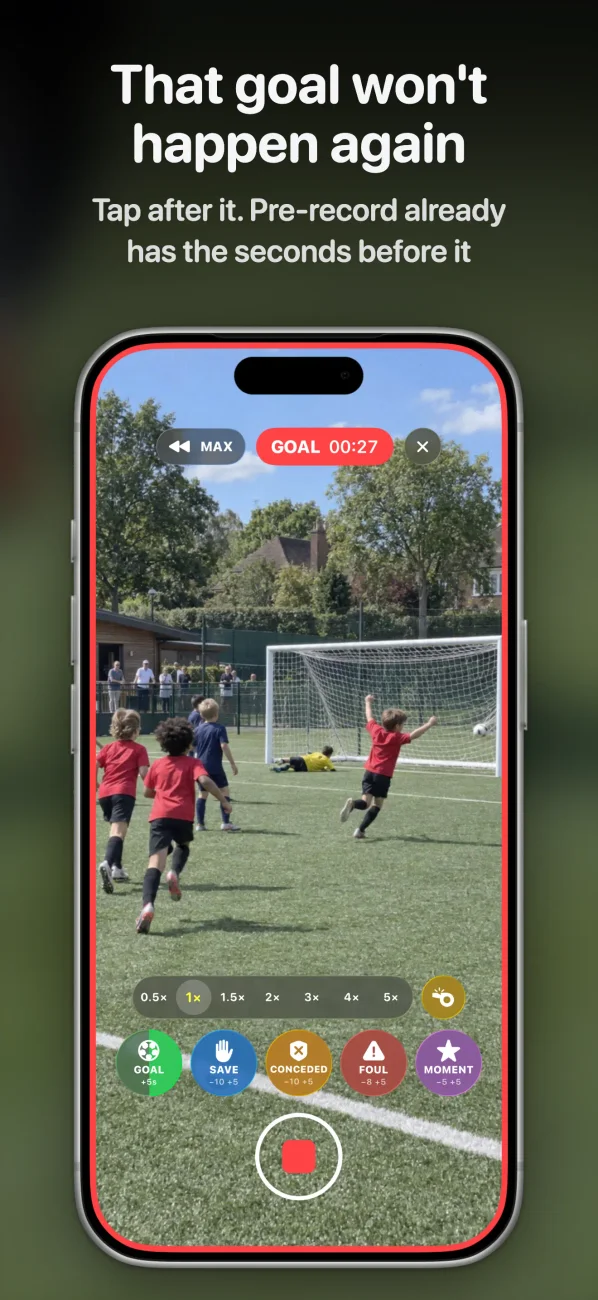
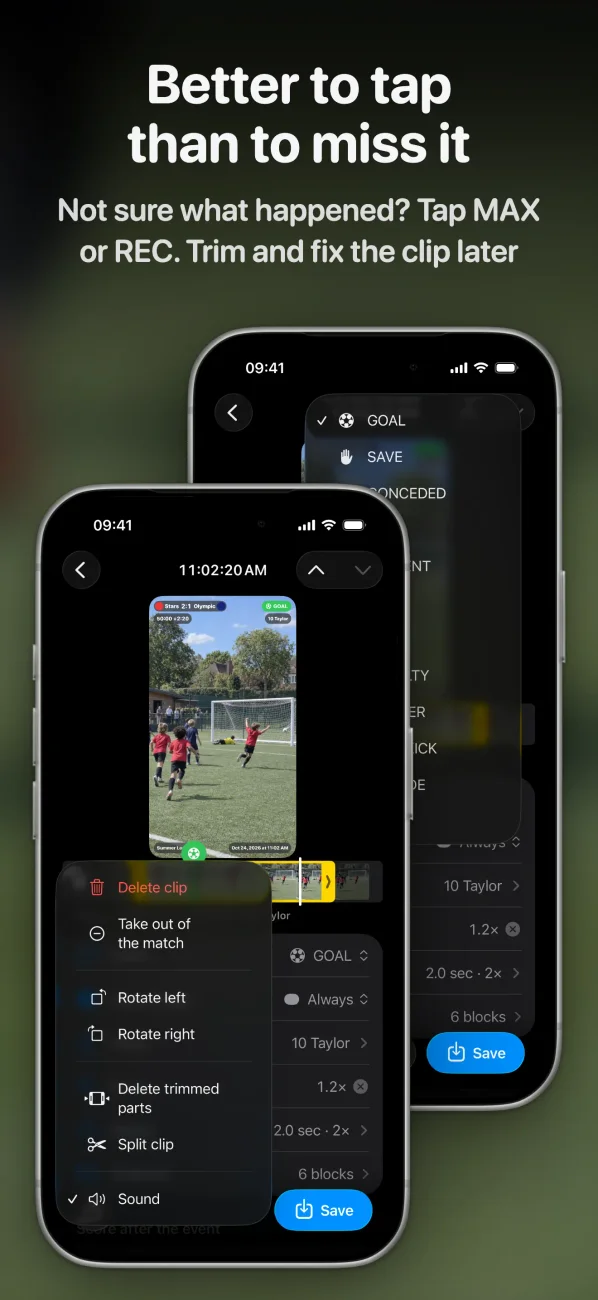
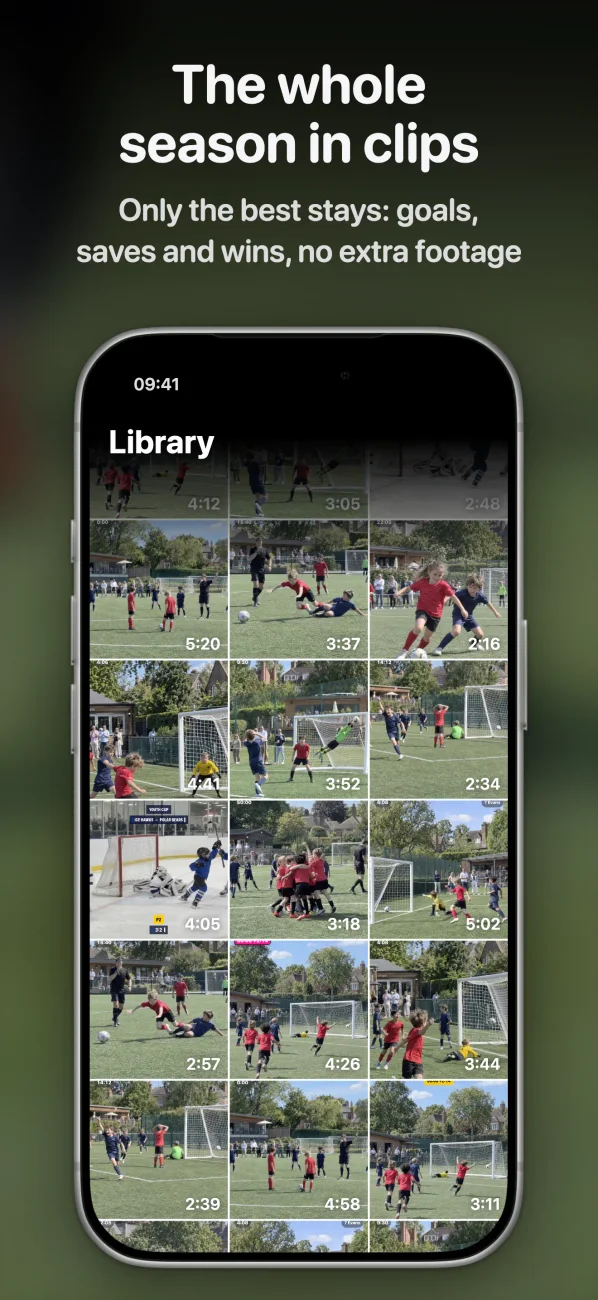
While the camera is open, Minus5 keeps the last seconds of video. Someone scores, you tap GOAL after the fact, and the clip starts before your tap. What you don't mark isn't kept, so after the game your phone holds only the moments you tapped.
HIGHLIGHT REEL
• Every tap becomes a clip, and the clips line up in order
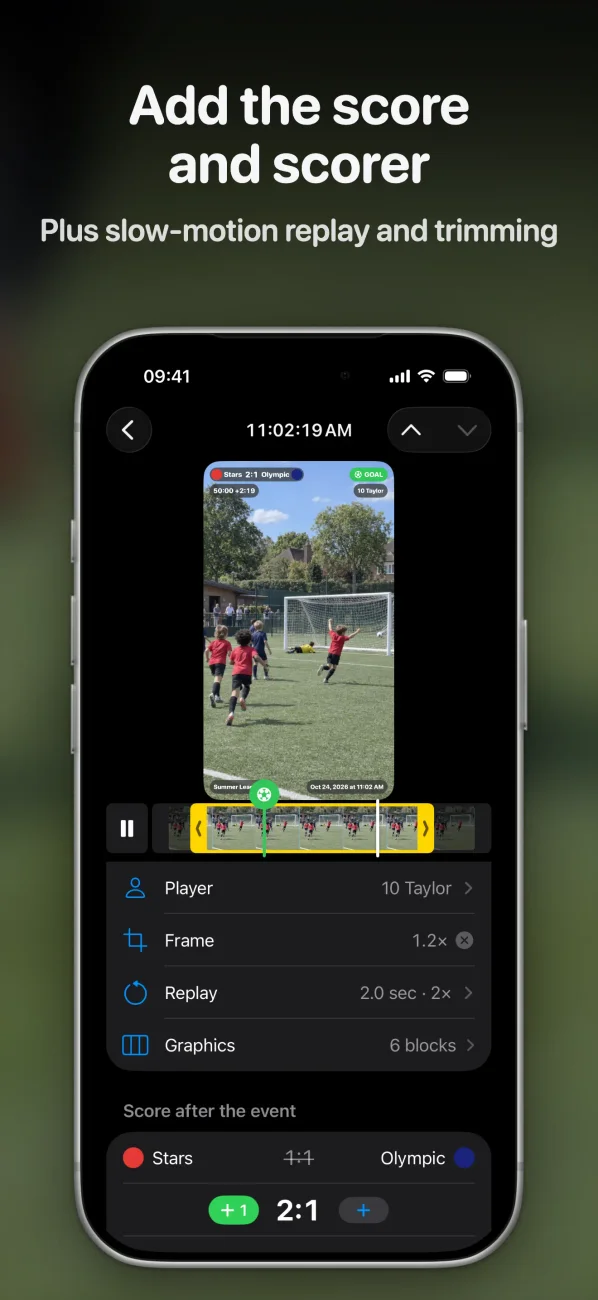
• Scoreboard with the teams and the score, which you set on the goal's clip
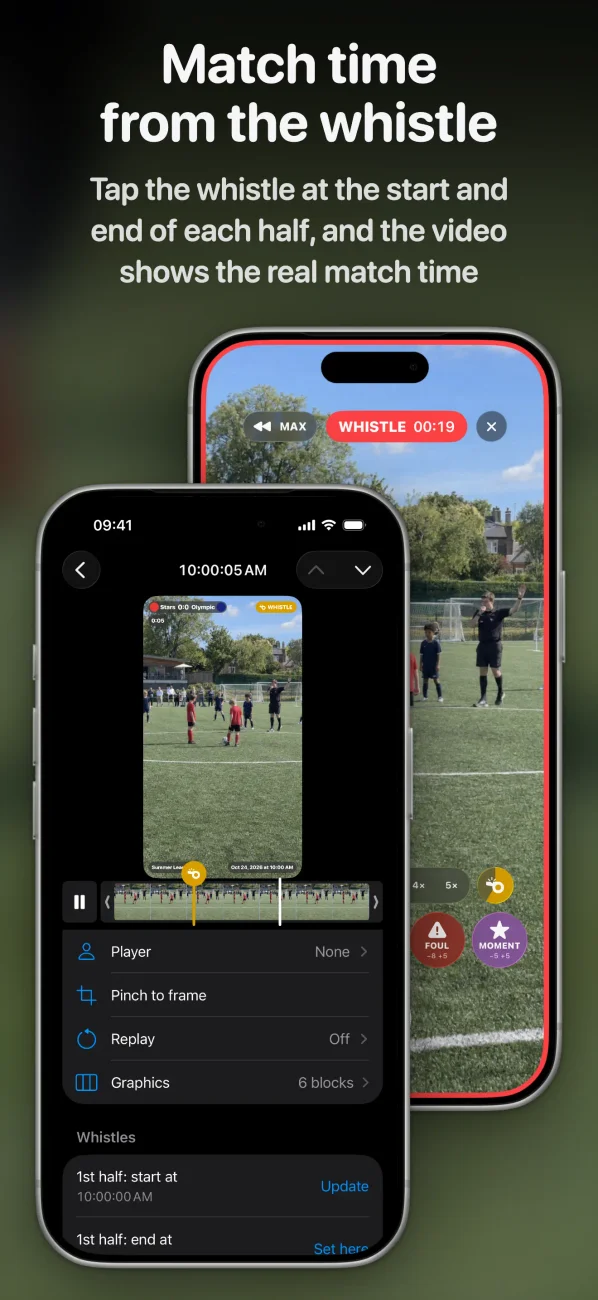
• The real game clock: mark the whistle at the start and end of each half
• The number and name of who scored
• Slow-motion replay right after the moment
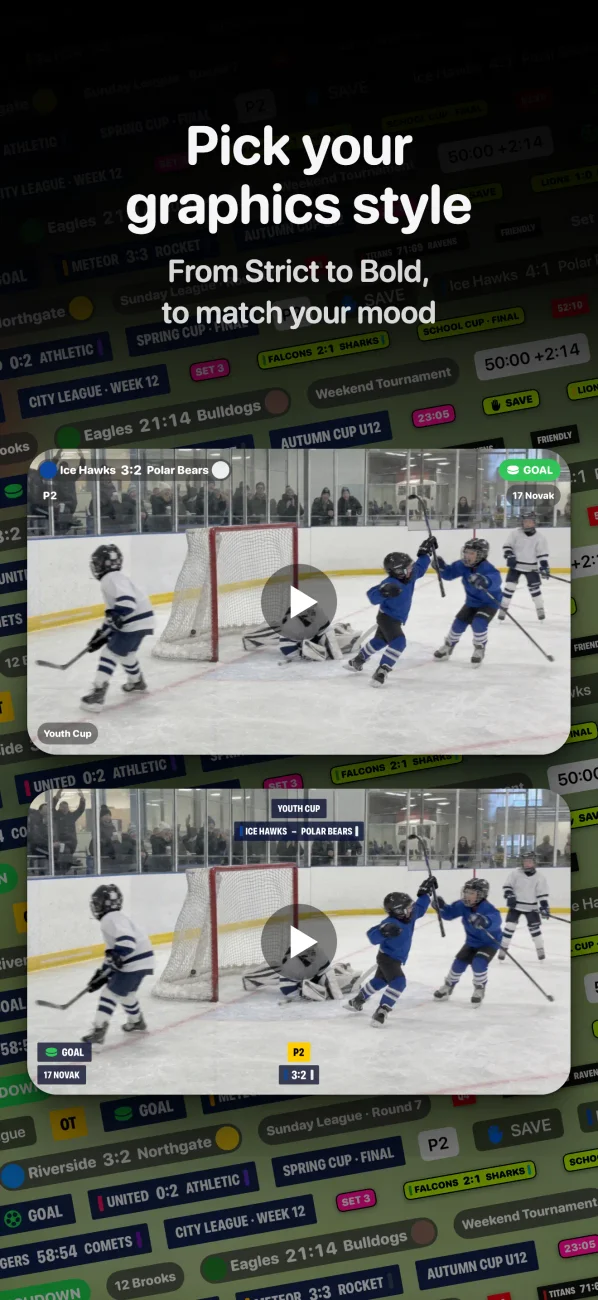
• Graphics from Strict to Bold
• A list of the moments with game minutes for a YouTube description
One clip with graphics exports for free. Joining your marked moments into one highlights video takes Minus5 Pro.
SPORTS
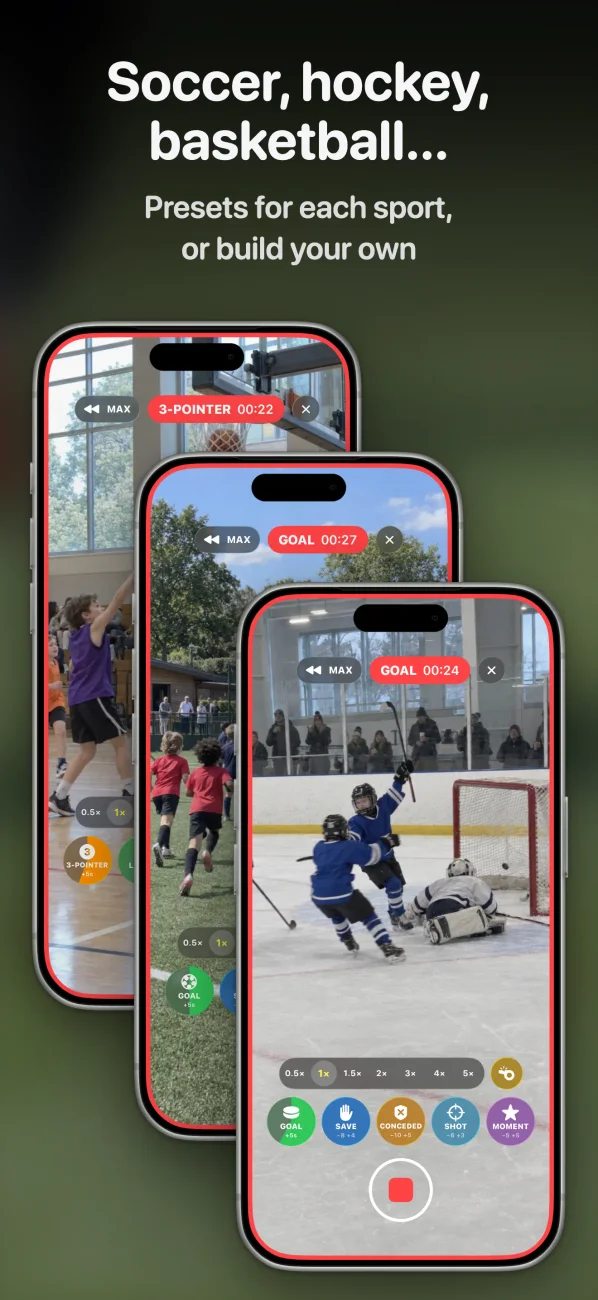
Soccer, basketball, hockey, handball, American football and volleyball. Each has its own event buttons and its own halves, periods, quarters or sets. For any other sport, make your own buttons.
DURING THE GAME
• If you missed what happened, tap MAX or REC and trim it later
• Change the event right in the clip
• Two moments back to back both save
NEXT GAME
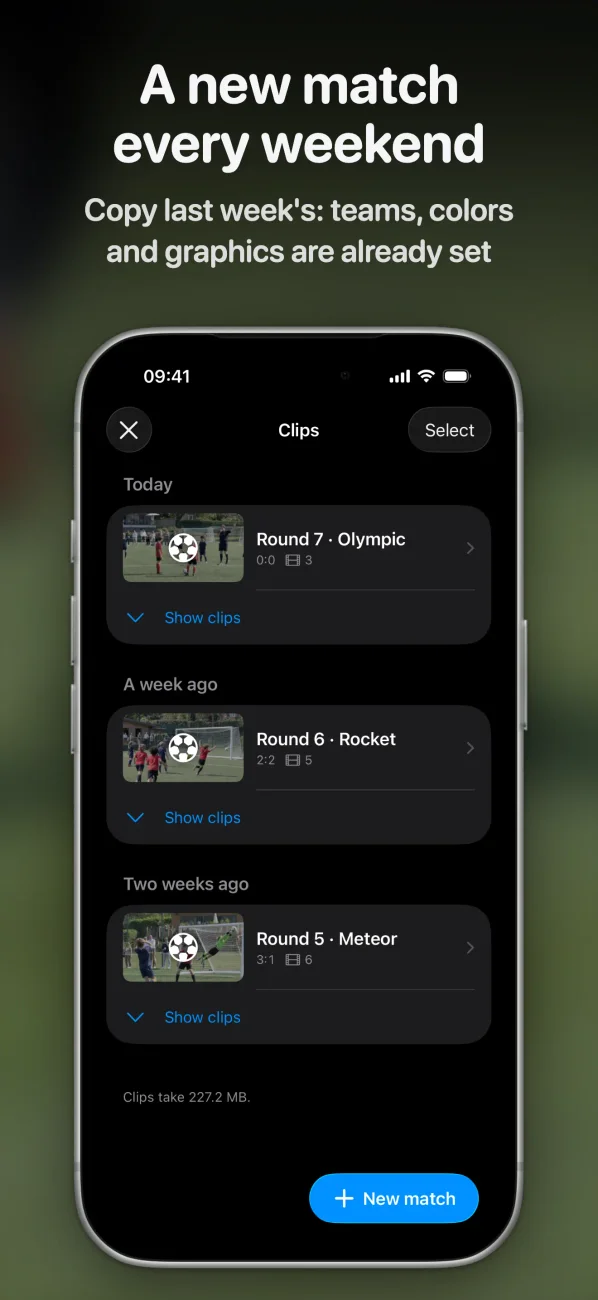
"Copy match" carries the teams, colors and graphics over, so at the next game all that's left is filming.
The finished video goes to Photos. Minus5 is free. Buy Pro once to keep it forever or subscribe monthly; Pro also removes the logo at the end.
Help and questions: support@minus5app.com, https://minus5app.com/support
Terms of Use: https://www.apple.com/legal/internet-services/itunes/dev/stdeula/
What’s new
Version 1.5 · Oct 24, 2026
Everything for your game highlights:
• Soccer, basketball, hockey, handball, American football and volleyball, each with its own event buttons and scoreboard: halves, periods, quarters or sets.
• The game clock from the whistle. Mark the whistle at the start and end of each half, and the video shows the real game clock.
• Mark who scored: their number and name show under the event. Enter the team once.
• "Copy match" carries the teams, colors and graphics over to the next game.
• "Copy timing" gives a list of moments with game minutes for a YouTube description.
App privacy
What Andrey Shestakov declares on the App Store about how this app handles data.
-
Data not collected
The developer does not collect any data from this app.
Privacy practices may vary, for example with the features you use or your age.
Information
- Seller
- Andrey Shestakov
- Category
- Sports
- Version
- 1.5
- Updated
- Oct 24, 2026
- Released
- Sep 25, 2026
- Size
- 3.8 MB
- Requires
- iOS 18.0 or later
- Age rating
- 4+
- Price
- Free
- In-app purchases
- Yes
- Languages
- English, French, German, Japanese, Russian, Spanish, Traditional Chinese
- Copyright
- © RE8US
You might also like
-
 KettaSports
-
 Scoreboard by TrainioLive Score & QR Code Sharing
-
 GymPlayer - Instant ReplayVideo delay cam over Wi-Fi
-
 BT Table Tennis ScoreboardTable Tennis Scoreboard
-
 SportAICamAI sports replay camera
-
 FitNatSports
-
 MatchCam — Match RecorderRecord with one or two phones
-
 MatchMateLiveSports
-
 MyTeamLive: Hockey & Soccer HDGoPro Phone Overlay Livestream
-
 Scoreline: Sports ScoreboardKeep Score & Game Tracker