
MiraDrop
Nearby file transfer, no cloud
Designed for iPhone, iPad, Mac, iPod touch
- Age rating+4
- CategoryUtilities
- DeveloperHot Season Enterprise, Inc.
- LanguagesEnglish
- Size37.3 MB
Links to the official App Store page
Download.org hosts no file of MiraDrop. The button opens its official App Store page, published by Hot Season Enterprise, Inc. Listing last checked on Nov 17, 2026.
Screenshots

About
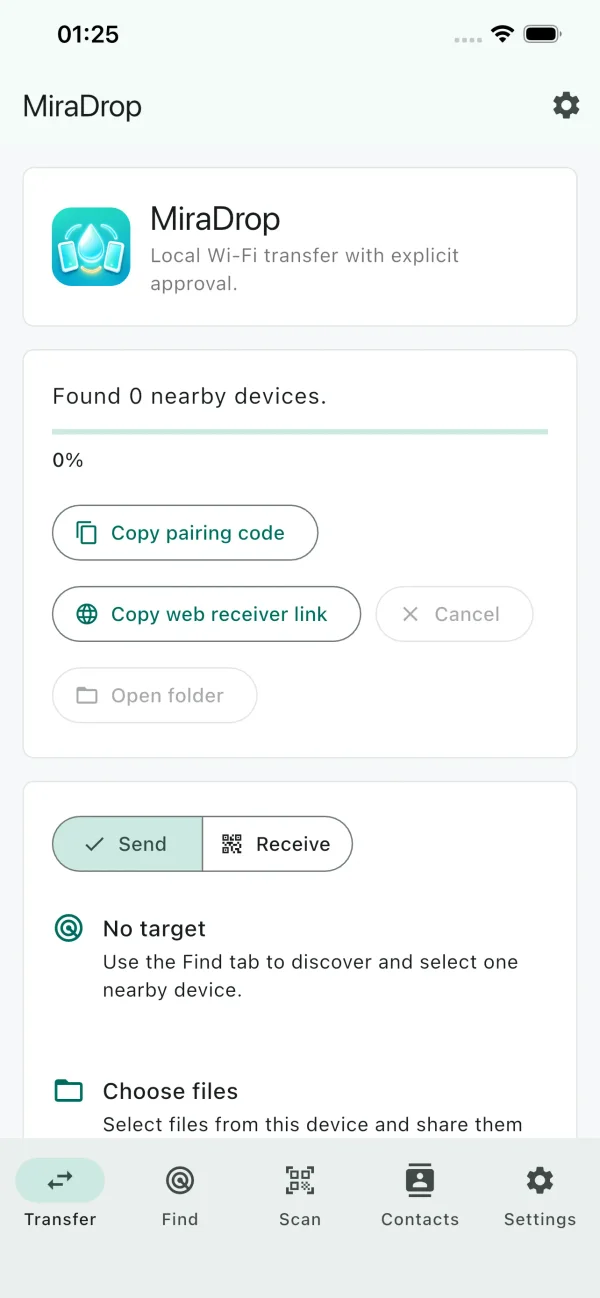
MiraDrop moves photos, videos, documents, and text between your devices the fast way: directly over your local Wi-Fi network. No account. No cloud upload. No cables.
WORKS ACROSS ALL YOUR DEVICES
• Android phones and tablets
• iPhone and iPad
• Mac
• Windows PC
Send from any of them to any of them.
FAST AND SIMPLE
• Discover nearby devices automatically
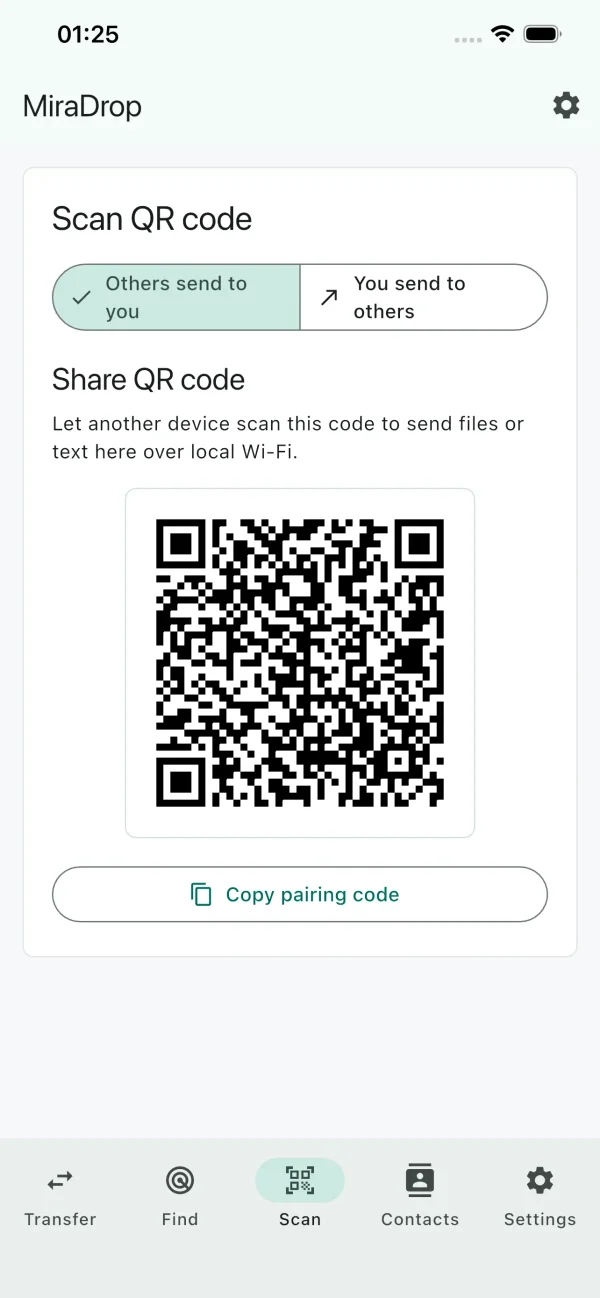
• Or pair instantly with a QR code or pairing code
• Original quality — photos and videos are never compressed
• Speed depends on your Wi-Fi, not on an internet connection
PRIVATE BY DESIGN
• Files travel directly between your devices on your local network
• No cloud relay by default — nothing is uploaded to a server
• No account or sign-up required
• You approve every incoming transfer before it starts
• Camera is used only to scan QR codes
WHAT YOU CAN SEND
• Photos and videos
• Documents and any other files
• Short text snippets (links, notes, phone numbers)
FREE VS PRO
MiraDrop's core is free: nearby transfer, QR and pairing-code receive, manual approval, transfer history, up to 20 items per batch, and all app themes.
MiraDrop Pro is a one-time purchase that unlocks heavy-duty workflows:
• Unlimited batch size and folder transfer
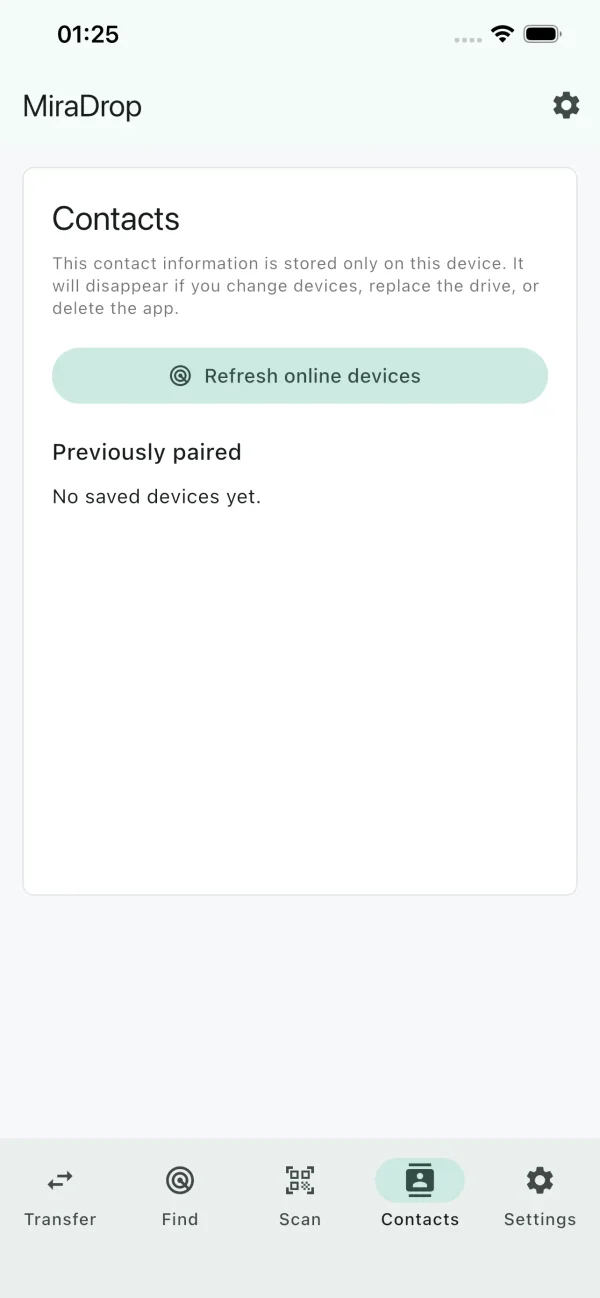
• Trusted devices with auto-accept
• Send to multiple devices at once
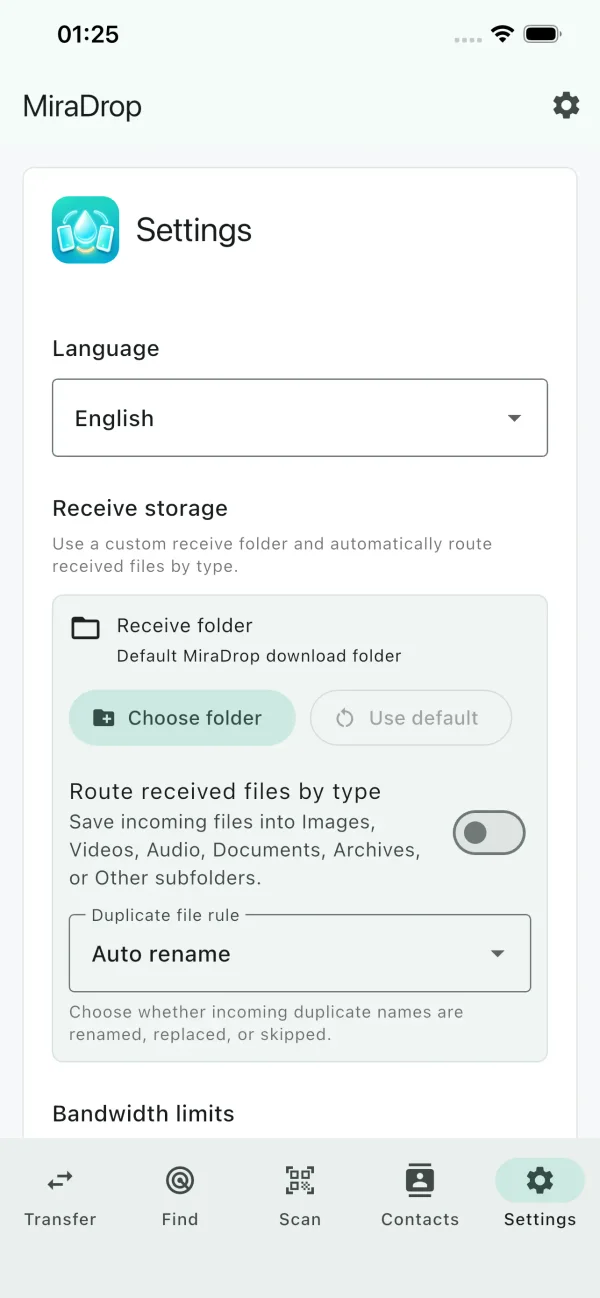
• Custom receive folder and file-type routing
• Duplicate handling rules
• SHA-256 integrity check and searchable history
• Desktop power tools: drag-and-drop, menu bar receive on Mac, quick send
FEATURE PACKS
Buy just the tool you need, or get them all with Pro Max:
• Media Converter — convert HEIC photos to JPG
• Phone Migration Kit — move everything to a new phone in one batch
• Private Space — keep received files behind a passcode
• History Export — save your transfer history
App themes are free. You can also leave a supporter tip if you'd like.
TYPICAL USES
• Move photos from your phone to your computer without cables
• Send a video to a friend next to you without using mobile data
• Get your files onto a new phone
• Share documents in a meeting or classroom on the same Wi-Fi
Both devices need MiraDrop installed and must be on the same local network.
Questions or feedback: contact@hotseason.app
What’s new
Version 1.1.4 · Jul 30, 2026
• Bug fixes and polish
• Supporter tips now show their name and price
• The Pro upgrade screen lists every included feature
• Fixed a rare crash when opening the payment sheet
App privacy
What Hot Season Enterprise, Inc. declares on the App Store about how this app handles data.
-
Data not collected
The developer does not collect any data from this app.
Privacy practices may vary, for example with the features you use or your age.
Information
- Seller
- Hot Season Enterprise, Inc.
- Category
- Utilities
- Version
- 1.1.4
- Updated
- Jul 30, 2026
- Released
- Jul 16, 2026
- Size
- 37.3 MB
- Requires
- iOS 15.0 or later
- Age rating
- +4
- Languages
- English
- Copyright
- © 2026 Hot Season Enterprise, Inc.
You might also like
-
 MyShareUtilities
-
 PhotoPc+Wi-Fi Transfer medias to PC
-
 ILZBUtilities
-
 Wifi photo share transferPhoto transfer share via wifi
-
 PDF Reader-simpleView All Your Documents
-
 Quy hoạch Hải DươngUtilities
-
 Mirror Cast: for Chromecast TVSmart, Fast Remote Casting App
-
 拼豆-总部Utilities
-
 Hide Photos - Private VaultSecret photo & video album
-
 Screen Mirroring+ ™Smart View Mirror Screen Share