- Age rating4+
- CategoryUtilities
- DeveloperMyeongseok SEO
- LanguagesEnglish+ 3 more
- Size9.3 MB
Links to the official App Store page
Download.org hosts no file of Mirror with front camera (Ads). The button opens its official App Store page, published by Myeongseok SEO. Listing last checked on Nov 12, 2026.
Screenshots
About
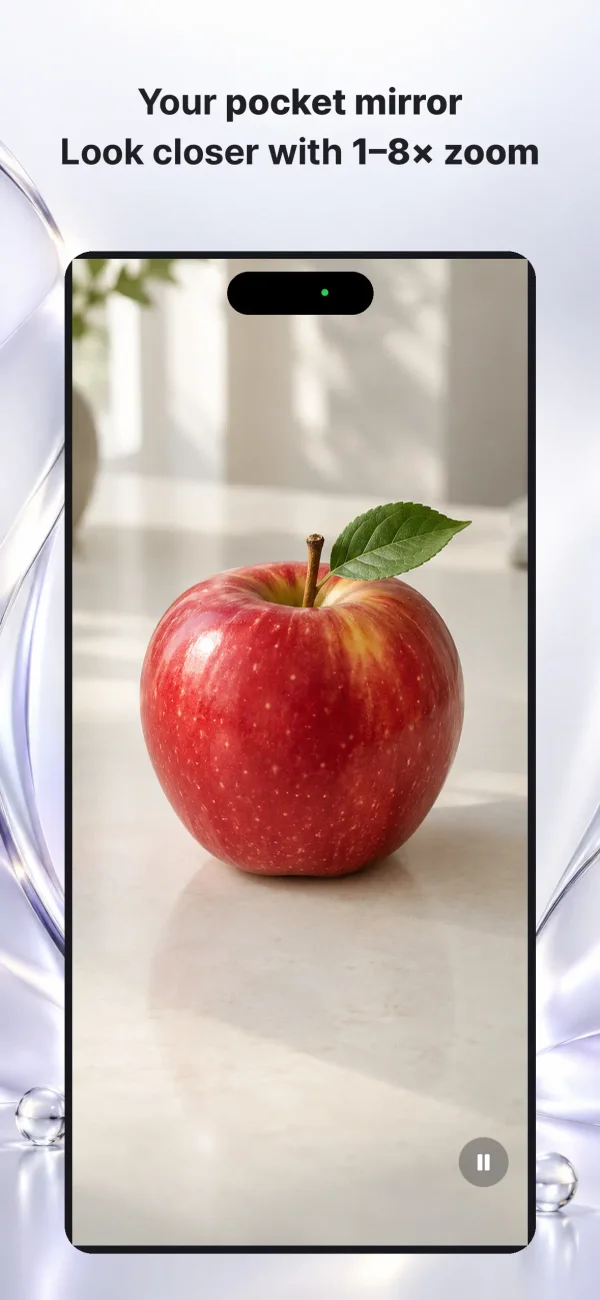
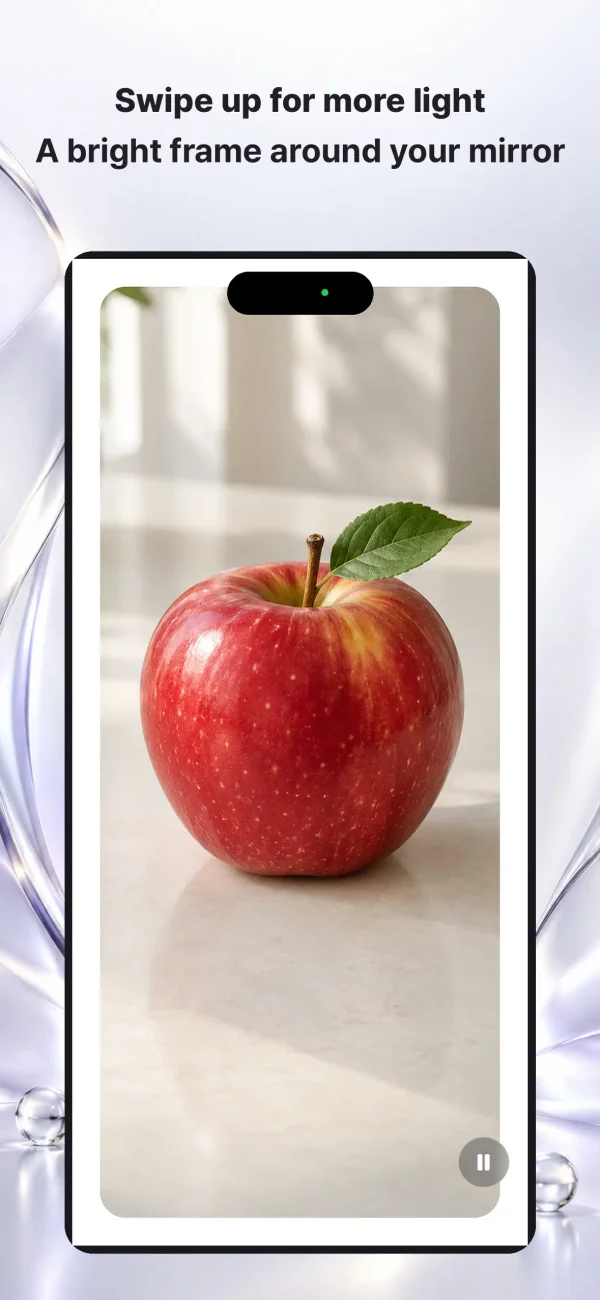
Turn your iPhone’s front camera into a simple mirror. Check your appearance, pinch to look closer, and move around the enlarged view.
• Swipe up at 1× to increase screen brightness, then add a white light frame; swipe down to dim
• Drag to adjust lighting continuously; when zoomed, use the left edge. iPhone uses drag gestures without a sun button, even with a pointer connected
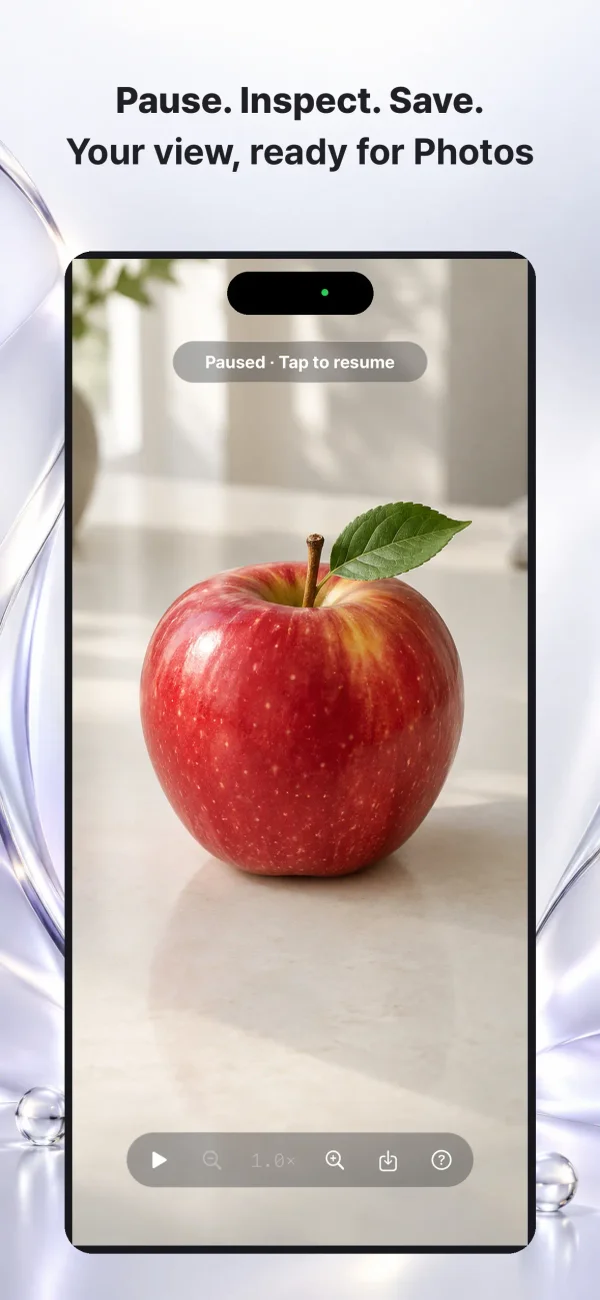
• Tap once to pause the image and show the menu; tap again to resume
• Mirrored front-camera preview
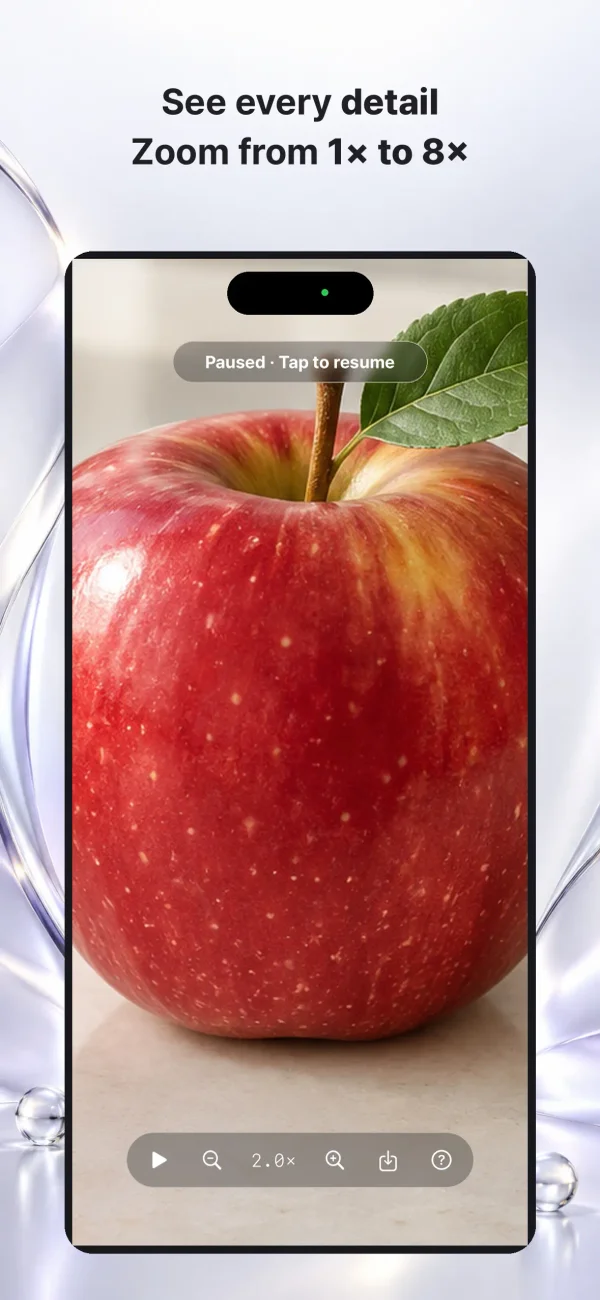
• Smooth zoom from 1× to 8×
• Double-tap through 2×, 4× and 8×, then back to 1×; briefly see the zoom level. Triple-tap or tap with three fingers to reset
• Drag to move around when zoomed in
• Touch and hold to adjust focus and exposure on supported cameras
• Easy zoom controls and an in-app guide
• The screen stays awake while you use the mirror
Mirror uses the camera to show a live preview or a temporarily paused image. Paused images stay in device memory unless you tap Save. Save the current zoomed and positioned mirror image to Photos without controls or ads; only permission to add photos is requested. Camera images are not sent to the developer or advertising service. Focus support depends on your iPhone’s front camera.
At 1×, swipe up to raise screen brightness; keep swiping to turn on the white light frame. iPhone uses gestures. A vertical slider is available on iPad when pointer input is connected and on Mac.
This free version includes banner advertising. Supports iPhone and iPad, including portrait and landscape on iPad. Requires iOS or iPadOS 17 or later. Also runs on Apple silicon Macs with macOS 14 or later.
Supports portrait and landscape on iPhone and iPad. On iPhone Duo, controls adapt to the current display and avoid the fold.
What’s new
Version 1.6.3 · Oct 24, 2026
Added subtle haptic feedback when pausing the mirror, reaching 100% brightness, and reaching the maximum light frame. Updated developer website and support information.
App privacy
What Myeongseok SEO declares on the App Store about how this app handles data.
-
Data used to track you
May be used to track you across apps and websites owned by other companies.
- Identifiers
-
Data linked to you
May be collected and linked to your identity.
- Location
- Identifiers
- Usage data
-
Data not linked to you
May be collected but is not linked to your identity.
- Diagnostics
Privacy practices may vary, for example with the features you use or your age.
Information
- Seller
- Myeongseok SEO
- Category
- Utilities
- Version
- 1.6.3
- Updated
- Oct 24, 2026
- Released
- Sep 15, 2010
- Size
- 9.3 MB
- Requires
- iOS 17.0 or later
- Age rating
- 4+
- Price
- Free
- Languages
- English, Japanese, Korean, Simplified Chinese
- Copyright
- © 2026 Red Button Soft
You might also like
-
 Magic Mirror - Daily mirrorYour beauty-enhancing mirror
-
 Mirror - SLOXUtilities
-
 OhMaAlarm: Holiday Alarm ClockWeekday wake-up, snooze limit
-
 웁스알람Utilities
-
 HolidayOff AlarmQuiet on holidays, on time
-
 SeevieUtilities
-
 Email Scam AnalyzerAI Phishing & Email Scanner
-
 PDF Bookmark GenGenerate Clickable Bookmarks
-
 Atomic Exact TimeCalibrated clock and countdown
-
 Motteke - Timer with MemoTimer ends, memo reminds you