
- Age rating4+
- CategoryFinance
- DeveloperMitihub LLC
- LanguagesEnglish
- Size35.4 MB
Links to the official App Store page
Download.org hosts no file of MitiBuild AI. The button opens its official App Store page, published by Mitihub LLC. Listing last checked on Nov 23, 2026.
Screenshots


About
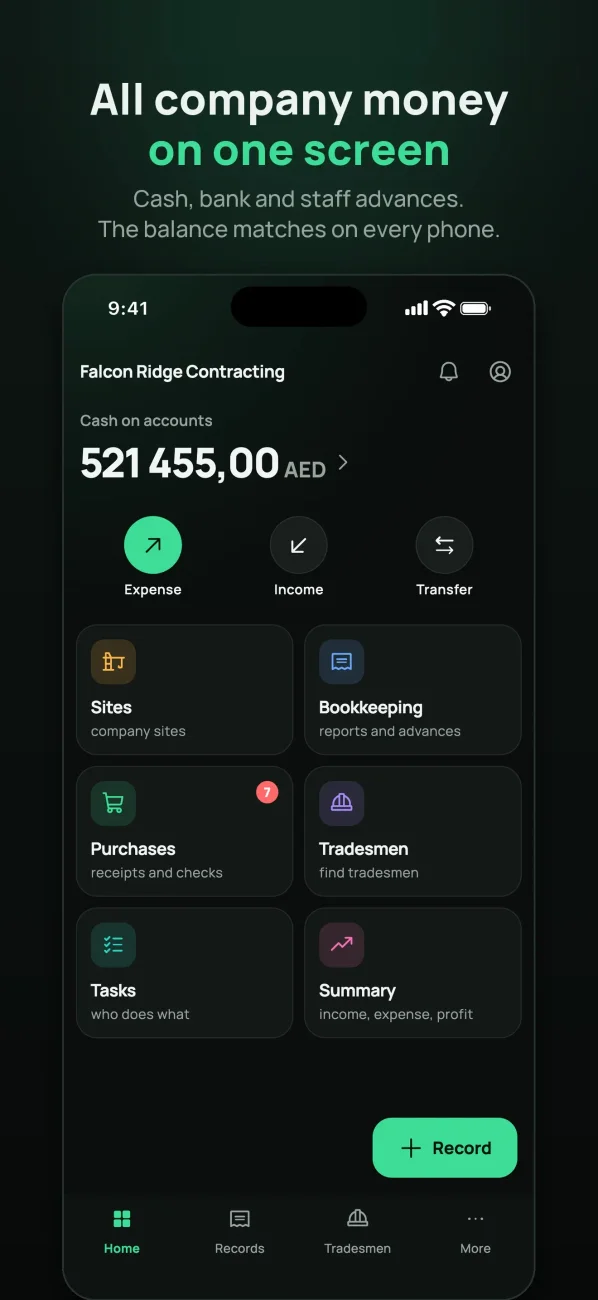
MitiBuild AI is bookkeeping for a small construction company. Money leaves a building site every day - materials, transport, wages, cash handed to a worker - and it is usually tracked in a paper notebook or a group chat. MitiBuild AI replaces both.
RECORD IN SECONDS
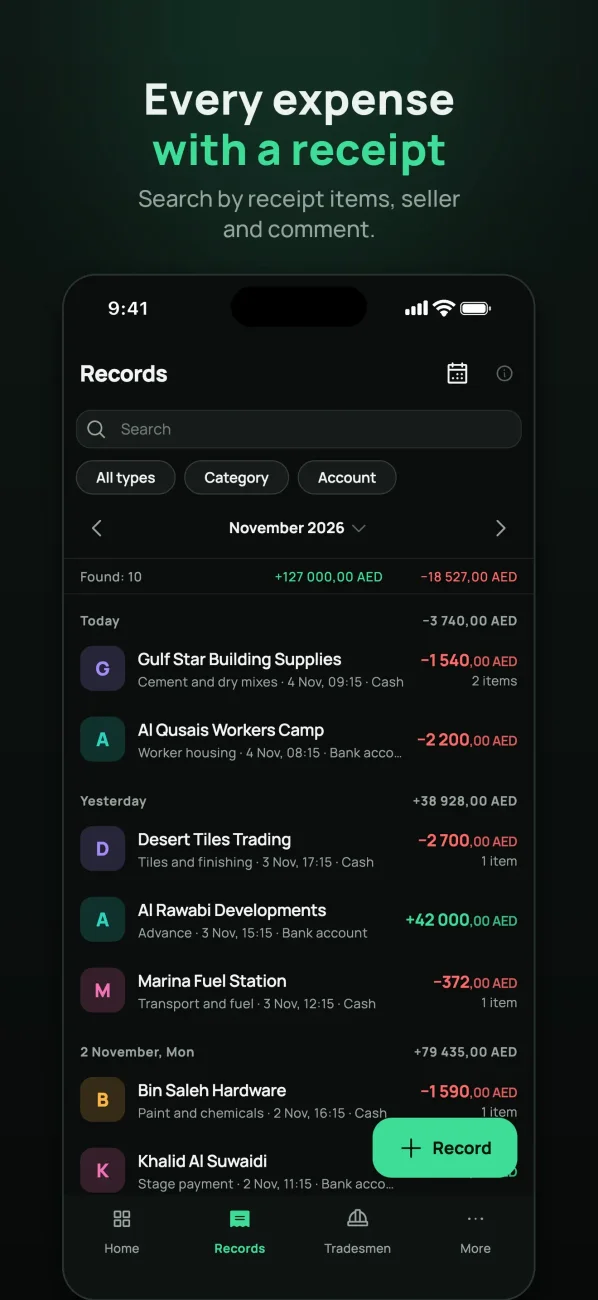
• Income, expenses and transfers between accounts
• Photograph the paper receipt: the app reads the seller, the total and the line items on the device itself
• Cash, bank and card accounts with running balances
THE WHOLE SITE IN ONE PLACE
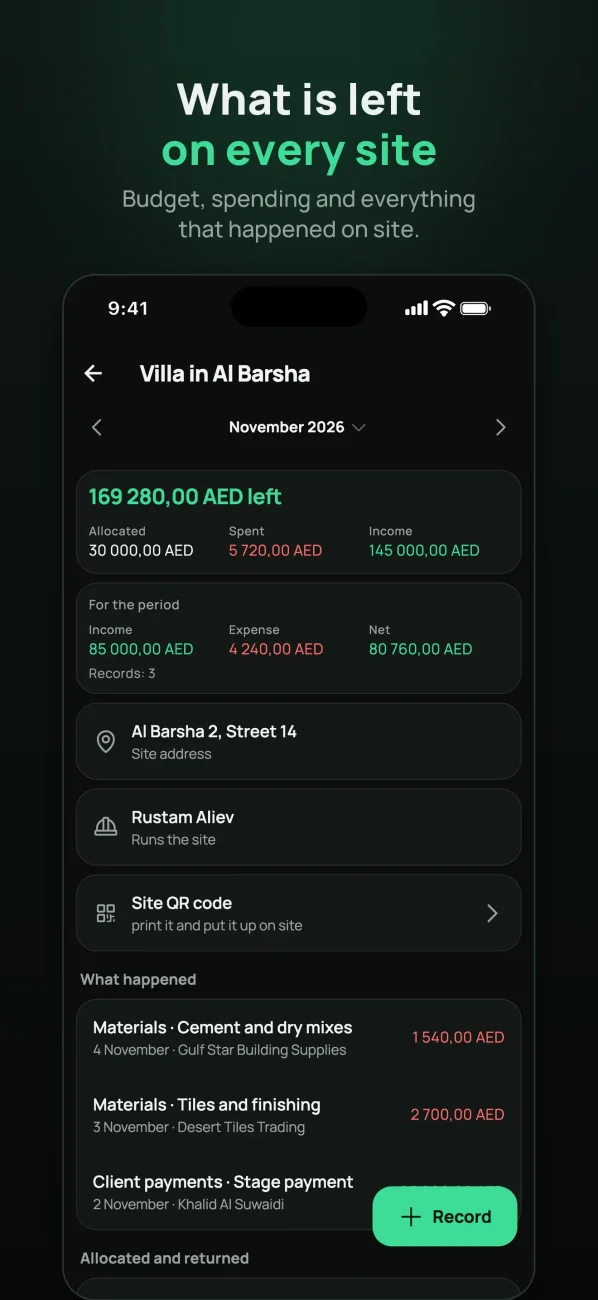
• Sites with their own budget: how much was allocated, how much is spent, what is left
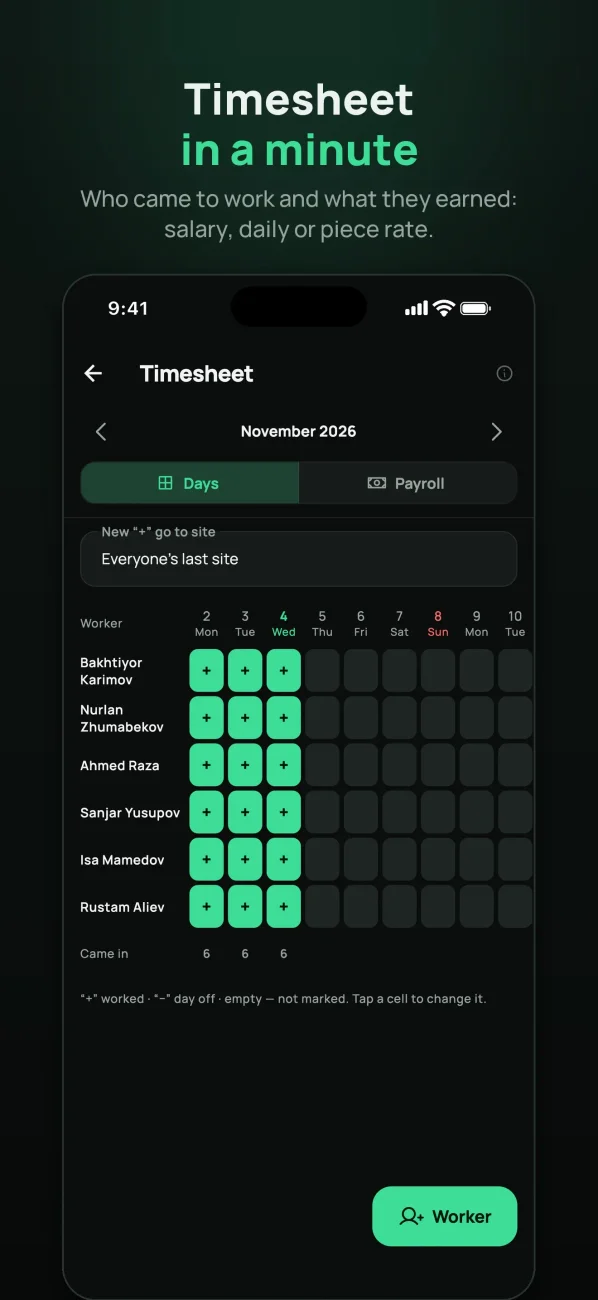
• Timesheet: who worked which day, and the wages that follow from it
• Petty cash advances: who was given money, what they reported, what is still on them
• Tasks with photos and deadlines for the crew
EVERYTHING READABLE OFF THE NETWORK
With no account the app runs entirely on the phone and never goes online - write on a site with no signal, in a basement, on the road.
Inside a company, saving a record needs the server, so the whole crew sees it at once instead of one phone. While the connection is down every screen, report and balance still opens, and the app says plainly that it cannot save right now.
A COMPANY, NOT A SINGLE PHONE
Sign in and invite your people with a one-time code. Everyone sees what they should: a worker sees his own purchases, a foreman sees his sites, the owner and the accountant see everything. Roles and permissions are decided by the owner, and the same rules are enforced by the server, not just hidden in the app.
You can also use MitiBuild AI alone, without an account: it works the same, only without the shared part.
WHAT ELSE
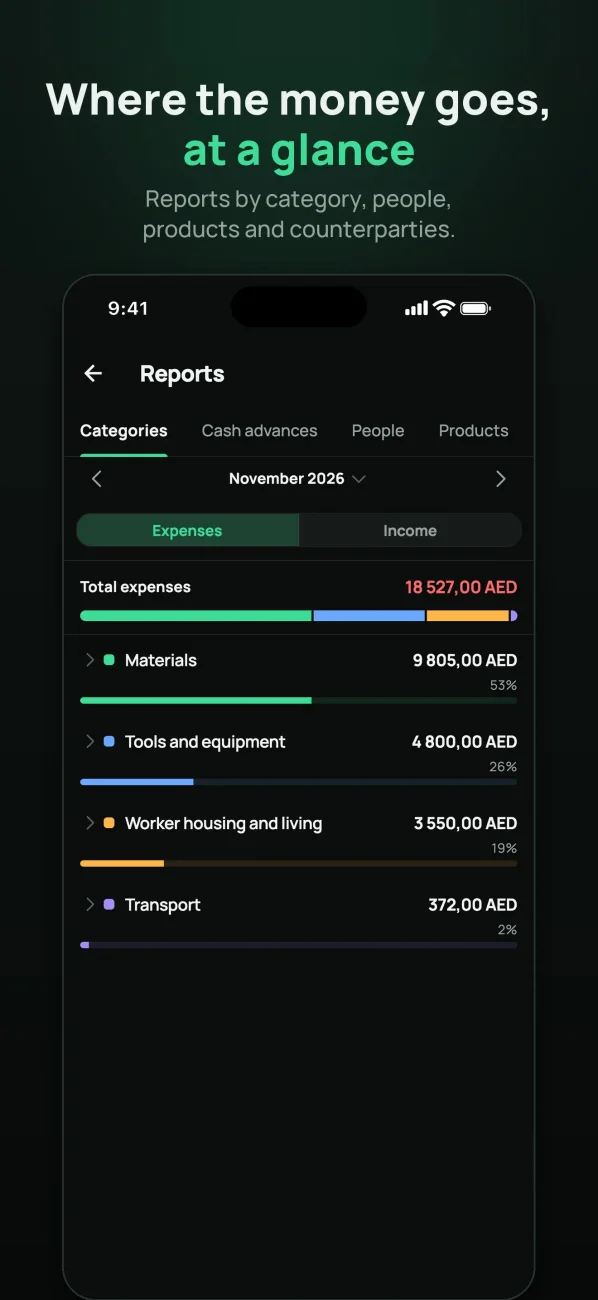
• Reports by period, by category, by site and by person
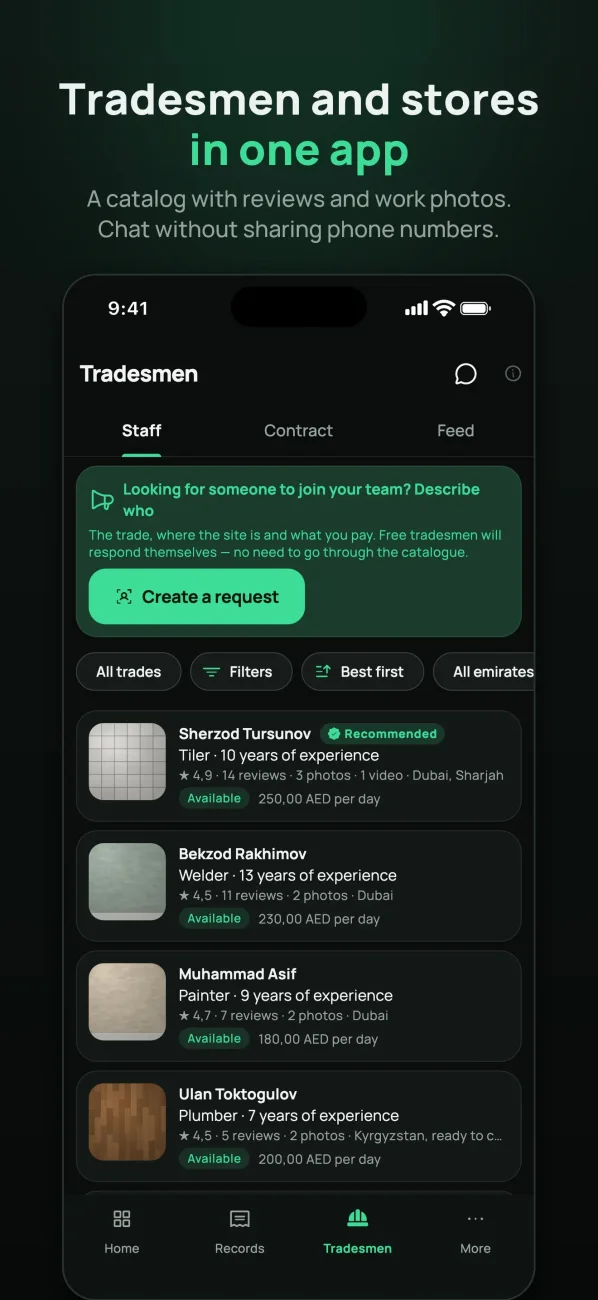
• A shared directory of stores and prices - what things actually cost nearby
• A community section for questions between crews, and a private chat inside your company
• Export to CSV and a backup file
• Multiple currencies, AED by default
• Russian and English
Your data belongs to you. There are no ads, nothing is sold to anyone, and receipt recognition happens on your phone - the photo is not sent anywhere for it.
What’s new
Version 1.20.1 · Nov 21, 2026
Scope of work on each site. Every work has a plan and a unit: m², m³, metres, pieces, points, trips, hours, shifts or a stage in percent. Mark each day how much was done and see what is left and how many percent are ready. Works are grouped into sections: for construction — earthworks, foundation, walls and slabs, roof, facade, external utilities, landscaping; for renovation — walls, floors, ceilings, bathrooms, plumbing, electrical, windows and doors. Pick a work from the list: for construction it fills the name and unit, for renovation also the materials by estimate norms.
Deadlines and pace. Set a start and a due date and the app shows how much needs to be done a day, how fast it is actually going and when you will finish at this pace. A work that is running late is marked «behind» both in the list and in the site summary.
Purchases for a work. When you record an expense, pick the work, or buy the materials right from it. Under the work you see what exactly was bought, at what price, how much the work has cost in total and what one square metre came to.
Crew. A daily mark records how many people worked, with the number suggested by the timesheet. Output per person is shown.
Every change to the plan, the marks and the dates stays in the history: who and when. The whole crew sees the works. A worker can add a work of their own and mark each day how much they did, with photos. Only the owner, the accountant or whoever runs the site can correct or delete what is recorded.
Money check. The app finds where amounts don't add up: records that never reached the server, receipts above the cash issued, an expense from someone else's advance, a record entered twice, a cash account below zero, an advance changed after it was recorded. Each finding says what happened and what to do, and a button opens the record. There is a banner on the home screen, and you can ask the assistant «what doesn't add up».
Works feed. Videos start playing at once instead of after the full download. New works appear by themselves; pull down to refresh. Photos from tradesmen's profiles now show in the feed too.
App privacy
What Mitihub LLC declares on the App Store about how this app handles data.
-
Data linked to you
May be collected and linked to your identity.
- Financial info
- Location
- Contact info
- User content
- Identifiers
Privacy practices may vary, for example with the features you use or your age.
Information
- Seller
- Mitihub LLC
- Category
- Finance
- Version
- 1.20.1
- Updated
- Nov 21, 2026
- Released
- Nov 1, 2026
- Size
- 35.4 MB
- Requires
- iOS 15.0 or later
- Age rating
- 4+
- Languages
- English
- Copyright
- © 2026 Mitihub LLC
You might also like
-
 Spending Tracker – BuxLightweight money manager
-
 FAB FirstFinance
-
 myMoney FinanceManage your finance easily
-
 Dimewise: Track & BudgetExpense Tracking and Budgeting
-
 Asaxiy InvestFinance
-
 EI BusinessFinance
-
 KDBUz MobileKDBUz Mobile
-
 FinikFinance
-
 Finance OK - finance trackerIncome and expenses
-
 Alliance MobileFinance