
MixMarker
Mix Check Notes, Timestamped
Designed for iPhone, iPad, iPod touch
In-app purchases
- Age rating4+
- CategoryMusic
- Developertoraster
- LanguagesEnglish
- Size60.3 MB
Links to the official App Store page
Download.org hosts no file of MixMarker. The button opens its official App Store page, published by toraster. Listing last checked on Nov 12, 2026.
Screenshots



About
MixMarker — A Mix Review Tool for the Mobile Era
That subtle kick drum punch. The reverb tail on the vocals.
You noticed them while listening on the go—but by the time you're back in the studio, have you forgotten?
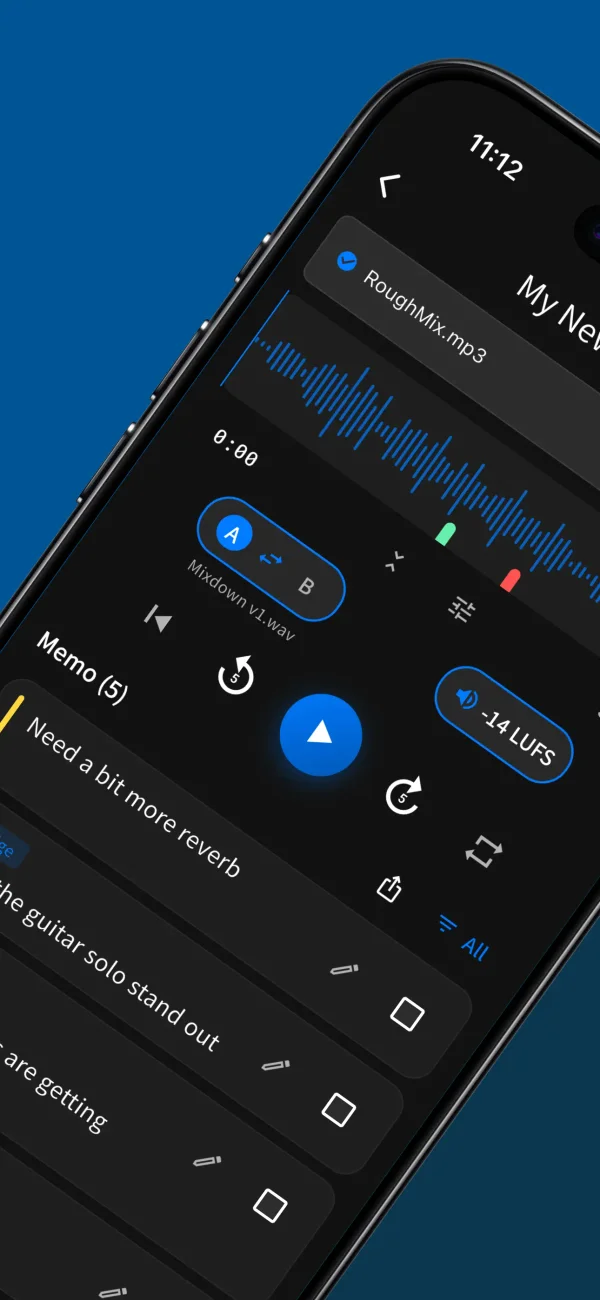
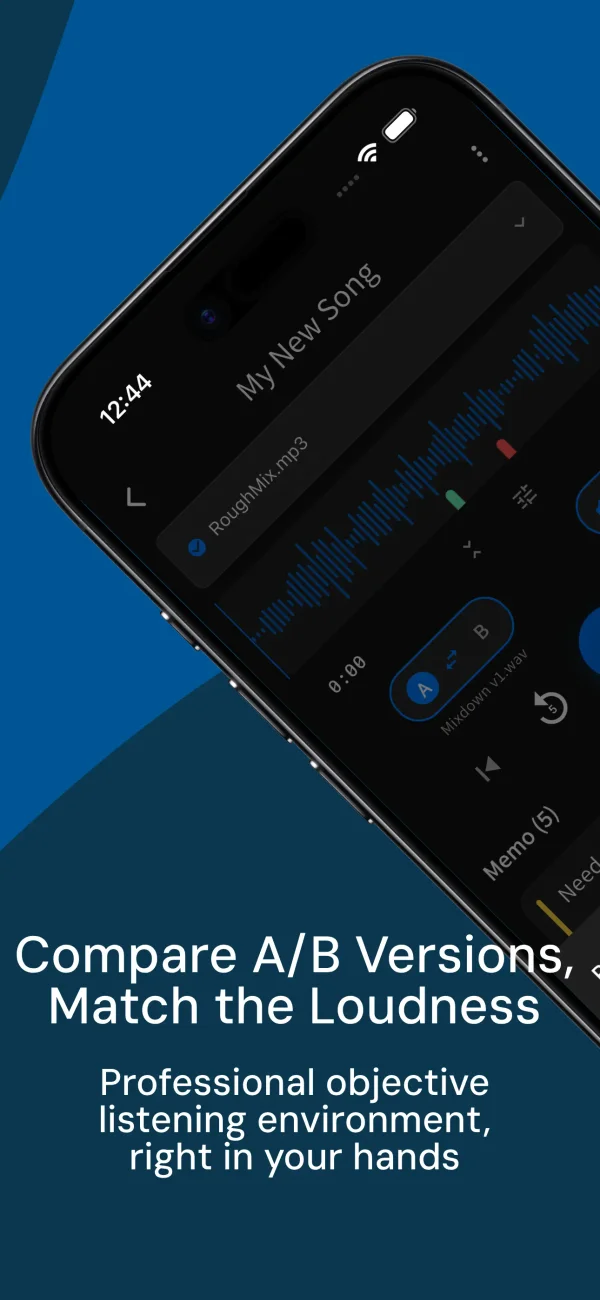
MixMarker is a note-taking app designed specifically for reviewing mixes and masters in music production. Add timestamped notes during playback, seamlessly connecting your on-the-go reviews with your studio sessions.
【Key Features】
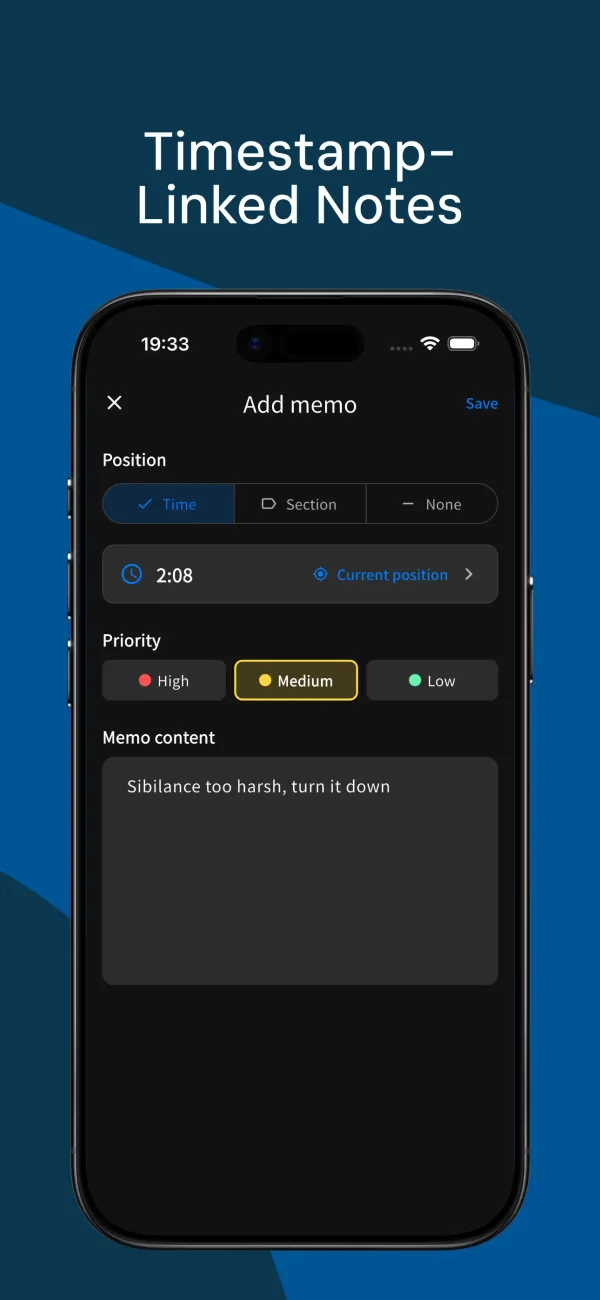
◉ Timestamped Notes
Record notes linked to specific playback positions.
Leave detailed revision notes like "2:15 – Adjust bass and kick separation."
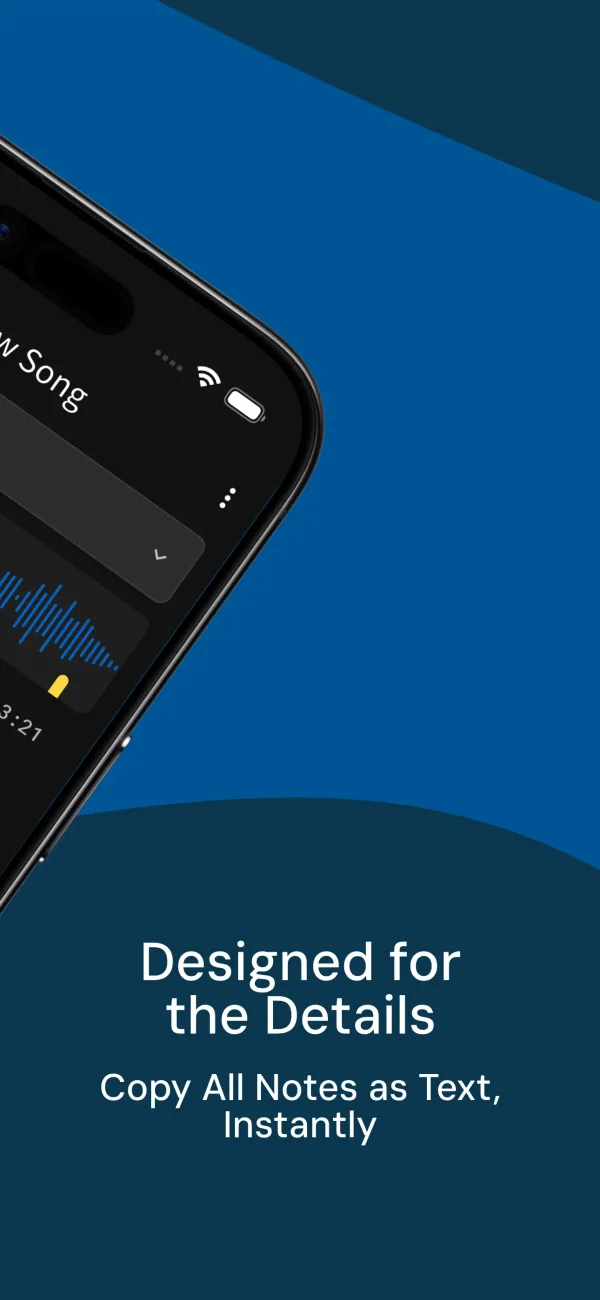
Copy any note with a single tap for easy sharing.
◉ Waveform Display & Intuitive Navigation
Visually browse the audio waveform and quickly jump to any position.
Pinpoint exactly the section you want to hear.
◉ Version Control & A/B Comparison
Manage multiple audio files within a single project.
Compare different revisions smoothly, like "Mix v1" and "Mix v2 Vocal Up."
Real-time A/B switching lets you compare before and after edits without hassle.
◉ Loudness Matching
Automatically adjusts playback volume to match your specified loudness.
Eliminate volume bias and focus purely on mix differences.
Combined with A/B comparison, it enables more objective decision-making.
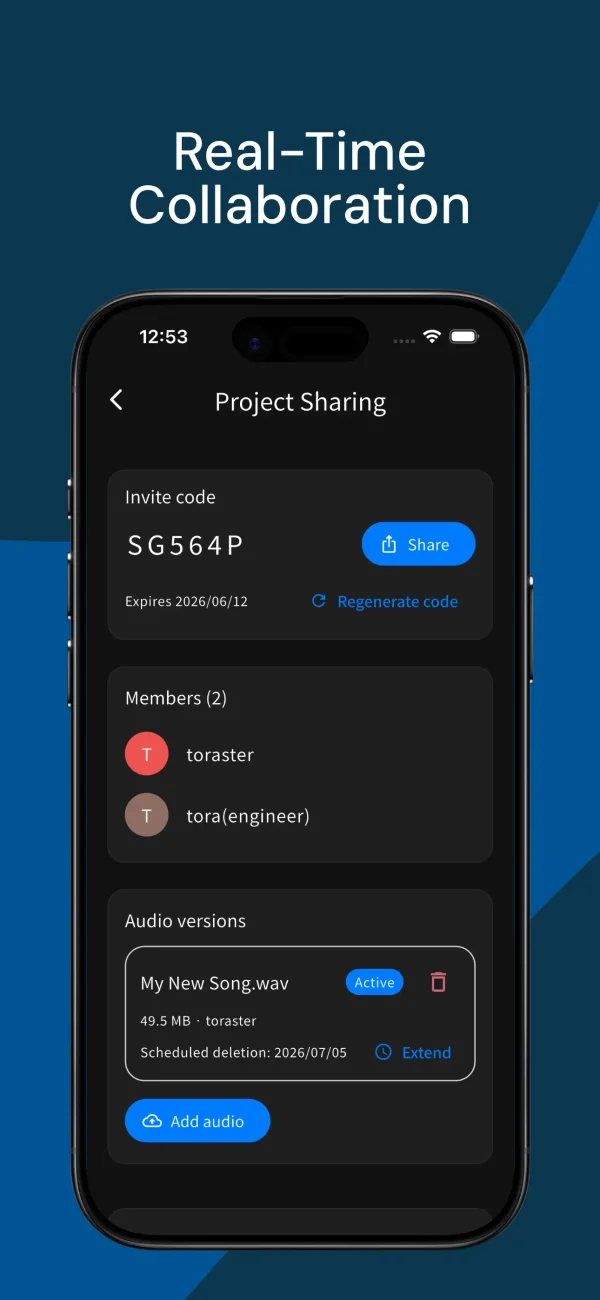
◉ Real-Time Collaboration
Invite up to 10 collaborators with a 6-character code and sync notes in real time.
Engineers, artists, and directors can consolidate feedback on the same project—no matter where they are.
Upload multiple audio versions to the session for instant in-session comparison.
*Joining sessions is free and unlimited. Free plan includes up to 5 sessions hosted and 30 note edits. Unlimited with premium.
【Suggested Workflow】
1. Transfer your work-in-progress to iPhone
2. Listen on headphones during your commute, taking notes as you go
3. Back in the studio, work through your notes in your DAW
4. Export a new version and review again
【Simple and Reliable】
MixMarker isn't an all-in-one tool packed with complex features.
It's designed to do one thing well: take notes while you listen.
Add the comfort of simplicity to your workflow.
What’s new
Version 1.9.0 · Oct 8, 2026
- You can now export imported audio from the audio versions list in project settings via the share sheet.
- Fixed an issue where single-track looping did not work while playing B in A/B comparison, causing playback to stop at the end.
App privacy
What toraster declares on the App Store about how this app handles data.
-
Data not collected
The developer does not collect any data from this app.
Privacy practices may vary, for example with the features you use or your age.
Information
- Seller
- toraster
- Category
- Music
- Version
- 1.9.0
- Updated
- Oct 8, 2026
- Released
- Feb 8, 2026
- Size
- 60.3 MB
- Requires
- iOS 13.0 or later
- Age rating
- 4+
- In-app purchases
- Yes
- Languages
- English
- Copyright
- © 2026 toraster
You might also like
-
 METRO_PADMusic
-
 Time Director ProBroadcast timing tool
-
 Musician KeyboardChord input auxiliary keyboard
-
 Step MetronomeTap to build your rhythm
-
 VU Meter ProPro metering. Anywhere.
-
 MobileMonitor - DAW SpeakerHear your DAW on the speaker
-
 NovoNotes DuoMusic Creation Partner
-
 CrossMetronomeMusic
-
 Jacquard - Music AppTile-based music sequencer
-
 Daily Beat: One Day. One Beat.A tiny instrument, a diary.