Mixory: Multitrack Recorder
Loop Mixer, FX & AUv3 Host
Designed for iPhone, iPad, iPod touch
Free · In-app purchases
- Age rating4+
- CategoryProductivity
- DeveloperAlperen Derici
- LanguagesEnglish
- Size96.2 MB
Links to the official App Store page
Download.org hosts no file of Mixory: Multitrack Recorder. The button opens its official App Store page, published by Alperen Derici. Listing last checked on Nov 12, 2026.
Screenshots

About
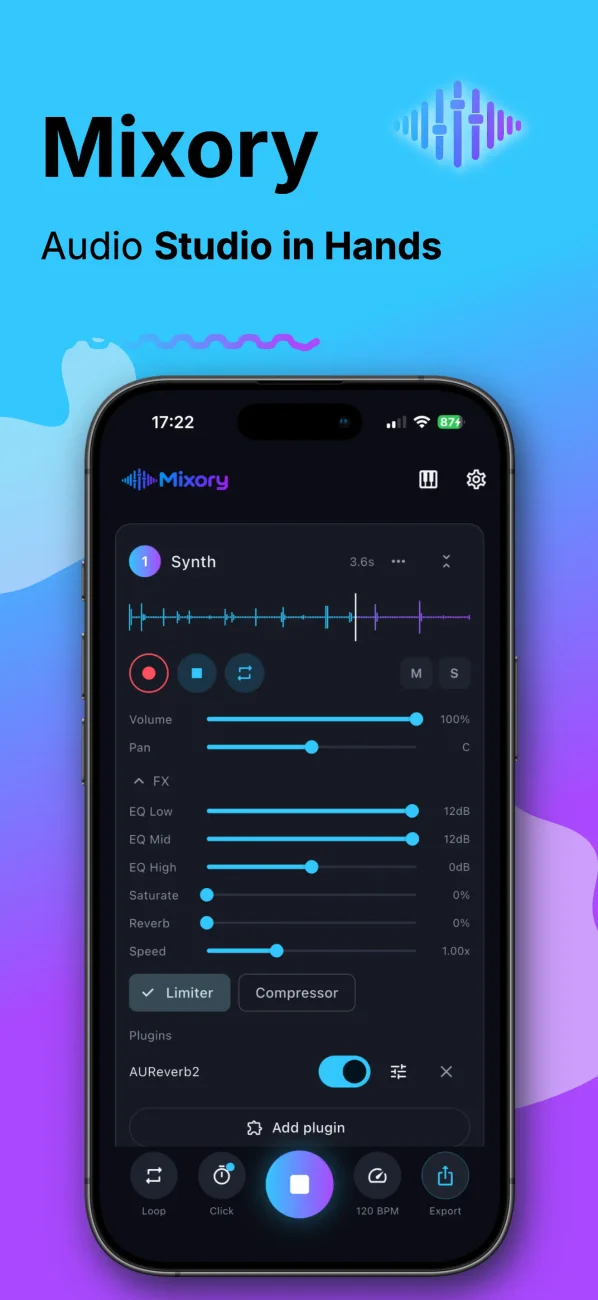
Mixory is a multitrack mixer and recorder for iPhone — record, loop, mix, and finish songs without a laptop.
RECORD
• Record up to 8 tracks for free
• Arm the tracks you want, then one Rec button records them all at once — each from its own input on a multi-channel USB/Lightning interface — while the rest of your mix plays along in sync
• Watch the waveform draw live as you record, with one session clock at the top
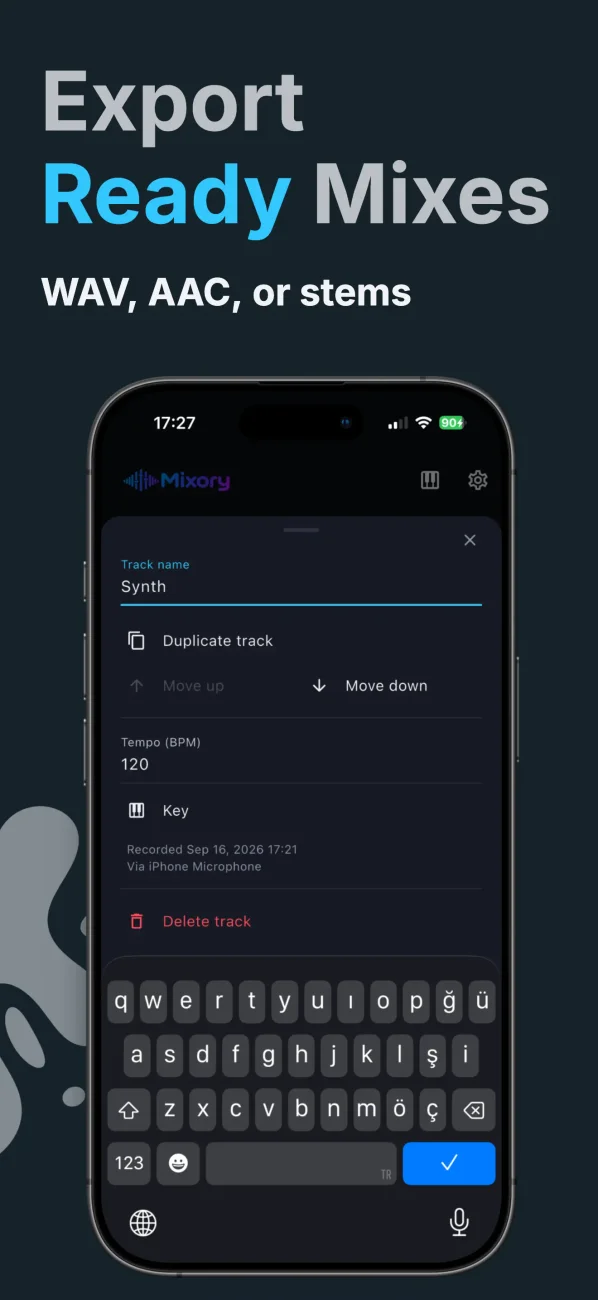
• Tempo panel with tap tempo, time signatures, metronome, and count-in, plus tempo and musical key for every track
LOOP & PERFORM
• Gapless, sample-accurate track loops
• A play toggle on every track: drop loops in and out while the mix keeps playing — they come back in time
• Bar and beat ruler above every waveform
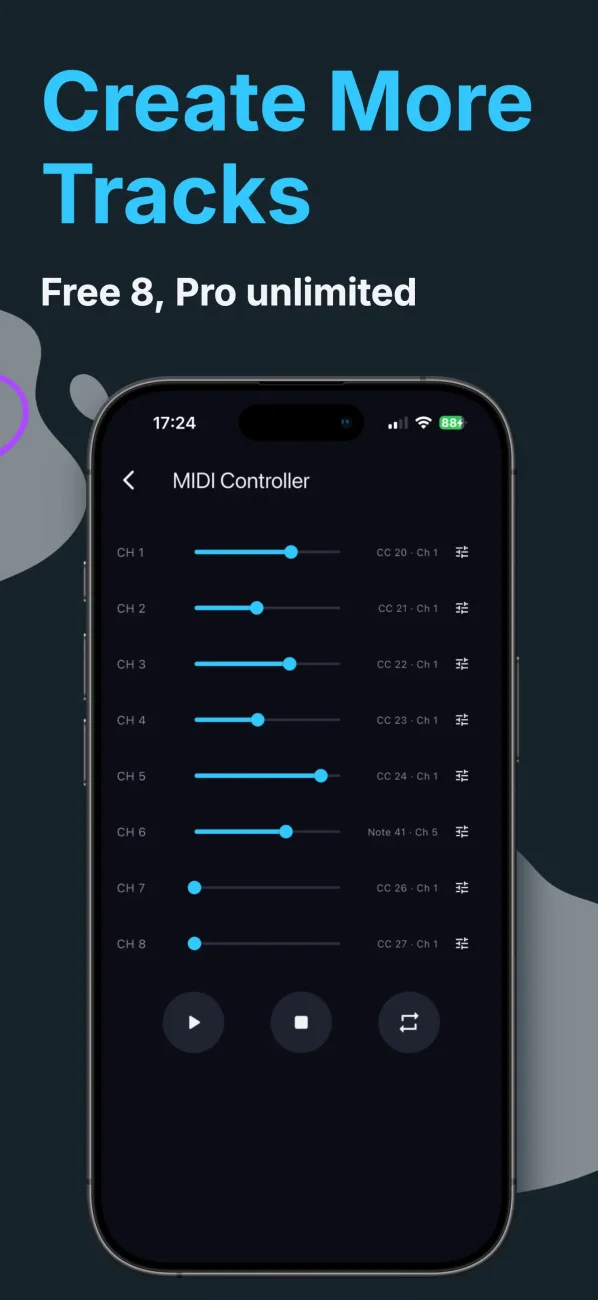
• Map the play toggles to a MIDI pad controller
MIX
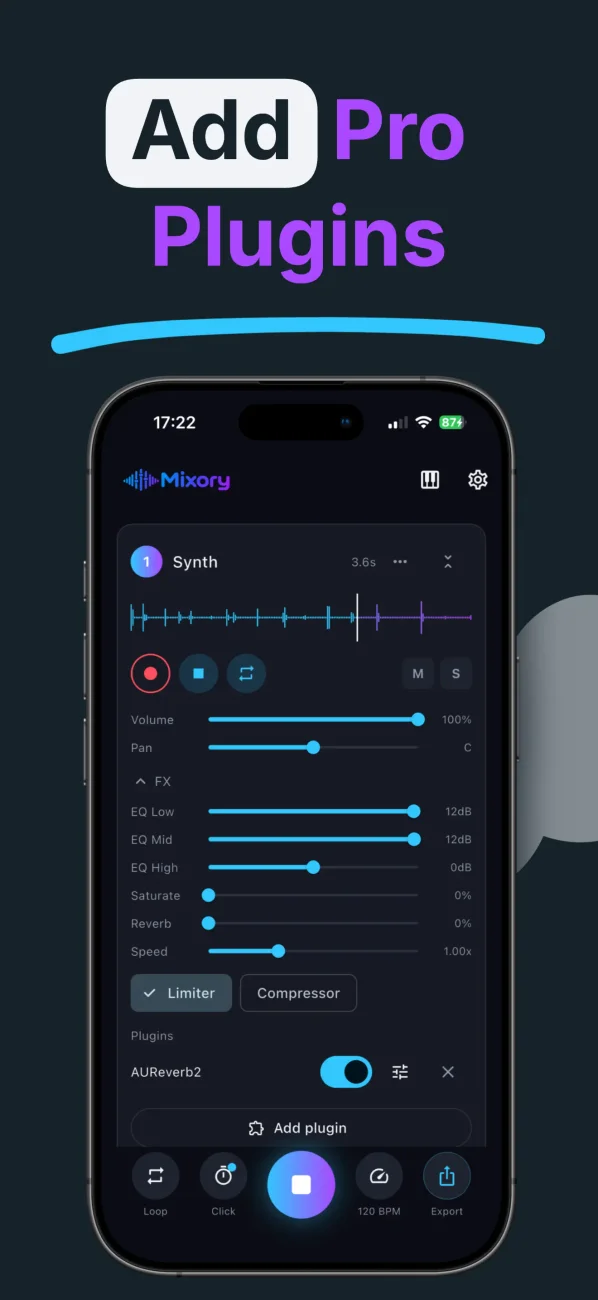
• Volume, pan, mute, and solo on every channel
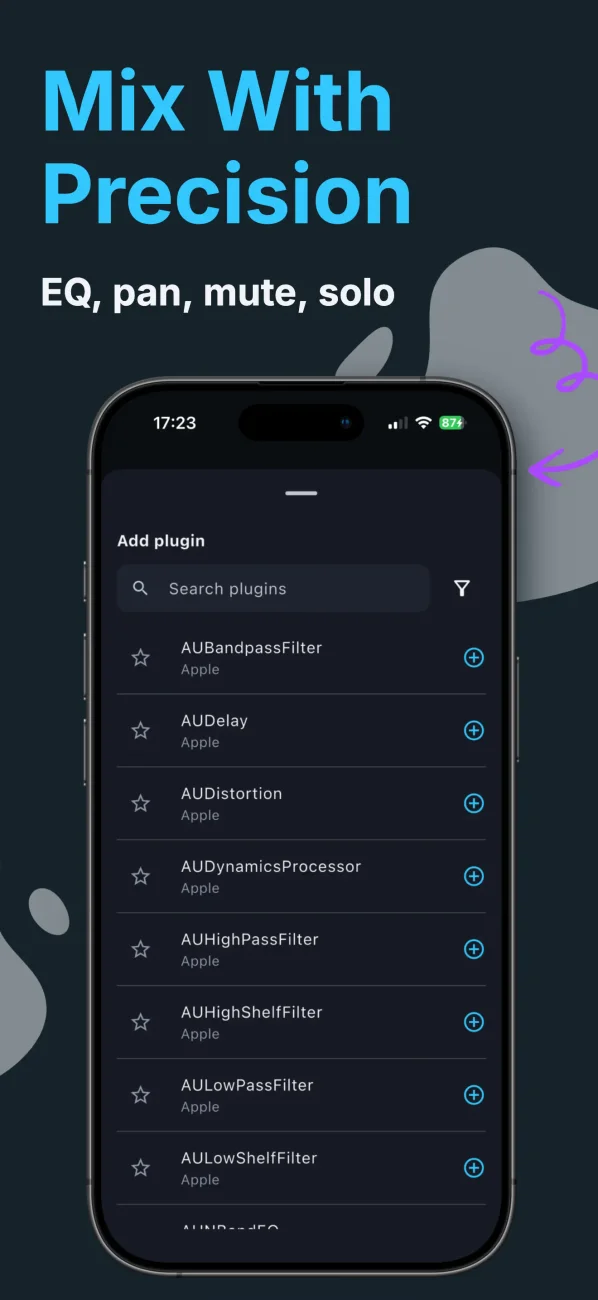
• Add only the effects you need, per track: EQ with high-pass and low-pass filters, compressor, limiter, drive, distortion, modulation (chorus, flanger, tremolo), tempo-synced delay, echo, reverb, pitch and speed
• Master bus with its own EQ, compressor, and limiter
• Output meter: LED bars or analog VU needles with peak hold and a clip readout — gain-stage what reaches your speakers, headphones, or AirPlay
• Waveform view with tap-to-seek
CONNECT YOUR GEAR
• Choose your audio input — built-in mic, wired/Bluetooth headset, or a multi-channel USB/Lightning interface
• Choose your audio output — headphones, Bluetooth speakers, or AirPlay (including multi-speaker AirPlay 2 groups)
AUv3 PLUGINS
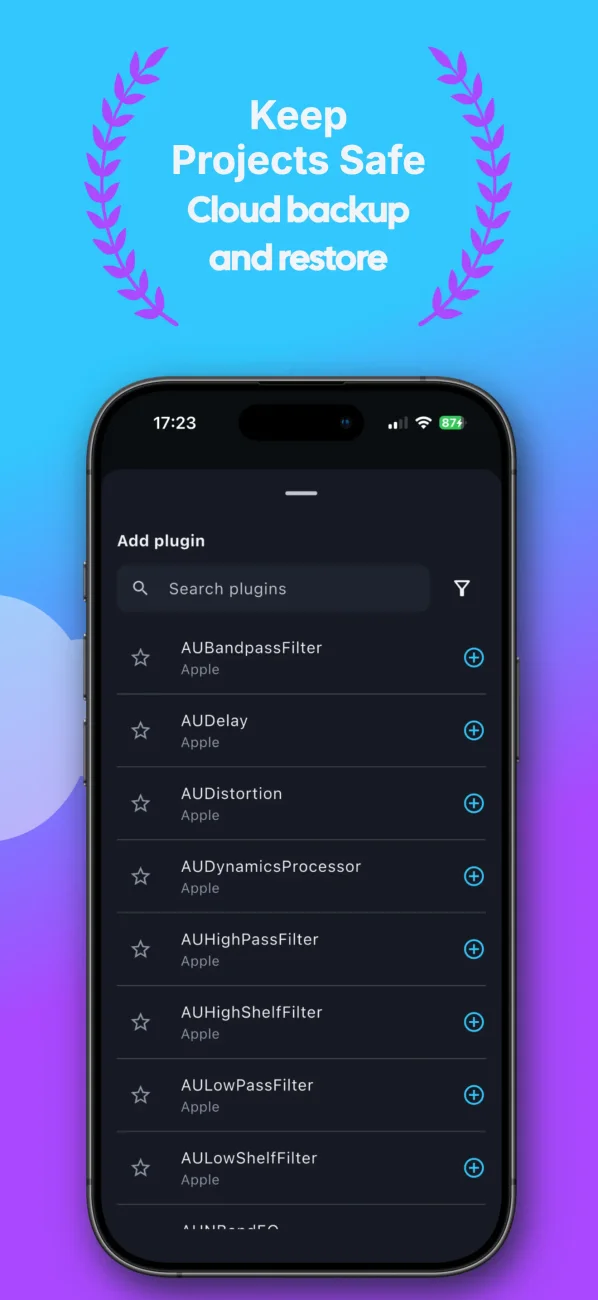
Bring your favorite Audio Unit effects into the mix — the first plugin on every track is free, Mixory Pro unlocks unlimited plugins.
ABLETON LINK
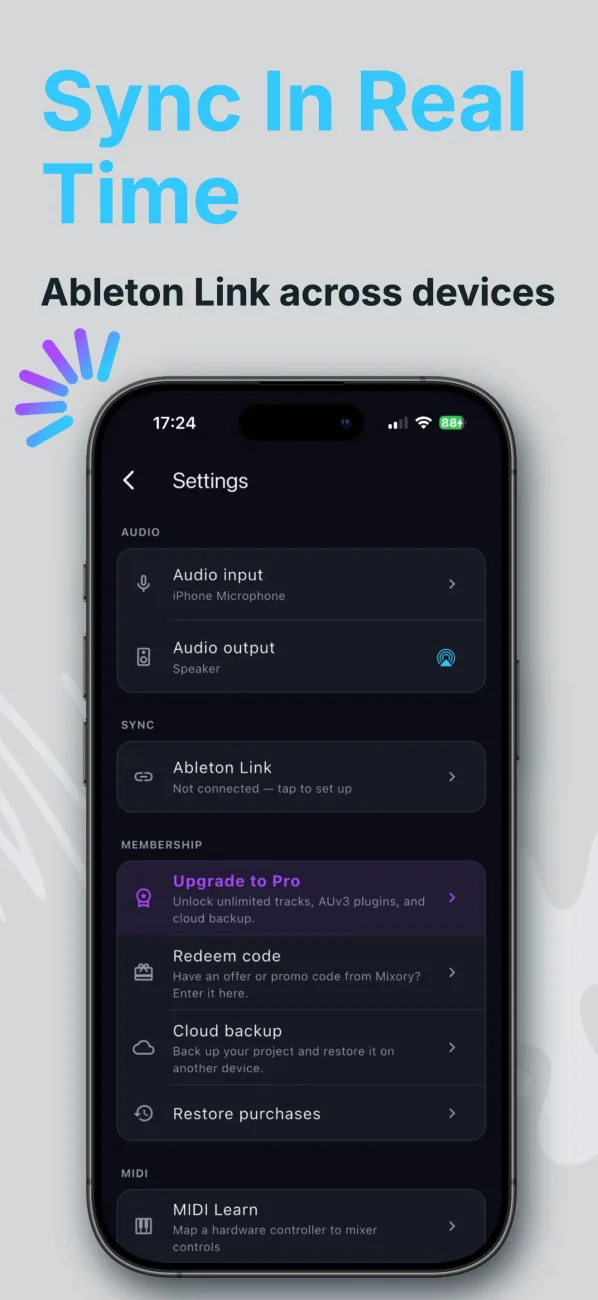
Lock tempo with every other Link-enabled app on your network — free for every user, no subscription required.
MIDI CONTROL
Map a hardware controller to your mixer (MIDI Learn), or use Mixory as a MIDI control surface for an external DAW — your first mapping is free, Mixory Pro unlocks unlimited mappings.
EXPORT & SHARE
• Render your full mix to a WAV file — effect tails included
• Share it via AirDrop, Messages, or Mail, or save it to Files
• Bounce: combine everything you hear into a new, editable track
MIXORY PRO
Unlock unlimited tracks, unlimited AUv3 plugins, unlimited MIDI mappings, and cloud backup with a Mixory Pro subscription. All built-in effects, the master bus, looping, and export stay free.
• Mixory Pro Monthly — auto-renewing monthly subscription
• Mixory Pro Yearly — auto-renewing annual subscription
Price is shown in the app before purchase and charged to your Apple ID account. Subscriptions automatically renew unless canceled at least 24 hours before the end of the current period. Manage or cancel anytime in your Apple ID account settings.
Light and dark themes. Available in English, Turkish, German, French, Spanish, Portuguese, and Japanese.
Privacy: your recordings stay on your device unless you turn on Pro cloud backup, which is scoped to your own account only.
Terms of Use (EULA): https://mixory-app.web.app/terms
Privacy Policy: https://mixory-app.web.app/privacy
What’s new
Version 1.3 · Oct 20, 2026
Mixory 1.3 makes recording faster and mixing more precise.
• One-button multitrack recording: arm tracks with their REC buttons, then one Rec button records them all at once — while the rest of your mix plays along in sync.
• Live waveform: watch every take draw as you record.
• Session clock at the top of the mixer, counting down during a count-in.
• New tempo panel: tap tempo, time signatures, the metronome, and count-in in one place.
• Output meter on the master: LED bars or analog VU needles with peak hold and a clip readout — gain-stage what reaches your speakers, headphones, or AirPlay.
• Light theme: choose Light, Dark, or System in Settings > Appearance.
• Rate Mixory from Settings, and find the app version at the bottom.
• A shorter onboarding.
App privacy
What Alperen Derici declares on the App Store about how this app handles data.
-
Data linked to you
May be collected and linked to your identity.
- Contact info
- User content
- Identifiers
-
Data not linked to you
May be collected but is not linked to your identity.
- Purchases
- Identifiers
- Usage data
- Diagnostics
- Other data
Privacy practices may vary, for example with the features you use or your age.
Information
- Seller
- Alperen Derici
- Category
- Productivity
- Version
- 1.3
- Updated
- Oct 20, 2026
- Released
- Sep 21, 2026
- Size
- 96.2 MB
- Requires
- iOS 15.0 or later
- Age rating
- 4+
- Price
- Free
- In-app purchases
- Yes
- Languages
- English
- Copyright
- © 2026 Ali Alperen Derici All rights reserved.
You might also like
-
 sho.runDMX Lights, WLED, Smart Lights
-
 Starnight: Event PlatformStarnight
-
 Echo: Voice Recorder & MemosAudio Notes & Speech to Text
-
 HOKALIProductivity
-
 VIEGO EVProductivity
-
 dictop: AI Voice DictationPrivate Speech-to-Text
-
 Tajfun MX ServiceDiagnostic tool
-
 Nexa AI Note TakerNote Taker & AI Assistant
-
 Countdown Widget – CountWidgetBirthday & Event Day Tracker
-
 Alarm QRQR Code Alarm Clock & Tracker