- Age rating4+
- CategoryMusic
- DeveloperMichal Durica
- LanguagesEnglish+ 5 more
- Size10.7 MB
Links to the official App Store page
Download.org hosts no file of Mixtake Stage. The button opens its official App Store page, published by Michal Durica. Listing last checked on Nov 23, 2026.
Screenshots

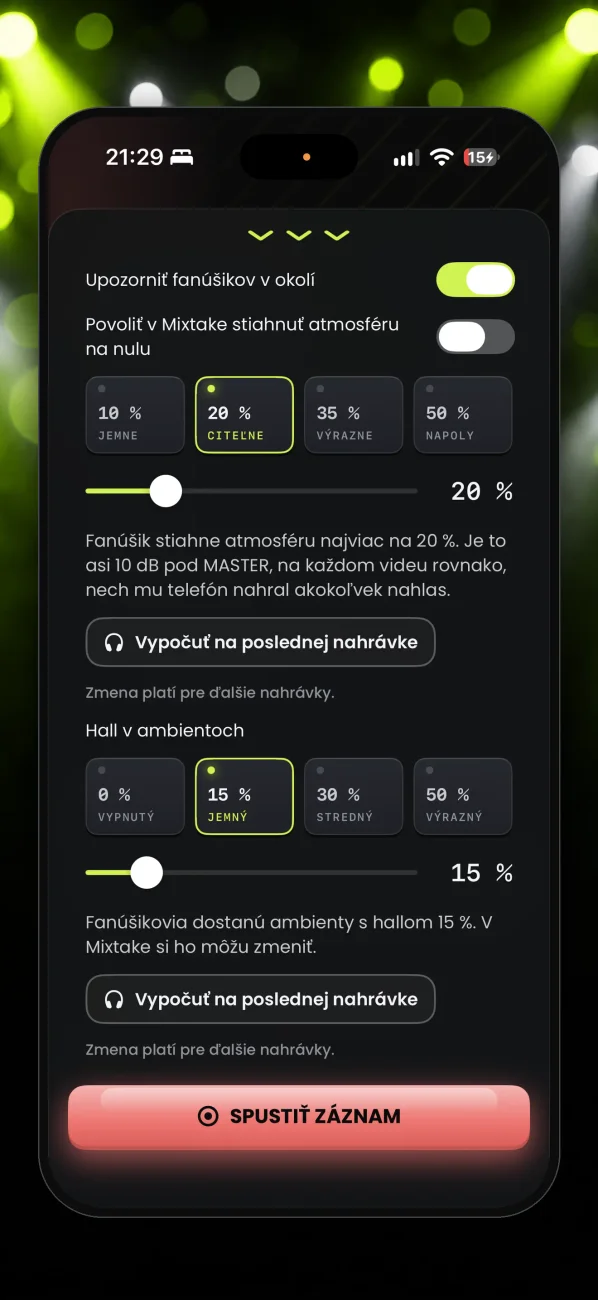


About
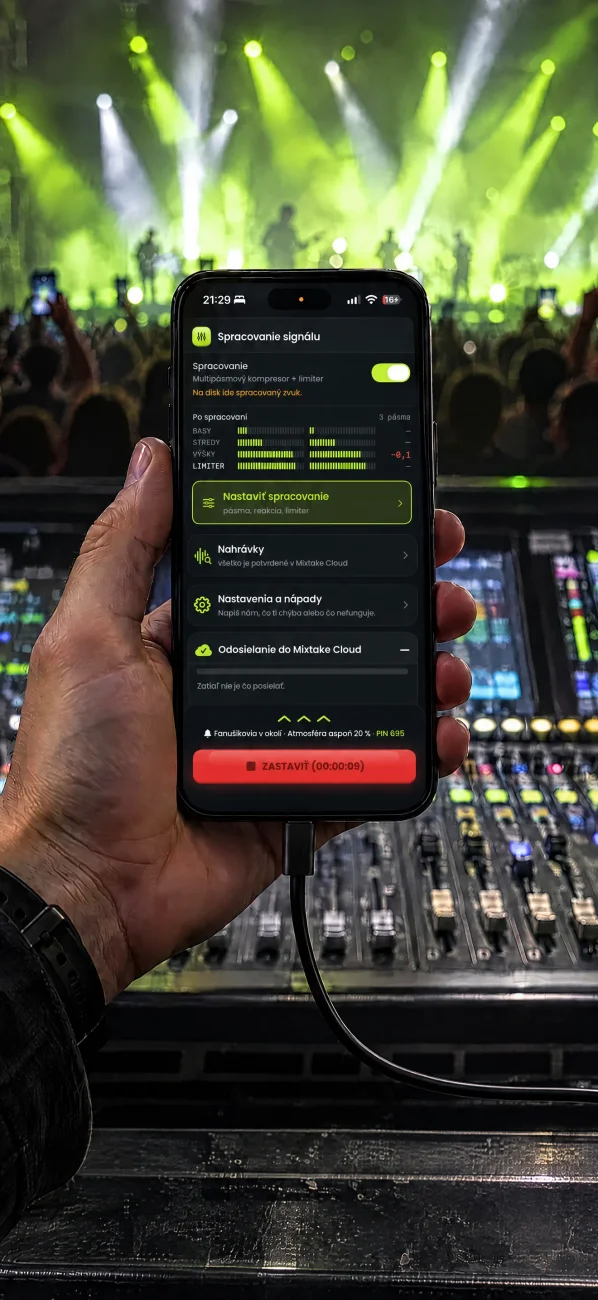
Mixtake Stage is an app for sound engineers. It records the sound of the mixing desk and sends it to the Mixtake cloud, so people in the audience can put it into the videos they filmed.
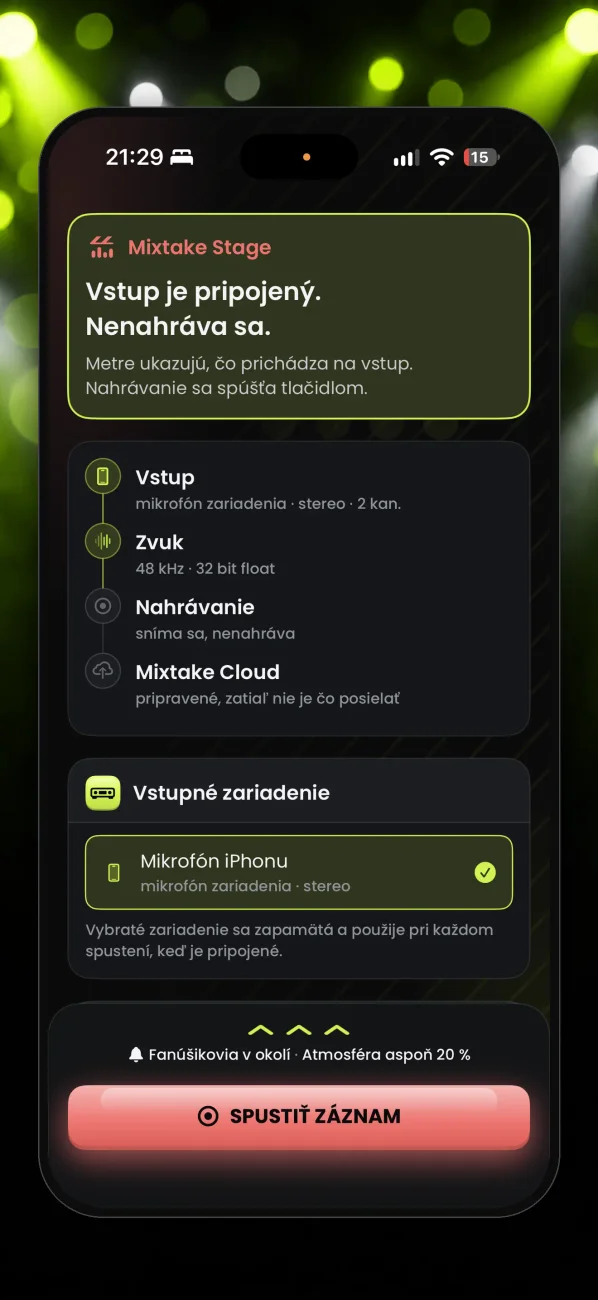
How it works: a mixing desk with USB connects to the iPhone or iPad directly. If it has no USB, a USB audio interface on its stereo output is all you need. With a four-channel interface you record two ambient mics on top of the master L/R, so the audience gets the room atmosphere along with the clean sound. With no cable, the app records with the built-in microphones, in stereo on iPhone. The sound is saved on the device as it records and goes to the cloud in segments. If the network drops, nothing is lost: it is sent as soon as the connection is back. A fan then picks the video in the Mixtake app and gets it with the desk sound, perfectly in sync.
• On iPad: controls on the left, meters always in view on the right
• Input, recording and cloud on one screen. When something fails, you see where right away
• Info for fans: performer, event, place and contact with every video
• Crowd sound minimum and PIN: the room stays audible in fan videos until you give them the PIN
• All recordings of your account in the cloud: player with a fader between master and ambience, waveform with songs, deletion
• Landscape display with analyser and LED meters
• A notification when sound stops reaching the server, and a summary the day after the show
• Alert fans nearby: people with Mixtake at the stage know that recording is happening here
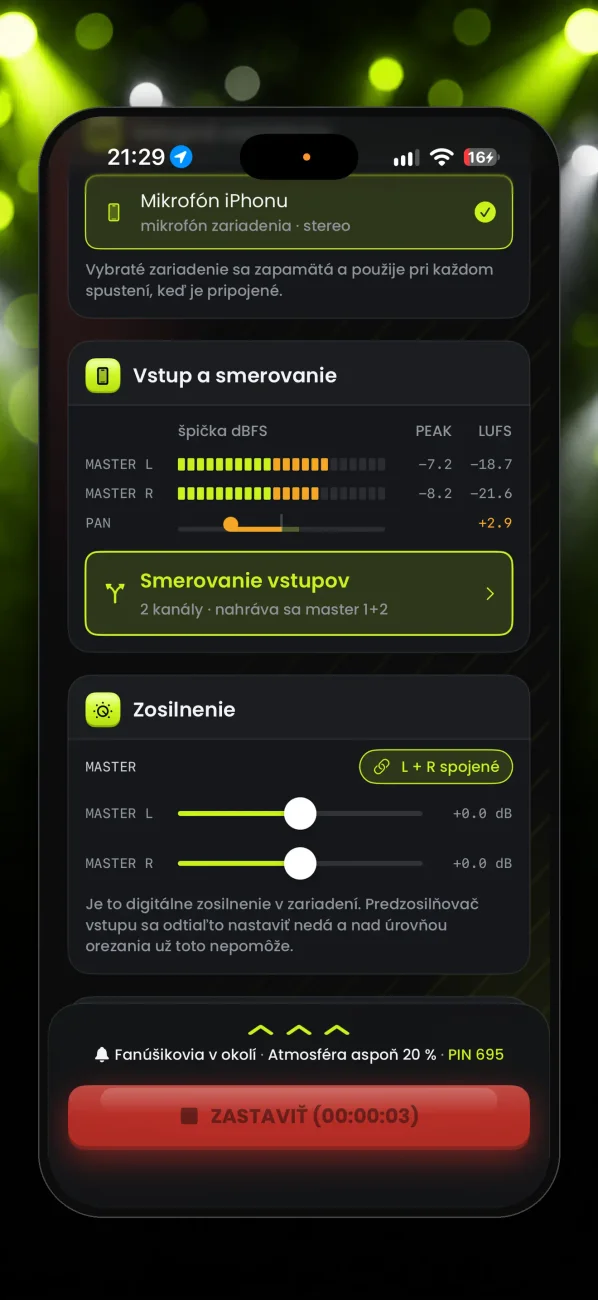
• LUFS meters and panorama on every channel, gain for each track
• Multiband compressor and brick wall limiter with presets for live sound
• Recordings stay on the device: play them back and export to MP3, WAV or AAC
• One Mixtake account, devices and recordings also on mixtake.app
For sound engineers, bands, organisers of conferences and corporate events, theatres and weddings. Anywhere the sound goes through a mixing desk and the audience holds phones.
What’s new
Version 1.10 · Nov 19, 2026
• A new intro on first launch shows how sound from the mixing desk gets to the fans' phones.
• Split and Break now ask for confirmation. You have 5 seconds to cancel, otherwise they confirm themselves. The marker keeps the time of your tap.
• The limiter has Threshold as four choices: −6, −3, −1 and 0 dB.
• In landscape, Split sits in the corner of the Spectrum card and the marker window has its buttons side by side. Marker buttons are taller.
App privacy
What Michal Durica declares on the App Store about how this app handles data.
-
Data linked to you
May be collected and linked to your identity.
- Location
- Contact info
- User content
- Identifiers
- Diagnostics
- Other data
-
Data not linked to you
May be collected but is not linked to your identity.
- Diagnostics
Privacy practices may vary, for example with the features you use or your age.
Information
- Seller
- Michal Durica
- Category
- Music
- Version
- 1.10
- Updated
- Nov 19, 2026
- Released
- Oct 8, 2026
- Size
- 10.7 MB
- Requires
- iOS 18.0 or later
- Age rating
- 4+
- Price
- Free
- Languages
- English, Czech, German, Hungarian, Polish, Slovak
- Copyright
- © 2026 Michal Ďurica
You might also like
-
 WAV to MP3 ConverterWav to Mp3 Audio
-
 RevolutionStagePlotMobileThe ultimate Stage Plot
-
 LV1 ShortcutsMixer Controls & Scene Fades
-
 Earonman - Ear TrainingTrain Your Musical Ear
-
 Playlist Finder by Lost HillsFind curators in seconds.
-
 DownBeat MagJazz, Blues & Beyond
-
 SPHERE ConnectMusic
-
 Frenzy MIDI SequencerMusic
-
 Tone Generator EM-1Frequency Sound Player
-
 PitchHighway: Learn to SingVoice Training & Vocal Lessons