
- Age rating4+
- CategoryUtilities
- DeveloperTraveo Labs
- LanguagesEnglish+ 3 more
- Size40.7 MB
Links to the official App Store page
Download.org hosts no file of MLink Setup. The button opens its official App Store page, published by Traveo Labs. Listing last checked on Nov 18, 2026.
Screenshots
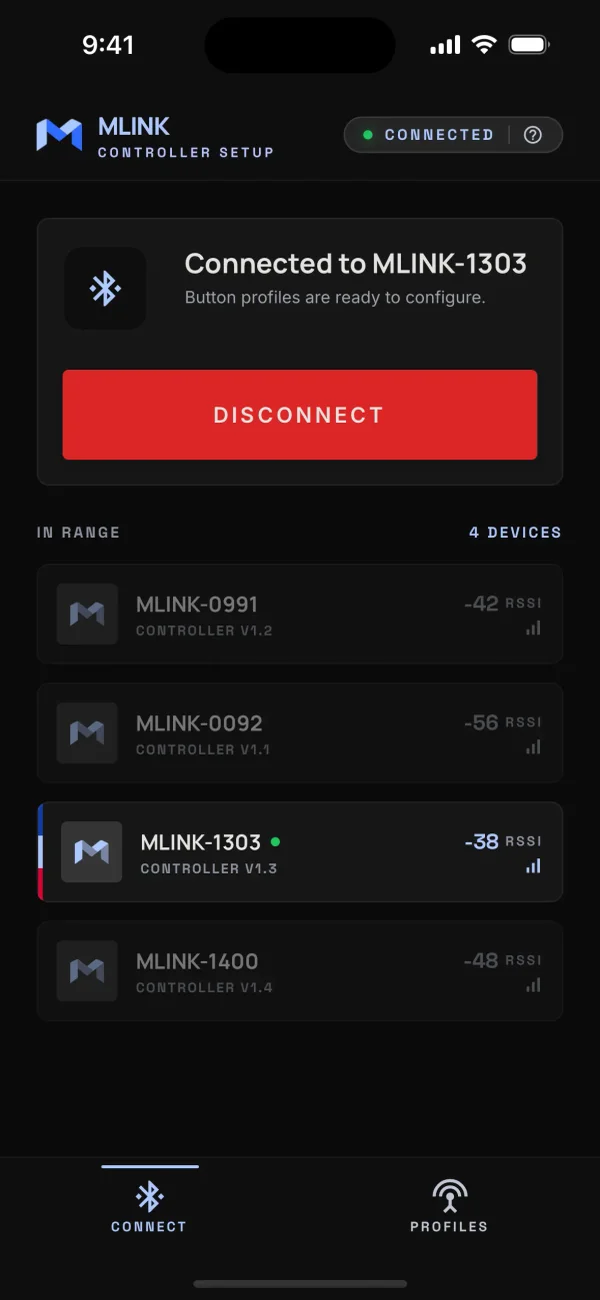
About
Companion app for MLink, the drive mode controller for BMW.
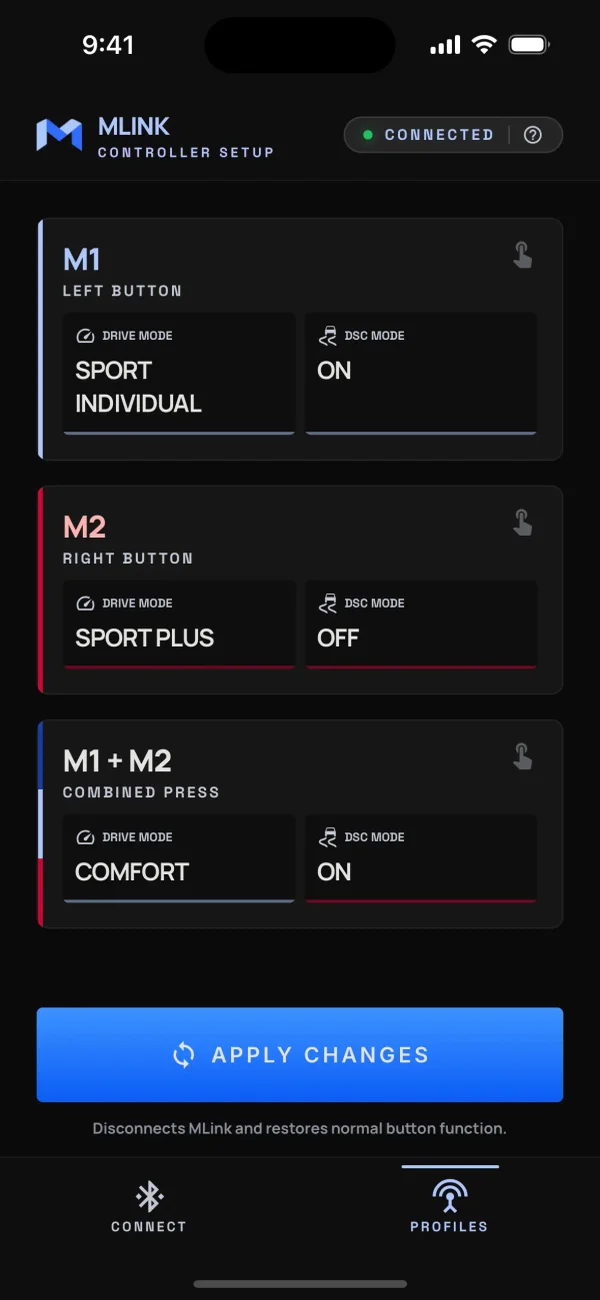
MLink adds the M1 and M2 steering wheel buttons from BMW M models to M-Sport cars. Use this app to set what each button does:
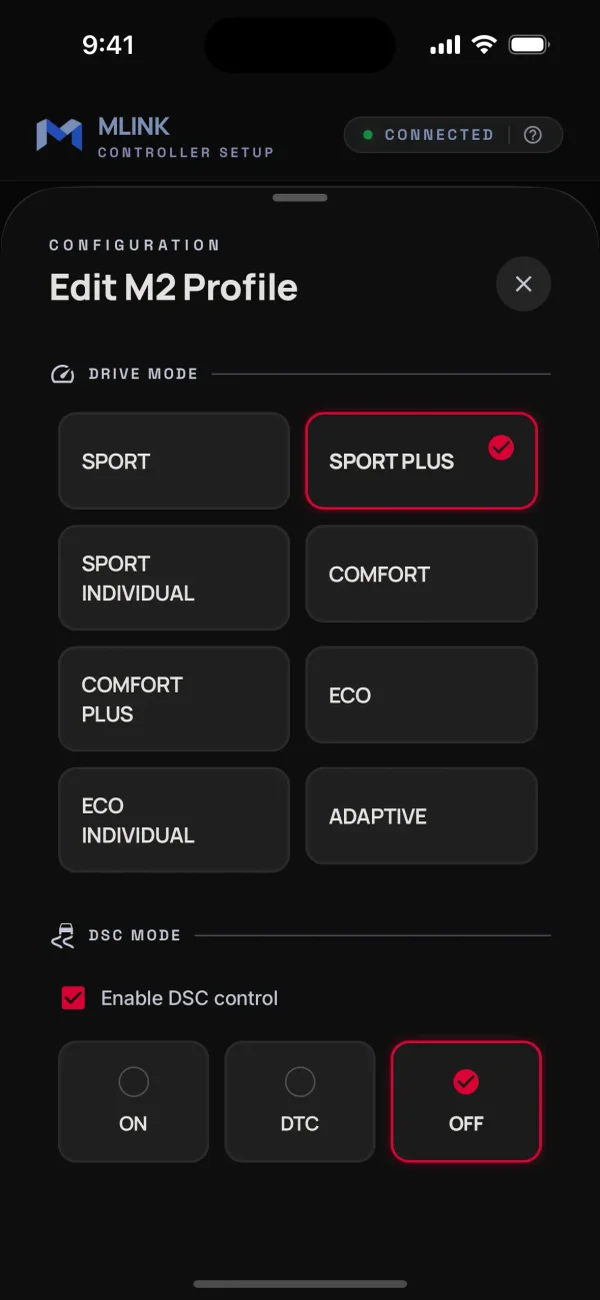
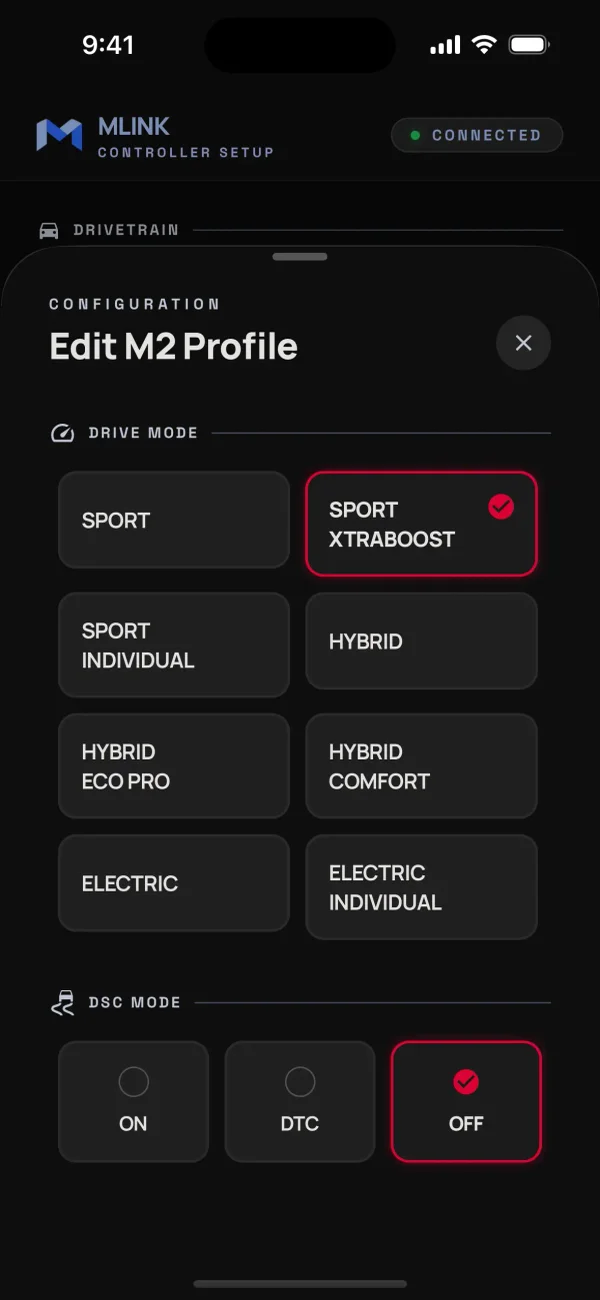
• Drive mode: Sport, Sport Plus, Comfort, Eco Pro, hybrid modes and more
• DSC: On, DTC or Off
• A third profile for pressing M1 + M2 together
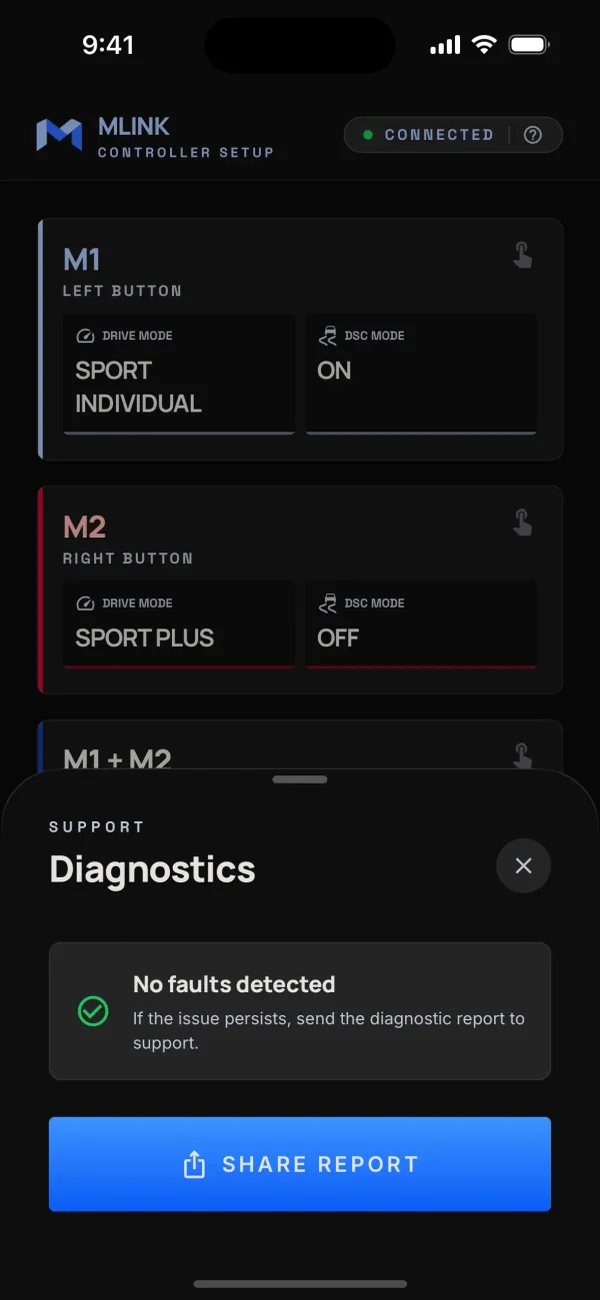
Connects over Bluetooth. Includes a diagnostics report you can send to support.
For BMW 1–8 Series, X and Z models with the M-Sport steering wheel. Supported models and features vary by car. Check yours at traveolabs.com before buying.
Requires an MLink controller, sold separately.
What’s new
Version 1.4.0 · Nov 11, 2026
- Controller firmware updates over Bluetooth (MLink firmware 1.4 and newer)
- Crash reports and update results help us fix problems faster
- Diagnostics no longer report a fault with the engine off
- New app icon and look
App privacy
What Traveo Labs declares on the App Store about how this app handles data.
-
Data linked to you
May be collected and linked to your identity.
- Location
- Identifiers
- Diagnostics
Privacy practices may vary, for example with the features you use or your age.
Information
- Seller
- Traveo Labs s.r.o.
- Category
- Utilities
- Version
- 1.4.0
- Updated
- Nov 11, 2026
- Released
- Apr 21, 2026
- Size
- 40.7 MB
- Requires
- iOS 15.1 or later
- Age rating
- 4+
- Price
- Free
- Languages
- English, Czech, German, Polish
- Copyright
- © 2026 Traveo Labs
You might also like
-
 bayatplazaUtilities
-
 EVC-SportControl your Exhaust
-
 TachwireLive OBD gauges in your car
-
 Ethanol Calculator - E85 FuelFlex Fuel Mix & Blend Guide
-
 Dilution Calculator: DetailerExact car detailing ratios
-
 CosmoViewerCompanion for Cosmostreamer
-
 MetaTrak PulsarUtilities
-
 Bavaria TuningUtilities
-
 mFlasherInnovate Optimize Drive
-
 FeasyWIFIUtilities