- Age rating4+
- CategoryNavigation
- DeveloperStefan Boicu
- LanguagesEnglish
- Size18.2 MB
Links to the official App Store page
Download.org hosts no file of MMDG BLE. The button opens its official App Store page, published by Stefan Boicu. Listing last checked on Nov 14, 2026.
Screenshots
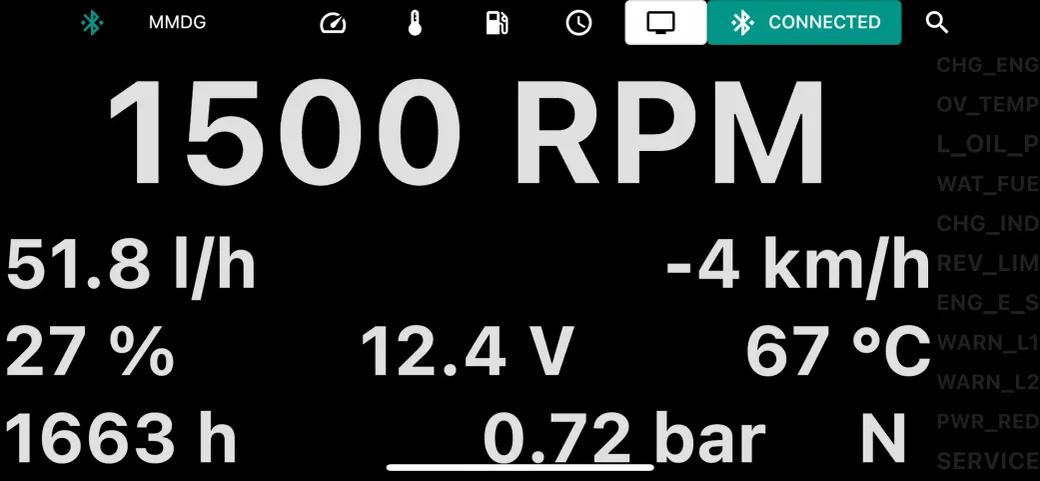

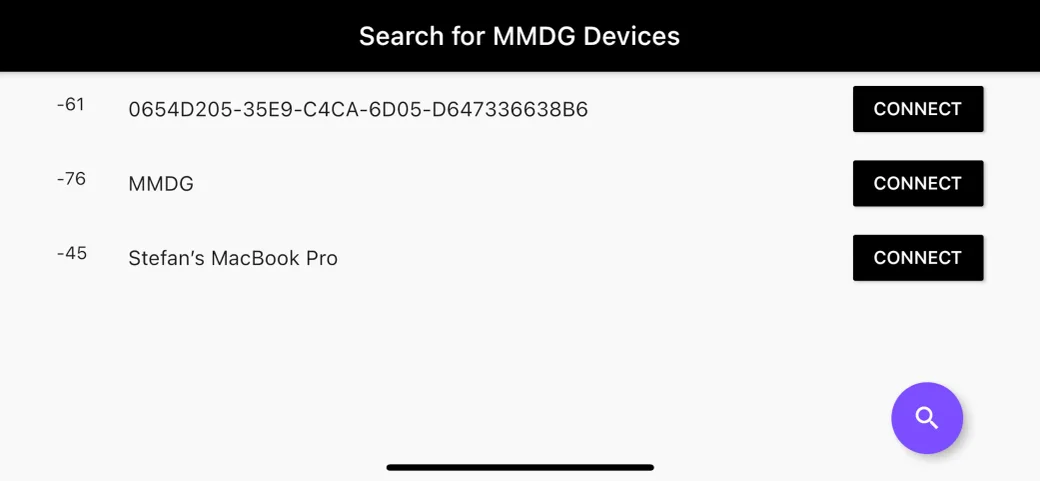
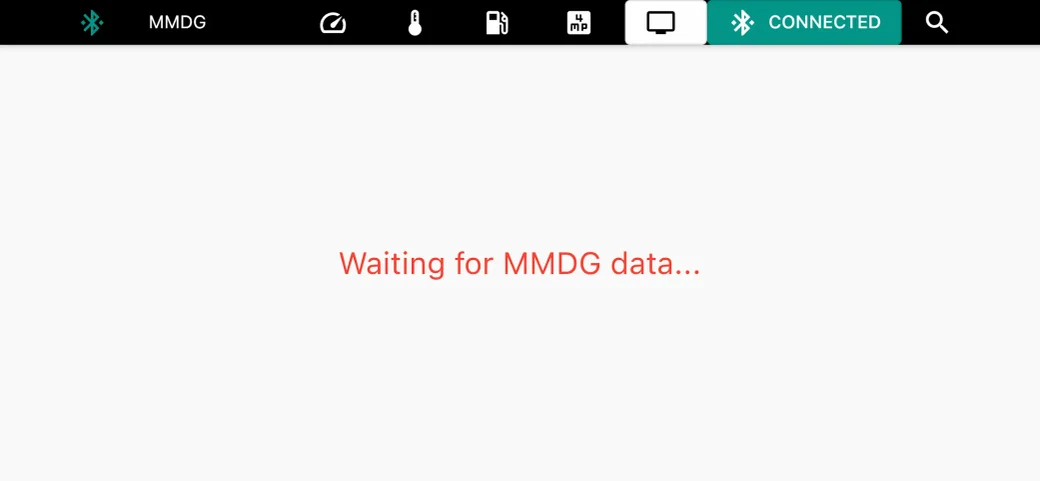
About
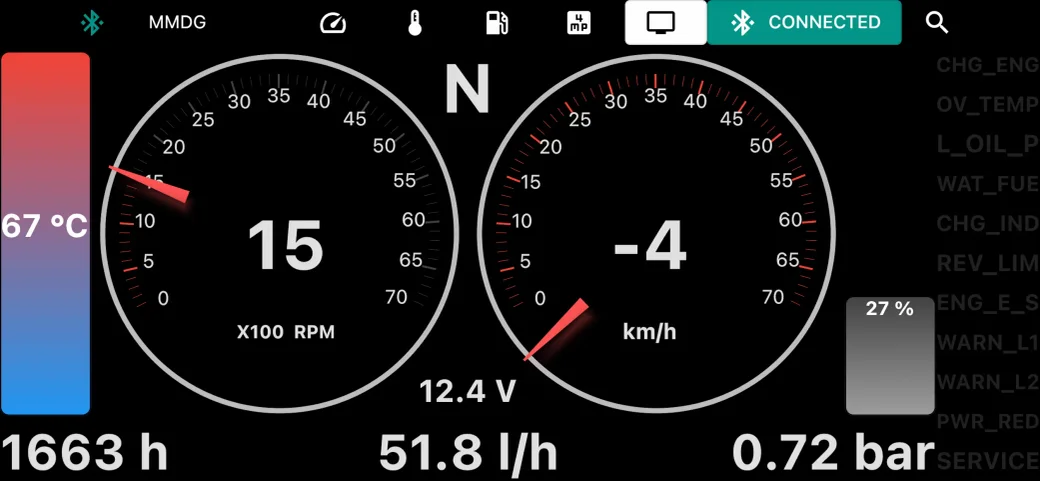
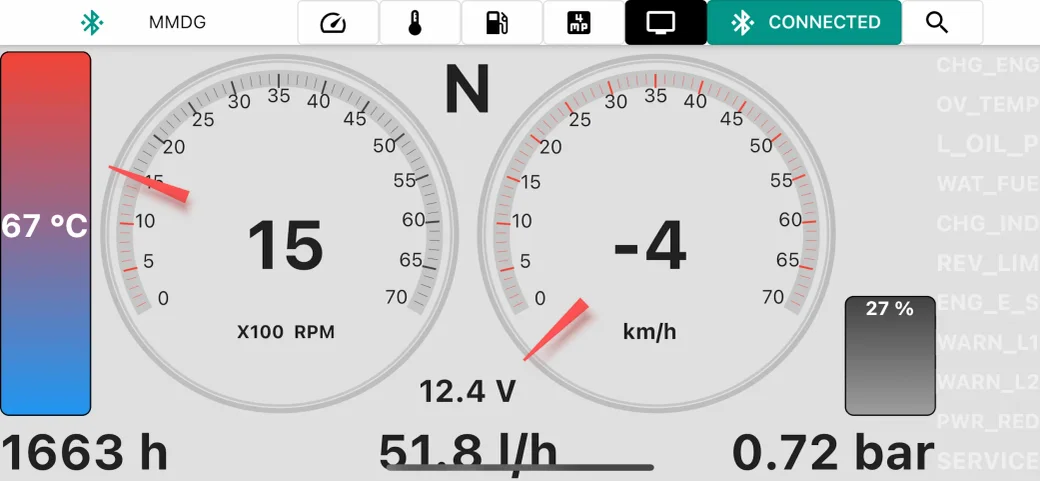
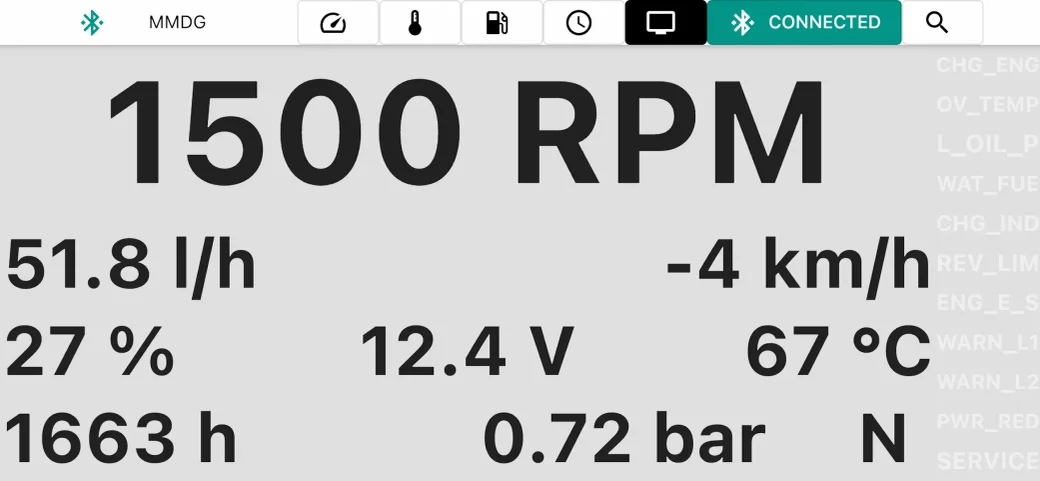
Marine Mobile Digital Gauges bluetooth low energy display application helps you to choose between different display variants:
black gauges style(default)
white gauges style
black digital display
white digital display
Also new add ons for selecting measurement units for:
GPS speed : km/h(default) or knots
fuel consumption : l/h(default) or gal/h
temperature: Celsius(default) or Fahrenheit
You have enable bluetooth access and GPS speed to use all the features of this application.
Known errors:
1. if there is no MMDG device connected and you try to connect to an unrecognised bluetooth device, the app will end. You need to stop the app and restart app.
2. if you try to connect to an MMDG which is not connected to the engine, the app will retry to connect but because there is no data coming from MMDG it will refresh after few seconds.
As soon as connection is established correctly there is no known error. Please report in comments possible errors found.
What’s new
Version 3.0.0 · Apr 29, 2026
MMDG BLE Release Notes
Settings & Display
Added settings panel with unit preferences: speed (km/h / knots), temperature (°C / °F), fuel consumption (l/h / gal/h), theme (dark / light), and display mode (Gauges / Digital)
Added configurable max speed threshold — sets the speed at which the track line turns red on the map
All settings are persisted across sessions
Map & GPS Tracking
Added full-screen satellite map (ESRI World Imagery) with live GPS track
Track line colour changes from green to red based on speed
Navigation arrow rotates according to GPS heading
North-lock and auto-follow map modes
Speedometer overlay showing current speed on the map
Drop Pins
Drop pins at current GPS position or long-press anywhere on the map
Three categories: Fish, Structure, Danger — each with a distinct colour and icon
Pins are saved to file and restored automatically on next session
Long-press a pin to delete it
CSV Logging
Automatic session logging to timestamped CSV files
Log files rotate at 1 MB
Logs include GPS coordinates, speed, engine data
Share logs directly from the app
App privacy
What Stefan Boicu declares on the App Store about how this app handles data.
-
Data not collected
The developer does not collect any data from this app.
Privacy practices may vary, for example with the features you use or your age.
Information
- Seller
- Stefan Boicu
- Category
- Navigation
- Version
- 3.0.0
- Updated
- Apr 29, 2026
- Released
- Jun 4, 2021
- Size
- 18.2 MB
- Requires
- iOS 13.0 or later
- Age rating
- 4+
- Price
- Free
- Languages
- English
- Copyright
- © Marine Mobile Digital Gauges
You might also like
-
 Lokali: AI Audio Tour & GuideFree guides in your language
-
 GridFluxxFuel The Spark
-
 Trase.mv - GPS TrackingNavigation
-
 Small World TravelTravel
-
 EmergenSea Live TrackingEmergenSea - Help At Sea
-
 TourvistaYour Personal Travel Guide
-
 Travel e ConciergeTravel
-
 Sail With DanOne instrument to own them all
-
 NeonSpeed GPS SpeedometerHUD GPS Speed Tracker
-
 Hip ChartsNOAA ENC Charts