
MMPlayer - A-B Repeat Player
Private Offline Video Learning
Designed for iPhone, iPad
Free · In-app purchases
- Age rating4+
- CategoryUtilities
- Developer荣晖 丁
- LanguagesEnglish+ 36 more
- Size32.3 MB
Links to the official App Store page
Download.org hosts no file of MMPlayer - A-B Repeat Player. The button opens its official App Store page, published by 荣晖 丁. Listing last checked on Nov 12, 2026.
Screenshots

About
MMPlayer (Micro Magic Player)-- The all-in-one private player that truly gets you.
Import lectures, listening practice, scripts, dance lessons, instrument practice, or other local videos. Mark A/B points, repeat the important segment, slow it down, speed it up, and keep private study files protected on your device.
[PLAYLISTS & PLAYBACK TASKS]
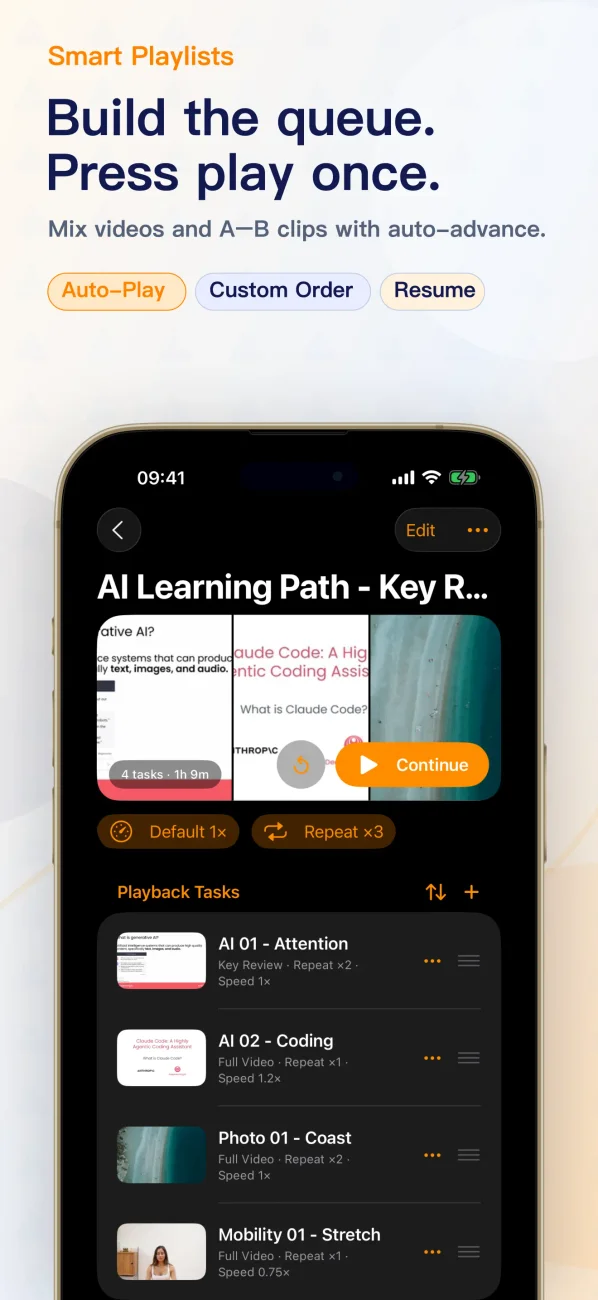
- Select multiple videos with search and Select All to build a course playlist
- Drag to reorder tasks or use natural title sorting for episodes and lesson series
- Choose the full video or an AB list for each task, with its own repeat count and speed
- Set a default speed and total repeat count for the whole playlist
- Auto-advance after each task; missing or incompatible items are skipped, with a clear stop message if the entire round is unplayable
- Resume the saved task, round, and timestamp, or confirm to clear progress and replay
- Private playlists use private media only and keep their progress separate from the public library
- Keep 1 playlist for free; upgrade to Pro for unlimited playlists
[AB LOOP STUDY]
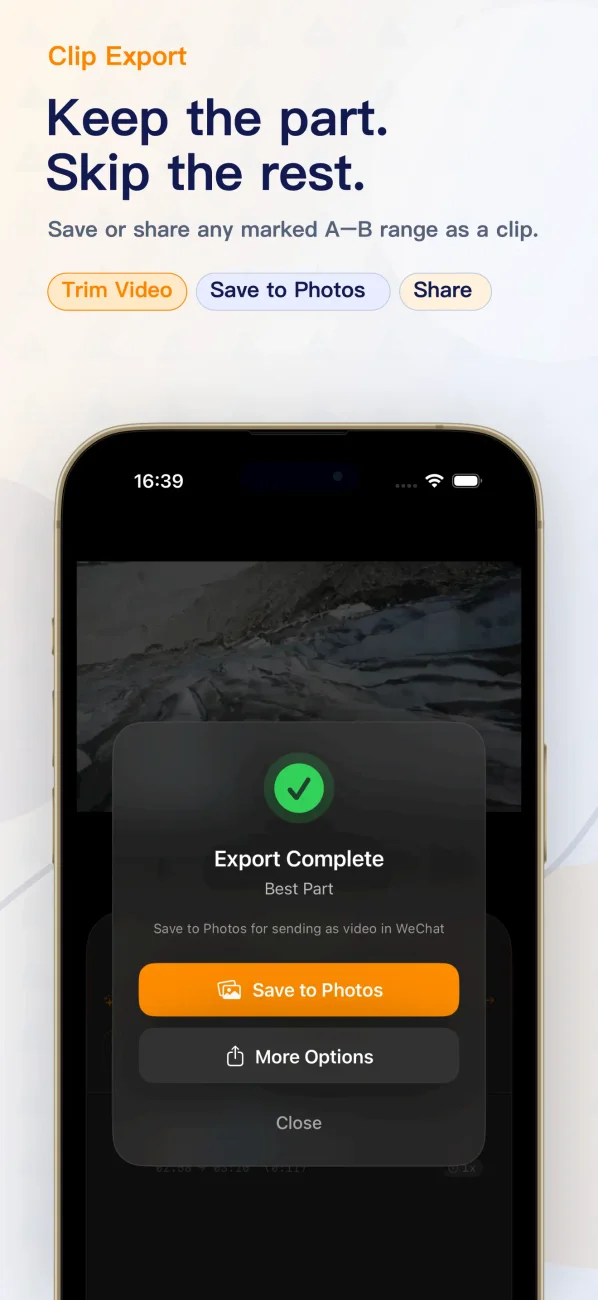
- Mark A and B points in the player and repeat the exact segment you need
- Save multiple named segments per video, each with its own playback speed
- Slow down pronunciation, movement, or details; speed up review when ready
- Organize segments into collections for different courses or practice tasks
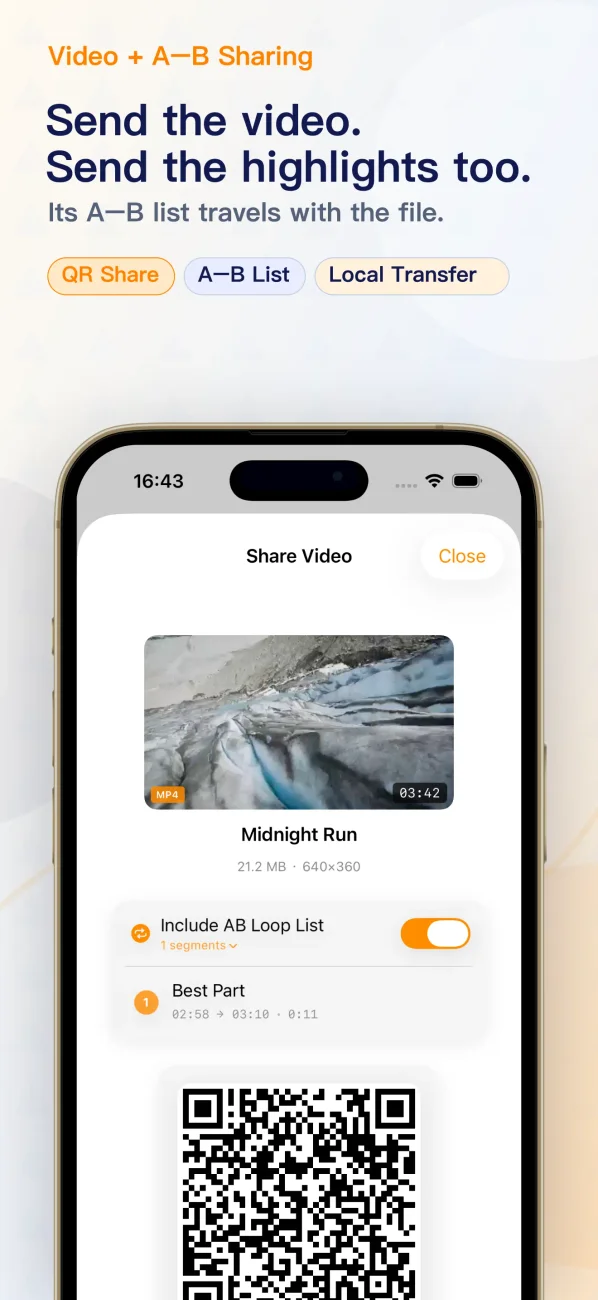
- Export, share, and sync AB data with iCloud
- Use AB loops on 3 videos for free, then upgrade for more videos
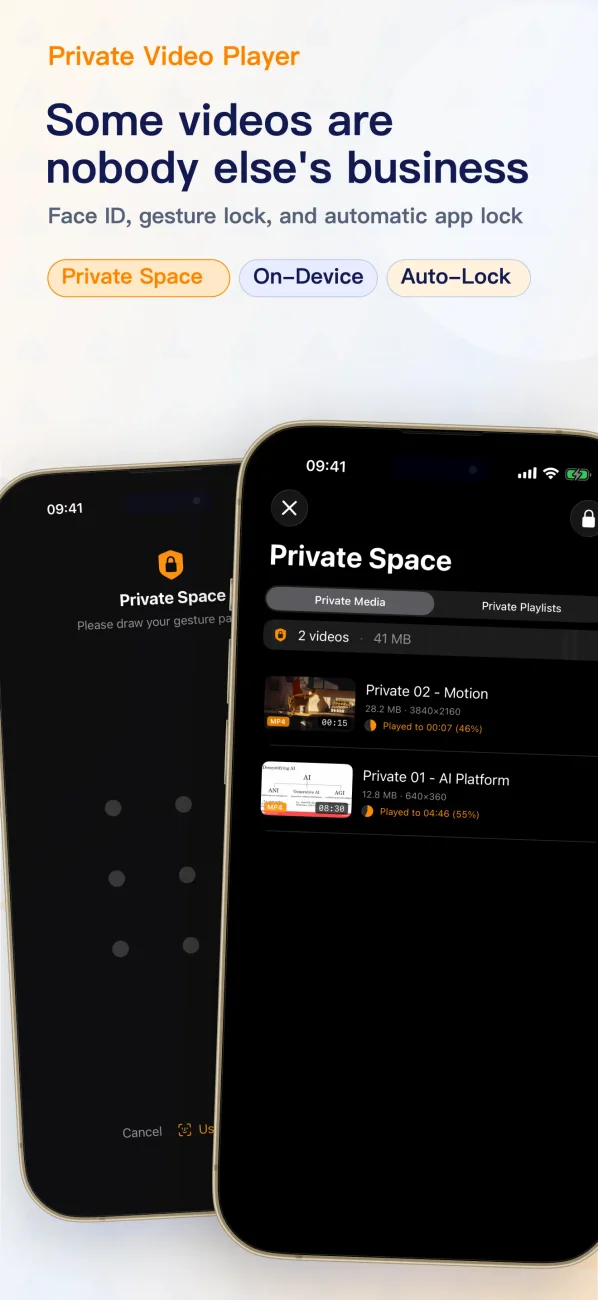
[SECURE SPACE]
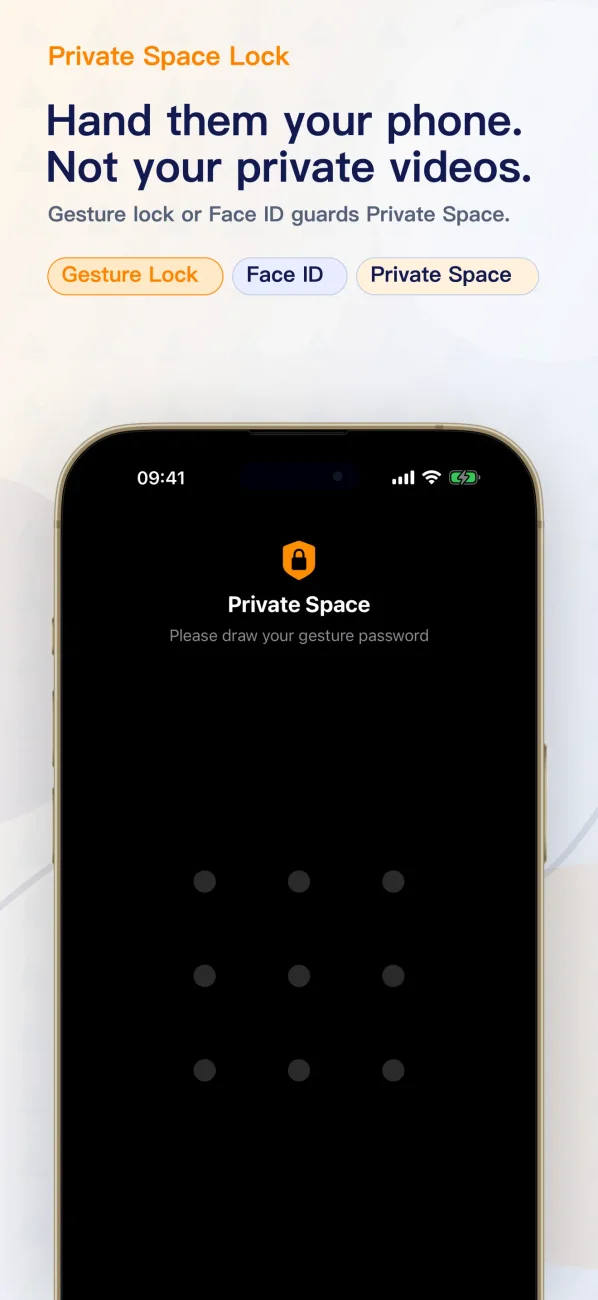
- Hide selected local videos in a private space
- Protect access with Face ID, Touch ID, or gesture password
- Protect content when the app moves to the background
- Hide lock screen controls and Picture in Picture for private playback
- Local files stay on your device by default
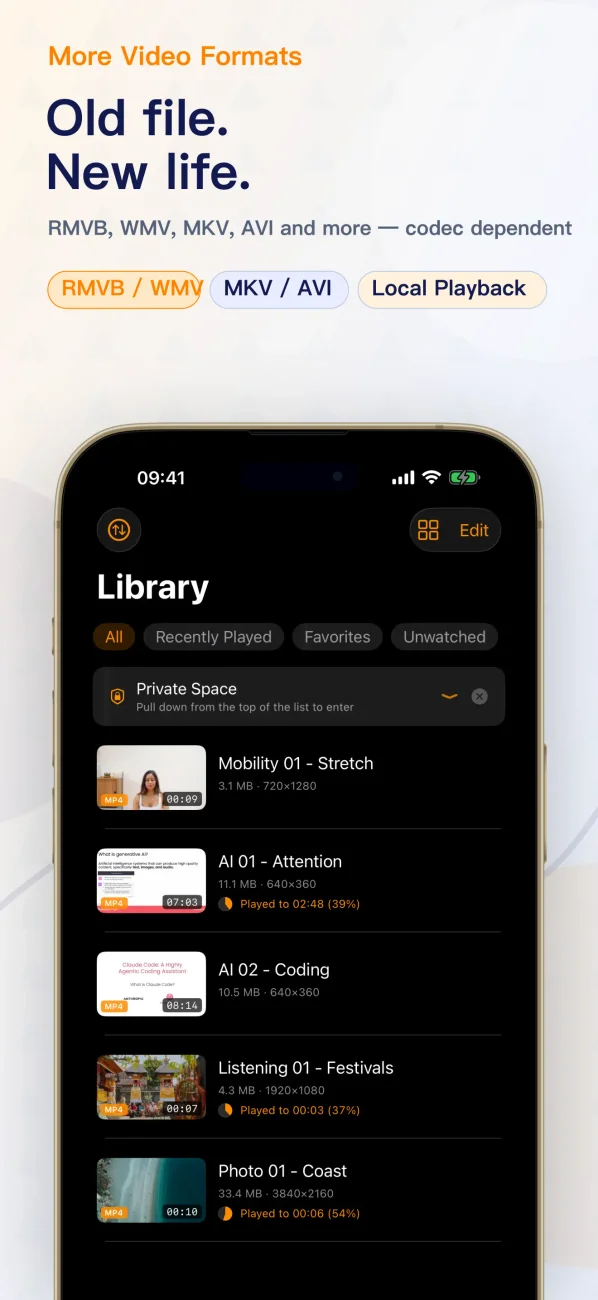
[LOCAL VIDEO PLAYBACK]
- Play MP4, MOV, and M4V directly
- Prepare compatible MKV, WebM, AVI, FLV, TS/MTS/M2TS, WMV, RM/RMVB, and MKA entirely on device
- Preserve H.264/HEVC video where possible and convert MP3, PCM, or FLAC audio only when needed; support depends on the container and codec combination
- Grid and list library views with search, favorites, recently played, and unwatched filters
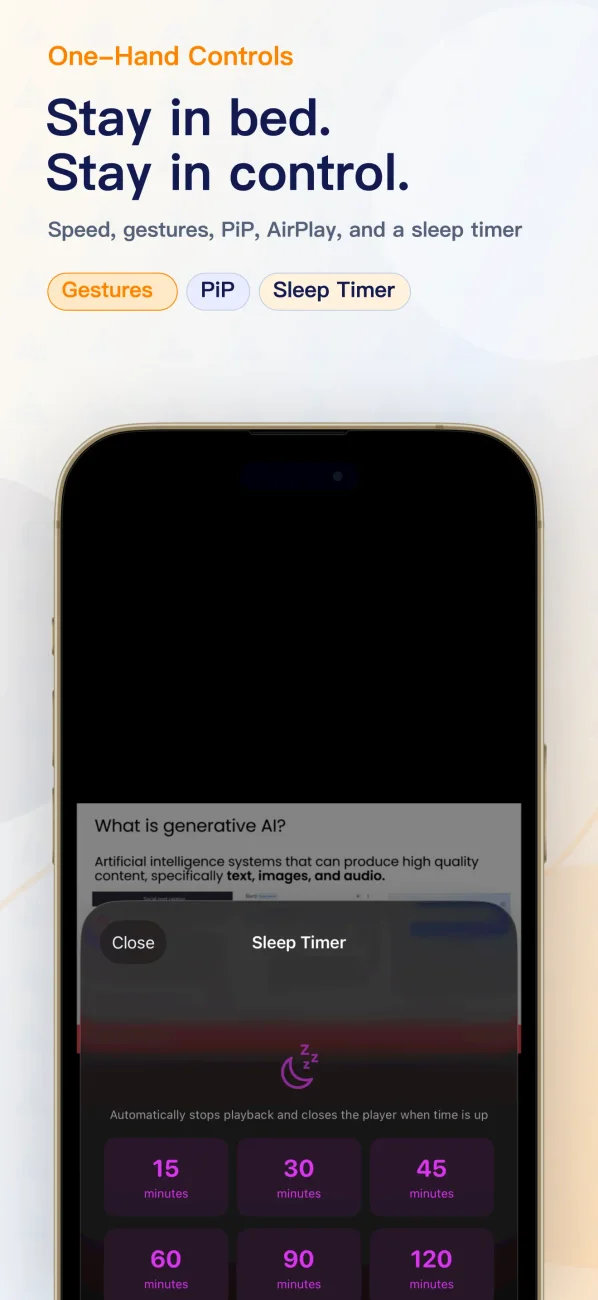
- Gesture controls for seeking, brightness, volume, and speed
- Picture in Picture, AirPlay, sleep timer, and screen lock
- Playback progress is saved for later study
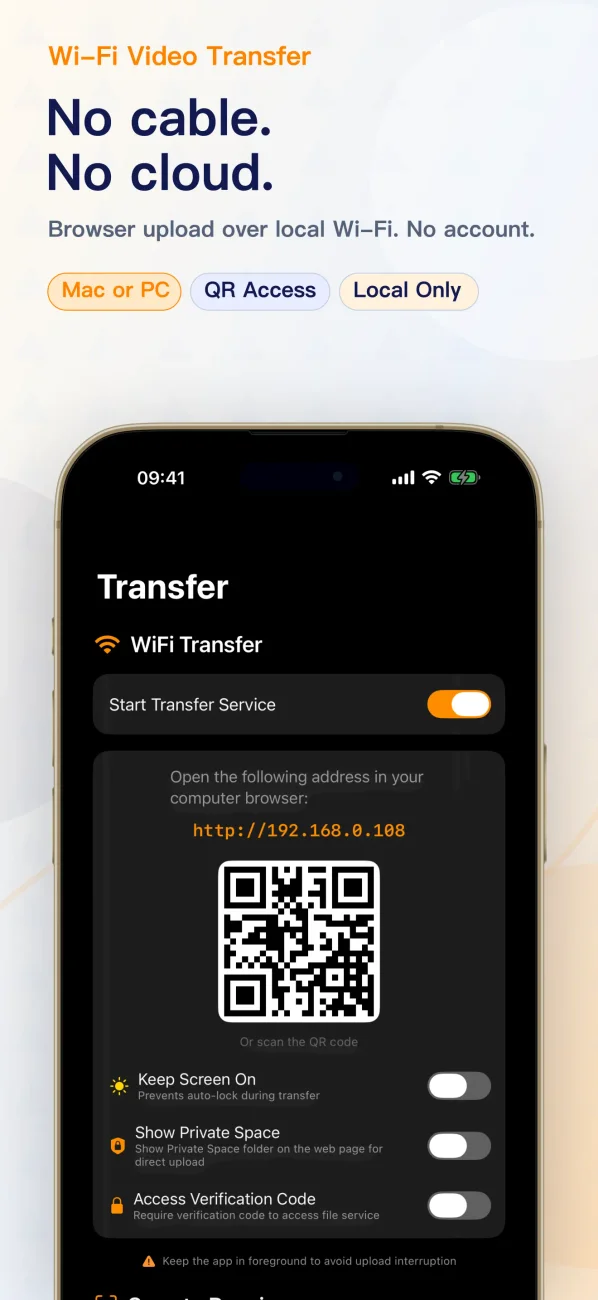
[WIFI TRANSFER WITH VERIFICATION]
- Start transfer on iPhone and upload files from a computer browser
- Scan a QR code to connect
- Verification code protection keeps uploads limited to devices you authorize
- Real-time upload progress
- Import from Photos, other apps, Files, and Share Extension
[APPLE WATCH REMOTE]
- View media and playback state on Apple Watch
- Control play, pause, and seeking from your wrist
- Quick access to AB loop and sleep timer controls
[BEAUTIFUL DESIGN]
- iOS 26 Liquid Glass visual style
- Grid and list views, smart filters and sorting
- Favorites, unwatched, recently played, and more
MMPlayer focuses on local, private study workflows. It is not an online video platform. Your videos are not uploaded or published by the app.
Terms of Use (EULA):
https://www.apple.com/legal/internet-services/itunes/dev/stdeula/
What’s new
Version 5.12 · Nov 9, 2026
- Improved library, player, and control layouts on iPhone Duo when unfolded, folded, or in Split View.
- Improved the experience of watching regular videos alongside other apps in Split View.
- Private videos and playlists lock and pause when closing to the outer screen or changing Split View. Unlock to continue with the previous playback state.
- Improved A-B segment selection, playlist creation, and playback position retention.
- When iPhone Duo is unfolded, the A-B loop panel leaves more room for the segment list and makes the play and stop buttons easier to reach.
- On larger screens, it’s easier to switch between grid and list views and select multiple items in the library.
- The Wi-Fi transfer page adapts to the window width, making the connection address and QR code easier to see.
- A system rating prompt may appear when you return from the player to the library or playlists. You can also open the App Store review page from Settings.
App privacy
What 荣晖 丁 declares on the App Store about how this app handles data.
-
Data not collected
The developer does not collect any data from this app.
Privacy practices may vary, for example with the features you use or your age.
Information
- Seller
- 荣晖 丁
- Category
- Utilities
- Version
- 5.12
- Updated
- Nov 9, 2026
- Released
- Mar 26, 2026
- Size
- 32.3 MB
- Requires
- iOS 18.0 or later
- Age rating
- 4+
- Price
- Free
- In-app purchases
- Yes
- Languages
- English, Arabic, Basque, Bulgarian, Burmese, Catalan, Croatian, Czech, Danish, Dutch, Estonian, Finnish + 25 more
- Copyright
- © 2026 MM Studio
You might also like
-
 全能播放器 - 万能播放器&音乐播放器&私密播放器&轻剪辑Utilities
-
 万能播放器 - 全能视频解码 学习神器 画中画播放器播放大师Utilities
-
 私人播放器-私人高清万能影音视频播放器 私密无码高清播放Utilities
-
 Sea playerUtilities
-
 fastPlayer -Local Media PlayerSupport multiple media files
-
 PlainPlayThe Study-Ready Player
-
 Player Master - Video PlayerVideo Music Media Player
-
 万能视频播放器大师-全格式音视频解码playerUtilities
-
 EV全能播放器Utilities
-
 隐私相册管家-本地视频管理工具Utilities