- Age rating4+
- CategoryBusiness
- DeveloperArrowhead Corporation
- LanguagesEnglish+ 17 more
- Size48.1 MB
Links to the official App Store page
Download.org hosts no file of Mobi Print. The button opens its official App Store page, published by Arrowhead Corporation. Listing last checked on Nov 18, 2026.
Screenshots

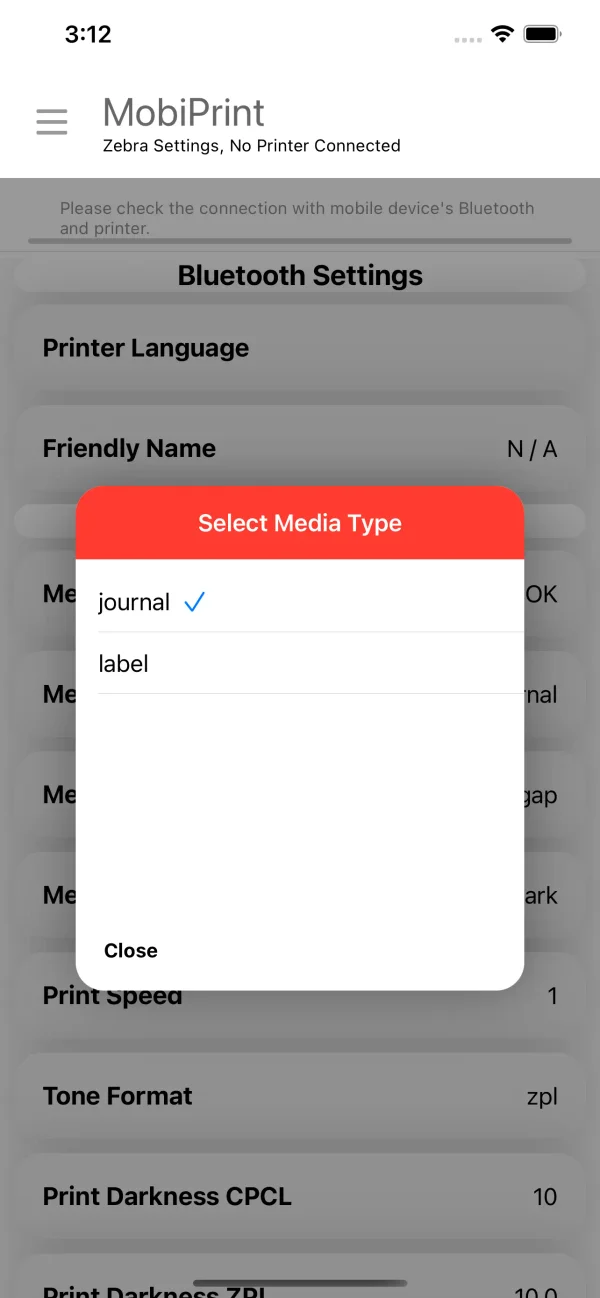
About
Zebra Devices Supported(Bluetooth):
iMZ220
iMZ320
QLn220
QLn320
QLn420
QLn220 Healthcare
QLn320 Healthcare
RW420
ZD510HC - Wristband
ZD410
ZD420
ZD620
ZQ310
ZQ320
ZQ510
ZQ520
ZQ521
ZQ610
ZQ620
ZQ630
ZT230
ZT410
ZT420
Brother Mobile Printers - RJ series
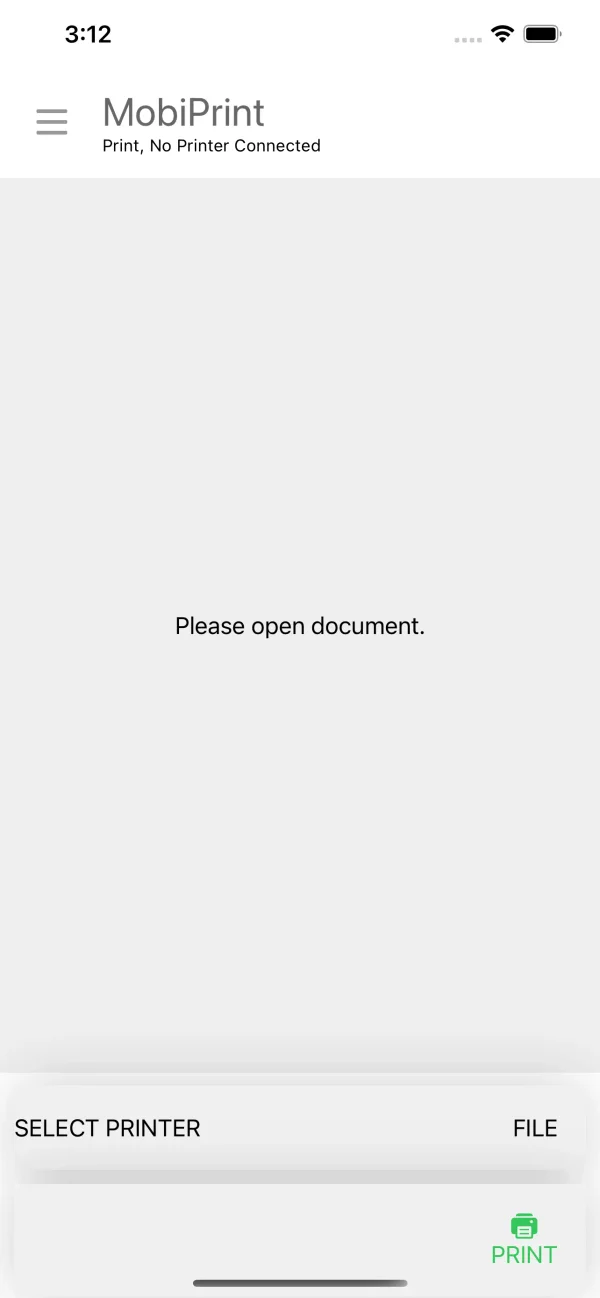
Mobi Print gives its users the capability to print (bluetooth or wifi) PDF's, Images, web pages or Cloud based label formats to Zebra mobile or desktop printers.. You can print labels or receipts and even barcodes!
MobiPrint can be set as the default application for PDF and image/photo printing, and printing from your webpage was never made easier through our Extension.
This app takes printing to a whole new level of ease by using the native functions to print PDF, Images, or web pages.
1 Click Print - Easy streamline your process by one click printing and staying in your app or website.
PDF Printing - Open PDF's from Mail, Safari, filemaker or another application to print with functionality to print and return to source app.
User Friendly – Mobiprint has tools like Auto-Detect & Auto-Print - easily print and stay within your app with no extra work.
No Drivers or Development needed
Want to print a PDF? ..Use our new is Extension! No development required.
Want to print a webpage?... , using google chrome mobile browser you can print it directly.
Want to print an image? ..No Problem, Mobi Print handles .PNG, JPG and .BMP images.
What about just a simple label? ..Mobi Print works for the small user as well. Design your own label in Zebra Designer or choose from hundreds of stock formats (price tags, inventory tags, asset tags..etc) and dynamically print to that format manually.
What about scanning? ..Mobi has partnered with the leading device sleds, and native support for Zebra handhelds.
Once your label format is selected, you can print variable data to your selected formats or even scan/type data into fields to print. Now you are able to print without the need for a network outside in the field or in remote areas.
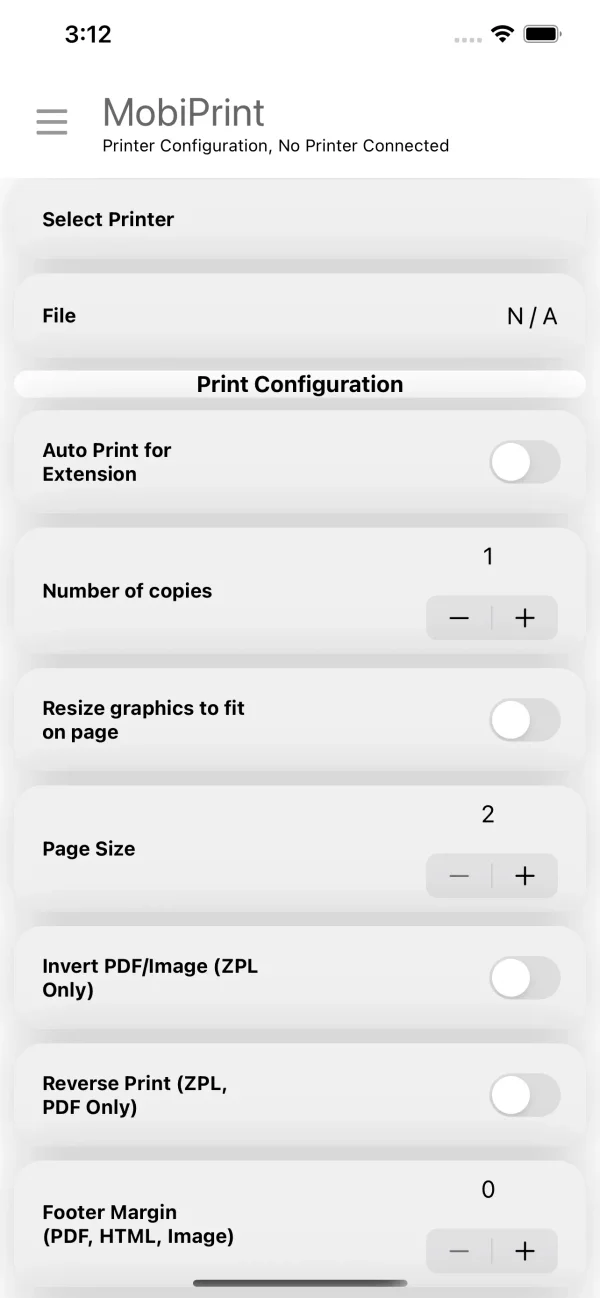
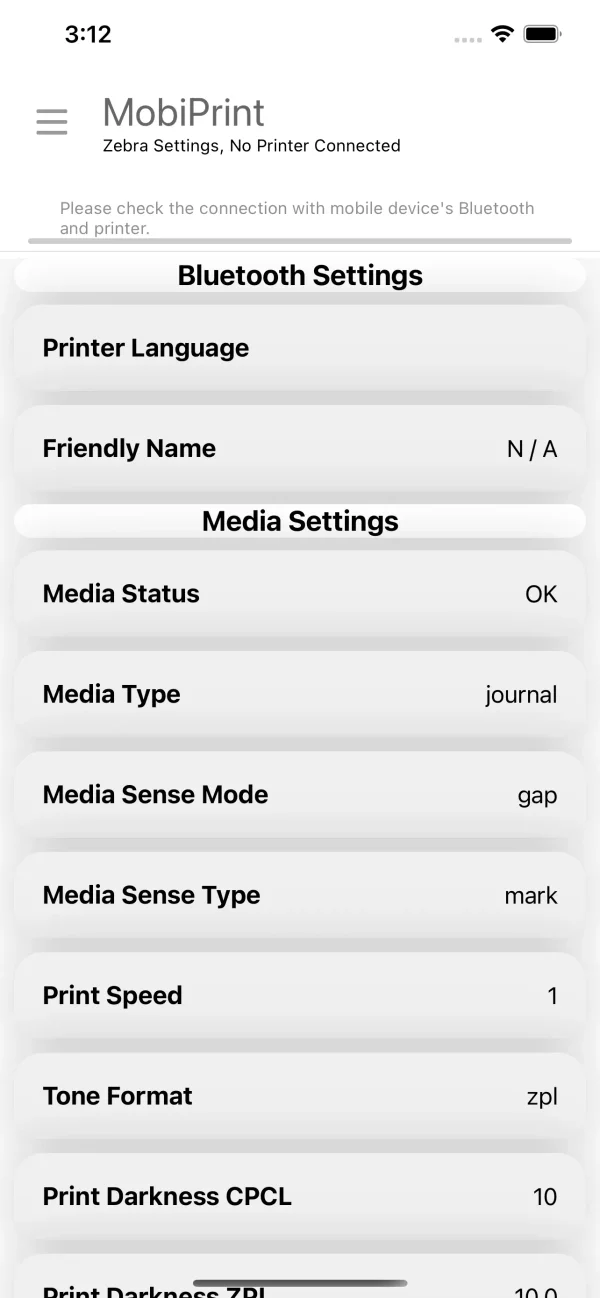
In addition, Mobi Print serves an excellent utility for managing Zebra printers, with tools such as firmware updates, speed adjustments, battery notifications, printhead darkness and more.
Have a custom enterprise solution? Inquire about our API from support site.
Need customization or are a developer/manufacturer wanting Mobi Print to work with your app or device? We are here to help, Mobi print has an API that can be integrated into existing frameworks or your iOS app for complete control in your environment, or to add your printers functionality with Mobi.
Devices Supported - See this link -
https://mobiprintapp.com/certified-hardware/
What’s new
Version 1.03.16 · Nov 5, 2026
Fixes for Microsoft sign in with Authenticator
App privacy
What Arrowhead Corporation declares on the App Store about how this app handles data.
-
Data not linked to you
May be collected but is not linked to your identity.
- Contact info
Privacy practices may vary, for example with the features you use or your age.
Information
- Seller
- Arrowhead Resellers Corp
- Category
- Business
- Version
- 1.03.16
- Updated
- Nov 5, 2026
- Released
- Jun 15, 2021
- Size
- 48.1 MB
- Requires
- iOS 17.6 or later
- Age rating
- 4+
- Price
- Free
- Languages
- English, Arabic, Bengali, French, German, Hindi, Indonesian, Italian, Japanese, Korean, Polish, Portuguese + 6 more
- Copyright
- © Arrowhead Resellers Corp
You might also like
-
 Pepperi for ZebraBusiness
-
 PrintHand Mobile PrintPrinting with ease!
-
 Print Set MCProductivity
-
 Zebra Printer Setup UtilityBusiness
-
 Print 4 PrintersTools for Bluetooth Printer
-
 Zebra Nucleus ConnectorBusiness
-
 MobileFrameBusiness
-
 PrintDirect for iPhoneBusiness
-
 StarPRNT SDKBusiness
-
 Epson TM Print AssistantBusiness