- Age rating4+
- CategoryNavigation
- DeveloperAnton Ryzhkov
- LanguagesEnglish+ 3 more
- Size16.7 MB
Links to the official App Store page
Download.org hosts no file of Mobile Dispatcher. The button opens its official App Store page, published by Anton Ryzhkov. Listing last checked on Nov 23, 2026.
Screenshots

About
Your GPS trackers and movement history in one app.
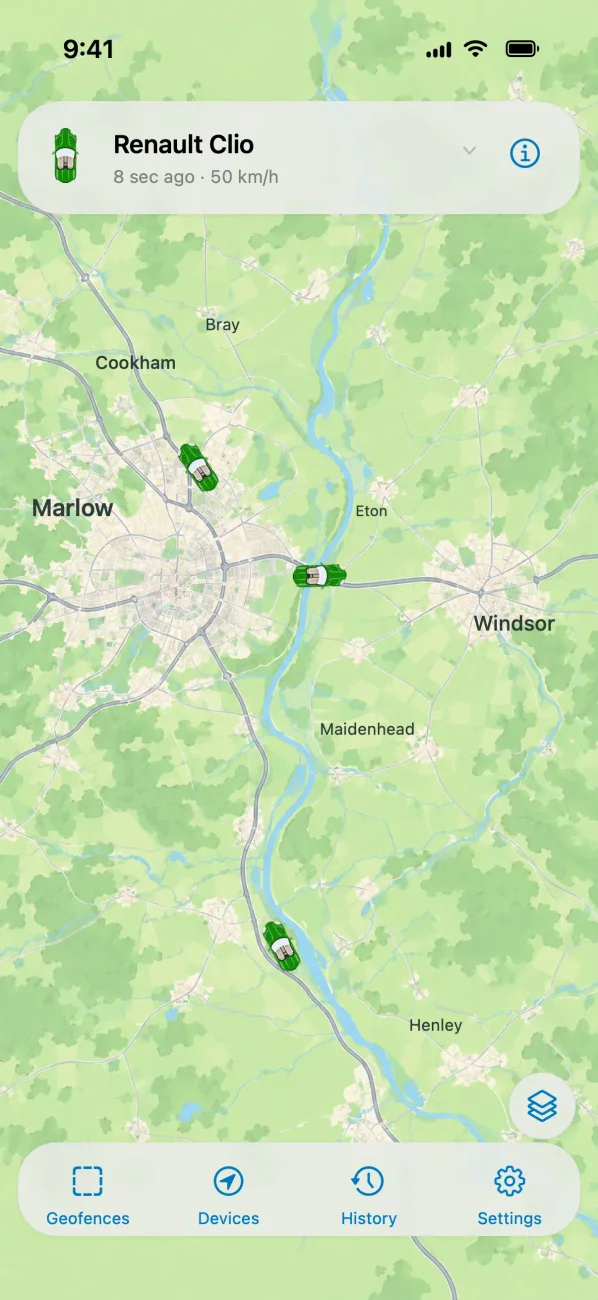
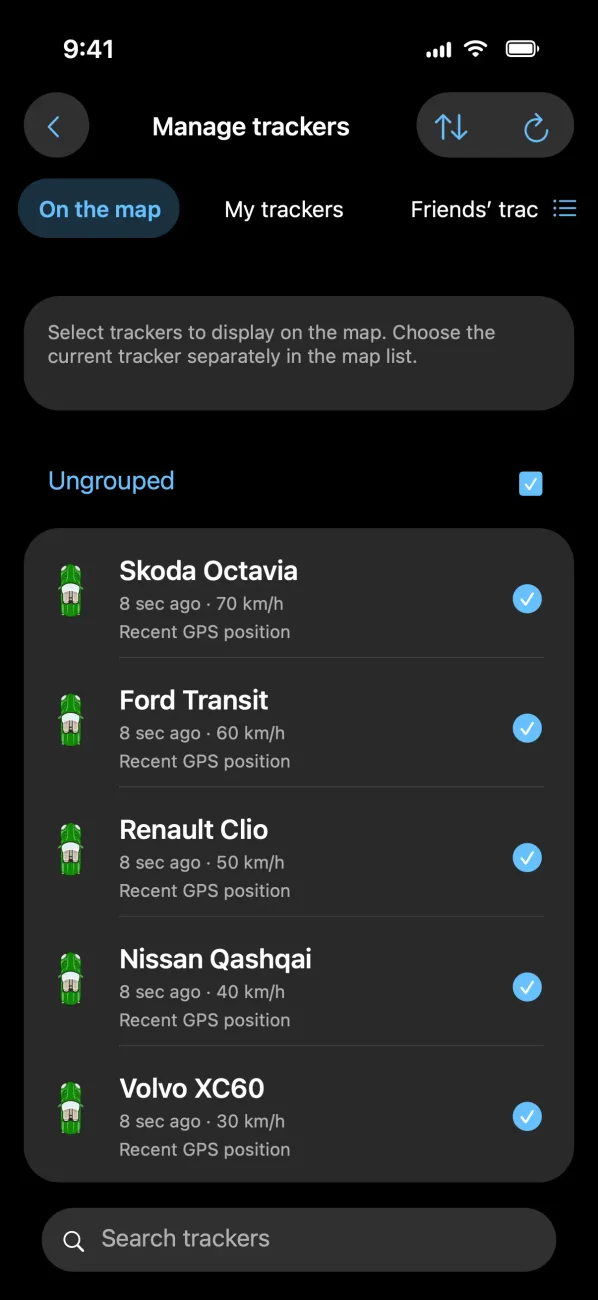
Mobile Dispatcher connects to your LiveGPSTracks account to display connected hardware and software trackers. Choose the devices you need, follow their positions and view their recorded tracks.
• Multiple trackers on the map, with clear icons and the age of the latest data.
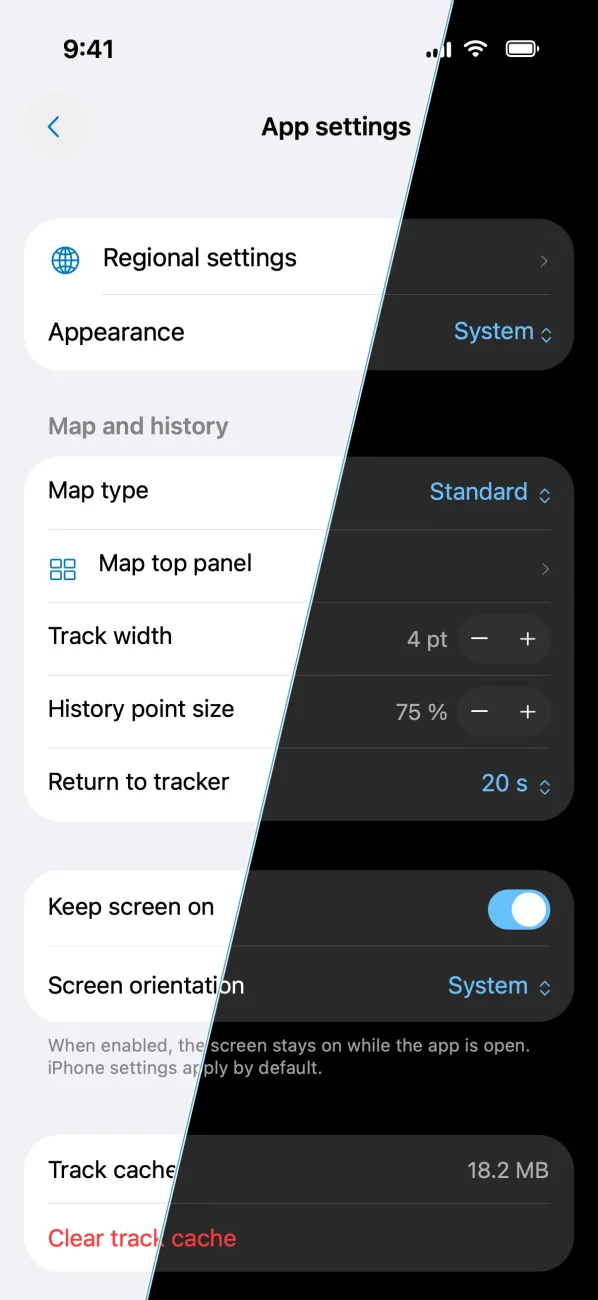
• Standard, satellite and hybrid maps.
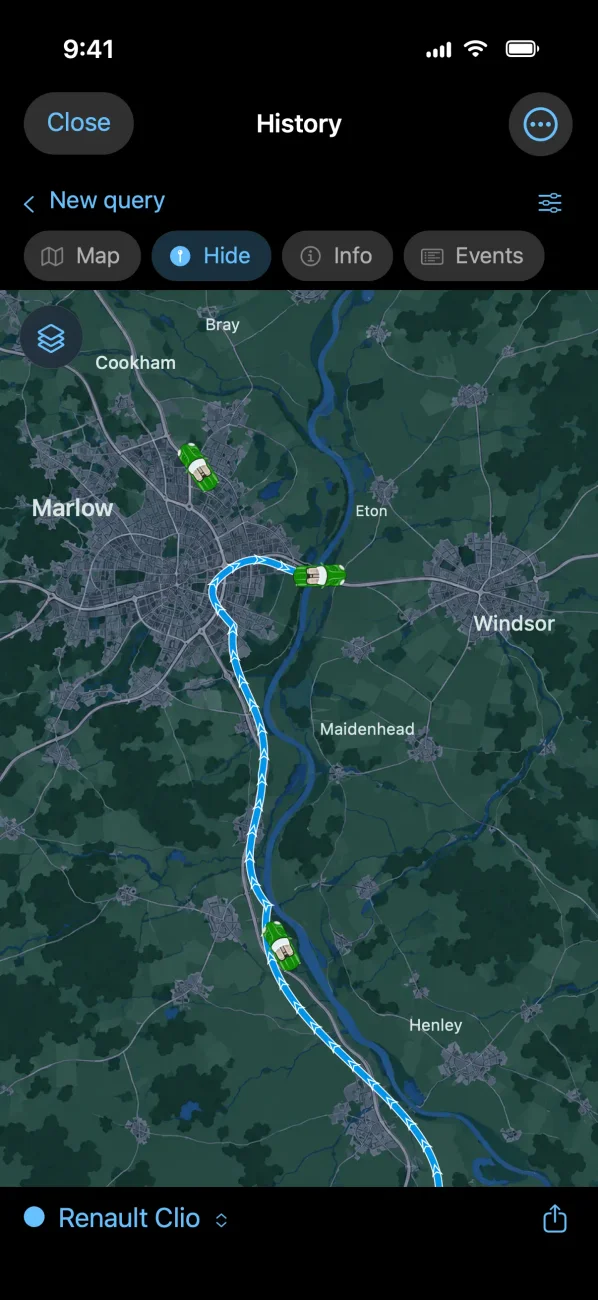
• History for a selected period, including recorded tracks, stops and events.
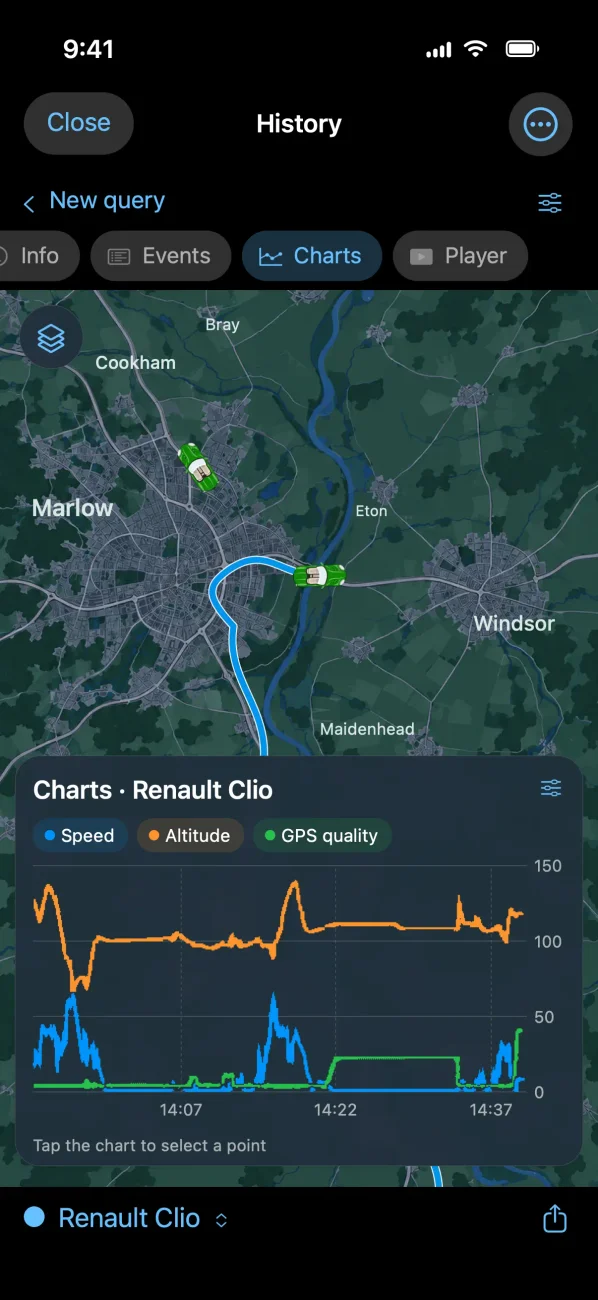
• Detailed points, parameter charts and movement playback over the map.
• Manage your trackers, groups, access and external links.
• Geofences and service notification settings.
• Guided setup for a new tracker.
• Light and dark appearance; English, Spanish, Russian and Estonian interfaces.
Sign in to your LiveGPSTracks account or register directly in the app. Devices already connected to your account will appear on the map. Use the step-by-step setup wizard to connect a new tracker. You can explore the app with a demonstration tracker without registering.
An unlimited-duration Free plan is available for personal and family non-commercial use, with up to 4 GPS trackers per account. Limits apply to movement history and service features.
Some features depend on your service plan and account permissions. Monitor devices with their owners' consent.
Mobile Dispatcher displays data from connected trackers. This app does not turn the iPhone itself into a GPS tracker.
Support: support@livegpstracks.com
What’s new
Version 2.2.0 · Nov 12, 2026
Find your tracker and get directions to it:
• Routes to trackers and stationary objects: a direct line, walking or driving directions, or an external navigation app.
• On-screen guidance with upcoming turns, distance and automatic route updates.
• A compact side panel for navigation on iPhone in landscape.
• A compass to return the map to north and a map that follows your direction of travel.
• Previously loaded data remains available for offline viewing.
• When GPS is unavailable, choose your last known position as the starting point, with its age clearly shown.
• Fixed the display of points in detailed track view.
App privacy
What Anton Ryzhkov declares on the App Store about how this app handles data.
-
Data not linked to you
May be collected but is not linked to your identity.
- Contact info
- User content
- Identifiers
Privacy practices may vary, for example with the features you use or your age.
Information
- Seller
- Anton Ryzhkov
- Category
- Navigation
- Version
- 2.2.0
- Updated
- Nov 12, 2026
- Released
- Feb 1, 2016
- Size
- 16.7 MB
- Requires
- iOS 16.0 or later
- Age rating
- 4+
- Price
- Free
- Languages
- English, Estonian, Russian, Spanish
- Copyright
- © 2015 LiveGPStracks