
Mobile Less: App Blocker
Screen Time Limit & Focus Mode
Designed for iPhone, iPad
In-app purchases
- Age rating4+
- CategoryProductivity
- DeveloperCarlos Pumar Jimenez
- LanguagesSpanish+ 8 more
- Size43.2 MB
Links to the official App Store page
Download.org hosts no file of Mobile Less: App Blocker. The button opens its official App Store page, published by Carlos Pumar Jimenez. Listing last checked on Nov 21, 2026.
Screenshots

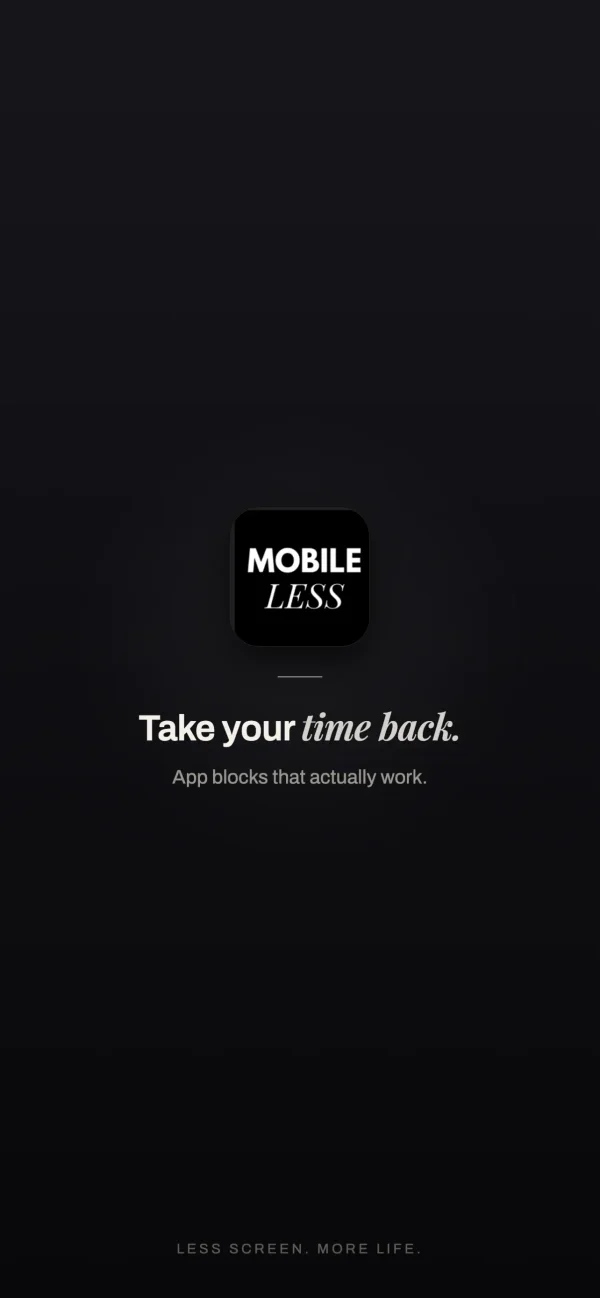
About
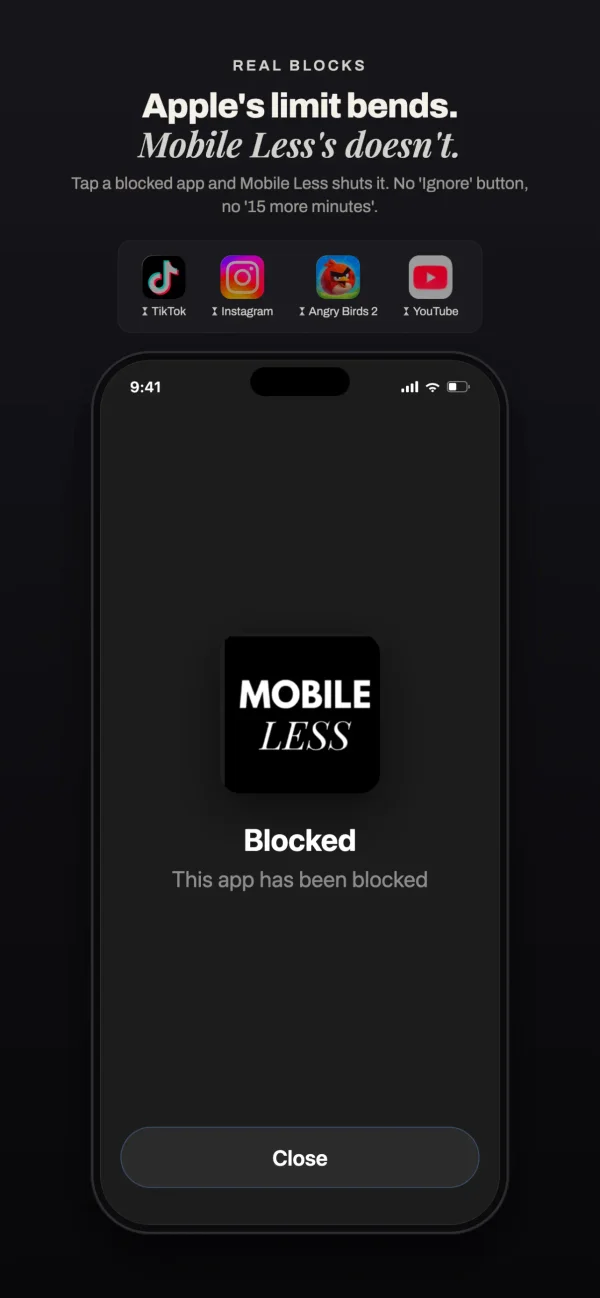
Blocks that actually hold. No "Ignore Limit." No "15 more minutes."
You open Instagram "for a second" and half the evening is gone. With Apple's Screen Time, one tap skips the limit. With Mobile Less, when an app is blocked, it doesn't open. Full stop.
Try everything free for 14 days. No card, no automatic charges.
"The only app that really blocks apps. You can't snooze it or change it."
— App Store review (translated from Spanish)
HOW IT WORKS
1. Pick the apps that steal your day.
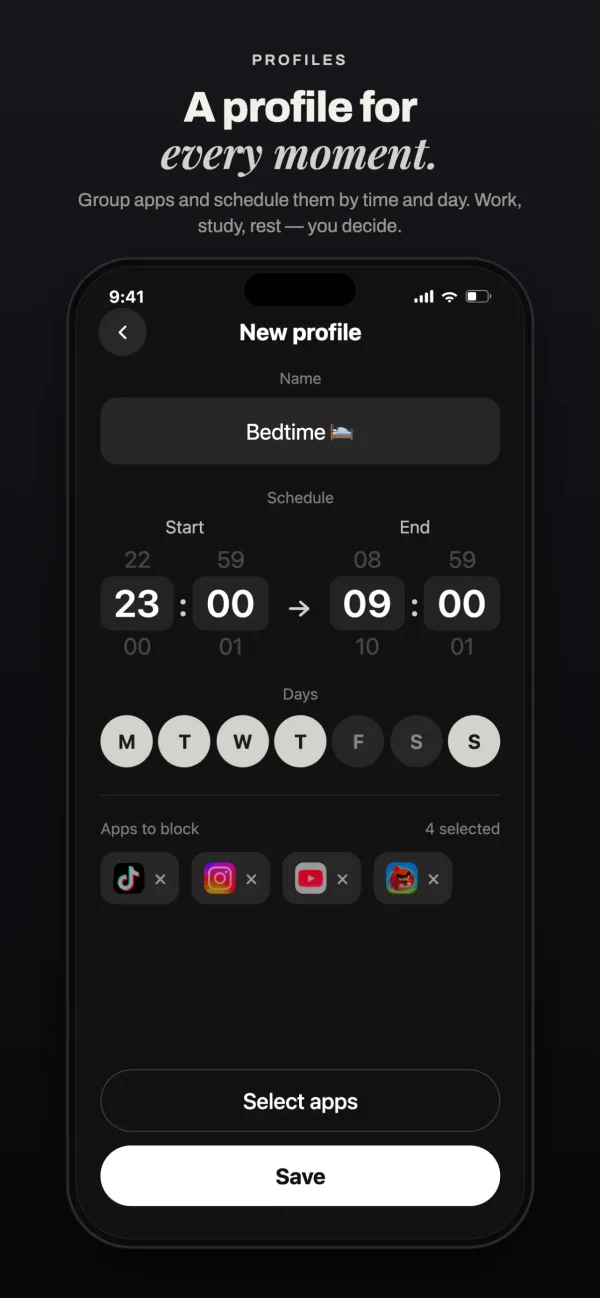
2. Decide how and when they're limited.
3. When it's time, they don't open. No negotiating.
CHOOSE HOW TO LIMIT EACH APP
— Instant block —
Lock an app right now for as long as you choose. There's no way to undo it early — that's the point.
— Scheduled blocks —
Group apps into profiles (Work, Study, Night…) and schedule them by time and day. They switch on by themselves.
— Daily time limit —
30 minutes of TikTok a day, not one more. When it's up, it's blocked until tomorrow.
— Intervals —
Use it for 15 minutes, then it locks for 30. On repeat, all day. Great for studying without going fully offline.
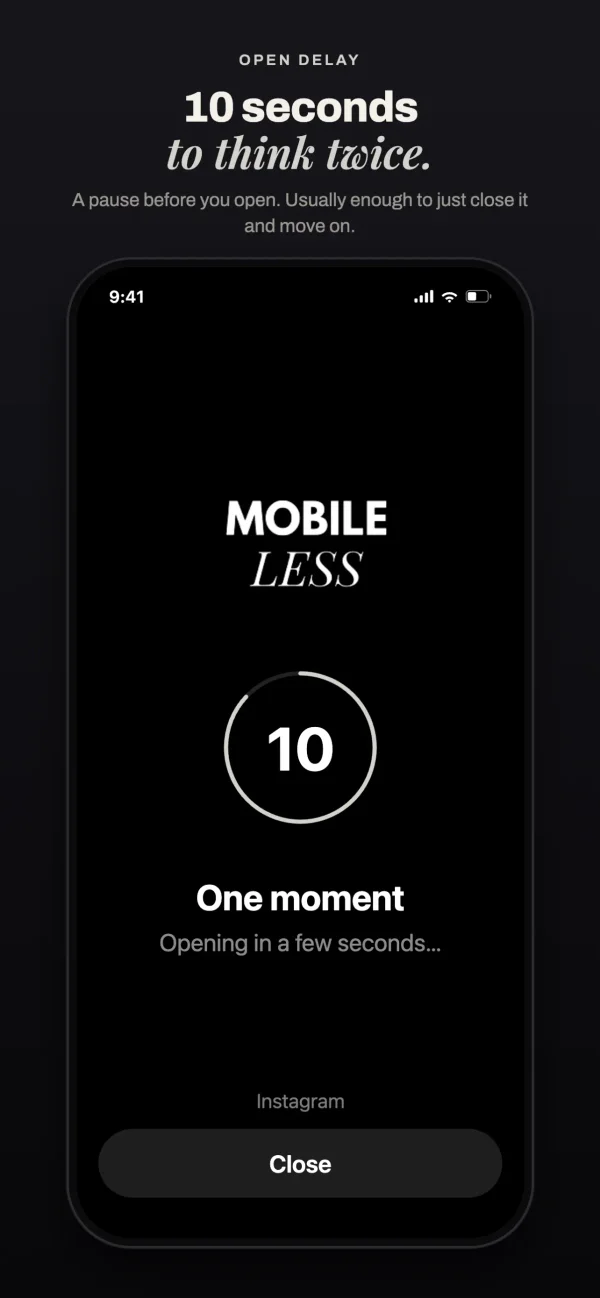
— Pause before opening —
A 5 to 60 second wait before the app opens. Usually that's all it takes to change your mind.
— Time reminder —
A nudge every so often while you're inside an app. It doesn't block — it just keeps scrolling from quietly eating your evening.
INSTAGRAM AND YOUTUBE, WITHOUT THE ADDICTIVE PART
Open them in distraction-free mode inside Mobile Less: no Reels, no Shorts, no Explore, no endless feed. Messages and search still work.
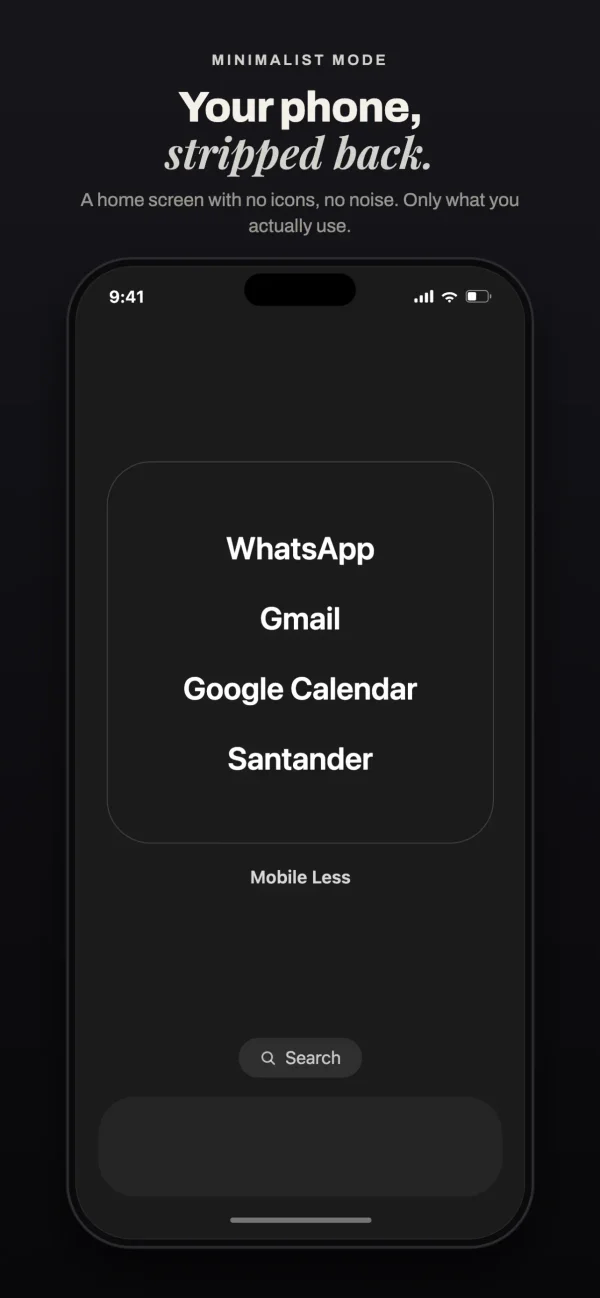
A MINIMALIST HOME SCREEN
A widget with your essential apps as a plain text list. No colourful icons, no red badges calling you.
WHO IT'S FOR
• Students who need three hours in a row without their phone.
• People who work from their phone and can't just delete Instagram.
• Anyone who has tried other blockers and skipped them in two taps.
Made by an independent developer, built on Apple's Screen Time. Available in 12 languages.
Less screen. More life.
After the trial, keep using the basic version for free, or unlock everything with a monthly or yearly subscription, or a one-time lifetime purchase. Cancel at any time from your App Store account settings.
Terms of Use (EULA): https://www.apple.com/legal/internet-services/itunes/dev/stdeula/
What’s new
Version 1.48 · Oct 23, 2026
Mobile Less now speaks your language.
NEW
• 10 more languages: German, French, Italian, Dutch, Japanese, Korean, Portuguese (Brazil and Portugal), Latin American Spanish and British English. That's 12 in total.
• A new Settings screen with a Language option: the app follows your iPhone's language, but you can pick a different one just for Mobile Less.
IMPROVED
• Times, dates and durations now match your region's format.
• No more stray English text when you use the app in another language, including the names of the Instagram and YouTube filters.
• Correct singular and plural forms in every language.
Is Mobile Less helping you? A quick App Store review makes a huge difference to an independent developer. Thanks for reading this far.
App privacy
What Carlos Pumar Jimenez declares on the App Store about how this app handles data.
-
Data not collected
The developer does not collect any data from this app.
Privacy practices may vary, for example with the features you use or your age.
Information
- Seller
- Carlos Pumar Jimenez
- Category
- Productivity
- Version
- 1.48
- Updated
- Oct 23, 2026
- Released
- Nov 20, 2024
- Size
- 43.2 MB
- Requires
- iOS 17.0 or later
- Age rating
- 4+
- In-app purchases
- Yes
- Languages
- Spanish, German, Korean, French, English, Italian, Japanese, Dutch, Portuguese
- Copyright
- © 2026 Carlos Pumar
You might also like
-
 LifeOS: Calm Habit CoachTen life areas, one step a day
-
 BackToLife FeedSocial media without Reels
-
 unrespiro: bloqueo apps y focoProductivity
-
 Cortex: Less Phone, More LifeStop Mindless Scrolling
-
 Minimalist - Dumb PhoneBlank Spaces & Phone Launcher
-
 Monk – #1 Physical App BlockerBlock distractions fast
-
 Dumbphone Pro: Modern EditionMinimalist HomeScreen Launcher
-
 Bear Habit Tracker - Todo AppDaily Planner & To-Do List
-
 Screen Time Control: SpudyEarn scroll, build streaks
-
 Habit tracker - PatternsWidget, streaks & routines