Mobile Multibody Dynamics
Mechanical Engineering Physics
Designed for iPhone, iPad
Free
- Age rating4+
- CategoryEducation
- DeveloperEliott Radcliffe
- LanguagesEnglish
- Size143.6 MB
Links to the official App Store page
Download.org hosts no file of Mobile Multibody Dynamics. The button opens its official App Store page, published by Eliott Radcliffe. Listing last checked on Nov 25, 2026.
Screenshots
About
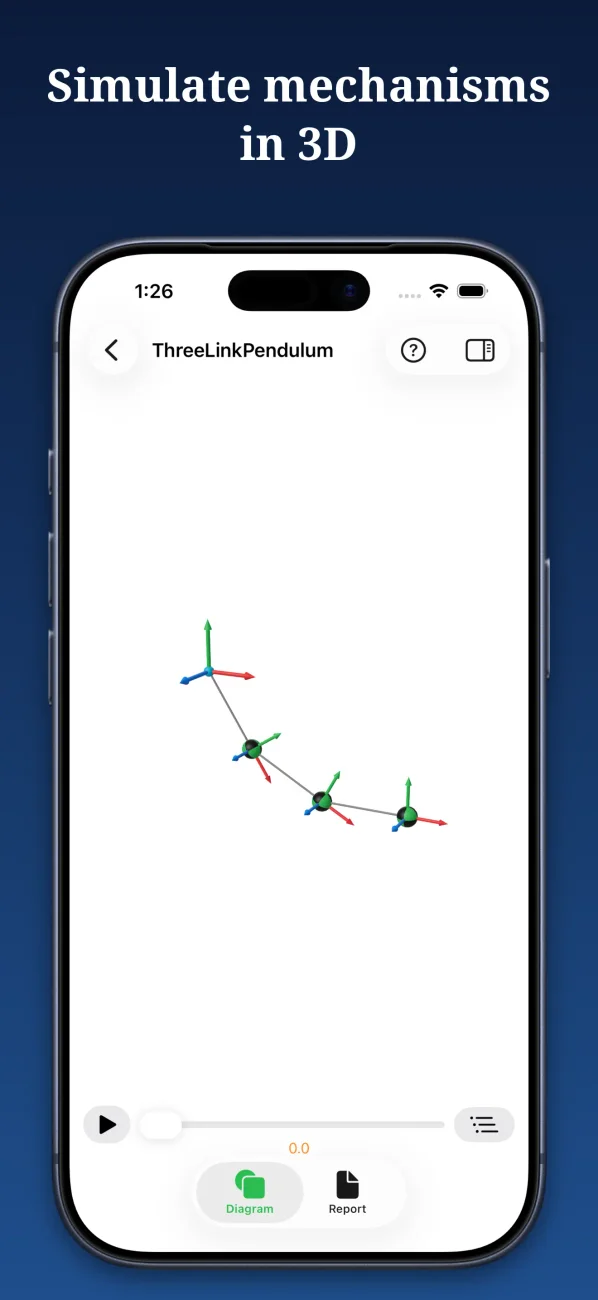
Mobile Multibody Dynamics (MOMDYN) is the first multibody dynamics app for iOS. Define a mechanism, derive its equations of motion (EOM), simulate it, and watch it move in 3D on your iPhone or iPad.
MOMDYN is a bridge between the "first-principles" approach to dynamics, where you write the kinematic and dynamic equations by hand, and modern simulation software, where the math is hidden behind a CAD-like interface. The modeling process and the equations are all visible to you. It is built for students of dynamics, vibration and structural analysis, and for professionals who want a fast way to check a mechanism, without the cost of desktop software.
MODEL
• Start from the built-in examples, or create a model of your own
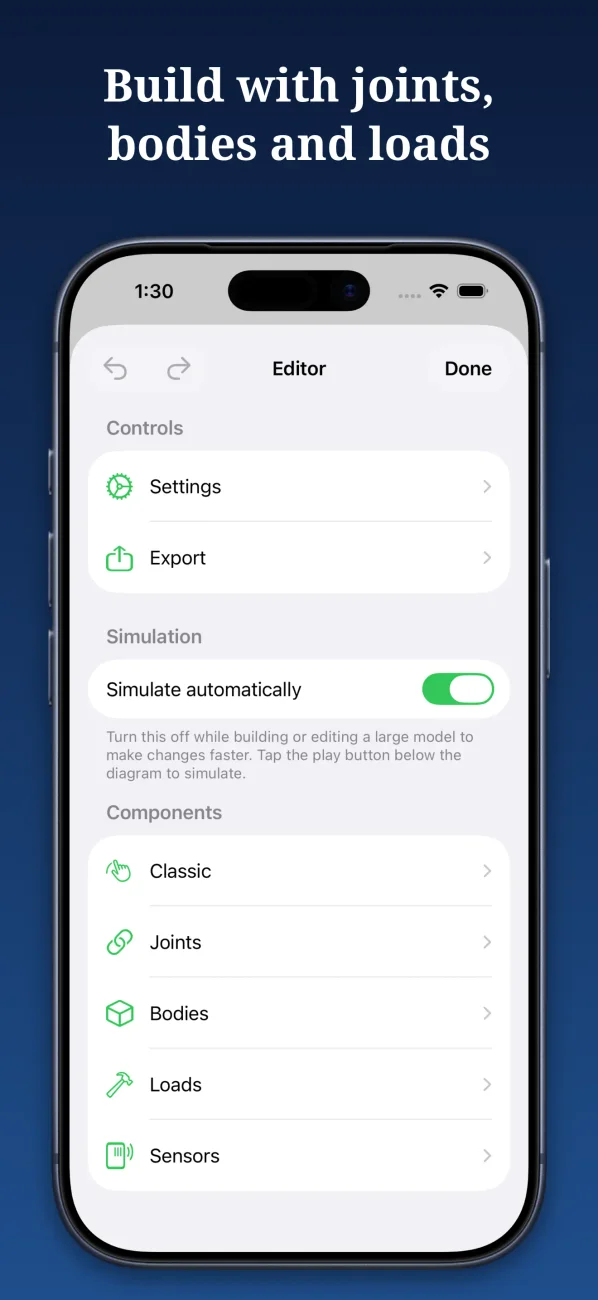
• Define symbols, reference frames, vectors and points with fine control, or use ready-made mechanical joints
• Add bodies, from simple particles to rigid bodies with inertia
• Apply loads, including forces, moments and springs
• Add sensors to measure the motion of points and frames
SIMULATE
• One tap derives the equations of motion, runs the simulation and starts the animation
• Orbit the 3D diagram with one finger, pan with two, pinch to zoom, and double-tap to glide back to a framed view
• Tap any part of the diagram to see its values and edit it, with the rest faded so you can see inside
• Scrub the timeline to any moment in the animation
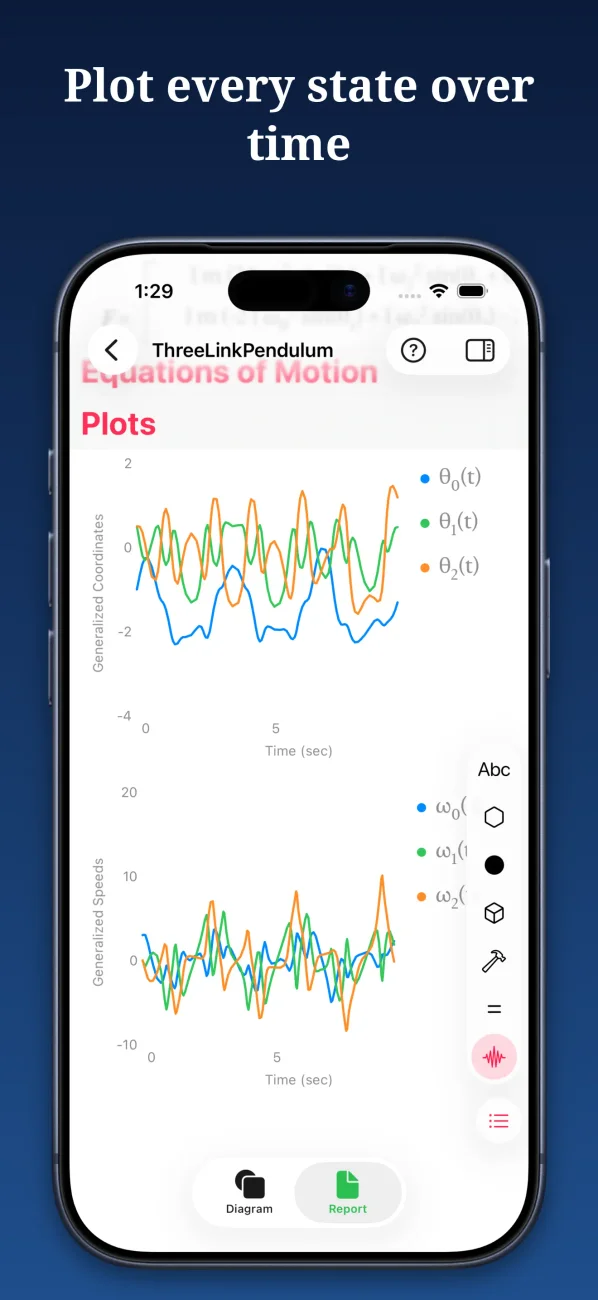
• Plot the simulated states over time, and pinch to zoom in on any part of a plot
• Stop a long calculation at any time, or turn off automatic simulation and run it when you are ready
STUDY THE MATH
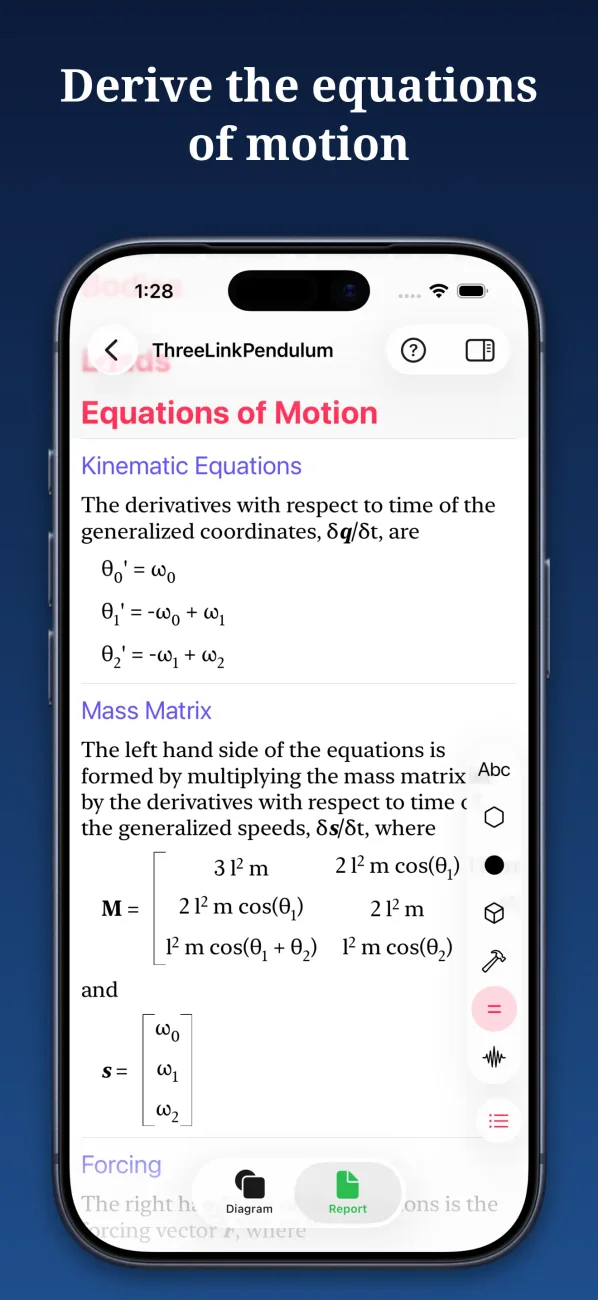
• A report view shows the symbols, kinematics, loads and equations behind your model
• See exactly how the equations of motion were assembled
YOUR MODELS
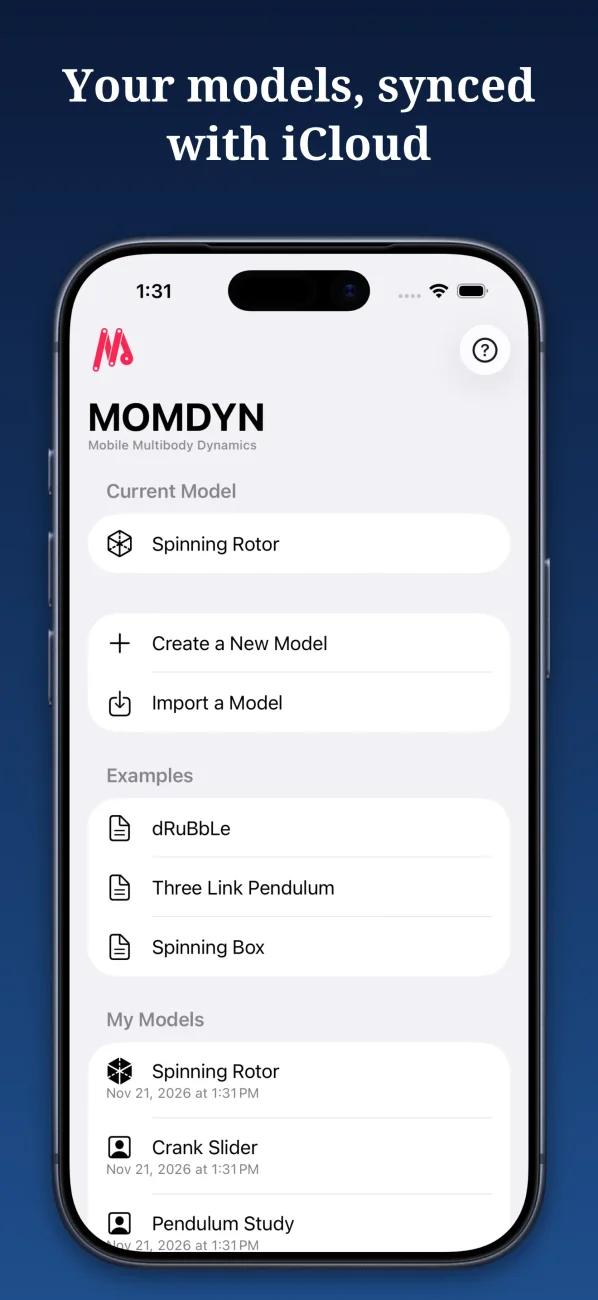
• Every model saves as you work, in a library on your device
• Optional iCloud sync across your iPhone and iPad
• Share a model as one file, and open it from Files, Mail or AirDrop on another device
• Undo and redo your changes, and on iPad edit beside the model
BUILD ON YOUR DEVICE, ANALYZE ON A DESKTOP
Your phone is great for building and running a model once. For heavier work, such as a Monte Carlo study with thousands of cases, use Export to share Python source code that replicates the same equations and parameters. Run it in a Python environment with common, freely available packages, then add phase plots, frequency spectra, or connect the model to a control system. You can also share the simulation data and plots.
Learn more at https://momdyn.dc-engineer.com/
What’s new
Version 2.3.0 · Nov 24, 2026
Your models now live in a library that can sync with iCloud, you can share a model as a single file, and you can tap any part of the 3D diagram to see it and edit it.
YOUR MODELS
• My Models: every model you create, import or change is saved automatically and listed in the sidebar. Swipe a model, or press and hold it, to delete it.
• iCloud sync keeps your models on your iPhone and iPad. Switch it off in the sidebar at any time.
• Share or rename a model from its row in My Models: swipe it, or press and hold.
• Share a model as one .mbdz file. Tap a .mbdz file in Files, Mail or AirDrop to open it in MOMDYN. If you already have the model, you choose to add a copy or skip it.
• Export is now a share sheet: the model, the Python script that runs on its own, the simulation data and the plots.
• Examples are saved to My Models when you first change them, so opening one to look never fills your list.
• Models from earlier versions are moved into the library automatically. Your files in the Files app are left untouched.
EDITING
• Undo and redo, with the arrows in the editor or Command-Z on a keyboard.
• Edit forms keep a value that points at a parameter, such as a mass m, instead of replacing it with its number when you change another field. Type a parameter's name in a field to point it there.
• Clearer field names in the forms, such as "Stiffness (k)" and "Initial rate".
• The editor lists the components your model has under each type, with a line about each. Tap one to edit it, or swipe it to edit or delete. Each type's list can be collapsed.
• The part you are editing is outlined in the diagram.
• Tap a part of the diagram to select it. On an iPhone a card shows its values, with a button to edit it in a sheet of its own; on an iPad the editor opens on it.
• Tap again, or use the stack button on the card, to go through the parts drawn in the same place. Tap empty space to deselect.
• Thin vectors and small points are easier to tap, and points inside a body can be selected. The other parts fade while one is selected, so you can see what is inside.
• The edit form says what you are editing, such as "Edit Bobby", with its type under it on iOS 26.
• On iPad the editor opens beside the model.
NAVIGATION AND REPORT
• A sidebar for your models, with tips and the new MOMDYN mark.
• Progress and results appear as short messages instead of pop-ups, and Help is always one tap away in the toolbar.
• The report is one scrolling page with the section title pinned and buttons at the edge to jump between sections.
• Pinch to zoom the plots, in time and in value (pinch along an axis to zoom just that one), drag to move around, and double-tap to show everything again. Link the time axes of the plots to zoom them together.
• Liquid Glass controls on iOS 26.
• The help links open the new documentation site and tutorials.
RELIABILITY
• Python calculations run on their own queue, away from the screen.
• The symbols and generalized speeds of the report are written directly from your model, so they appear sooner.
• Clear messages when a model cannot be solved or saved.
• The diamond that shows a general rigid body is now turned to its principal axes the right way, which matters when its inertia has products.
• Accelerometers and rate gyros can now be edited and deleted from the lists.
• A name cannot be cleared when editing, which used to leave other components pointing at nothing.
• Planar, cylindrical and universal joints with no axis set use the same defaults as the equations.
App privacy
What Eliott Radcliffe declares on the App Store about how this app handles data.
-
Data not collected
The developer does not collect any data from this app.
Privacy practices may vary, for example with the features you use or your age.
Information
- Seller
- Eliott Radcliffe
- Category
- Education
- Version
- 2.3.0
- Updated
- Nov 24, 2026
- Released
- Sep 16, 2020
- Size
- 143.6 MB
- Requires
- iOS 18.0 or later
- Age rating
- 4+
- Price
- Free
- Languages
- English
- Copyright
- © Eliott Radcliffe
You might also like
-
 Mechanical FormulaMechanical Engineering Calcula
-
 SketchalyzeEducation
-
 Mechanical Dictionary -OfflineMechanical Vocabulary & Mean
-
 REO Mechanical EngineeringEducation
-
 Free-Body DiagramMasterStatics Concepts Anytime
-
 Engineering Math QuizEngineering Math Trivia Quiz
-
 Engineering Physics QuizEngineering Physics Quiz
-
 Photronium - Physics EquationsA Reference Book for Physics
-
 Vector Field: Particle FlowEducation
-
 Console for MATLAB programming100% on-device computation