
- Age rating4+
- CategoryTravel
- DeveloperUS Customs and Border Protection
- LanguagesEnglish+ 6 more
- Size69.4 MB
Links to the official App Store page
Download.org hosts no file of Mobile Passport Control. The button opens its official App Store page, published by US Customs and Border Protection. Listing last checked on Nov 29, 2026.
Screenshots


About
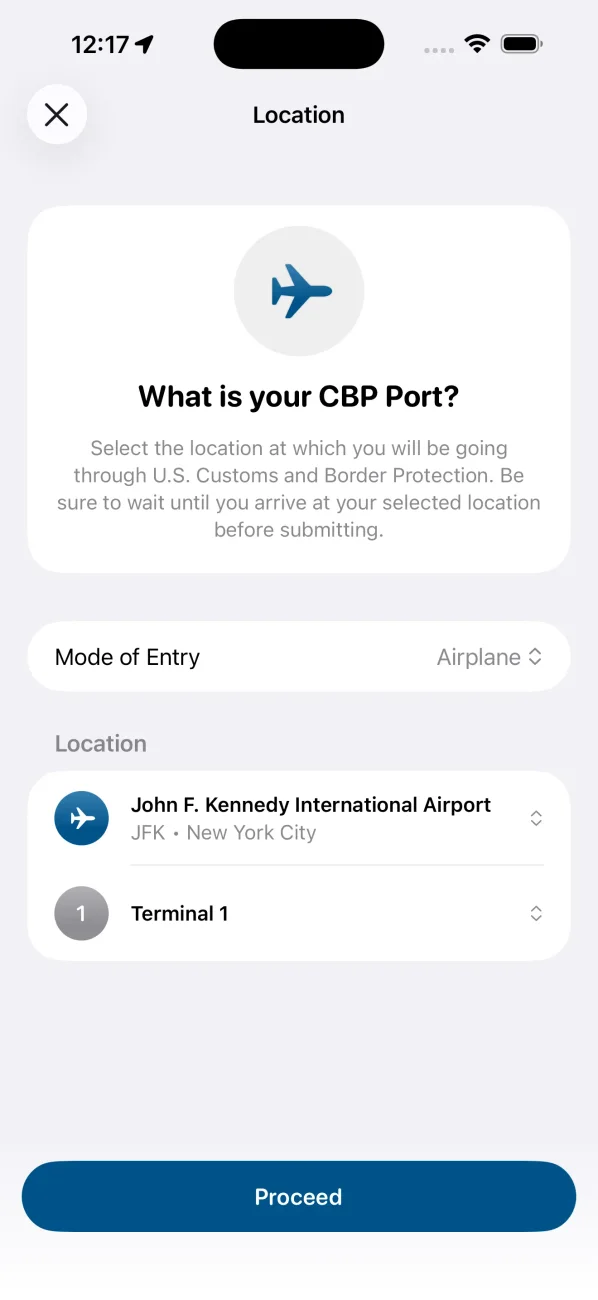
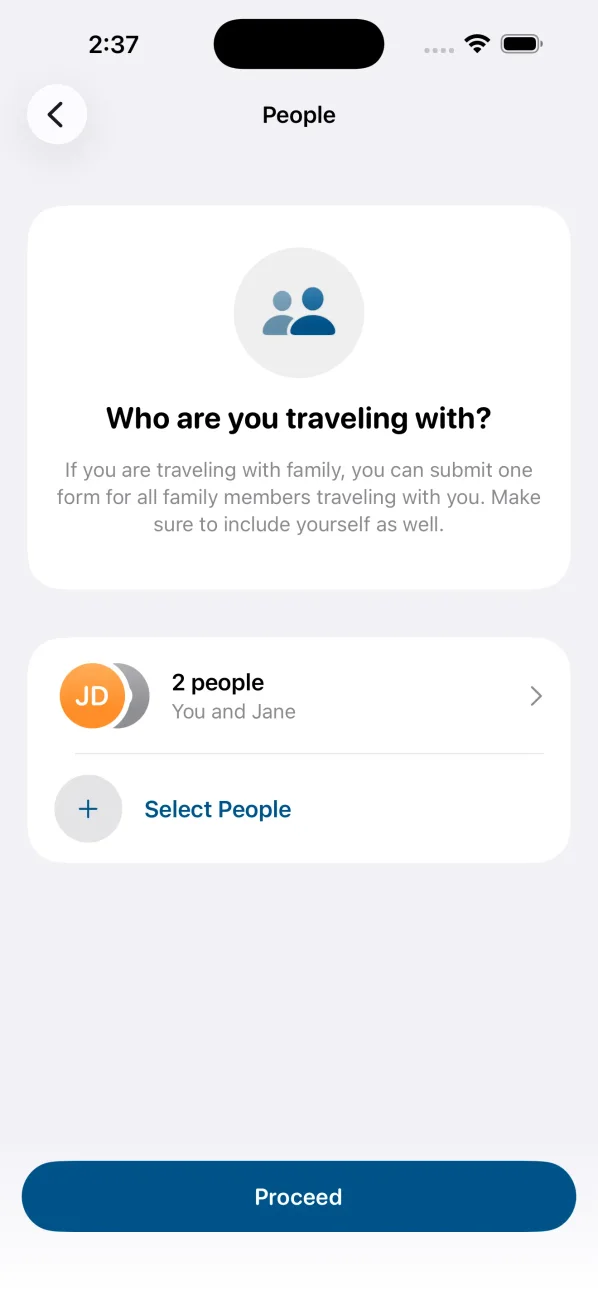
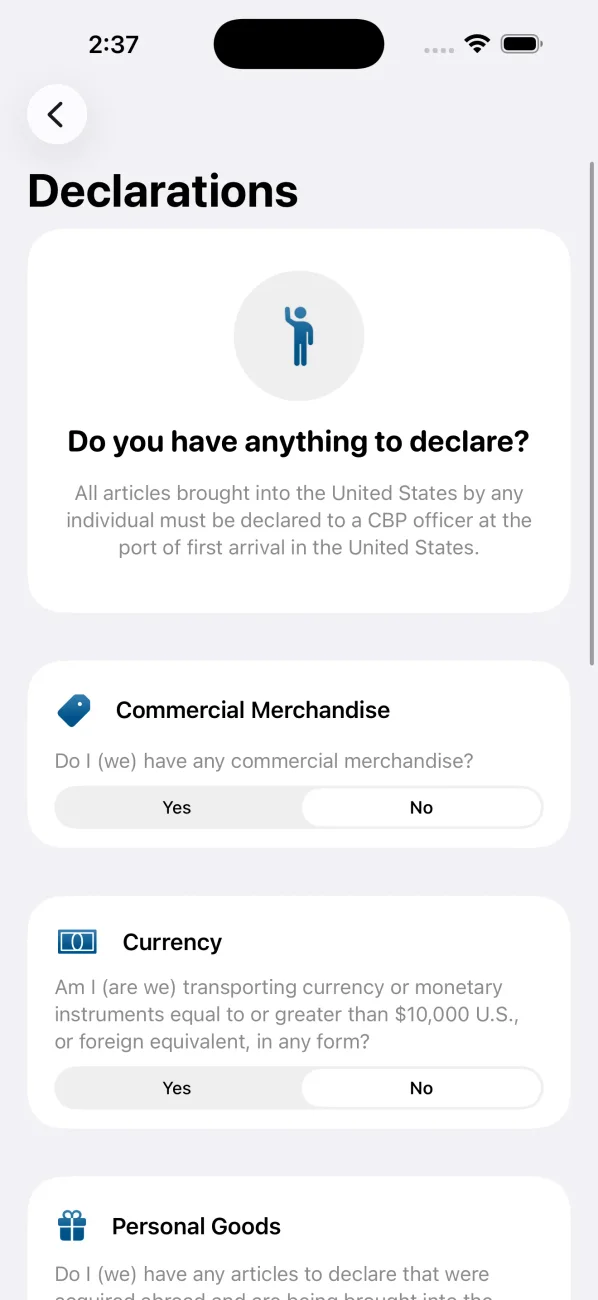
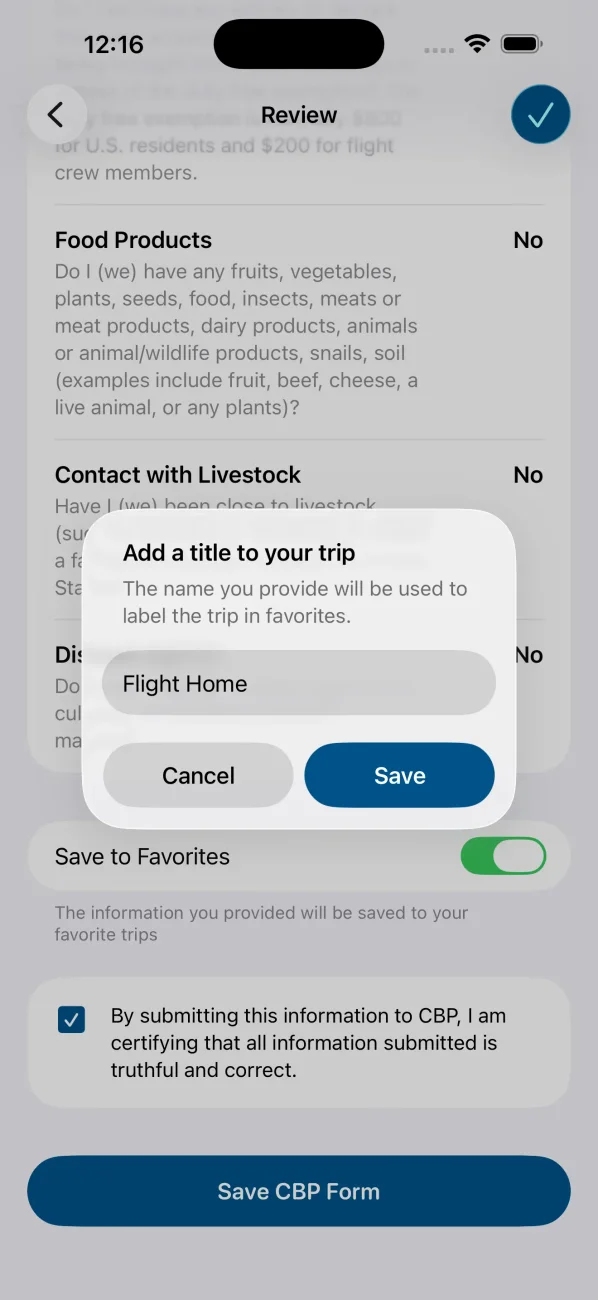
Mobile Passport Control (MPC) is an official application created by U.S. Customs and Border Protection that streamlines your CBP inspection process at select U.S. entry locations. Simply complete your travel information, answer CBP inspection questions, capture a photo of yourself and of each member of your group, and follow the instructions provided on your receipt.
Important Notes:
• MPC does not replace your passport; your passport will still be required for travel.
• MPC is only available at supported CBP entry locations.
• MPC is a voluntary program which can be used by U.S. Citizens, certain Canadian Citizen Visitors, Lawful Permanent Residents, and returning Visa Waiver Program applicants with an approved ESTA.
More information regarding eligibility and supported CBP entry locations can be found on our website: https://www.cbp.gov/travel/us-citizens/mobile-passport-control
MPC can be used in 6 simple steps:
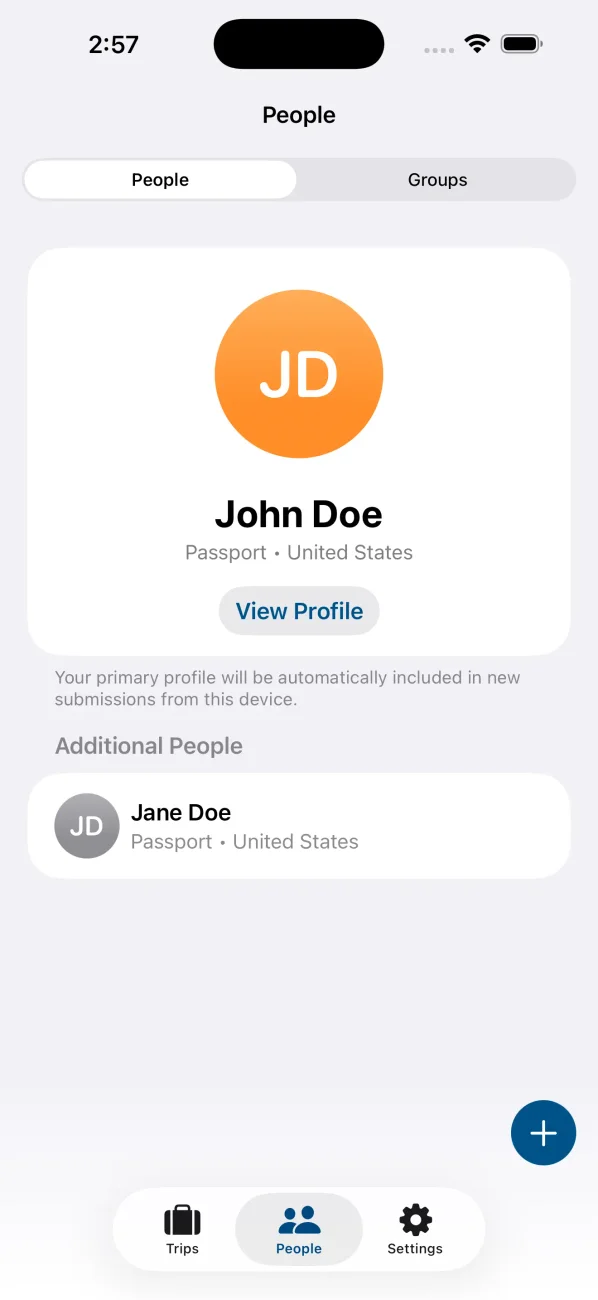
1. Create a primary profile to save your travel documents and biographic information. You can add and save additional eligible people to the MPC app so that you can submit together from one device. Your information will be securely stored on your device to be used for future travel.
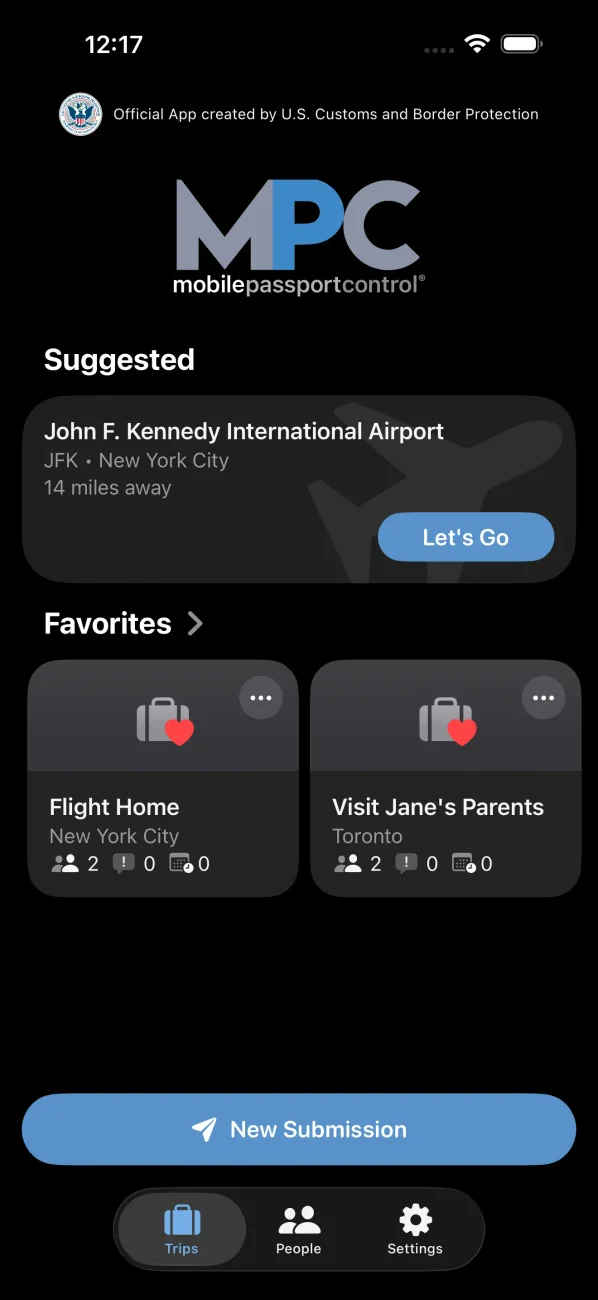
2. Select your CBP port of entry, terminal (if applicable), and add up to 11 additional members of your group to include in your submission.
3. Answer CBP inspection questions and certify the truthfulness and accuracy of your answers.
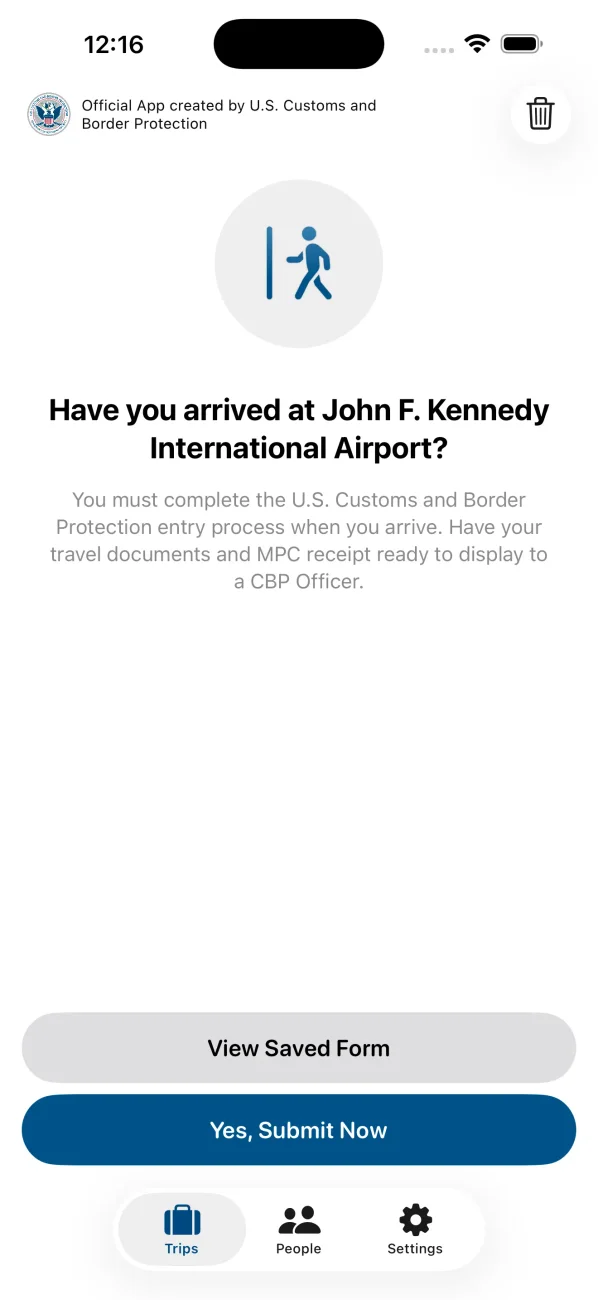
4. Upon arriving at your selected port of entry, tap the “Yes, Submit Now” button. You will be asked to capture a clear and unobstructed photo of yourself and of each other person that you included in your submission.
5. Once your submission is processed, CBP will send a virtual receipt back to your device. Follow the instructions on your receipt and be prepared to present your passport and other relevant travel documents.
6. The CBP Officer will complete the inspection. If further information is required, the CBP Officer will let you know. Please note: The CBP Officer may ask to capture an additional photo of you or your group members for verification.
What’s new
Version 4.7.3 · Oct 27, 2026
Additions
- Added private aircraft as a mode of entry
- Added tags for ports on the supported locations list
Changes
- Updated the port details screen to include tags
- Improved map integration for airports to link directly to Apple Maps POIs if available
App privacy
What US Customs and Border Protection declares on the App Store about how this app handles data.
-
Data linked to you
May be collected and linked to your identity.
- Contact info
- User content
-
Data not linked to you
May be collected but is not linked to your identity.
- User content
- Identifiers
Privacy practices may vary, for example with the features you use or your age.
Information
- Seller
- US Customs and Border Protection
- Category
- Travel
- Version
- 4.7.3
- Updated
- Oct 27, 2026
- Released
- May 11, 2021
- Size
- 69.4 MB
- Requires
- iOS 16.1 or later
- Age rating
- 4+
- Price
- Free
- Languages
- English, French, German, Italian, Japanese, Korean, Spanish
- Copyright
- © 2026 U.S. Customs and Border Protection
You might also like
-
 Airside Digital IdentityVerify and share your ID
-
 Rick Steves Audio Europe™Travel
-
 TimeshifterJet lag app
-
 MyTSATravel
-
 IcelandairBook, manage, fly
-
 Faye Travel Insurance100% digital trip protection
-
 Atlantis BahamasParadise Island
-
 Sandals & Beaches ResortsTravel
-
 Shinkansen smartEX AppTokaido/Sanyo/KyushuShinkansen
-
 Viking VoyagerTravel