Mobile PDF Scanner – Scan Docs
Image & Photo to PDF Converter
Designed for iPhone, iPad
Free · In-app purchases
- Age rating4+
- CategoryUtilities
- DeveloperReticode
- LanguagesEnglish+ 25 more
- Size62.0 MB
Links to the official App Store page
Download.org hosts no file of Mobile PDF Scanner – Scan Docs. The button opens its official App Store page, published by Reticode. Listing last checked on Nov 22, 2026.
Screenshots

About
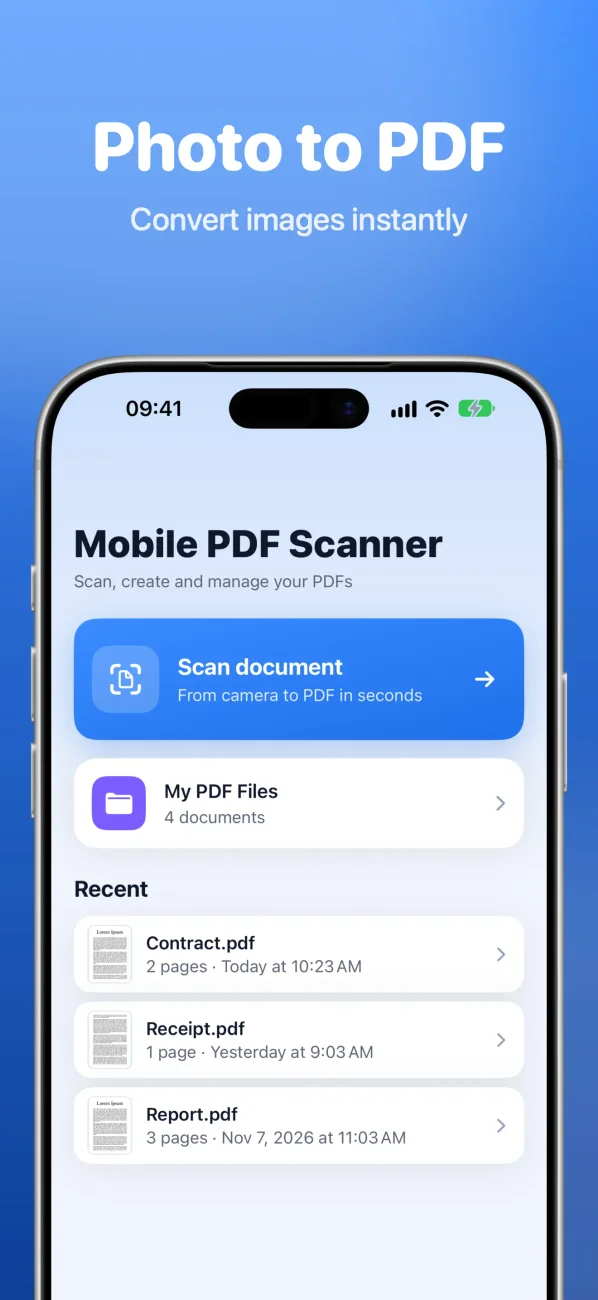
Do you need to scan any documents or images using your phone?
With this app, you can scan everything you need in a simple and professional way.
Main features:
- Scan all the pages you need: Using your phone’s camera, you can scan all the documents you need.
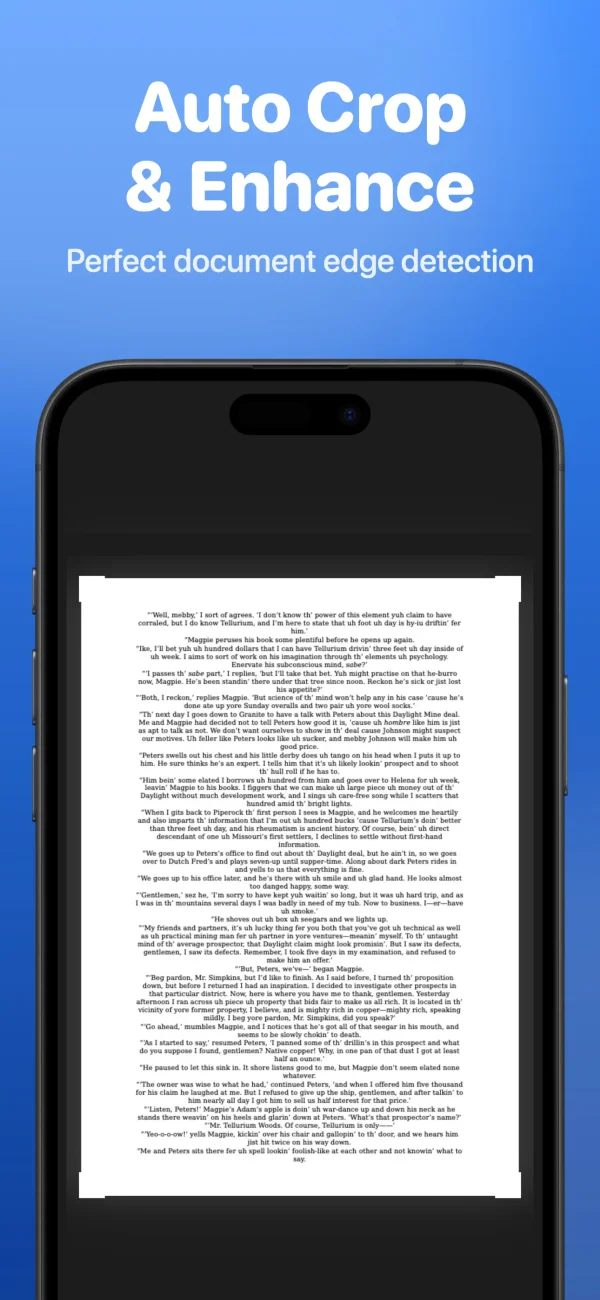
- Scan professionally: Our app includes a text detection system that helps you adjust the size of the document you want to scan with your phone.
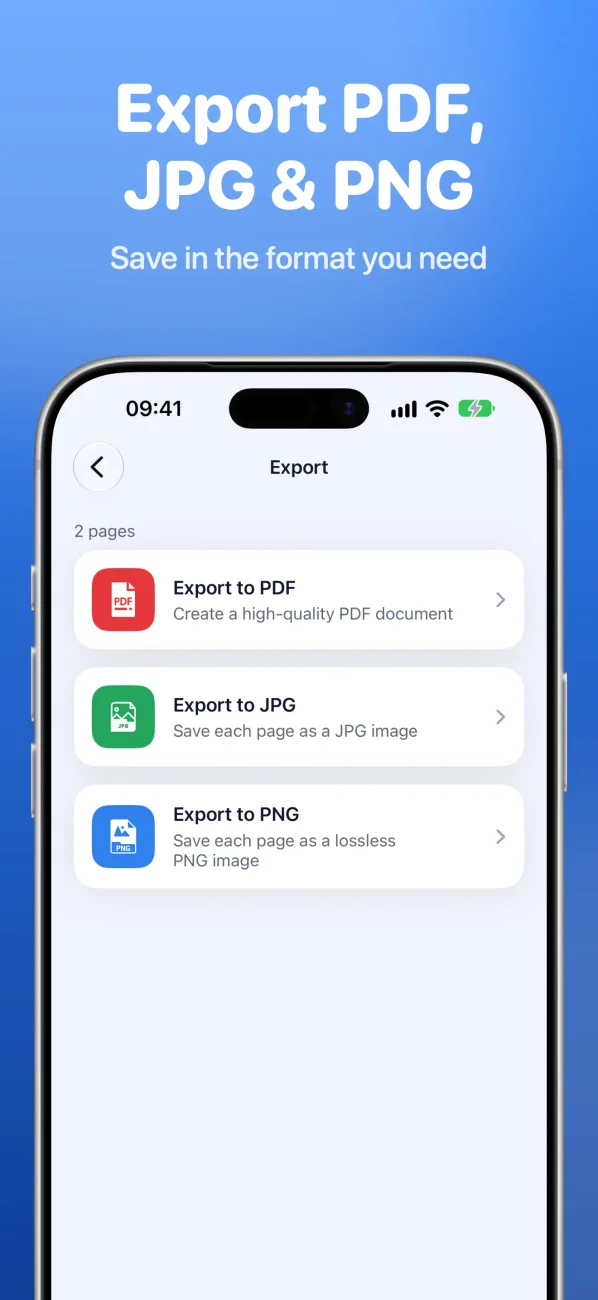
- Export to different formats: Once you have taken all the photos you need, you can export your scans as PDF, PNG, OR JPG. You decide!
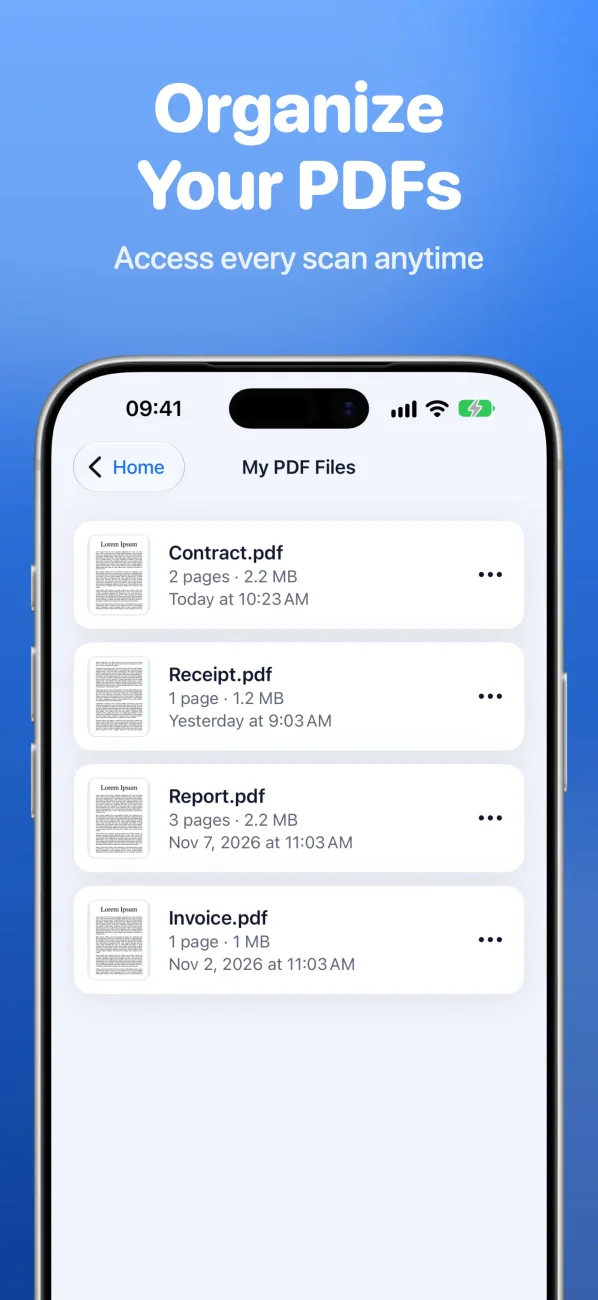
- Keep your scanned documents at hand: You can easily access all your creations from the main menu of the app so you can download or review them instantly.
Premium features:
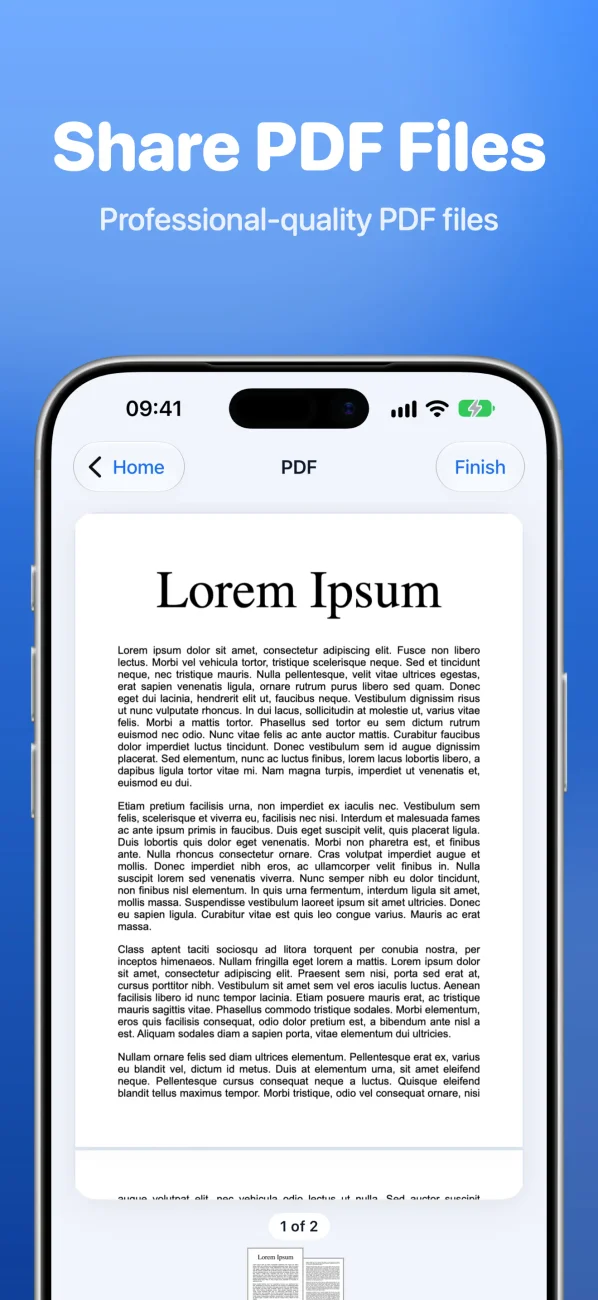
- Create multi-page PDF documents from your scanned photos.
- Remove all advertisements for a clean and distraction-free experience.
- Reorder scanned pages within a PDF document easily.
- Edit scanned images: crop, adjust, enhance, and improve quality.
- Export documents without watermarks.
This app works as a complete PDF scanner and photo to PDF converter.
You can scan documents or photos, convert images to PDF, and create high-quality PDF files directly from pictures taken with your phone.
It supports converting JPG, PNG, and other image formats into PDF documents, making it easy to turn photos into PDFs in just a few taps.
Whether you need a simple document scanner, a photo scanner, or an image to PDF converter, this app helps you scan, convert, and manage your PDF documents quickly and easily.
Service Terms: https://reticode.com/terms/terms-of-service-pdfscanner.html
Privacy Policy: https://reticode.com/privacy-policy/
What’s new
Version 4.0 · Nov 17, 2026
All-new design! A cleaner home with your recent documents always at hand. Scan pages, edit and reorder them, and export to PDF, JPG or PNG in just a few taps. Updated for iOS 27, plus bug fixes and performance improvements.
App privacy
What Reticode declares on the App Store about how this app handles data.
-
Data used to track you
May be used to track you across apps and websites owned by other companies.
- Identifiers
-
Data not linked to you
May be collected but is not linked to your identity.
- Identifiers
- Usage data
- Diagnostics
Privacy practices may vary, for example with the features you use or your age.
Information
- Seller
- RETICODE SC
- Category
- Utilities
- Version
- 4.0
- Updated
- Nov 17, 2026
- Released
- Sep 2, 2021
- Size
- 62.0 MB
- Requires
- iOS 17.6 or later
- Age rating
- 4+
- Price
- Free
- In-app purchases
- Yes
- Languages
- English, Arabic, Czech, Danish, Dutch, Finnish, French, German, Greek, Hebrew, Indonesian, Italian + 14 more
- Copyright
- © 2026 Reticode
You might also like
-
 Scan & Convert Photos To PDFScan with your phone
-
 Image to PDF & Photo ConverterPic, JPG & PNG to PDF Scanner
-
 Photo PDF: Converter & PrinterConvert Image to PDF & Print
-
 Photo to PDF: JPG, Scan & OCRImage to PDF, merge & convert
-
 Picture to PDF Files ConverterScan & convert photo to text
-
 Yandex ID – 2FA AuthenticatorSecure sign-in codes
-
 QR Code Reader ®Price Scanner & Barcode Scan
-
 билайнUtilities
-
 VPN Master Secure VPN proxyVPN Beaver — VPN for iPhone
-
 PDF Scanner: Editor & ReaderFile Converter & Scan: Photos