- Age rating4+
- CategoryMusic
- DeveloperMario Maucher
- Size43.0 MB
Links to the official App Store page
Download.org hosts no file of mobileinearMix. The button opens its official App Store page, published by Mario Maucher. Listing last checked on Nov 14, 2026.
Screenshots
About
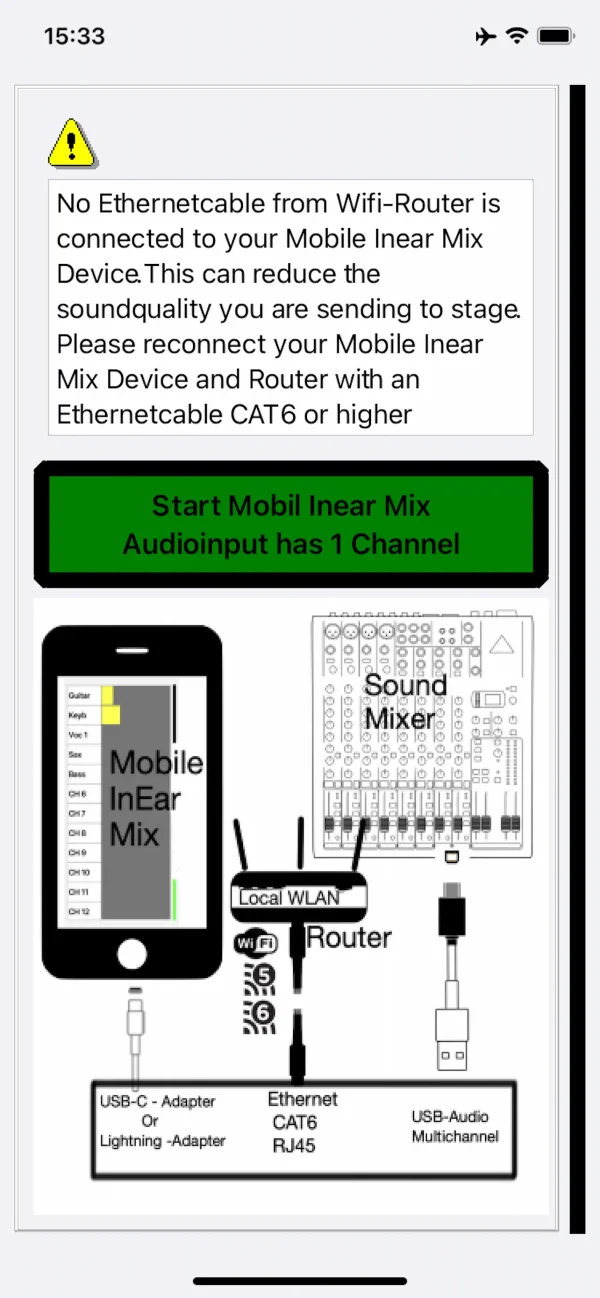
The multichannel mixer sound from front mixer is transferred over Wifi/Ethernet to the musicians on stage and they customize their individuell sound mix by themselves and hear it over mobile devices earbuds. Connect your front mixer with mobile device via Connector/Adapter and send signal over Router Wifi5+ to stage. You need a wifi5+ Router connected with ethernet to mobile device and a multichannel audio usb-compliant interface on your stage mixer. The musicians need the mobileinearStage App to receive the sound from mobileinearMix. You can download mobileinearStage from Appstore.
Do following steps on your device:
-Connect your USB-Audio Interface with your mobile device/tablet with an usb cable
-Connect your Wifi5 or Wifi6 Router with your device/tablet with an ethernet cable
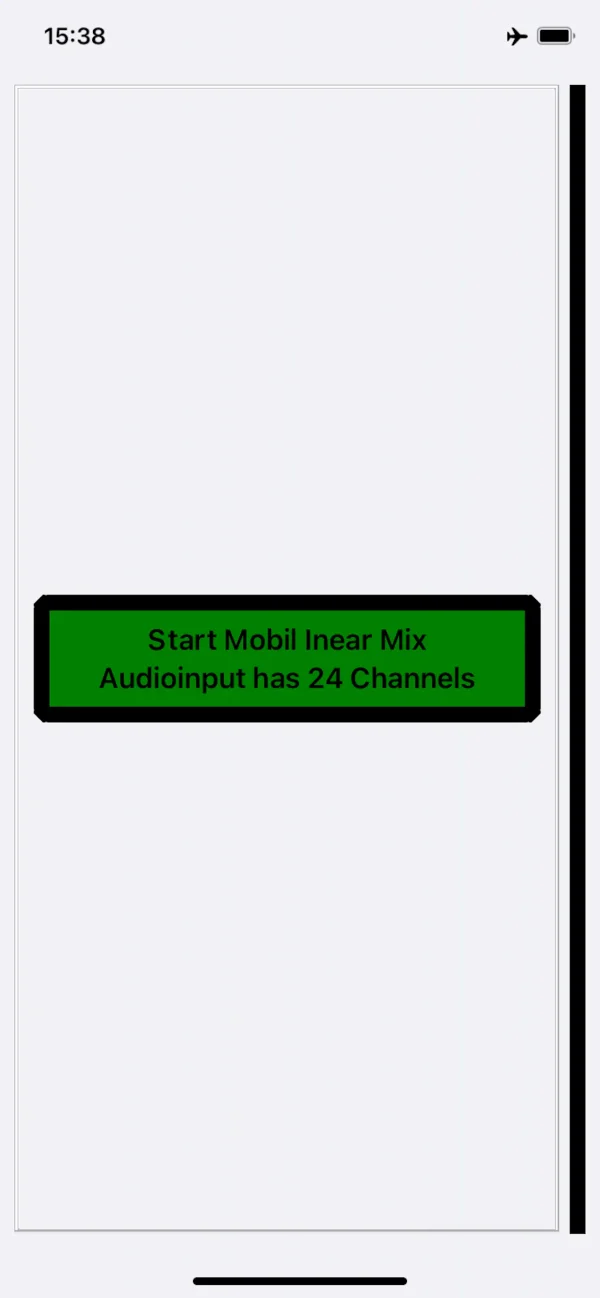
-Start mobileinearMix on your device/tablet
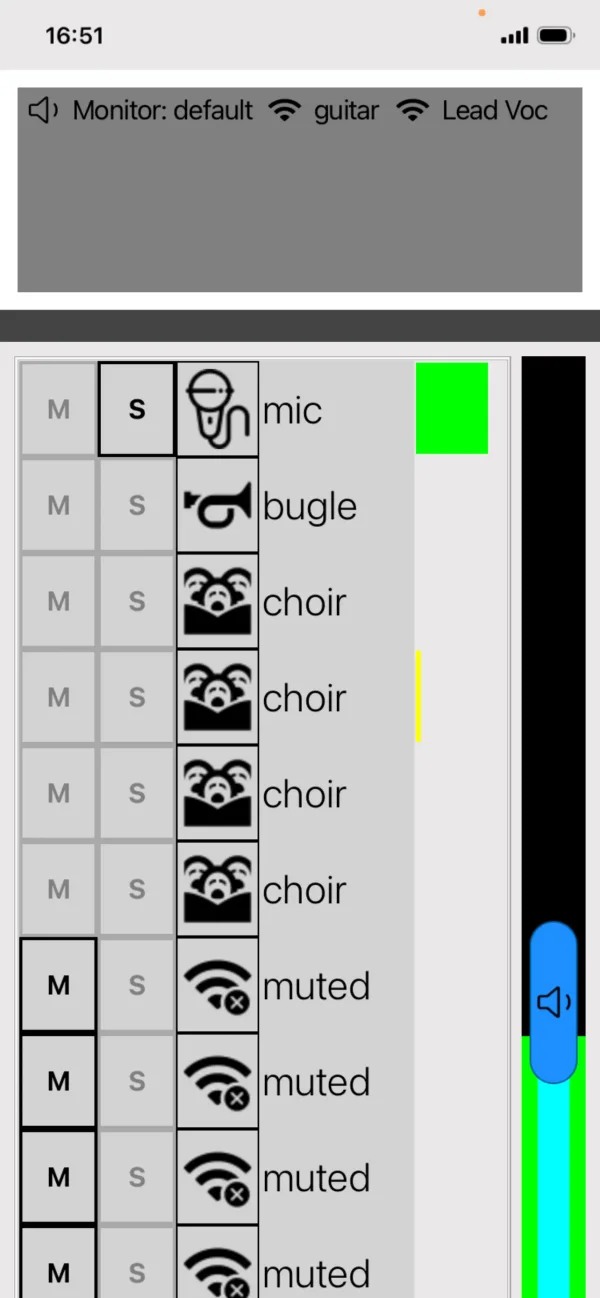
-Rename the audio channels to real stage instrument titles or build channelgroups with one group name for several channels or use predefined Icons
Thats all !!!
-The musicians mobile devices can receive and mix individually their sound on stage with mobileinearStage-App.
-No time consuming and boring stagemonitor soundcheck
-No tons of stage monitor boxes
-No tons of audio routing and sending equipment and cables
-individual mixed digital sound quality for every musician easy to make by a fingertip on his mobile device
-Use SOLO-Button for channel audio control
-Use MUTE-Button for muting not used audio channels
-Set Mastervolume for channel audiocontroll with earbuds
What’s new
Version 4.0(1.0.9) · Jun 26, 2026
-Icons for audio channel labeling
-SOLO-Button for channel audio control with earbuds
-MUTE-Button for muting not used audio channels
App privacy
What Mario Maucher declares on the App Store about how this app handles data.
-
Data not collected
The developer does not collect any data from this app.
Privacy practices may vary, for example with the features you use or your age.
Information
- Seller
- Mario Maucher
- Category
- Music
- Version
- 4.0(1.0.9)
- Updated
- Jun 26, 2026
- Released
- Nov 16, 2023
- Size
- 43.0 MB
- Requires
- iOS 17 or later
- Age rating
- 4+
- Price
- Free
- Copyright
- © 2019 Mario Maucher
You might also like
-
 Melody SaverVoice to MIDI
-
 Cadac: CM MetersLive metering for CM-J Series
-
 VI-Stage PerformerScore & Prompter App
-
 Live Chopz(Remote)Live Chopz Band (Remote)
-
 ShowRecorder: Mixer MultitrackLive recorder, every channel
-
 BaggFishfeat. Vinicius Cajado
-
 LV1 MonitorStage Monitor Mix Control
-
 Horn Section HDMusic
-
 KA mini PaiXiaoChinese PaiXiao instrument
-
 Mix Bus Compressorultra-transparent plugin