Mobileraker - Klipper UI
Access Klipper from your phone
Designed for iPhone, iPad, iPod touch
Free · In-app purchases
- Age rating4+
- CategoryProductivity
- DeveloperPatrick Schmidt
- LanguagesEnglish
- Size141.1 MB
Links to the official App Store page
Download.org hosts no file of Mobileraker - Klipper UI. The button opens its official App Store page, published by Patrick Schmidt. Listing last checked on Nov 27, 2026.
Screenshots

About
Take control of your Klipper 3D printing experience like never before! Mobileraker puts professional-grade monitoring and precision control right in your pocket, transforming how you interact with your printer.
REVOLUTIONARY PRINTING CONTROL
Unleash the full potential of your Klipper-powered printer with an intuitive interface that gives you complete command over every aspect of your printing process. From anywhere, anytime!
POWERFUL FEATURES AT YOUR FINGERTIPS
• Real-Time Print Visualization: Watch your designs come to life with GCode preview and live print tracking
• Smart Print Management: Control jobs instantly with pause, resume, or stop functions while getting real-time progress updates
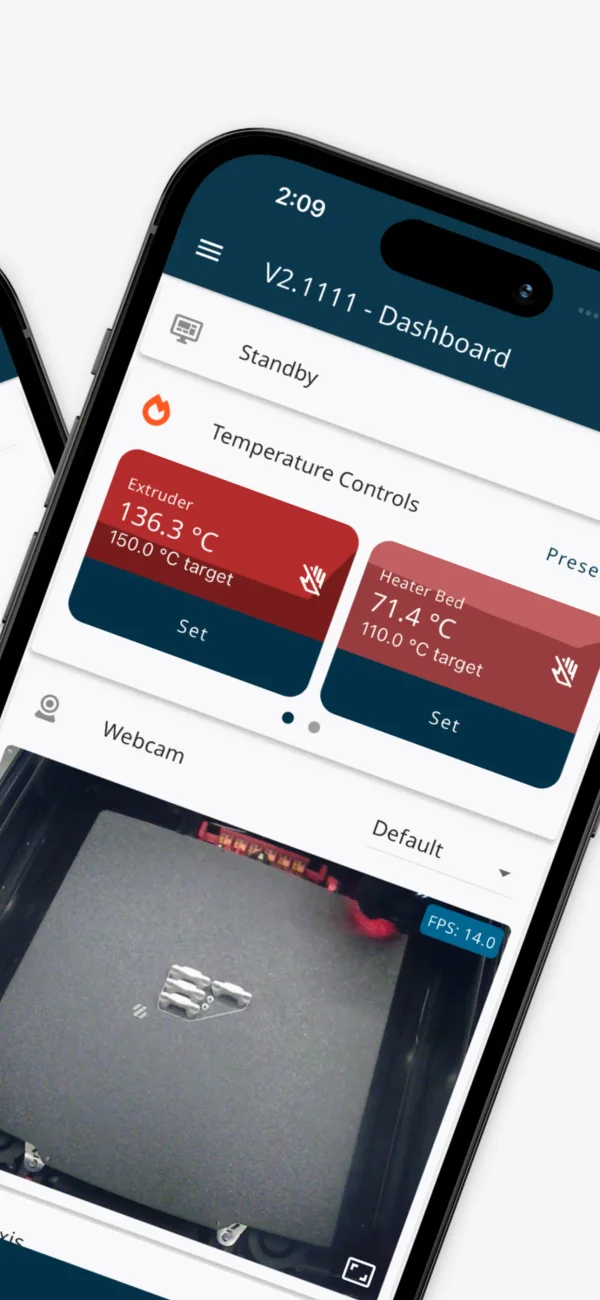
• Precision Control Suite: Command all axes with pinpoint accuracy and perfectly manage temperatures across multiple extruders
• Advanced Monitoring Dashboard: Visualize bed mesh data in stunning detail and track temperature fluctuations in real-time
• Intelligent Filament System: Master your inventory with Spoolman integration and stay ahead of issues with filament sensor alerts
• Fully Customizable Interface: Create your perfect command center by arranging controls exactly how you want them
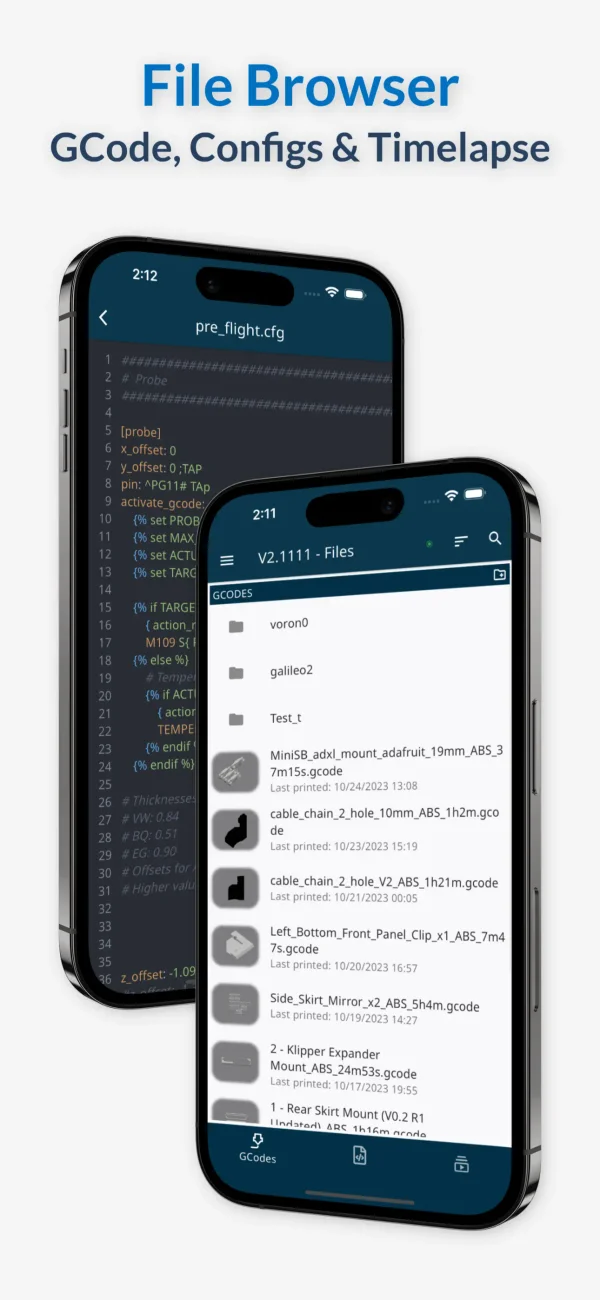
• Complete File Command: Upload, download, zip, edit, and manage files with unprecedented ease
• Macro Mastery: Streamline complex operations with grouped GCode macros at your command
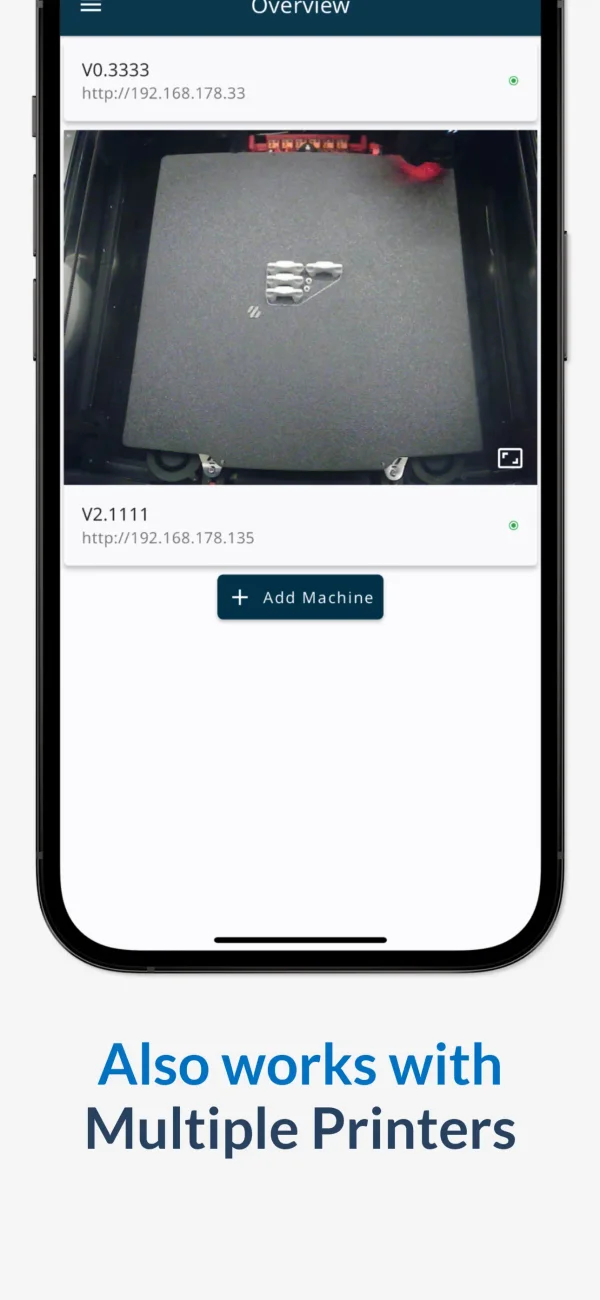
• Multi-Printer Fleet Control: Manage your entire printing ecosystem from one powerful interface
ENHANCED PRINTING EXPERIENCE
• Multi-Camera Monitoring: Keep eyes on your print from every angle with advanced camera integration
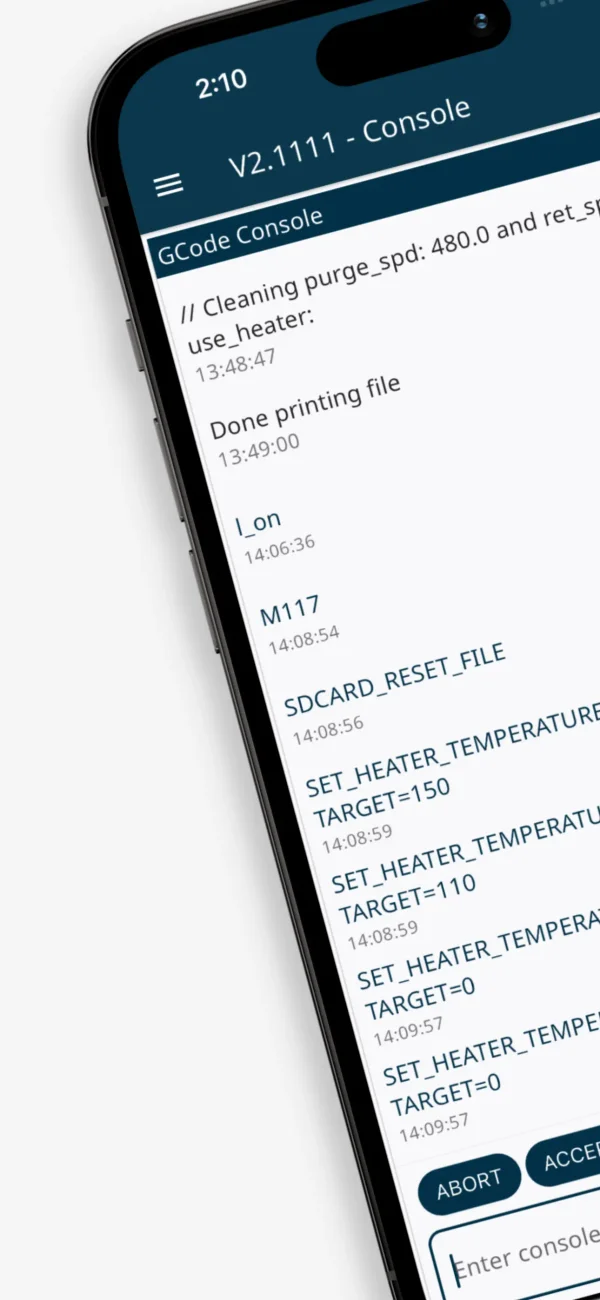
• Interactive GCode Console: Communicate directly with your printer through an intuitive command interface
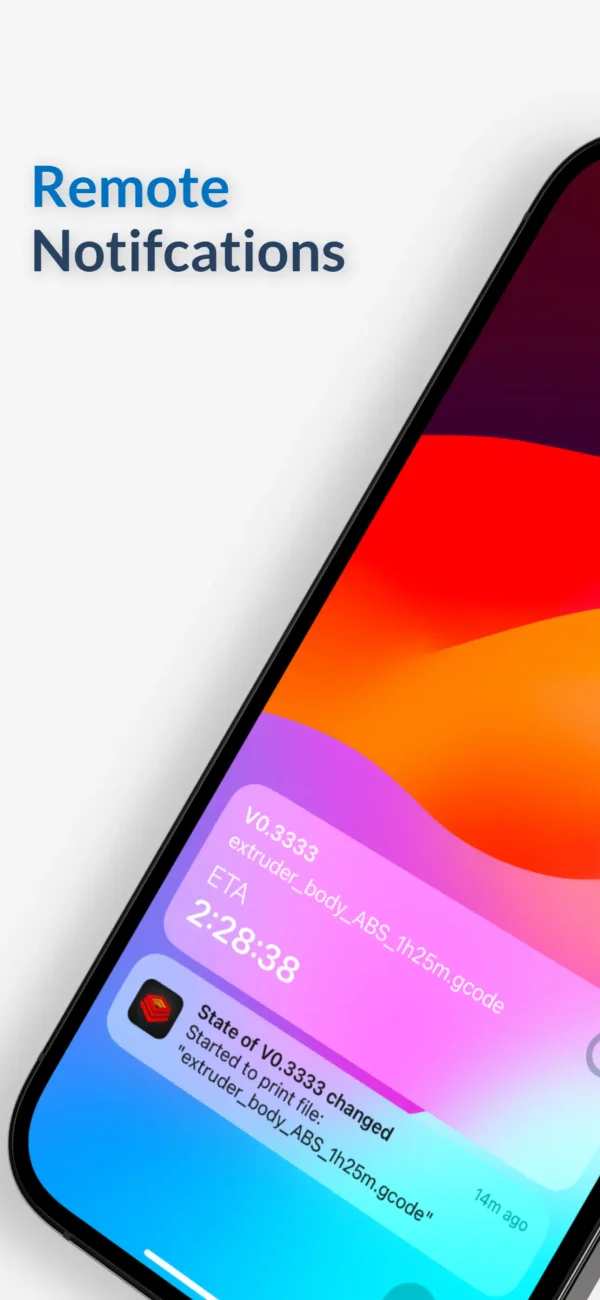
• Smart Notifications: Stay informed with customizable alerts about your print status, no matter where you are
• Temperature Preset System: Switch between your most-used settings with lightning speed
• Secure Remote Access*: Maintain rock-solid connections through Octoeverywhere, Obico, or your custom setup
LEARN MORE
Discover all capabilities and latest updates on Mobileraker's GitHub page.
LEGAL INFORMATION
Terms of Use: https://www.apple.com/legal/internet-services/itunes/dev/stdeula/
Privacy Policy: https://www.iubenda.com/privacy-policy/19183925/full-legal
*Remote access requires connection through Octoeverywhere, Obico, or manual setup with VPN, reverse proxy, or similar.
What’s new
Version 2.9.15 · Nov 17, 2026
We've made significant improvements to the Mobileraker app, enhancing the user experience across the board. I have worked tirelessly to introduce new features, streamline existing functionalities, and ensure a smoother, more intuitive interface. For a comprehensive list of changes and updates, please refer to the changelog available in the app for further details.
App privacy
What Patrick Schmidt declares on the App Store about how this app handles data.
-
Data used to track you
May be used to track you across apps and websites owned by other companies.
- Identifiers
- Usage data
-
Data linked to you
May be collected and linked to your identity.
- Contact info
-
Data not linked to you
May be collected but is not linked to your identity.
- Identifiers
- Usage data
- Diagnostics
Privacy practices may vary, for example with the features you use or your age.
Information
- Seller
- Patrick Schmidt
- Category
- Productivity
- Version
- 2.9.15
- Updated
- Nov 17, 2026
- Released
- May 10, 2022
- Size
- 141.1 MB
- Requires
- iOS 15.6 or later
- Age rating
- 4+
- Price
- Free
- In-app purchases
- Yes
- Languages
- English
- Copyright
- © 2026 Patrick Schmidt
You might also like
-
 OctoApp for OctoPrint/KlipperThe most advanced printing app
-
 SimplyPrint - 3D printingProductivity
-
 Pikaslice - 3D Print SlicerSTL, Gcode, Resin & Filament
-
 Smart Belt DriveProductivity
-
 Spoolstock - 3D Printing HubFilament and print inventory
-
 STL Simple ViewerView 3D STL 3MF STEP & DXF CAD
-
 Autodesk FusionProductivity
-
 Onshape 3D CADSpeed Up Your Product Design
-
 Swift PaperlessNative document managament
-
 3D Model Viewer - AR & PrintSimulate 3D Printing and AR