
MocaDeco - Be Creative
Photo Editor & Visual Creator
Designed for iPhone, iPad
Free · In-app purchases
- Age rating4+
- CategoryPhoto & Video
- DeveloperSeohyeon Lee
- LanguagesEnglish
- Size175.9 MB
Links to the official App Store page
Download.org hosts no file of MocaDeco - Be Creative. The button opens its official App Store page, published by Seohyeon Lee. Listing last checked on Nov 22, 2026.
Screenshots

About
You can be creative with MocaDeco!
Apply dramatic filters, cool effects, add eye-catching typography and artworks to your photos.
Overlays
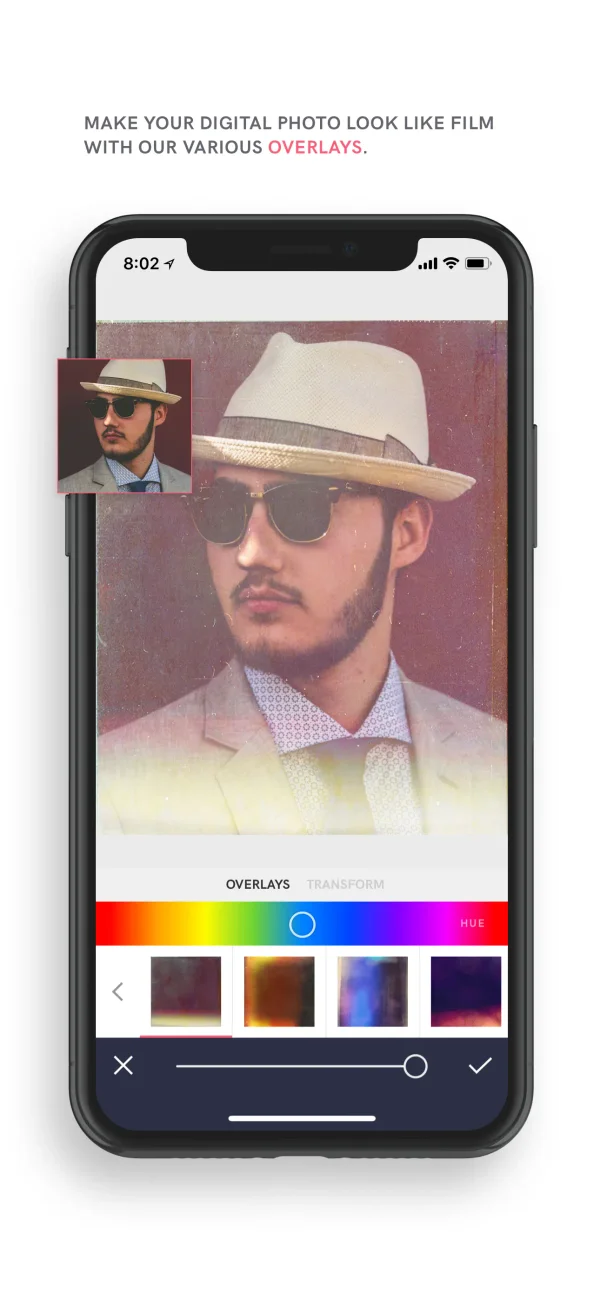
• Over 200 overlays in 16 themes.
• Make your ordinary photos look like vintage film with our various overlays.
• Add a variety of overlays to your images, including rainbows, skies, analog light leaks, grainy film textures and emotional bokeh light effects.
Filters
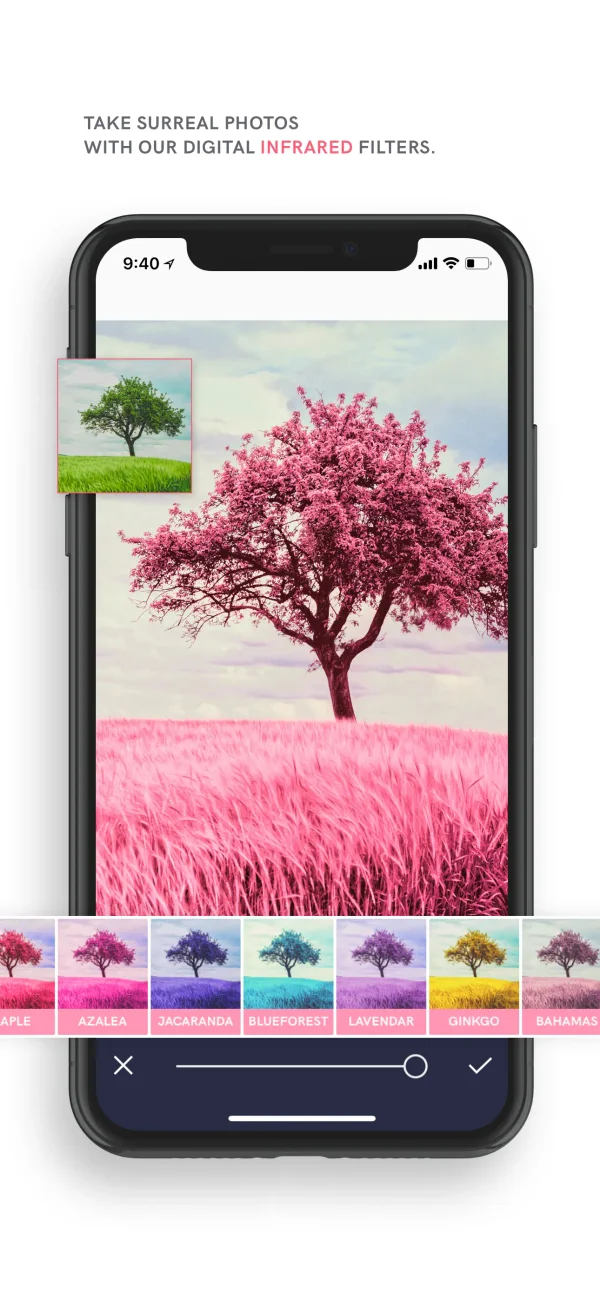
• Over 140 unique filters in 12 themes.
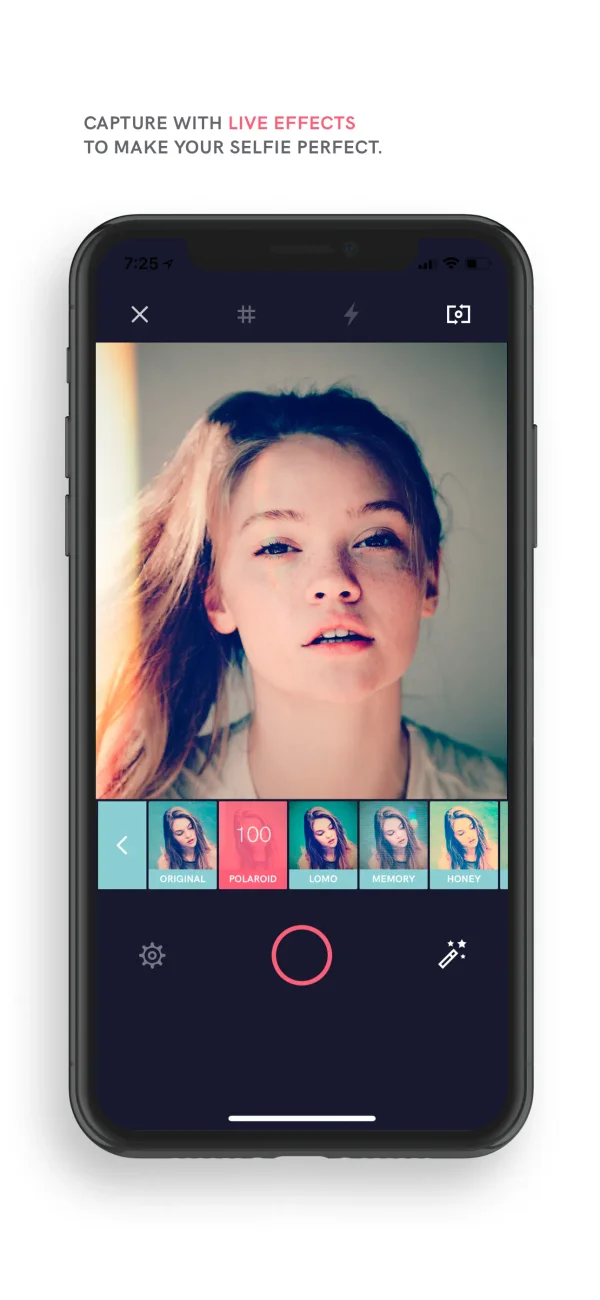
• Capture poetic and surreal photos with our 12 digital infrared filters.
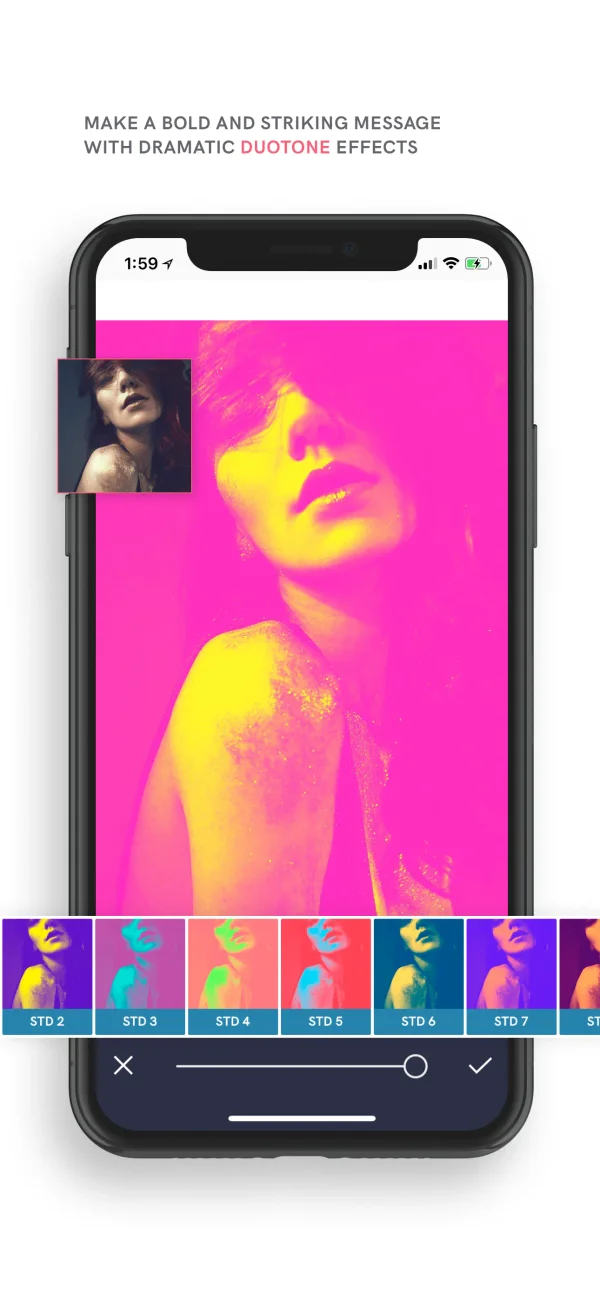
• Deliver bold and striking messages with 21 duotone filters.
Artworks & Fonts
• Select from over 700 artworks & over 150 fonts.
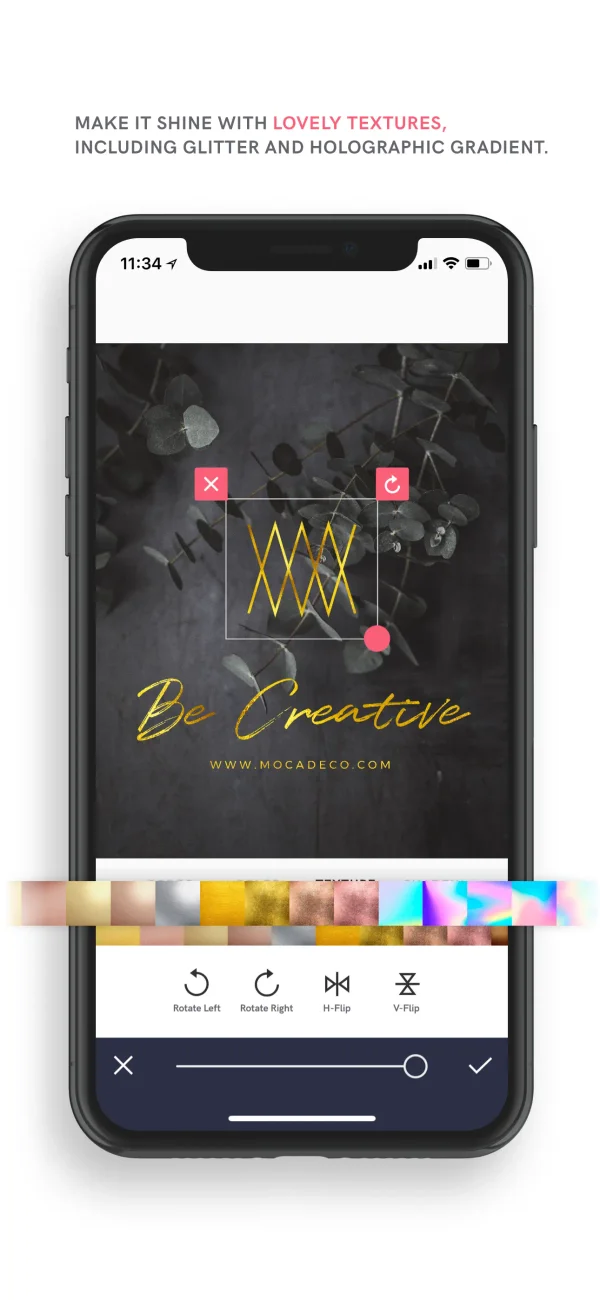
• Fill with glitter and different lovely textures, including gold foils, holographic gradients, marbles and more.
• Adjust the font size, color, line height, letter spacing, alignment and more.
• Make it stand out with drop shadows.
Image Adjustments & More
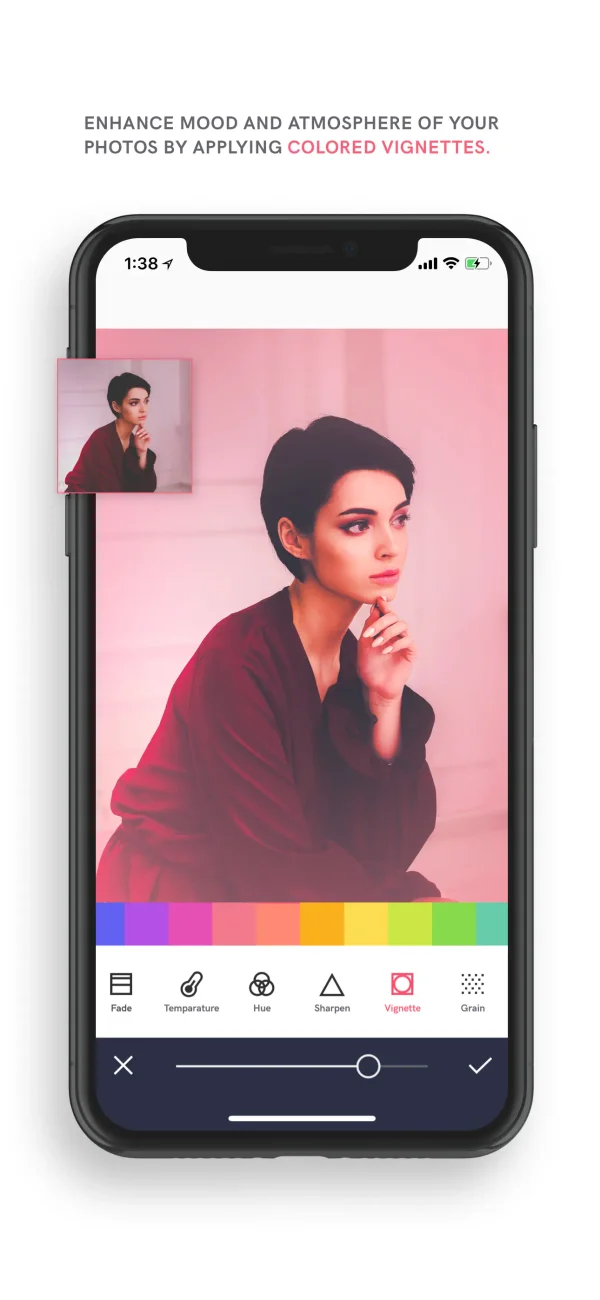
• Enhance the mood & atmosphere of your photos by applying colored vignettes.
• Brightness, Contrast, Highlight, Shadow, Saturation, Fade, Temperature, Hue, Color Fringe, Prism, Sharpen, Grain.
• The HSL tool gives you control to adjust the Hue, Saturation and Lightness of a specific color in the image.
• Blur images to convey feelings and apply tilt-shift to panoramic shots to make them look like miniatures.
• Crop to 18 different ratios, flip or rotate your photo.
• Correct horizontal and vertical lines as well lens distortions.
Camera
• Manual controls such as exposure, ISO, shutter speed, and white balance.
• Apply all filters in live camera mode, allowing you to see your final product before you even tap the shutter button.
• Shoot like a pro using 5 photo composition guide.
Layer and Project Based Editing
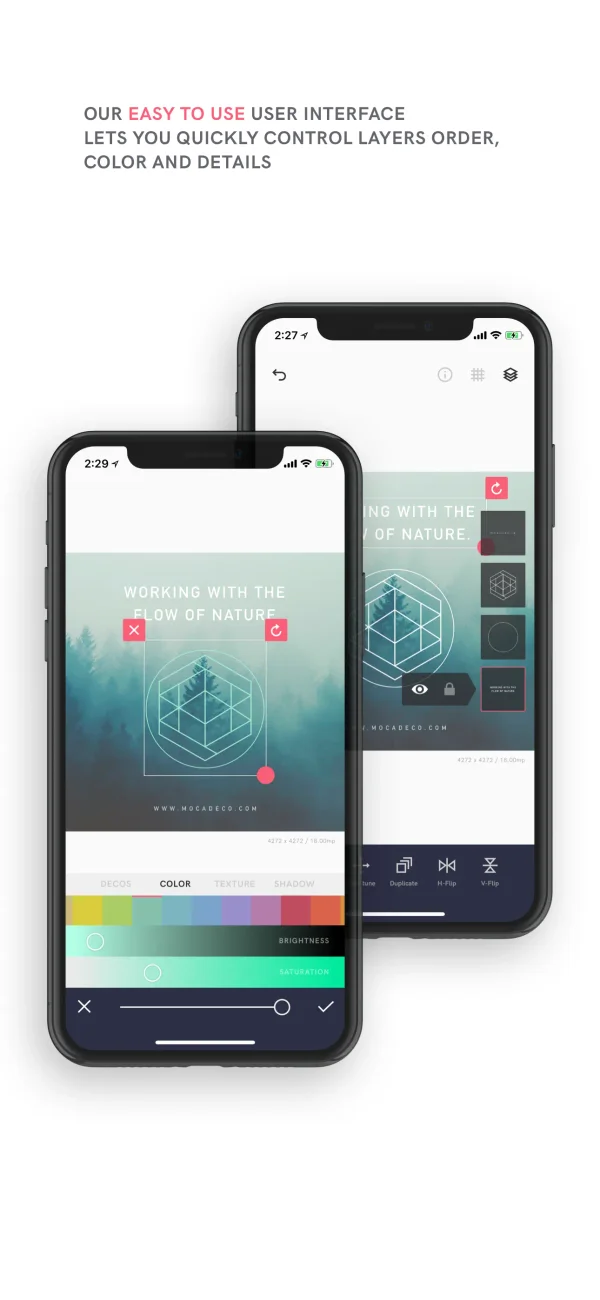
• Rearrange the order by long-tapping and dragging to the desired position.
• Lock or hide layers for easier editing.
• Save your work as an editable projects.
Blank Canvas
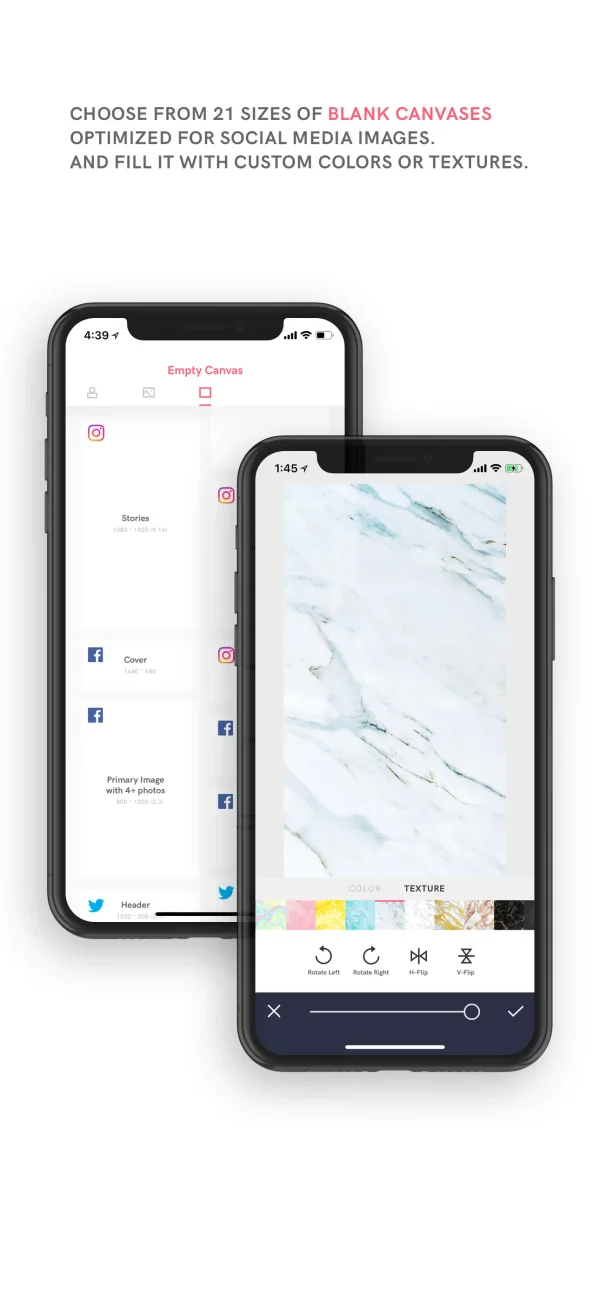
• Choose from 21 sizes of blank canvases optimized for social media images.
• Add various textures or custom colors.
Don't forget tag your gorgeous edits on Instagram with #mocadeco
Have any questions? Contact us. We welcome your feedback.
Email us at support@mocadeco.com or visit www.mocadeco.com/support
What’s new
Version 3.7.2 · Oct 16, 2025
• Improved overall stability and performance for a smoother editing experience.
• Minor bug fixes and optimizations.
App privacy
What Seohyeon Lee declares on the App Store about how this app handles data.
-
Data used to track you
May be used to track you across apps and websites owned by other companies.
- Identifiers
- Usage data
-
Data not linked to you
May be collected but is not linked to your identity.
- Purchases
- Identifiers
- Usage data
- Diagnostics
Privacy practices may vary, for example with the features you use or your age.
Information
- Seller
- Seohyeon Lee
- Category
- Photo & Video
- Version
- 3.7.2
- Updated
- Oct 16, 2025
- Released
- Mar 13, 2014
- Size
- 175.9 MB
- Requires
- iOS 17.1 or later
- Age rating
- 4+
- Price
- Free
- In-app purchases
- Yes
- Languages
- English
- Copyright
- © 2021 MocaFactory
You might also like
-
 Pop Art filters and effectsCamera color photo editor
-
 RNI AeroInfrared film simulation
-
 Red – Dark FiltersDark Neon Photo Effects
-
 Trigraphy: Blend & Trippy ArtGlitch & Distortion Effects
-
 Tinge - Glow CamDark color filters
-
 Dark StudioPhoto & Video Filters
-
 Image Filters Photo Editor +Photoshop Like Image Filters!
-
 iColorama SPhoto Editor & Brush Painter
-
 Color Splash and Photo EditorRecolor Effects, Edit Pictures
-
 Fade It - Insta-Size & No-CropAR & Photo Filters Editor