Mochi Timer – Visual Timer
Pie timer for focus & routines
Designed for iPhone, iPad, iPod touch
Free · In-app purchases
- Age rating4+
- CategoryProductivity
- DeveloperJing Ting Yu
- LanguagesEnglish
- Size30.9 MB
Links to the official App Store page
Download.org hosts no file of Mochi Timer – Visual Timer. The button opens its official App Store page, published by Jing Ting Yu. Listing last checked on Nov 18, 2026.
Screenshots

About
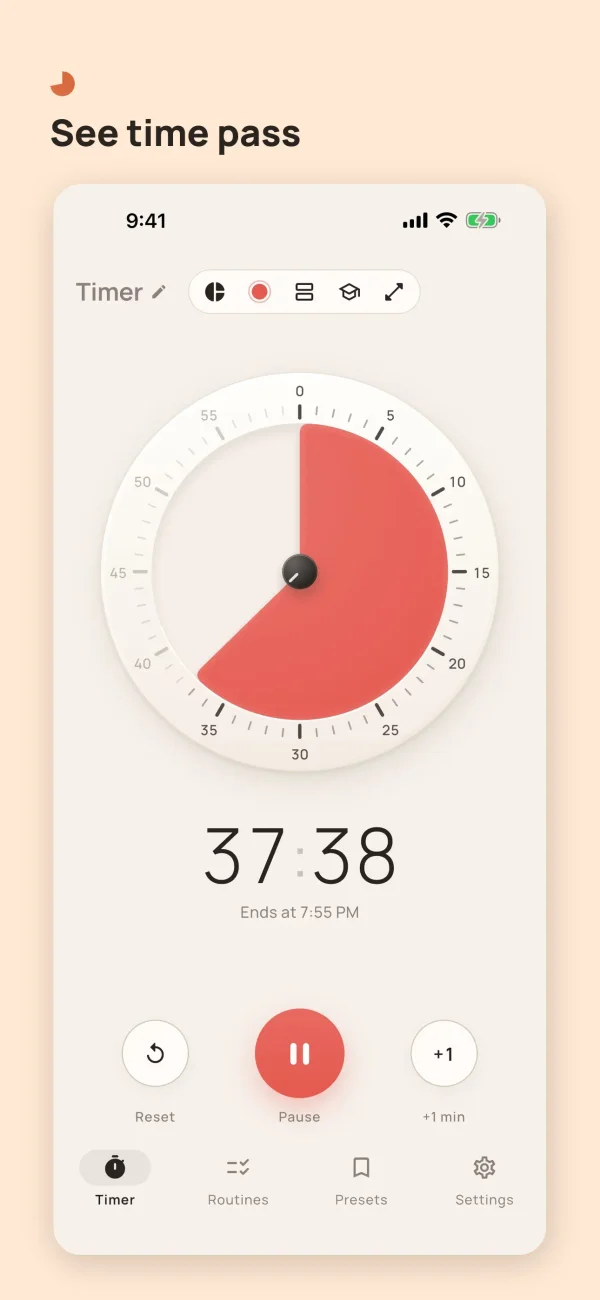
Mochi Timer makes time visible, without rushing you. A soft slice shrinks as the minutes pass, so you know how much is left at a glance, no numbers needed. No streaks, no scores. Built for focus sessions, cooking, classrooms and family routines.
WHAT IT DOES
• Drag the dial to set a time, or tap 1, 5, 10, 25, 60 minutes.
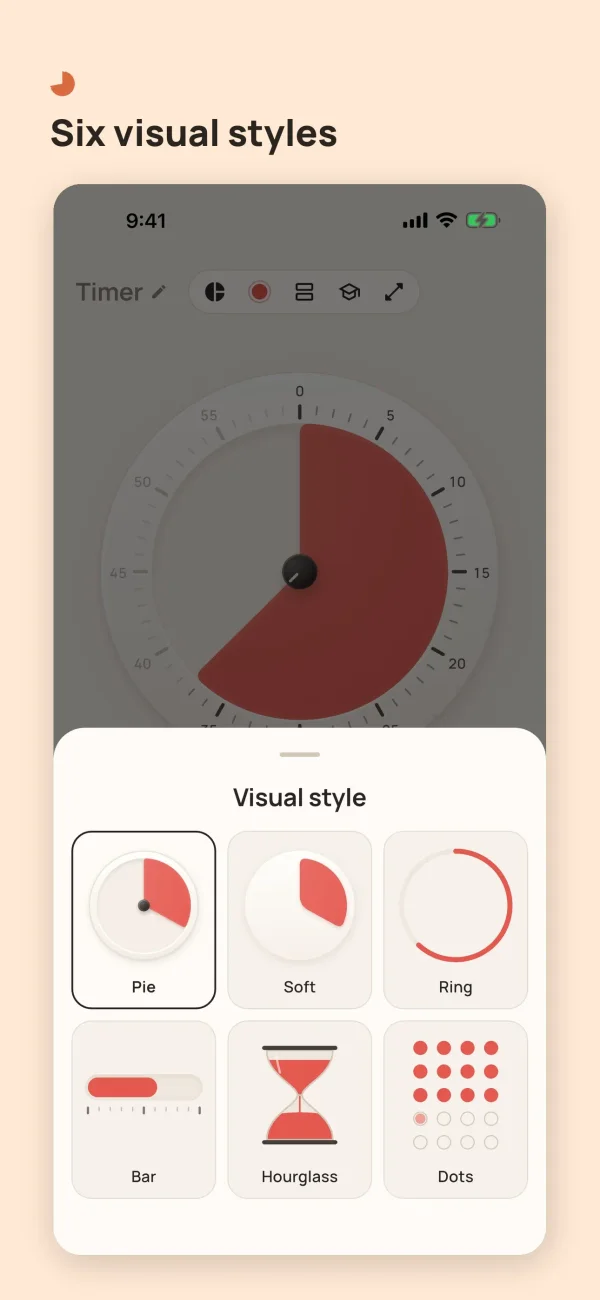
• Six visual styles: pie, soft, ring, bar, hourglass and dots, in 8 colors, light or dark.
• Rings even when the app is in the background or your phone is locked.
• Voice announcement in 33 languages: "Time's up" and what comes next.
• Works offline. No account. Nothing to sign up for.
ROUTINES
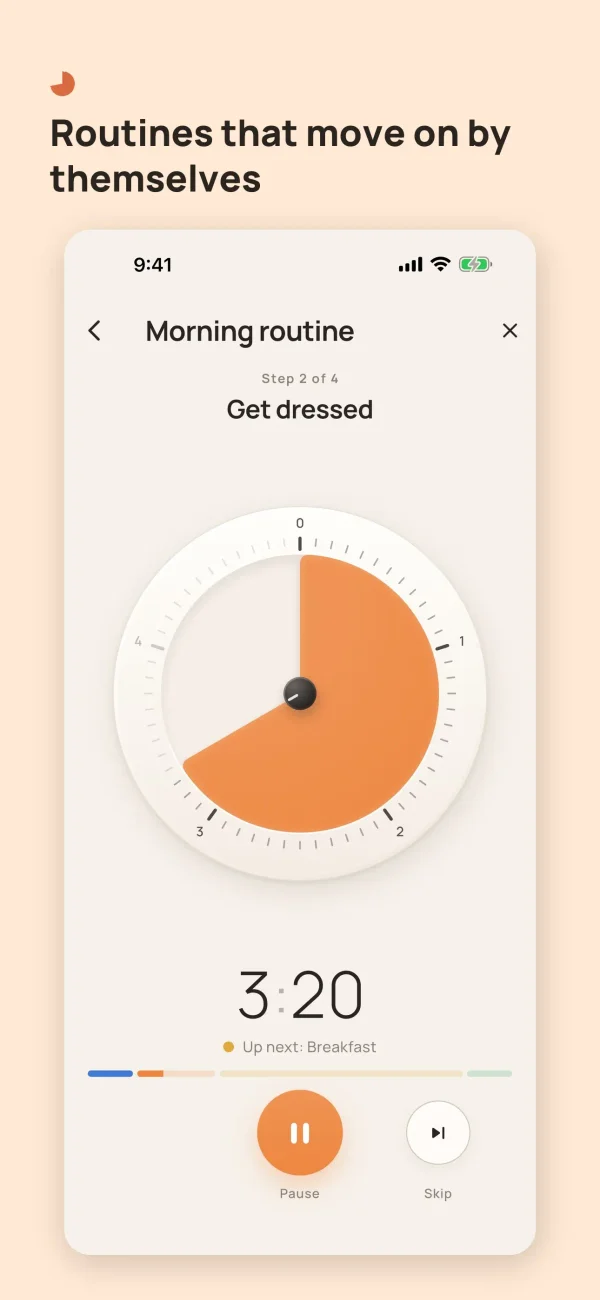
Chain steps together: brush teeth 3 min → get dressed 5 min → breakfast 15 min. Each step has its own color and sound, and the timer moves to the next step by itself. Start from templates (morning, homework, bedtime, quick workout, class period) or build your own.
MADE FOR
• Focus & study: Pomodoro-style sessions without the clutter.
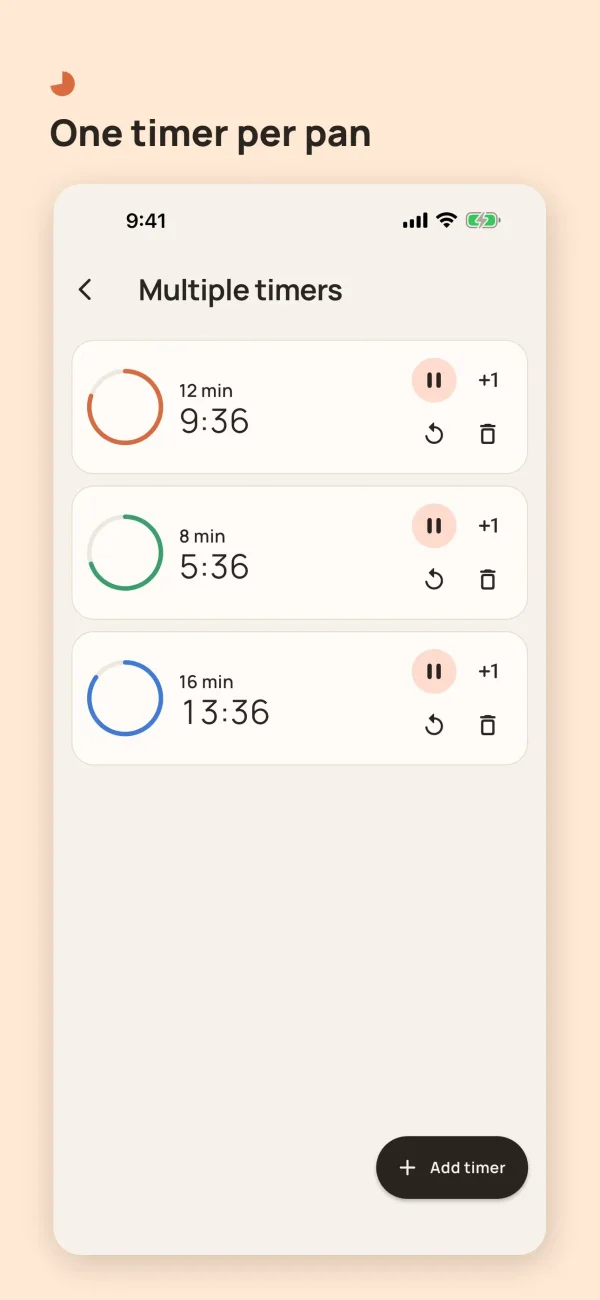
• Kitchens: several timers at once, one per pan.
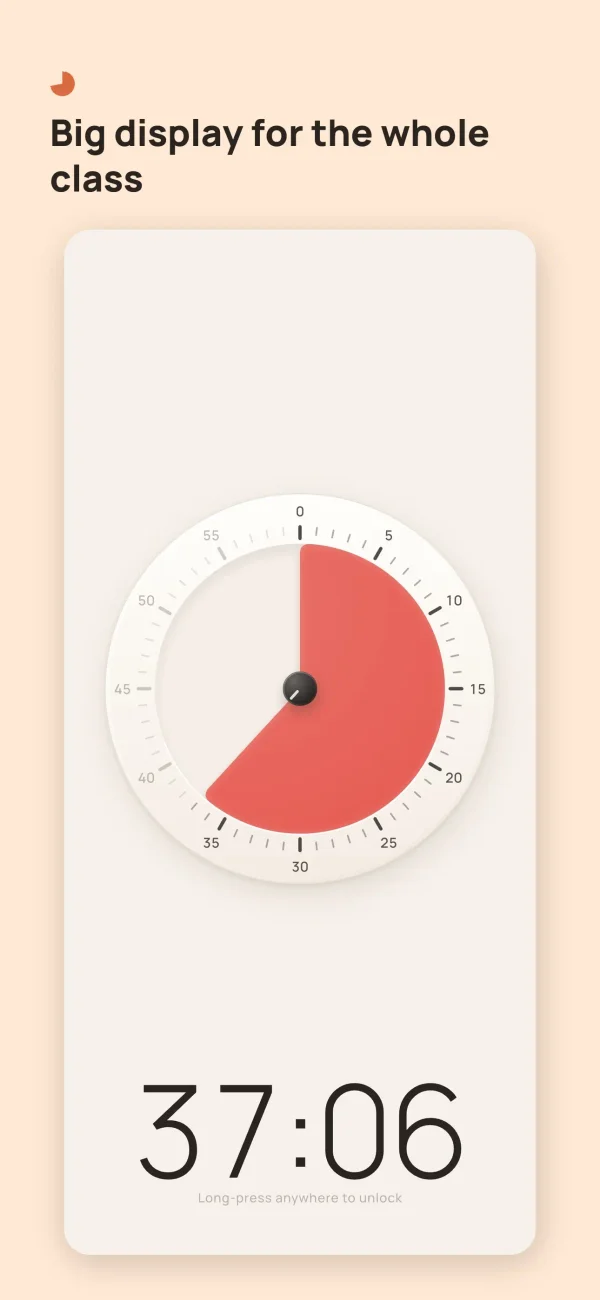
• Classrooms: a big, lockable display for the whole room to see.
• Families: "five more minutes" that everyone can see.
MOCHI TIMER PRO
• Unlimited routines and steps
• All visual styles and colors
• Several timers at once
• Classroom mode with screen lock
• No ads
Available as a monthly or yearly subscription (yearly includes a free trial) or a one-time lifetime purchase. Prices are shown in the app. Subscriptions renew automatically unless cancelled at least 24 hours before the end of the current period and can be managed in your store account.
Privacy Policy: https://catverselab.com/mochi-timer/privacy-policy
Terms of Use: https://catverselab.com/mochi-timer/terms-of-use
What’s new
Version 1.0.5 · Nov 11, 2026
Mochi Timer is now available in 33 languages, with 19 new ones including Russian, Arabic, Hindi, Thai and Vietnamese.
• New Alert style setting: Quiet (headphones only, otherwise vibrate), Standard or Always loud.
• Standard is the new default: it follows media volume and plays only in your headphones when they're connected, so it won't sound through the speaker in a library.
• All end sounds are now free.
• Small fixes.
App privacy
What Jing Ting Yu declares on the App Store about how this app handles data.
-
Data not linked to you
May be collected but is not linked to your identity.
- Location
- Identifiers
- Usage data
- Diagnostics
Privacy practices may vary, for example with the features you use or your age.
Information
- Seller
- Jing Ting Yu
- Category
- Productivity
- Version
- 1.0.5
- Updated
- Nov 11, 2026
- Released
- Nov 6, 2026
- Size
- 30.9 MB
- Requires
- iOS 15.0 or later
- Age rating
- 4+
- Price
- Free
- In-app purchases
- Yes
- Languages
- English
- Copyright
- © 2026 CatVerse Lab
You might also like
-
 Timelio: Visual Timer FocusCountdown & Productivity Stats
-
 Multitimer & Interval: WanciEgg, pomodoro & tabata timer
-
 Timer by UzVIPClean & Simple Time Tracking
-
 KASANE : Habit Multi Timer+Habits without rigid schedules
-
 Pomodoro Timer & Todo CalendarSmart Workout with Pomodoro
-
 Pomodoro Timer: FokisFocus & Study Timer
-
 Well Earned: Earn Screen TimeHabit Tracker & App Blocker
-
 Locky: Do Tasks, Unlock AppsBuild Habits, Earn Screen Time
-
 Timefall: Visual ADHD TimerPhysics pomodoro & study focus
-
 Listen Later: Text to PodcastArticles & PDFs into Podcasts