ModelPlay-3D Model Viewer
Support GLB FBX OBJ STL PLY
Designed for iPhone, iPad, Mac, iPod touch
Free · In-app purchases
- Age rating17+
- CategoryGraphics & Design
- Developer俊卿 吴
- LanguagesEnglish+ 19 more
- Size241.0 MB
Links to the official App Store page
Download.org hosts no file of ModelPlay-3D Model Viewer. The button opens its official App Store page, published by 俊卿 吴. Listing last checked on Nov 26, 2026.
Screenshots
About
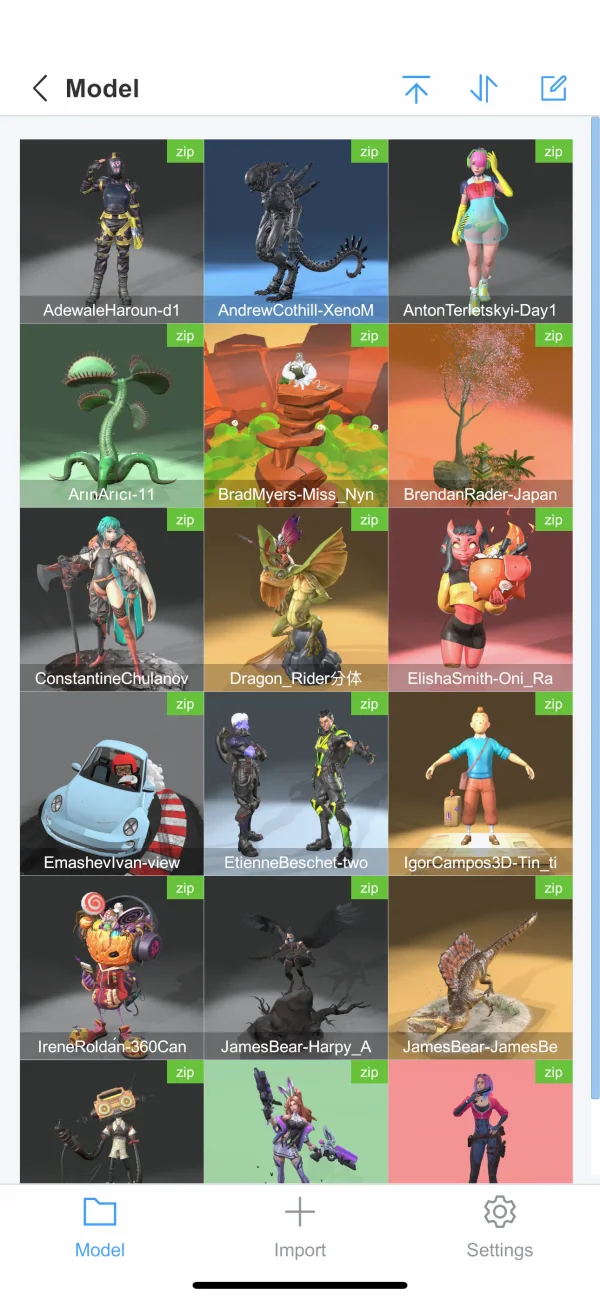
ModelPlay supports 3D model classification and viewing, 3D model import and export, and users can personalize each 3D model and save the settings. When using ModelPlay, users don't need to have professional 3D knowledge, just through simple operation, you can get very stunning 3D effects.
-3D Model Import and Export
Supports import and export of many common 3D format files such as GLB, FBX, OBJ, STL, PLY, 3MF, and so on.
-3D Model Categorization
Categorize 3D models through folders, support both list and grid display, sorting and editing, and setting image size.
-3D Model Lighting Settings
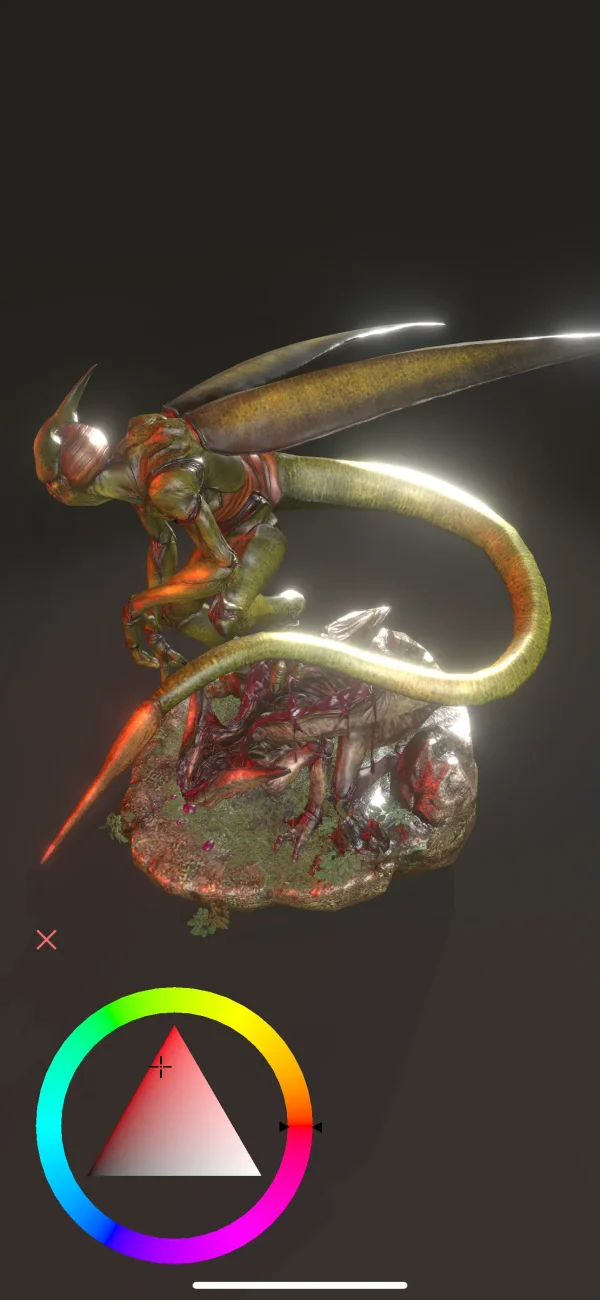
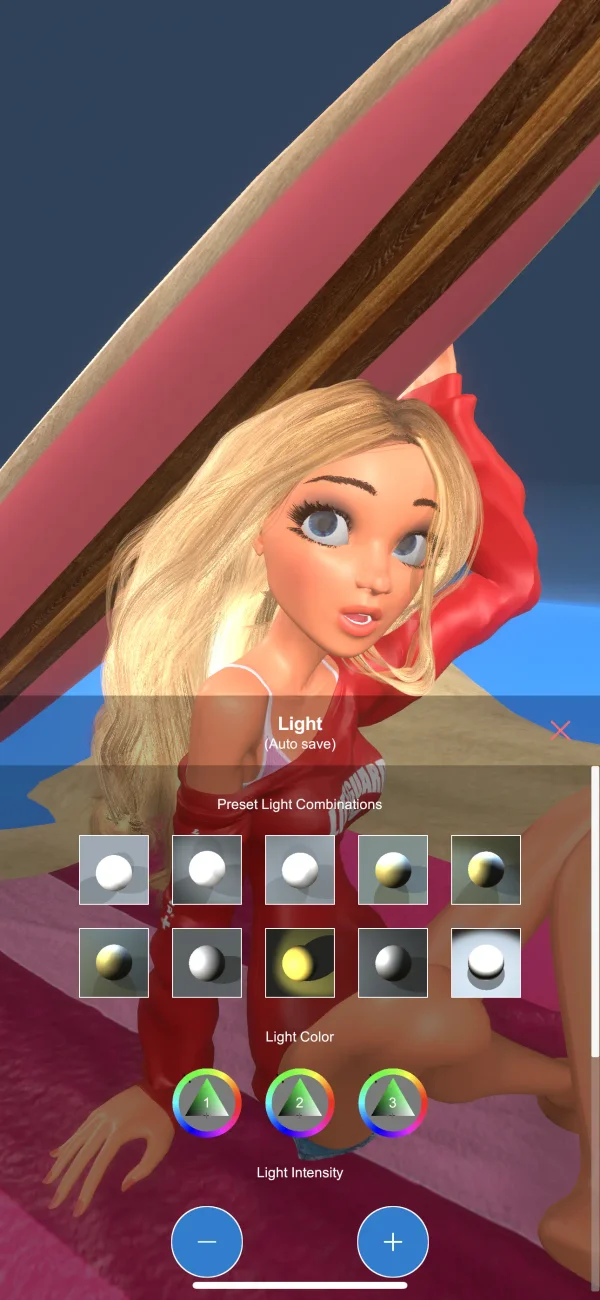
Support to set the lighting of the scene where the 3D model is located: support preset lighting combination settings, light color, light intensity, light shadow settings, ambient light color settings, and halo intensity settings. You can create colorful lighting effects through multiple combination settings.
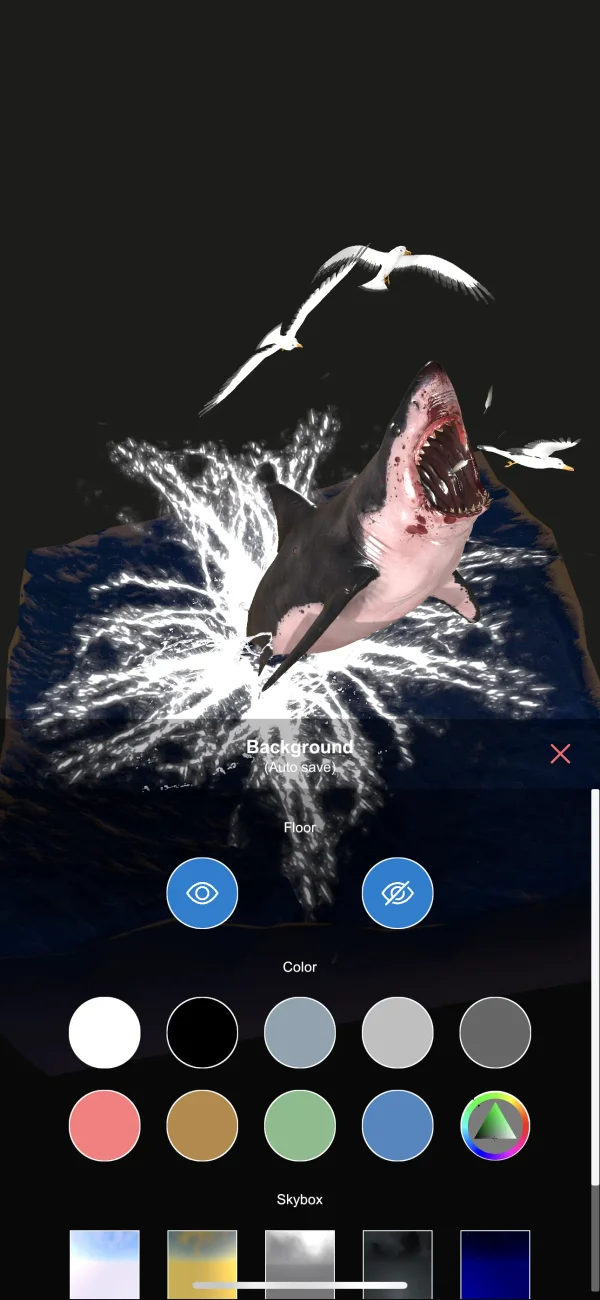
3D Model Background Settings
Supports setting the background of the scene where the 3D model is located: supports solid color background and sky box background. You can set “whether to show the ground” to get different scene atmosphere effects.
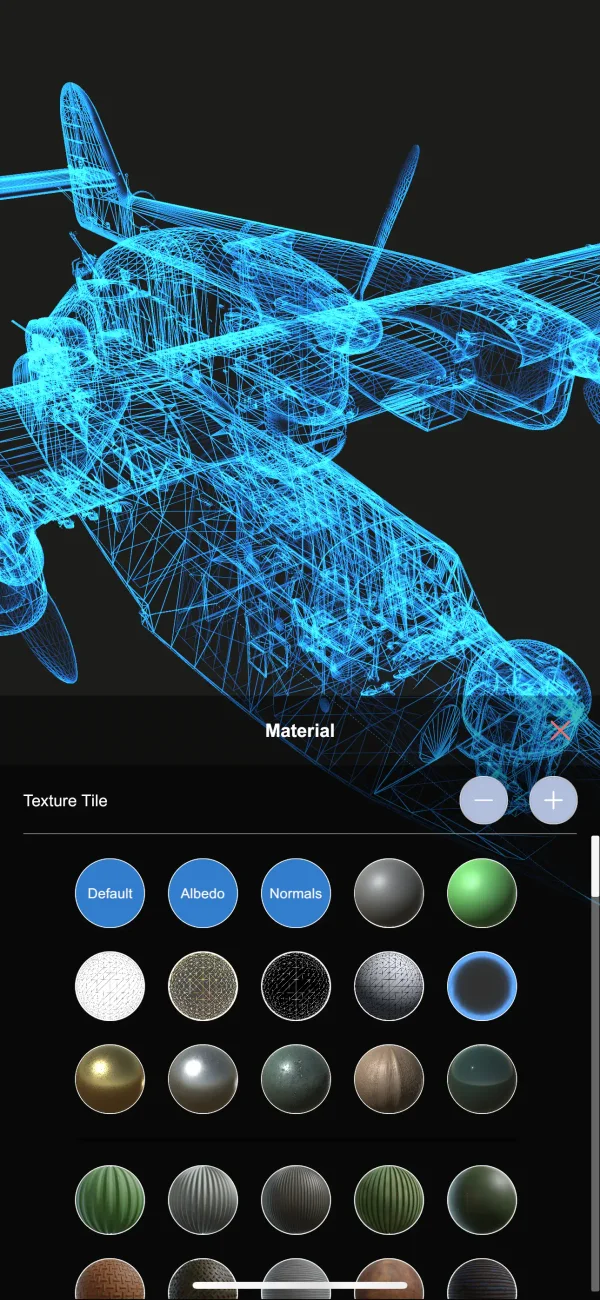
3D Model Material Settings
Support to set the material of 3D model: support default texture material, line material, metal material, transparent material and other material switching. Support to view the original material and texture.
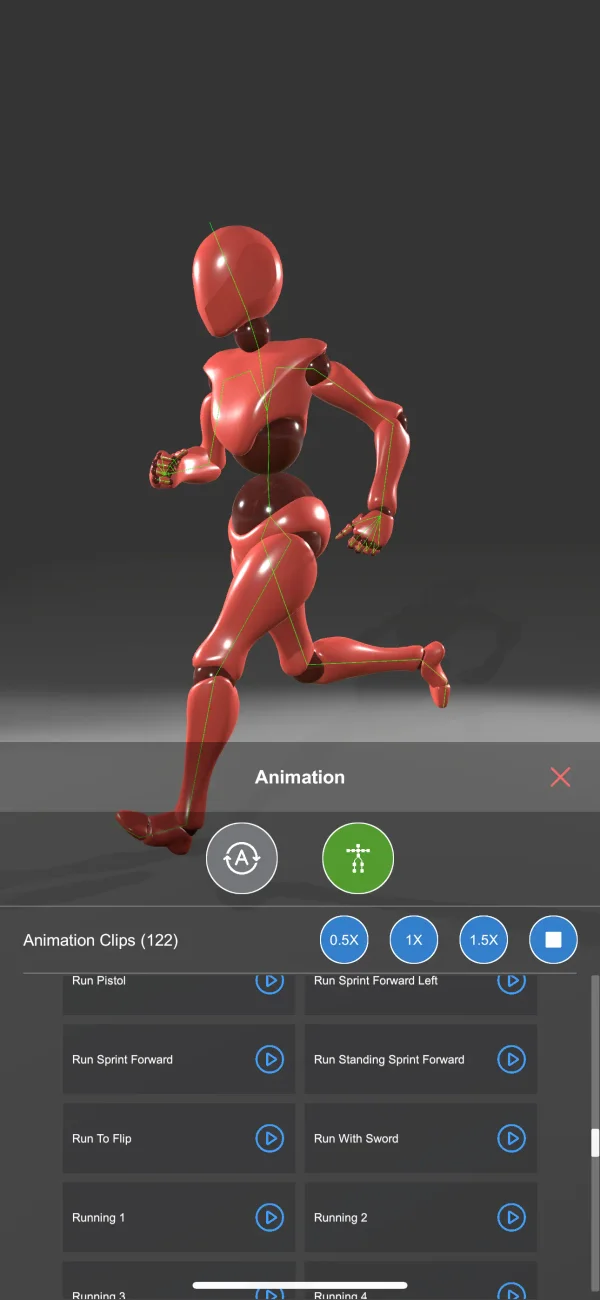
-3D Model Animation Settings
Support 3D model skeleton display, support animation play and pause, support auto rotate, support dynamic skeleton, support multiple animation clips switch play.
-3D Model Position Setting
Support 3D model position offset and rotation setting. Support camera view angle setting, you can set different optimal display view angles for different 3D models.
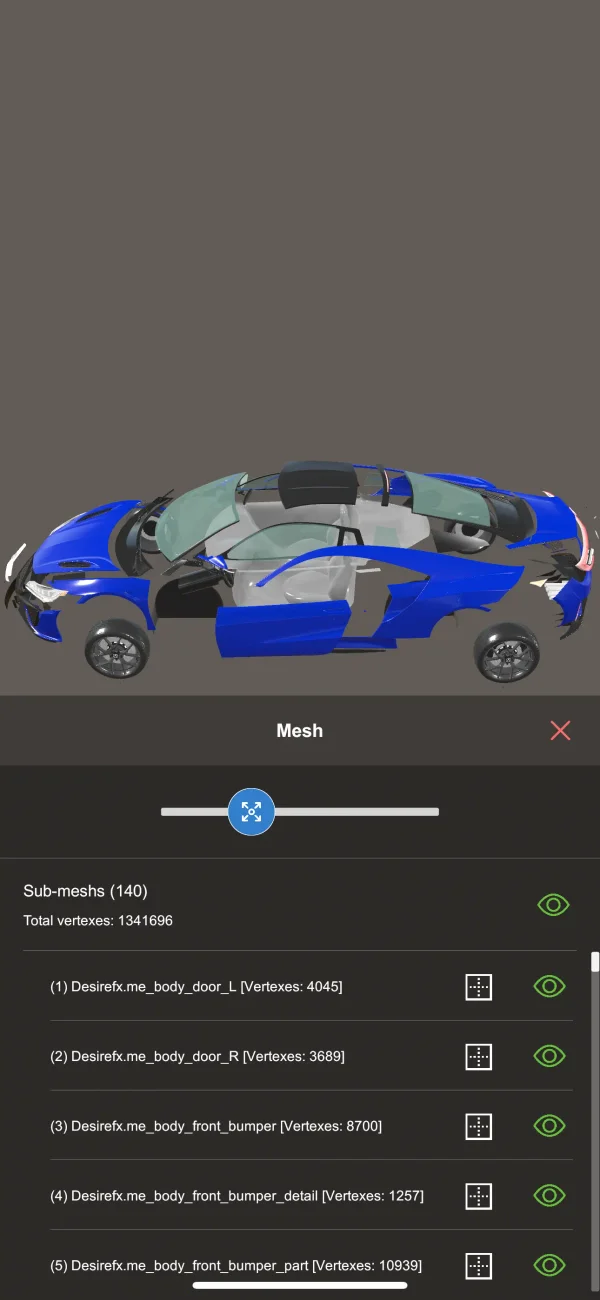
-3D Model Mesh Settings
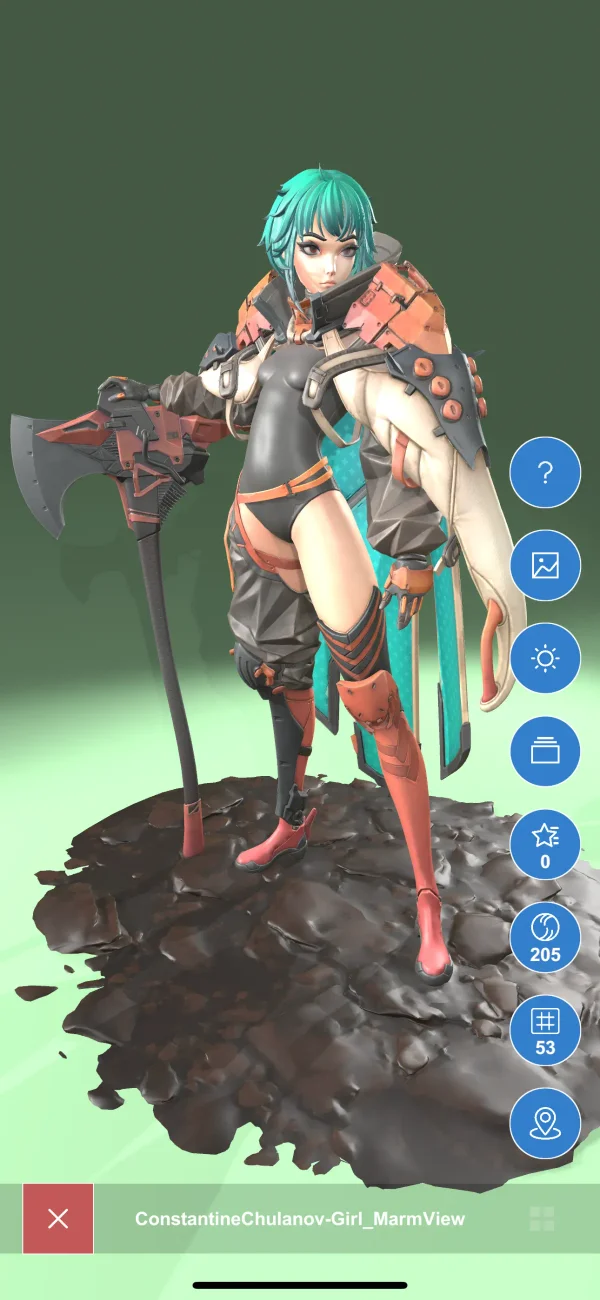
Count the number of sub-mesh and mesh vertices of the 3D model, support whether the sub-mesh is visible or not setting, support component separation, and support putting the sub-mesh as the center.
-3D Model Cover Settings
The 3D model cover will be automatically generated when the 3D model is opened for the first time, support to modify the cover.
Note: Updates and Feedback
ModelPlay will make continuous updates to provide more 3D setting effects in the subsequent releases. Feel free to provide suggestions to ModelPlay via comments!
What’s new
Version 1.3.8 · Nov 25, 2026
1. Added an animation stop function; 3D models can now be restored to their initial pose;
2. Added an animation progress bar; supports dragging the progress bar; optimized animation playback and pause functions;
3. Added a display of the number of bones;
App privacy
What 俊卿 吴 declares on the App Store about how this app handles data.
-
Data not collected
The developer does not collect any data from this app.
Privacy practices may vary, for example with the features you use or your age.
Information
- Seller
- 俊卿 吴
- Category
- Graphics & Design
- Version
- 1.3.8
- Updated
- Nov 25, 2026
- Released
- May 14, 2024
- Size
- 241.0 MB
- Requires
- iOS 15.0 or later
- Age rating
- 17+
- Price
- Free
- In-app purchases
- Yes
- Languages
- English, Czech, Dutch, Finnish, French, German, Indonesian, Italian, Japanese, Korean, Norwegian Bokmål, Polish + 8 more
- Copyright
- © 2024 Junqing Wu
You might also like
-
 Khronos glTF ViewerEasily display glTF 3D models
-
 3dMasterGraphics & Design
-
 3D Model Maker: ImgTo3DAI: Image to GLB, STL & OBJ
-
 Naomi Animation3D Animation Studio
-
 Pro Poser 3D Model Poses3D model poser and pose maker
-
 Reality OBJ: USDZ ConverterConvert OBJ to USDZ
-
 3Draw Modeling3D modeling and CAD drawing
-
 Remeshy: AI 3D Printables3D Modeling, STL for Bambu Lab
-
 VRM Posing MobileMake your 3D models pose
-
 Obloid - AI 3D Model GeneratorText, Image To Printable Maker