
- Age rating4+
- CategoryLifestyle
- DeveloperSangyun Song
- LanguagesEnglish+ 2 more
- Size4.4 MB
Links to the official App Store page
Download.org hosts no file of Moment - Simple Notes. The button opens its official App Store page, published by Sangyun Song. Listing last checked on Nov 18, 2026.
Screenshots


About
Sometimes a thought suddenly comes to mind.
A thought that comes while looking at a photo,
or something you want to remember while reading an article online.
You don't always need to write a long journal entry
or organize your thoughts.
Just leave the moment as it is
with Moment.
[Simple Notes]
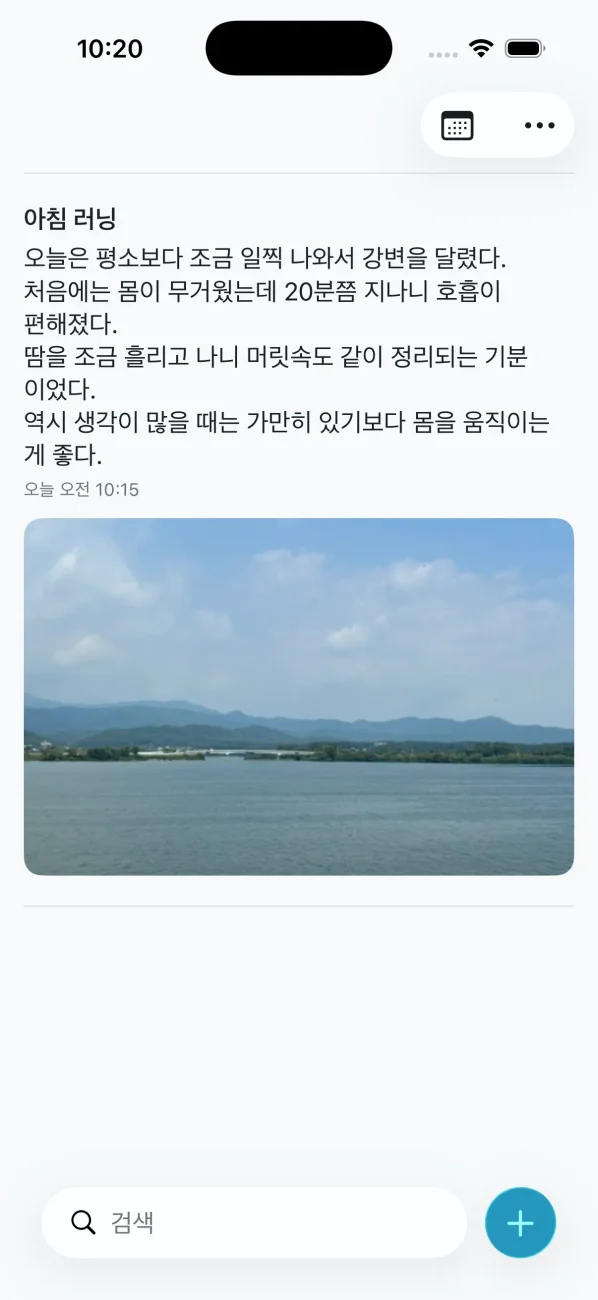
Add a title and write your thoughts,
then include photos or links along with them.
You can add up to 10 photos
and save links with a preview.
When words aren't enough,
you can also use handwriting or voice recordings.
[Capture Moments Right Away]
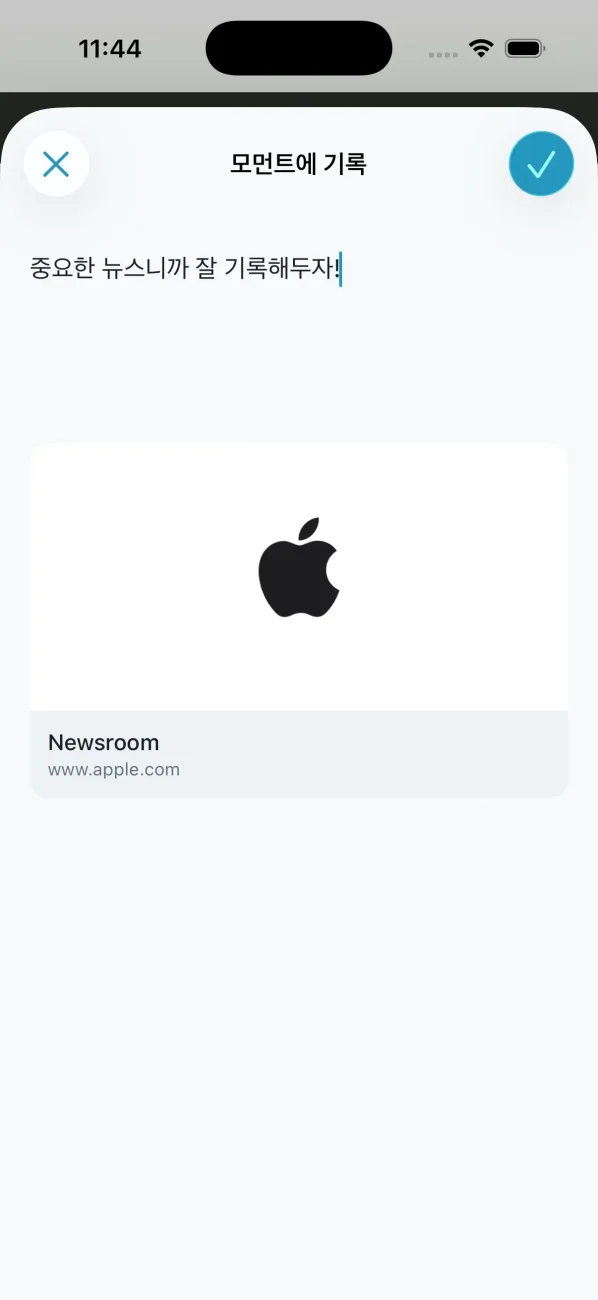
When you come across a photo or something you want to remember,
you can send it directly to Moment from the Share Sheet.
We kept the process simple
so you can capture a moment before it passes.
[Look Back on Your Moments]
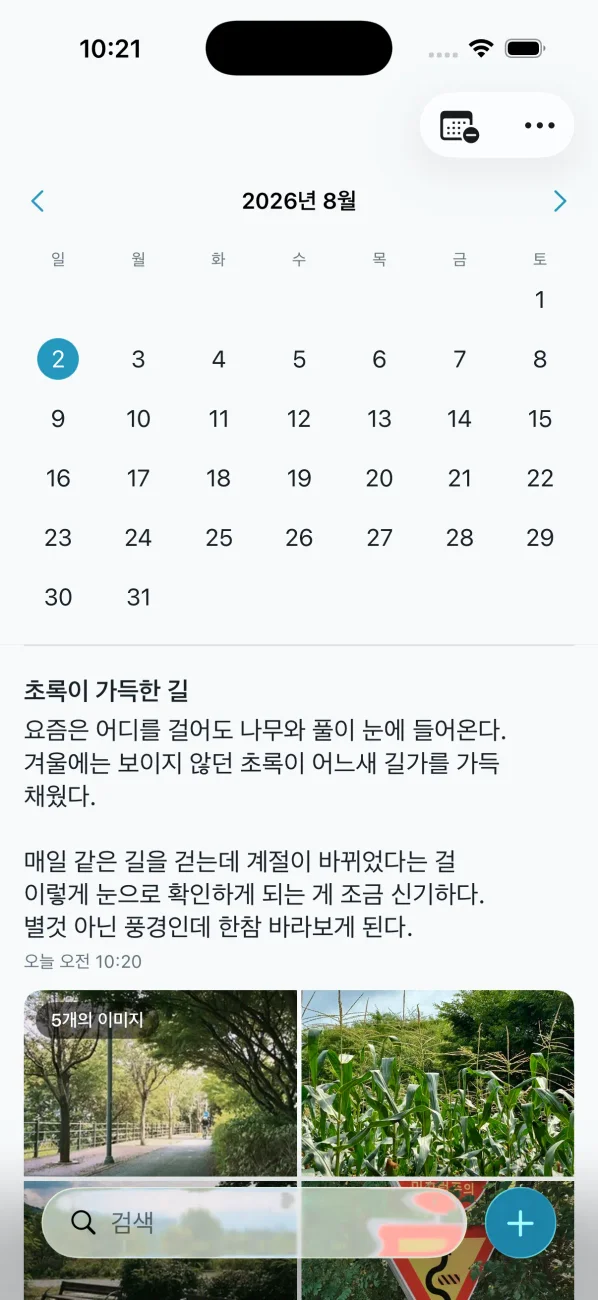
Your moments are organized in a calendar,
so you can see your memories at a glance.
Look back at what you were thinking on a particular day
and rediscover moments from the past.
You can also export your records as PDF
or save them as a single image.
[Keep Your Records Private]
Protect your personal records with screen lock.
With CloudKit sync,
your records can stay up to date across your Apple devices.
Moment isn't meant for writing a perfect journal.
Even an ordinary day can have
a small moment worth keeping.
When a thought comes to mind,
just leave it with Moment.
Moment
What’s new
Version 1.3 · Aug 21, 2026
Deleted entries could come back. Trashing an entry, restoring one, or writing a new one wasn’t saved right away, so reinstalling the app could return things to an earlier state. That’s fixed.
Fixed
• Entries in Recently Deleted came back after deleting and reinstalling the app.
• Permanently deleting an entry showed it again for a moment before it disappeared.
• Moment didn’t appear in the share sheet when sharing a video from Photos.
• Some text was missing its translation.
New
• Zoom in while handwriting. Pinch to magnify and move the page with two fingers — one finger still draws.
App privacy
What Sangyun Song declares on the App Store about how this app handles data.
-
Data not collected
The developer does not collect any data from this app.
Privacy practices may vary, for example with the features you use or your age.
Information
- Seller
- Sangyun Song
- Category
- Lifestyle
- Version
- 1.3
- Updated
- Aug 21, 2026
- Released
- Aug 5, 2026
- Size
- 4.4 MB
- Requires
- iOS 17.0 or later
- Age rating
- 4+
- Price
- Free
- Languages
- English, Japanese, Korean
- Copyright
- © 2026 Sangyun Song
You might also like
-
 Adorable: A Gentle JournalA journal at your own pace
-
 이음 — 말씀 필사와 묵상 나눔Lifestyle
-
 Glow Morning: Alarm & RoutineAlarm off, morning routine on
-
 PLUS CLOVR (플러스클로버)-임신/출산 코칭 앱Lifestyle
-
 에그셰프 - 냉장고 재료관리, 요리 추천Lifestyle
-
 노아 - 기도 시간 기록, 기도 제목 관리Lifestyle
-
 어디사니Lifestyle
-
 워치딜러 - 명품시계매입, 당일매입, 명품시계감정Lifestyle
-
 미즘-출퇴근길 돈벌기, 반값퀵Lifestyle